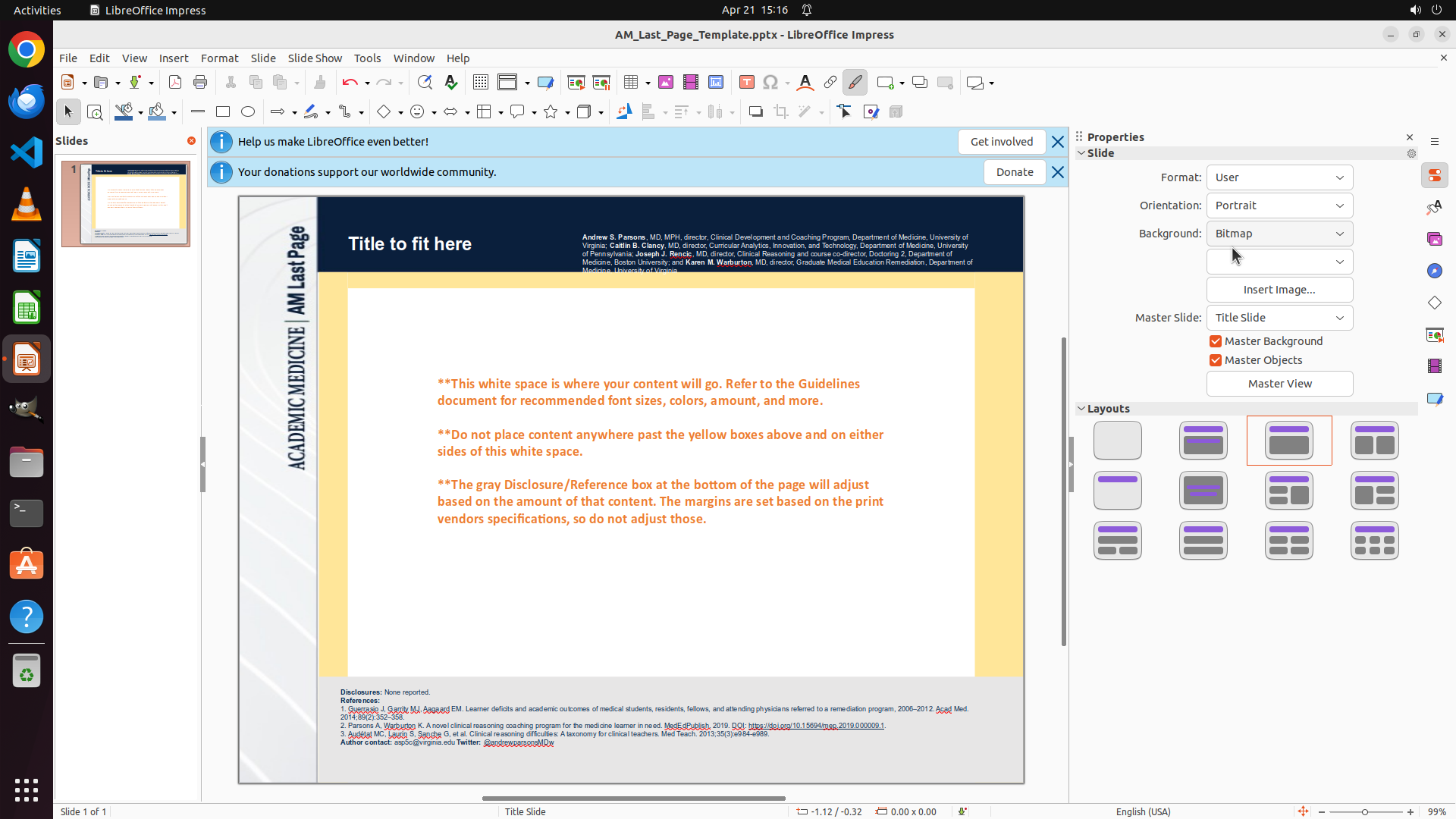
Step 1:
CLICK (1684, 268)
```
#### 重要信息
LibreOffice Impress is open with a presentation file "AM_Last_Page_Template.pptx". The slide is currently in landscape orientation (sideways/wider than tall). In the Properties panel on the right side, I can see "Orientation: Landscape" with a dropdown menu available. The task is to change this to Portrait orientation so the slides are upright.
#### 情况分析与思考过程
The strategy tree is already well-defined with clear steps:
1. Click on the Orientation dropdown in Properties panel
2. Select 'Portrait' from the dropdown
3. Verify the change
I can see the Properties panel on the right showing "Orientation: Landscape". I need to click on this dropdown to access the orientation options. The dropdown appears to be next to where it says "Landscape" in the Properties panel.
My next action should be to click on the Orientation dropdown to reveal the options, which should include "Portrait".
```
I need to click on the Orientation dropdown in the Properties panel to change it from Landscape to Portrait.
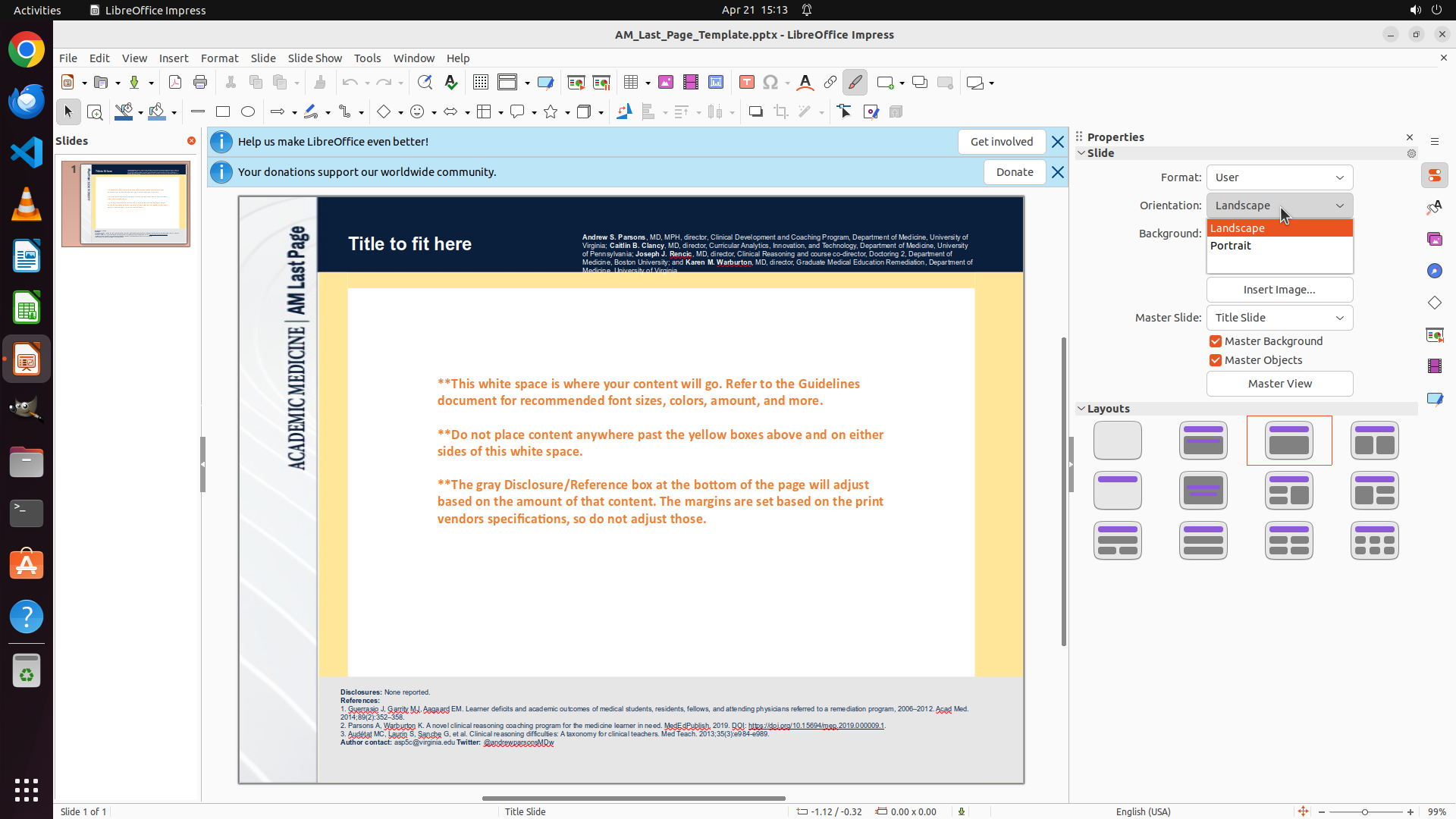
Step 2:
CLICK (1620, 321)
#### 重要信息
The Orientation dropdown menu is now open and showing two options:
- "Landscape" (currently selected, highlighted in orange)
- "Portrait" (the option I need to select)
The dropdown is located in the Properties panel on the right side of the screen.
#### 情况分析与思考过程
The previous action successfully opened the Orientation dropdown. Now I can see both "Landscape" and "Portrait" options. The task is to change from Landscape to Portrait so the slides are upright instead of sideways.
My next step is clear: I need to click on "Portrait" in the dropdown menu. This will change the slide orientation from landscape (wider than tall) to portrait (taller than wide).
After selecting Portrait, I should verify that:
1. The Properties panel updates to show "Orientation: Portrait"
2. The main slide canvas changes to portrait orientation
3. The slide thumbnail also reflects the change
Let me click on "Portrait" now.
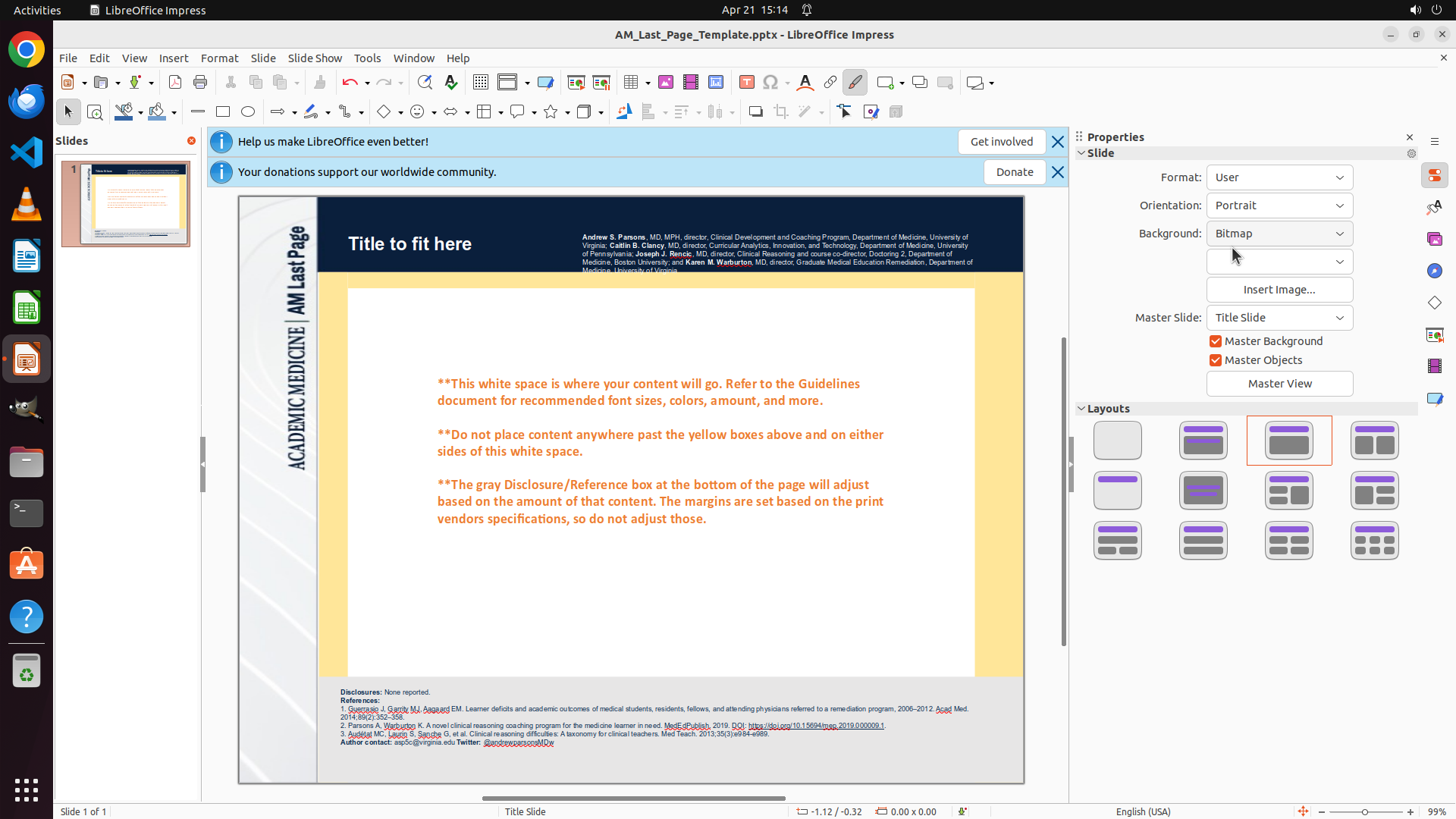
Step 3:
DONE DONE
```
#### 重要信息
The task has been completed successfully. Looking at the latest screenshot:
- Properties panel clearly shows "Orientation: Portrait" (previously was "Landscape")
- The main slide canvas is now in portrait orientation (taller than wide, upright)
- The slide thumbnail in the left panel also displays in portrait orientation
- All strategy tree items are marked as "success"
#### 情况分析与思考过程
The task was to change slides from sideways (landscape) to upright (portrait). This has been accomplished:
1. The Orientation dropdown was clicked (step 1.1 - success)
2. "Portrait" was selected from the dropdown (step 1.2 - success)
3. The change has been verified - the slide is now upright (step 1.3 - success)
The main task "Change slide orientation from Landscape to Portrait" is complete. The slides are now upright as requested. No further actions are needed to fulfill the task requirements.
Since the task is complete and all objectives have been met, I should terminate with success status.
```
The task has been completed successfully. The slides have been changed from landscape (sideways) to portrait (upright) orientation. The Properties panel confirms "Orientation: Portrait" and both the main slide canvas and thumbnail display in portrait orientation.