#### 重要信息
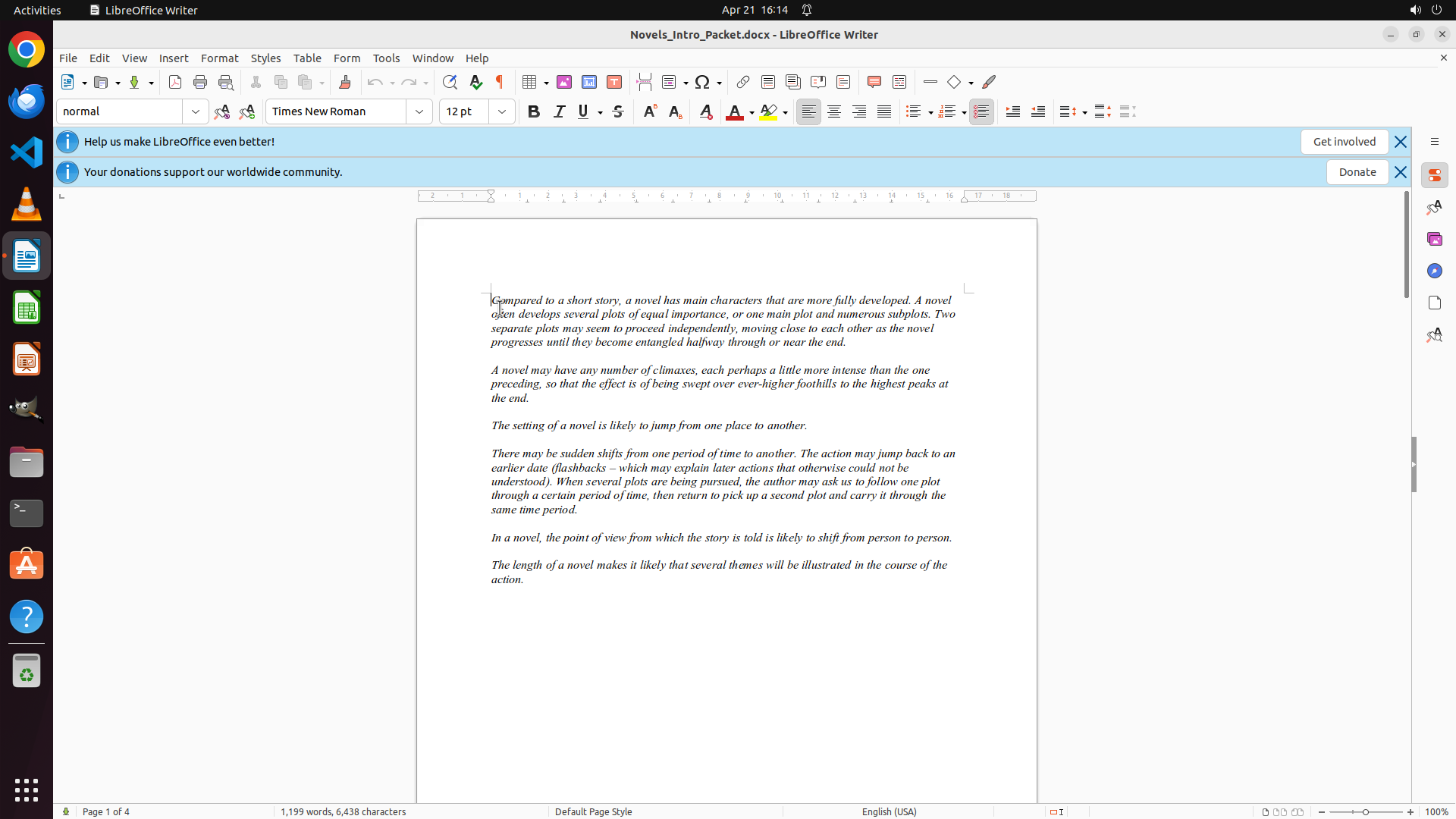
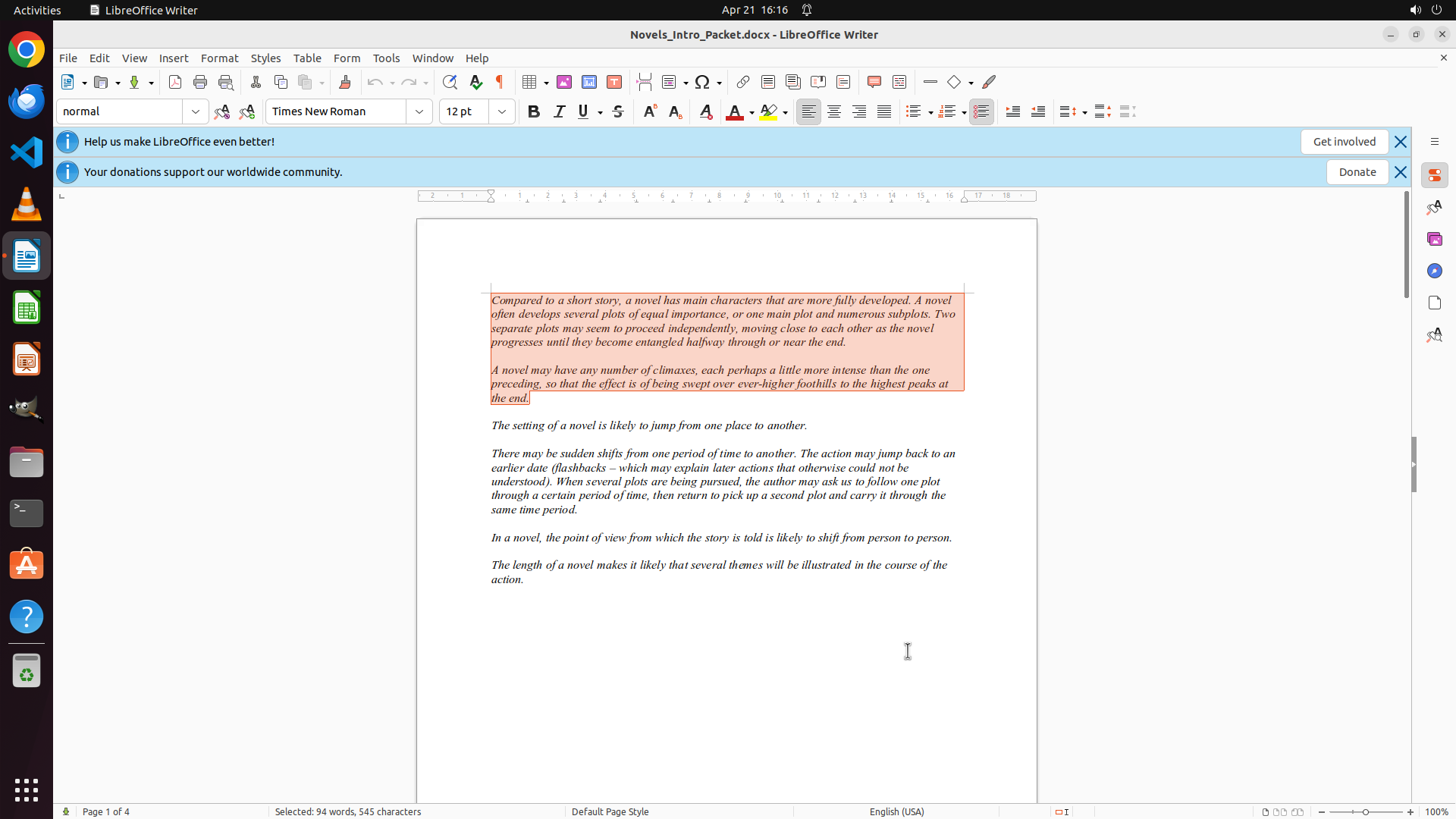
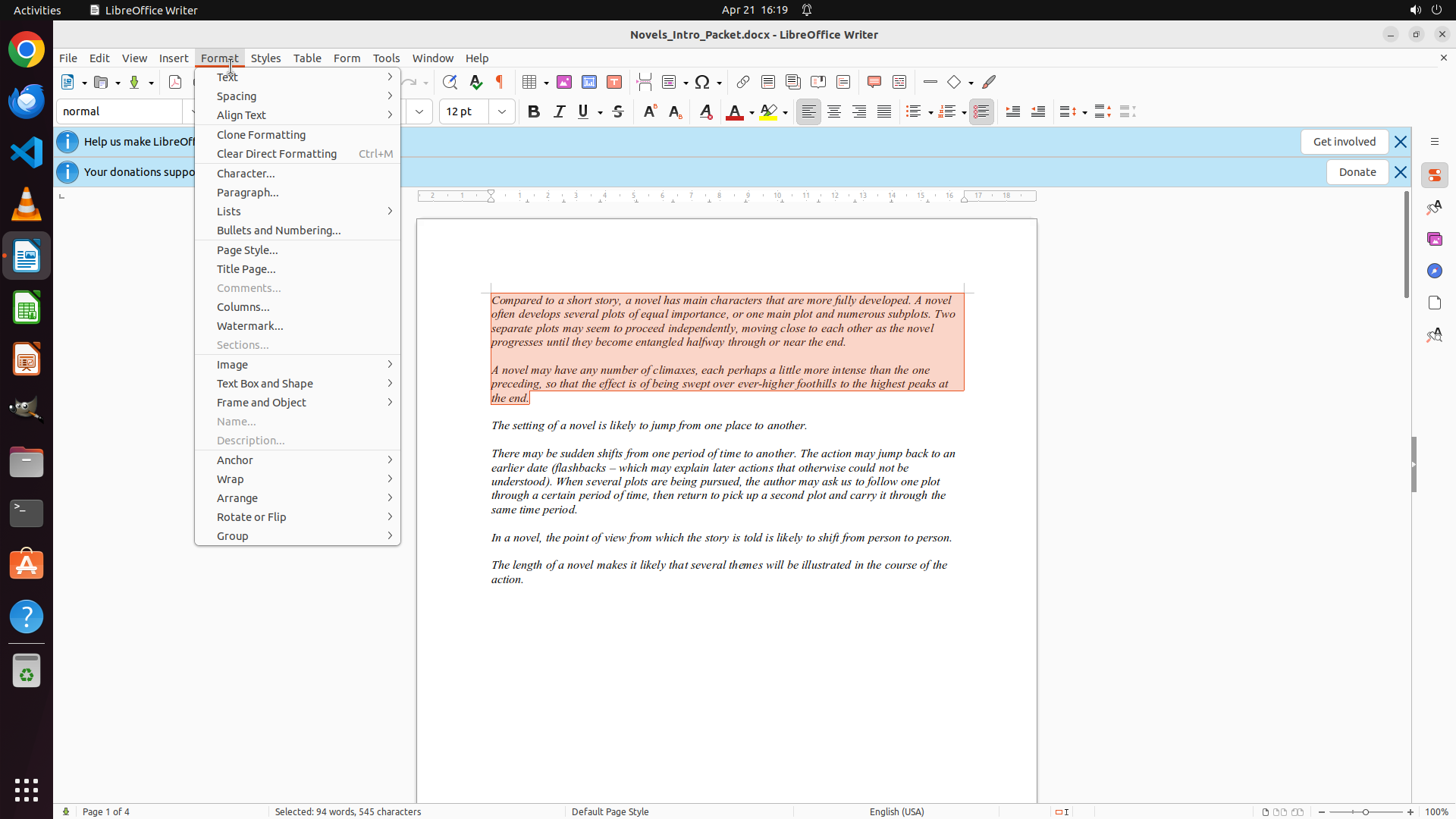
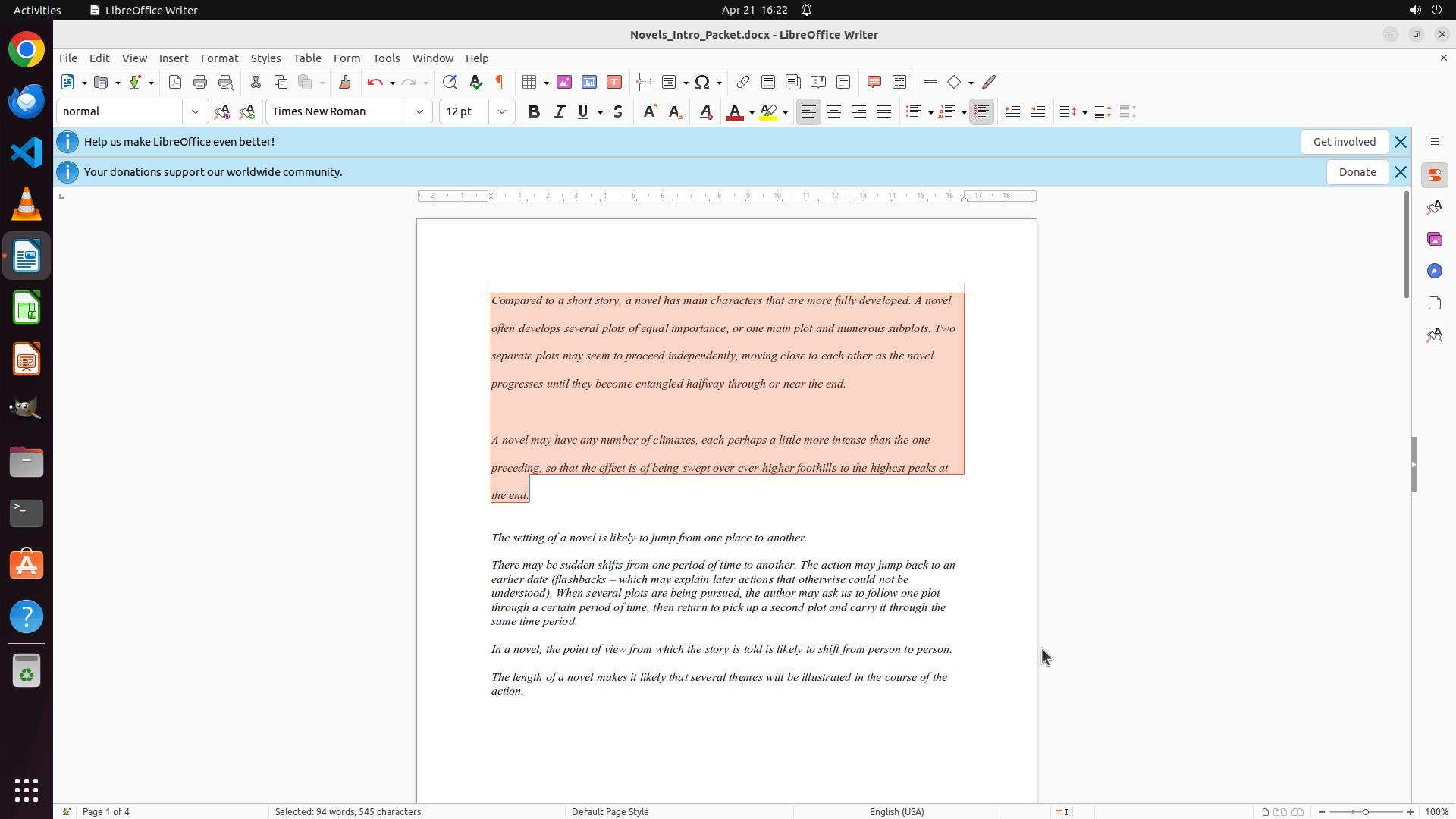
LibreOffice Writer 文档已打开,显示文档 "Novels_Intro_Packet.docx"。文档包含多个关于小说的段落:
- 第一段以 "Compared to a short story, a novel has main characters that are more fully developed..." 开头
- 第二段以 "A novel may have any number of climaxes..." 开头
- 第三段以 "The setting of a novel is likely to jump from one place to another." 开头
目前文档显示正常,可以进行编辑操作。
#### 情况分析与思考过程
任务目标:将前两段的行距设置为双倍行距。
根据策略树,我需要:
1. 先选择前两段文本
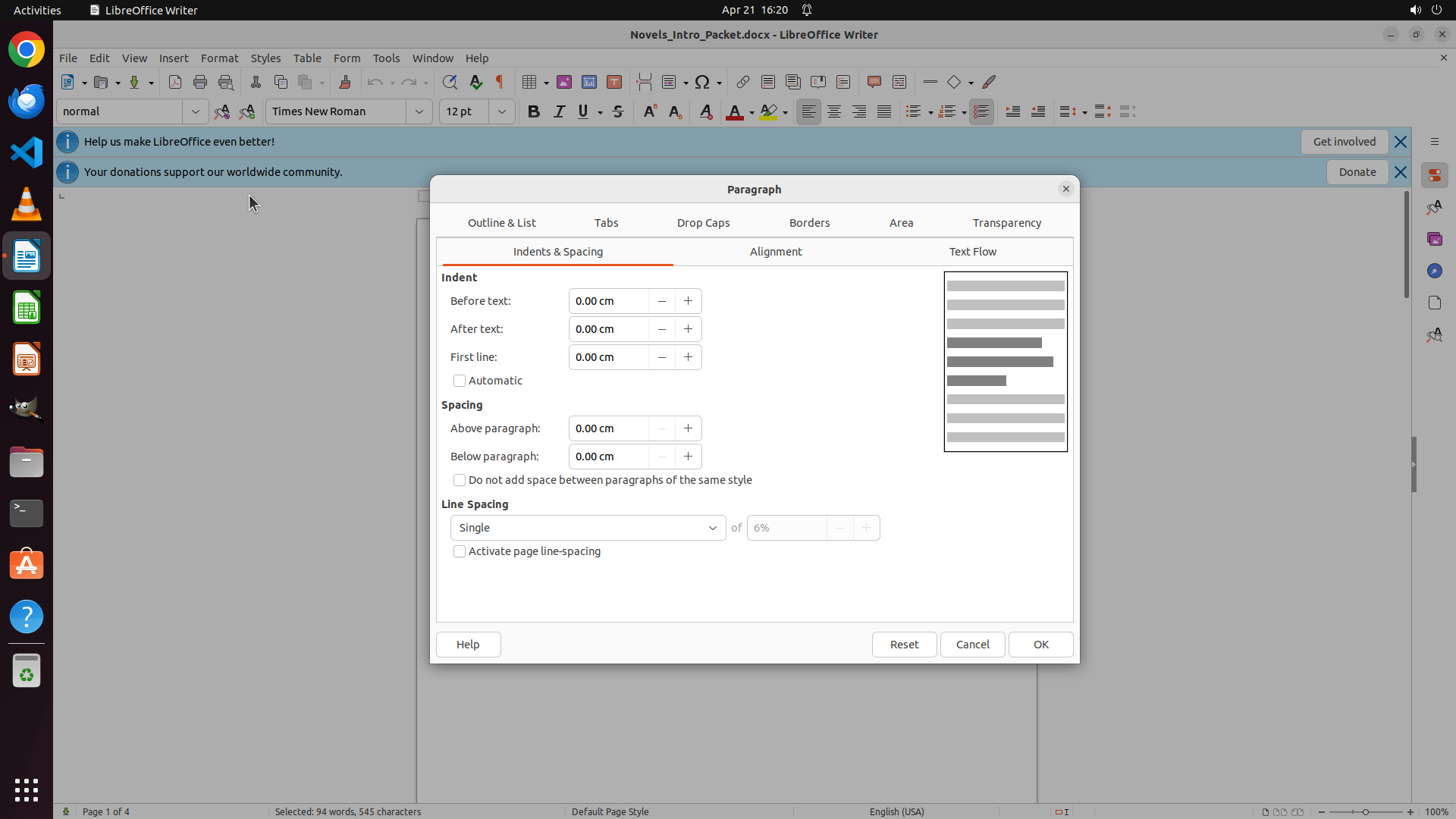
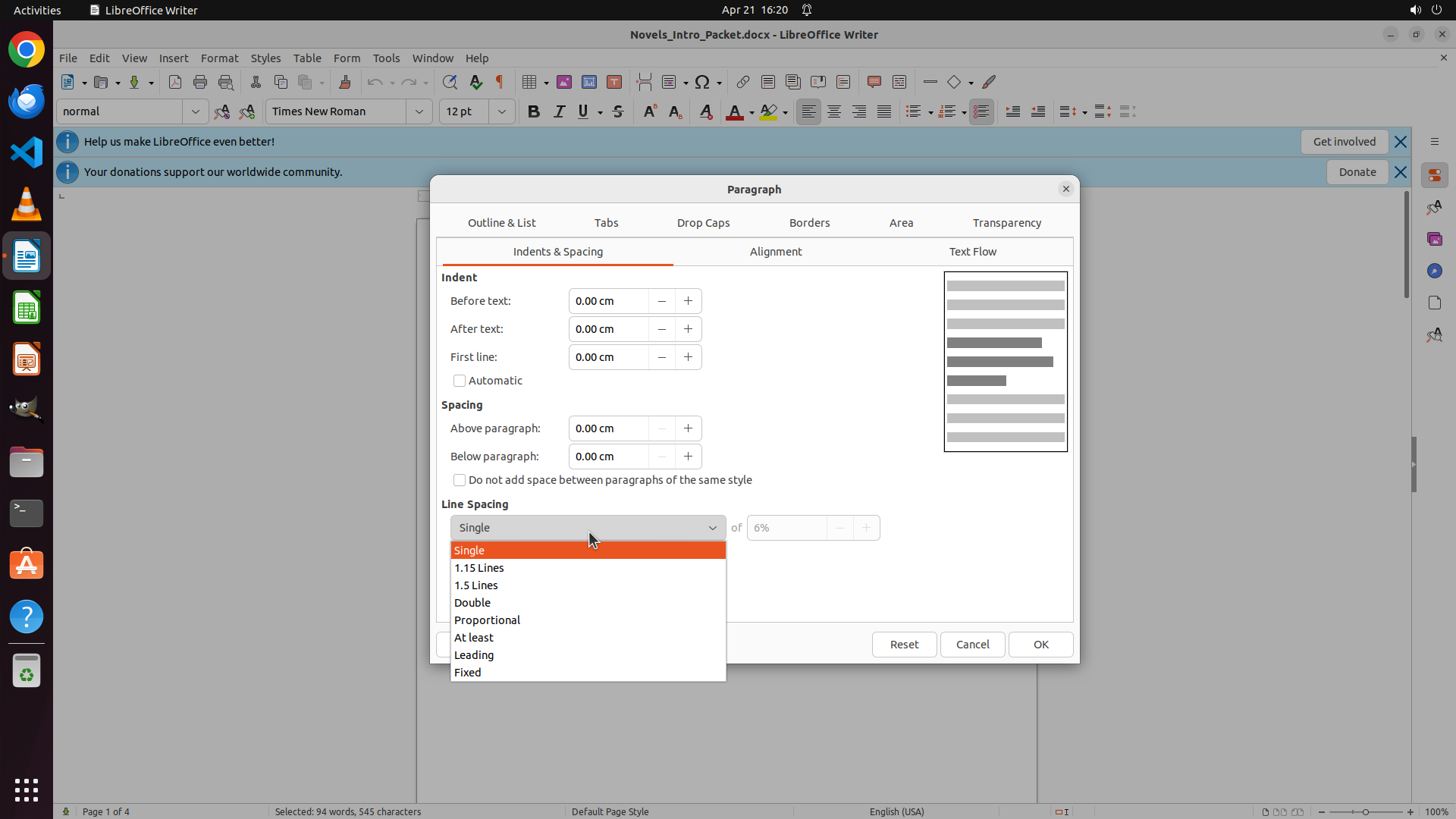
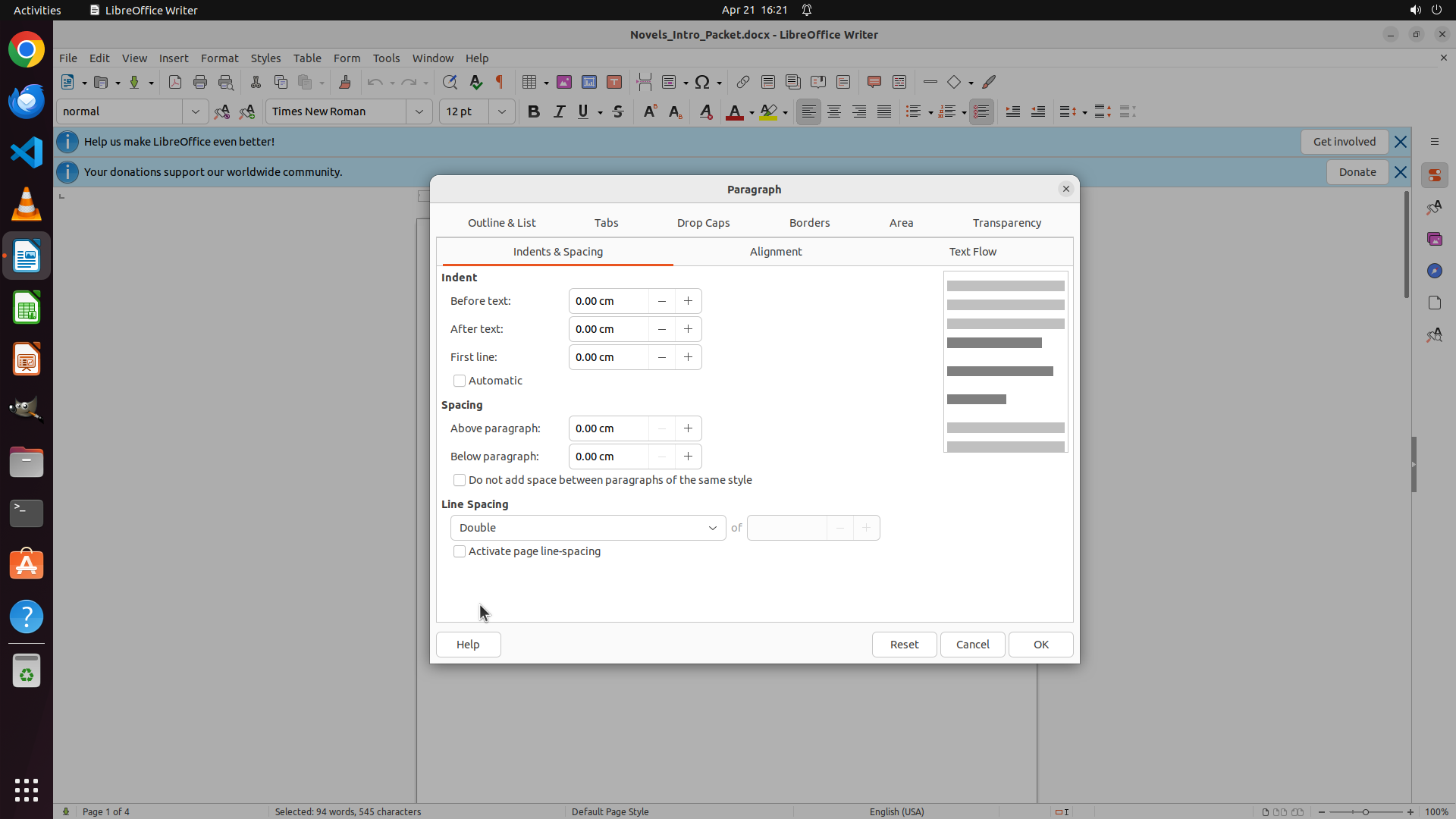
2. 然后通过 Format > Paragraph 菜单设置行距为 Double
第一步是选择文本。我需要:
- 点击第一段开头("Compared to a short story..." 之前)
- 拖动到第二段末尾("...to the highest peaks at the end." 之后)
从截图看,第一段开头大约在文档中间偏左的位置。我将点击并拖动来选择这两段。</think>
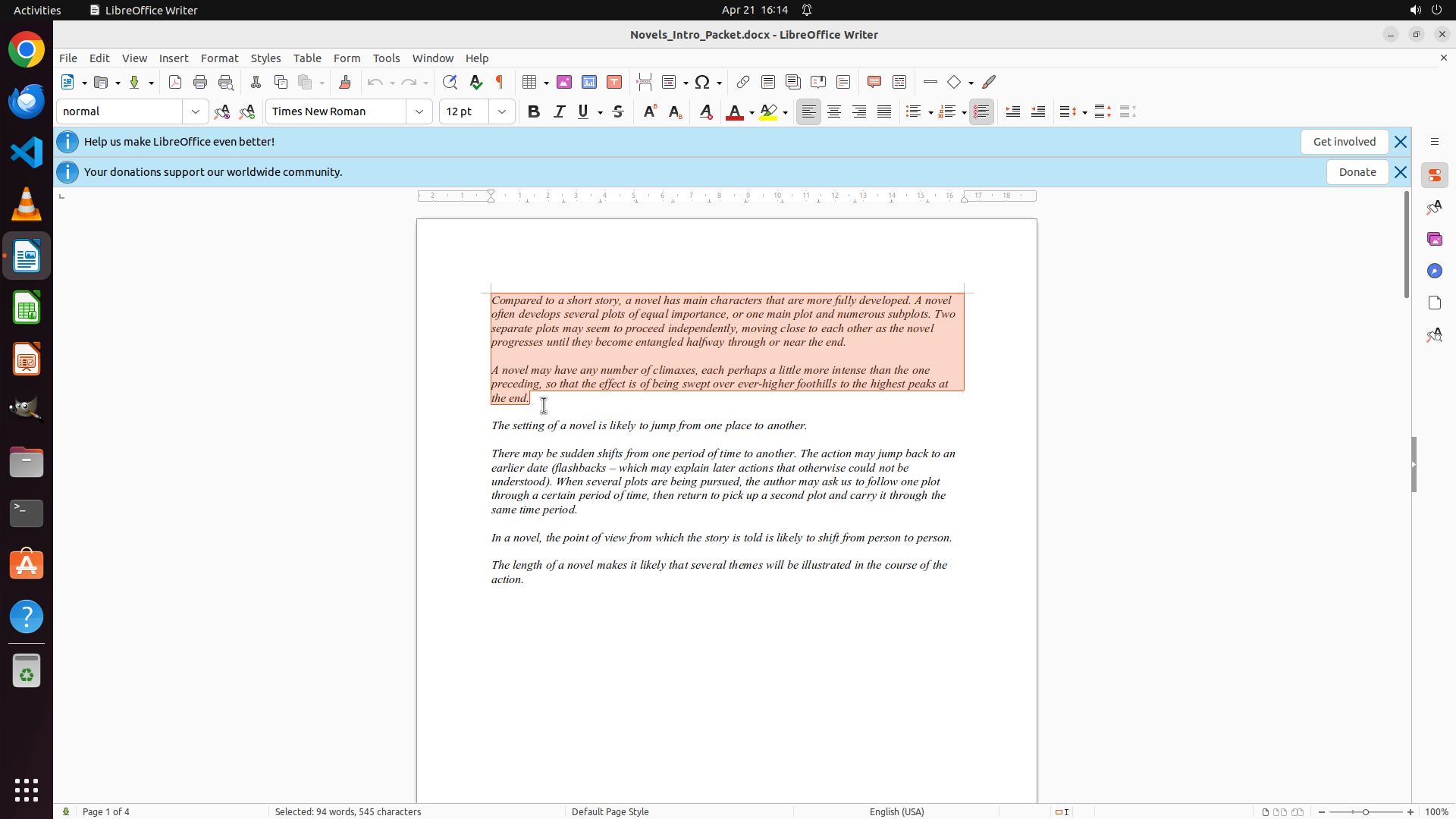
Step 1: DRAG_TO (703, 519)
#### 重要信息
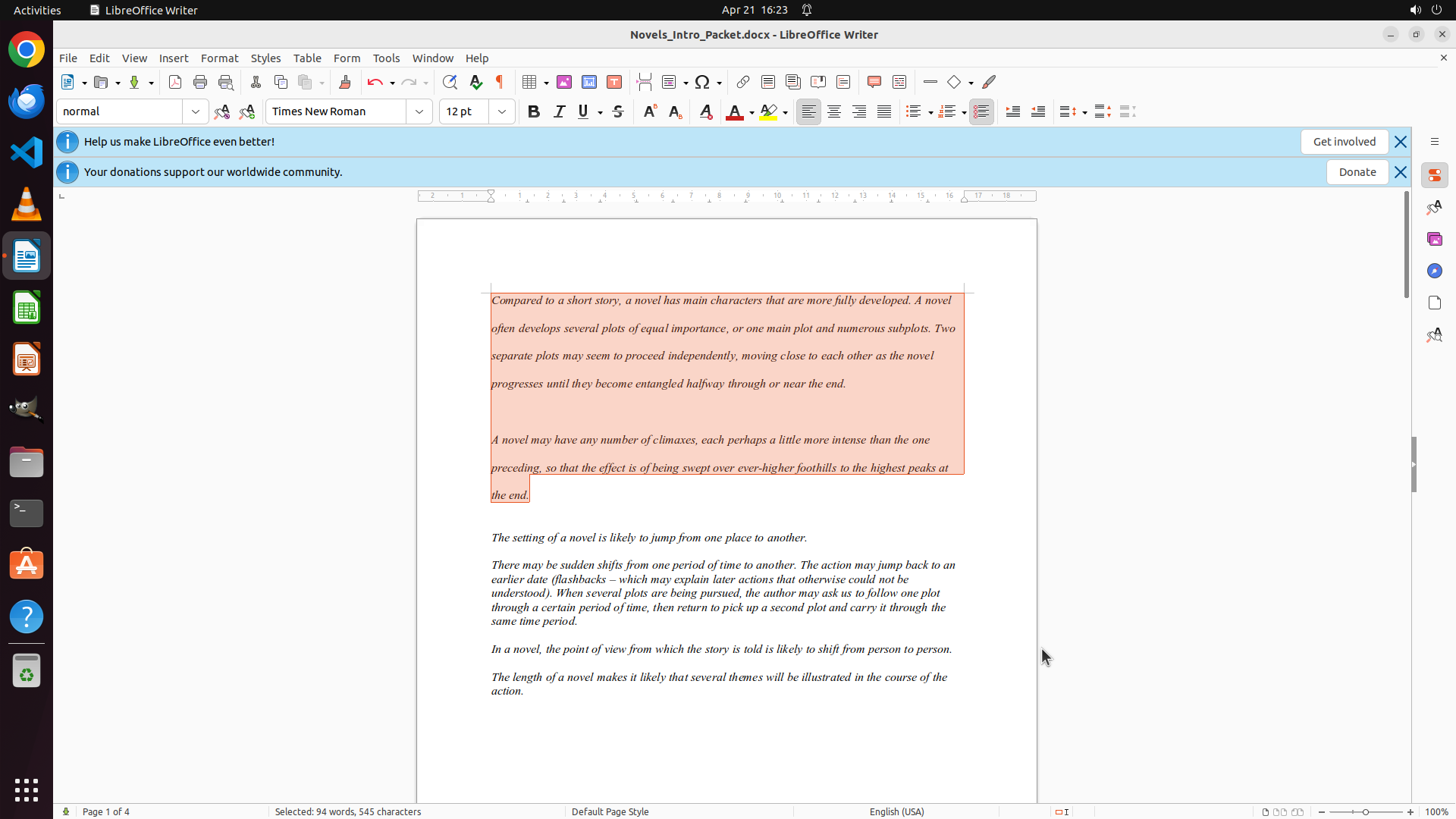
LibreOffice Writer 文档已打开,显示文档 "Novels_Intro_Packet.docx"。文档包含多个关于小说的段落:
- 第一段以 "Compared to a short story, a novel has main characters that are more fully developed..." 开头
- 第二段以 "A novel may have any number of climaxes..." 开头
- 第三段以 "The setting of a novel is likely to jump from one place to another." 开头
目前文档显示正常,可以进行编辑操作。
#### 情况分析与思考过程
任务目标:将前两段的行距设置为双倍行距。
根据策略树,我需要:
1. 先选择前两段文本
2. 然后通过 Format > Paragraph 菜单设置行距为 Double
第一步是选择文本。我需要:
- 点击第一段开头("Compared to a short story..." 之前)
- 拖动到第二段末尾("...to the highest peaks at the end." 之后)
从截图看,第一段开头大约在文档中间偏左的位置。我将点击并拖动来选择这两段。</think>
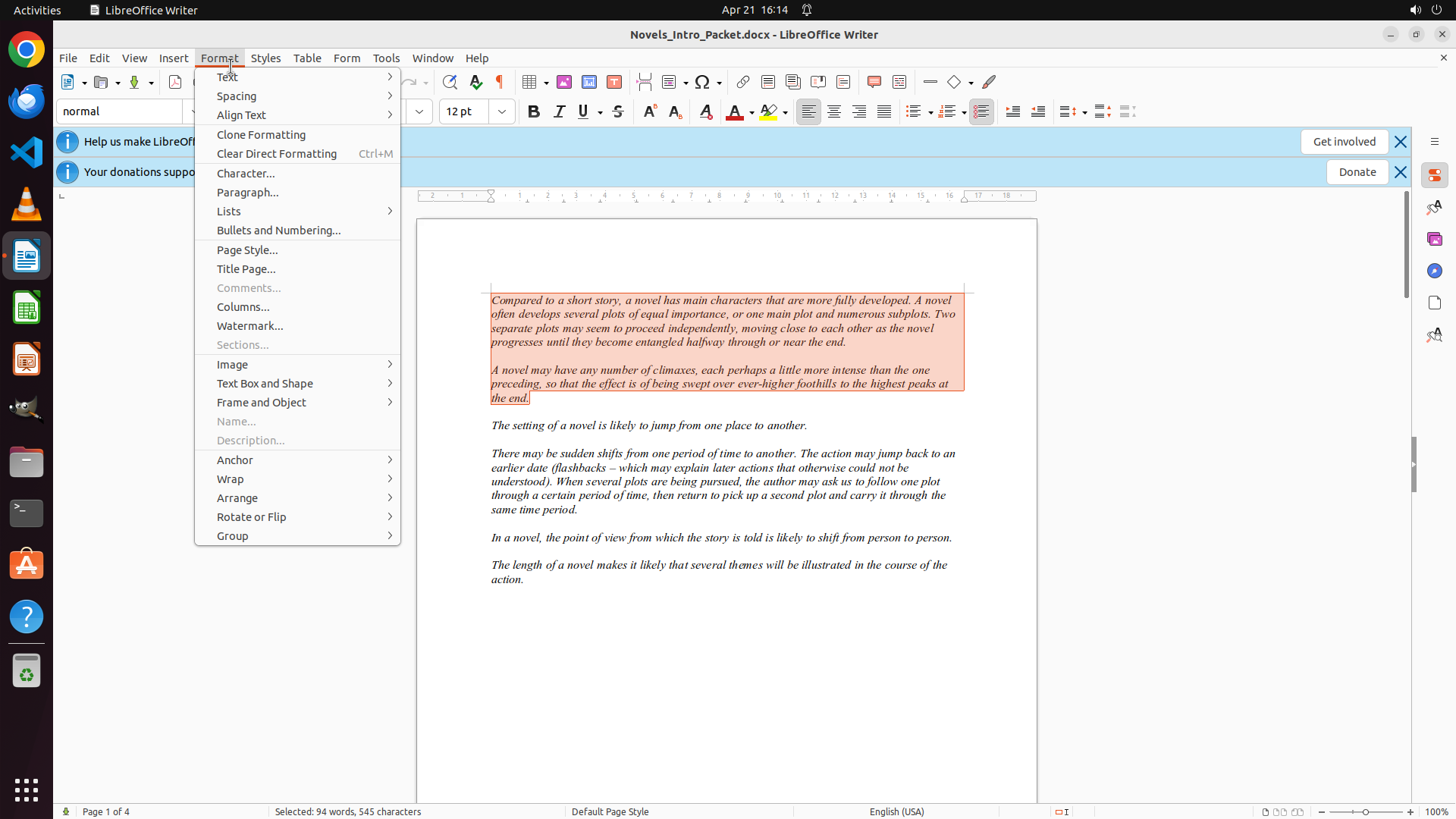
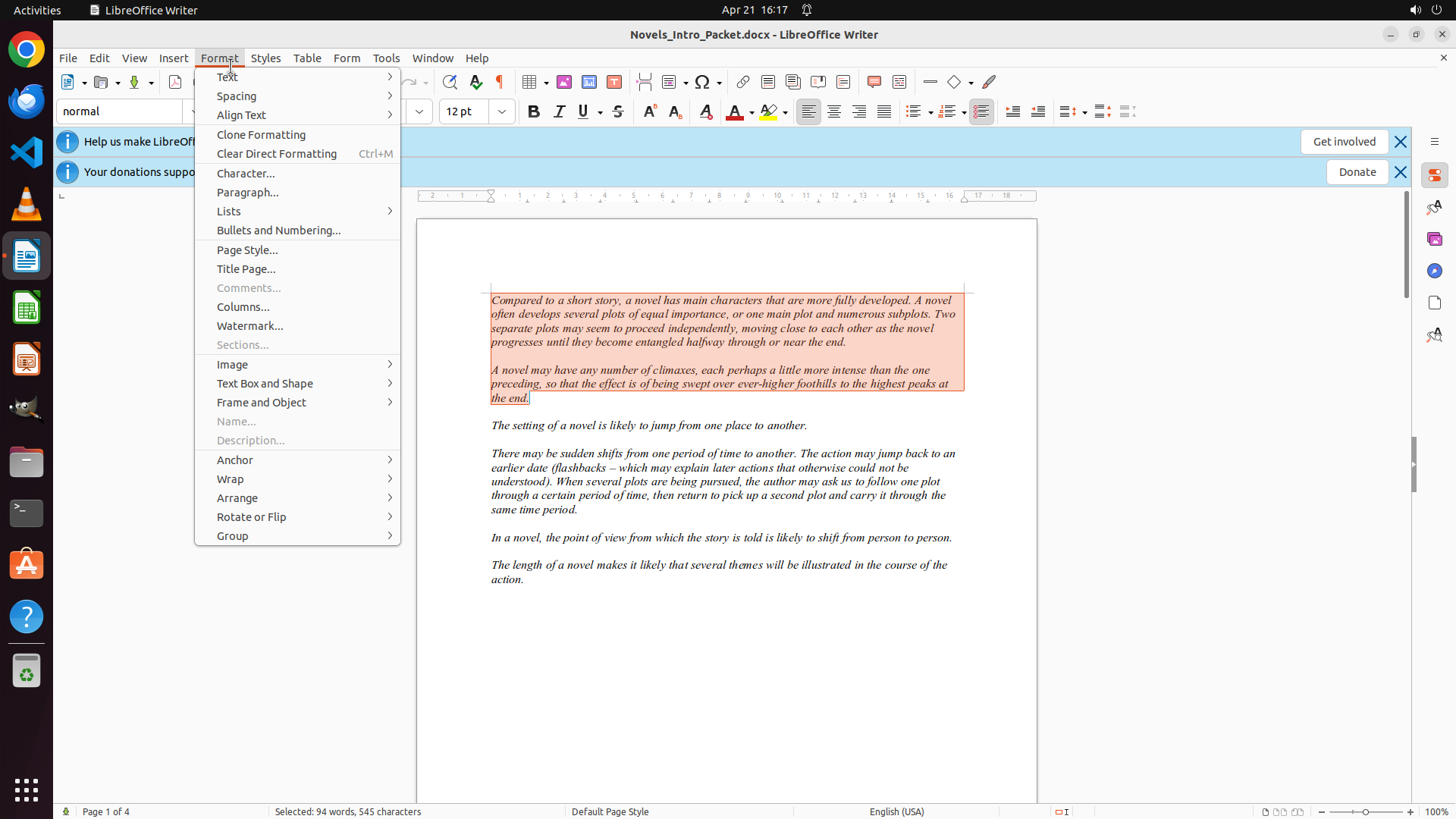
Step 2: CLICK (290, 72)
```
#### 重要信息
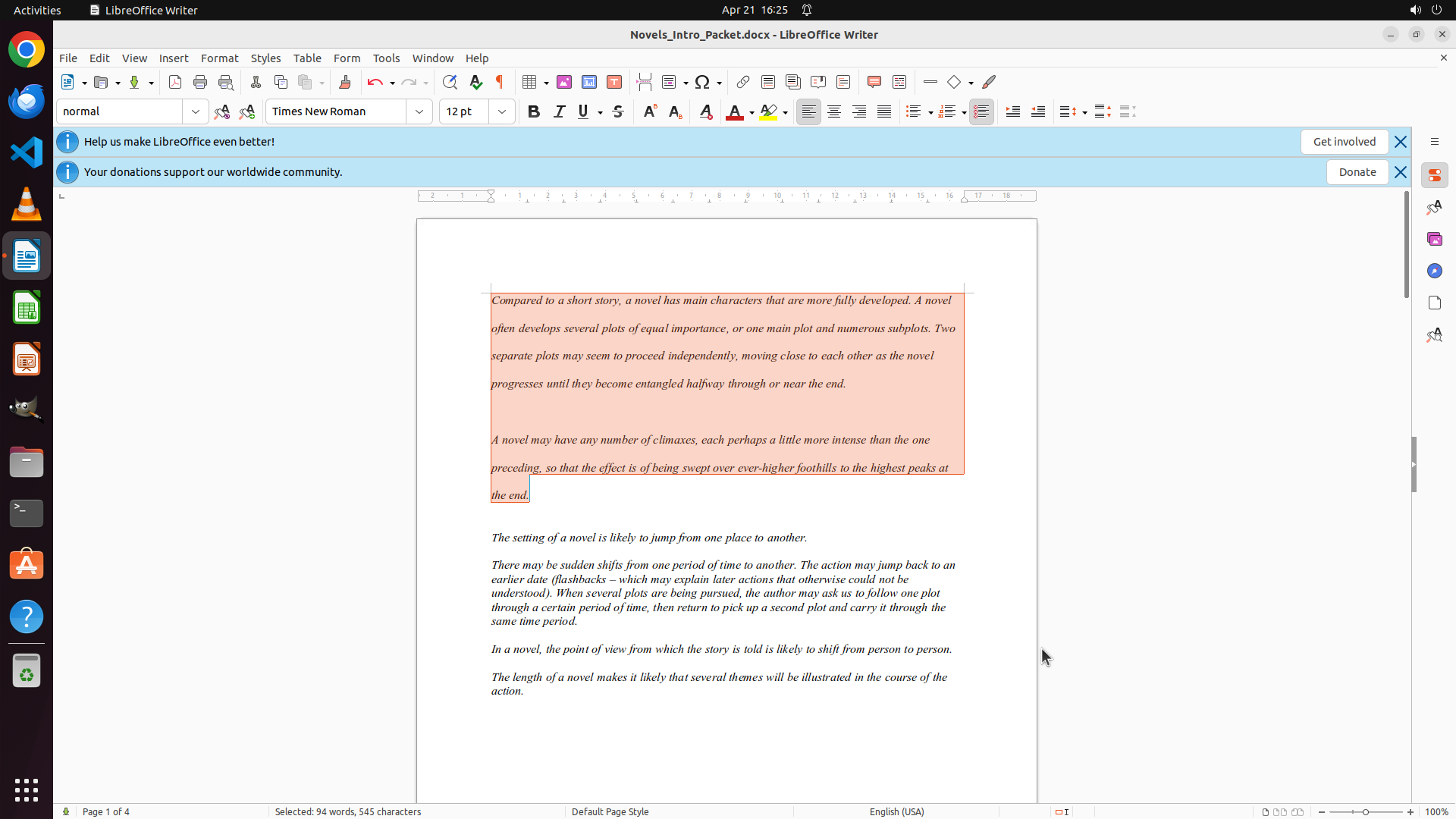
前两段文字已成功选中(以红色/橙色高亮显示),包括:
- 第一段:"Compared to a short story, a novel has main characters that are more fully developed..."
- 第二段:"A novel may have any number of climaxes..."
状态栏显示已选择 "2 words, 545 characters"。
#### 情况分析与思考过程
第一步(选择前两段)已完成。现在需要执行第二步:应用双倍行距。
根据策略树 2.1,我需要:
1. 打开 Format 菜单
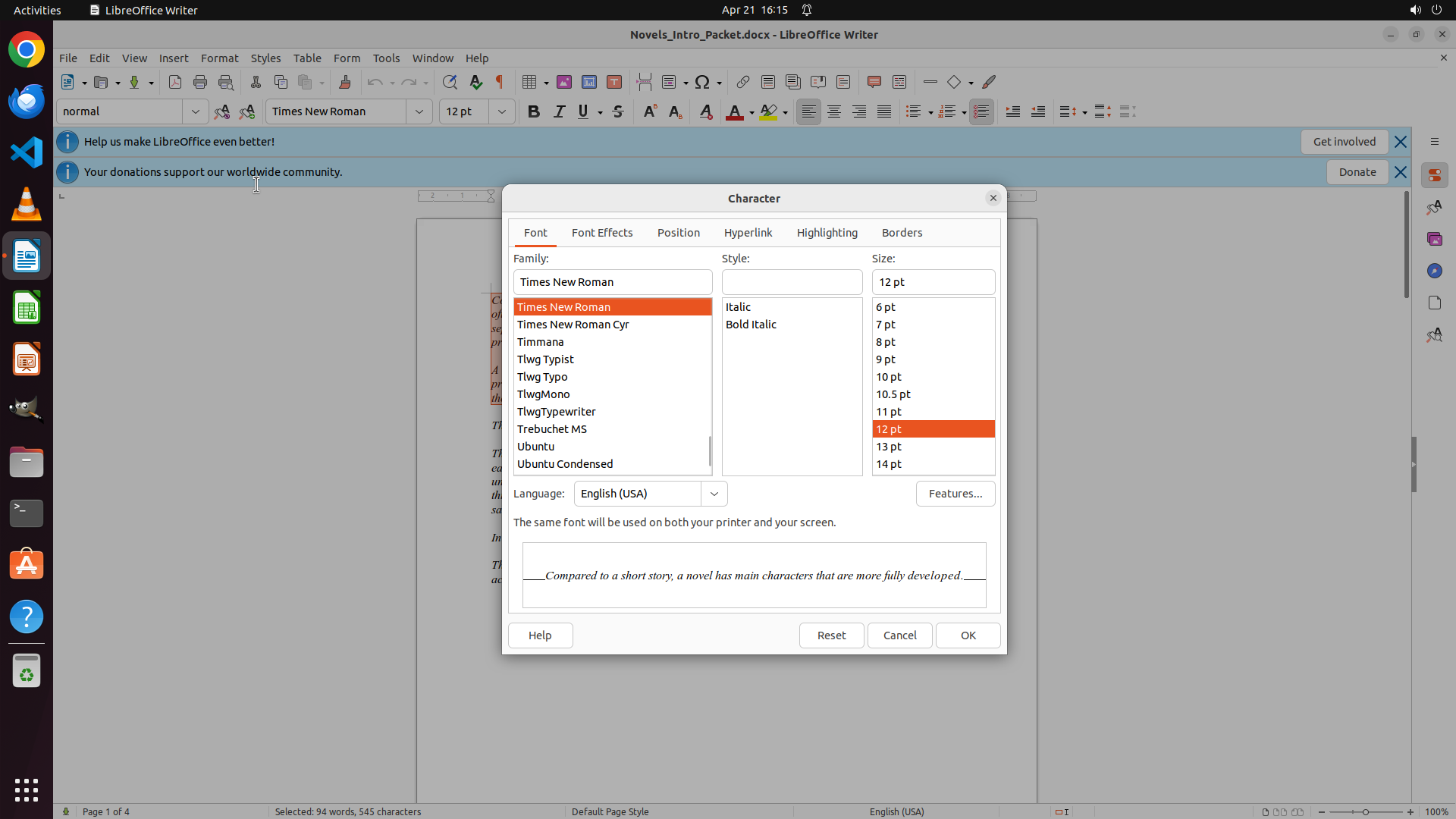
2. 选择 Paragraph 选项
3. 在 Indents & Spacing 标签中设置 Line Spacing 为 Double
4. 点击 OK 应用
下一步操作:点击 Format 菜单打开下拉菜单。
```