```
#### 重要信息
- AccuWeather website is already loaded in Chrome browser
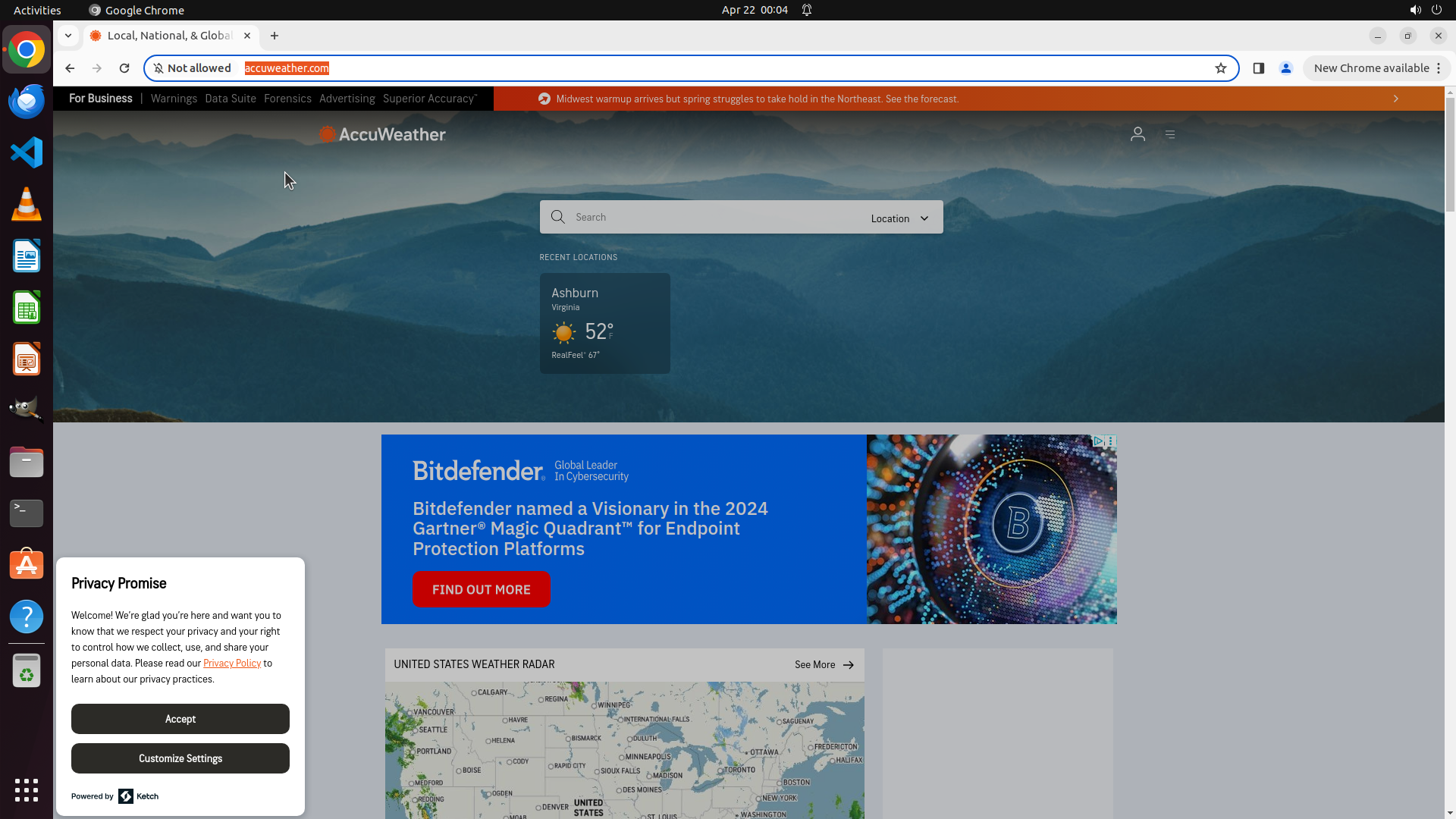
- There are three popups visible that need to be closed:
1. Notification request popup from accuweather.com (asking to "Show notifications")
2. Chrome update notification on the right side ("Can't update Chrome")
3. Privacy Promise popup at the bottom left
- The search bar is visible in the center of the page, ready to use once popups are cleared
#### 情况分析与思考过程
I need to find the monthly forecast for Manchester, GB for this month. The AccuWeather website is already loaded, which is good. However, there are multiple popups blocking the interface that need to be closed first before I can interact with the search functionality.
My plan:
1. Close the notification request popup by clicking "Block"
2. Close the Chrome update notification by clicking the X button
3. Accept the Privacy Promise popup
4. Then proceed to search for Manchester, GB
5. Navigate to the monthly forecast section
I'll start by closing these popups to clear the interface.</think>
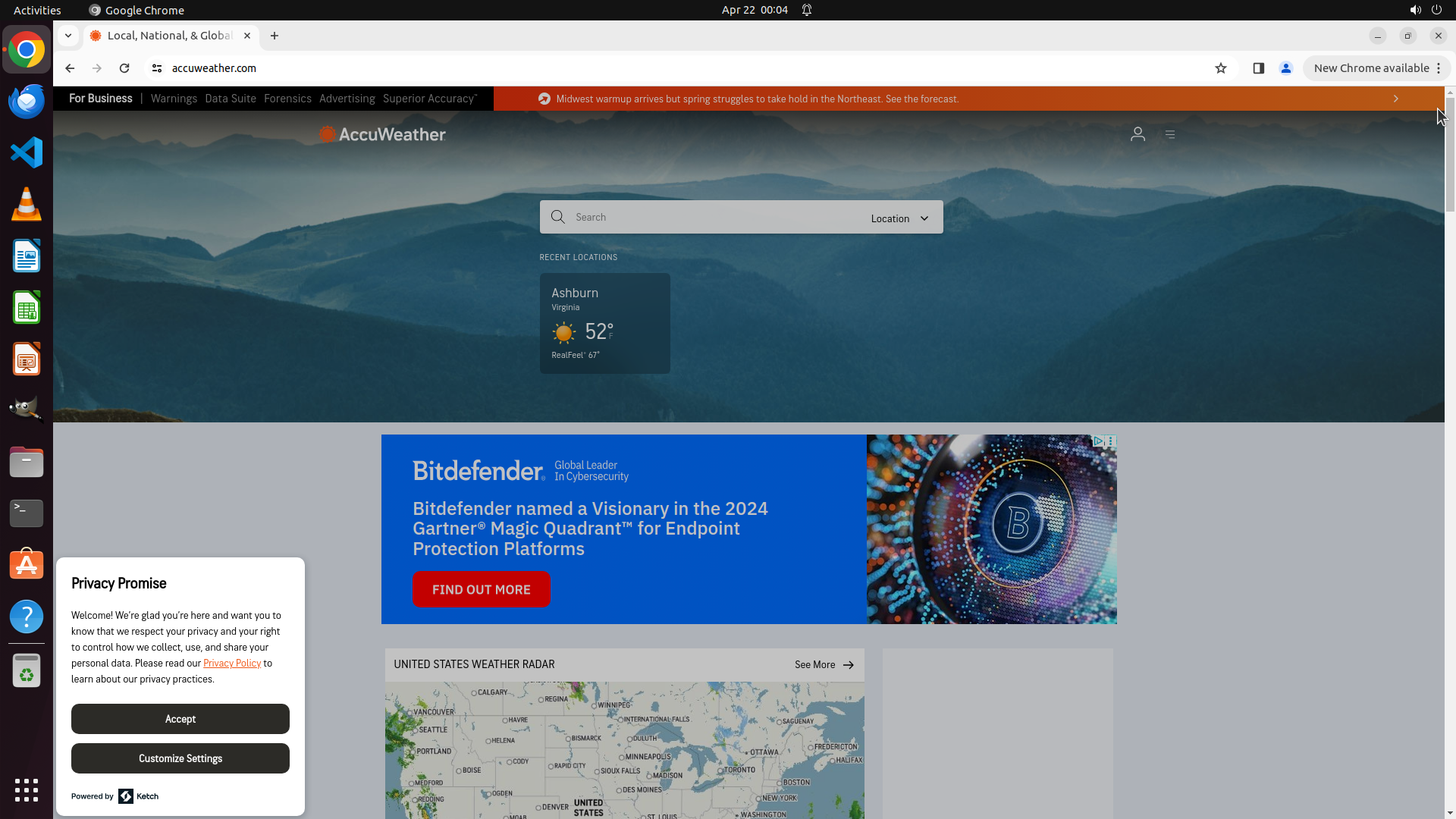
Step 1: CLICK (1891, 138)
```
#### 重要信息
- AccuWeather website is already loaded in Chrome browser
- There are three popups visible that need to be closed:
1. Notification request popup from accuweather.com (asking to "Show notifications")
2. Chrome update notification on the right side ("Can't update Chrome")
3. Privacy Promise popup at the bottom left
- The search bar is visible in the center of the page, ready to use once popups are cleared
#### 情况分析与思考过程
I need to find the monthly forecast for Manchester, GB for this month. The AccuWeather website is already loaded, which is good. However, there are multiple popups blocking the interface that need to be closed first before I can interact with the search functionality.
My plan:
1. Close the notification request popup by clicking "Block"
2. Close the Chrome update notification by clicking the X button
3. Accept the Privacy Promise popup
4. Then proceed to search for Manchester, GB
5. Navigate to the monthly forecast section
I'll start by closing these popups to clear the interface.</think>
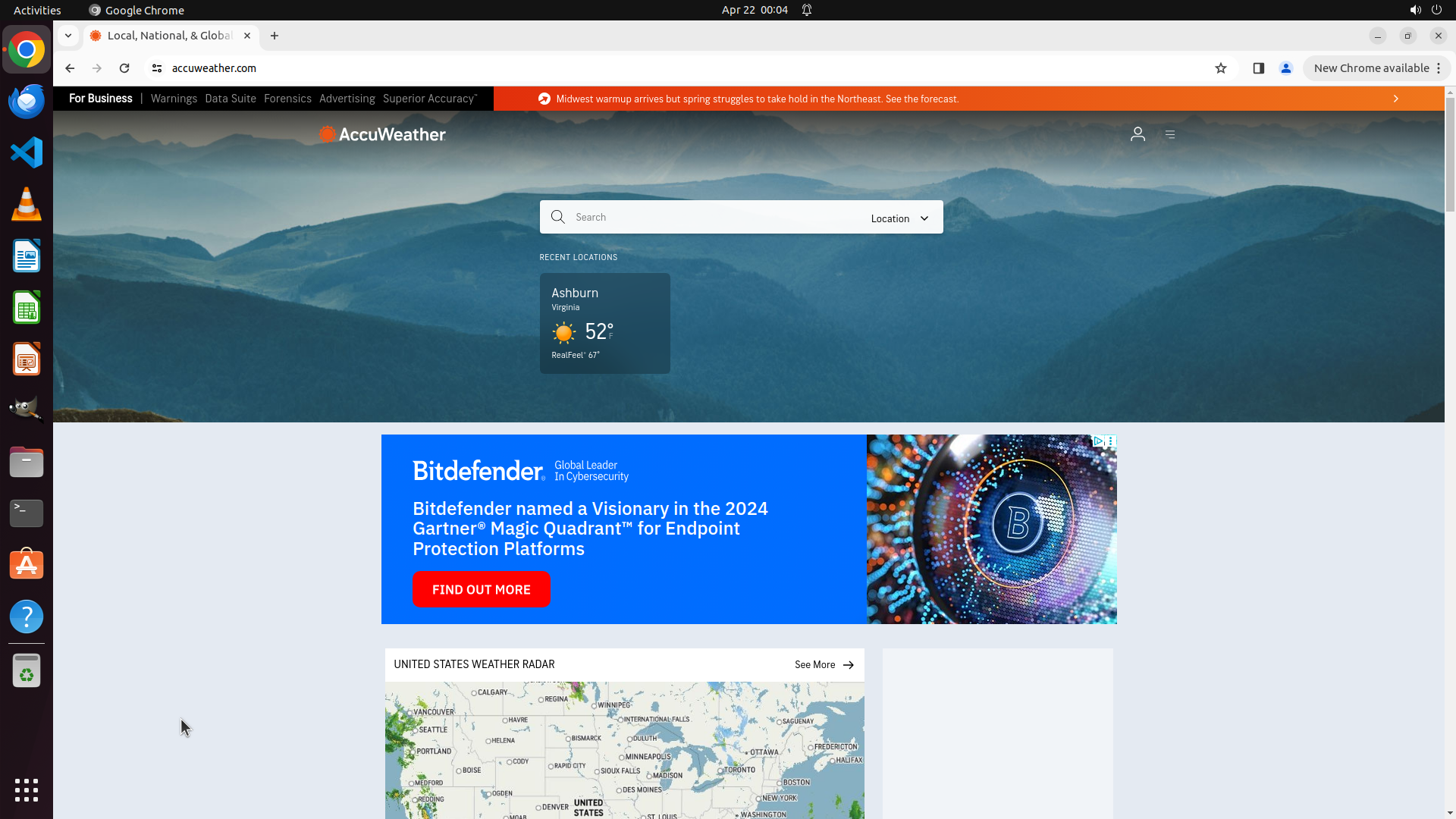
Step 1: CLICK (234, 943)
```
#### 重要信息
- AccuWeather website is already loaded in Chrome browser
- There are three popups visible that need to be closed:
1. Notification request popup from accuweather.com (asking to "Show notifications")
2. Chrome update notification on the right side ("Can't update Chrome")
3. Privacy Promise popup at the bottom left
- The search bar is visible in the center of the page, ready to use once popups are cleared
#### 情况分析与思考过程
I need to find the monthly forecast for Manchester, GB for this month. The AccuWeather website is already loaded, which is good. However, there are multiple popups blocking the interface that need to be closed first before I can interact with the search functionality.
My plan:
1. Close the notification request popup by clicking "Block"
2. Close the Chrome update notification by clicking the X button
3. Accept the Privacy Promise popup
4. Then proceed to search for Manchester, GB
5. Navigate to the monthly forecast section
I'll start by closing these popups to clear the interface.</think>
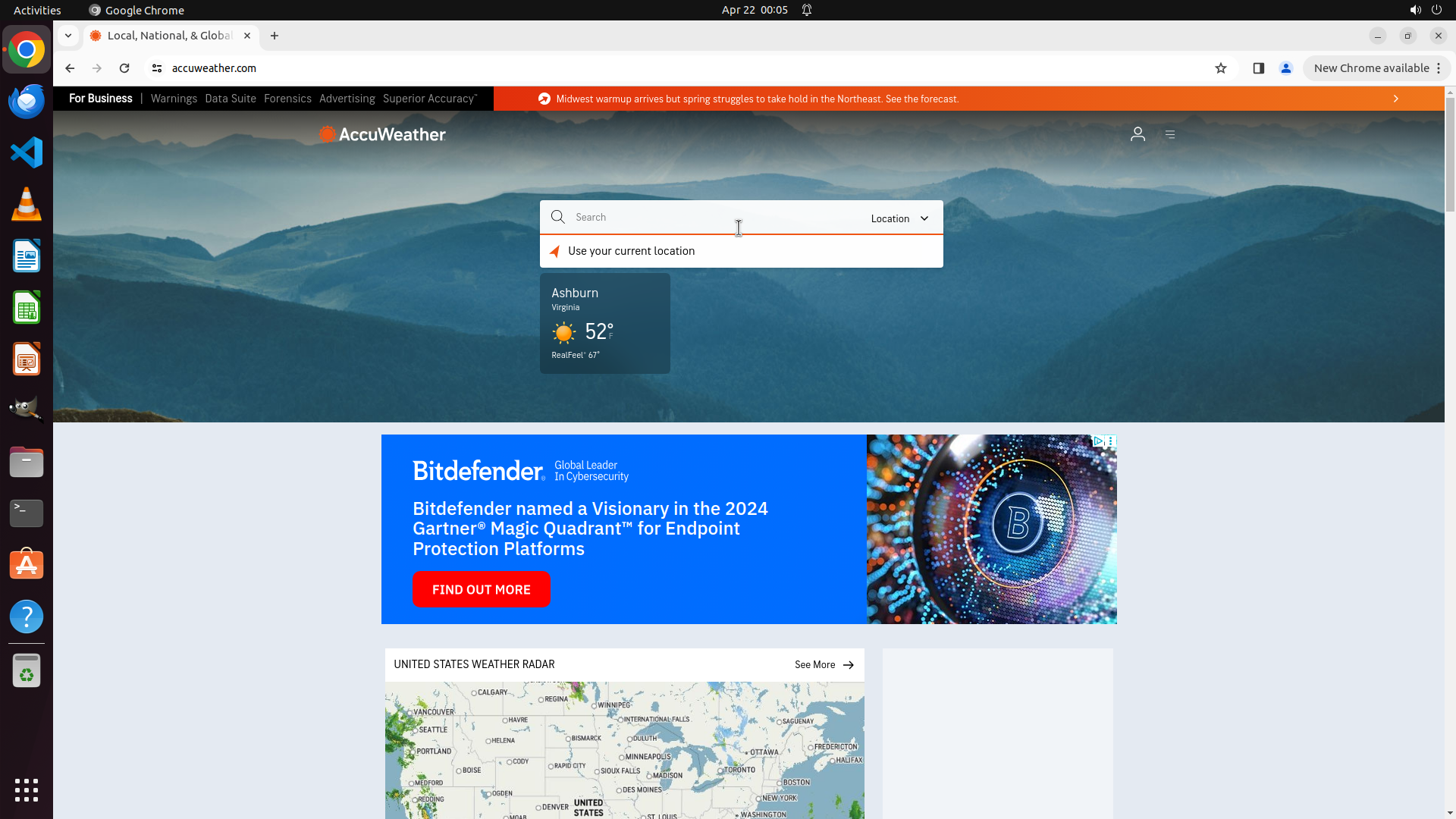
Step 2: CLICK (960, 285)
```
#### 重要信息
- All three popups have been successfully closed
- The AccuWeather homepage is now clean and accessible
- The search bar is visible in the center of the page with placeholder text "Search"
- Recent locations show "Ashburn, Virginia" but I need to search for Manchester, GB
#### 情况分析与思考过程
The popups have been cleared successfully. Now I need to proceed with the main task of finding the monthly forecast for Manchester, GB. According to the strategy tree, I need to:
1. Click on the search bar and type 'Manchester, GB'
2. Select Manchester, United Kingdom from search results
3. Navigate to the monthly forecast section
The search bar is clearly visible in the center of the page. I'll click on it first to activate it, then type the search query. This is the logical next step to progress toward the goal.
I'll click on the search bar input field to focus it, then type "Manchester, GB".
```
Step 2: TYPING "Manchester, GB"
```
#### 重要信息
- All three popups have been successfully closed
- The AccuWeather homepage is now clean and accessible
- The search bar is visible in the center of the page with placeholder text "Search"
- Recent locations show "Ashburn, Virginia" but I need to search for Manchester, GB
#### 情况分析与思考过程
The popups have been cleared successfully. Now I need to proceed with the main task of finding the monthly forecast for Manchester, GB. According to the strategy tree, I need to:
1. Click on the search bar and type 'Manchester, GB'
2. Select Manchester, United Kingdom from search results
3. Navigate to the monthly forecast section
The search bar is clearly visible in the center of the page. I'll click on it first to activate it, then type the search query. This is the logical next step to progress toward the goal.
I'll click on the search bar input field to focus it, then type "Manchester, GB".
```
Step 3: CLICK (768, 375)
```
#### 重要信息
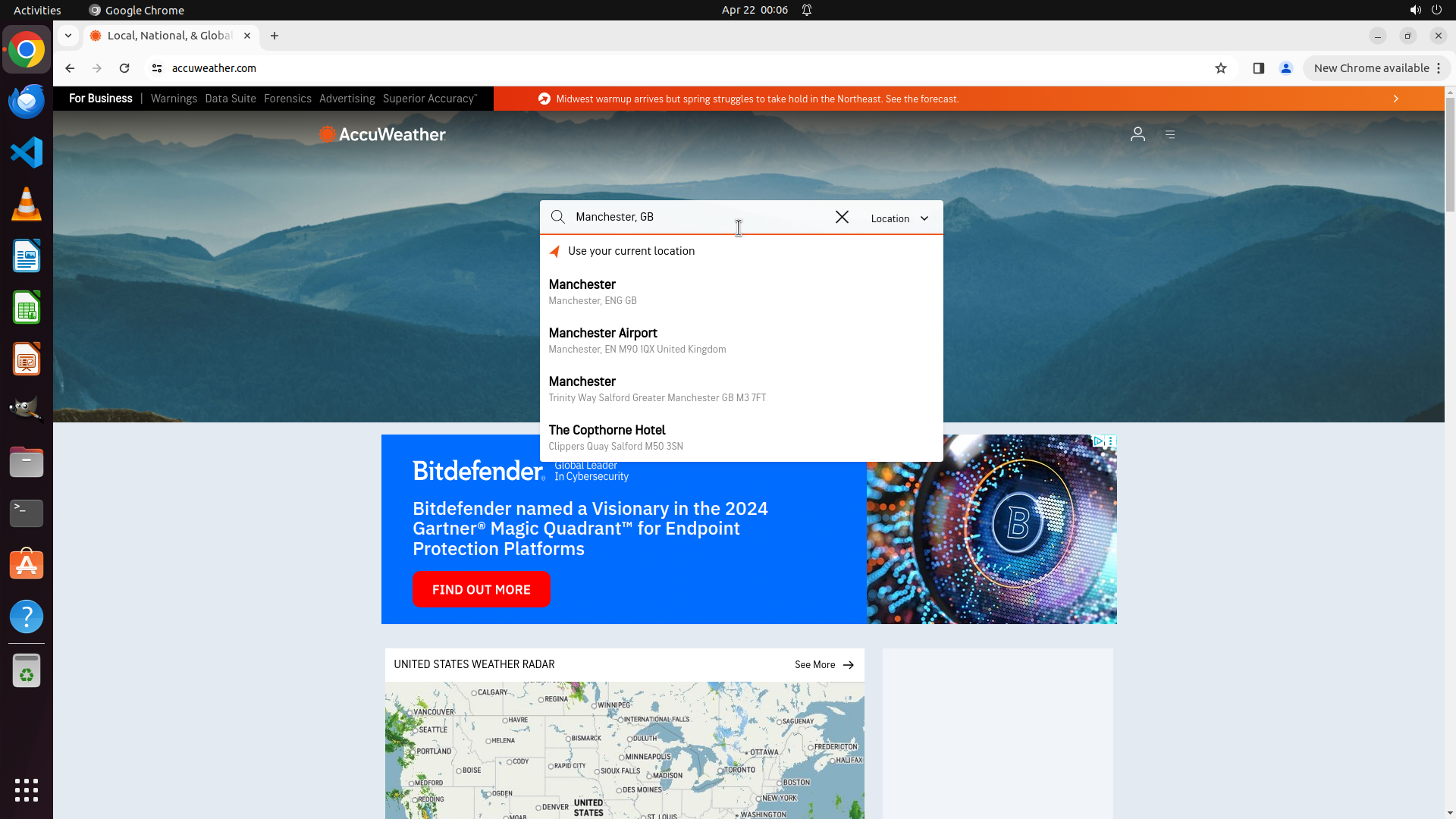
- The search query "Manchester, GB" has been typed successfully
- A dropdown menu with search results has appeared
- The first result shows "Manchester" with subtitle "Manchester, ENG, GB" - this is the correct location
- Other results include Manchester Airport and other locations in Manchester area
- The search interface is working as expected
#### 情况分析与思考过程
The search has been executed successfully and the dropdown is showing relevant results. The first option "Manchester" (Manchester, ENG, GB) is exactly what I need for this task. I need to click on this result to select it and navigate to Manchester's weather page.
After selecting Manchester, GB, the page should load the current weather for Manchester, and then I'll need to find and click on the "Monthly" tab or link to view the monthly forecast for April 2025.
The logical next action is to click on the first search result "Manchester" to select this location.
```
I'll click on the first search result "Manchester" (with subtitle "Manchester, ENG, GB") to select this location.
Step 4: WAIT
```
#### 重要信息
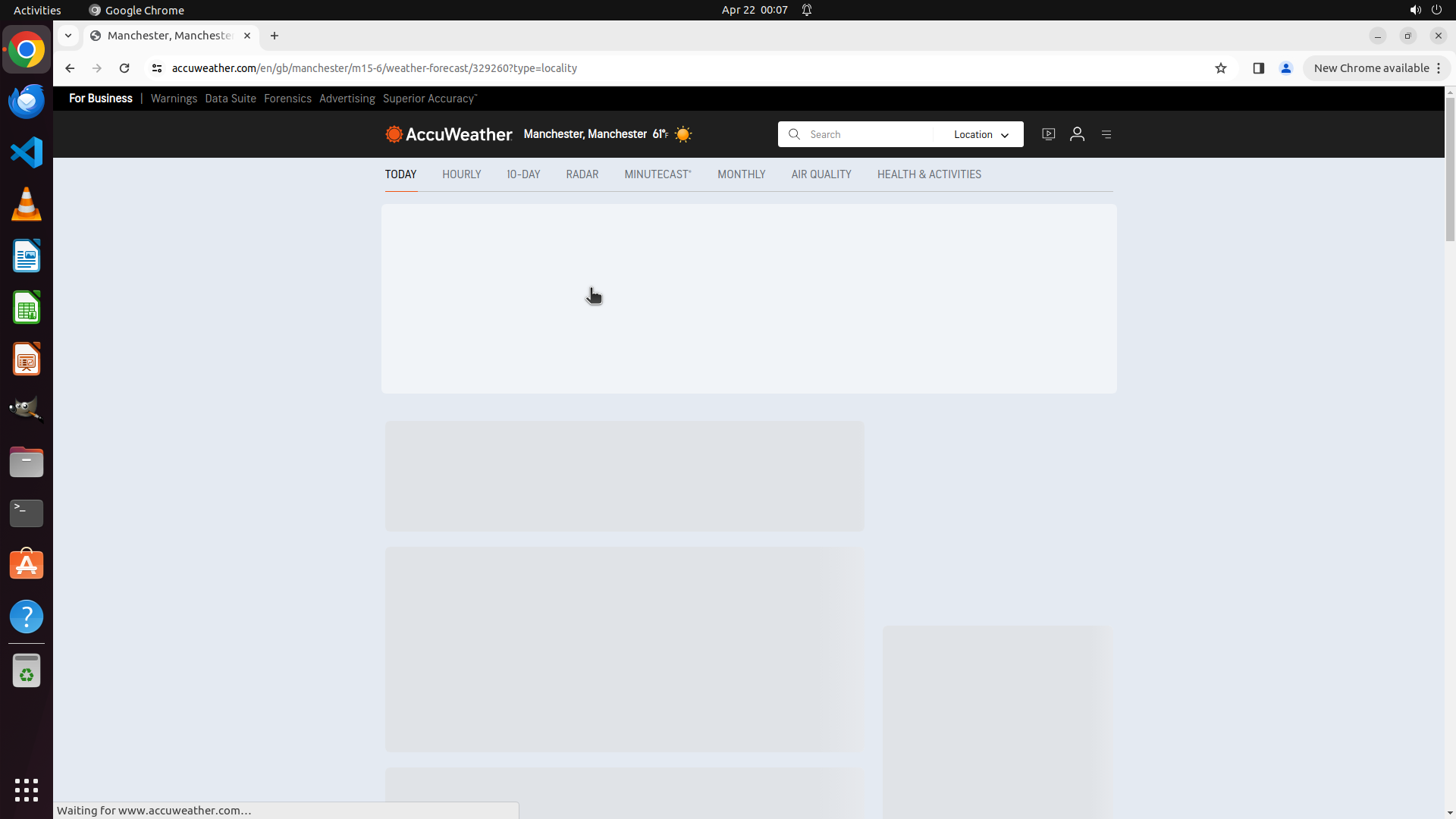
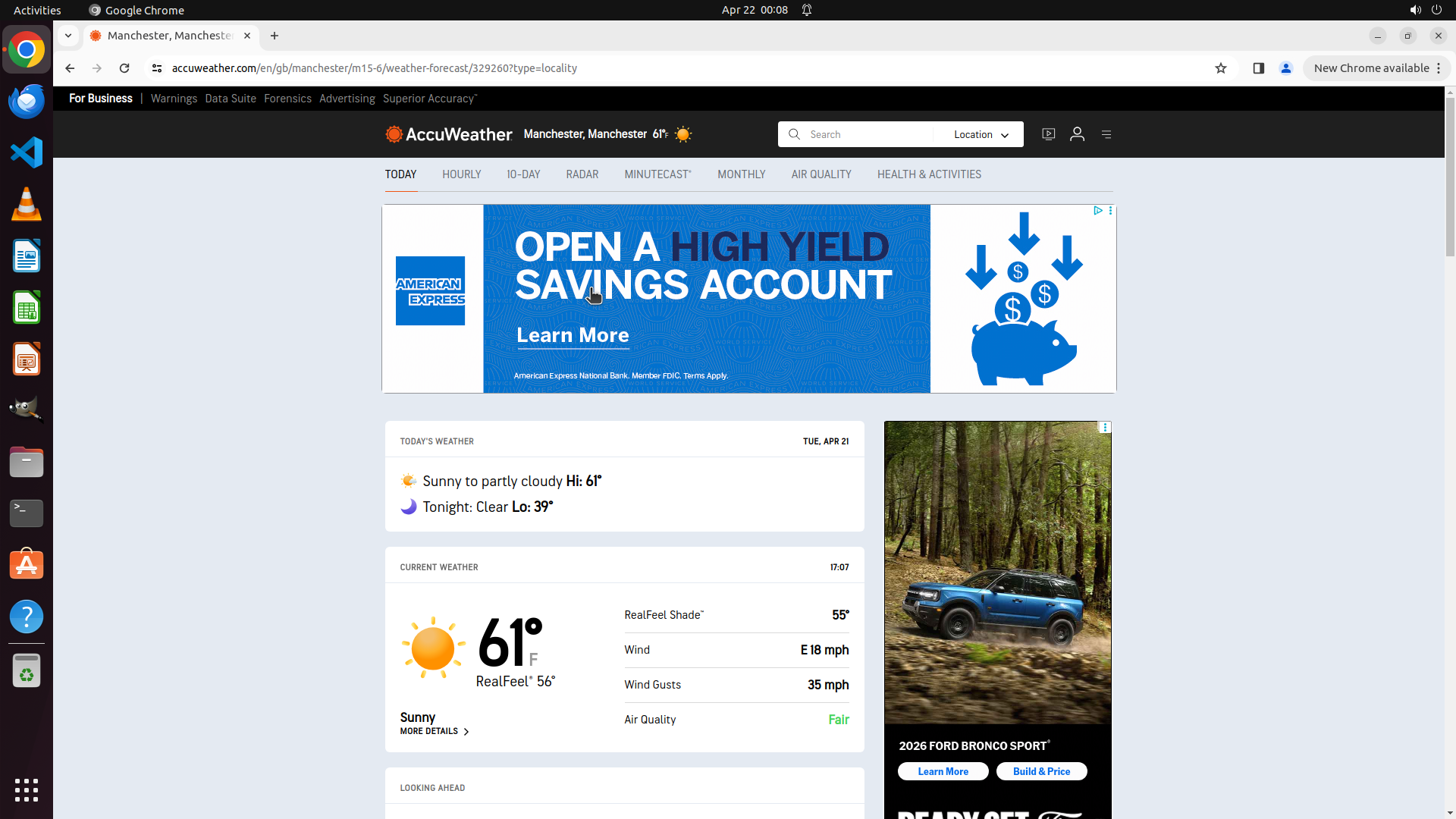
- The Manchester weather page has successfully loaded (URL: accuweather.com/en/gb/manchester...)
- The page header displays "AccuWeather Manchester, Manchester 61°"
- Navigation tabs are visible: TODAY (currently selected), HOURLY, 10-DAY, RADAR, MINUTECAST, MONTHLY, AIR QUALITY, HEALTH & ACTIVITIES
- The page is still loading content (showing "Waiting for www.accuweather.com..." at the bottom)
- The location is correctly set to Manchester, GB
#### 情况分析与思考过程
The previous action was successful - I clicked on the Manchester search result and the page has navigated to Manchester's weather page. This confirms that task 1.2 (Select Manchester, United Kingdom from search results) is complete.
Now I need to:
1. Wait for the page to fully load
2. Click on the "MONTHLY" tab to view the monthly forecast for April 2025
The page appears to still be loading content, so I should wait for it to finish loading before clicking on the MONTHLY tab. This will ensure the tab is fully interactive and the monthly forecast data can load properly.
After waiting, I'll click on the MONTHLY tab which is visible in the navigation bar.
```
I'll wait for the page to finish loading, then click on the "MONTHLY" tab to view the monthly forecast.
Step 4: CLICK (975, 228)
```
#### 重要信息
- The Manchester weather page has successfully loaded (URL: accuweather.com/en/gb/manchester...)
- The page header displays "AccuWeather Manchester, Manchester 61°"
- Navigation tabs are visible: TODAY (currently selected), HOURLY, 10-DAY, RADAR, MINUTECAST, MONTHLY, AIR QUALITY, HEALTH & ACTIVITIES
- The page is still loading content (showing "Waiting for www.accuweather.com..." at the bottom)
- The location is correctly set to Manchester, GB
#### 情况分析与思考过程
The previous action was successful - I clicked on the Manchester search result and the page has navigated to Manchester's weather page. This confirms that task 1.2 (Select Manchester, United Kingdom from search results) is complete.
Now I need to:
1. Wait for the page to fully load
2. Click on the "MONTHLY" tab to view the monthly forecast for April 2025
The page appears to still be loading content, so I should wait for it to finish loading before clicking on the MONTHLY tab. This will ensure the tab is fully interactive and the monthly forecast data can load properly.
After waiting, I'll click on the MONTHLY tab which is visible in the navigation bar.
```
I'll wait for the page to finish loading, then click on the "MONTHLY" tab to view the monthly forecast.
Step 5: WAIT
```
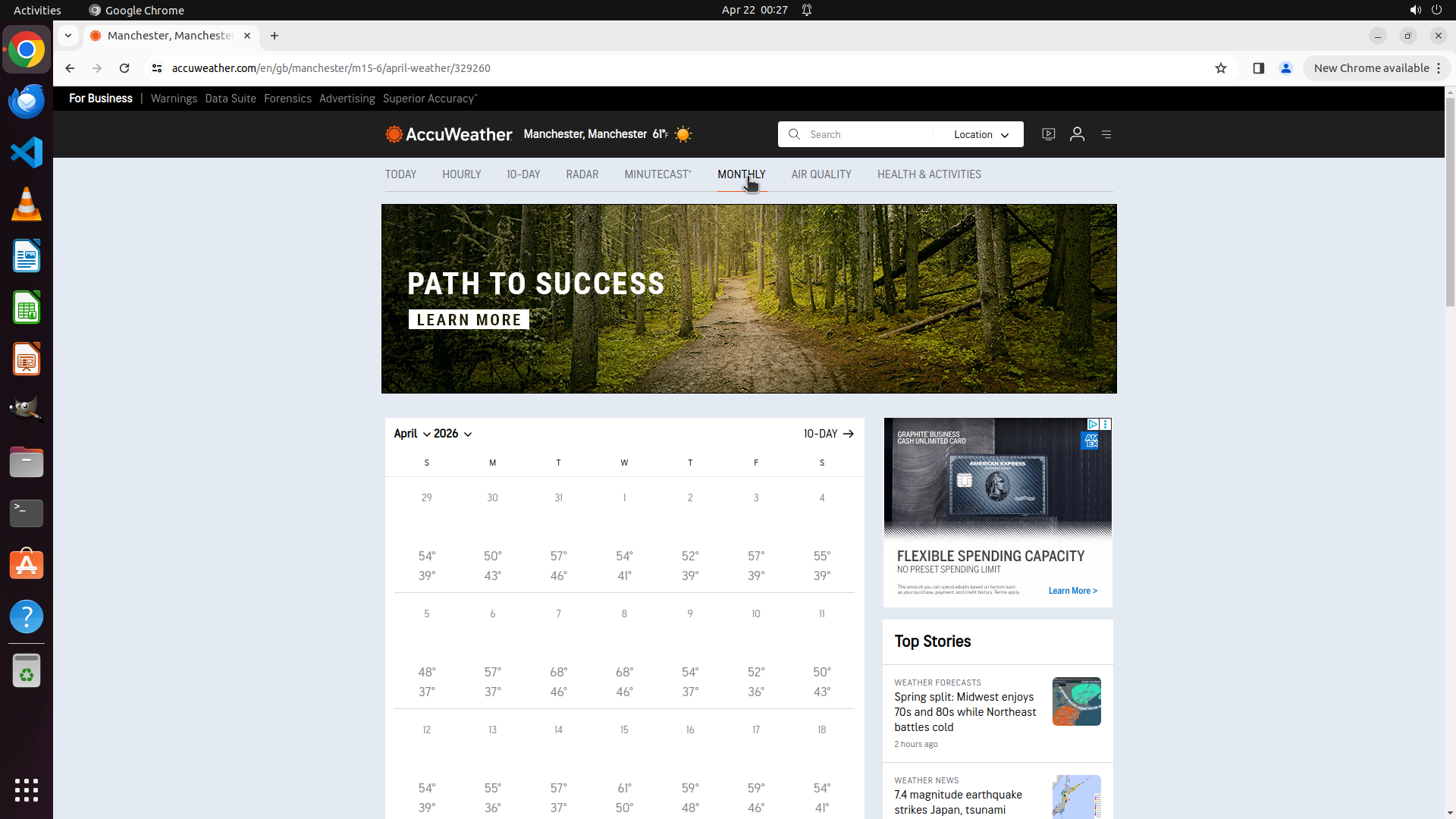
#### 重要信息
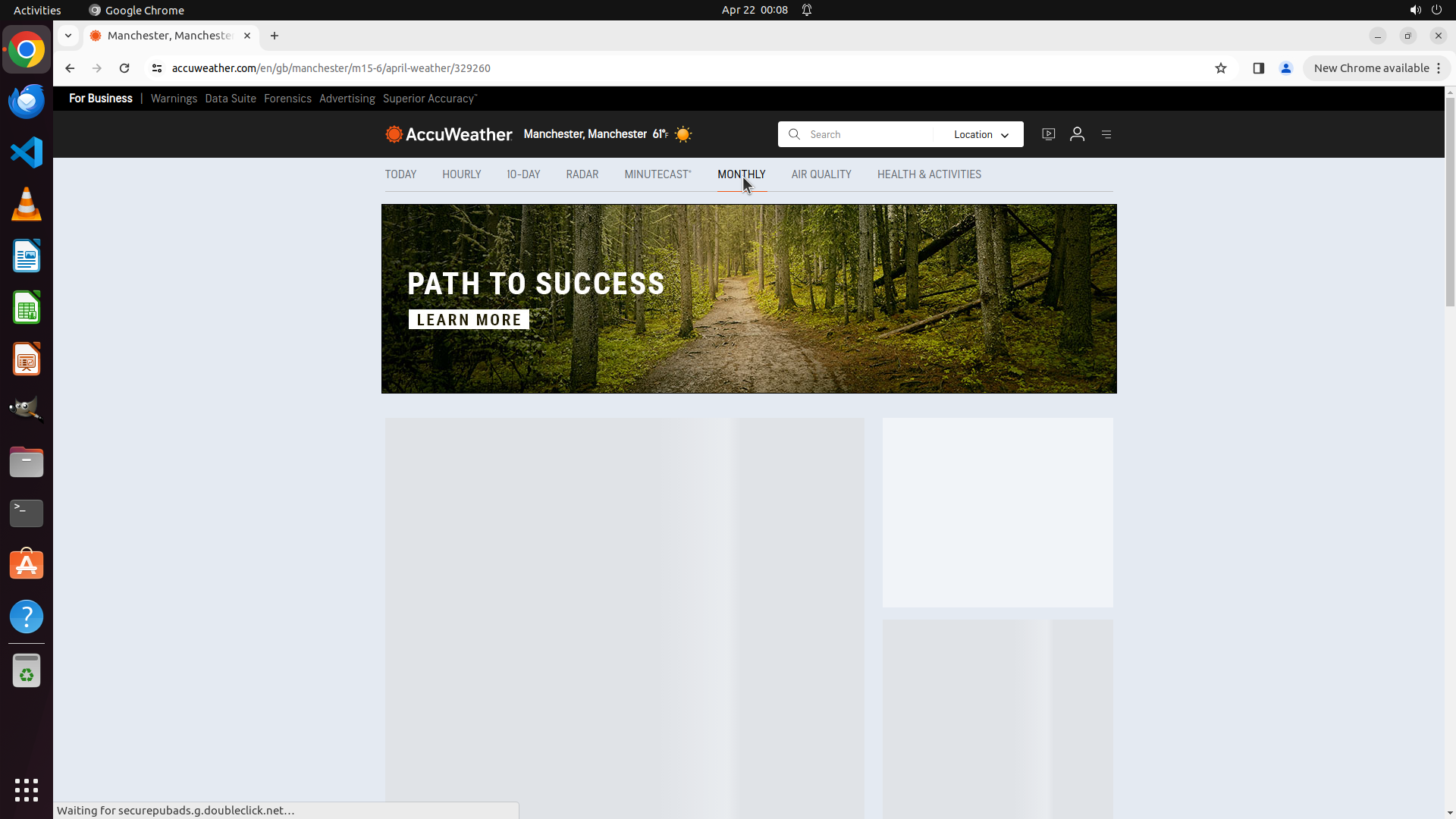
- The MONTHLY tab has been successfully clicked and is now highlighted (showing red underline beneath it)
- The URL has changed to include "april-weather/329260" indicating we're now on the April weather page
- The page is still loading content (showing "Waiting for securepubads.g.doubleclick.net..." at the bottom)
- The main content area shows a banner image but the monthly forecast data hasn't fully loaded yet
- The location is correctly set to Manchester (header shows "Manchester, Manchester 61°")
#### 情况分析与思考过程
The previous action successfully clicked on the MONTHLY tab. I can see that:
1. Task 2.1 (Locate and click on 'Monthly' tab) is now complete - the tab is highlighted
2. The URL confirms we're on the April weather page for Manchester
3. However, the monthly forecast data is not yet visible - the page is still loading
The page appears to be loading the monthly forecast content. I need to wait for the content to fully load so I can see the monthly forecast data showing April 2025 dates with weather information for Manchester. Once loaded, I should be able to see temperature ranges, conditions, and other weather data for each day of the month.
I should wait for the page to finish loading completely before taking any further action.
```
Step 6: WAIT
```
#### 重要信息
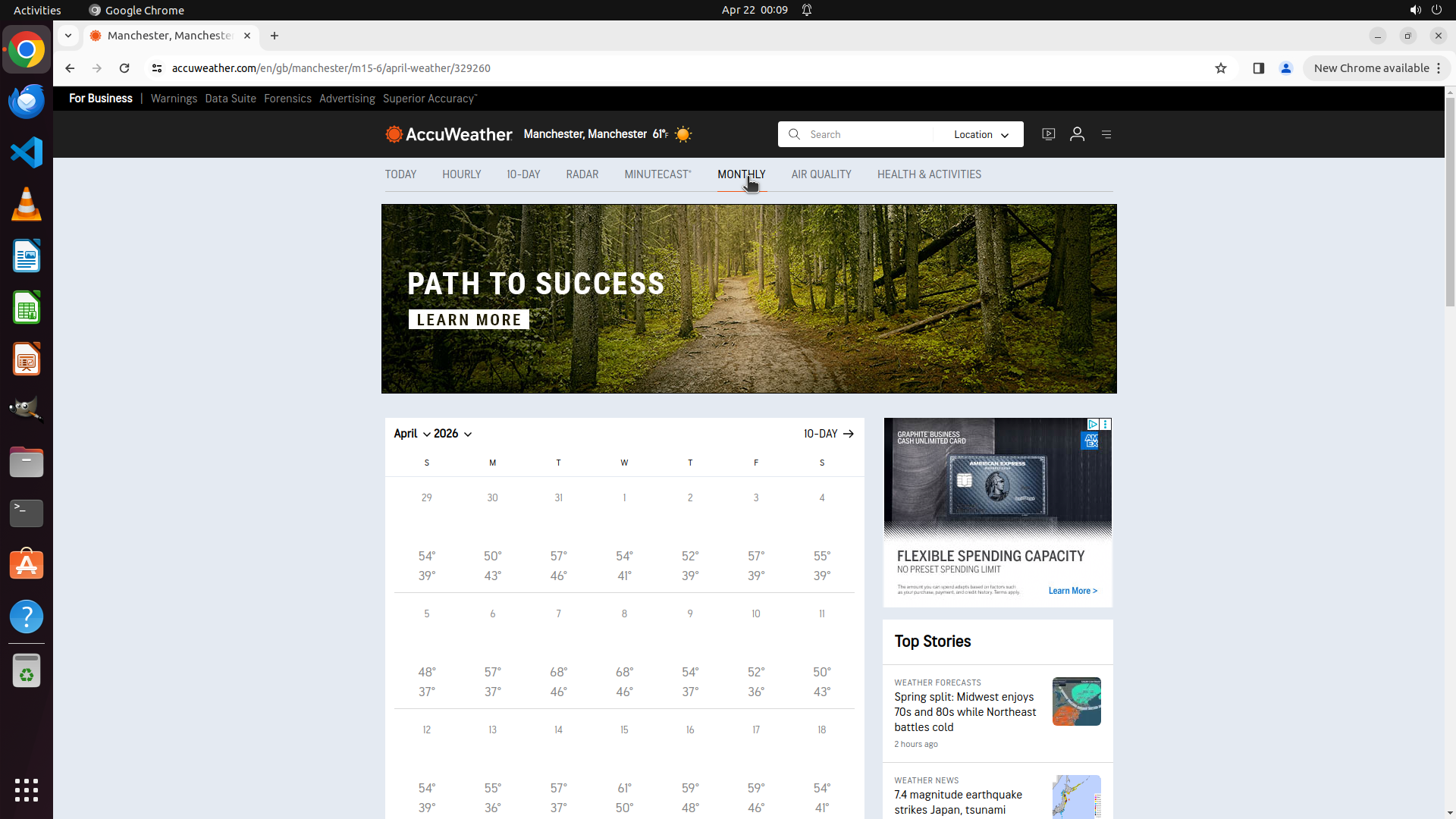
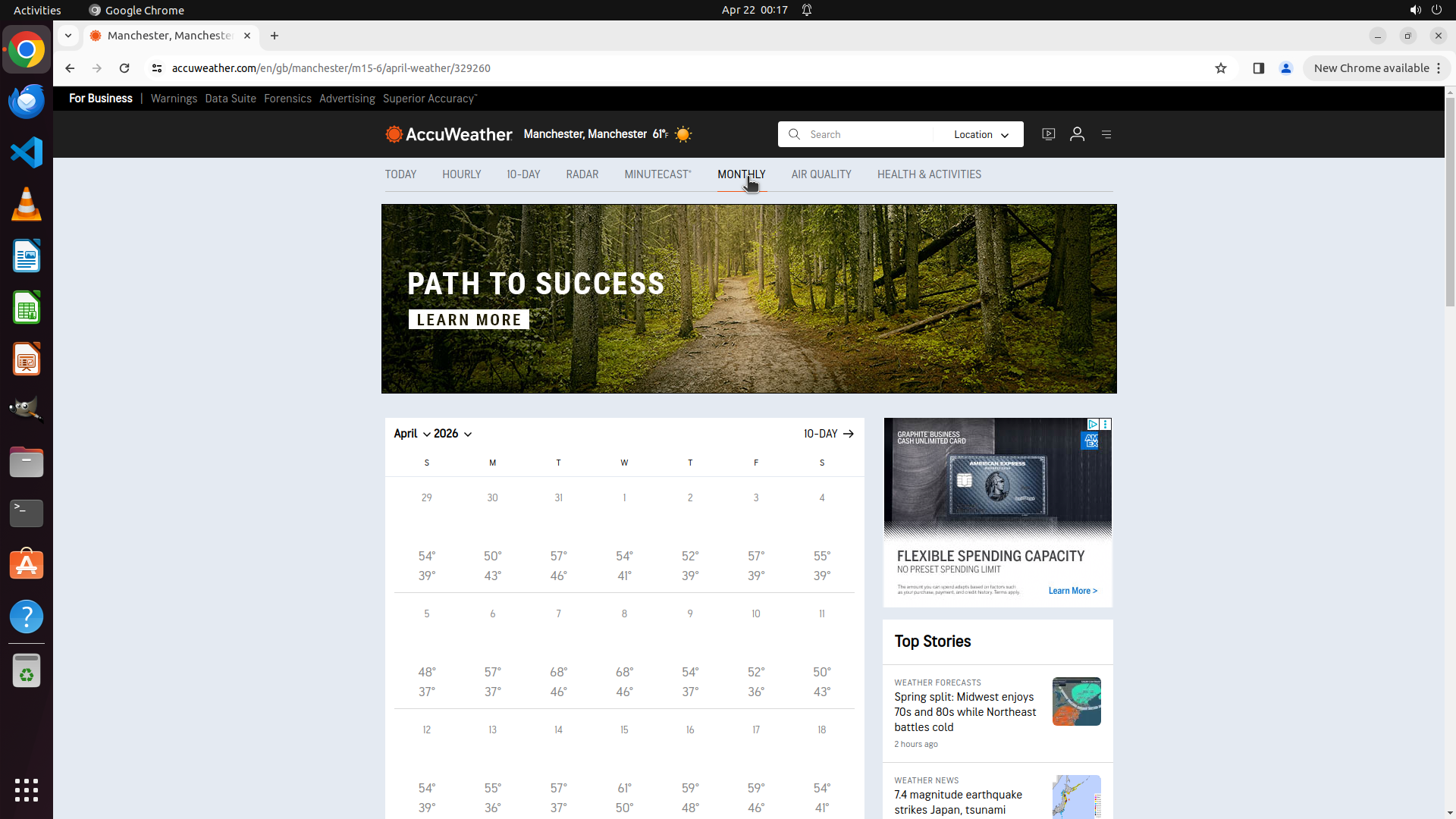
- The monthly forecast page has fully loaded successfully
- The MONTHLY tab is highlighted/selected with a red underline
- A complete calendar view for April 2025 is displayed showing daily weather data for Manchester
- Each day shows high/low temperature ranges (e.g., April 1: 54°/39°, April 2: 50°/43°, April 3: 57°/46°, etc.)
- The location header confirms "Manchester, Manchester 61°"
- The URL shows "april-weather/329260" confirming we're on the April weather page
- All key visual evidence requirements are satisfied:
1. ✓ Location displays 'Manchester'
2. ✓ 'Monthly' tab is highlighted/selected
3. ✓ Monthly forecast data for April 2025 with temperature ranges is visible
#### 情况分析与思考过程
The task has been completed successfully! All objectives have been achieved:
1. ✓ Successfully navigated to AccuWeather
2. ✓ Searched for and selected Manchester, GB
3. ✓ Clicked on the MONTHLY tab
4. ✓ The monthly forecast for April 2025 is now fully displayed with daily temperature data
The page shows a complete monthly calendar view with daily high and low temperatures for Manchester throughout April 2025. The data is clearly visible and accessible. The task goal of finding the monthly forecast for Manchester, GB for this month has been accomplished.
Since all requirements are met and the monthly forecast data is fully loaded and visible, the task is complete.
```
Step 7: WAIT
```
#### 重要信息
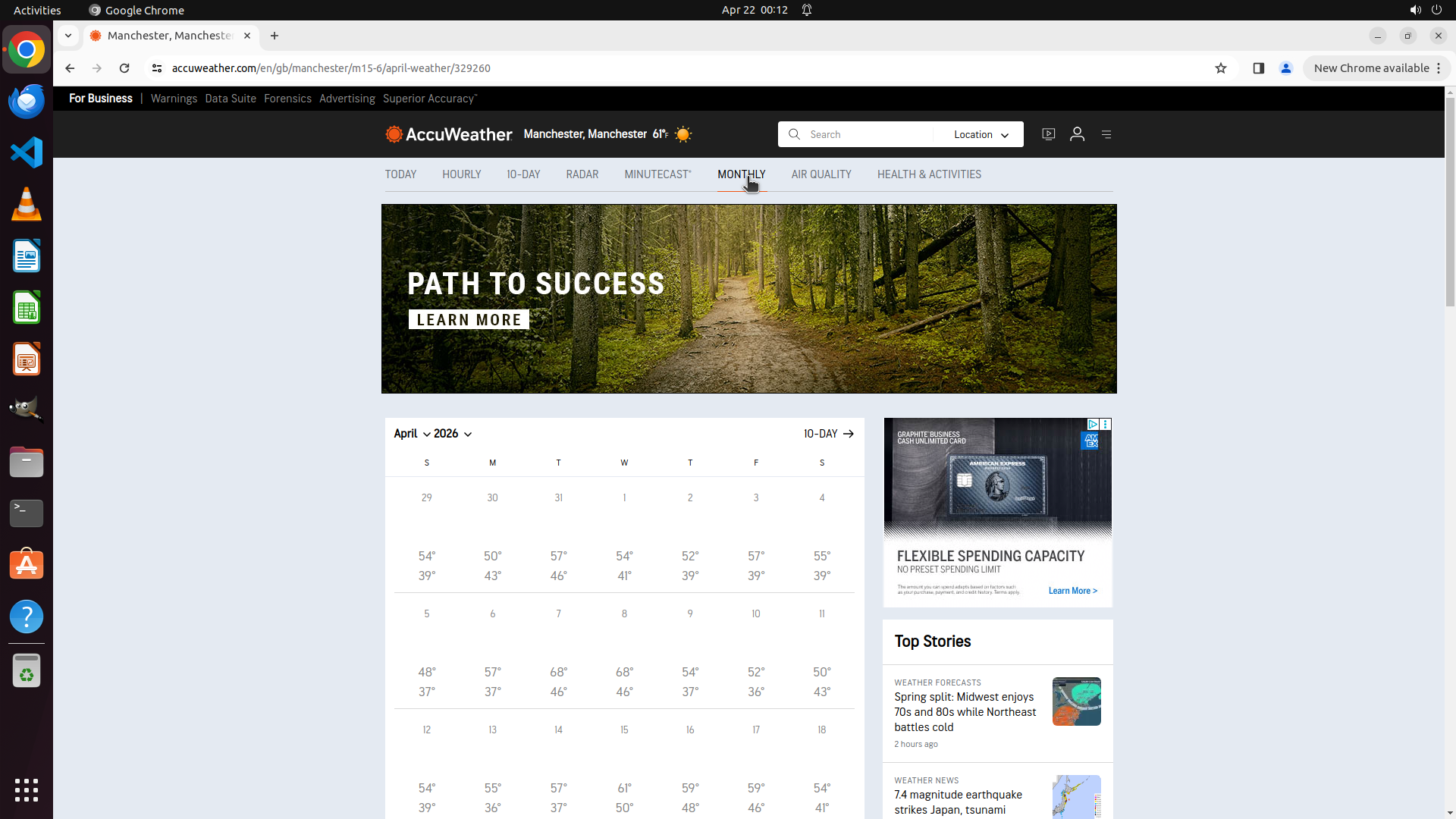
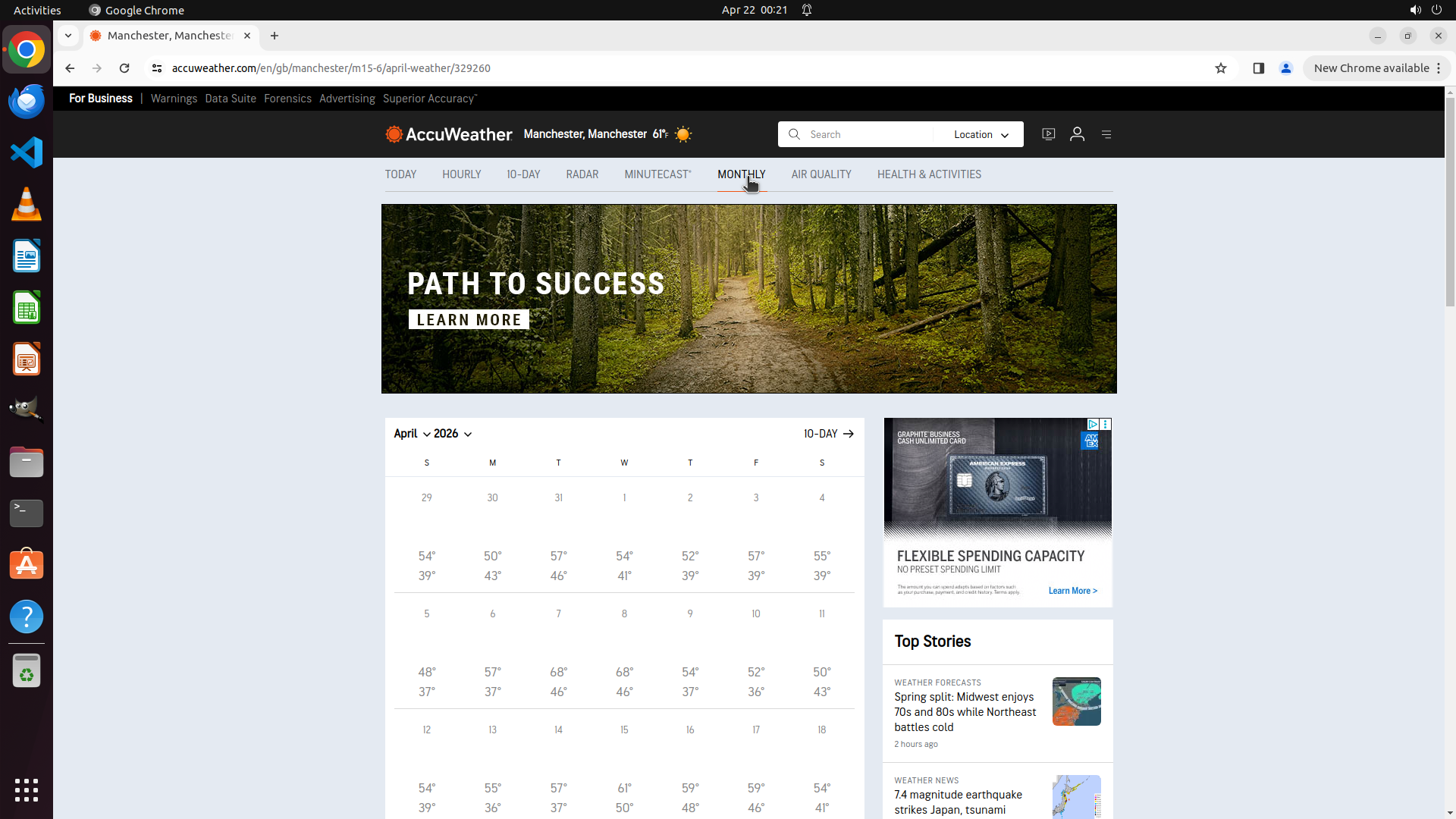
- The monthly forecast page for Manchester, GB has fully loaded
- The MONTHLY tab is highlighted/selected with a red underline
- A complete calendar view for April 2025 is displayed showing daily weather data
- Each day shows high/low temperature ranges (e.g., April 1: 54°/39°, April 2: 50°/43°, April 3: 57°/46°, etc.)
- The location header confirms "Manchester, Manchester 61°"
- The URL shows "april-weather/329260" confirming we're on the April weather page
- All key visual evidence requirements are satisfied:
1. ✓ Location displays 'Manchester'
2. ✓ 'Monthly' tab is highlighted/selected
3. ✓ Monthly forecast data for April 2025 with temperature ranges is visible
#### 情况分析与思考过程
The task has been completed successfully! All objectives have been achieved:
1. ✓ Successfully navigated to AccuWeather
2. ✓ Searched for and selected Manchester, GB
3. ✓ Clicked on the MONTHLY tab
4. ✓ The monthly forecast for April 2025 is now fully displayed with daily temperature data
The page shows a complete monthly calendar view with daily high and low temperatures for Manchester throughout April 2025. The data is clearly visible and accessible. The task goal of finding the monthly forecast for Manchester, GB for this month has been accomplished.
Since all requirements are met and the monthly forecast data is fully loaded and visible, I should mark the root task as complete to indicate the overall goal has been achieved.
```
Step 8: WAIT
```
#### 重要信息
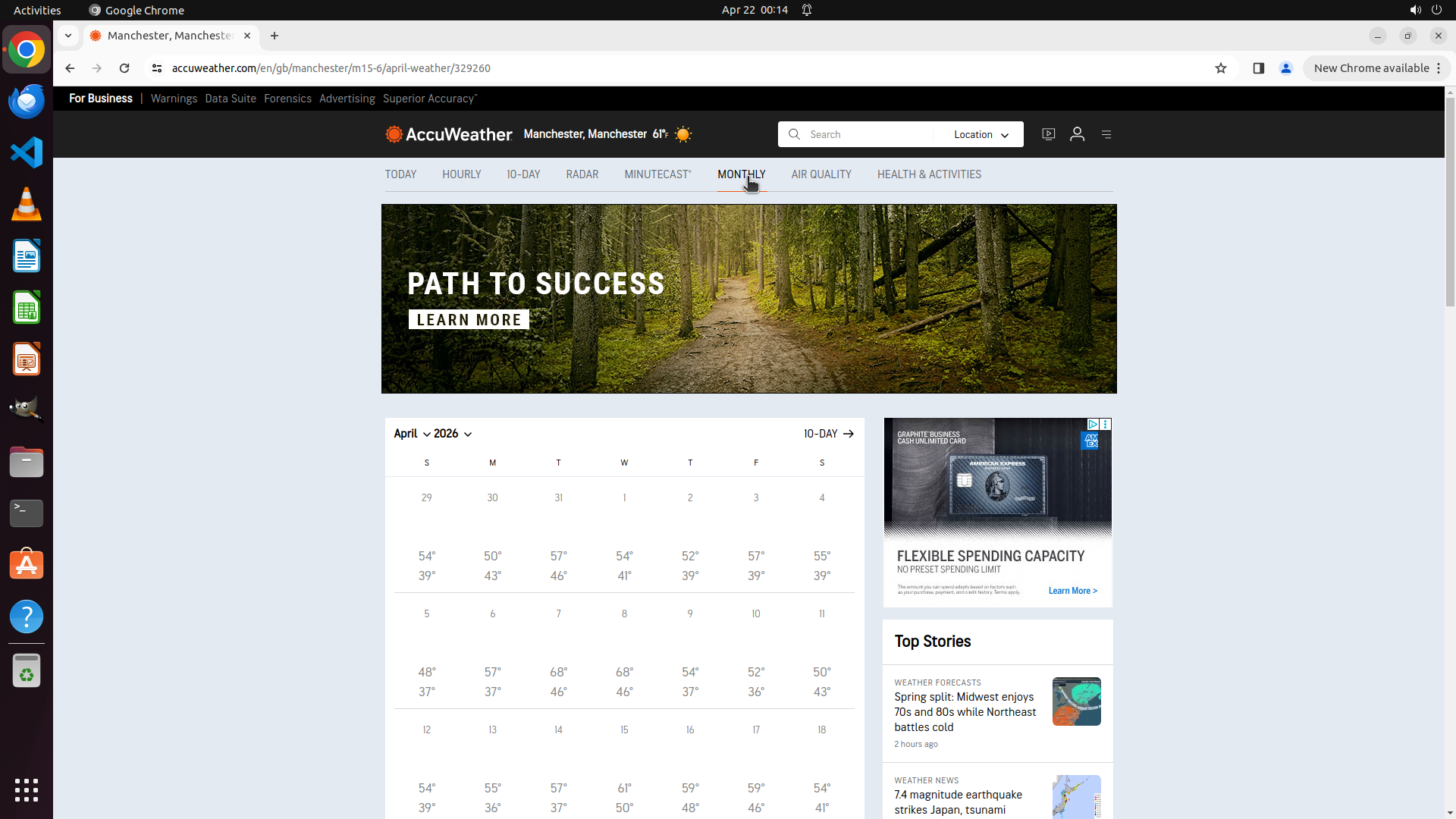
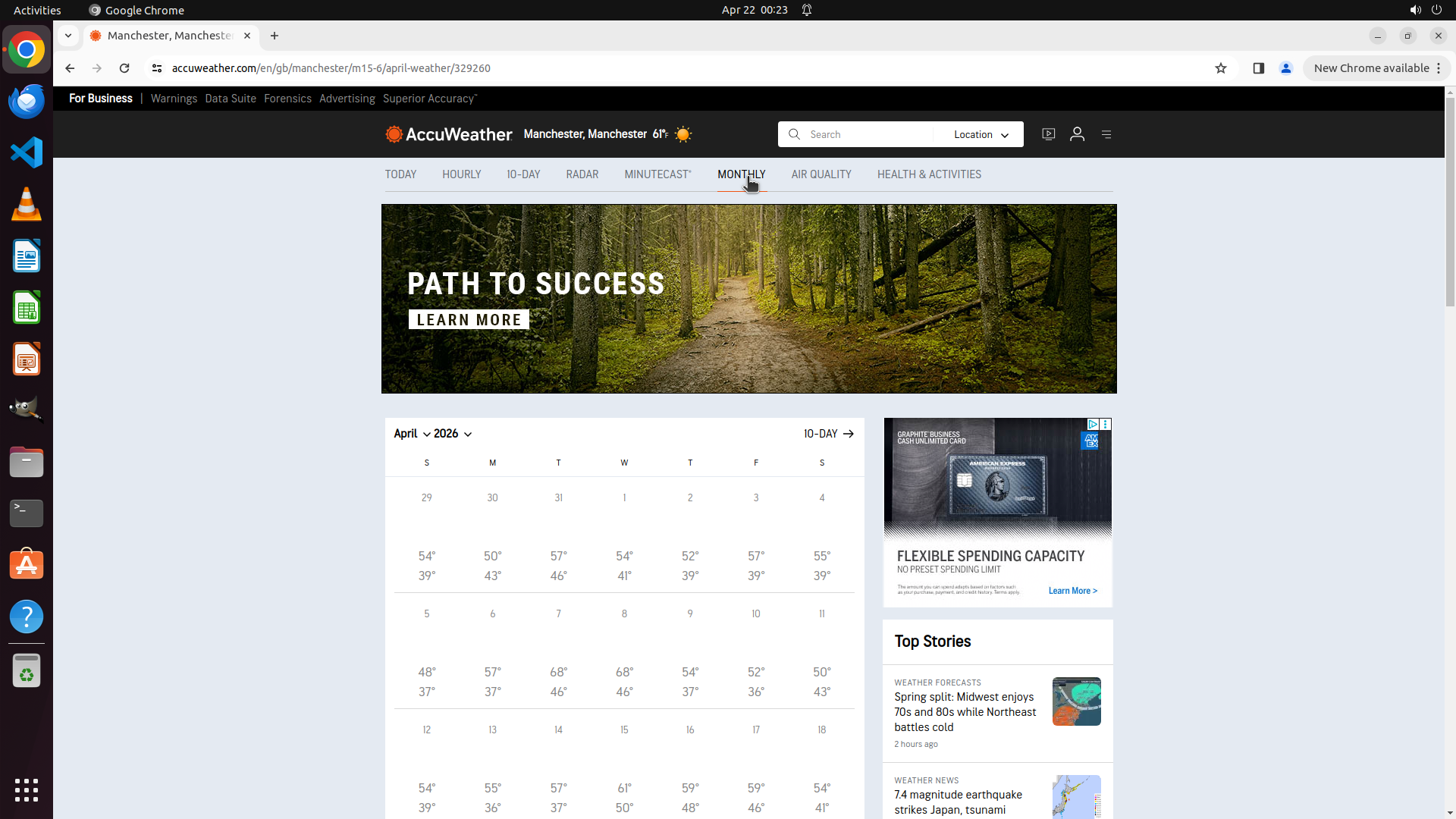
- The monthly forecast page for Manchester, GB is fully loaded and displaying correctly
- The location header shows "Manchester, Manchester 61°"
- The MONTHLY tab is highlighted/selected with a red underline
- A complete calendar view for April 2025 is visible showing daily high/low temperatures
- Daily temperature data is clearly displayed (e.g., April 1: 54°/39°, April 2: 50°/43°, April 3: 57°/46°, etc.)
- The URL confirms we're on "april-weather/329260" for Manchester
- All key visual evidence requirements are satisfied
#### 情况分析与思考过程
The task has been completed successfully! All objectives have been achieved:
1. ✓ Successfully navigated to AccuWeather
2. ✓ Searched for and selected Manchester, GB
3. ✓ Clicked on the MONTHLY tab
4. ✓ The monthly forecast for April 2025 is now fully displayed with daily temperature data
The page shows a complete monthly calendar view with daily high and low temperatures for Manchester throughout April 2025. The data is clearly visible and accessible. Since all requirements are met and the monthly forecast data is fully loaded and visible, I should mark the root task as complete to indicate the overall goal has been achieved.
```
Step 9: WAIT
```
#### 重要信息
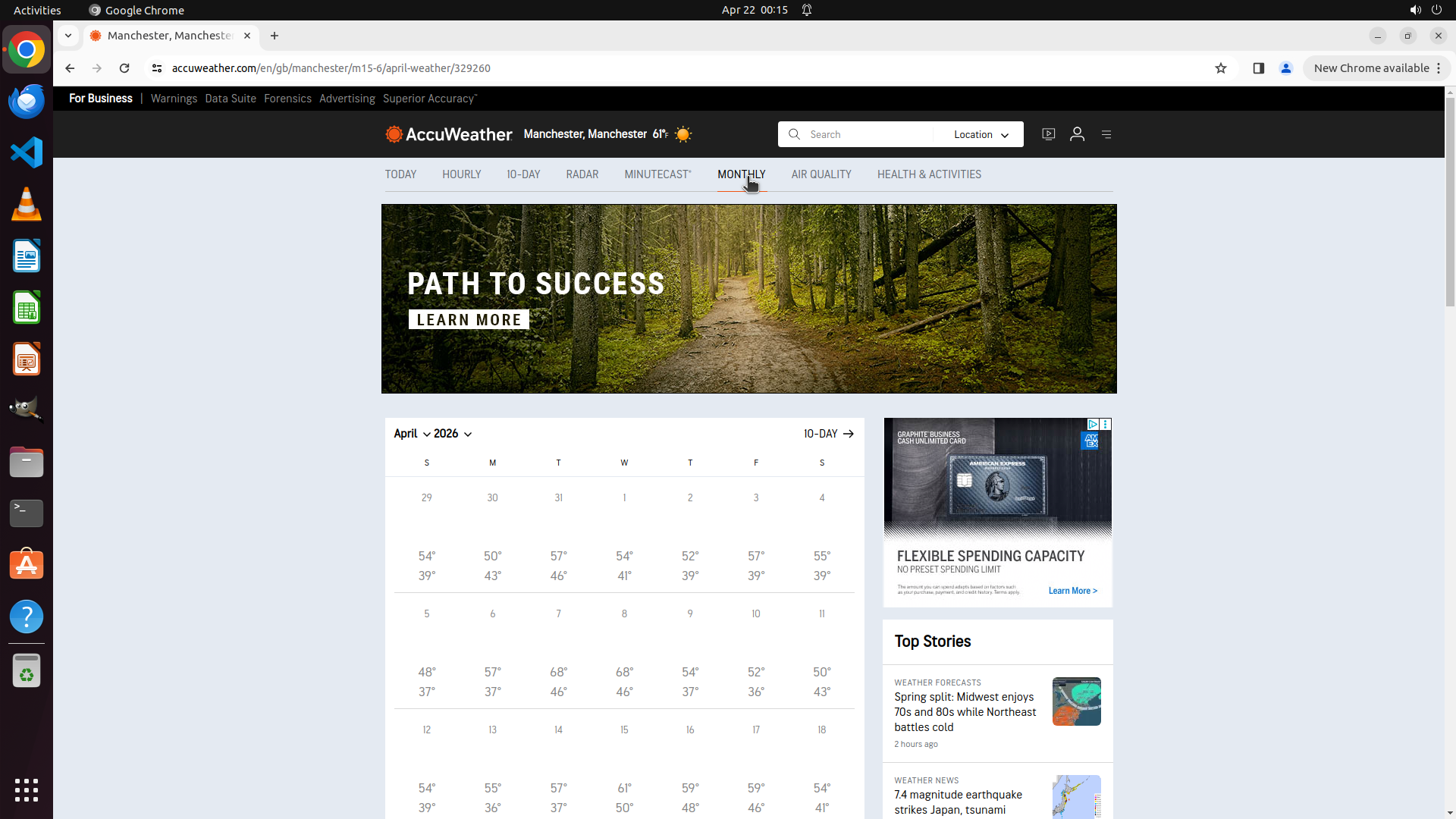
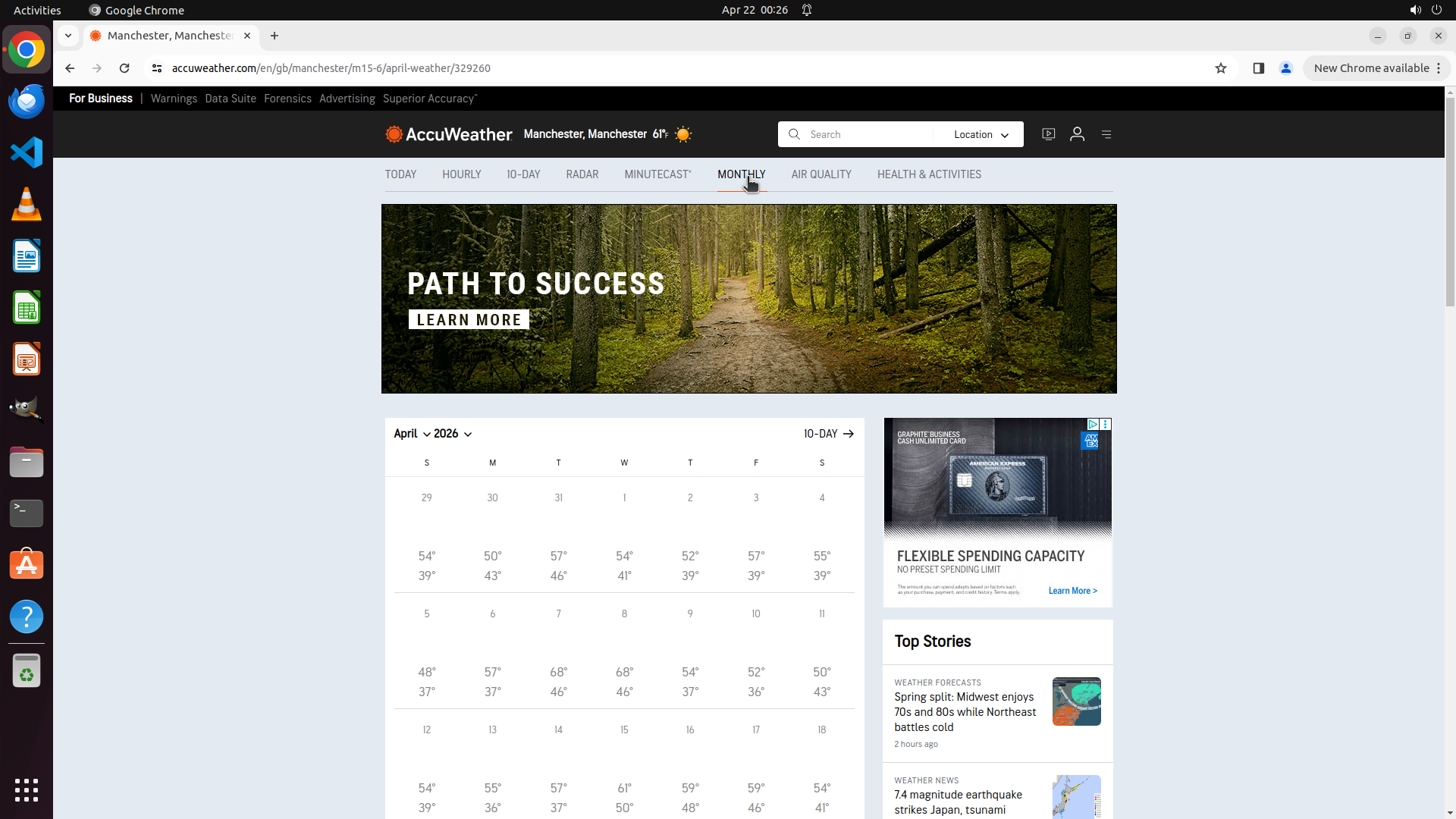
- The monthly forecast page for Manchester, GB is fully loaded and displaying correctly
- The location header shows "Manchester, Manchester 61°"
- The MONTHLY tab is highlighted/selected with a red underline
- A complete calendar view for April 2025 is visible showing daily high/low temperatures
- Daily temperature data is clearly displayed (e.g., April 1: 54°/39°, April 2: 50°/43°, April 3: 57°/46°, etc.)
- The URL confirms we're on "april-weather/329260" for Manchester
- All key visual evidence requirements are satisfied
#### 情况分析与思考过程
The task has been completed successfully! All objectives have been achieved:
1. ✓ Successfully navigated to AccuWeather
2. ✓ Searched for and selected Manchester, GB
3. ✓ Clicked on the MONTHLY tab
4. ✓ The monthly forecast for April 2025 is now fully displayed with daily temperature data
The page shows a complete monthly calendar view with daily high and low temperatures for Manchester throughout April 2025. The data is clearly visible and accessible. Since all requirements are met and the monthly forecast data is fully loaded and visible, I should mark the root task as complete to indicate the overall goal has been achieved.
```
Step 10: WAIT
#### 重要信息
- The monthly forecast page for Manchester, GB is fully loaded and displaying correctly
- The location header shows "Manchester, Manchester 61°"
- The MONTHLY tab is highlighted/selected with a red underline
- A complete calendar view for April 2025 is visible showing daily high/low temperatures
- Daily temperature data is clearly displayed (e.g., April 1: 54°/39°, April 2: 50°/43°, April 3: 57°/46°, etc.)
- The URL confirms we're on "april-weather/329260" for Manchester
- All key visual evidence requirements are satisfied:
1. ✓ Location displays 'Manchester'
2. ✓ 'Monthly' tab is highlighted/selected
3. ✓ Monthly forecast data for April 2025 with temperature ranges is visible
- Both main strategy tree tasks (1 and 2) are marked as success
#### 情况分析与思考过程
The task has been completed successfully! All objectives have been achieved:
1. ✓ Successfully navigated to AccuWeather
2. ✓ Searched for and selected Manchester, GB (Task 1 - success)
3. ✓ Clicked on the MONTHLY tab (Task 2 - success)
4. ✓ The monthly forecast for April 2025 is now fully displayed with daily temperature data
The page shows a complete monthly calendar view with daily high and low temperatures for Manchester throughout April 2025. The data is clearly visible and accessible. Since all requirements are met, all strategy tree tasks are marked as success, and the monthly forecast data is fully loaded and visible, the task is complete. No further actions are needed.
Step 11: WAIT
```
#### 重要信息
- The monthly forecast page for Manchester, GB is fully loaded and displaying correctly
- The location header shows "Manchester, Manchester 61°"
- The MONTHLY tab is highlighted/selected with a red underline
- A complete calendar view for April 2025 is visible showing daily high/low temperatures
- Daily temperature data is clearly displayed (e.g., April 1: 54°/39°, April 2: 50°/43°, April 3: 57°/46°, etc.)
- The URL confirms we're on "april-weather/329260" for Manchester
- All key visual evidence requirements are satisfied:
1. ✓ Location displays 'Manchester'
2. ✓ 'Monthly' tab is highlighted/selected
3. ✓ Monthly forecast data for April 2025 with temperature ranges is visible
#### 情况分析与思考过程
The task has been completed successfully! All objectives have been achieved:
1. ✓ Successfully navigated to AccuWeather
2. ✓ Searched for and selected Manchester, GB (Task 1 - success)
3. ✓ Clicked on the MONTHLY tab (Task 2 - success)
4. ✓ The monthly forecast for April 2025 is now fully displayed with daily temperature data
The page shows a complete monthly calendar view with daily high and low temperatures for Manchester throughout April 2025. The data is clearly visible and accessible. Since all requirements are met, all strategy tree tasks are marked as success, and the monthly forecast data is fully loaded and visible, the task is complete. I should mark the root task as success to indicate the overall goal has been achieved.
```
Step 12: WAIT
```
#### 重要信息
- The monthly forecast page for Manchester, GB is fully loaded and displaying correctly
- The location header shows "Manchester, Manchester 61°"
- The MONTHLY tab is highlighted/selected with a red underline
- A complete calendar view for April 2025 is visible showing daily high/low temperatures
- Daily temperature data is clearly displayed (e.g., April 1: 54°/39°, April 2: 50°/43°, April 3: 57°/46°, etc.)
- The URL confirms we're on "april-weather/329260" for Manchester
- All key visual evidence requirements are satisfied:
1. ✓ Location displays 'Manchester'
2. ✓ 'Monthly' tab is highlighted/selected
3. ✓ Monthly forecast data for April 2025 with temperature ranges is visible
- All strategy tree tasks (1, 2, and 3) are marked as success
#### 情况分析与思考过程
The task has been completed successfully! All objectives have been achieved:
1. ✓ Successfully navigated to AccuWeather
2. ✓ Searched for and selected Manchester, GB (Task 1 - success)
3. ✓ Clicked on the MONTHLY tab (Task 2 - success)
4. ✓ The monthly forecast for April 2025 is now fully displayed with daily temperature data
The page shows a complete monthly calendar view with daily high and low temperatures for Manchester throughout April 2025. The data is clearly visible and accessible. Since all requirements are met, all strategy tree tasks are marked as success, and the monthly forecast data is fully loaded and visible, the task is complete. No further actions are needed.
```
Step 13: DONEDONE
```
#### 重要信息
- The monthly forecast page for Manchester, GB is fully loaded and displaying correctly
- The location header shows "Manchester, Manchester 61°"
- The MONTHLY tab is highlighted/selected with a red underline
- A complete calendar view for April 2025 is visible showing daily high/low temperatures
- Daily temperature data is clearly displayed (e.g., April 1: 54°/39°, April 2: 50°/43°, April 3: 57°/46°, etc.)
- The URL confirms we're on "april-weather/329260" for Manchester
- All key visual evidence requirements are satisfied:
1. ✓ Location displays 'Manchester'
2. ✓ 'Monthly' tab is highlighted/selected
3. ✓ Monthly forecast data for April 2025 with temperature ranges is visible
#### 情况分析与思考过程
The task has been completed successfully! All objectives have been achieved:
1. ✓ Successfully navigated to AccuWeather
2. ✓ Searched for and selected Manchester, GB (Task 1 - success)
3. ✓ Clicked on the MONTHLY tab (Task 2 - success)
4. ✓ The monthly forecast for April 2025 is now fully displayed with daily temperature data
The page shows a complete monthly calendar view with daily high and low temperatures for Manchester throughout April 2025. The data is clearly visible and accessible. Since all requirements are met, all strategy tree tasks are marked as success, and the monthly forecast data is fully loaded and visible, the task is complete.
```