Step 1:
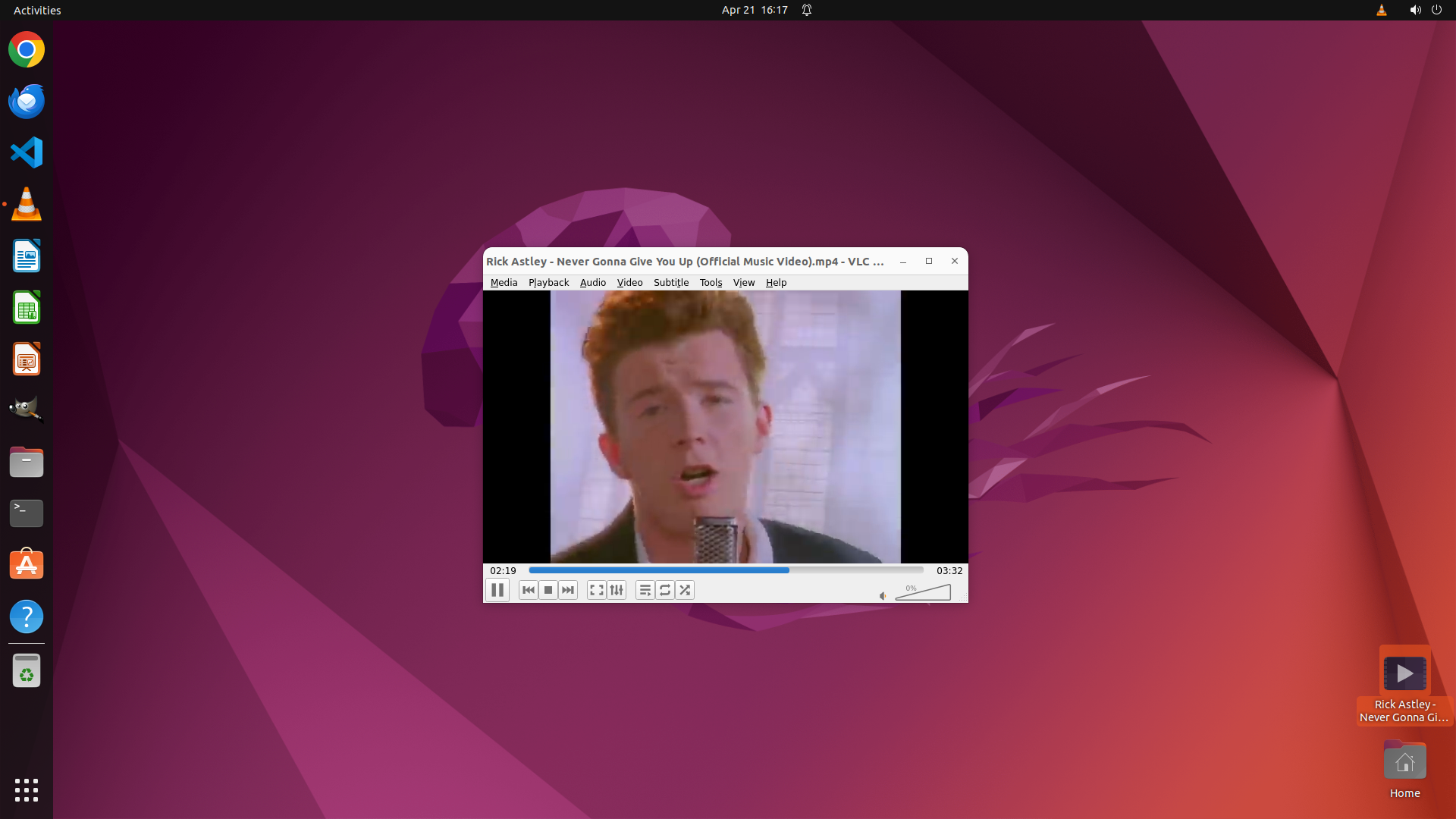
MOVE_TO (1853, 901)
```
#### 重要信息
- VLC media player is already open and running
- A video file "Rick Astley - Never Gonna Gi..." is visible on the desktop in the bottom right corner
- The VLC window shows the default orange traffic cone logo, indicating no video is currently playing
#### 情况分析与思考过程
The goal is to play the music video from the desktop in VLC. VLC is already open, which is good. I can see the video file on the desktop. The most efficient way to open the file would be to drag it from the desktop into the VLC window. This should automatically load and start playing the video.
I'll drag the file from its location on the desktop (bottom right) to the center of the VLC window to open it.
```
Step 1:
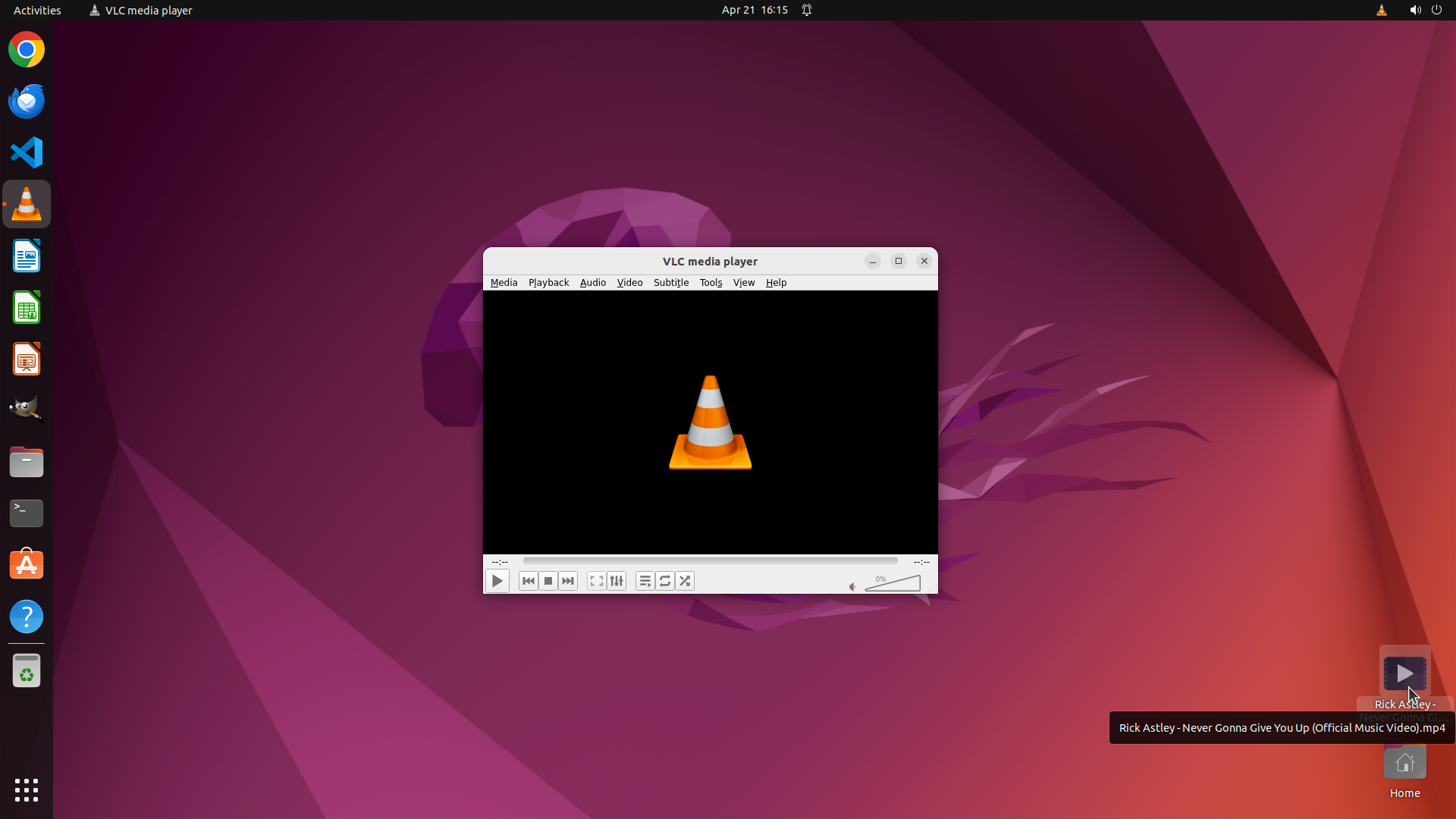
DRAG_TO (941, 540)
```
#### 重要信息
- VLC media player is already open and running
- A video file "Rick Astley - Never Gonna Gi..." is visible on the desktop in the bottom right corner
- The VLC window shows the default orange traffic cone logo, indicating no video is currently playing
#### 情况分析与思考过程
The goal is to play the music video from the desktop in VLC. VLC is already open, which is good. I can see the video file on the desktop. The most efficient way to open the file would be to drag it from the desktop into the VLC window. This should automatically load and start playing the video.
I'll drag the file from its location on the desktop (bottom right) to the center of the VLC window to open it.
```
Step 2:
DONE DONE
```
#### 重要信息
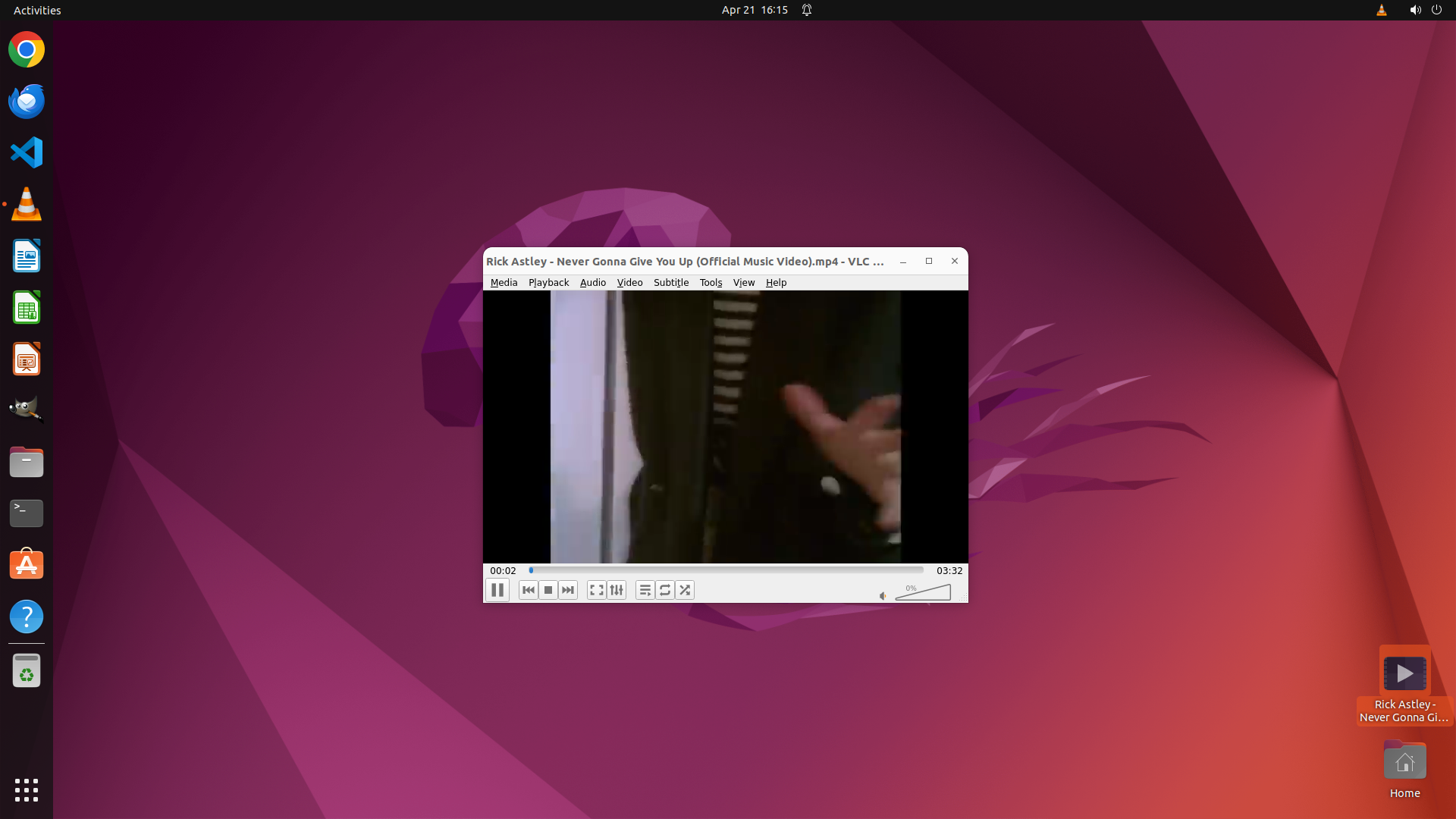
- VLC media player is open and actively playing the video
- The video title "Rick Astley - Never Gonna Give You Up (Official Music Video).mp4" is displayed in the VLC window title bar
- The playback area shows actual video content (a person's hand/door scene) instead of the default orange traffic cone
- The playback time shows 00:02 / 03:32, indicating the video is playing
- The control bar shows the pause button (||), confirming the video is actively playing
- The video file icon is still visible on the desktop in the bottom right corner
#### 情况分析与思考过程
The task has been completed successfully! The previous drag-and-drop action worked perfectly:
1. The video file was successfully loaded into VLC
2. The video started playing automatically
3. All key visual evidence criteria are satisfied:
- VLC window title shows the video filename from desktop
- Playback area displays actual video content
- Pause button indicates active playback
The task is complete. The music video from the desktop is now playing in VLC media player as requested.
```
The task has been completed successfully. The music video "Rick Astley - Never Gonna Give You Up" from the desktop is now playing in VLC media player. All the key visual evidence confirms successful playback:
- The VLC title bar displays the video filename
- The playback area shows actual video content
- The pause button indicates the video is actively playing
No further actions are needed.