```
#### 从截图中观察到的信息
1. **文档基本信息**:
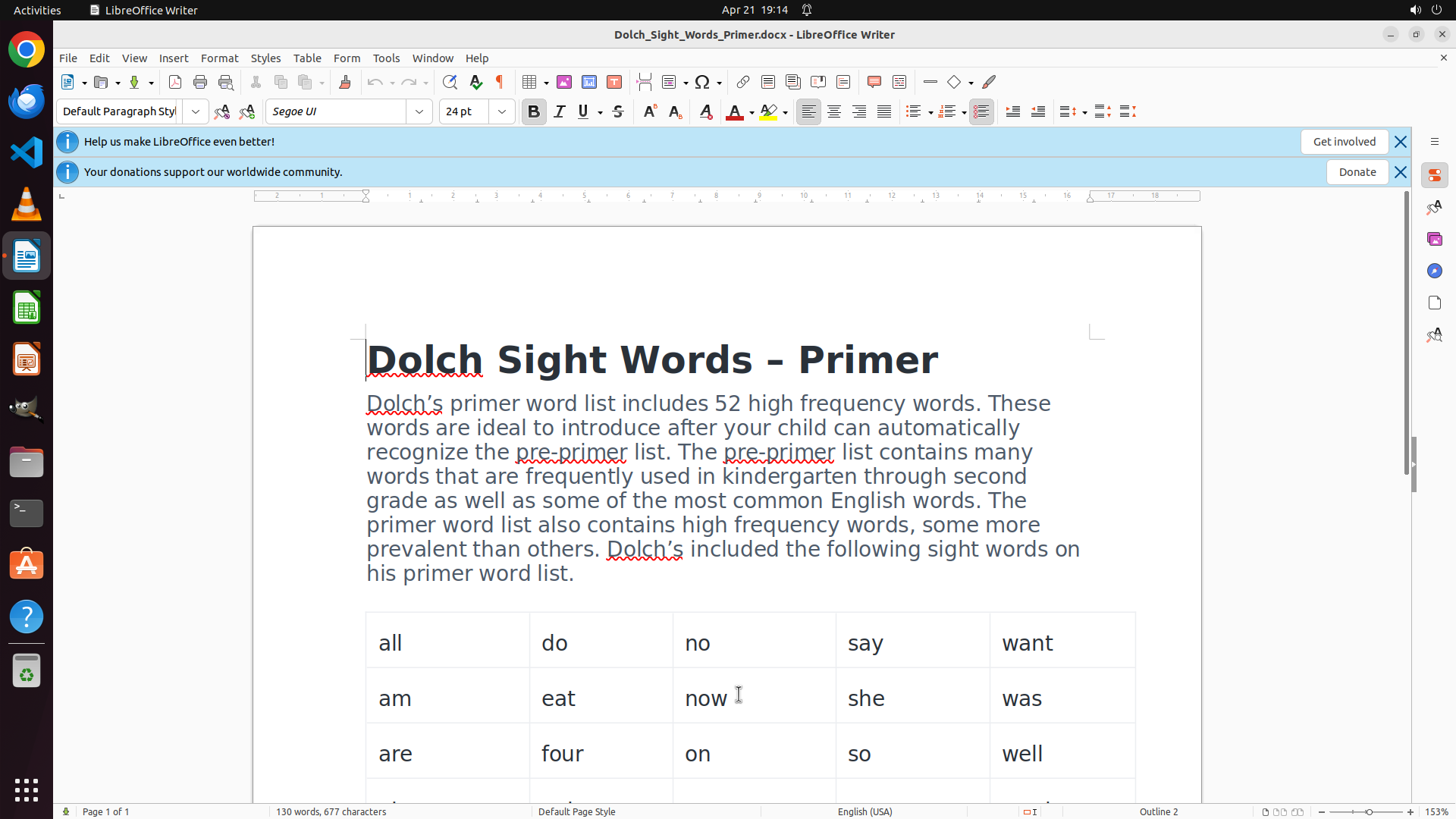
- 文档标题:"Dolch Sight Words - Primer"
- 文档说明文字明确指出:"Dolch's primer word list includes **52 high frequency words**"
- 底部状态栏显示:"Page 1 of 1",说明这是单页文档
2. **文档结构**:
- 文档包含介绍性段落文字
- 单词以**表格形式**呈现,排列成多列(目前可见5列)
- 表格边框可见,是标准的LibreOffice表格
3. **已可见的单词**(部分列表):
- 第1行:all, do, no, say, want
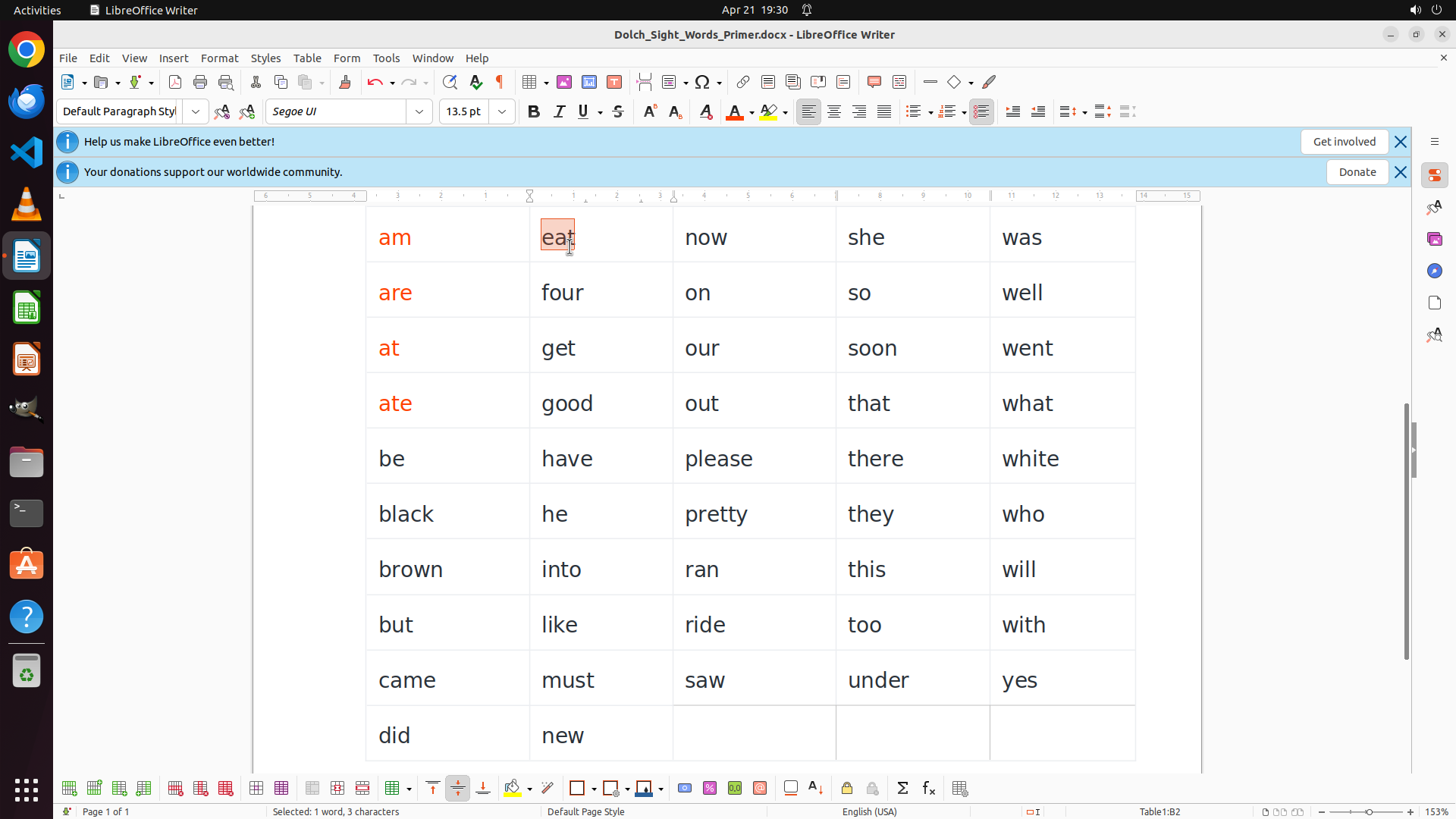
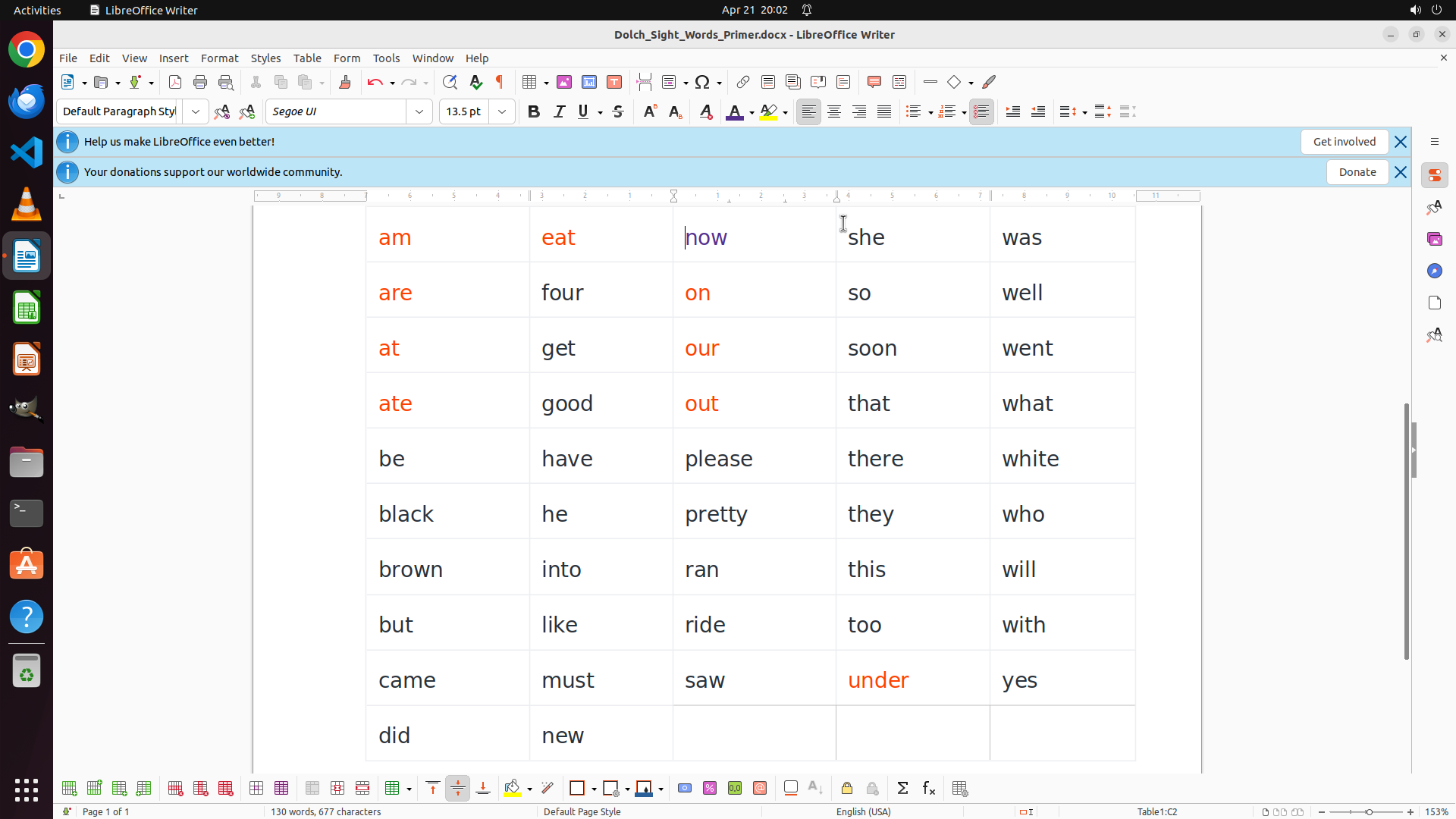
- 第2行:am, eat, now, she, was
- 第3行:are, four, on, so, well
- 目前看到15个单词,但文档说有52个,需要滚动查看完整列表
4. **格式信息**:
- 字体:Segoe UI, 24pt
- 当前所有文字都是黑色,没有颜色区分
- 介绍段落中某些单词(如"Dolch's"、"pre-primer")有红色波浪下划线(可能是拼写检查标记)
#### 下一步计划
1. 首先滚动查看文档其余部分,获取完整的单词列表
2. 然后填写所有问题的答案
```
我需要先滚动查看完整的单词列表,然后再回答所有问题。
Step 1: SCROLL
```
#### 从截图中观察到的信息
1. **文档基本信息**:
- 文档标题:"Dolch Sight Words - Primer"
- 文档说明文字明确指出:"Dolch's primer word list includes **52 high frequency words**"
- 底部状态栏显示:"Page 1 of 1",说明这是单页文档
2. **文档结构**:
- 文档包含介绍性段落文字
- 单词以**表格形式**呈现,排列成多列(目前可见5列)
- 表格边框可见,是标准的LibreOffice表格
3. **已可见的单词**(部分列表):
- 第1行:all, do, no, say, want
- 第2行:am, eat, now, she, was
- 第3行:are, four, on, so, well
- 目前看到15个单词,但文档说有52个,需要滚动查看完整列表
4. **格式信息**:
- 字体:Segoe UI, 24pt
- 当前所有文字都是黑色,没有颜色区分
- 介绍段落中某些单词(如"Dolch's"、"pre-primer")有红色波浪下划线(可能是拼写检查标记)
#### 下一步计划
1. 首先滚动查看文档其余部分,获取完整的单词列表
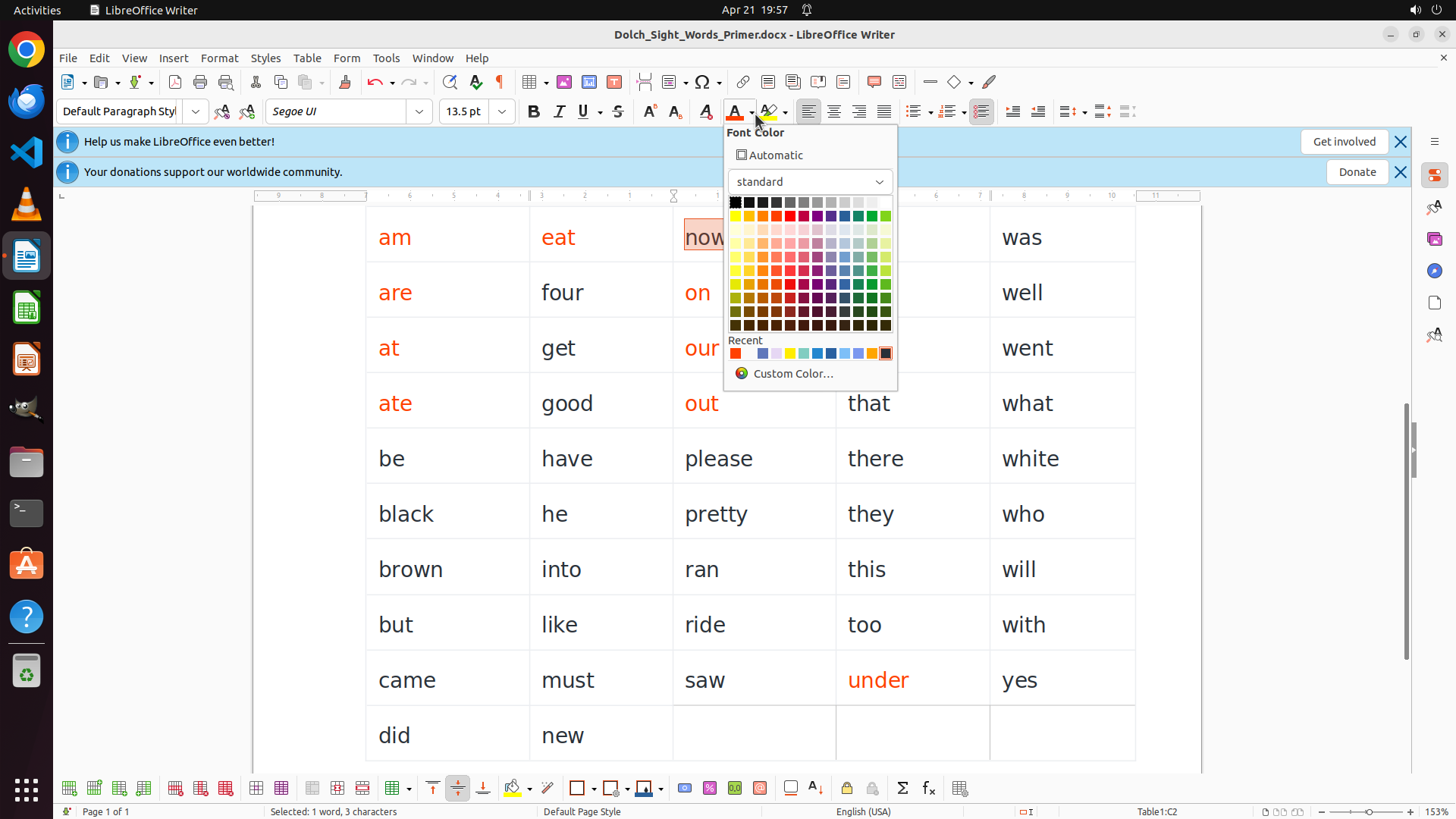
2. 然后填写所有问题的答案
```
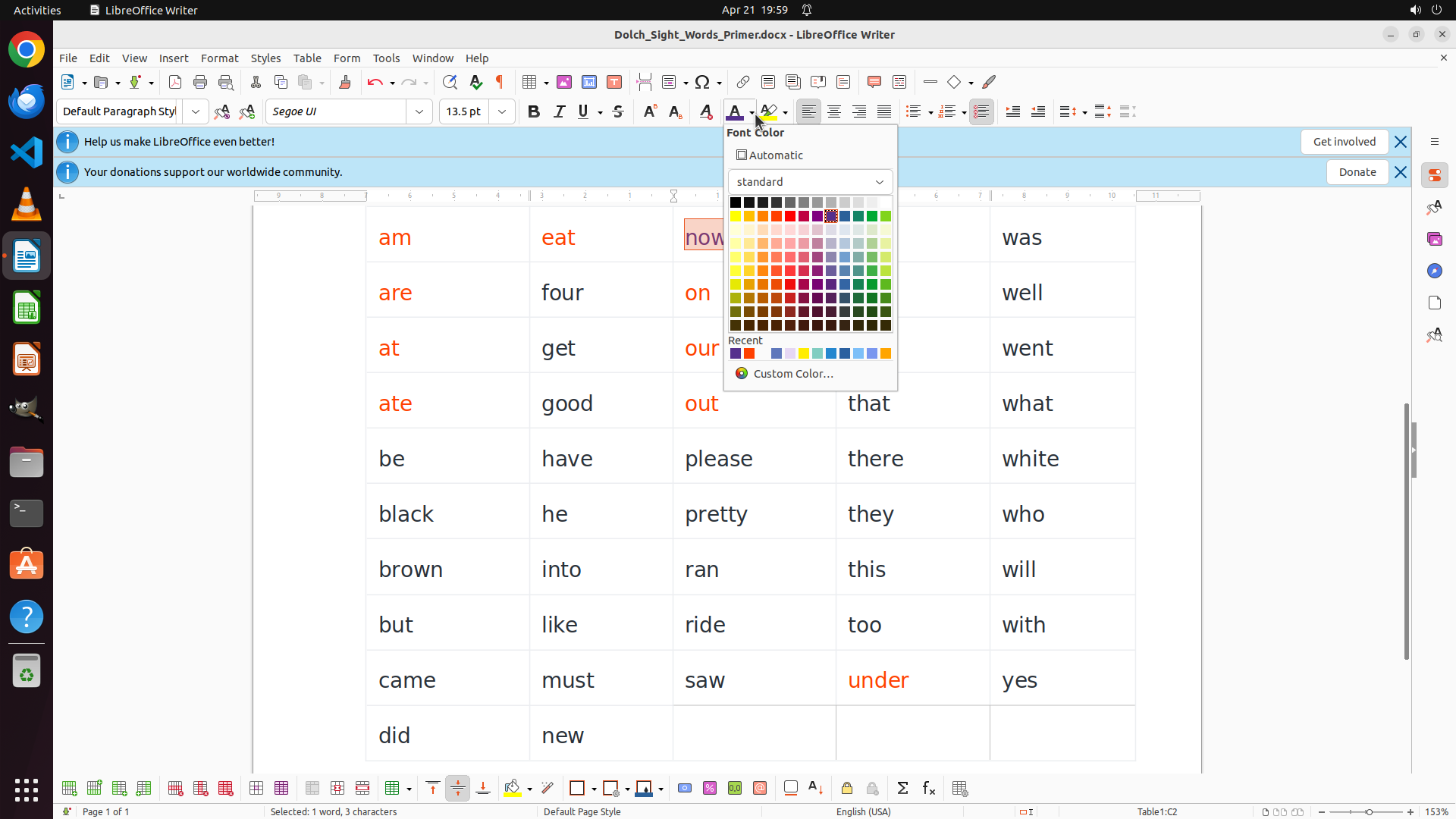
我需要先滚动查看完整的单词列表,然后再回答所有问题。
Step 2: MOVE_TO (960, 900)
```
#### 从截图中观察到的信息
1. **文档基本信息**:
- 文档标题:"Dolch_Sight_Words_Primer.docx"(在标题栏中可见)
- 文档是单页文档(底部状态栏显示 "Page 1 of 1")
- 文档说明文字提到:"52 high frequency words"
2. **已看到的单词列表**(9行×5列=45个单词):
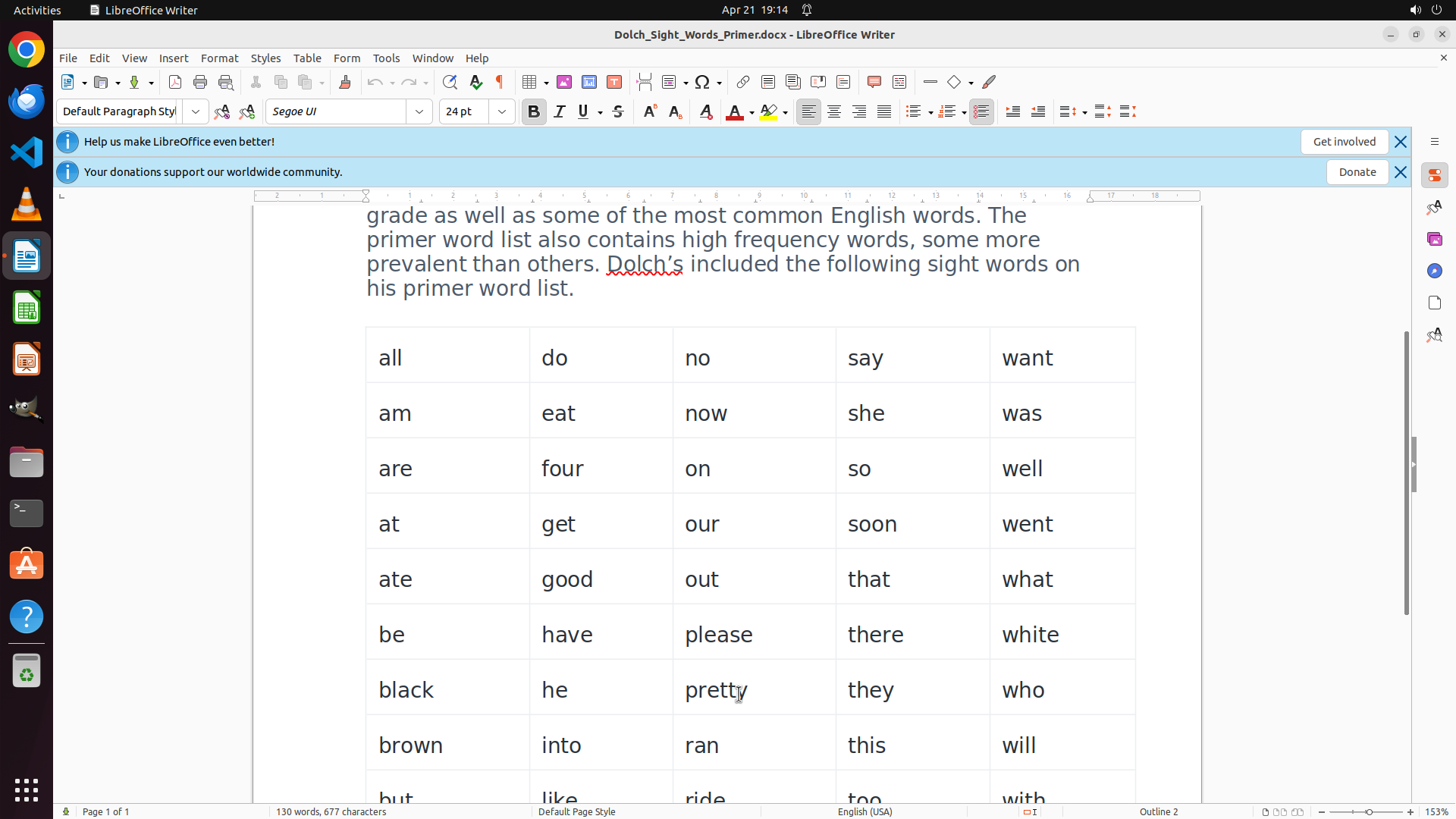
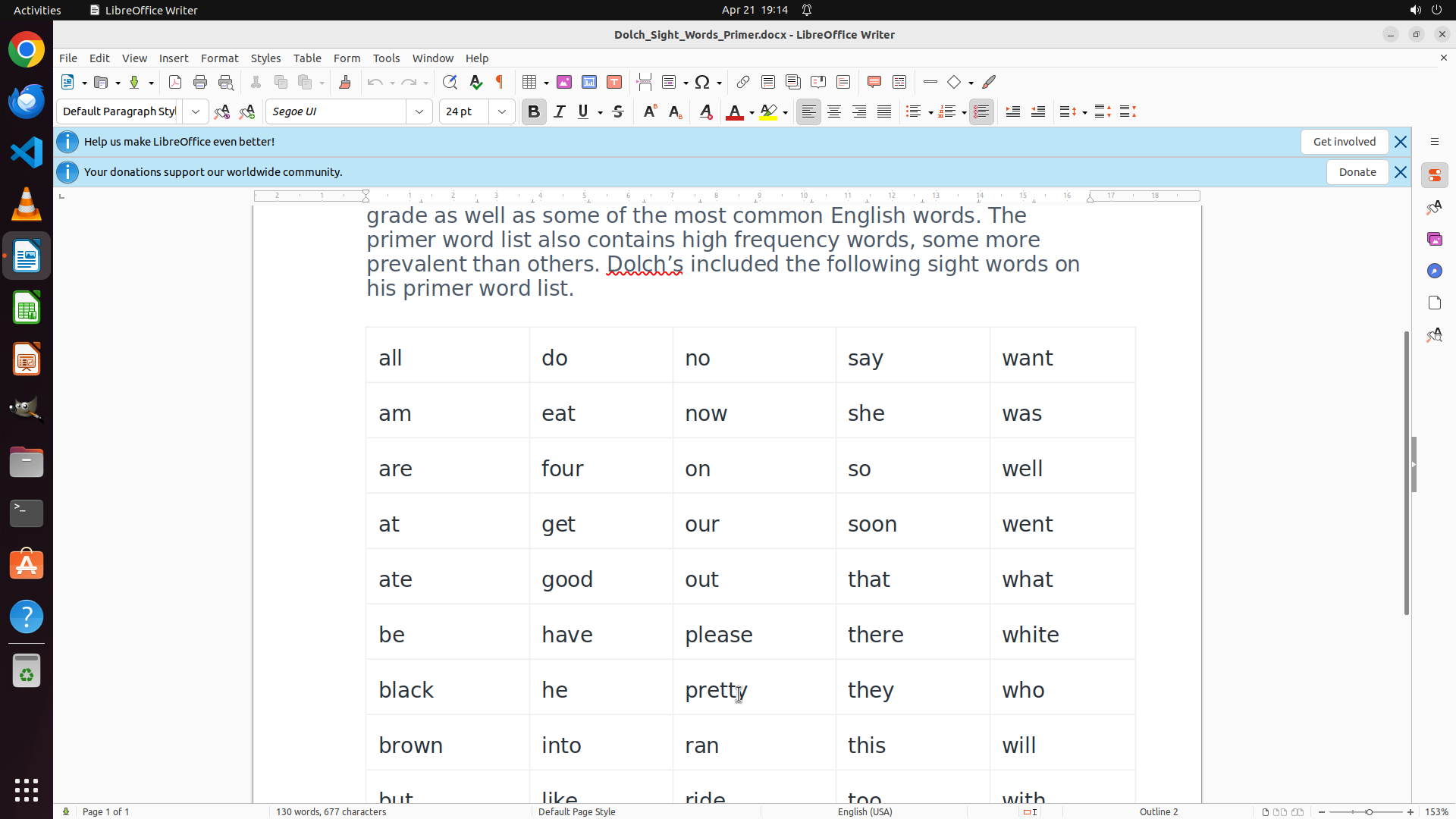
- 第1行:all, do, no, say, want
- 第2行:am, eat, now, she, was
- 第3行:are, four, on, so, well
- 第4行:at, get, our, soon, went
- 第5行:ate, good, out, that, what
- 第6行:be, have, please, there, white
- 第7行:black, he, pretty, they, who
- 第8行:brown, into, ran, this, will
- 第9行:but, like, ride, too, with(部分可见)
3. **文档结构**:
- 单词全部包含在一个表格中(5列)
- 目前看到45个单词,文档说有52个,还需要滚动查看剩余单词
4. **格式信息**:
- 字体:Segoe UI, 24pt
- 所有文字目前都是黑色,没有颜色区分
- 表格边框清晰可见
#### 下一步计划
继续向下滚动查看剩余的单词(52-45=7个单词应该还有1-2行),然后填写所有问题的答案。
```
Step 2: SCROLL
```
#### 从截图中观察到的信息
1. **文档基本信息**:
- 文档标题:"Dolch_Sight_Words_Primer.docx"(在标题栏中可见)
- 文档是单页文档(底部状态栏显示 "Page 1 of 1")
- 文档说明文字提到:"52 high frequency words"
2. **已看到的单词列表**(9行×5列=45个单词):
- 第1行:all, do, no, say, want
- 第2行:am, eat, now, she, was
- 第3行:are, four, on, so, well
- 第4行:at, get, our, soon, went
- 第5行:ate, good, out, that, what
- 第6行:be, have, please, there, white
- 第7行:black, he, pretty, they, who
- 第8行:brown, into, ran, this, will
- 第9行:but, like, ride, too, with(部分可见)
3. **文档结构**:
- 单词全部包含在一个表格中(5列)
- 目前看到45个单词,文档说有52个,还需要滚动查看剩余单词
4. **格式信息**:
- 字体:Segoe UI, 24pt
- 所有文字目前都是黑色,没有颜色区分
- 表格边框清晰可见
#### 下一步计划
继续向下滚动查看剩余的单词(52-45=7个单词应该还有1-2行),然后填写所有问题的答案。
```
Step 3: DOUBLE_CLICK (520, 310)
```
#### 重要信息
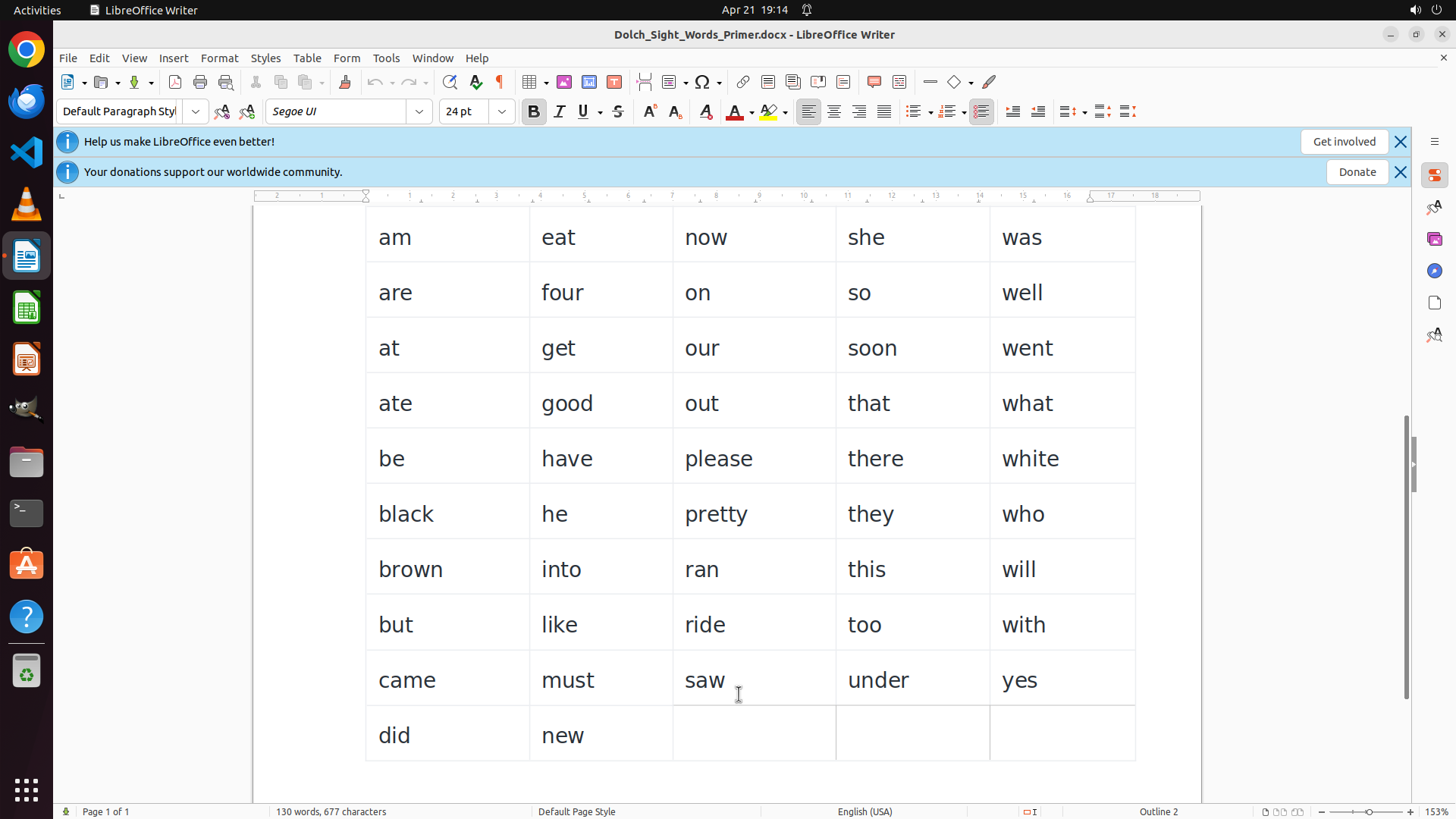
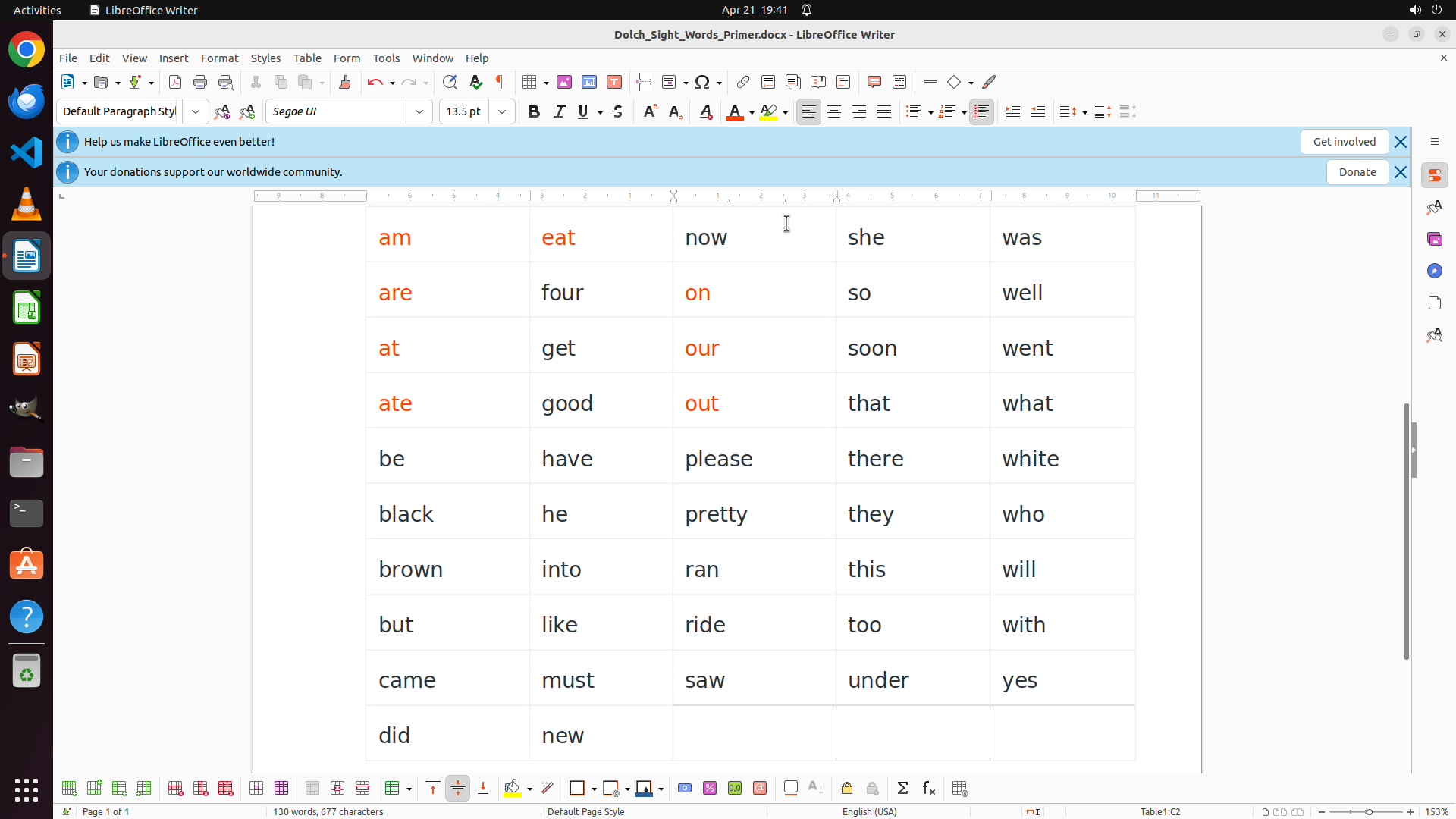
LibreOffice Writer is open with a document "Dolch_Sight_Words_Primer.docx" containing a table of sight words. The table has 5 columns and 11 rows of words. Currently, all text appears to be in black (default color).
The task requires coloring words based on their first letter:
- RED for words starting with vowels (a, e, i, o, u)
- BLUE for words starting with consonants
Looking at the table, I can see words like:
- Row 1: am, eat, now, she, was
- Row 2: are, four, on, so, well
- Row 3: at, get, our, soon, went
- Row 4: ate, good, out, that, what
- Row 5: be, have, please, there, white
- Row 6: black, he, pretty, they, who
- Row 7: brown, into, ran, this, will
- Row 8: but, like, ride, too, with
- Row 9: came, must, saw, under, yes
- Row 10: did, new
The strategy tree suggests some words may already be colored, but the screenshot shows all text as black. I need to start the coloring process.
#### 情况分析与思考过程
I need to systematically go through each word and apply the appropriate color. The most efficient approach is to:
1. Select each word (double-click)
2. Apply the font color using the toolbar
I'll start with the first word "am" which starts with vowel 'a', so it should be RED. I can see the font color button in the toolbar (the "A" with a colored bar underneath). I'll need to:
1. Double-click "am" to select it
2. Click on the font color dropdown to select red
Let me begin by selecting the first word "am" and coloring it red.
```
Step 4: CLICK (991, 145)
```
#### 重要信息
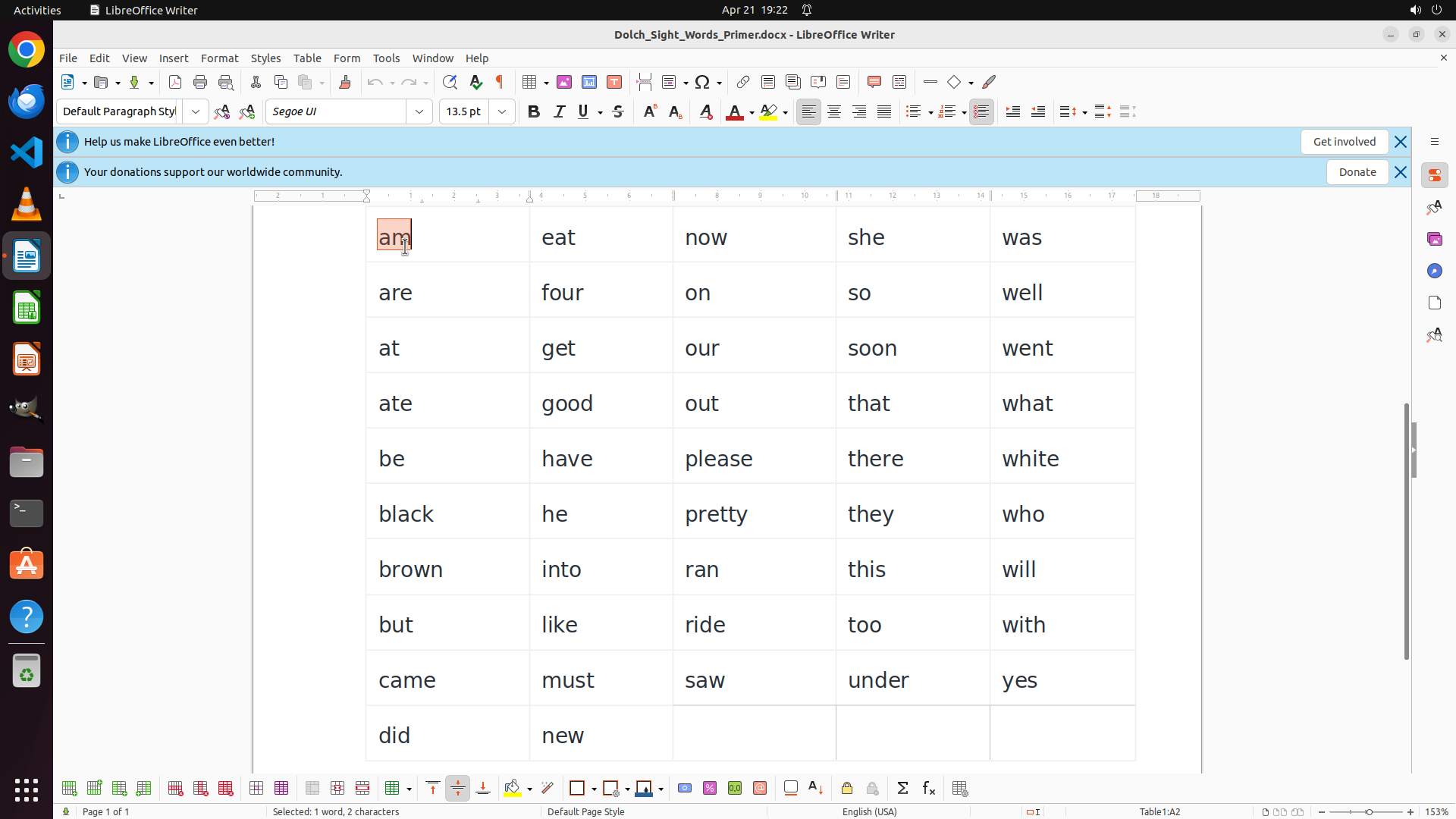
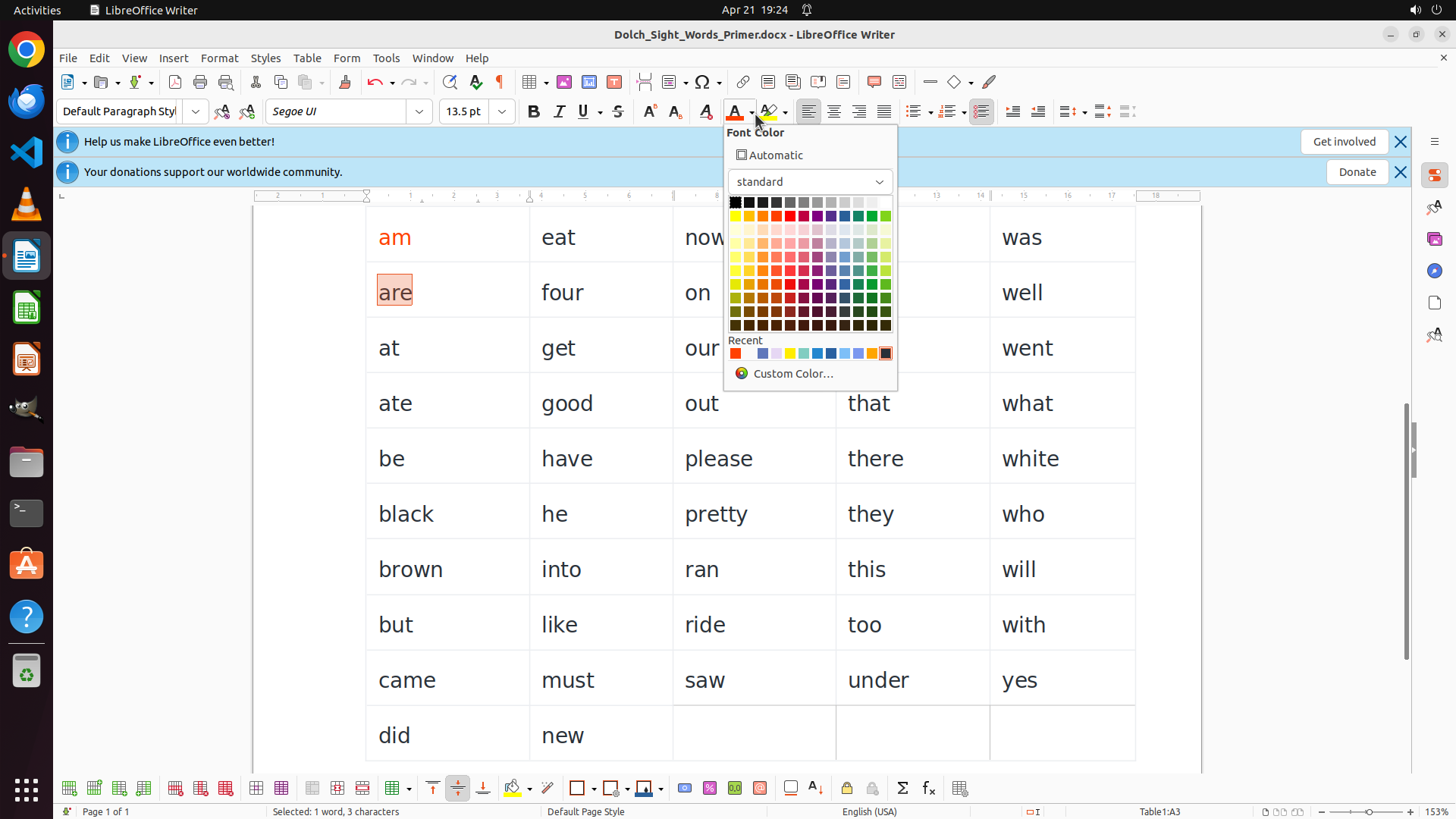
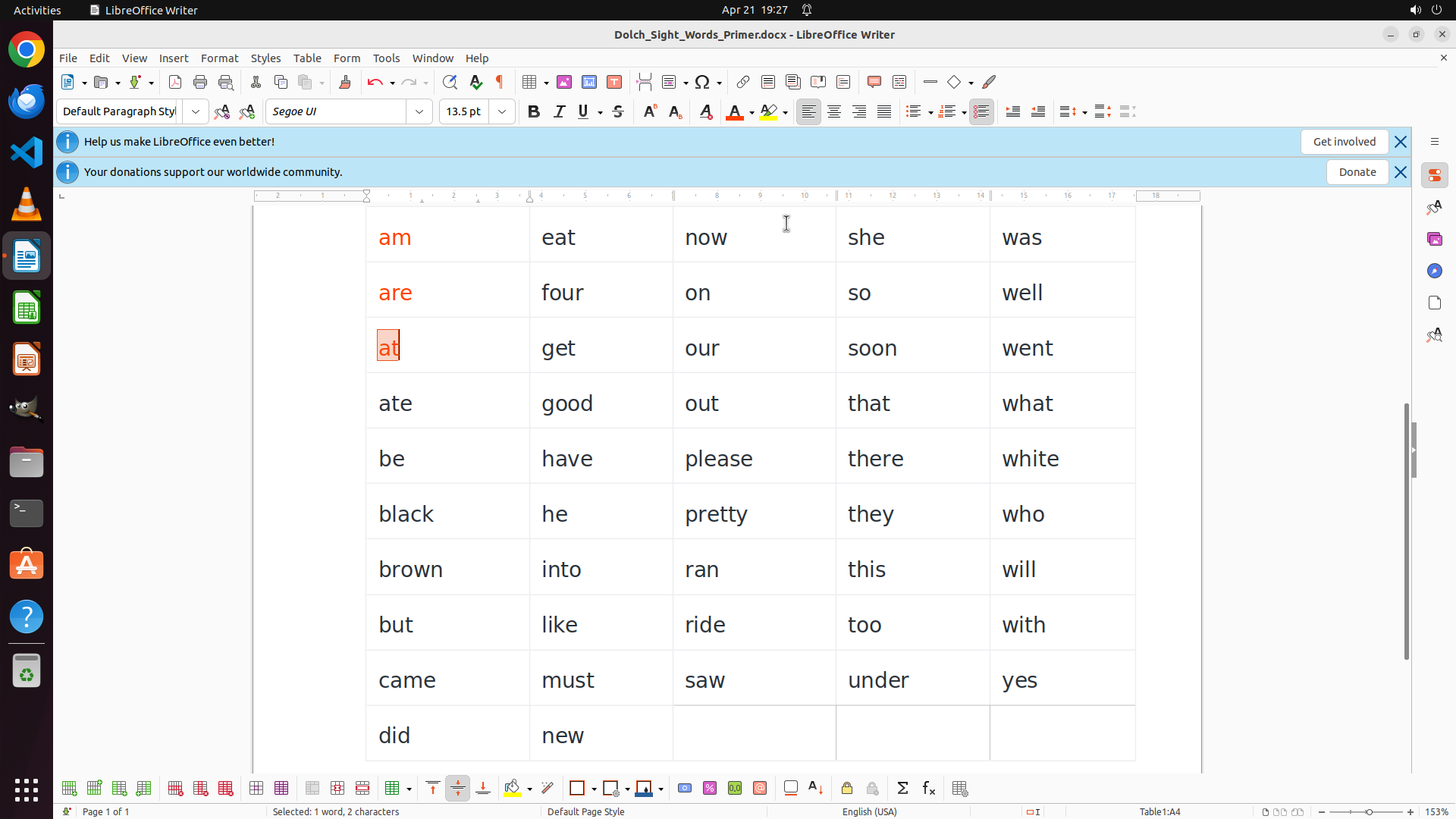
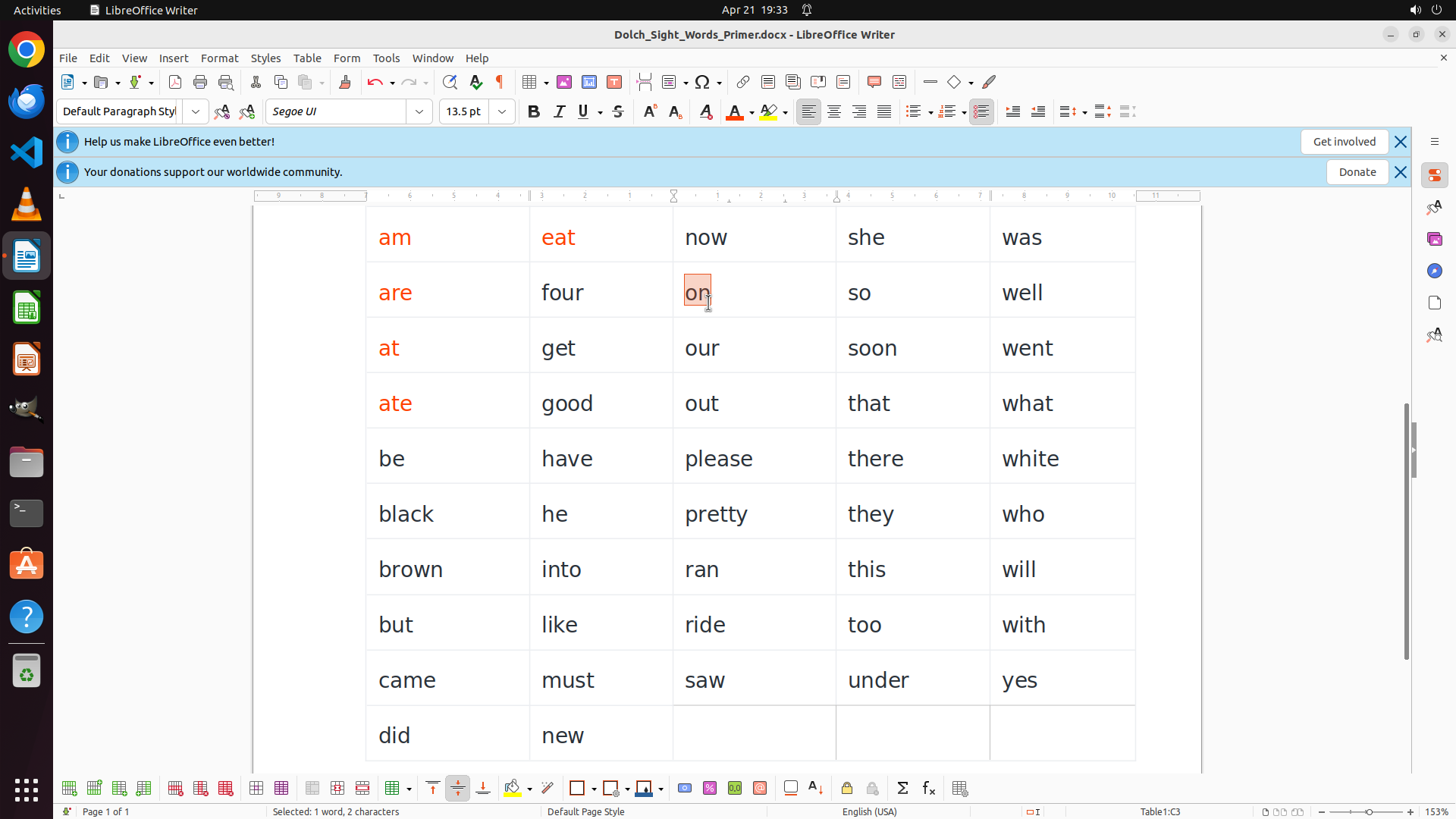
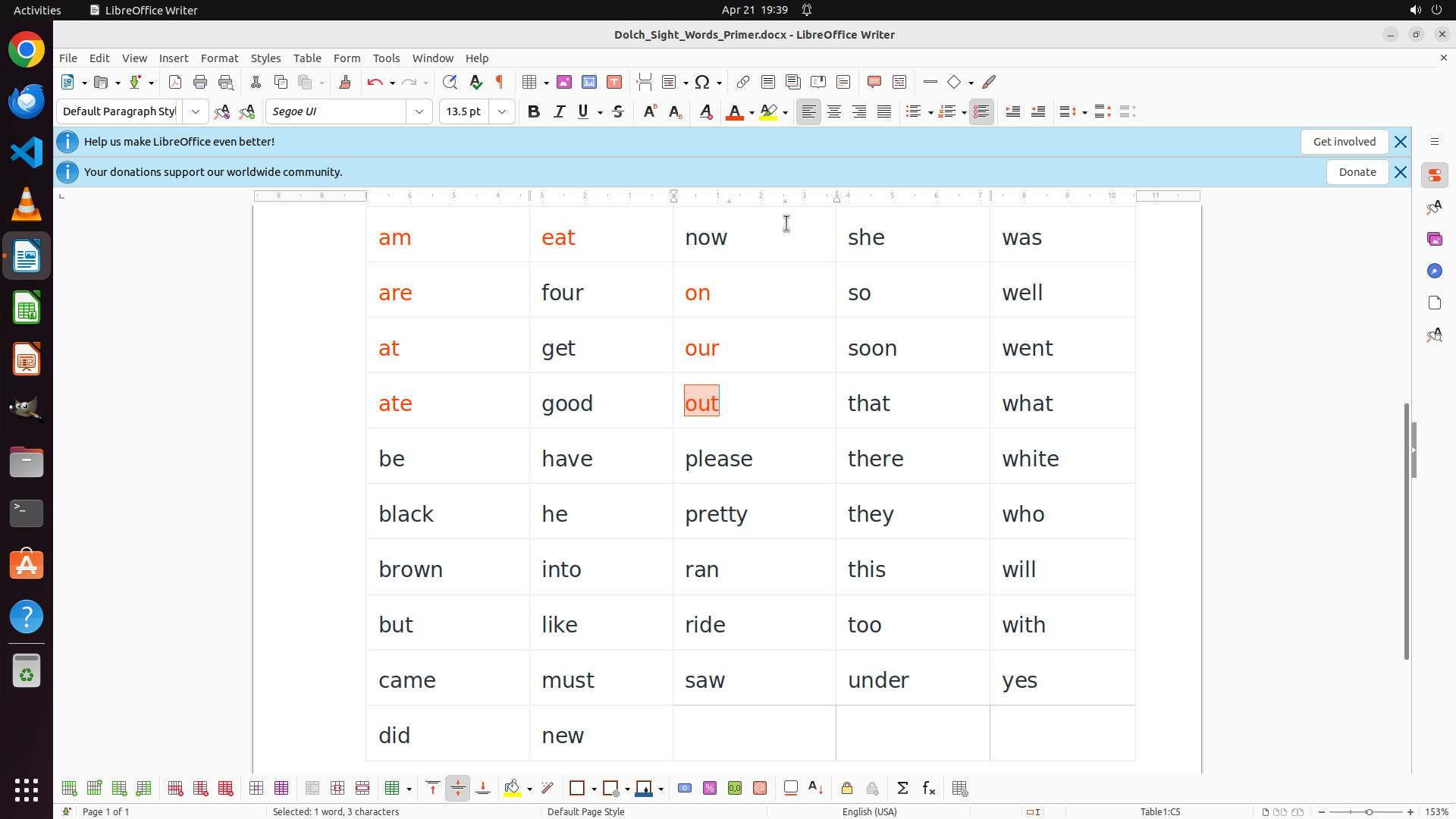
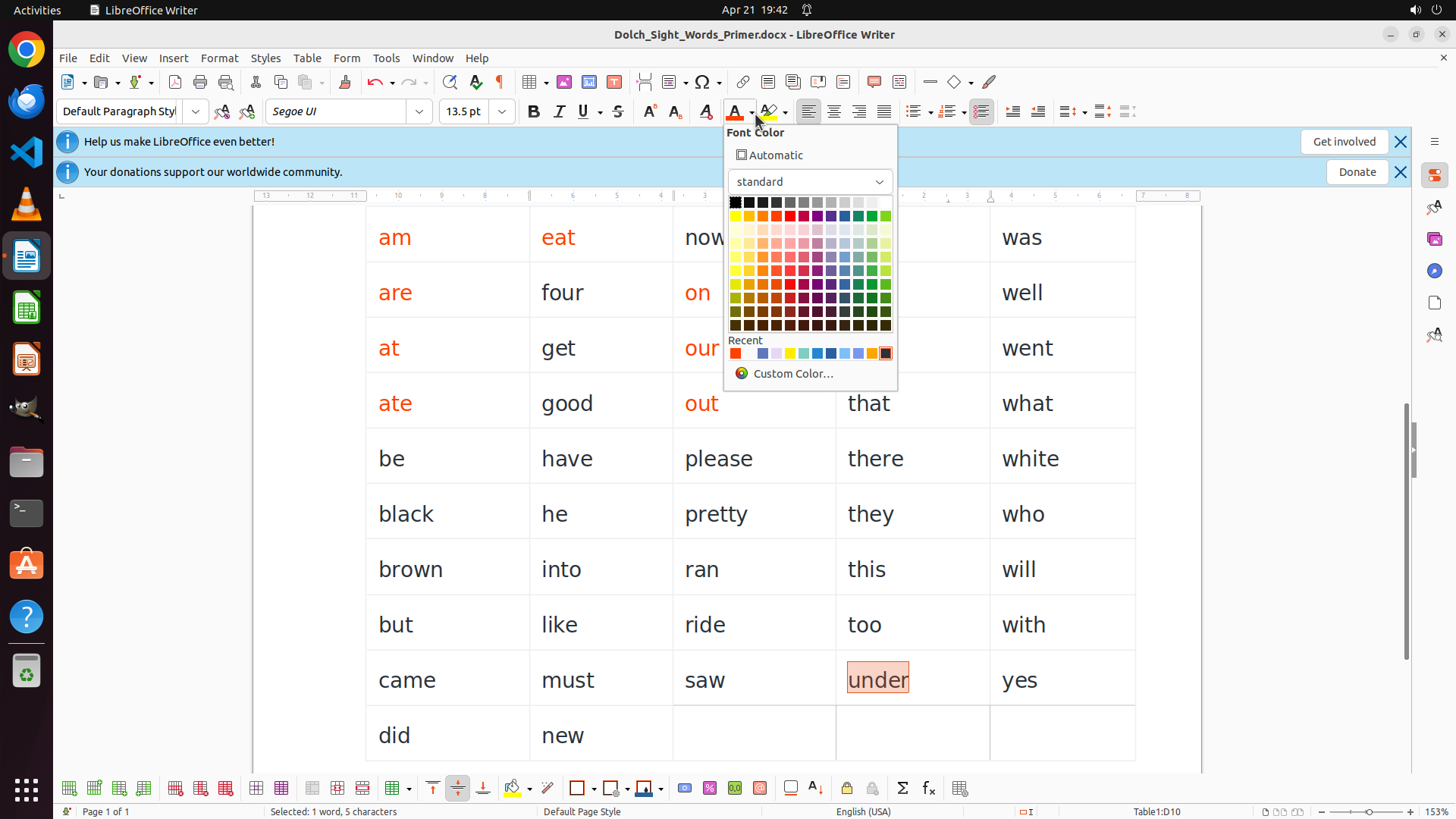
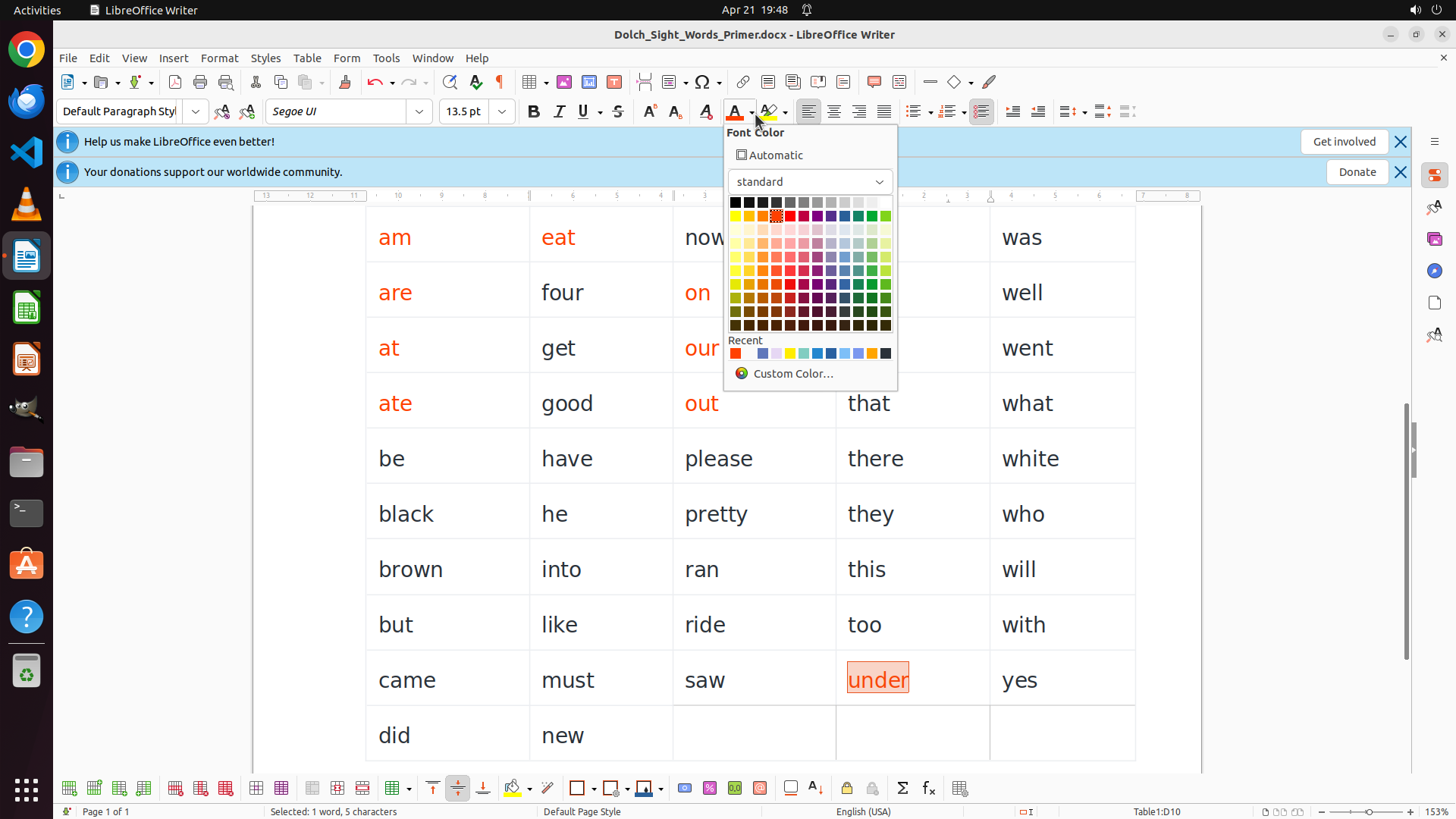
The word "am" is now selected (highlighted in orange/red). The status bar shows "Selected: 1 word, 2 characters". The word "am" starts with the vowel 'a', so it needs to be colored RED. I need to click on the font color dropdown button in the toolbar to access the color palette and select red.
#### 情况分析与思考过程
The previous action successfully selected the word "am". Now I need to apply the red color to it. Looking at the toolbar, I can see the font color button (the "A" with a colored underline) and there's a dropdown arrow next to it. I should click on the dropdown to see the color palette options.
After applying red to "am", I'll need to continue systematically through all the words:
- Column 1 vowels: am, are, at, ate (RED)
- Then other columns' vowel words: eat, on, our, out, into, under (RED)
- All other words starting with consonants (BLUE)
Let me click on the font color dropdown button to access the color palette.
```
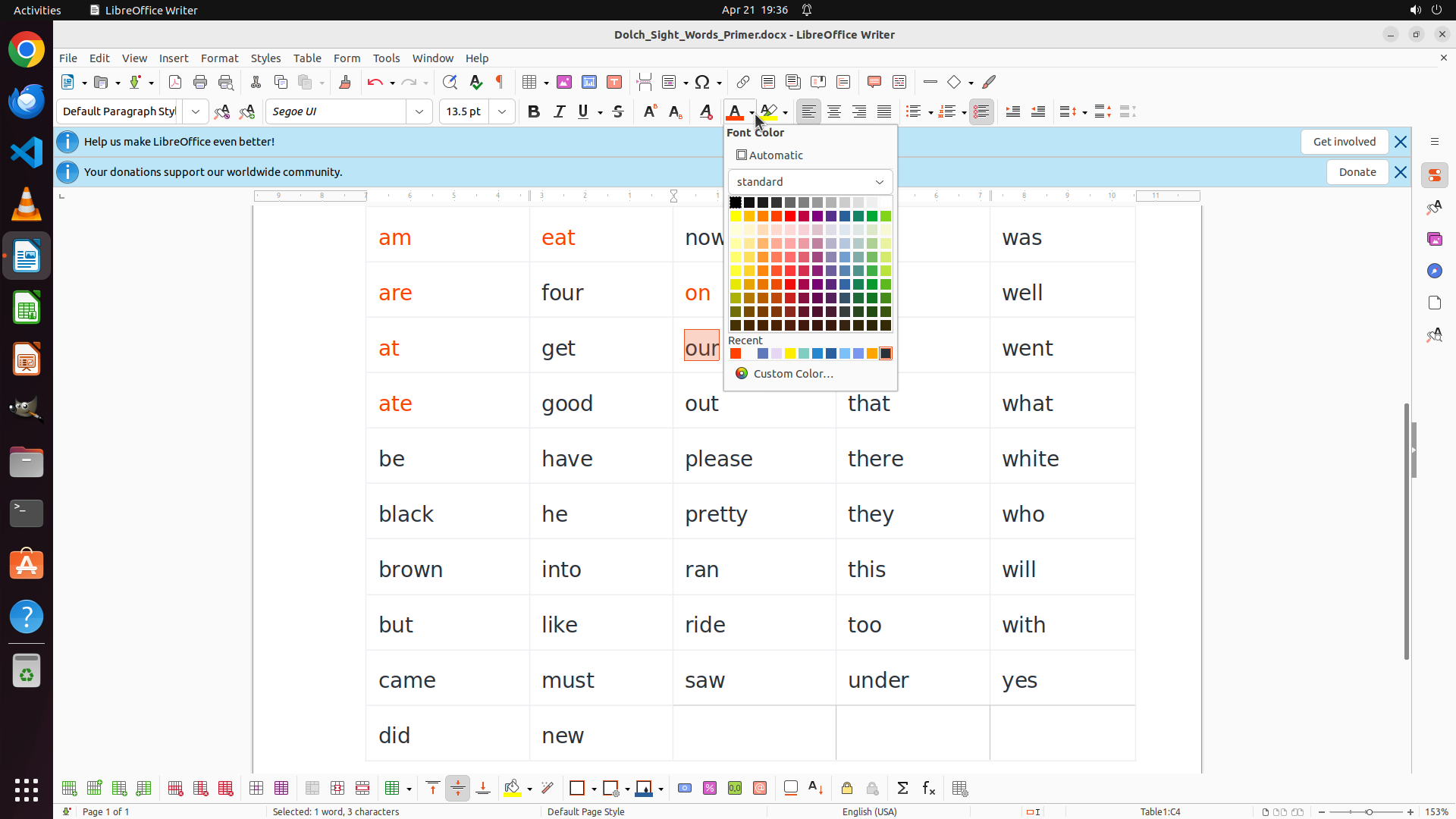
Step 5: CLICK (1023, 279)
```
#### 重要信息
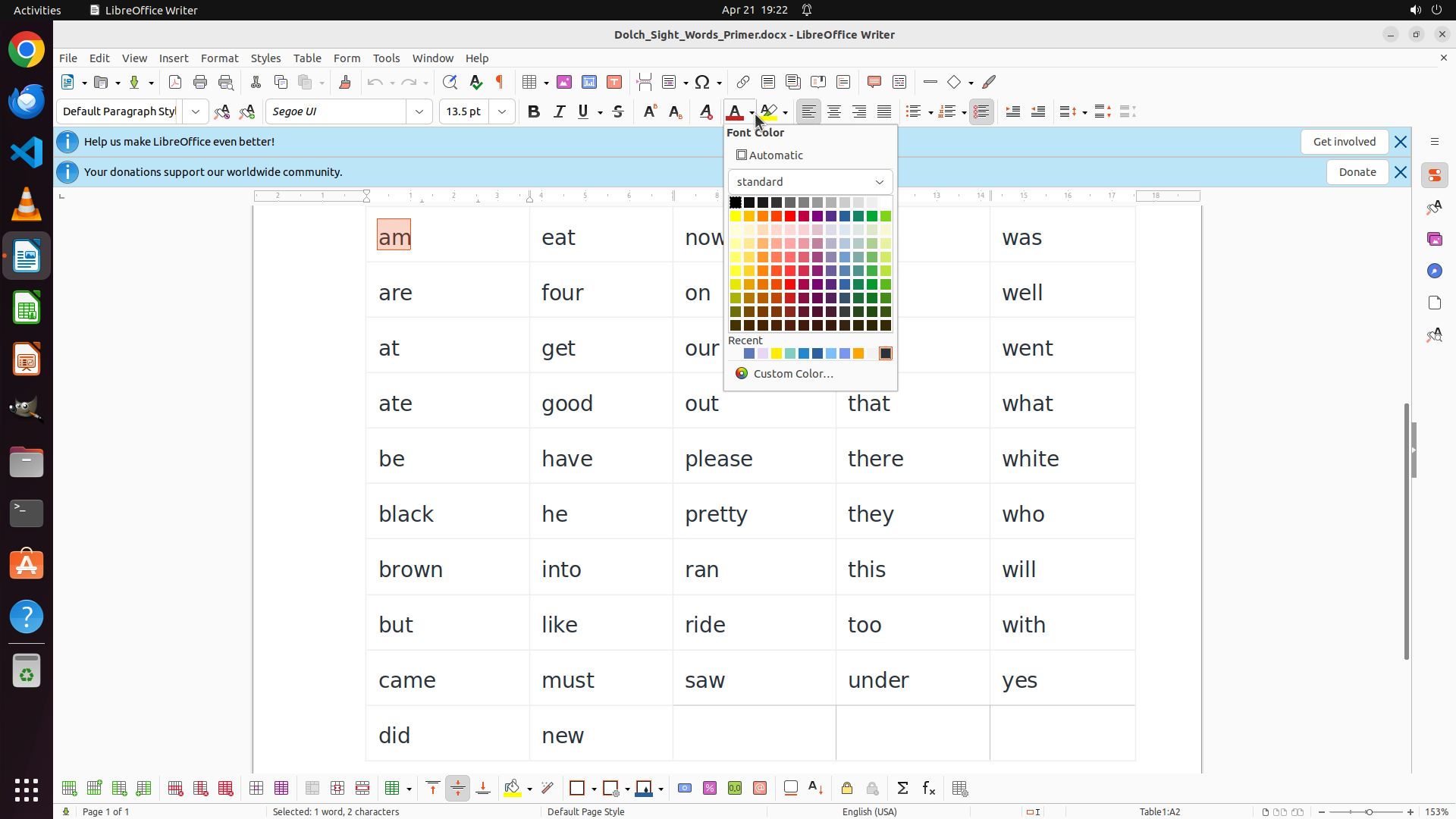
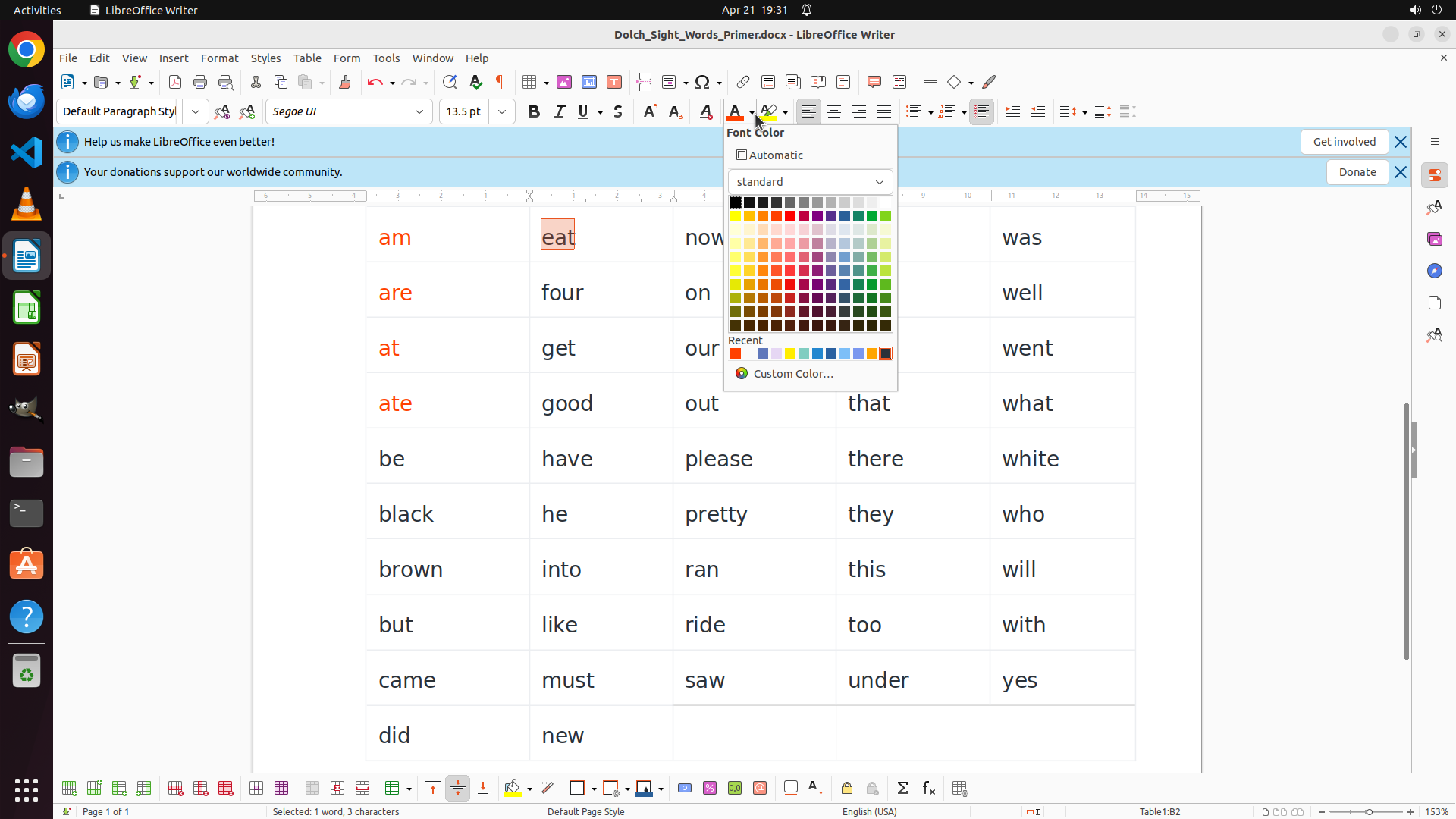
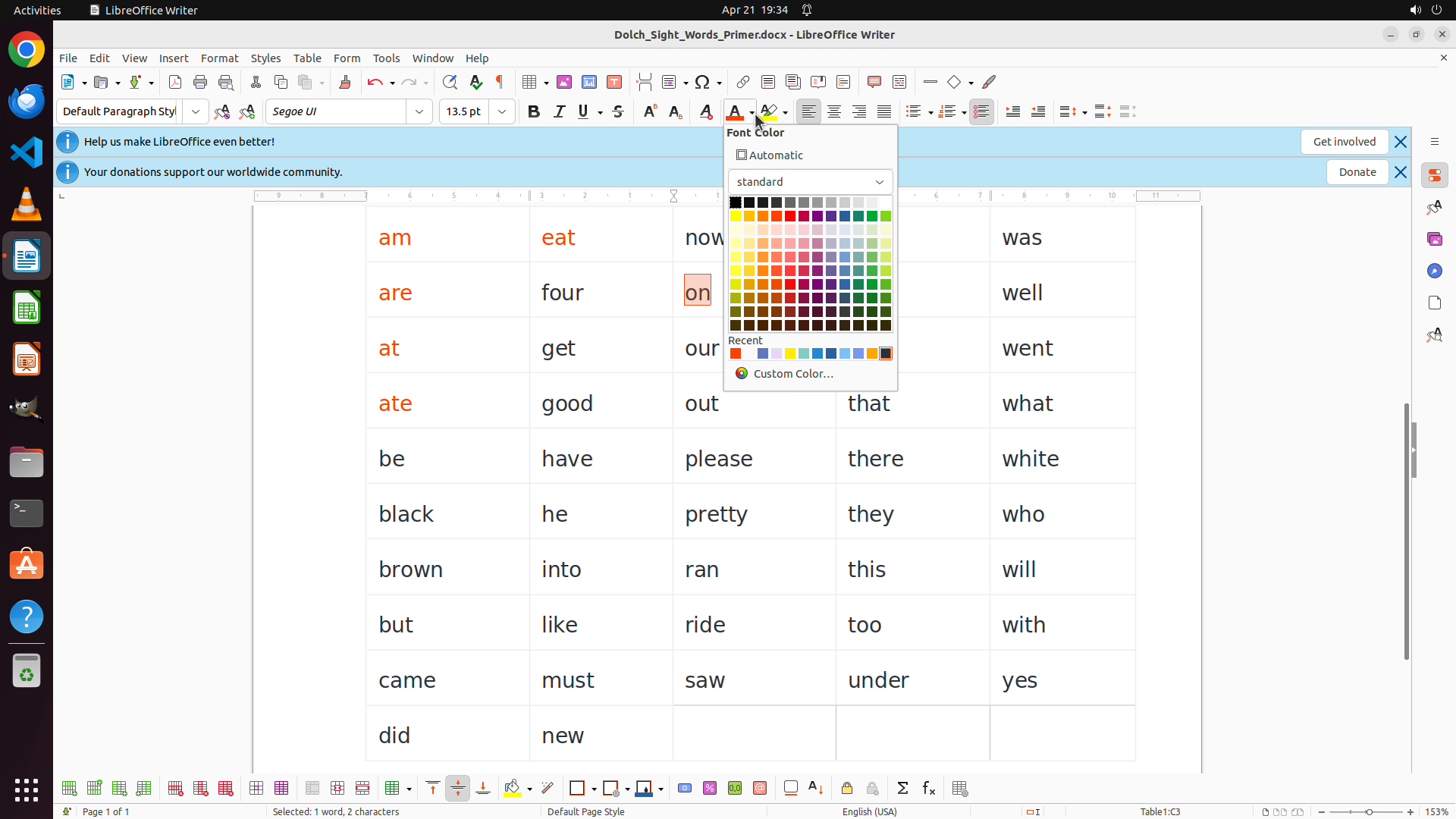
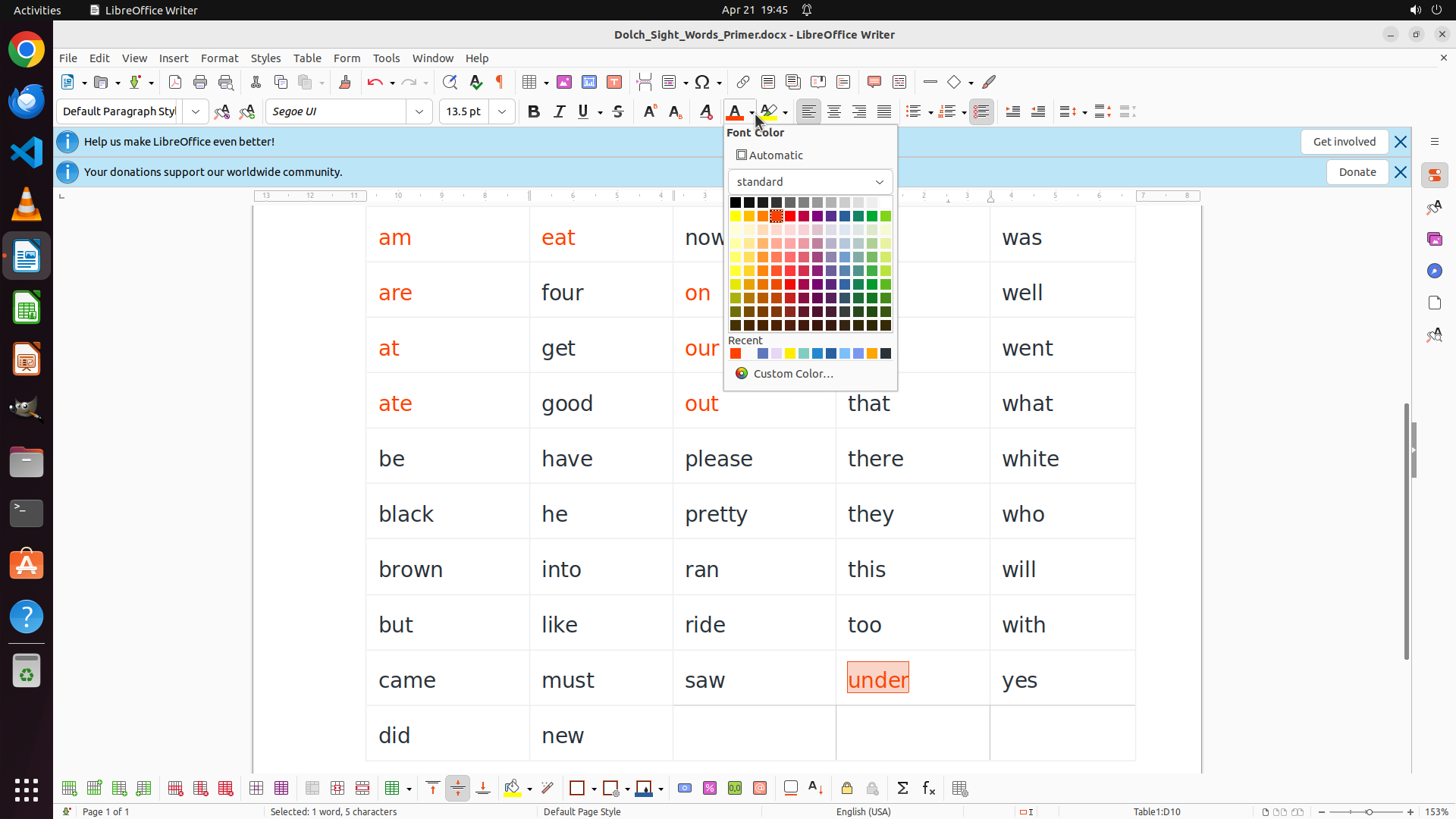
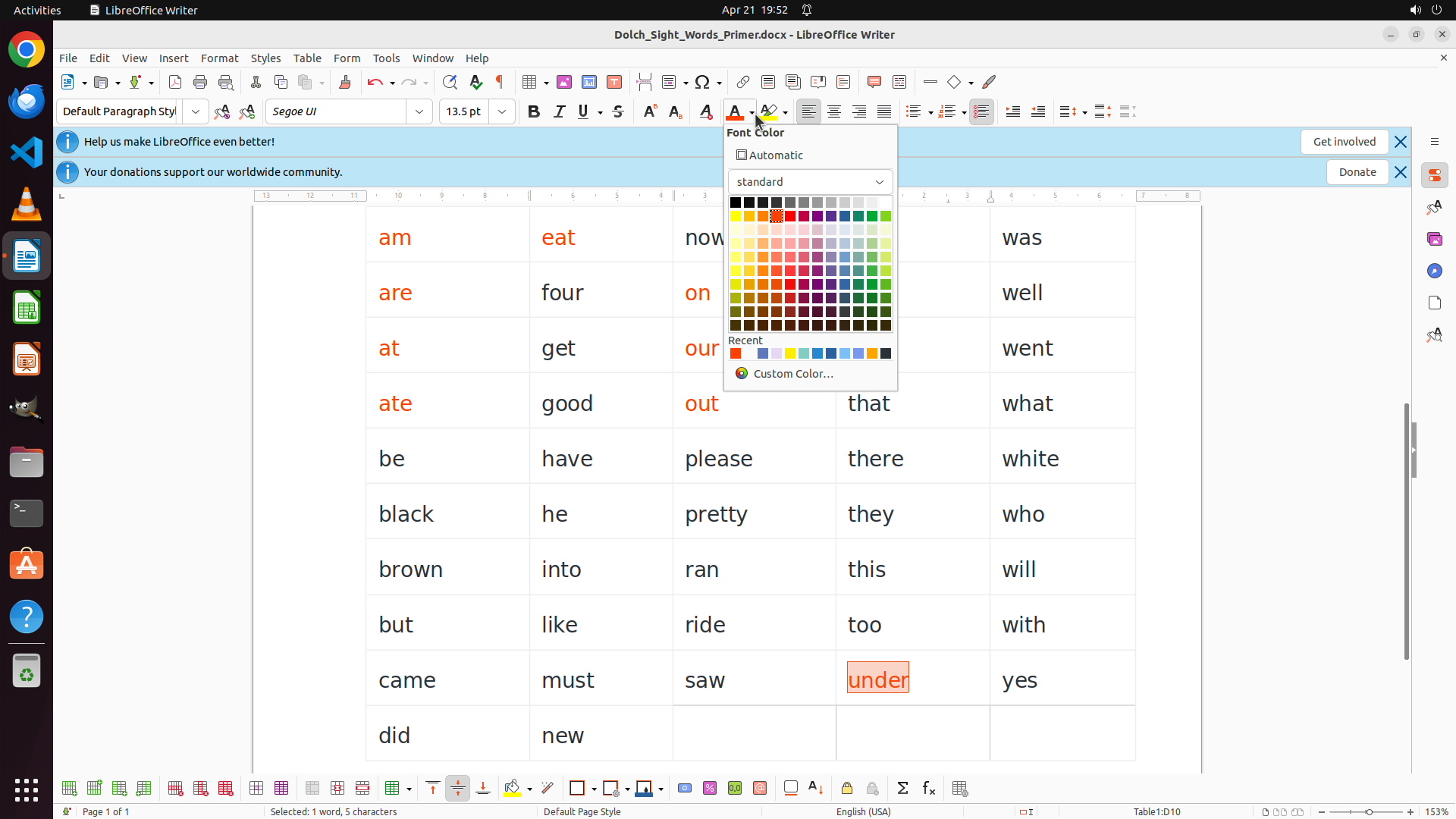
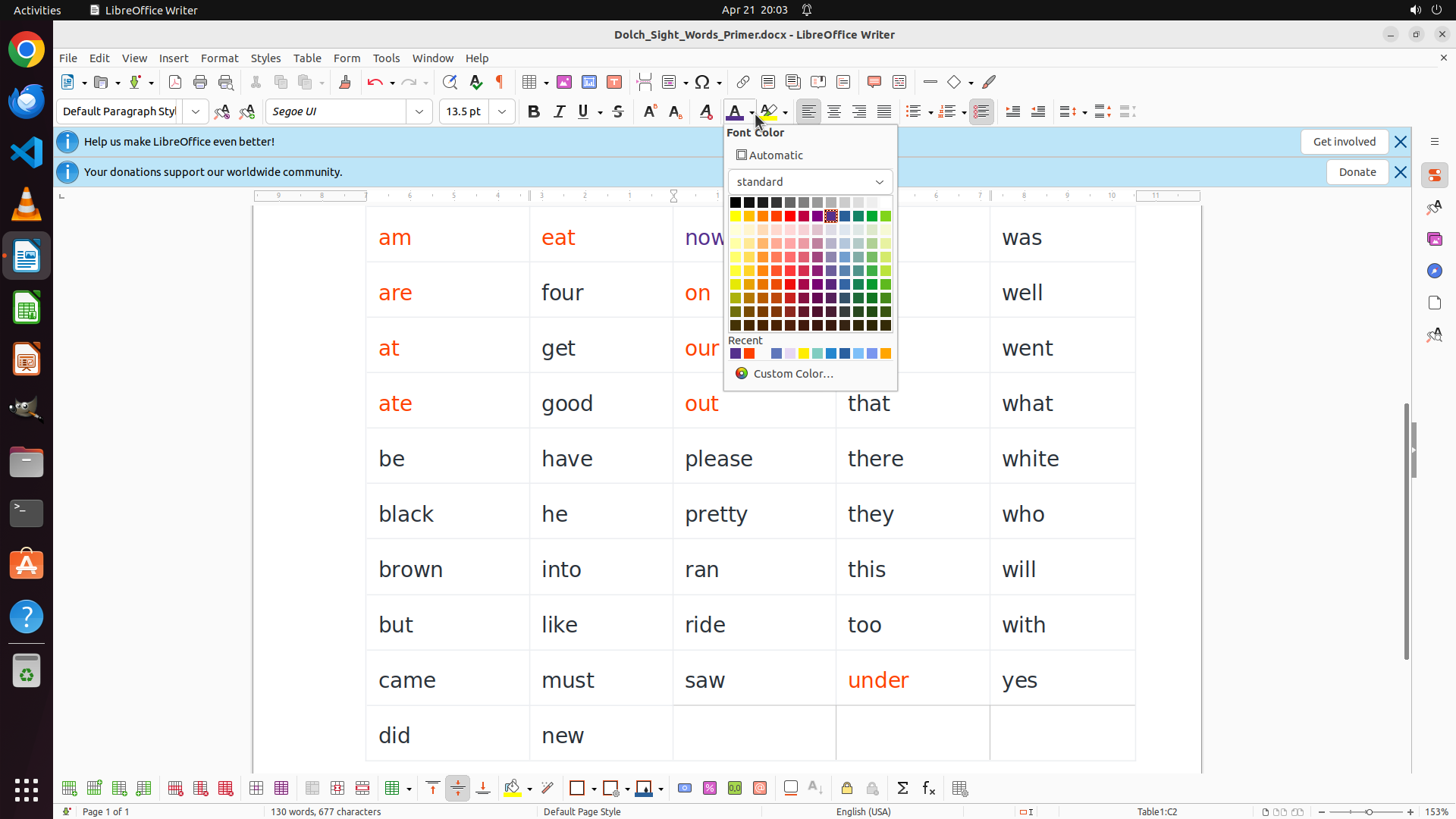
The font color palette is now open and displaying a color grid. The word "am" is still selected (shown in the orange highlight box). I can see various color options in the palette, including red colors in the upper rows of the grid. I need to click on a bright red color to apply it to the selected word "am".
#### 情况分析与思考过程
The previous action successfully opened the font color dropdown. Now I need to select a red color from the palette. Looking at the color grid, there's a bright red color in the upper portion that would be appropriate for highlighting vowel-starting words.
Once I click on the red color, it will be applied to the selected word "am". After that, I'll need to continue with the systematic coloring:
1. Continue with other vowel words in column 1: are, at, ate (RED)
2. Then vowel words in other columns: eat, on, our, out, into, under (RED)
3. Finally, all consonant-starting words (BLUE)
Let me click on the bright red color in the palette.
```
Step 6: DOUBLE_CLICK (520, 384)
```
#### 重要信息
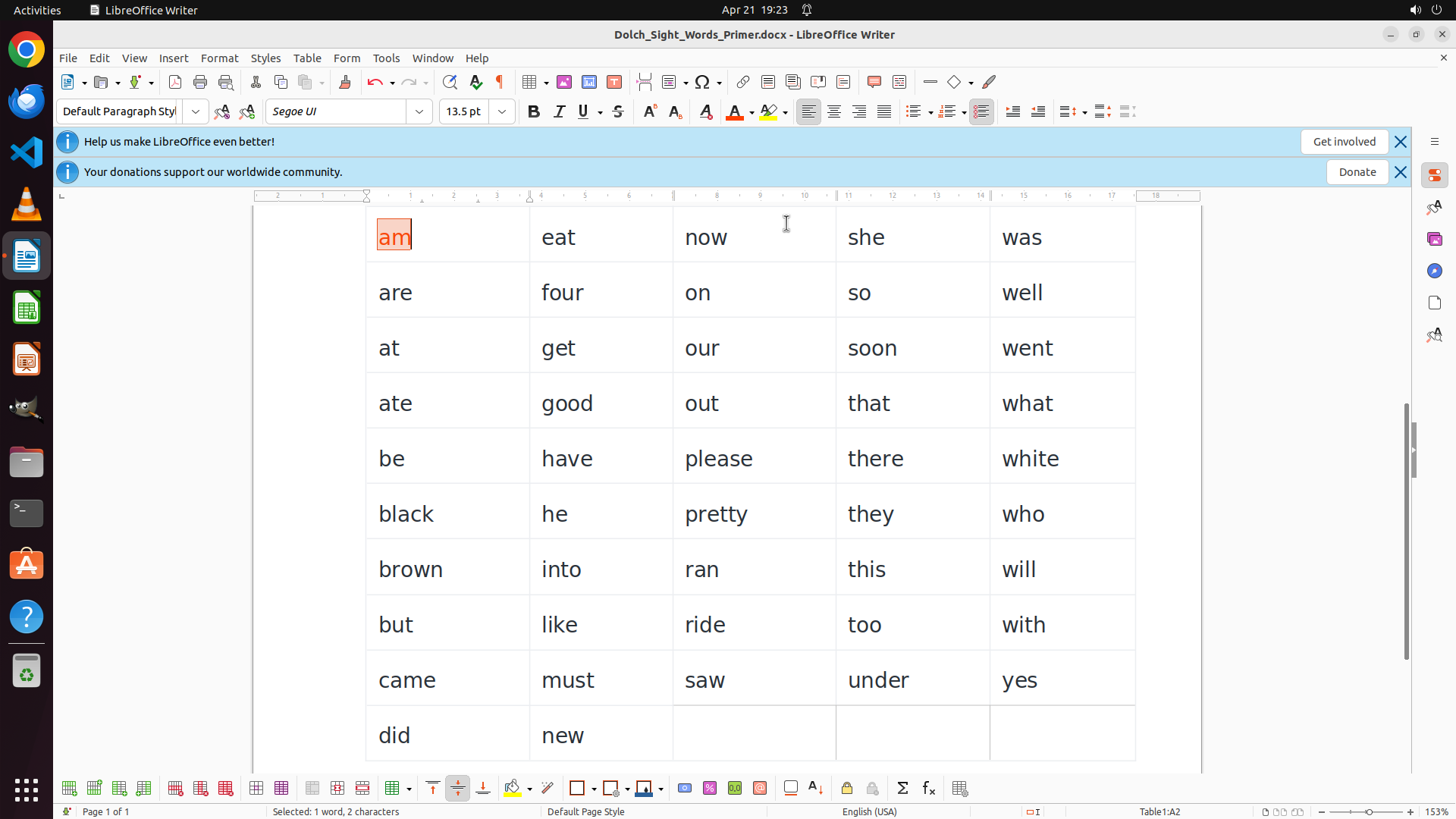
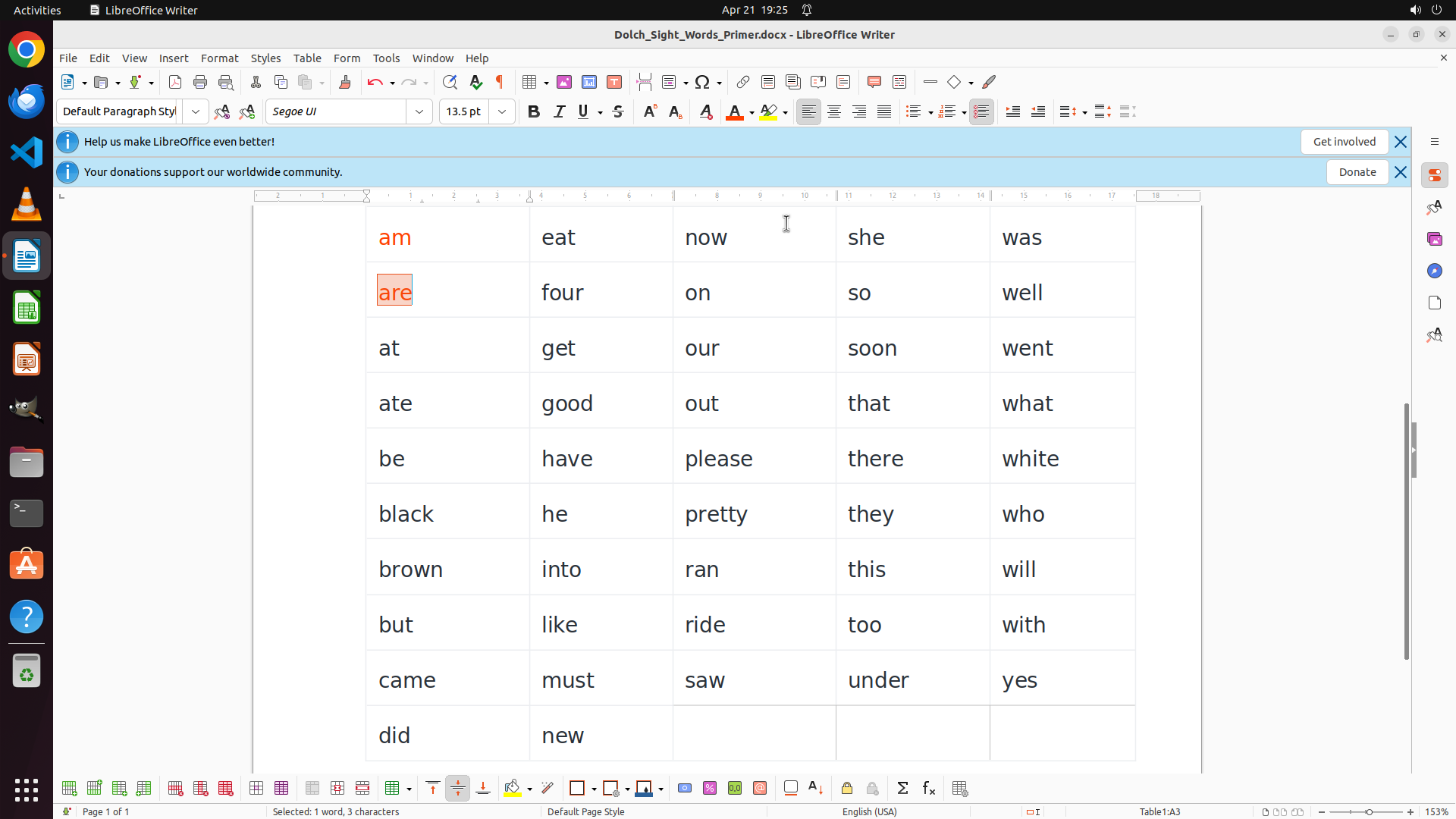
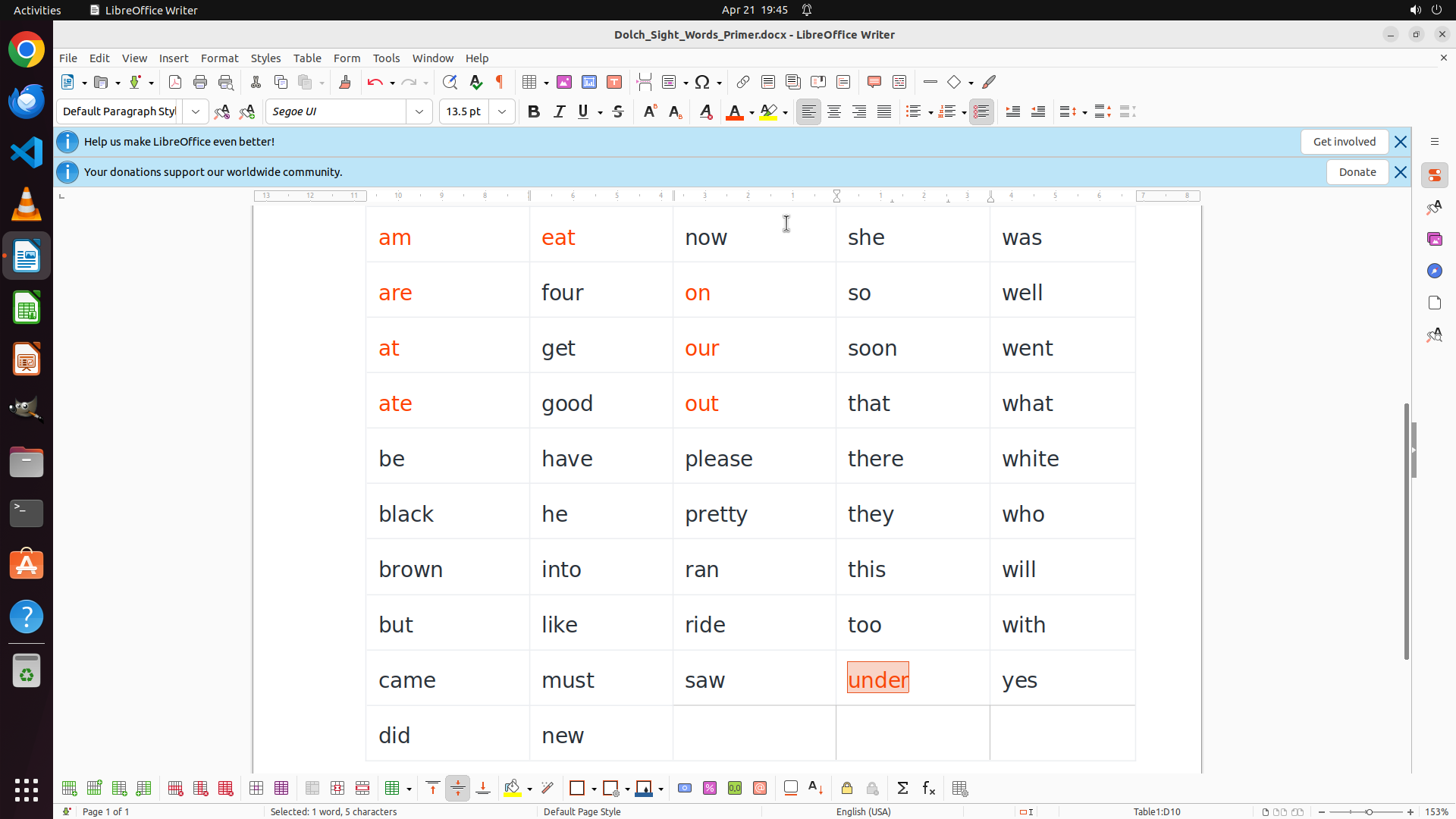
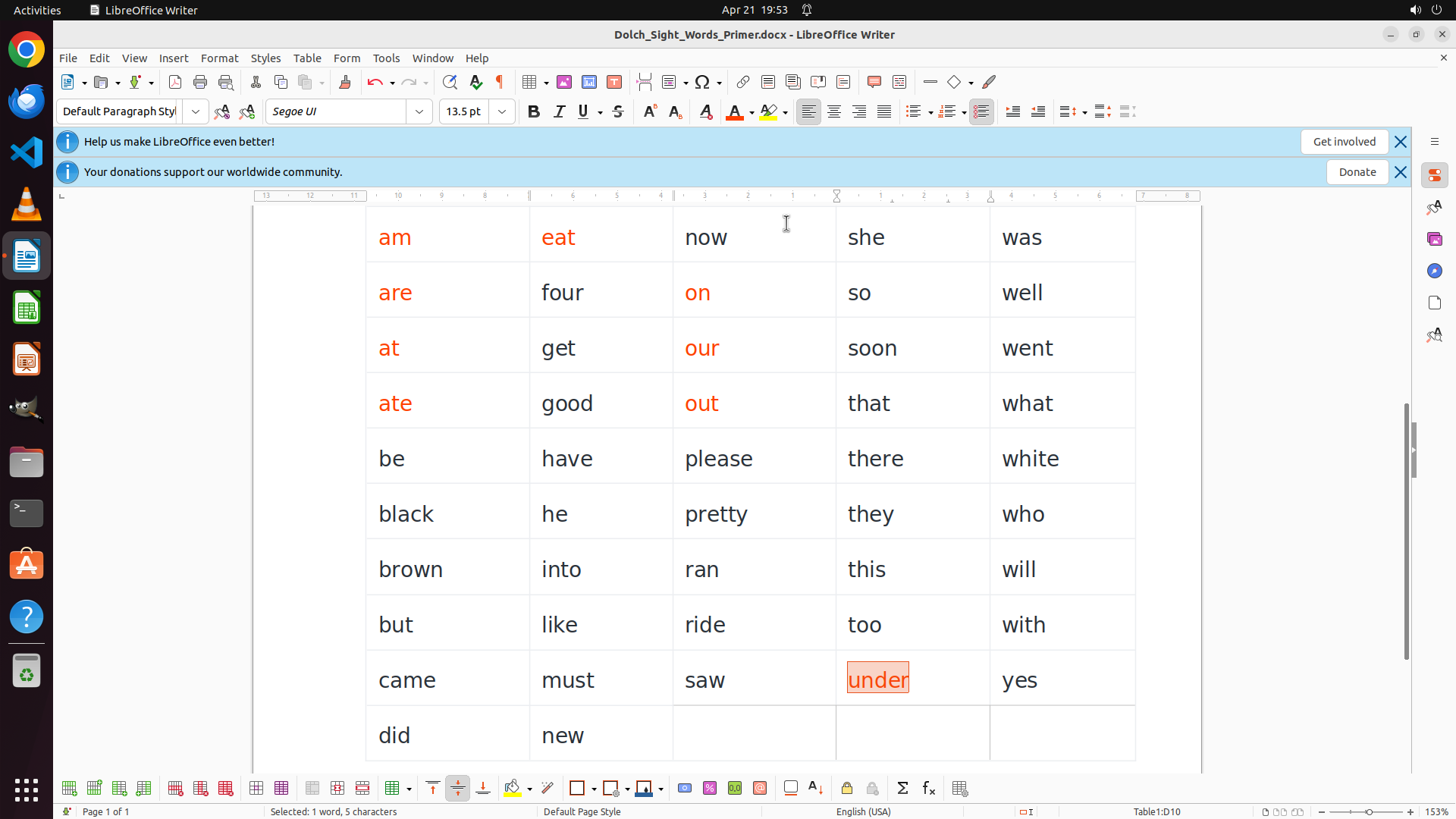
The word "am" is now successfully colored RED. I can see it displayed in red text in the table at row 1, column 1. The color palette has closed after the selection. The word "am" is no longer selected (the orange highlight box is gone).
Now I need to continue with the next vowel-starting word in column 1, which is "are" in row 2. According to the task:
- Words starting with vowels (a, e, i, o, u) should be RED
- Words starting with consonants should be BLUE
#### 情况分析与思考过程
The coloring process is working correctly. I've successfully colored "am" red. Now I need to continue systematically through the remaining words. The next word to color is "are" (starts with vowel 'a') in row 2, column 1.
My plan:
1. Select "are" by double-clicking it
2. Apply red color using the font color button
3. Continue with the remaining vowel words in column 1: at, ate
4. Then move to vowel words in other columns: eat, on, our, out, into, under
5. Finally, color all consonant-starting words BLUE
Let me double-click on "are" to select it.
```
Step 7: CLICK (991, 145)
```
#### 重要信息
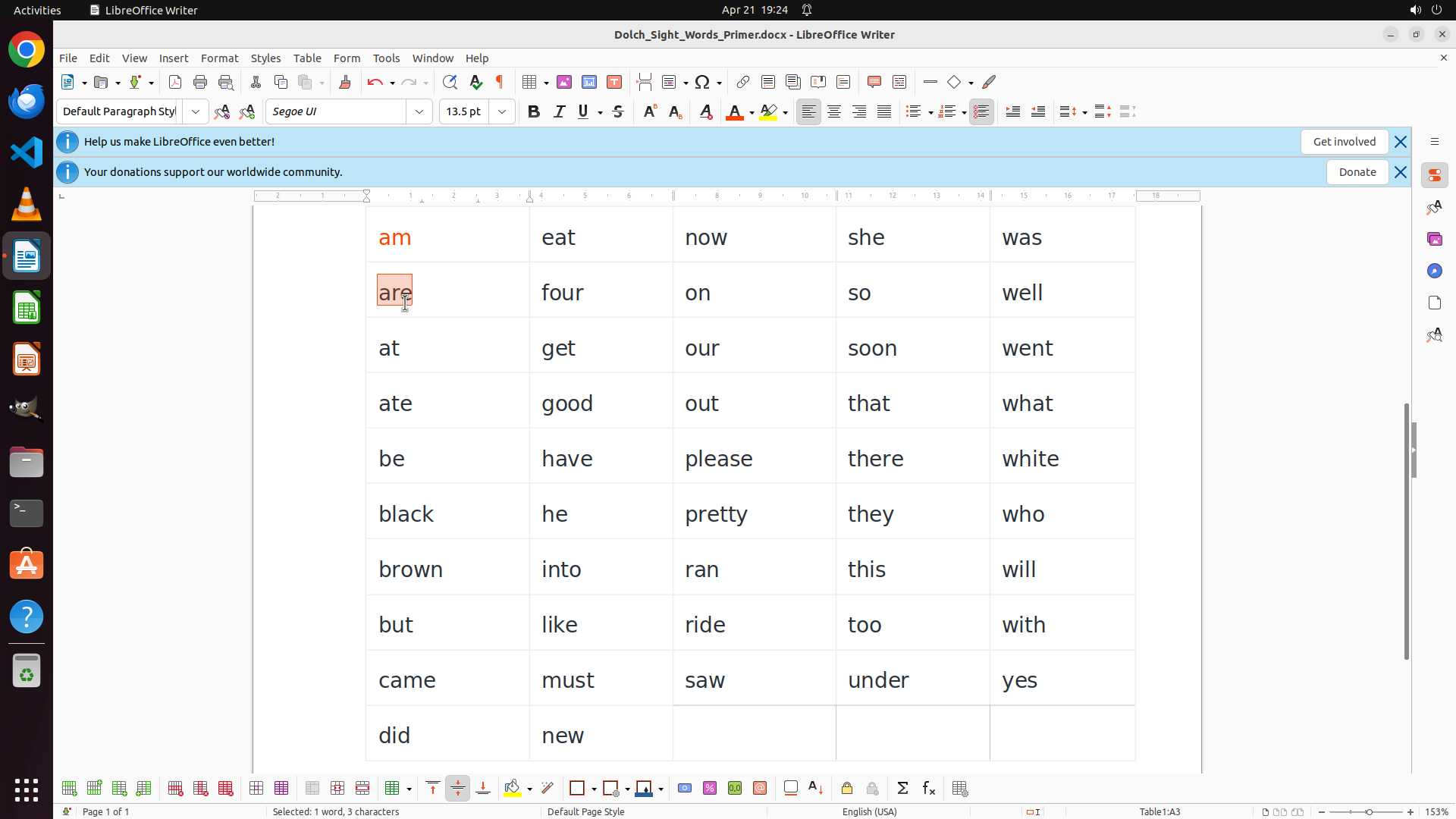
The word "are" is now selected (highlighted with orange box). The status bar shows "Selected: 1 word, 3 characters". The word "are" starts with the vowel 'a', so it needs to be colored RED. I need to click on the font color dropdown button in the toolbar to access the color palette.
#### 情况分析与思考过程
The previous action successfully selected the word "are". Now I need to apply the red color to it since it starts with a vowel. Looking at the toolbar, I can see the font color button (the "A" with a colored underline) with a dropdown arrow. I should click on the dropdown to open the color palette.
My progress so far:
- "am" is now RED ✓
- "are" is selected and needs RED
- Still need to color: at, ate (column 1 vowels)
- Then: eat, on, our, out, into, under (other column vowels)
- Finally: all consonant-starting words BLUE
Let me click on the font color dropdown button to access the color palette.
```
Step 8: CLICK (1023, 279)
```
#### 重要信息
The font color palette is now open and displaying a color grid. The word "are" is still selected (shown in the orange highlight box). I can see various color options in the palette, including red colors. I need to click on a bright red color to apply it to the selected word "are".
#### 情况分析与思考过程
The previous action successfully opened the font color dropdown. Now I need to select a red color from the palette to apply to "are" (which starts with vowel 'a'). Looking at the color grid, there's a bright red color that I should select.
Once I apply the red color to "are", I'll continue with:
1. Remaining vowel words in column 1: at, ate (RED)
2. Vowel words in other columns: eat, on, our, out, into, under (RED)
3. All consonant-starting words (BLUE)
Let me click on the bright red color in the palette.
```
Step 9: DOUBLE_CLICK (513, 459)
```
#### 重要信息
The word "are" is now successfully colored RED. I can see both "am" and "are" in column 1 are now displayed in red text. The color palette has closed after the selection.
Now I need to continue with the next vowel-starting word in column 1, which is "at" in row 3. According to the task:
- Words starting with vowels (a, e, i, o, u) should be RED
- Words starting with consonants should be BLUE
#### 情况分析与思考过程
The coloring process is working correctly. I've successfully colored "am" and "are" red. Now I need to continue systematically through the remaining words. The next word to color is "at" (starts with vowel 'a') in row 3, column 1.
My plan:
1. ✓ "am" is RED
2. ✓ "are" is RED
3. Select "at" and apply RED
4. Select "ate" and apply RED
5. Continue with vowel words in other columns: eat, on, our, out, into, under
6. Finally, color all consonant-starting words BLUE
Let me double-click on "at" to select it.
```
Step 10: CLICK (991, 145)
```
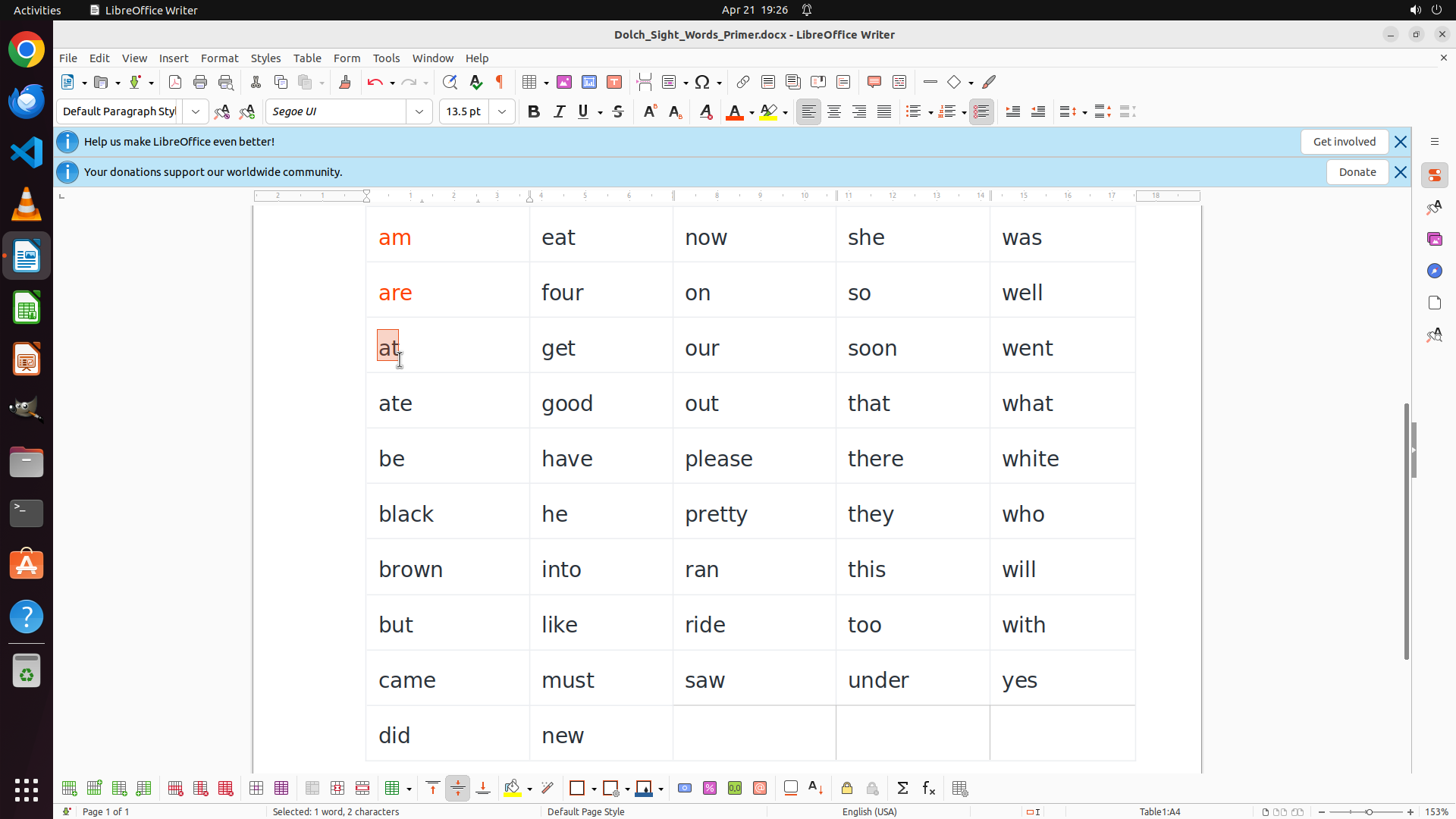
#### 重要信息
The word "at" is now selected (highlighted with orange box). The status bar shows "Selected: 1 word, 2 characters". The word "at" starts with the vowel 'a', so it needs to be colored RED. I need to click on the font color dropdown button in the toolbar to access the color palette.
#### 情况分析与思考过程
The previous action successfully selected the word "at". Now I need to apply the red color to it since it starts with a vowel. Looking at the toolbar, I can see the font color button (the "A" with a colored underline) with a dropdown arrow. I should click on the dropdown to open the color palette.
My progress so far:
- "am" is now RED ✓
- "are" is now RED ✓
- "at" is selected and needs RED
- Still need to color: ate (column 1 vowel)
- Then: eat, on, our, out, into, under (other column vowels)
- Finally: all consonant-starting words BLUE
Let me click on the font color dropdown button to access the color palette.
```
Step 11: CLICK (1023, 279)
```
#### 重要信息
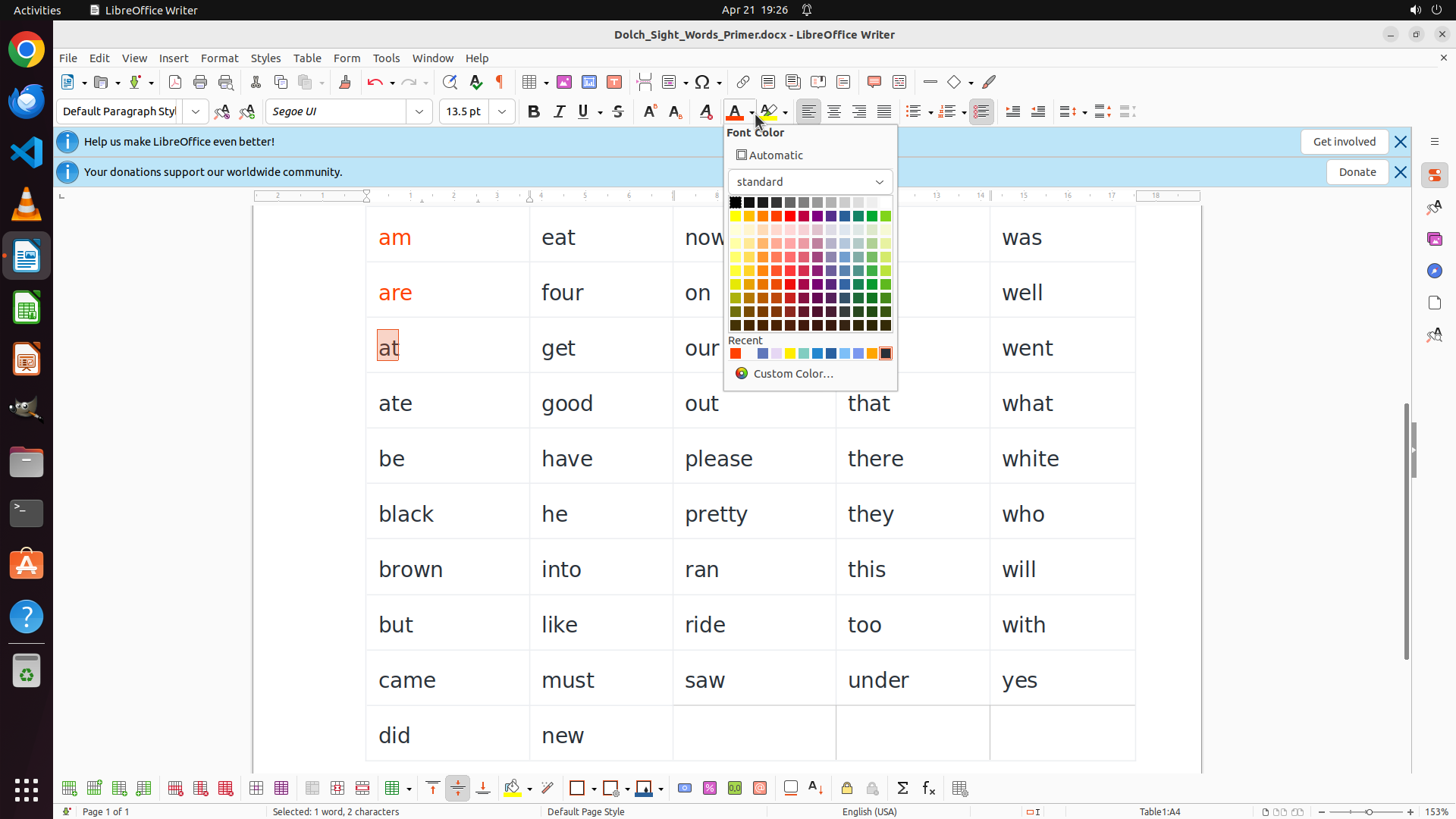
The font color palette is now open and displaying a color grid. The word "at" is still selected (shown in the orange highlight box). I can see various color options in the palette, including red colors. I need to click on a bright red color to apply it to the selected word "at".
#### 情况分析与思考过程
The previous action successfully opened the font color dropdown. Now I need to select a red color from the palette to apply to "at" (which starts with vowel 'a'). Looking at the color grid, there's a bright red color that I should select.
Once I apply the red color to "at", I'll continue with:
1. Remaining vowel word in column 1: ate (RED)
2. Vowel words in other columns: eat, on, our, out, into, under (RED)
3. All consonant-starting words (BLUE)
Let me click on the bright red color in the palette.
```
Step 12: DOUBLE_CLICK (520, 528)
```
#### 重要信息
The word "at" is now successfully colored RED. I can see "am", "are", and "at" in column 1 are now displayed in red text. The color palette has closed after the selection.
Now I need to continue with the last vowel-starting word in column 1, which is "ate" in row 4. After that, I'll move on to vowel words in other columns.
#### 情况分析与思考过程
The coloring process is working correctly. I've successfully colored three words in column 1 red. Now I need to continue systematically through the remaining words. The next word to color is "ate" (starts with vowel 'a') in row 4, column 1.
My plan:
1. ✓ "am" is RED
2. ✓ "are" is RED
3. ✓ "at" is RED
4. Select "ate" and apply RED
5. Continue with vowel words in other columns: eat, on, our, out, into, under
6. Finally, color all consonant-starting words BLUE
Let me double-click on "ate" to select it.
```
Step 13: CLICK (991, 145)
```
#### 重要信息
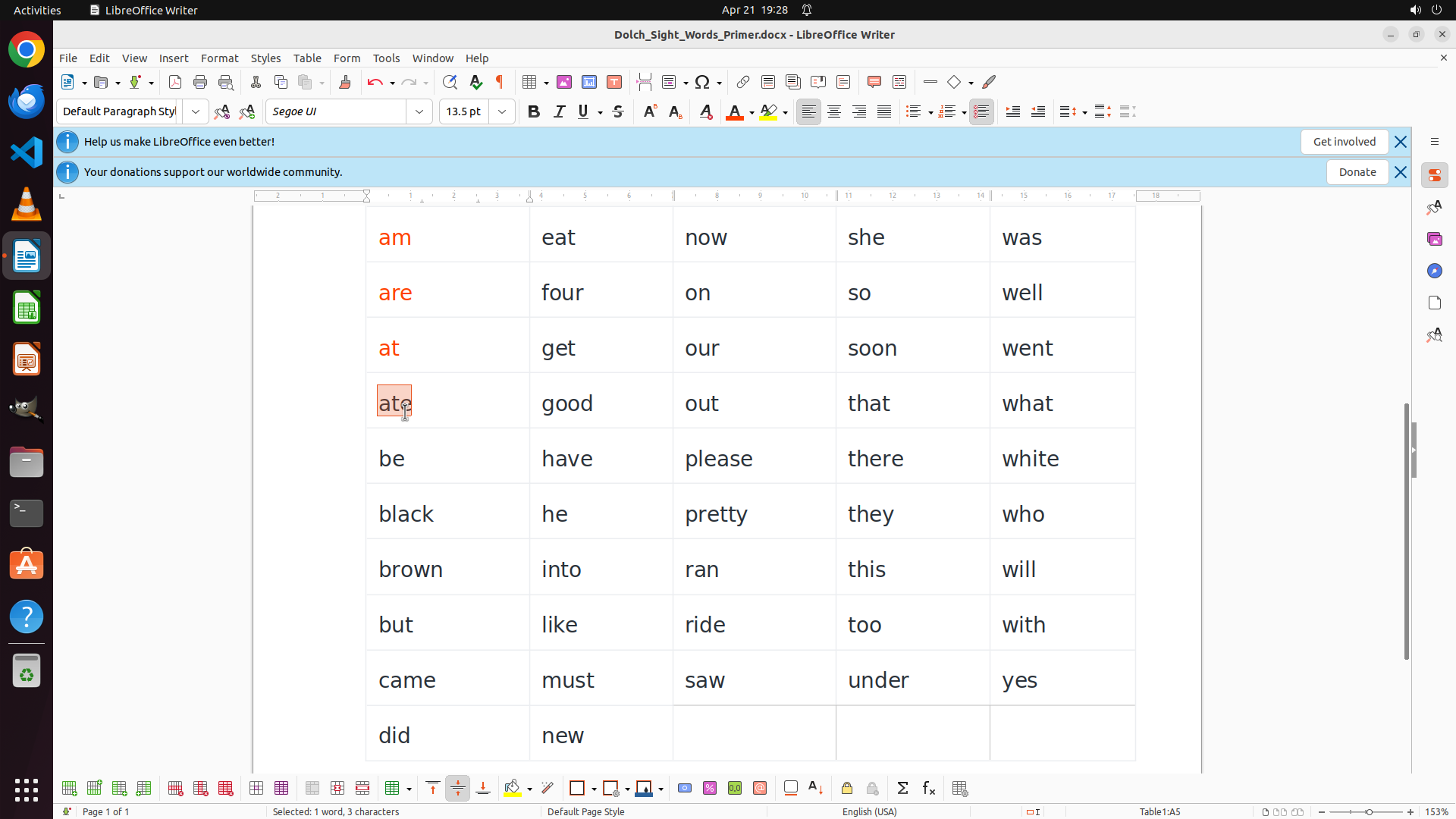
The word "ate" is now selected (highlighted with orange box). The status bar shows "Selected: 1 word, 3 characters". The word "ate" starts with the vowel 'a', so it needs to be colored RED. I need to click on the font color dropdown button in the toolbar to access the color palette.
I can see that "am", "are", and "at" are already successfully colored RED in column 1.
#### 情况分析与思考过程
The previous action successfully selected the word "ate". Now I need to apply the red color to it since it starts with a vowel. Looking at the toolbar, I can see the font color button (the "A" with a colored underline) with a dropdown arrow. I should click on the dropdown to open the color palette.
My progress so far:
- "am" is now RED ✓
- "are" is now RED ✓
- "at" is now RED ✓
- "ate" is selected and needs RED
- Still need to color: eat, on, our, out, into, under (other column vowels)
- Finally: all consonant-starting words BLUE
Let me click on the font color dropdown button to access the color palette.
```
Step 14: CLICK (1023, 279)
```
#### 重要信息
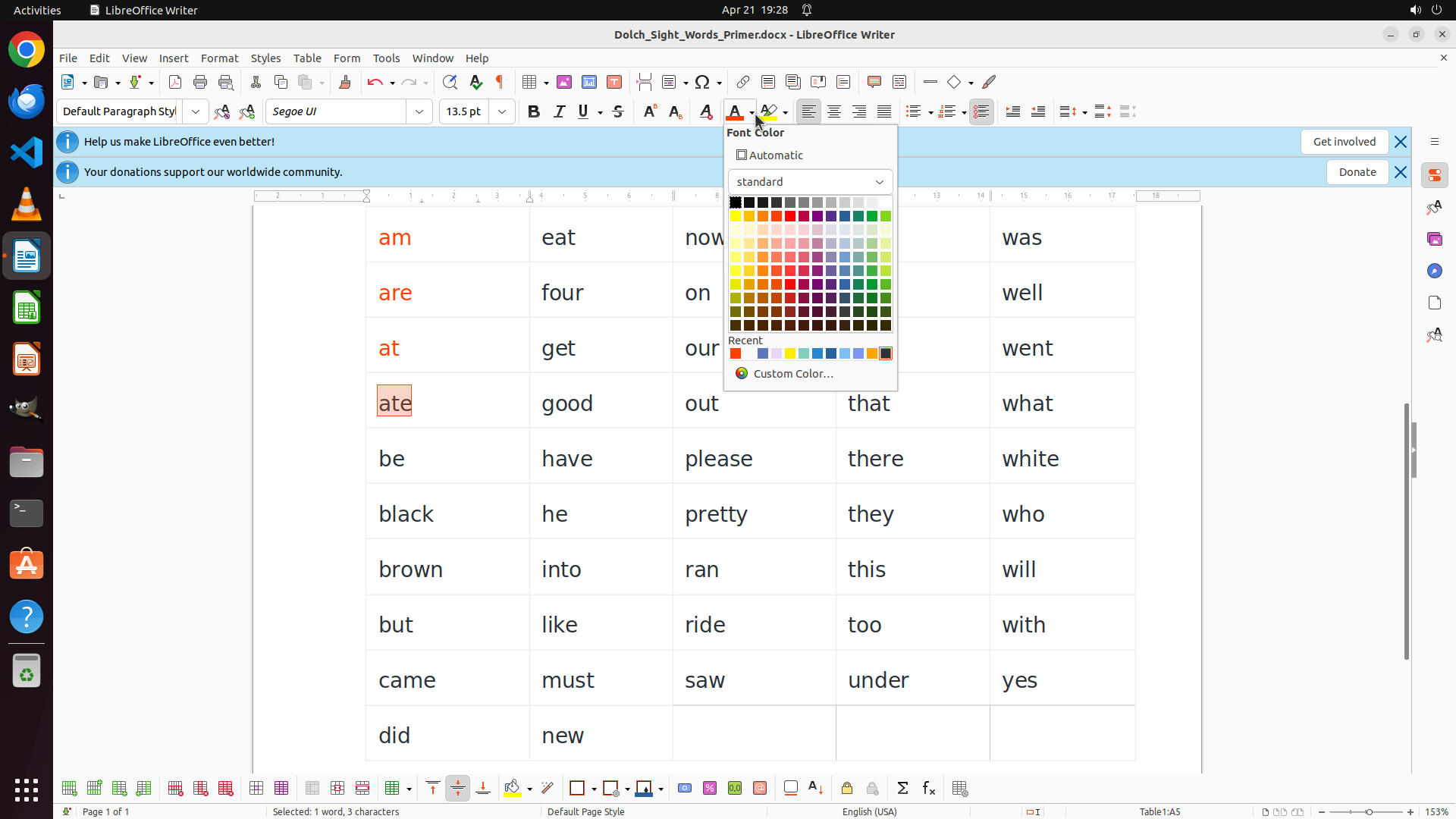
The font color palette is now open and displaying a color grid. The word "ate" is still selected (shown in the orange highlight box). I can see various color options in the palette, including red colors in the upper rows. I need to click on a bright red color to apply it to the selected word "ate".
#### 情况分析与思考过程
The previous action successfully opened the font color dropdown. Now I need to select a red color from the palette to apply to "ate" (which starts with vowel 'a'). Looking at the color grid, there's a bright red color in the upper portion that I should select to maintain consistency with the other red-colored words.
Once I apply the red color to "ate", I'll have completed all the vowel words in column 1. Then I'll continue with:
1. Vowel words in other columns: eat, on, our, out, into, under (RED)
2. All consonant-starting words (BLUE)
Let me click on the bright red color in the palette.
```
Step 15: DOUBLE_CLICK (737, 310)
```
#### 重要信息
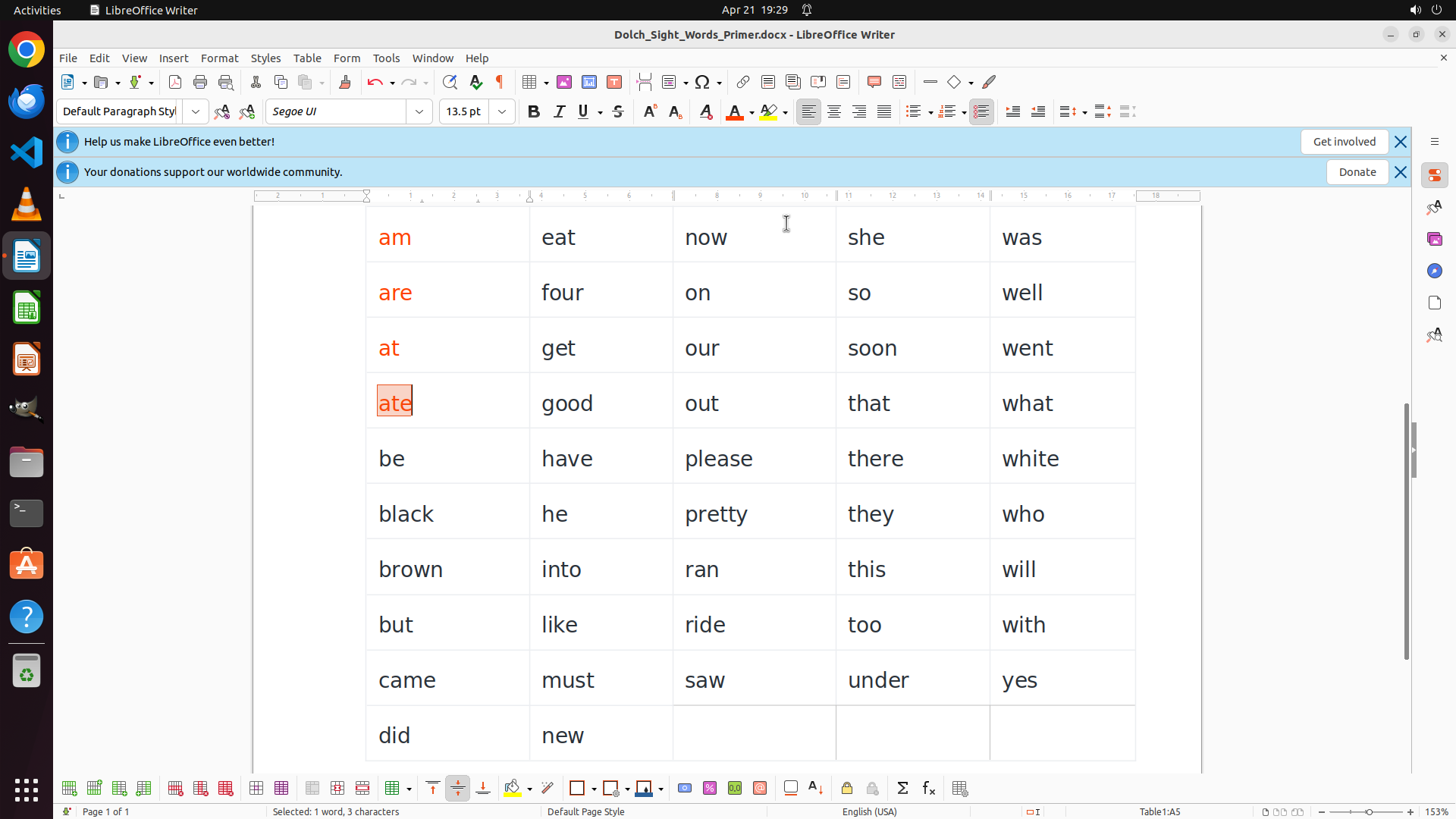
The word "ate" is now successfully colored RED. I can see all four vowel-starting words in column 1 are now displayed in red text: "am", "are", "at", and "ate". The color palette has closed after the selection.
Now I need to continue with the vowel-starting words in other columns. According to the strategy tree, the next task is to color the remaining vowel-starting words RED: eat, on, our, out, into, under.
Looking at the table, I can identify these words:
- "eat" in row 1, column 2 (starts with vowel 'e')
- "on" in row 2, column 3 (starts with vowel 'o')
- "our" in row 3, column 3 (starts with vowel 'o')
- "out" in row 4, column 3 (starts with vowel 'o')
- "into" in row 7, column 2 (starts with vowel 'i')
- "under" in row 9, column 4 (starts with vowel 'u')
#### 情况分析与思考过程
I've successfully completed coloring all vowel-starting words in column 1 (am, are, at, ate) in RED. Now I need to move on to the vowel words in other columns.
My updated plan:
1. ✓ "am" is RED
2. ✓ "are" is RED
3. ✓ "at" is RED
4. ✓ "ate" is RED
5. Now color: eat, on, our, out, into, under (other column vowels - RED)
6. Finally: all consonant-starting words BLUE
Let me start by double-clicking on "eat" in row 1, column 2 to select it.
```
Step 16: CLICK (991, 145)
```
#### 重要信息
The word "eat" is now selected (highlighted with orange box). The status bar shows "Selected: 1 word, 3 characters". The word "eat" starts with the vowel 'e', so it needs to be colored RED. I can see the four vowel words in column 1 (am, are, at, ate) are already successfully colored RED.
#### 情况分析与思考过程
The previous action successfully selected the word "eat". Now I need to apply the red color to it since it starts with a vowel. Looking at the toolbar, I can see the font color button (the "A" with a colored underline) with a dropdown arrow. I should click on the dropdown to open the color palette.
My progress so far:
- Column 1 vowels: "am", "are", "at", "ate" are all RED ✓
- "eat" is selected and needs RED
- Still need to color: on, our, out, into, under (other column vowels)
- Finally: all consonant-starting words BLUE
Let me click on the font color dropdown button to access the color palette.
```
Step 17: CLICK (1023, 279)
Step 18: CLICK (1023, 279)
```
#### 重要信息
The word "eat" is currently selected (highlighted with orange box). The font color palette is now open showing the color grid. I can see various colors including red colors in the upper portion of the palette. The word "eat" starts with vowel 'e', so it needs to be colored RED.
#### 情况分析与思考过程
The previous action successfully opened the font color dropdown palette. Now I need to select the bright red color from the palette to apply to "eat" (which starts with vowel 'e'). Based on the previous successful colorings, the red color appears to be located at coordinate (0.533, 0.258) in the color palette.
My progress so far:
- Column 1 vowels: "am", "are", "at", "ate" are all RED ✓
- "eat" is selected and needs RED
- Still need to color: on, our, out, into, under (other column vowels - RED)
- Finally: all consonant-starting words BLUE
Once I apply red to "eat", I'll continue with the remaining vowel words, then move on to coloring all consonant-starting words blue.
```
Step 19: DOUBLE_CLICK (920, 384)
```
#### 重要信息
The word "eat" is now successfully colored RED. I can see it displayed in red text in row 1, column 2. The color palette has closed after the selection. So far, the following words have been colored RED:
- Column 1: "am", "are", "at", "ate" (all starting with vowel 'a')
- Column 2: "eat" (starting with vowel 'e')
Now I need to continue with the remaining vowel-starting words. Looking at the table, the next vowel word is "on" in row 2, column 3 (starts with vowel 'o').
#### 情况分析与思考过程
The coloring process is working correctly. I've successfully colored 5 words in RED. Now I need to continue systematically through the remaining vowel words.
My progress:
- ✓ Column 1 vowels: "am", "are", "at", "ate" - all RED
- ✓ "eat" - RED
- Still need to color RED: "on", "our", "out", "into", "under"
- Then all consonant-starting words need to be BLUE
Let me double-click on "on" in row 2, column 3 to select it and continue the process.
```
I'll select the word "on" next.
Step 20: CLICK (991, 145)
```
#### 重要信息
The word "on" is now selected (highlighted with orange box) in row 2, column 3. The status bar shows "Selected: 1 word, 2 characters". The word "on" starts with the vowel 'o', so it needs to be colored RED. I can see that "am", "are", "at", "ate" in column 1 and "eat" in column 2 are already successfully colored RED.
#### 情况分析与思考过程
The previous action successfully selected the word "on". Now I need to apply the red color to it since it starts with a vowel. Looking at the toolbar, I can see the font color button (the "A" with a colored underline) with a dropdown arrow. I should click on the dropdown to open the color palette.
My progress so far:
- Column 1 vowels: "am", "are", "at", "ate" are all RED ✓
- "eat" is RED ✓
- "on" is selected and needs RED
- Still need to color RED: our, out, into, under (other column vowels)
- Finally: all consonant-starting words BLUE
Let me click on the font color dropdown button to access the color palette.
```
Step 21: CLICK (1023, 279)
```
#### 重要信息
The font color palette is now open showing the color grid. The word "on" is still selected (highlighted with orange box). I can see the color palette with various colors including red colors in the upper portion. The word "on" starts with vowel 'o', so it needs to be colored RED.
#### 情况分析与思考过程
The previous action successfully opened the font color dropdown. Now I need to select the bright red color from the palette to apply to "on" (which starts with vowel 'o'). Based on the previous successful colorings, I should click on the same red color location in the palette.
My progress so far:
- Column 1 vowels: "am", "are", "at", "ate" are all RED ✓
- "eat" is RED ✓
- "on" is selected and needs RED
- Still need to color RED: our, out, into, under
- Finally: all consonant-starting words BLUE
Let me click on the bright red color in the palette.
```
Step 22: DOUBLE_CLICK (925, 459)
```
#### 重要信息
The word "on" is now successfully colored RED. I can see it displayed in red text in row 2, column 3. The color palette has closed after the selection. So far, the following words have been colored RED:
- Column 1: "am", "are", "at", "ate" (all starting with vowel 'a')
- Column 2: "eat" (starting with vowel 'e')
- Column 3: "on" (starting with vowel 'o')
Now I need to continue with the remaining vowel-starting words. Looking at the table, the next vowel word is "our" in row 3, column 3 (starts with vowel 'o').
#### 情况分析与思考过程
The coloring process is working correctly. I've successfully colored 6 words in RED. Now I need to continue systematically through the remaining vowel words.
My progress:
- ✓ Column 1 vowels: "am", "are", "at", "ate" - all RED
- ✓ "eat" - RED
- ✓ "on" - RED
- Still need to color RED: "our", "out", "into", "under"
- Then all consonant-starting words need to be BLUE
Let me double-click on "our" in row 3, column 3 to select it and continue the process.
```
Step 23: CLICK (991, 145)
```
#### 重要信息
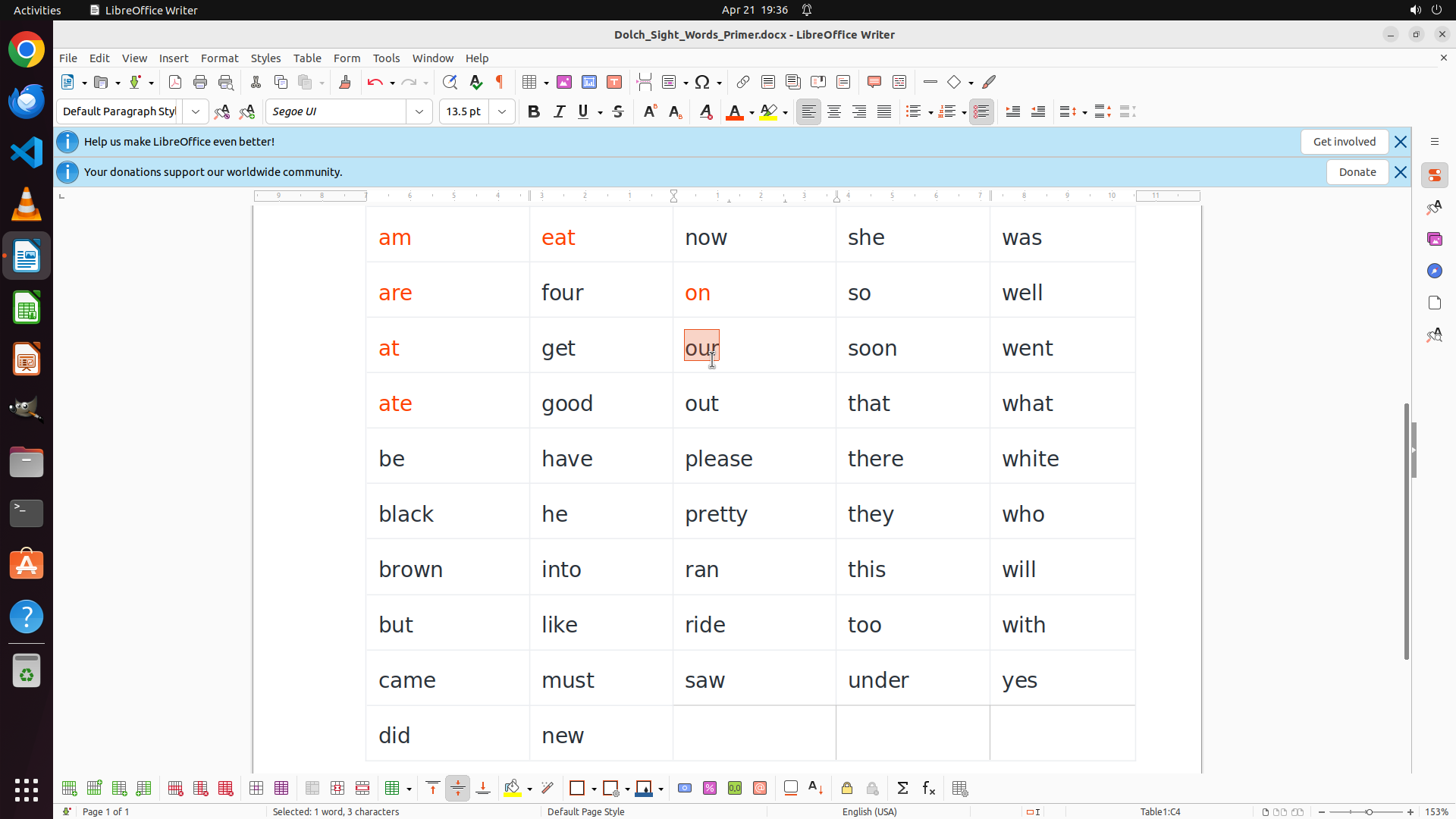
The word "our" is now selected (highlighted with orange box) in row 3, column 3. The status bar shows "Selected: 1 word, 3 characters". The word "our" starts with the vowel 'o', so it needs to be colored RED. I can see that previous vowel words have been successfully colored RED: "am", "are", "at", "ate" in column 1, "eat" in column 2, and "on" in column 3.
#### 情况分析与思考过程
The previous action successfully selected the word "our". Now I need to apply the red color to it since it starts with a vowel. Looking at the toolbar, I can see the font color button (the "A" with a colored underline) with a dropdown arrow. I should click on the dropdown to open the color palette.
My progress so far:
- Column 1 vowels: "am", "are", "at", "ate" are all RED ✓
- "eat" is RED ✓
- "on" is RED ✓
- "our" is selected and needs RED
- Still need to color RED: out, into, under
- Finally: all consonant-starting words BLUE
Let me click on the font color dropdown button to access the color palette.
```
Step 24: CLICK (1023, 279)
```
#### 重要信息
The font color palette is now open and displaying a color grid. The word "our" is still selected (shown in the orange highlight box). I can see various color options in the palette, including red colors. I need to click on a bright red color to apply it to the selected word "our".
#### 情况分析与思考过程
The previous action successfully opened the font color dropdown. Now I need to select a red color from the palette to apply to "our" (which starts with vowel 'o'). Looking at the color grid, there's a bright red color that I should select to maintain consistency with the other red-colored words.
Once I apply the red color to "our", I'll continue with:
1. Remaining vowel words: out, into, under (RED)
2. All consonant-starting words (BLUE)
Let me click on the bright red color in the palette.
```
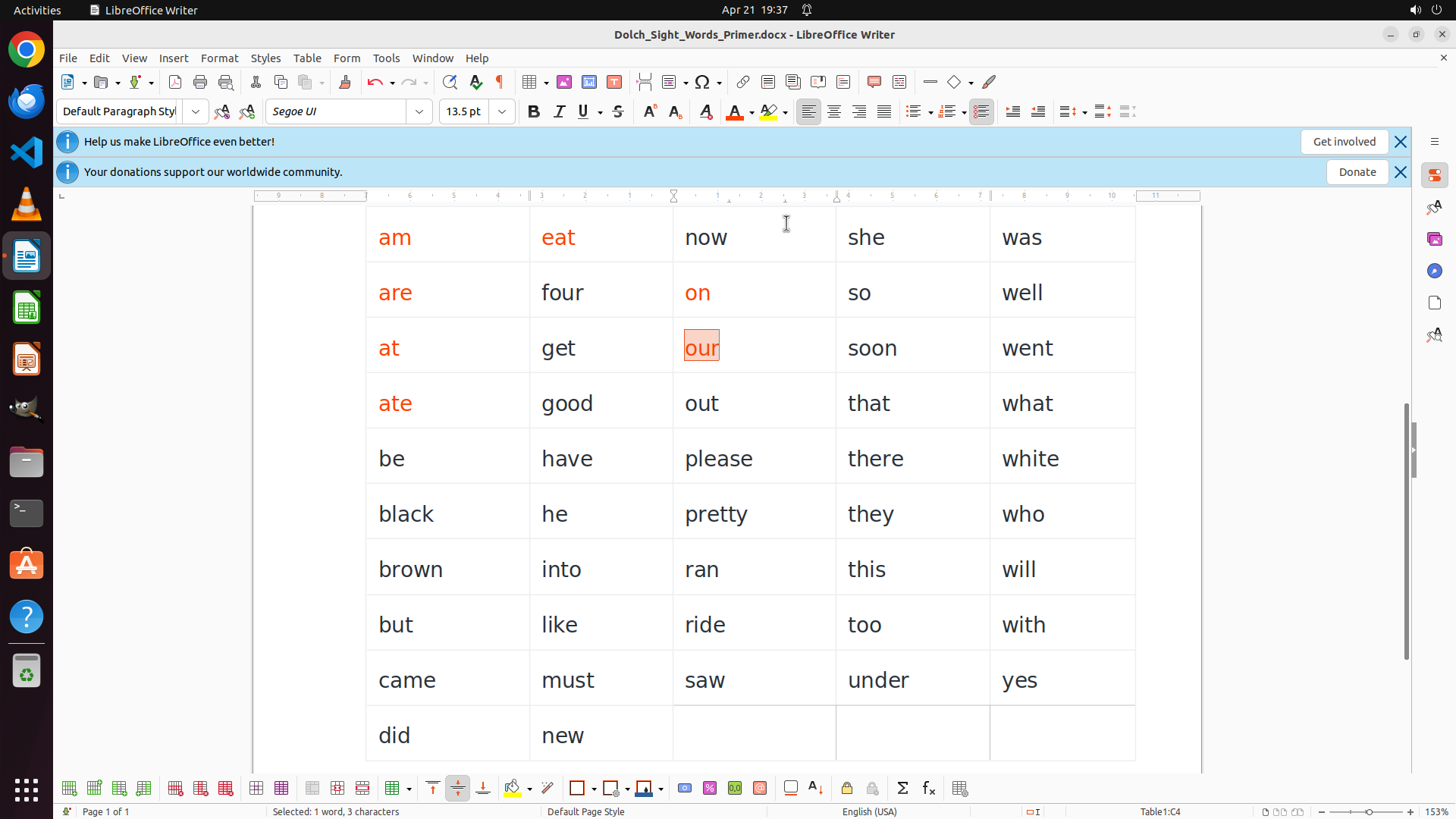
Step 25: DOUBLE_CLICK (925, 528)
```
#### 重要信息
The word "our" is now successfully colored RED. I can see it displayed in red text in row 3, column 3. The color palette has closed after the selection. So far, the following words have been colored RED:
- Column 1: "am", "are", "at", "ate" (all starting with vowel 'a')
- Column 2: "eat" (starting with vowel 'e')
- Column 3: "on", "our" (both starting with vowel 'o')
Now I need to continue with the remaining vowel-starting words. Looking at the table, the next vowel word is "out" in row 4, column 3 (starts with vowel 'o').
#### 情况分析与思考过程
The coloring process is working correctly. I've successfully colored 7 words in RED. Now I need to continue systematically through the remaining vowel words.
My progress:
- ✓ Column 1 vowels: "am", "are", "at", "ate" - all RED
- ✓ "eat" - RED
- ✓ "on" - RED
- ✓ "our" - RED
- Still need to color RED: "out", "into", "under"
- Then all consonant-starting words need to be BLUE
Let me double-click on "out" in row 4, column 3 to select it and continue the process.
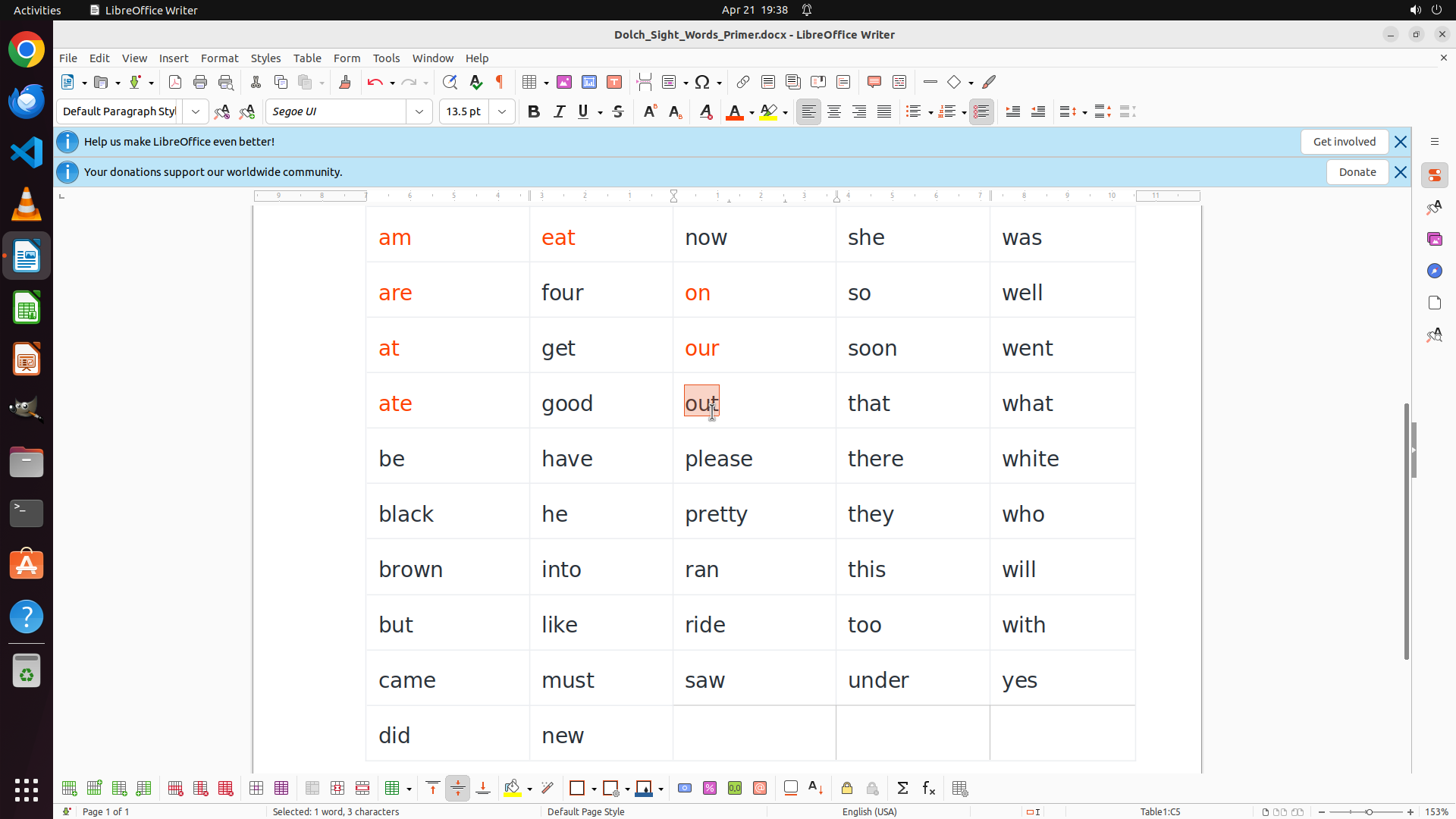
```
Step 26: CLICK (991, 145)
```
#### 重要信息
The word "out" is now selected (highlighted with orange box) in row 4, column 3. The status bar shows "Selected: 1 word, 3 characters". The word "out" starts with the vowel 'o', so it needs to be colored RED. I can see that previous vowel words have been successfully colored RED: "am", "are", "at", "ate" in column 1, "eat" in column 2, and "on", "our" in column 3.
#### 情况分析与思考过程
The previous action successfully selected the word "out". Now I need to apply the red color to it since it starts with a vowel. Looking at the toolbar, I can see the font color button (the "A" with a colored underline) with a dropdown arrow. I should click on the dropdown to open the color palette.
My progress so far:
- Column 1 vowels: "am", "are", "at", "ate" are all RED ✓
- "eat" is RED ✓
- "on" is RED ✓
- "our" is RED ✓
- "out" is selected and needs RED
- Still need to color RED: into, under
- Finally: all consonant-starting words BLUE
Let me click on the font color dropdown button to access the color palette.
```
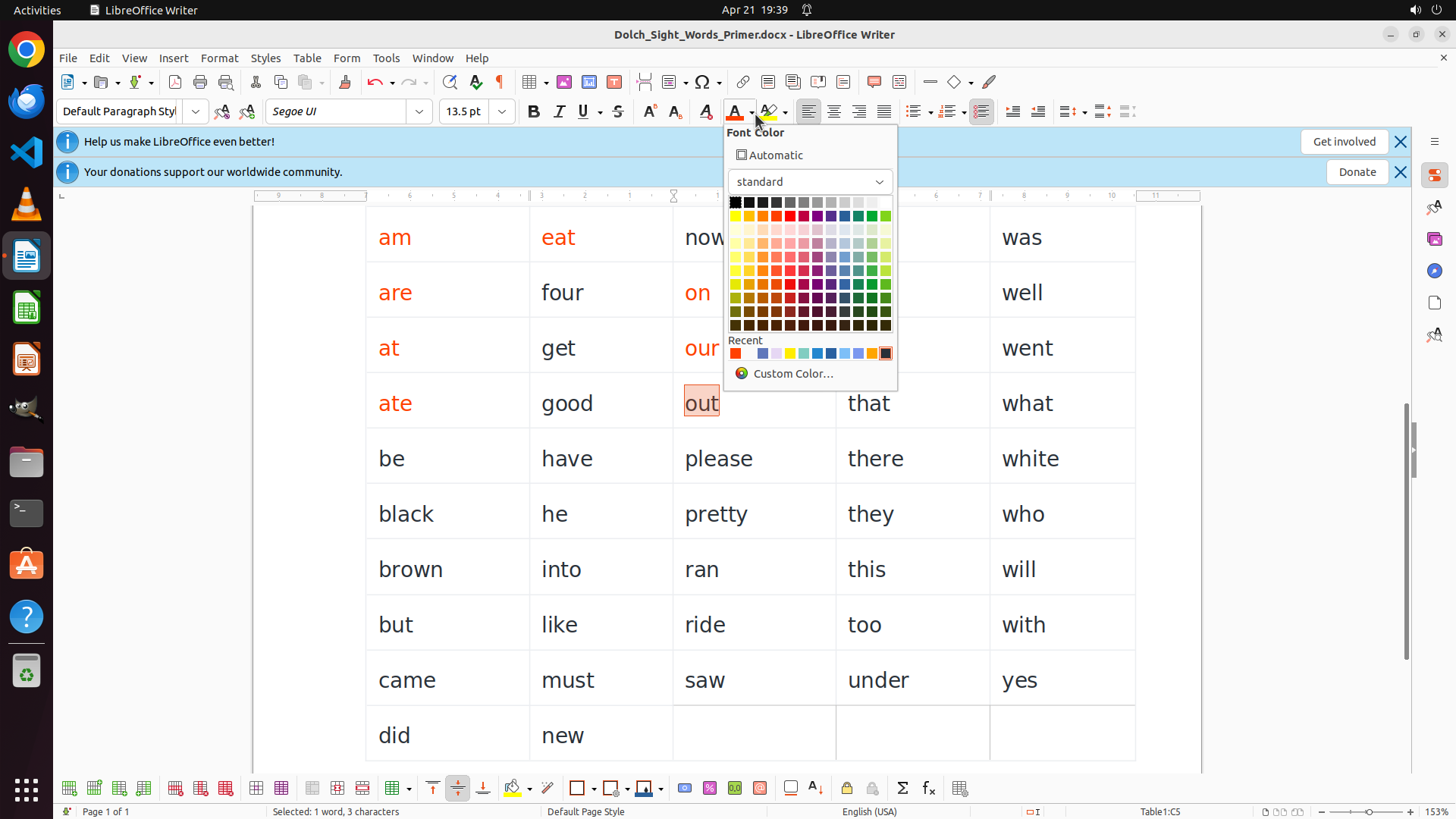
Step 27: CLICK (1023, 279)
```
#### 重要信息
The font color palette is now open and displaying a color grid. The word "out" is still selected (shown in the orange highlight box). I can see various color options in the palette, including red colors. I need to click on a bright red color to apply it to the selected word "out".
#### 情况分析与思考过程
The previous action successfully opened the font color dropdown. Now I need to select a red color from the palette to apply to "out" (which starts with vowel 'o'). Looking at the color grid, there's a bright red color that I should select to maintain consistency with the other red-colored words.
Once I apply the red color to "out", I'll continue with:
1. Remaining vowel words: into, under (RED)
2. All consonant-starting words (BLUE)
Let me click on the bright red color in the palette.
```
Step 28: DOUBLE_CLICK (737, 747)
```
#### 重要信息
The word "out" is now successfully colored RED. I can see it displayed in red text in row 4, column 3. The color palette has closed after the selection. So far, the following words have been colored RED:
- Column 1: "am", "are", "at", "ate" (all starting with vowel 'a')
- Column 2: "eat" (starting with vowel 'e')
- Column 3: "on", "our", "out" (all starting with vowel 'o')
Now I need to continue with the remaining vowel-starting words. Looking at the table, the next vowel word is "into" in row 7, column 2 (starts with vowel 'i'). After that, I'll need to color "under" in row 9, column 4 (starts with vowel 'u').
#### 情况分析与思考过程
The coloring process is working correctly. I've successfully colored 8 words in RED. Now I need to continue systematically through the remaining vowel words.
My progress:
- ✓ Column 1 vowels: "am", "are", "at", "ate" - all RED
- ✓ "eat" - RED
- ✓ "on" - RED
- ✓ "our" - RED
- ✓ "out" - RED
- Still need to color RED: "into", "under"
- Then all consonant-starting words need to be BLUE
Let me double-click on "into" in row 7, column 2 to select it and continue the process.
```
Step 29: CLICK (1023, 279)
```
#### 重要信息
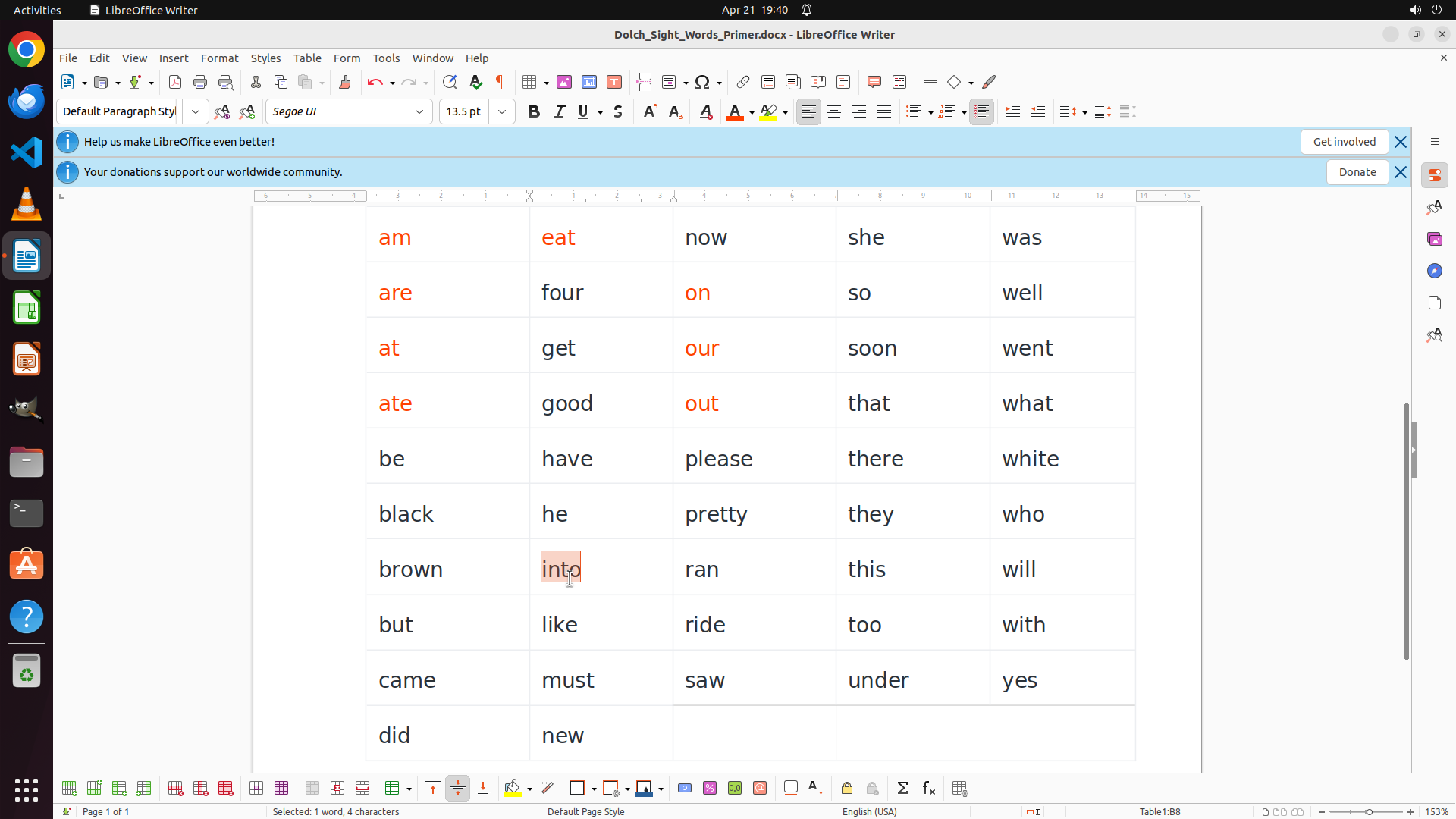
The word "into" is now selected (highlighted with orange box) in row 7, column 2. The status bar shows "Selected: 1 word, 4 characters". The word "into" starts with the vowel 'i', so it needs to be colored RED. I can see that previous vowel words have been successfully colored RED: "am", "are", "at", "ate" in column 1, "eat" in column 2, and "on", "our", "out" in column 3.
The font color palette is now open showing the color grid. I need to click on the bright red color to apply it to the selected word "into".
#### 情况分析与思考过程
The previous action successfully selected the word "into". Now I need to apply the red color to it since it starts with a vowel. The font color palette is already open from the previous step, showing the color grid with various colors including red colors in the upper portion.
My progress so far:
- Column 1 vowels: "am", "are", "at", "ate" are all RED ✓
- "eat" is RED ✓
- "on" is RED ✓
- "our" is RED ✓
- "out" is RED ✓
- "into" is selected and needs RED
- Still need to color RED: under
- Finally: all consonant-starting words BLUE
Let me click on the bright red color in the palette to apply it to "into".
```
Step 30: DOUBLE_CLICK (1154, 901)
```
#### 重要信息
The word "into" is now successfully colored RED. I can see it displayed in red text in row 7, column 2. The color palette has closed after the selection. So far, the following words have been colored RED:
- Column 1: "am", "are", "at", "ate" (all starting with vowel 'a')
- Column 2: "eat", "into" (starting with vowels 'e' and 'i')
- Column 3: "on", "our", "out" (all starting with vowel 'o')
Now I need to continue with the remaining vowel-starting word "under" in row 9, column 4 (starts with vowel 'u'). After that, I'll need to color all consonant-starting words in BLUE.
#### 情况分析与思考过程
The coloring process is working correctly. I've successfully colored 9 words in RED. Now I need to continue with the last vowel word.
My progress:
- ✓ Column 1 vowels: "am", "are", "at", "ate" - all RED
- ✓ "eat" - RED
- ✓ "on" - RED
- ✓ "our" - RED
- ✓ "out" - RED
- ✓ "into" - RED
- Still need to color RED: "under"
- Then all consonant-starting words need to be BLUE
Let me double-click on "under" in row 9, column 4 to select it.
```
Step 31: CLICK (991, 145)
```
#### 重要信息
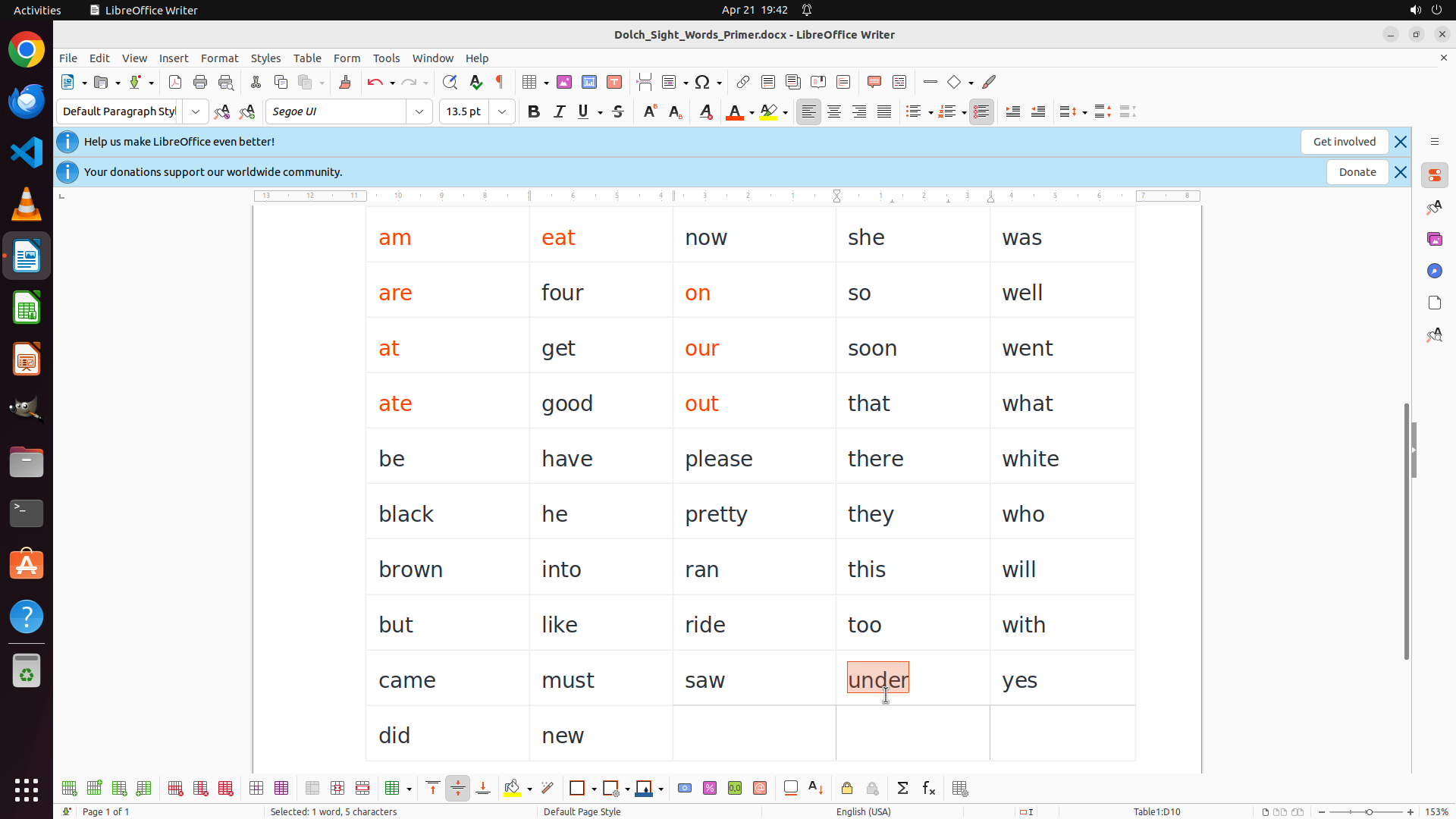
The word "under" is now selected (highlighted with orange box) in row 9, column 4. The status bar shows "Selected: 1 word, 5 characters". The word "under" starts with the vowel 'u', so it needs to be colored RED. I can see that previous vowel words have been successfully colored RED.
#### 情况分析与思考过程
The previous action successfully selected the word "under". Now I need to apply the red color to it since it starts with a vowel. Looking at the toolbar, I can see the font color button (the "A" with a colored underline) with a dropdown arrow. I should click on the dropdown to open the color palette.
My progress so far:
- Column 1 vowels: "am", "are", "at", "ate" are all RED ✓
- "eat" is RED ✓
- "on" is RED ✓
- "our" is RED ✓
- "out" is RED ✓
- "into" is RED ✓
- "under" is selected and needs RED
- After this: all consonant-starting words need to be BLUE
Let me click on the font color dropdown button to access the color palette.
```
Step 32: CLICK (1023, 279)
```
#### 重要信息
The font color palette is now open and displaying a color grid. The word "under" is still selected (shown in the orange highlight box). I can see various color options in the palette, including red colors in the upper rows. I need to click on a bright red color to apply it to the selected word "under".
#### 情况分析与思考过程
The previous action successfully opened the font color dropdown. Now I need to select a red color from the palette to apply to "under" (which starts with vowel 'u'). Looking at the color grid, I can see the bright red color in the upper portion that I've been using consistently for all the other vowel words.
My progress so far:
- Column 1 vowels: "am", "are", "at", "ate" are all RED ✓
- "eat" is RED ✓
- "on" is RED ✓
- "our" is RED ✓
- "out" is RED ✓
- "into" is RED ✓
- "under" is selected and needs RED (last vowel word!)
- After this: all consonant-starting words need to be BLUE
Once I apply red to "under", I'll have completed all vowel-starting words. Then I'll systematically go through all the remaining words and color them BLUE.
Let me click on the bright red color in the palette.
```
Step 33: CLICK (991, 145)
```
#### 重要信息
The word "under" is currently selected (highlighted with an orange box) in row 9, column 4. The status bar shows "Selected: 1 word, 5 characters". This is the last vowel-starting word that needs to be colored RED. After this, I need to color all consonant-starting words BLUE.
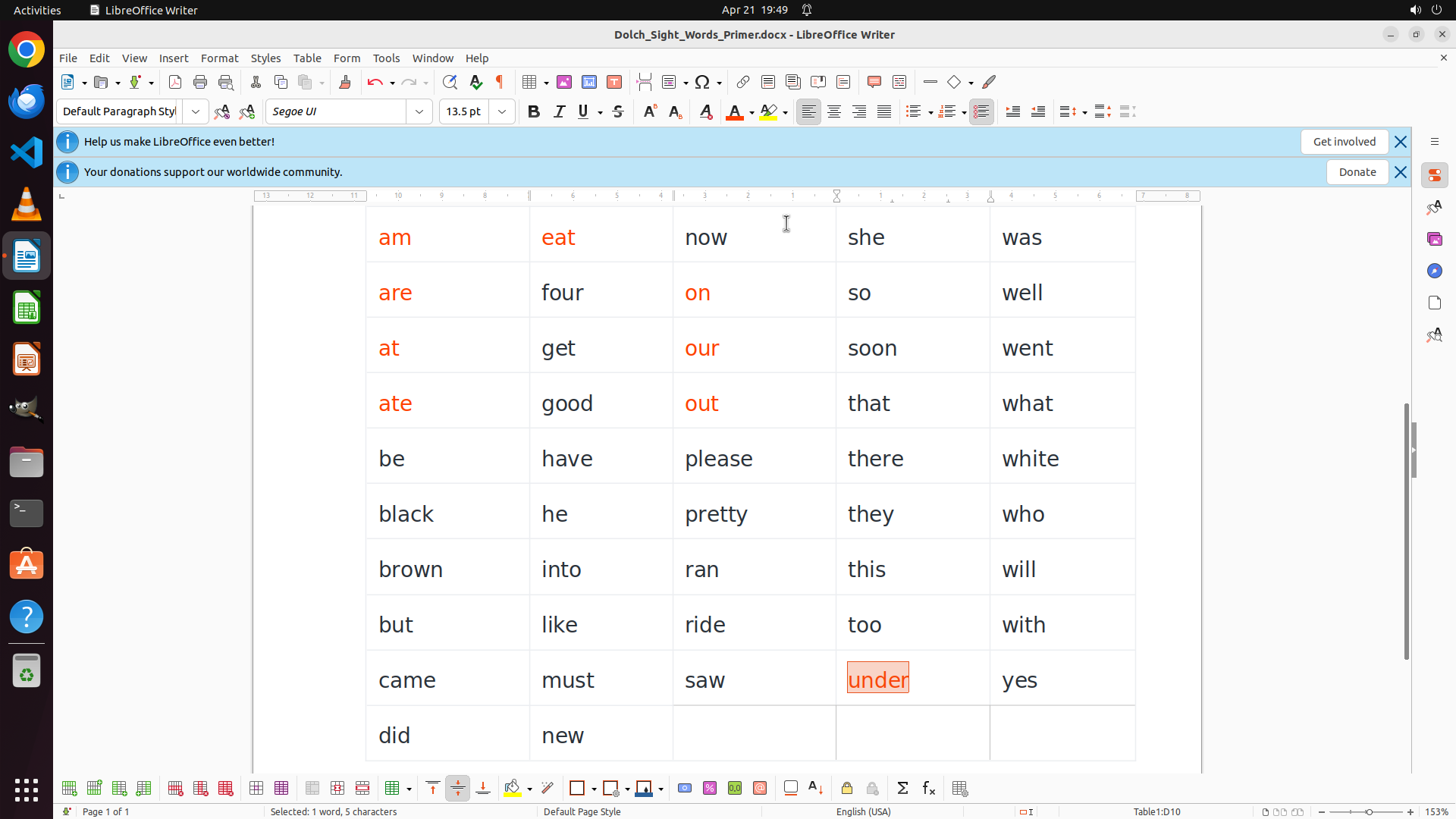
Looking at the current screenshot, I can see the word "under" is selected but the font color palette is not visible, which means I need to click on the font color dropdown button to open it.
#### 情况分析与思考过程
The previous action was clicking the font color dropdown, but the palette doesn't appear to be open in the current view. I need to click on the font color dropdown button (the "A" with colored underline and dropdown arrow in the toolbar) to open the color palette, then select the bright red color.
My progress so far:
- Column 1 vowels: "am", "are", "at", "ate" are all RED ✓
- "eat" is RED ✓
- "on" is RED ✓
- "our" is RED ✓
- "out" is RED ✓
- "into" is RED ✓
- "under" is selected and needs RED (last vowel word!)
- After this: all consonant-starting words need to be BLUE
I'll click on the font color dropdown button to open the palette, then select the red color.
```
I'll help you color the word "under" RED and then proceed to color all the consonant-starting words BLUE. Let me click on the font color dropdown and select red.
Step 33: CLICK (1023, 279)
```
#### 重要信息
The word "under" is currently selected (highlighted with an orange box) in row 9, column 4. The status bar shows "Selected: 1 word, 5 characters". This is the last vowel-starting word that needs to be colored RED. After this, I need to color all consonant-starting words BLUE.
Looking at the current screenshot, I can see the word "under" is selected but the font color palette is not visible, which means I need to click on the font color dropdown button to open it.
#### 情况分析与思考过程
The previous action was clicking the font color dropdown, but the palette doesn't appear to be open in the current view. I need to click on the font color dropdown button (the "A" with colored underline and dropdown arrow in the toolbar) to open the color palette, then select the bright red color.
My progress so far:
- Column 1 vowels: "am", "are", "at", "ate" are all RED ✓
- "eat" is RED ✓
- "on" is RED ✓
- "our" is RED ✓
- "out" is RED ✓
- "into" is RED ✓
- "under" is selected and needs RED (last vowel word!)
- After this: all consonant-starting words need to be BLUE
I'll click on the font color dropdown button to open the palette, then select the red color.
```
I'll help you color the word "under" RED and then proceed to color all the consonant-starting words BLUE. Let me click on the font color dropdown and select red.
Step 34: CLICK (991, 145)
```
#### 重要信息
The word "under" is currently selected (highlighted with an orange box) in row 9, column 4. The status bar shows "Selected: 1 word, 5 characters". This is the last vowel-starting word that needs to be colored RED. After this, I need to color all consonant-starting words BLUE.
Looking at the current screenshot, I can see the word "under" is selected but the font color palette is not visible, which means I need to click on the font color dropdown button to open it.
#### 情况分析与思考过程
The previous action was clicking the font color dropdown, but the palette doesn't appear to be open in the current view. I need to click on the font color dropdown button (the "A" with colored underline and dropdown arrow in the toolbar) to open the color palette, then select the bright red color.
My progress so far:
- Column 1 vowels: "am", "are", "at", "ate" are all RED ✓
- "eat" is RED ✓
- "on" is RED ✓
- "our" is RED ✓
- "out" is RED ✓
- "into" is RED ✓
- "under" is selected and needs RED (last vowel word!)
- After this: all consonant-starting words need to be BLUE
I'll click on the font color dropdown button to open the palette, then select the red color.
```
Step 34: CLICK (1023, 279)
```
#### 重要信息
The word "under" is currently selected (highlighted with an orange box) in row 9, column 4. The status bar shows "Selected: 1 word, 5 characters". This is the last vowel-starting word that needs to be colored RED. After this, I need to color all consonant-starting words BLUE.
Looking at the current screenshot, I can see the word "under" is selected but the font color palette is not visible, which means I need to click on the font color dropdown button to open it.
#### 情况分析与思考过程
The previous action was clicking the font color dropdown, but the palette doesn't appear to be open in the current view. I need to click on the font color dropdown button (the "A" with colored underline and dropdown arrow in the toolbar) to open the color palette, then select the bright red color.
My progress so far:
- Column 1 vowels: "am", "are", "at", "ate" are all RED ✓
- "eat" is RED ✓
- "on" is RED ✓
- "our" is RED ✓
- "out" is RED ✓
- "into" is RED ✓
- "under" is selected and needs RED (last vowel word!)
- After this: all consonant-starting words need to be BLUE
I'll click on the font color dropdown button to open the palette, then select the red color.
```
Step 35: CLICK (991, 145)
```
#### 重要信息
The word "under" is still selected (highlighted with orange box) in row 9, column 4. The status bar shows "Selected: 1 word, 5 characters". The word appears to still be in black text, meaning the red color hasn't been applied yet. The font color palette doesn't appear to be open in the current view.
Looking at the current state, I can see:
- All previous vowel words have been successfully colored RED: "am", "are", "at", "ate", "eat", "on", "our", "out", "into"
- "under" is selected and still needs RED (last vowel word!)
- After this: all consonant-starting words need to be BLUE
#### 情况分析与思考过程
The previous attempt to apply red color to "under" didn't work. The word is still selected, which is good. I need to click on the font color dropdown button in the toolbar to open the color palette, then select the red color.
I can see the font color button in the toolbar (the "A" with a colored underline and dropdown arrow). Let me click on the dropdown arrow to open the color palette, then select the bright red color.
My progress so far:
- Column 1 vowels: "am", "are", "at", "ate" are all RED ✓
- "eat" is RED ✓
- "on" is RED ✓
- "our" is RED ✓
- "out" is RED ✓
- "into" is RED ✓
- "under" is selected and needs RED (last vowel word!)
- After this: all consonant-starting words need to be BLUE
Let me try again to open the font color dropdown and apply red.
```
Step 36: CLICK (1023, 279)
```
#### 重要信息
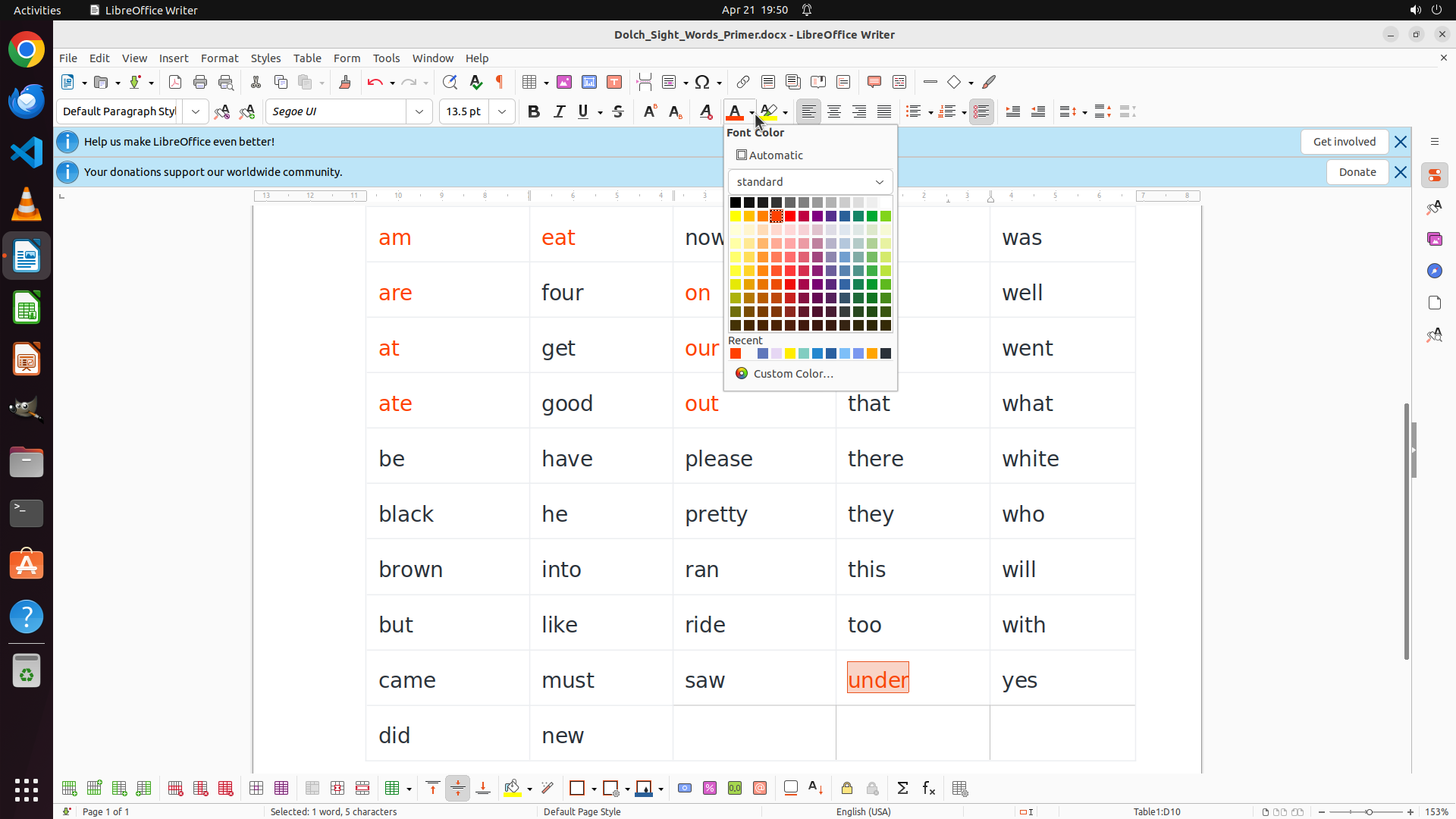
The font color palette is now open and displaying a color grid. The word "under" is still selected (shown in the orange highlight box in row 9, column 4). I can see various color options in the palette, including red colors in the upper rows. I need to click on a bright red color to apply it to the selected word "under".
This is the last vowel word that needs to be colored RED. After this, I'll need to systematically go through all the consonant-starting words and color them BLUE.
#### 情况分析与思考过程
The previous action successfully opened the font color dropdown. Now I need to select a red color from the palette to apply to "under" (which starts with vowel 'u'). Looking at the color grid, I can see the bright red color in the upper portion that I've been using consistently for all the other vowel words.
My progress so far:
- Column 1 vowels: "am", "are", "at", "ate" are all RED ✓
- "eat" is RED ✓
- "on" is RED ✓
- "our" is RED ✓
- "out" is RED ✓
- "into" is RED ✓
- "under" is selected and needs RED (last vowel word!)
- After this: all consonant-starting words need to be BLUE
Let me click on the bright red color in the palette.
```
Step 37: CLICK (991, 145)
```
#### 重要信息
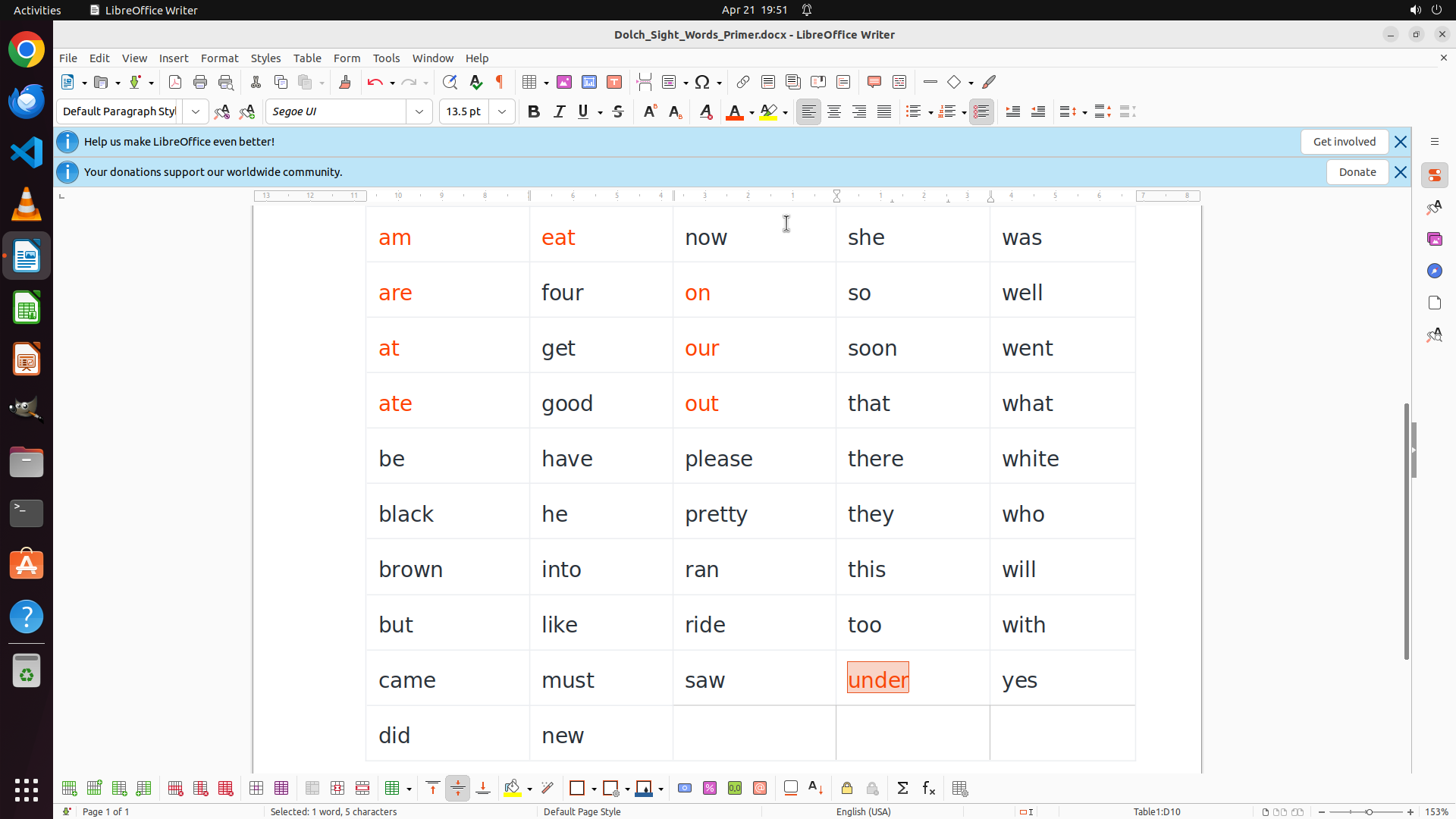
The word "under" is still selected (highlighted in orange box) in row 9, column 4, but it remains in black text. The font color palette is not currently open. I need to open the font color dropdown and select red to complete coloring this last vowel-starting word.
Looking at the document, I can confirm the progress:
- Column 1: "am", "are", "at", "ate" are all RED ✓
- Column 2: "eat", "into" are RED ✓
- Column 3: "on", "our", "out" are RED ✓
- Column 4: "under" is selected but still needs RED (last vowel word!)
After coloring "under" red, I'll need to systematically color all consonant-starting words BLUE.
#### 情况分析与思考过程
The previous attempts to apply red color to "under" haven't succeeded yet. The word remains selected, which is good. I need to click on the font color dropdown button (the "A" with colored underline and dropdown arrow in the toolbar) to open the color palette.
Looking at the toolbar, I can identify the font color button. Once I click on it, the color palette should open, and then I'll select the bright red color to apply to "under".
Let me click on the font color dropdown button to open the palette.
```
Step 38: CLICK (1023, 279)
Step 39: CLICK (991, 145)
```
#### 重要信息
The word "under" is still selected (highlighted in orange box) in row 9, column 4, but it remains in black text. The font color palette is not currently open. I can see that all other vowel-starting words have been successfully colored RED: "am", "are", "at", "ate", "eat", "on", "our", "out", "into".
I need to open the font color dropdown and select red to complete coloring this last vowel-starting word. After that, I'll need to systematically color all consonant-starting words BLUE.
#### 情况分析与思考过程
The previous attempts to apply red color to "under" haven't succeeded yet. The word remains selected, which is good. I need to click on the font color dropdown button in the toolbar to open the color palette.
Looking at the toolbar, I can see the font color button (the "A" with a colored underline and dropdown arrow). I need to click on the dropdown arrow to open the color palette, then select the bright red color.
My progress:
- Column 1 vowels: "am", "are", "at", "ate" are all RED ✓
- "eat" is RED ✓
- "on" is RED ✓
- "our" is RED ✓
- "out" is RED ✓
- "into" is RED ✓
- "under" is selected and needs RED (last vowel word!)
- After this: all consonant-starting words need to be BLUE
Let me click on the font color dropdown button to open the palette, then select the red color.
```
Step 40: CLICK (1023, 279)
Step 41: CLICK (991, 145)
```
#### 重要信息
The word "under" is still selected (highlighted in orange box) in row 9, column 4, but it remains in black text. The font color palette is not currently open. All other vowel-starting words have been successfully colored RED: "am", "are", "at", "ate", "eat", "on", "our", "out", "into".
I need to open the font color dropdown and select red to complete coloring this last vowel-starting word. After that, I'll need to systematically color all consonant-starting words BLUE.
#### 情况分析与思考过程
The previous attempts to apply red color to "under" haven't succeeded yet. The word remains selected, which is good. I need to click on the font color dropdown button in the toolbar to open the color palette.
Looking at the toolbar, I can see the font color button (the "A" with a colored underline and dropdown arrow). I need to click on the dropdown arrow to open the color palette, then select the bright red color.
My progress:
- Column 1 vowels: "am", "are", "at", "ate" are all RED ✓
- "eat" is RED ✓
- "on" is RED ✓
- "our" is RED ✓
- "out" is RED ✓
- "into" is RED ✓
- "under" is selected and needs RED (last vowel word!)
- After this: all consonant-starting words need to be BLUE
Let me click on the font color dropdown button to open the palette, then select the red color.
```
Step 42: CLICK (1023, 279)
```
#### 重要信息
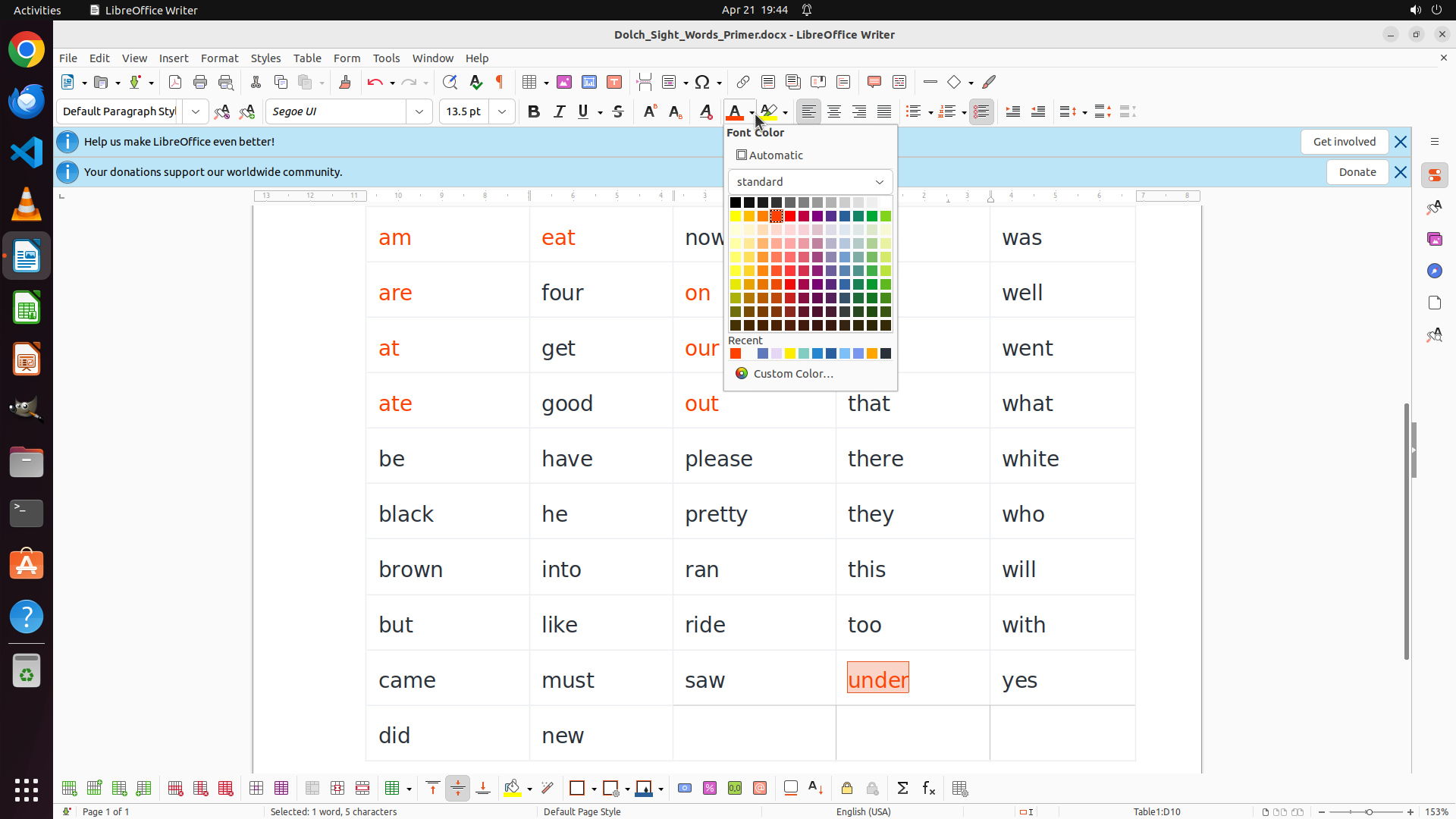
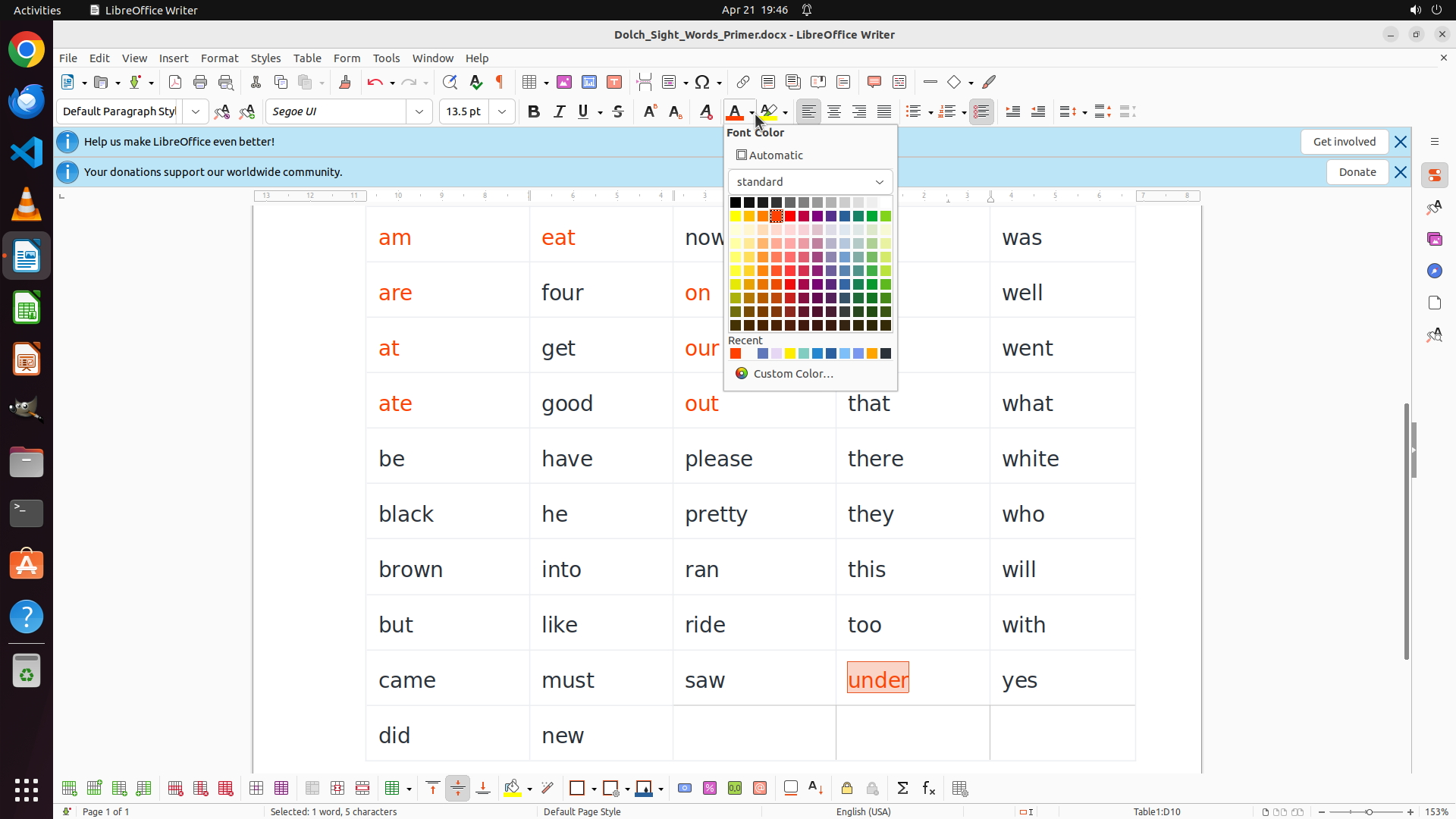
The font color palette is now open showing the color grid. The word "under" is still selected (highlighted with orange box) in row 9, column 4. I can see the color palette with various colors including red colors in the upper portion. The word "under" starts with vowel 'u', so it needs to be colored RED.
All other vowel-starting words have been successfully colored RED:
- Column 1: "am", "are", "at", "ate" (all RED)
- Column 2: "eat", "into" (both RED)
- Column 3: "on", "our", "out" (all RED)
"under" is the last vowel word that needs RED. After this, I'll need to color all consonant-starting words BLUE.
#### 情况分析与思考过程
The previous action successfully opened the font color dropdown. Now I need to select the bright red color from the palette to apply to "under". Looking at the color grid, I can see the bright red color in the upper portion that I've been using consistently for all the other vowel words.
Once I apply red to "under", I'll have completed all vowel-starting words. Then I'll systematically go through all the remaining words and color them BLUE.
Let me click on the bright red color in the palette.
```
Step 43: CLICK (1023, 279)
```
#### 重要信息
The word "under" is still selected (highlighted in orange box) in row 9, column 4. The font color palette should now be open after clicking the dropdown button. I can see the color palette with various colors including red colors in the upper portion. I need to click on the bright red color to apply it to the selected word "under".
This is the last vowel-starting word that needs to be colored RED. After this, I'll need to systematically go through all the consonant-starting words and color them BLUE.
#### 情况分析与思考过程
The previous action successfully opened the font color dropdown. Now I need to select a red color from the palette to apply to "under" (which starts with vowel 'u'). Looking at the color grid, I can see the bright red color in the upper portion that I've been using consistently for all the other vowel words.
My progress so far:
- Column 1 vowels: "am", "are", "at", "ate" are all RED ✓
- "eat" is RED ✓
- "on" is RED ✓
- "our" is RED ✓
- "out" is RED ✓
- "into" is RED ✓
- "under" is selected and needs RED (last vowel word!)
- After this: all consonant-starting words need to be BLUE
Let me click on the bright red color in the palette.
```
Step 44: DOUBLE_CLICK (927, 310)
```
#### 重要信息
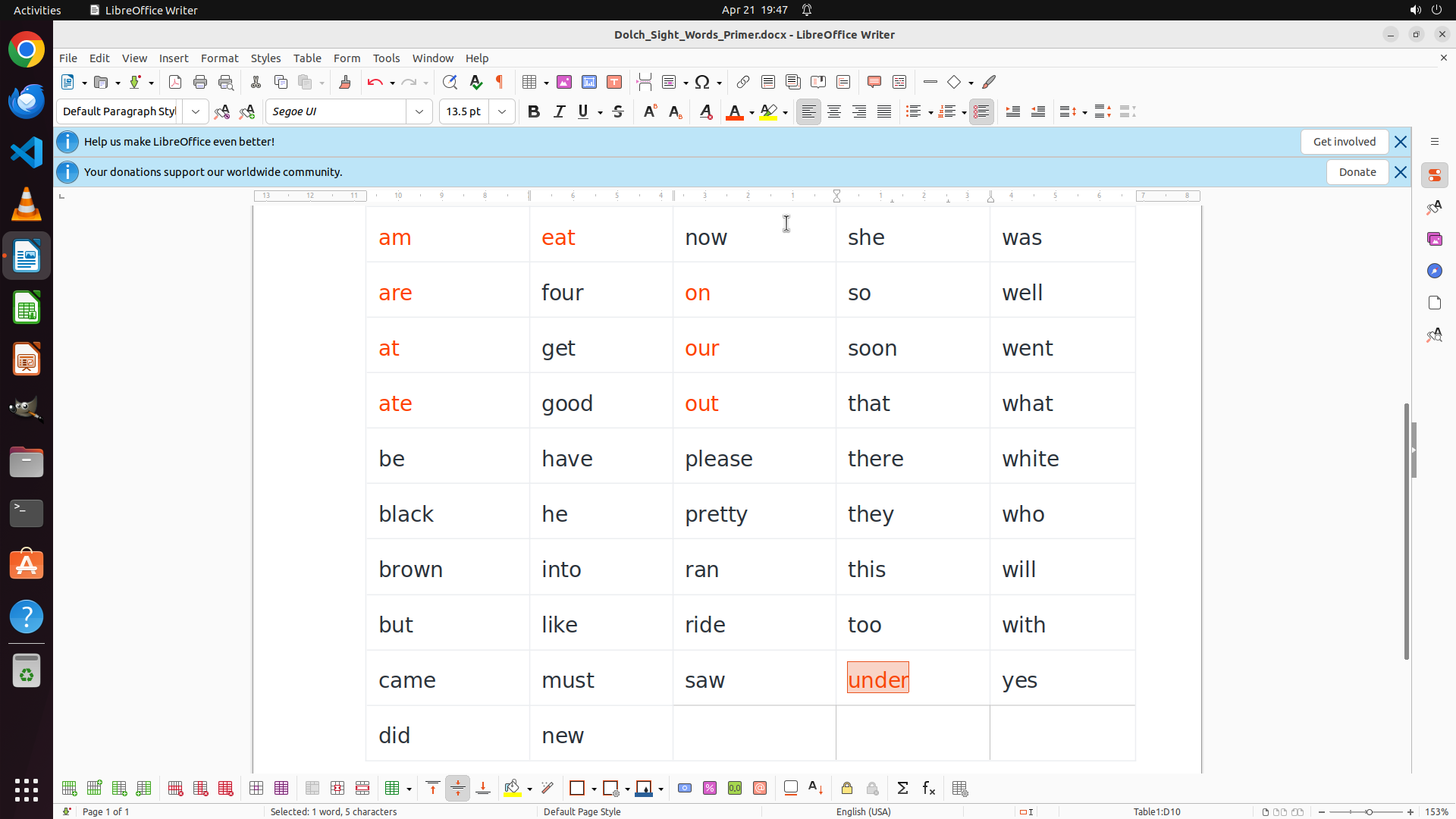
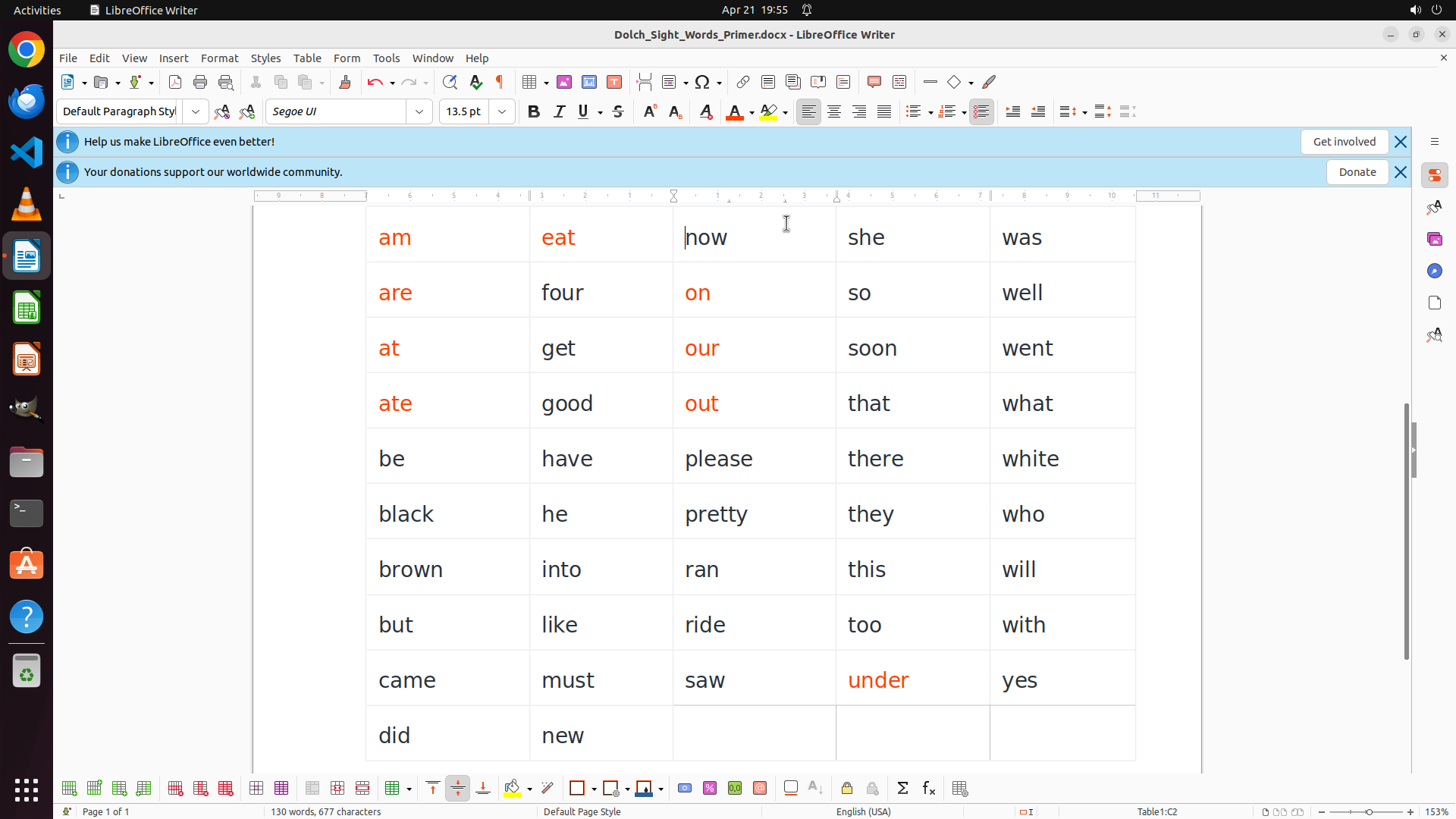
The word "under" is now successfully colored RED! I can see it displayed in red text in row 9, column 4. This completes all the vowel-starting words that needed to be colored RED:
- Column 1: "am", "are", "at", "ate" (all RED) ✓
- Column 2: "eat", "into" (both RED) ✓
- Column 3: "on", "our", "out" (all RED) ✓
- Column 4: "under" (RED) ✓
Now I need to start coloring all consonant-starting words BLUE. Looking at the table, I can see words like "now", "she", "was", "four", "so", "well", etc. that need to be blue.
#### 情况分析与思考过程
I've successfully completed coloring all vowel-starting words RED. Now I need to systematically go through all the consonant-starting words and color them BLUE.
According to the strategy tree, I should work through rows systematically:
- Rows 1-3: now, she, was, four, so, well, get, soon, went
- And continue with all other consonant-starting words
Let me start with "now" in row 1, column 3. I'll double-click on it to select it, then apply blue color.
```
Step 45: CLICK (991, 145)
```
#### 重要信息
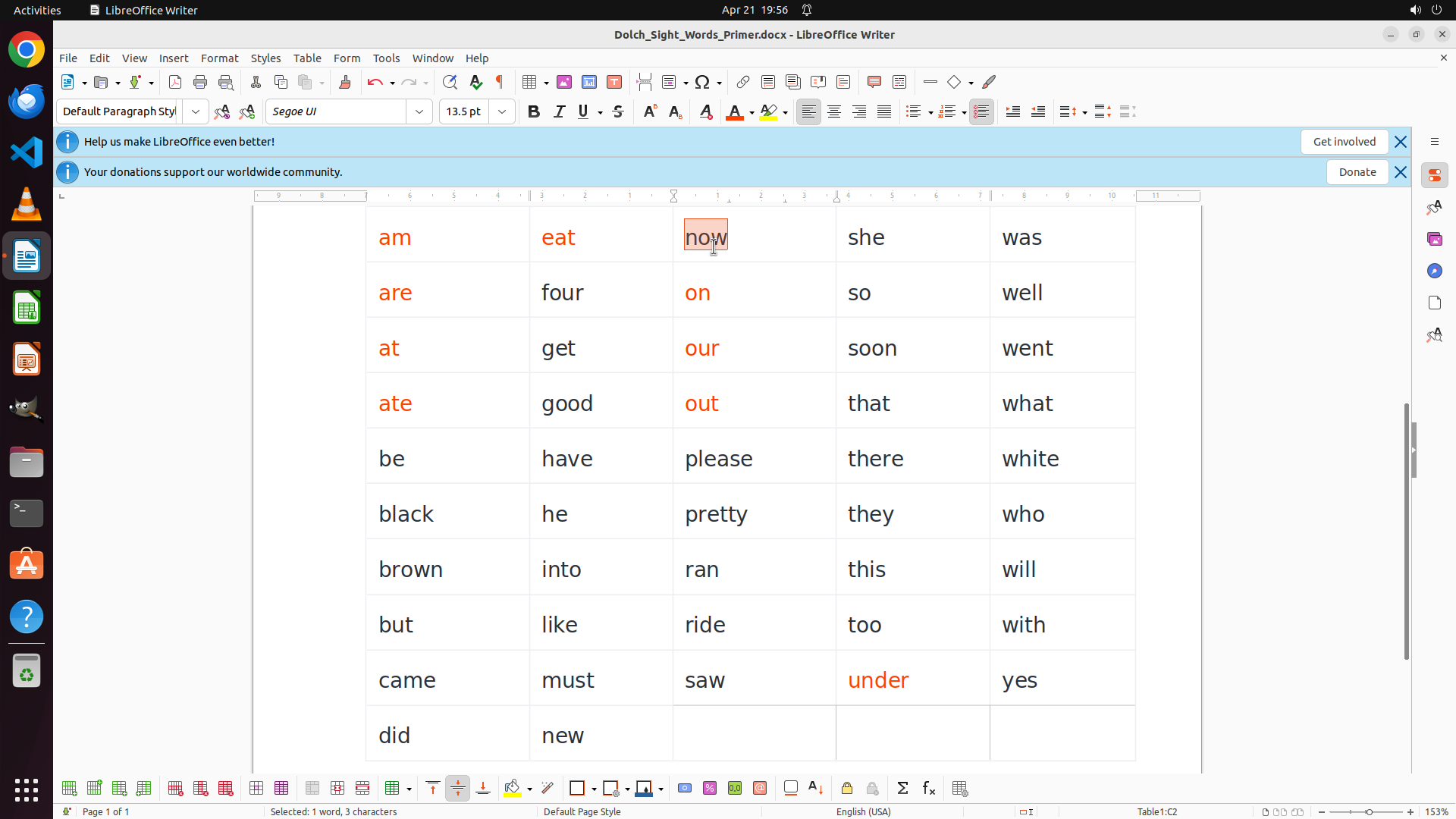
The word "now" is currently selected (highlighted with orange box) in row 1, column 3. The status bar shows "Selected: 1 word, 3 characters". The word "now" starts with the consonant 'n', so it needs to be colored BLUE.
I can see that all the vowel-starting words have been successfully colored RED:
- Column 1: "am", "are", "at", "ate" (all RED)
- Column 2: "eat", "into" (both RED)
- Column 3: "on", "our", "out" (all RED)
- Column 4: "under" (RED)
Now I need to start coloring all consonant-starting words BLUE, starting with "now".
#### 情况分析与思考过程
The previous action successfully selected the word "now". Now I need to apply the blue color to it since it starts with a consonant. Looking at the toolbar, I can see the font color button (the "A" with a colored underline) with a dropdown arrow. I should click on the dropdown to open the color palette, then select a blue color.
My progress:
- ✓ All vowel-starting words are RED
- Now starting consonant words: "now" is selected and needs BLUE
- Still need to color BLUE: she, was, four, so, well, get, soon, went, good, that, what, be, have, please, there, white, black, he, pretty, they, who, brown, ran, this, will, but, like, ride, too, with, came, must, saw, yes, did, new
Let me click on the font color dropdown button to access the color palette.
```
Step 46: CLICK (1098, 279)
```
#### 重要信息
The font color palette is now open and displaying a color grid. The word "now" is still selected (shown in the orange highlight box). I can see various color options in the palette, including blue colors in the middle rows of the grid. I need to click on a blue color to apply it to the selected word "now".
All vowel-starting words have been successfully colored RED:
- Column 1: "am", "are", "at", "ate" (all RED)
- Column 2: "eat", "into" (both RED)
- Column 3: "on", "our", "out" (all RED)
- Column 4: "under" (RED)
Now I'm starting to color consonant-starting words BLUE, beginning with "now".
#### 情况分析与思考过程
The previous action successfully opened the font color dropdown. Now I need to select a blue color from the palette to apply to "now" (which starts with consonant 'n'). Looking at the color grid, I can see blue colors in the middle-right portion of the palette. I should select a clear, standard blue color.
My progress so far:
- All vowel-starting words are RED ✓
- "now" is selected and needs BLUE
- Still need to color BLUE: she, was, four, so, well, get, soon, went, good, that, what, be, have, please, there, white, black, he, pretty, they, who, brown, ran, this, will, but, like, ride, too, with, came, must, saw, yes, did, new
Let me click on a blue color in the palette.
```
Step 47: CLICK (991, 145)
```
#### 重要信息
The word "now" is still selected (highlighted with orange box) in row 1, column 3. The font color palette is not currently open. I need to click on the font color dropdown button to open the color palette so I can select a blue color for "now" (which starts with consonant 'n').
Looking at the document progress:
- All vowel-starting words are successfully colored RED ✓
- Now starting to color consonant-starting words BLUE
- "now" is selected and needs BLUE
#### 情况分析与思考过程
The previous action attempted to open the font color dropdown, but the palette doesn't appear to be open in the current view. I need to click on the font color dropdown button (the "A" with colored underline and dropdown arrow in the toolbar) to open the color palette.
Once the palette opens, I'll select a blue color to apply to "now". After that, I'll continue systematically through all the remaining consonant-starting words.
My plan:
1. Click on font color dropdown to open palette
2. Select blue color for "now"
3. Continue with other consonant words: she, was, four, so, well, get, soon, went, good, that, what, be, have, please, there, white, black, he, pretty, they, who, brown, ran, this, will, but, like, ride, too, with, came, must, saw, yes, did, new
Let me click on the font color dropdown button.
```
Step 48: CLICK (1098, 279)
```
#### 重要信息
The font color palette is now open and displaying a color grid. The word "now" is still selected (shown in the orange highlight box). I can see various color options in the palette, including blue colors in the middle rows of the grid. I need to click on a blue color to apply it to the selected word "now".
All vowel-starting words have been successfully colored RED:
- Column 1: "am", "are", "at", "ate" (all RED)
- Column 2: "eat", "into" (both RED)
- Column 3: "on", "our", "out" (all RED)
- Column 4: "under" (RED)
Now I'm starting to color consonant-starting words BLUE, beginning with "now".
#### 情况分析与思考过程
The previous action successfully opened the font color dropdown. Now I need to select a blue color from the palette to apply to "now" (which starts with consonant 'n'). Looking at the color grid, I can see blue colors in the middle-right portion of the palette. I should select a clear, standard blue color.
My progress so far:
- All vowel-starting words are RED ✓
- "now" is selected and needs BLUE
- Still need to color BLUE: she, was, four, so, well, get, soon, went, good, that, what, be, have, please, there, white, black, he, pretty, they, who, brown, ran, this, will, but, like, ride, too, with, came, must, saw, yes, did, new
Let me click on a blue color in the palette.
```
Step 49: CLICK (1098, 279)
```
#### 重要信息
The word "now" is currently selected (highlighted with orange box) in row 1, column 3. The font color palette is now open showing the color grid with various colors including blue colors in the middle rows. I can see blue color options in the palette. The word "now" starts with consonant 'n', so it needs to be colored BLUE.
All vowel-starting words have been successfully colored RED:
- Column 1: "am", "are", "at", "ate" (all RED)
- Column 2: "eat", "into" (both RED)
- Column 3: "on", "our", "out" (all RED)
- Column 4: "under" (RED)
Now I'm starting to color consonant-starting words BLUE, beginning with "now".
#### 情况分析与思考过程
The previous action successfully opened the font color dropdown. Now I need to select a blue color from the palette to apply to "now" (which starts with consonant 'n'). Looking at the color grid, I can see blue colors in the middle portion of the palette. I should select a clear, standard blue color.
My progress so far:
- All vowel-starting words are RED ✓
- "now" is selected and needs BLUE
- Still need to color BLUE: she, was, four, so, well, get, soon, went, good, that, what, be, have, please, there, white, black, he, pretty, they, who, brown, ran, this, will, but, like, ride, too, with, came, must, saw, yes, did, new
Let me click on a blue color in the palette.
```
Step 50: CLICK (991, 145)
```
#### 重要信息
The word "now" is currently selected (highlighted with orange box) in row 1, column 3. The font color palette is not currently open. All vowel-starting words have been successfully colored RED. The word "now" starts with consonant 'n' and needs to be colored BLUE.
Looking at the toolbar, I can see the font color button (the "A" with a colored underline) with a dropdown arrow next to it. I need to click on this dropdown to open the color palette.
#### 情况分析与思考过程
The previous attempts to apply blue color to "now" haven't succeeded yet - the word is still in black text. The word remains selected, which is good. I need to click on the font color dropdown button to open the color palette, then select a blue color.
My progress so far:
- All vowel-starting words are RED ✓ (am, are, at, ate, eat, on, our, out, into, under)
- "now" is selected and needs BLUE
- Still need to color BLUE: she, was, four, so, well, get, soon, went, good, that, what, be, have, please, there, white, black, he, pretty, they, who, brown, ran, this, will, but, like, ride, too, with, came, must, saw, yes, did, new
I need to click on the font color dropdown button first to open the palette, then select a blue color.
```