```
#### 重要信息
- LibreOffice Writer is currently open with "ReferenceAnswers.docx"
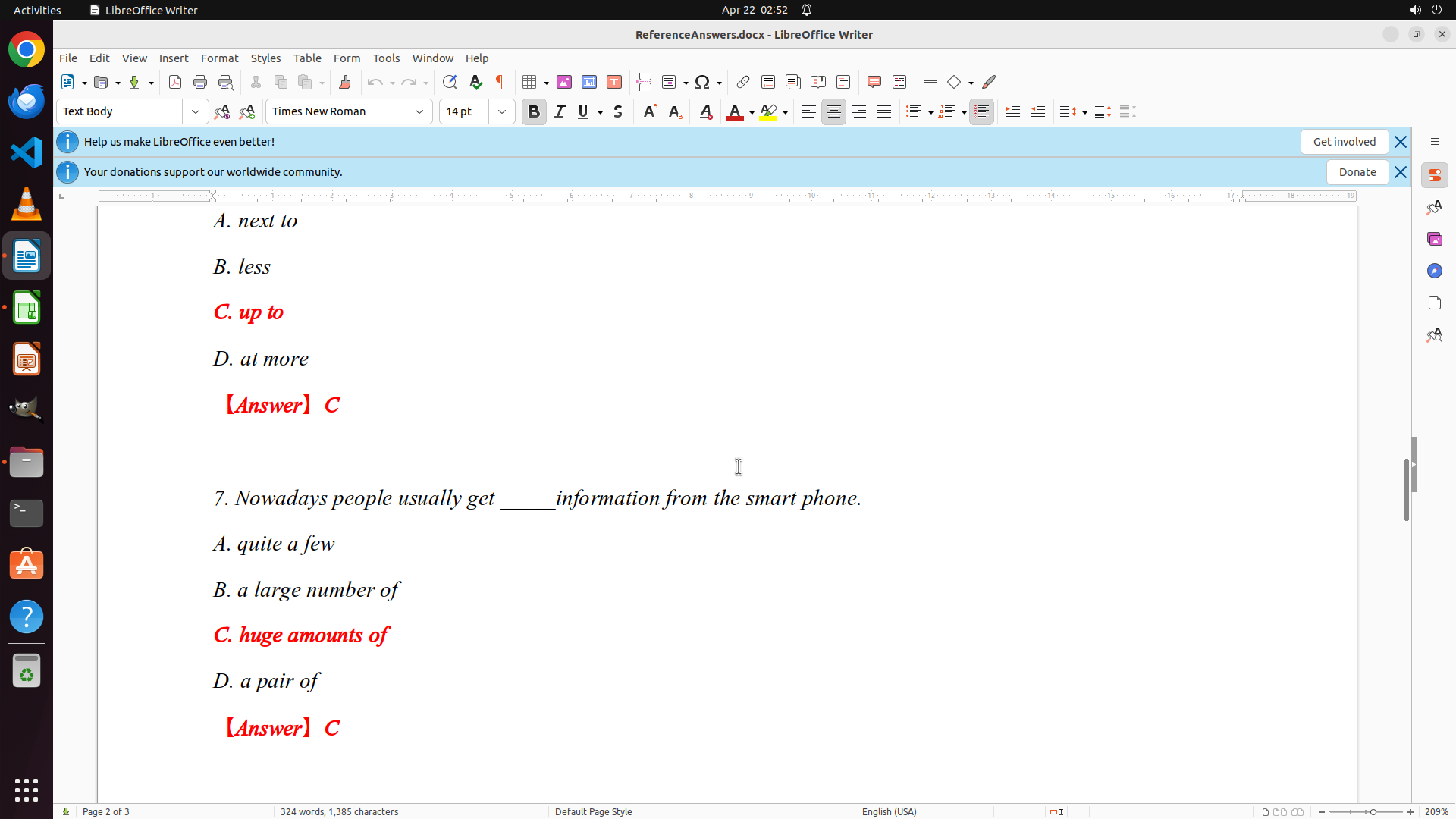
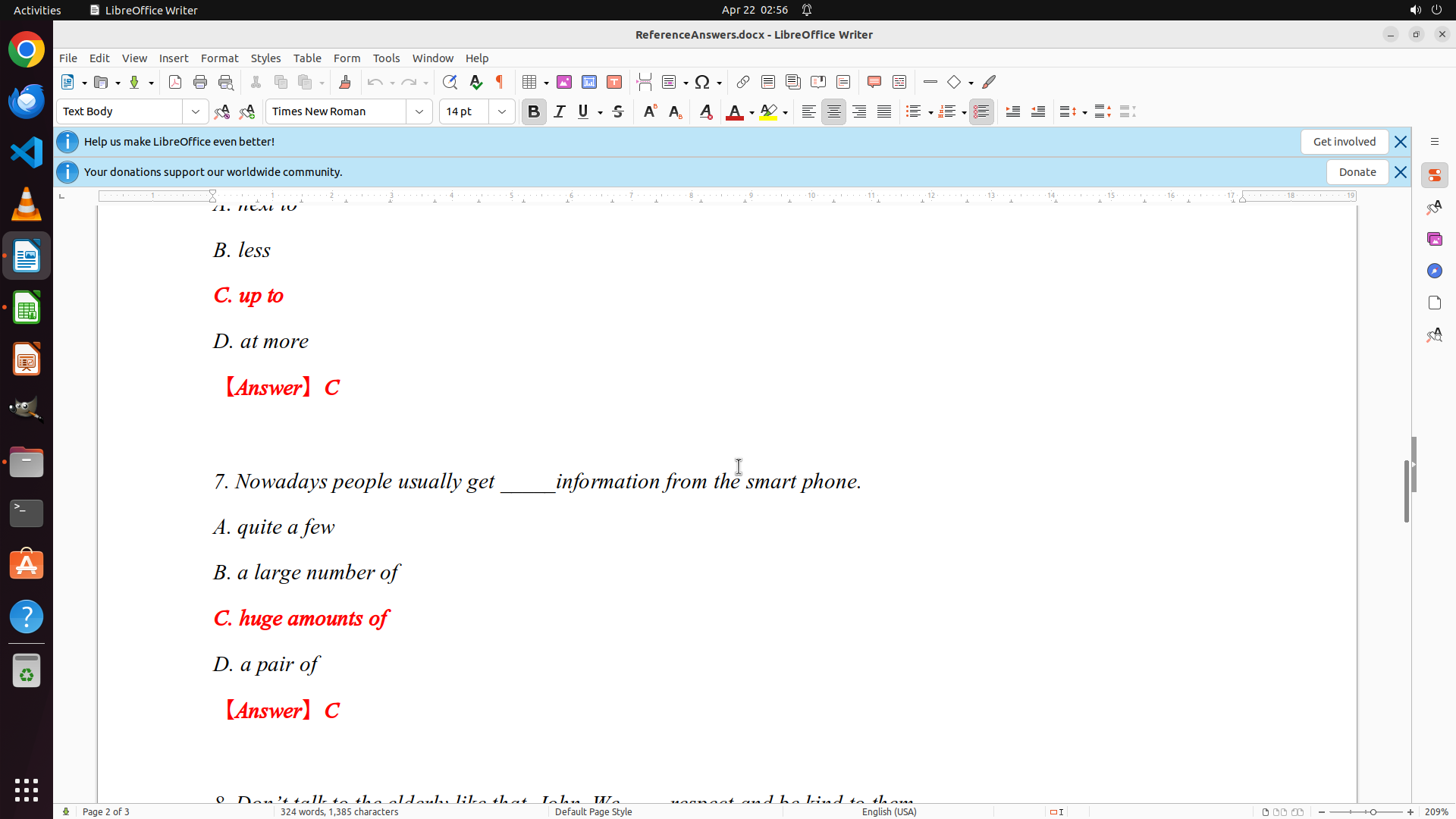
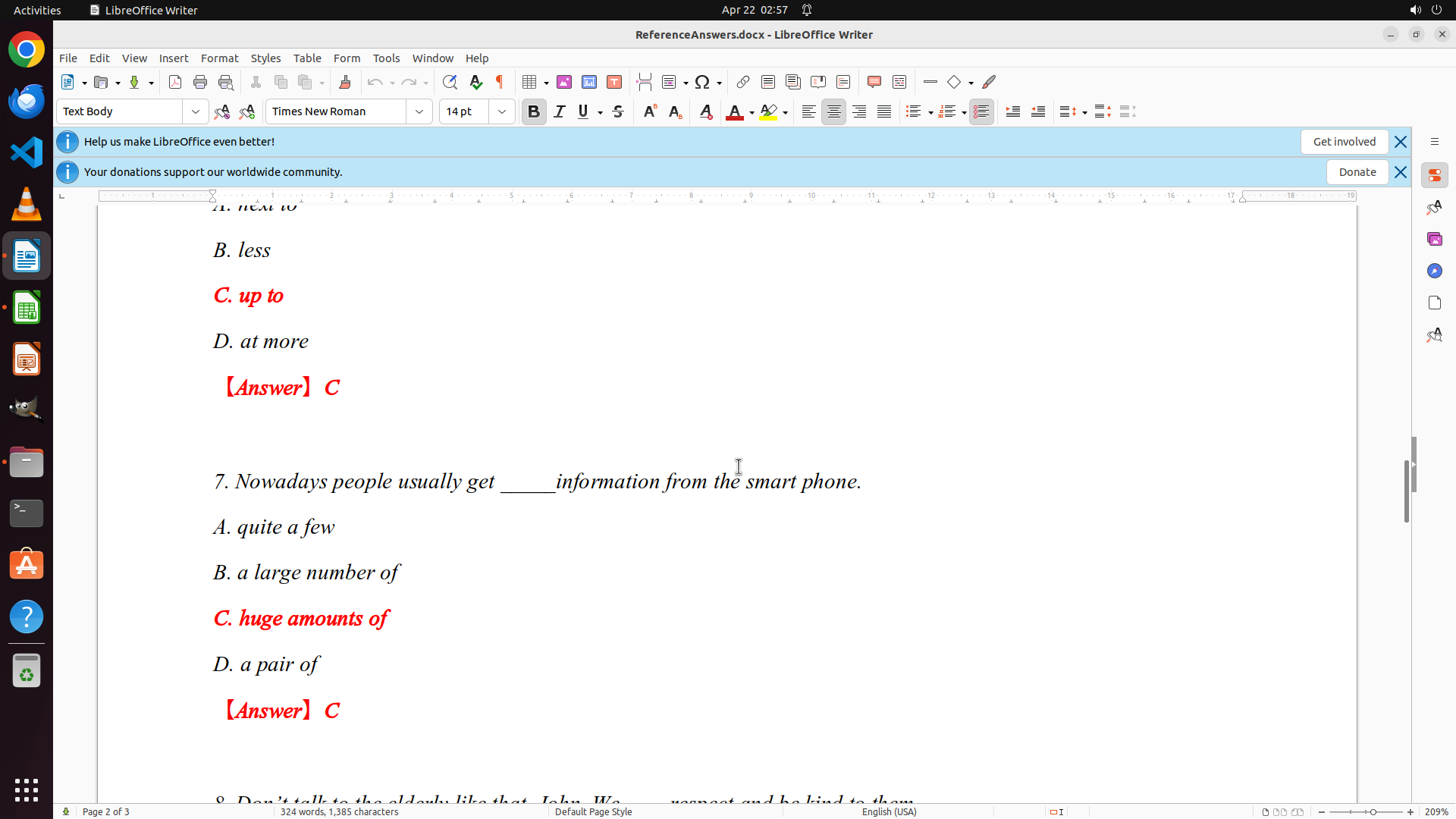
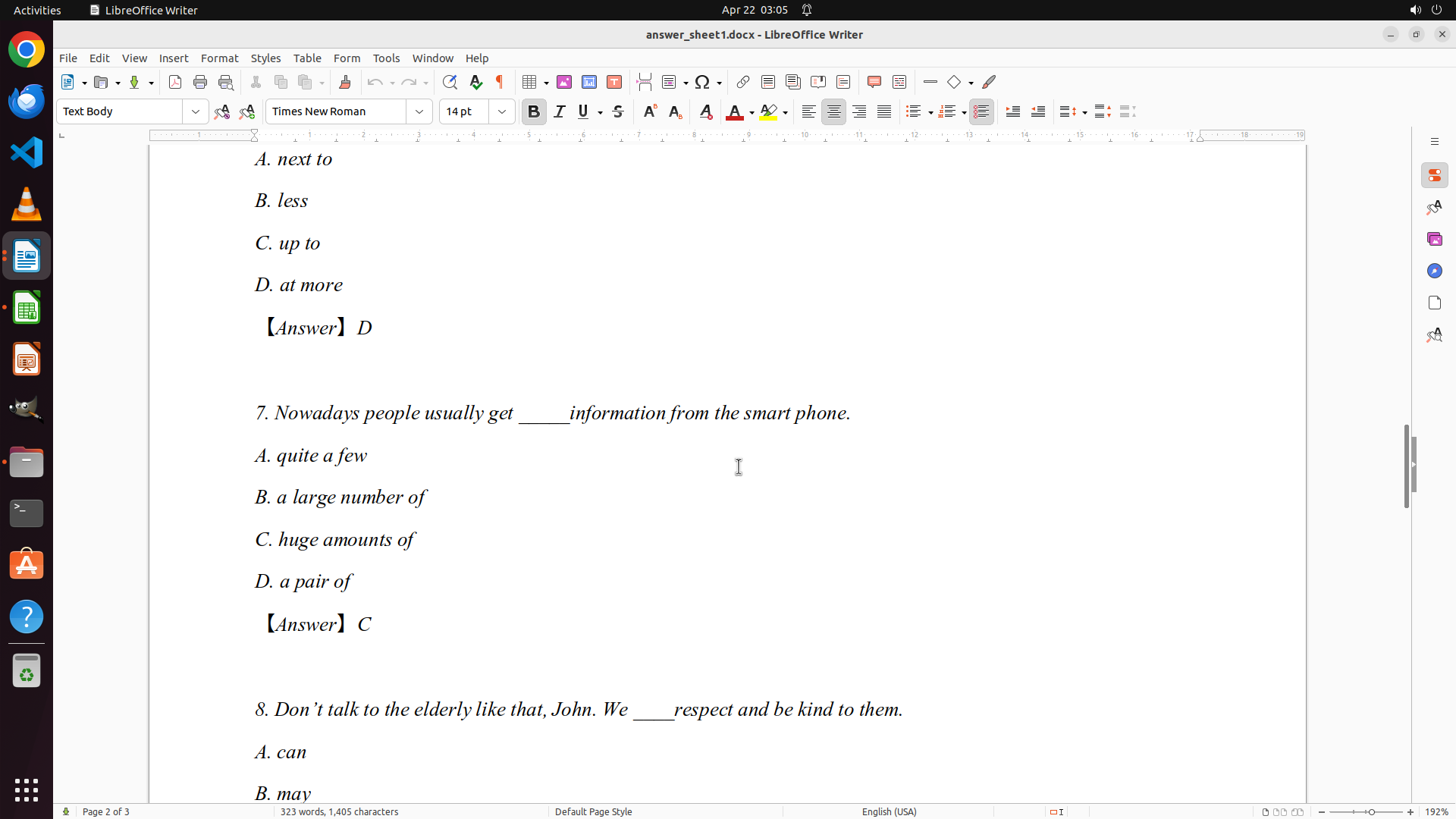
- The document shows page 2 of 3, displaying questions 6 and 7 with their correct answers (both are C)
- Question 6 answer: C (up to)
- Question 7 answer: C (huge amounts of)
- I need to scroll to see all questions and their answers to create a complete answer key
- The document has 3 pages total, so I need to review the entire document
#### 情况分析与思考过程
I need to start by extracting the complete answer key from ReferenceAnswers.docx. Currently, I'm seeing page 2 of 3, so I need to scroll up to see the beginning of the document (questions 1-5) and then scroll down to see the remaining questions. This will allow me to document all the correct answers before I start grading the students' papers.
My plan:
1. First, scroll to the top of the document to see questions 1-5
2. Then scroll through to document all answers
3. After that, open grades.xlsx
4. Then systematically grade each student's answer sheet
Let me start by scrolling to the top of the document to see the beginning.
```
Step 7: MOVE_TO (960, 600)
```
#### 重要信息
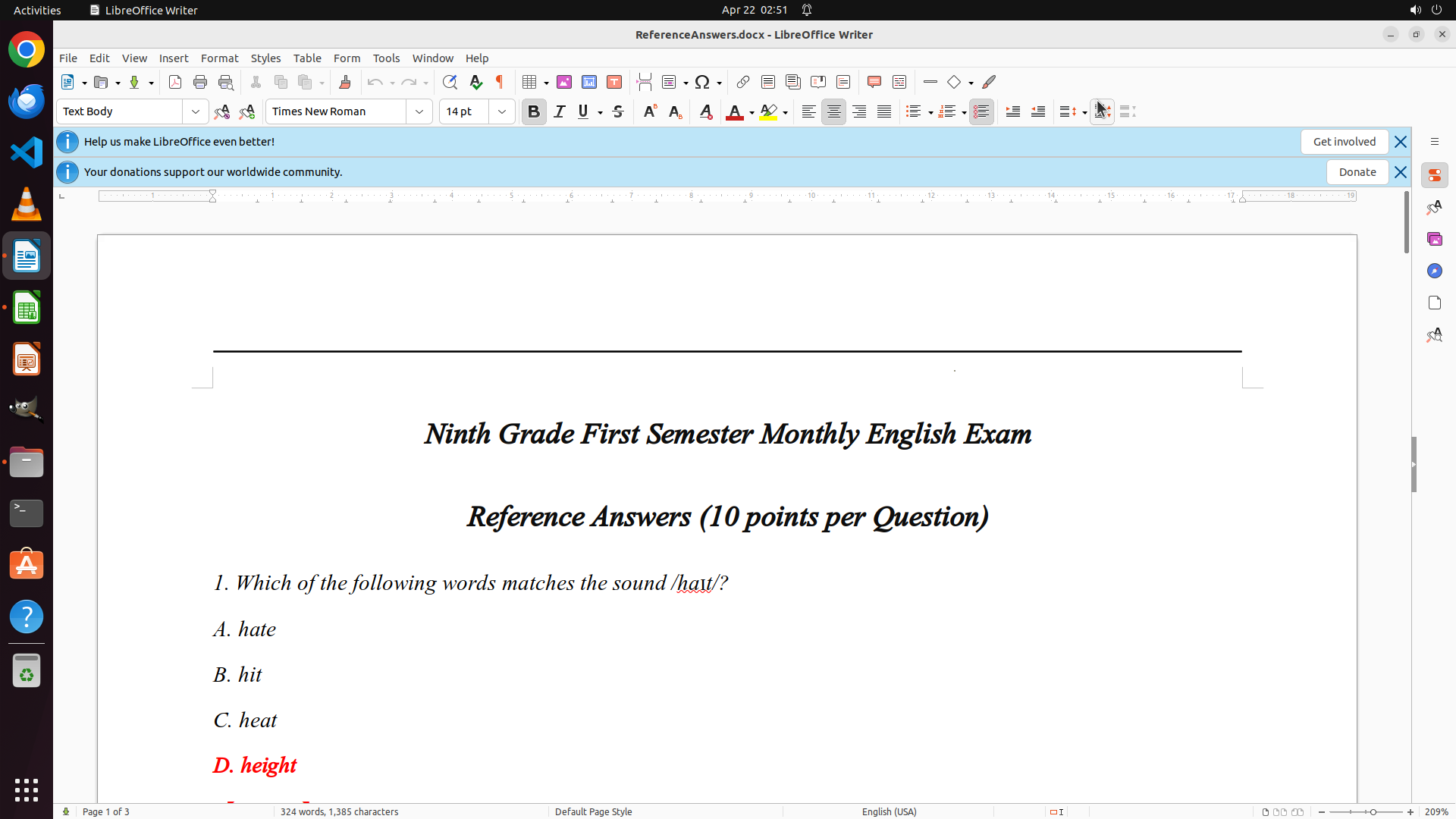
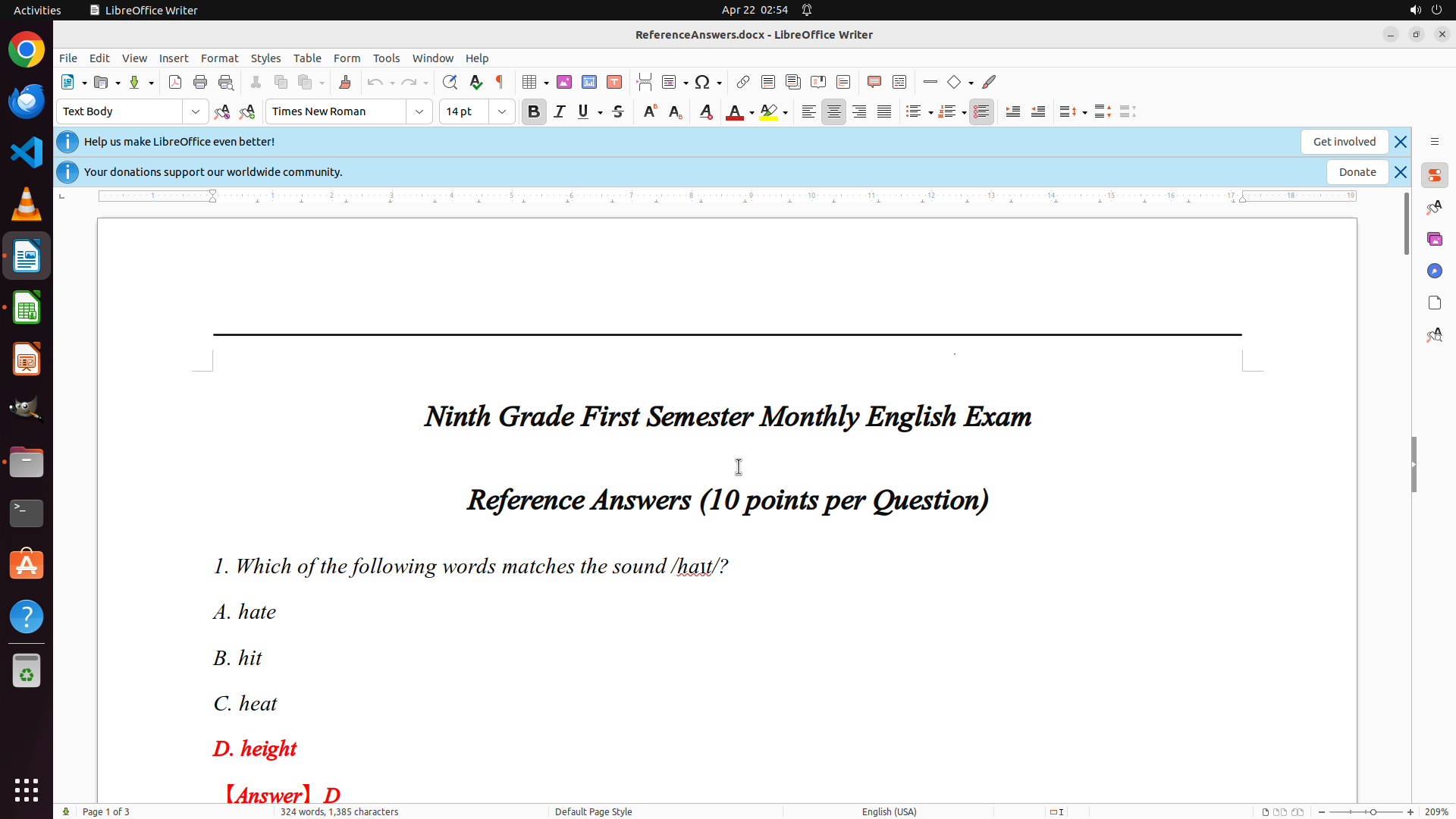
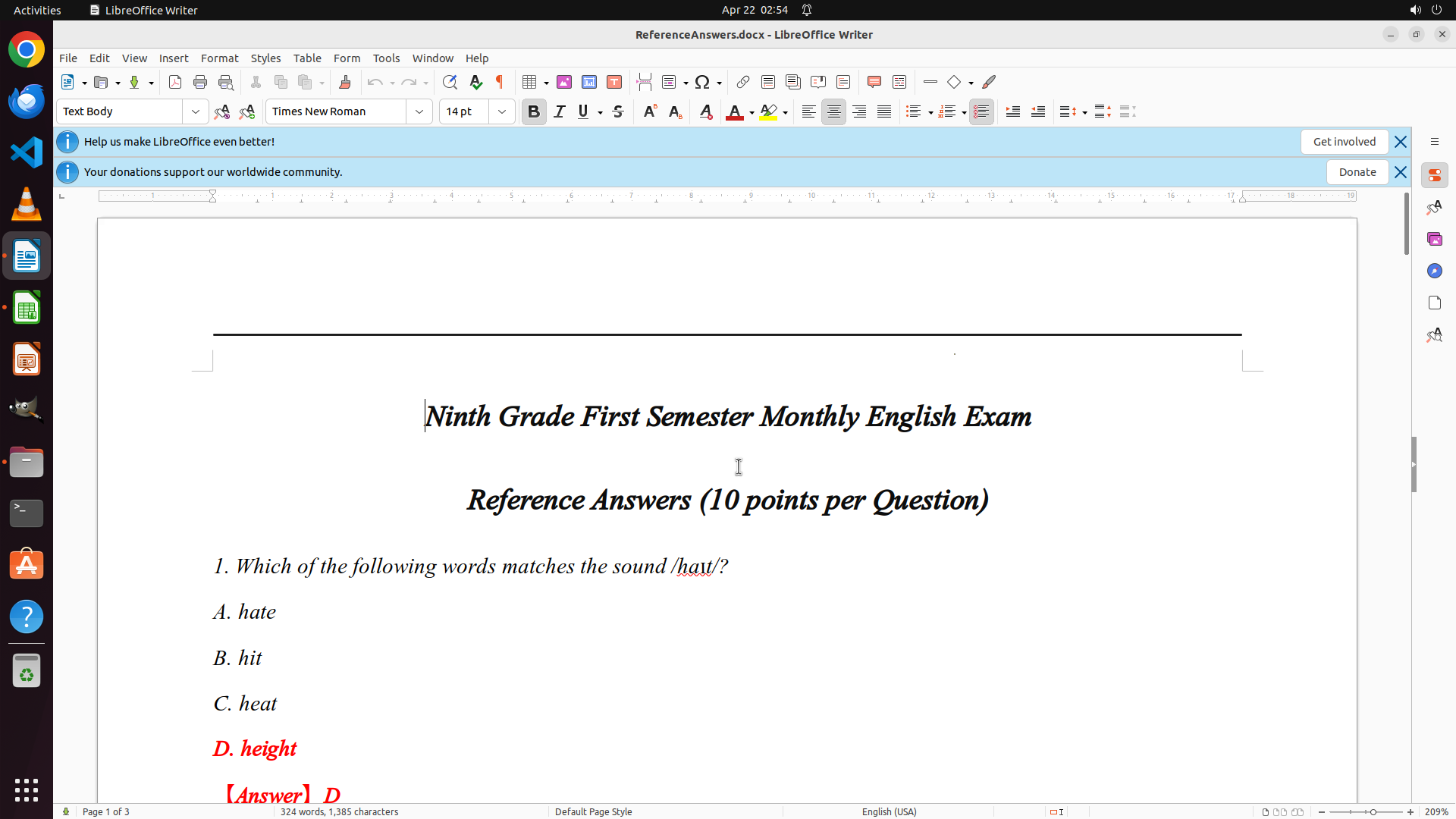
- LibreOffice Writer is open with ReferenceAnswers.docx on page 1 of 3
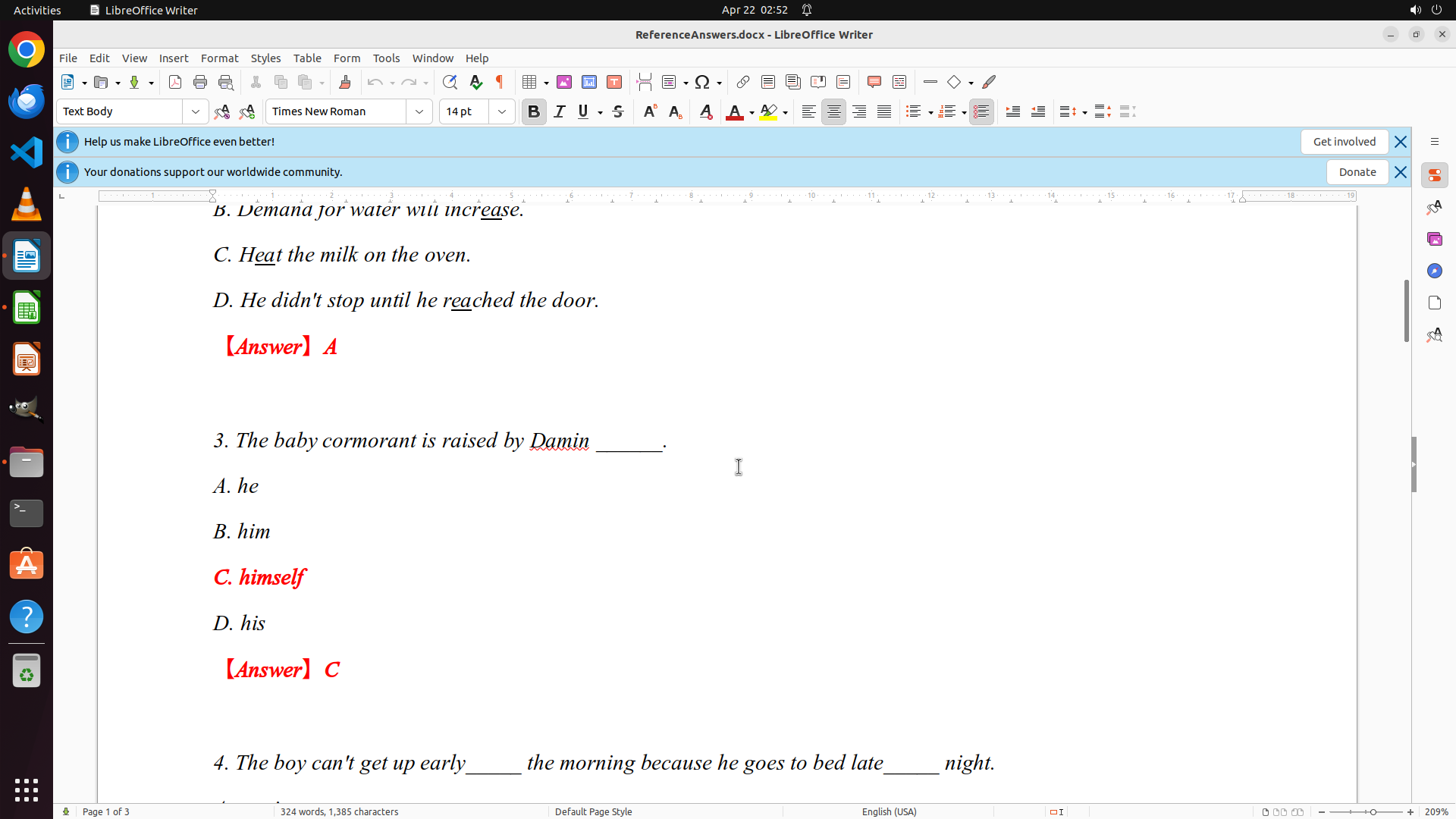
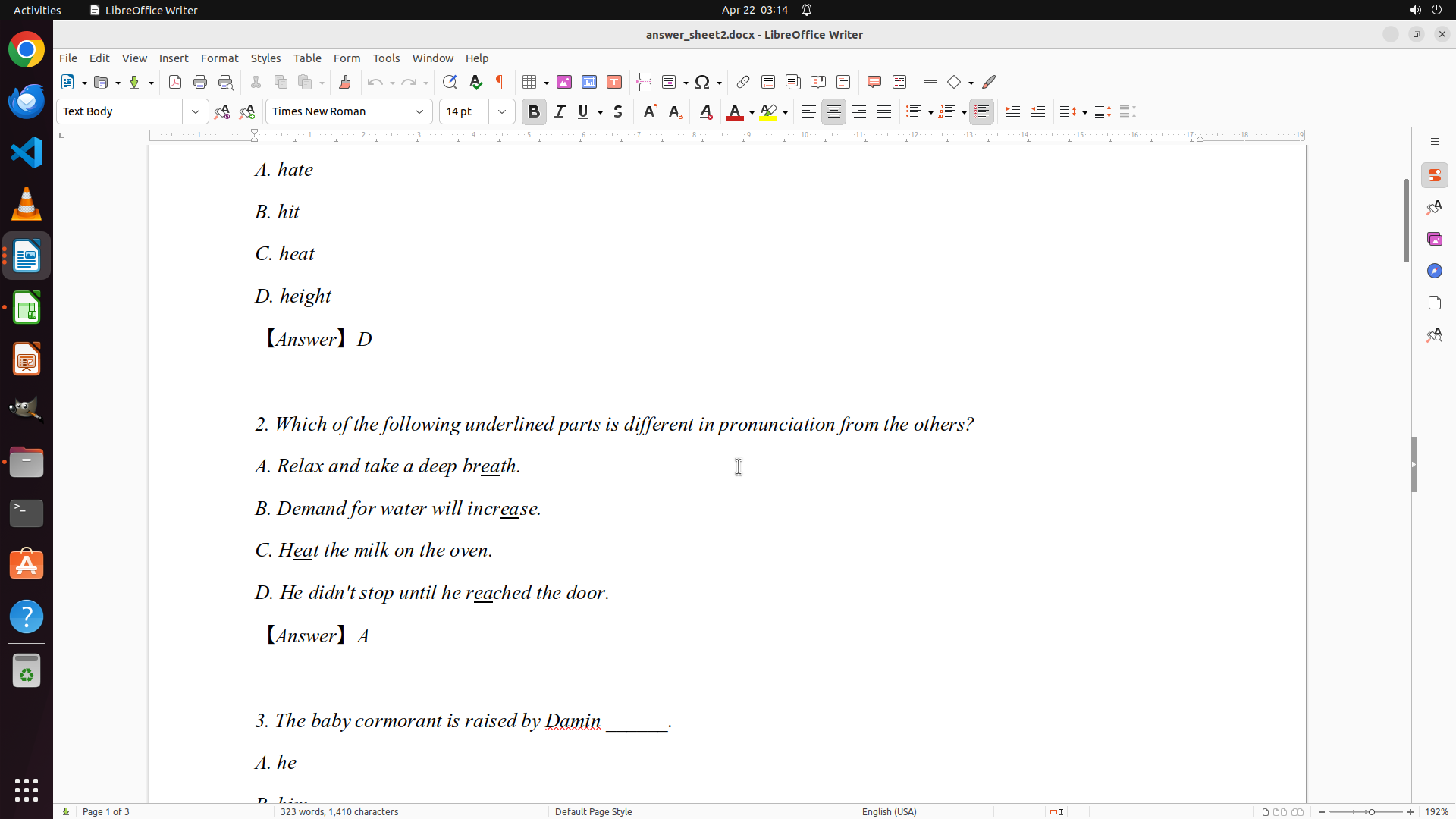
- Question 1 is visible with answer: D (height)
- The exam has 10 points per question
- I can see the beginning of the document but need to scroll to see all questions
#### 情况分析与思考过程
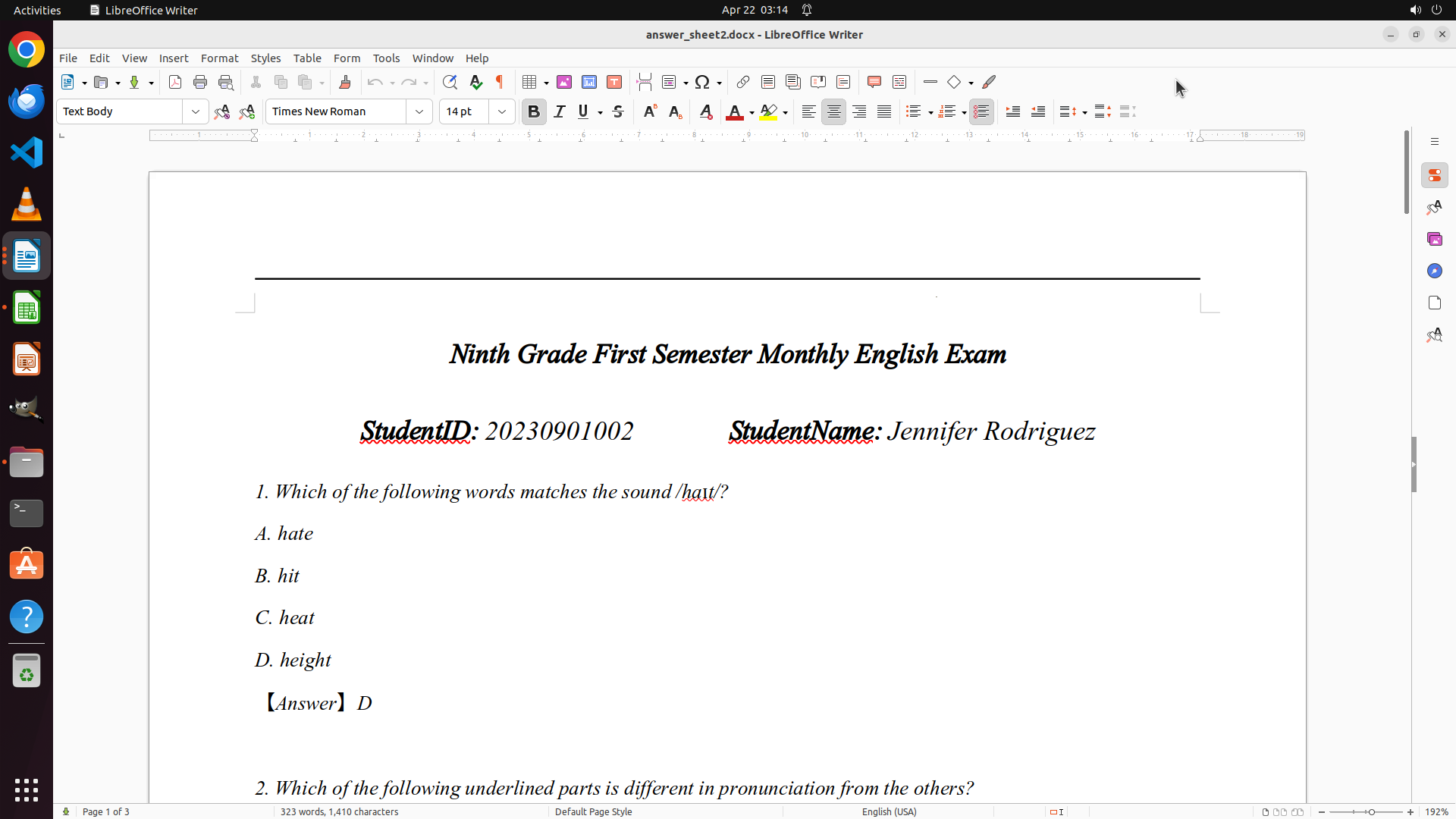
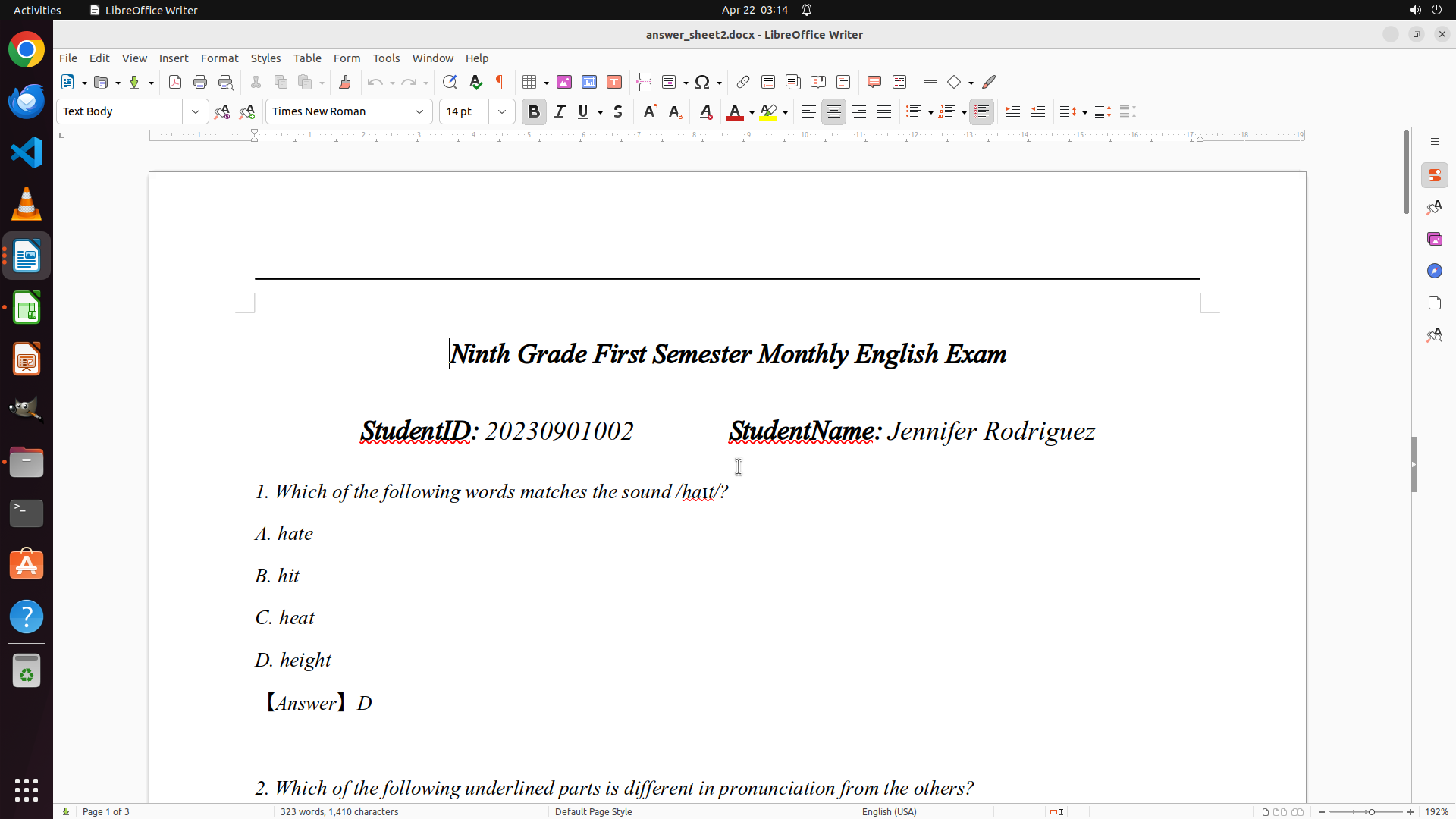
I successfully navigated to the top of the document. Now I can see Question 1 with answer D. I need to scroll down through the document to see all questions and their correct answers to build a complete answer key. Since this is a 3-page document and I'm on page 1, I should scroll down to see the remaining questions.
Let me scroll down to see more questions and document the answer key systematically.
```
Step 7: SCROLL
```
#### 重要信息
- LibreOffice Writer is open with ReferenceAnswers.docx on page 1 of 3
- Question 1 is visible with answer: D (height)
- The exam has 10 points per question
- I can see the beginning of the document but need to scroll to see all questions
#### 情况分析与思考过程
I successfully navigated to the top of the document. Now I can see Question 1 with answer D. I need to scroll down through the document to see all questions and their correct answers to build a complete answer key. Since this is a 3-page document and I'm on page 1, I should scroll down to see the remaining questions.
Let me scroll down to see more questions and document the answer key systematically.
```
Step 8: MOVE_TO (960, 600)
```
#### 重要信息
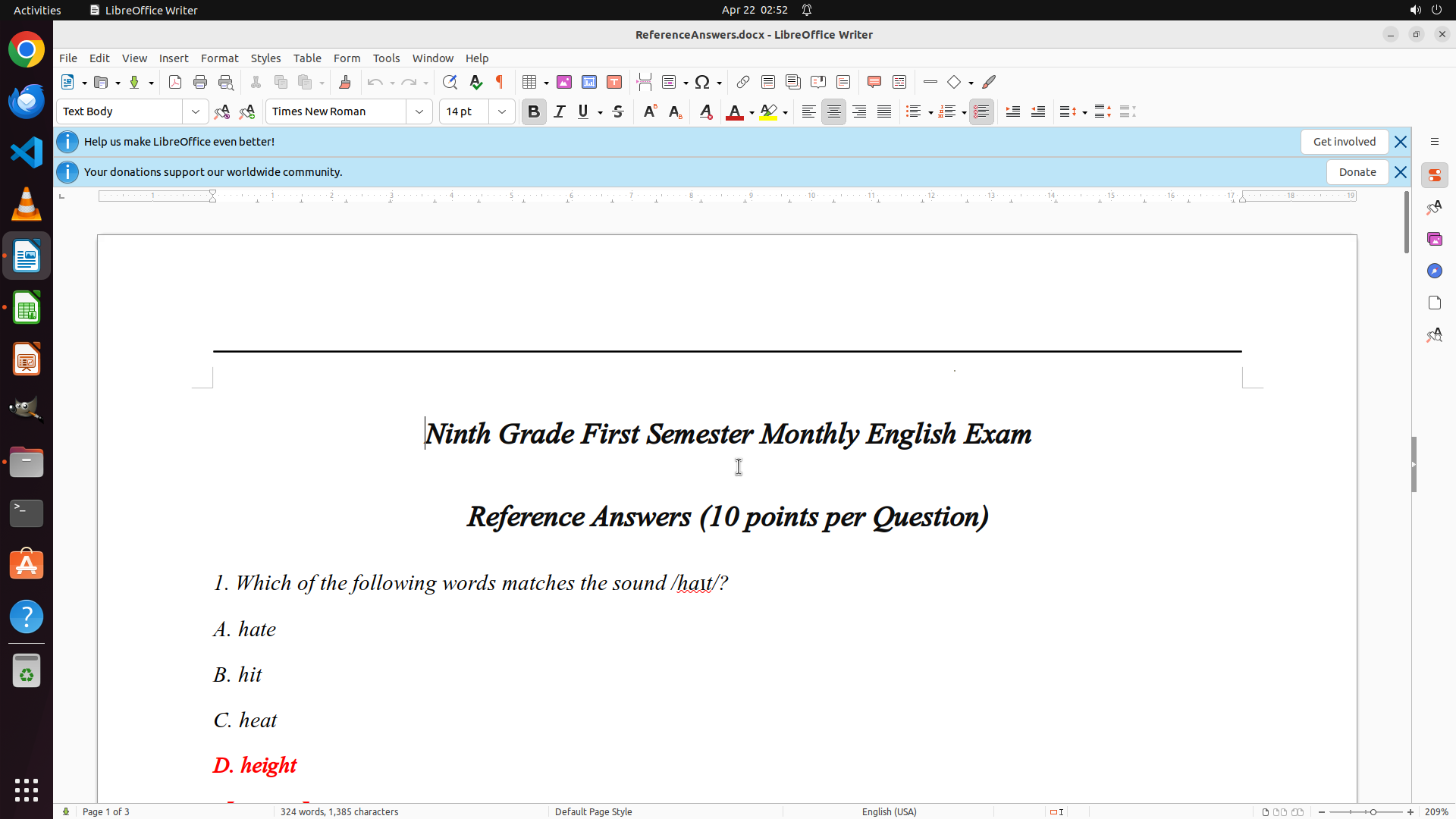
- LibreOffice Writer is open with ReferenceAnswers.docx on page 1 of 3
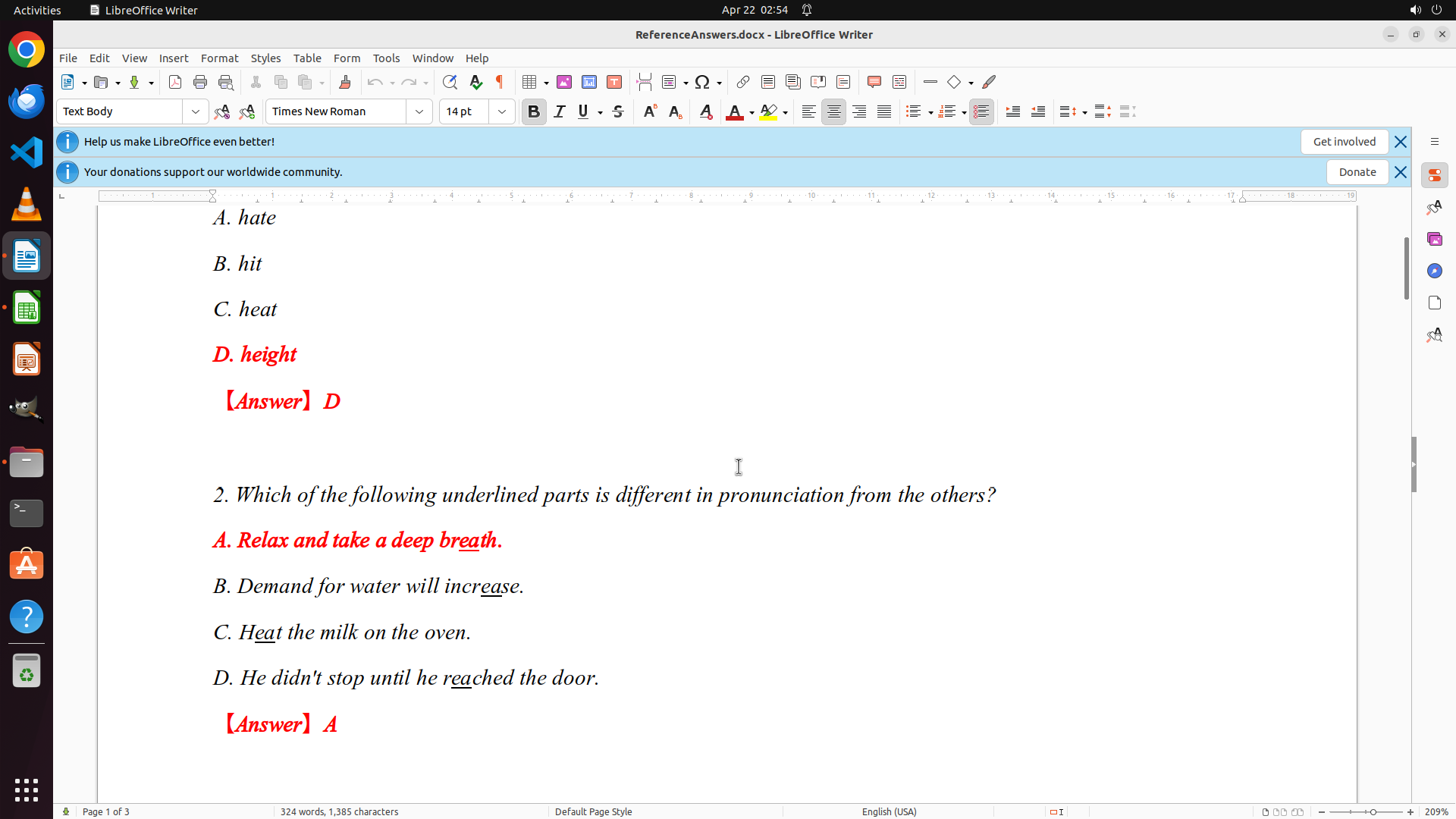
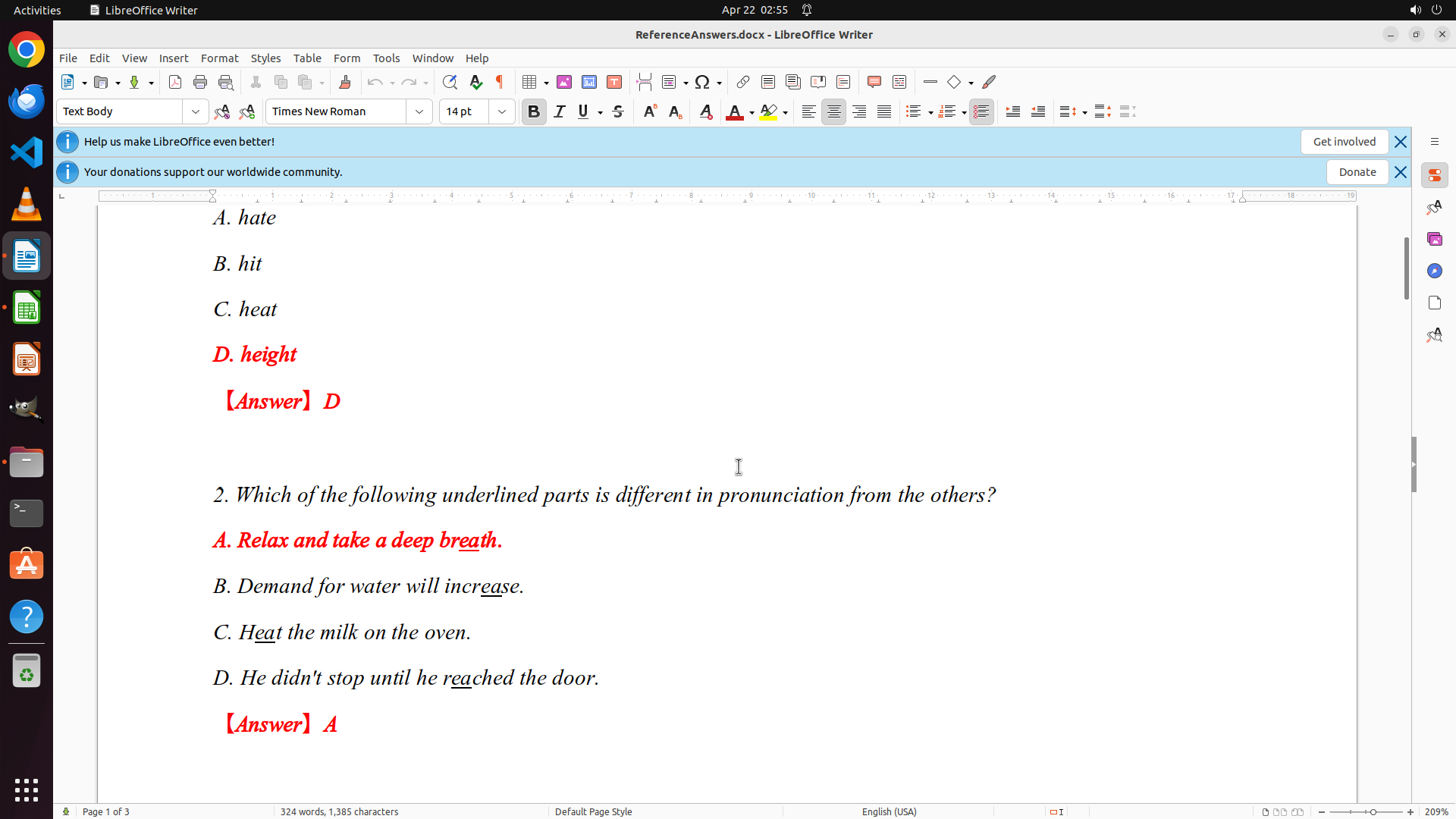
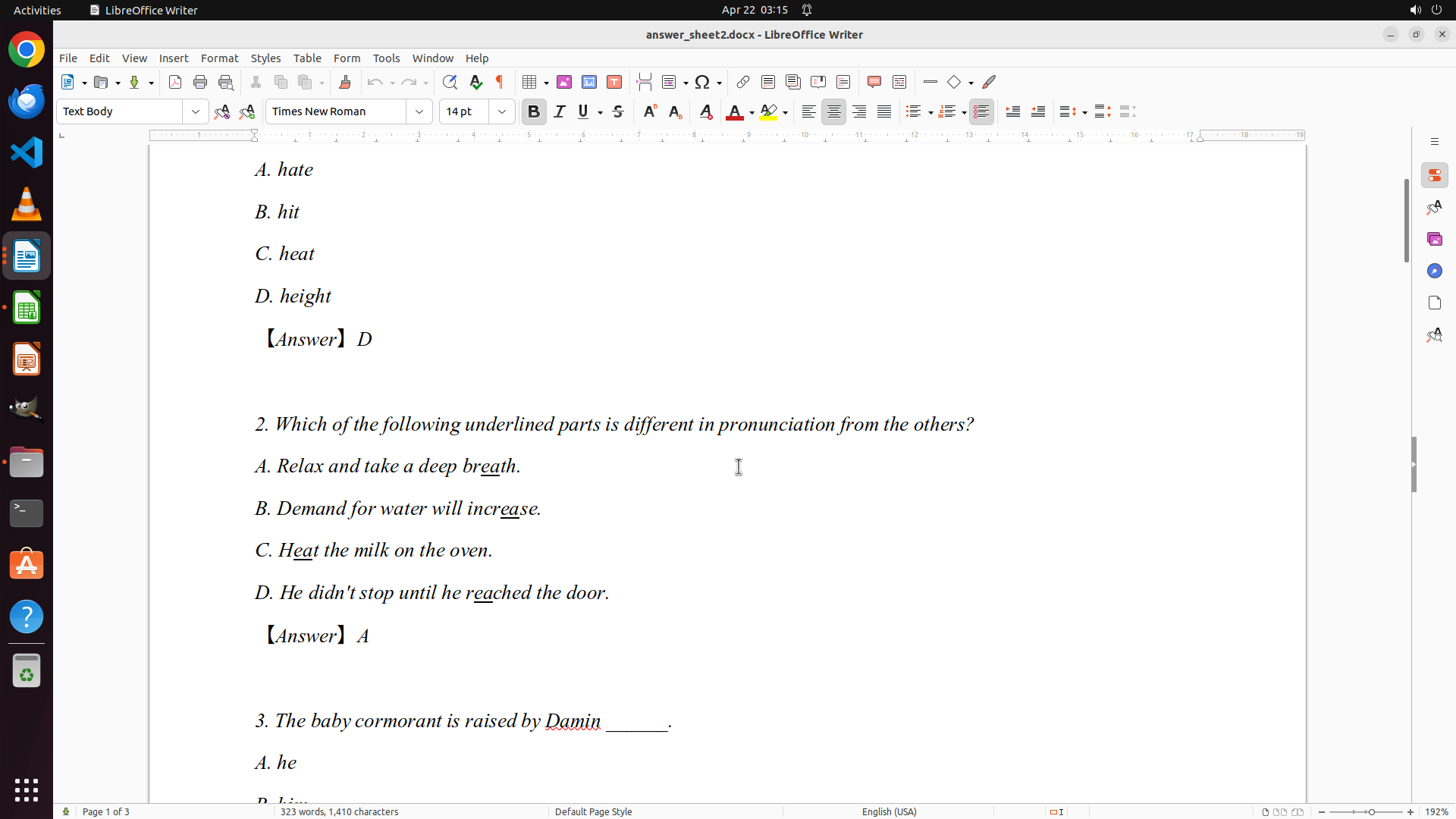
- I can now see Question 1 (Answer: D - height) and Question 2 (Answer: A - breath)
- The exam format shows each question has 4 options (A, B, C, D)
- Each question is worth 10 points
- I need to continue scrolling to see all remaining questions (3-10)
#### 情况分析与思考过程
I've successfully scrolled down and can now see Questions 1 and 2 with their answers:
- Q1: D (height)
- Q2: A (breath)
Since this is a 3-page document and I'm still on page 1, I need to continue scrolling down to see all the remaining questions to build the complete answer key. Once I have all 10 questions documented, I can proceed to grade the students' papers.
Let me continue scrolling down to see more questions.
```
Step 8: SCROLL
```
#### 重要信息
- LibreOffice Writer is open with ReferenceAnswers.docx on page 1 of 3
- I can now see Question 1 (Answer: D - height) and Question 2 (Answer: A - breath)
- The exam format shows each question has 4 options (A, B, C, D)
- Each question is worth 10 points
- I need to continue scrolling to see all remaining questions (3-10)
#### 情况分析与思考过程
I've successfully scrolled down and can now see Questions 1 and 2 with their answers:
- Q1: D (height)
- Q2: A (breath)
Since this is a 3-page document and I'm still on page 1, I need to continue scrolling down to see all the remaining questions to build the complete answer key. Once I have all 10 questions documented, I can proceed to grade the students' papers.
Let me continue scrolling down to see more questions.
```
Step 9: MOVE_TO (960, 600)
```
#### 重要信息
- LibreOffice Writer is open with ReferenceAnswers.docx on page 1 of 3
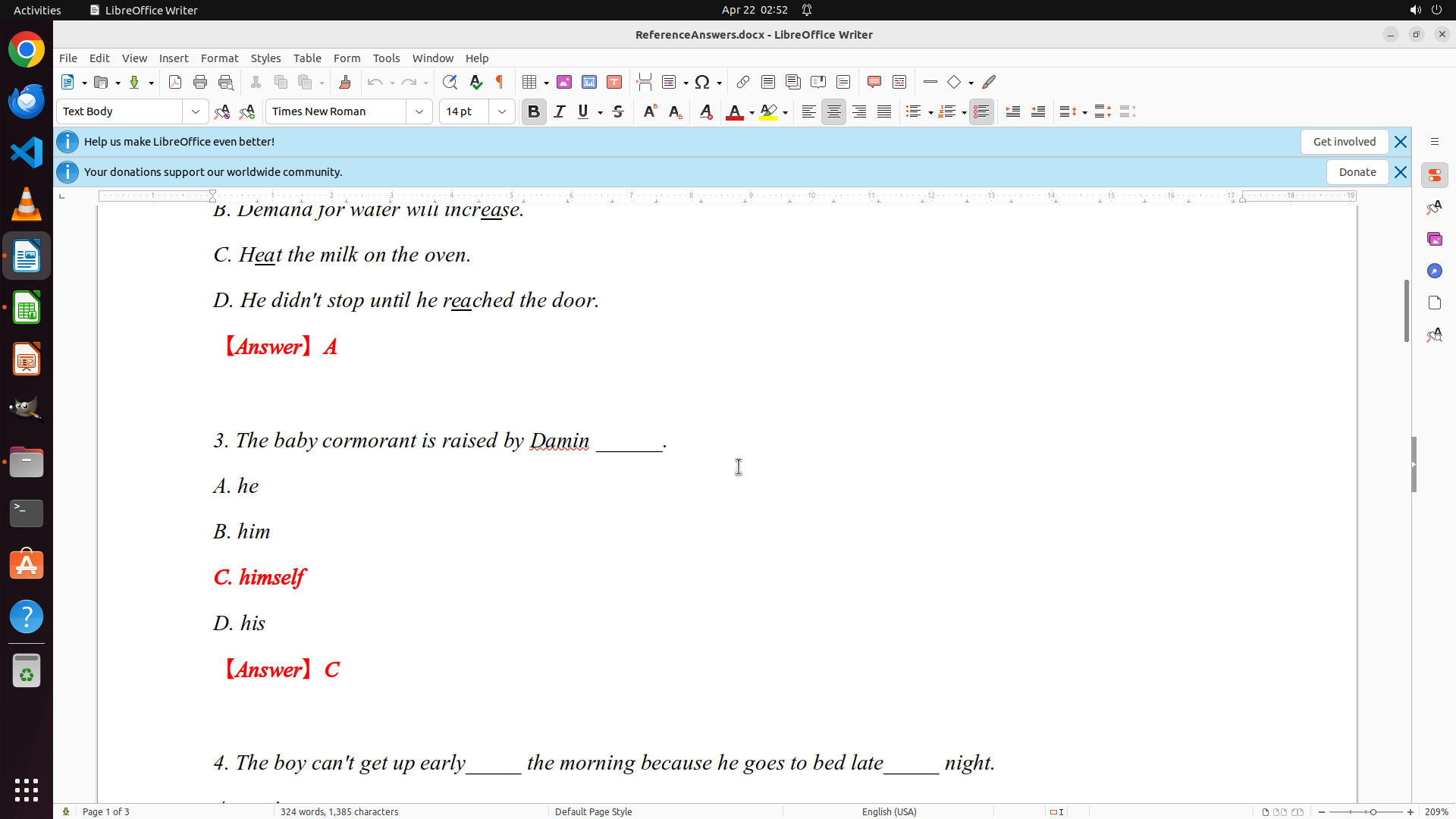
- I can now see Questions 1-3 with their answers:
- Q1: D (height)
- Q2: A (breath)
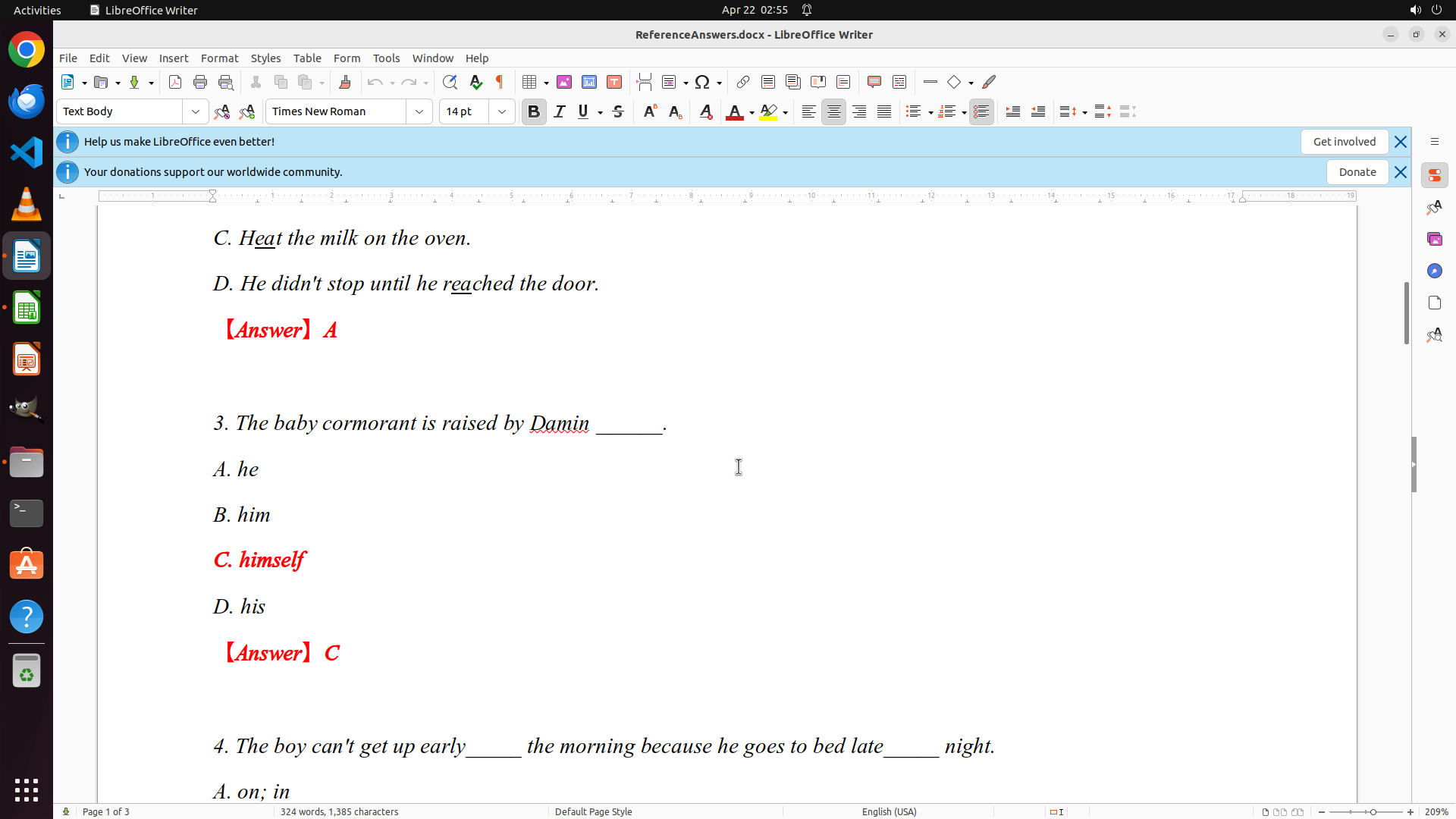
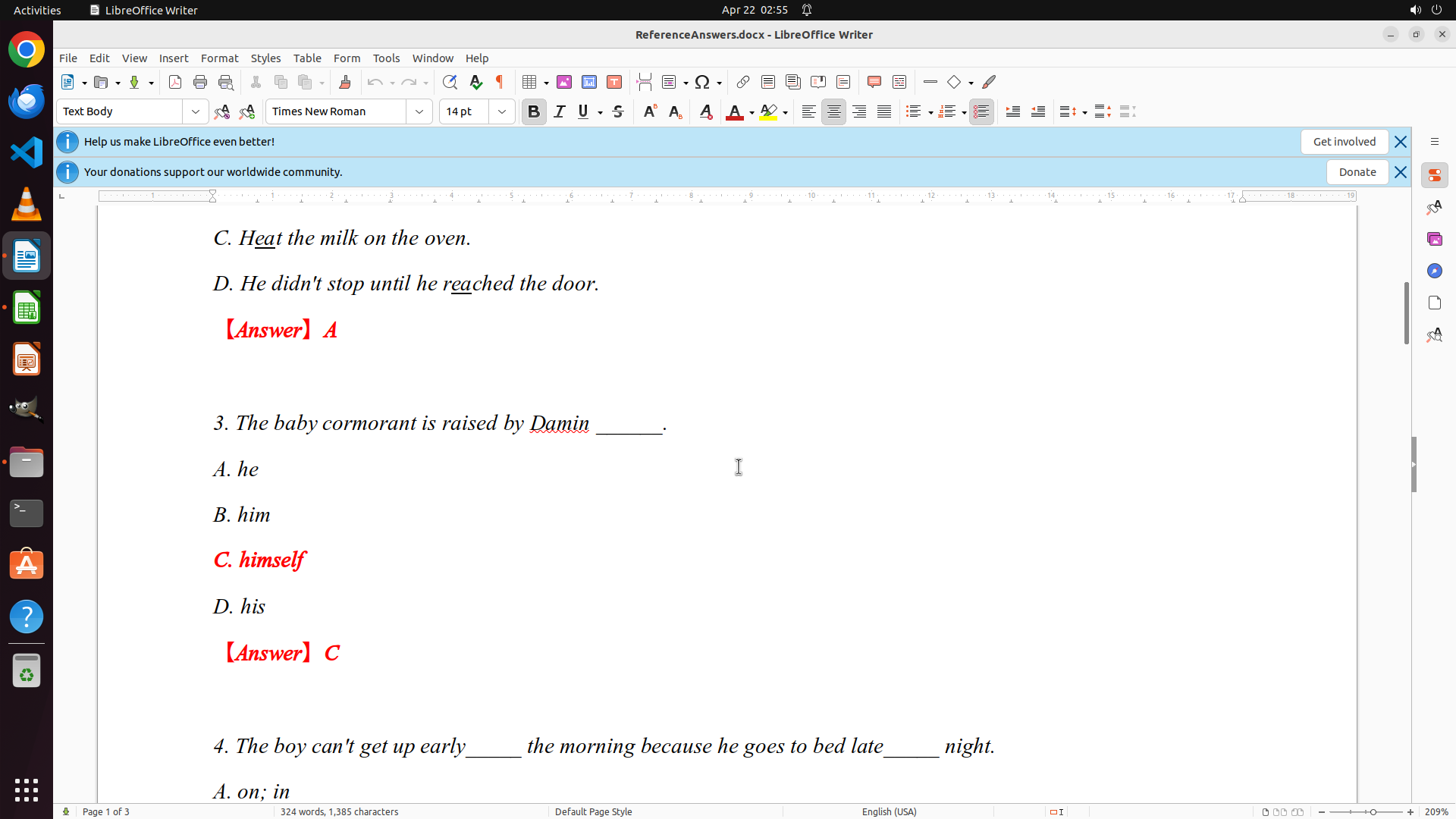
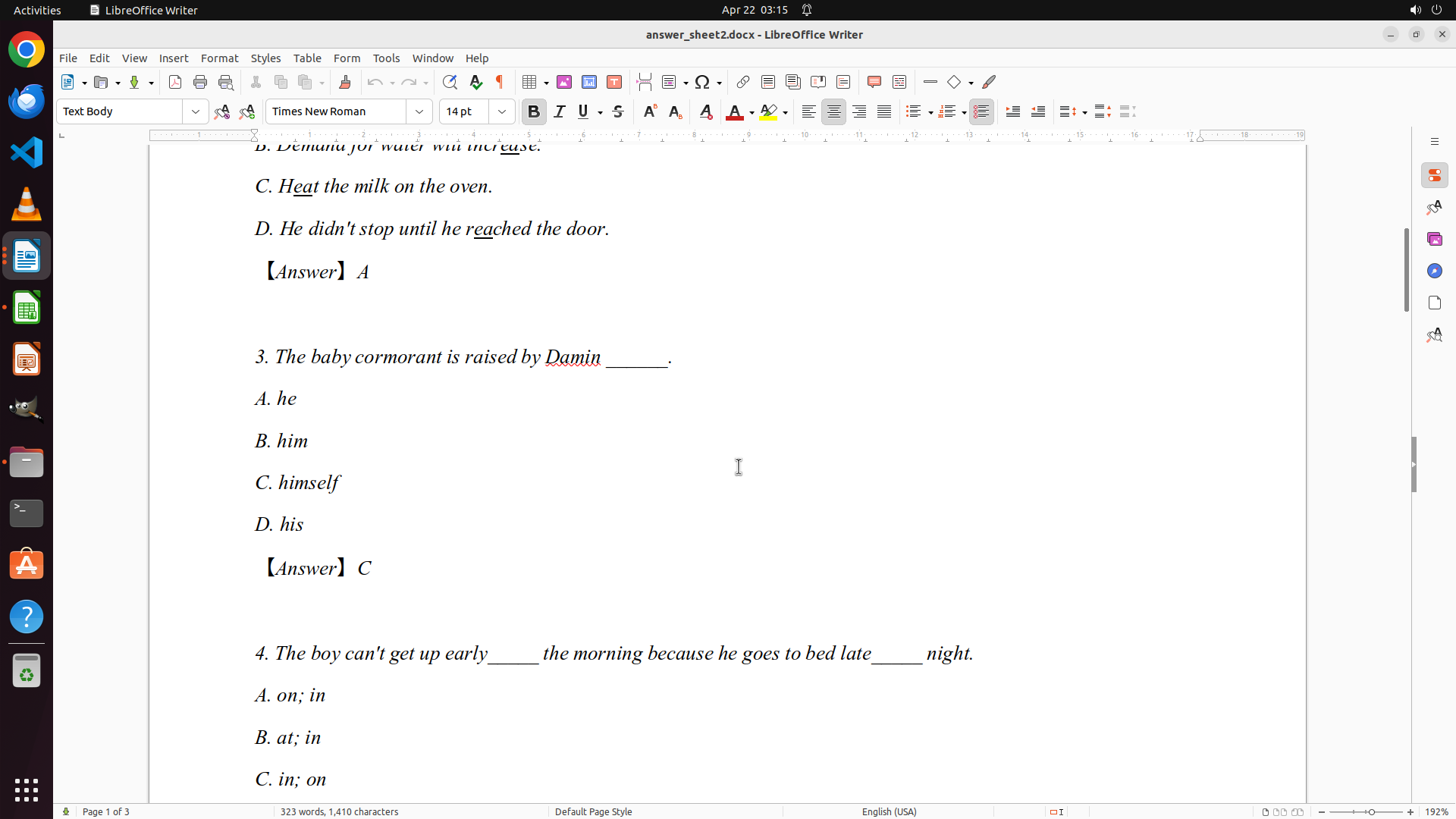
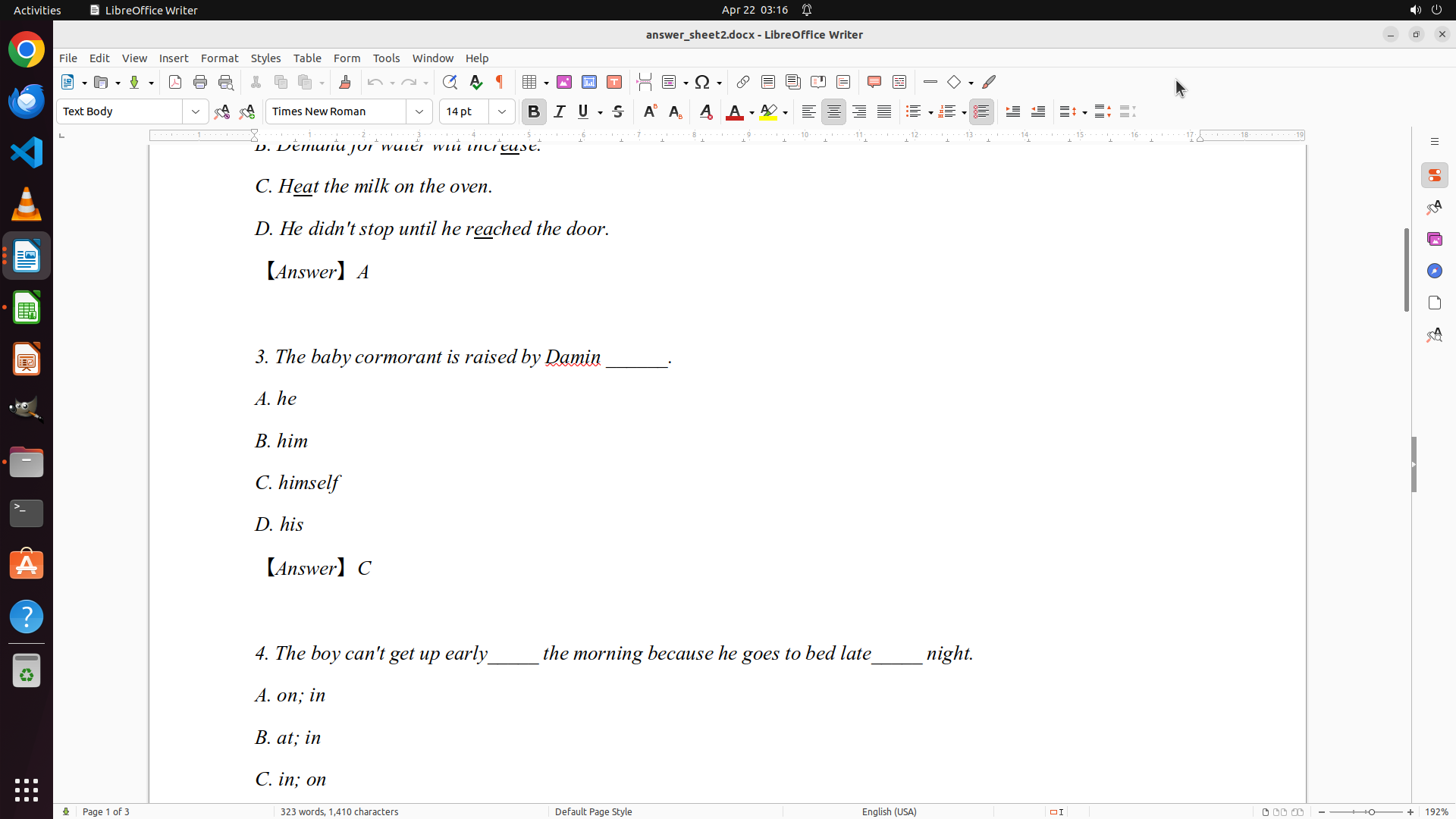
- Q3: C (himself)
- Question 4 is partially visible at the bottom
- I need to continue scrolling to see all remaining questions (4-10)
#### 情况分析与思考过程
I've documented the first 3 questions so far:
- Q1: D
- Q2: A
- Q3: C
I need to continue scrolling to see questions 4-10 to complete the answer key. Once I have all 10 questions documented, I can proceed to grade the students' papers and record the scores in the spreadsheet.
Let me continue scrolling down to see more questions.
```
Step 9: SCROLL
```
#### 重要信息
- LibreOffice Writer is open with ReferenceAnswers.docx on page 1 of 3
- I can now see Questions 1-3 with their answers:
- Q1: D (height)
- Q2: A (breath)
- Q3: C (himself)
- Question 4 is partially visible at the bottom
- I need to continue scrolling to see all remaining questions (4-10)
#### 情况分析与思考过程
I've documented the first 3 questions so far:
- Q1: D
- Q2: A
- Q3: C
I need to continue scrolling to see questions 4-10 to complete the answer key. Once I have all 10 questions documented, I can proceed to grade the students' papers and record the scores in the spreadsheet.
Let me continue scrolling down to see more questions.
```
Step 10: MOVE_TO (960, 600)
```
#### 重要信息
- LibreOffice Writer is open with ReferenceAnswers.docx on page 1 of 3
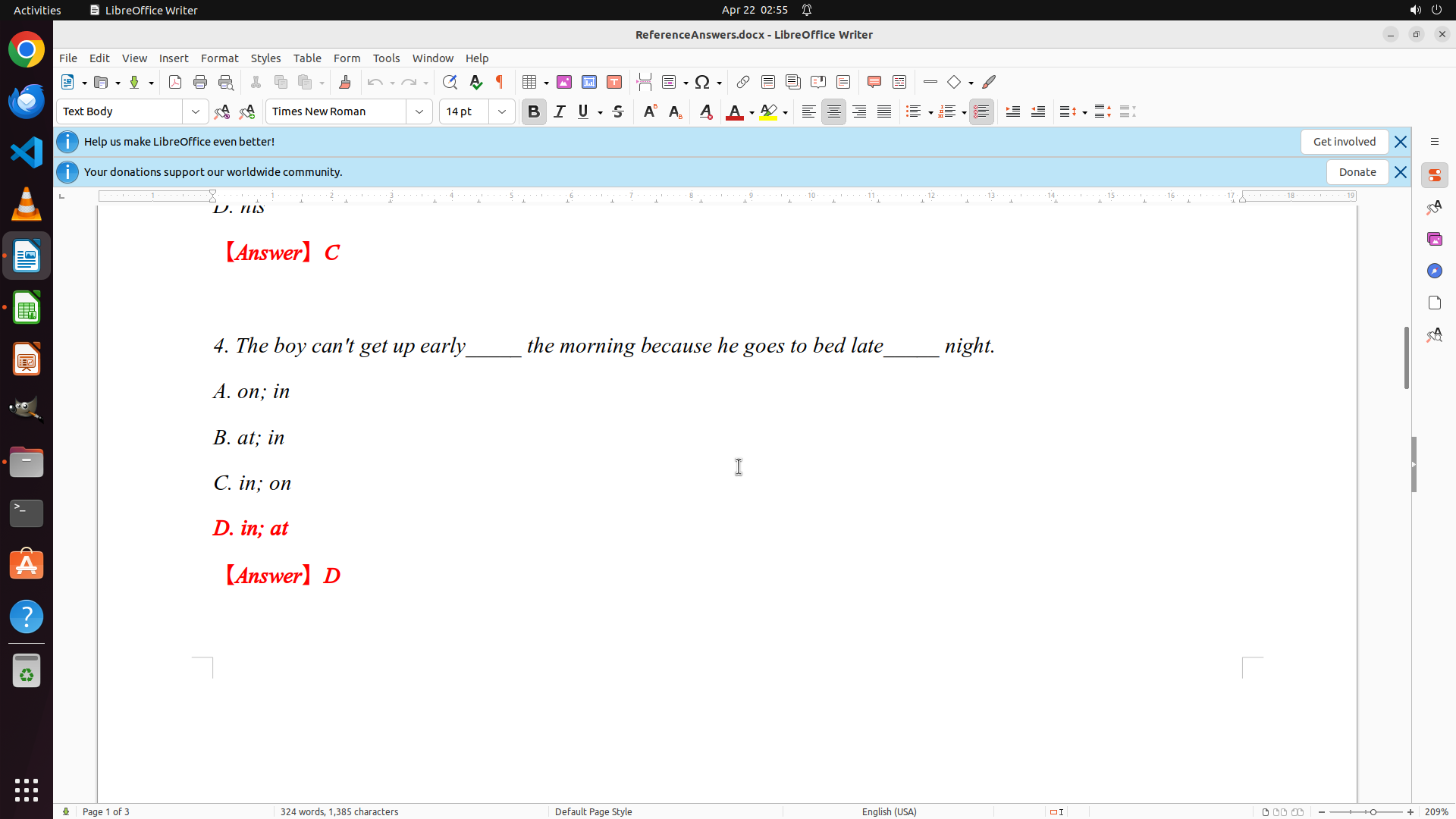
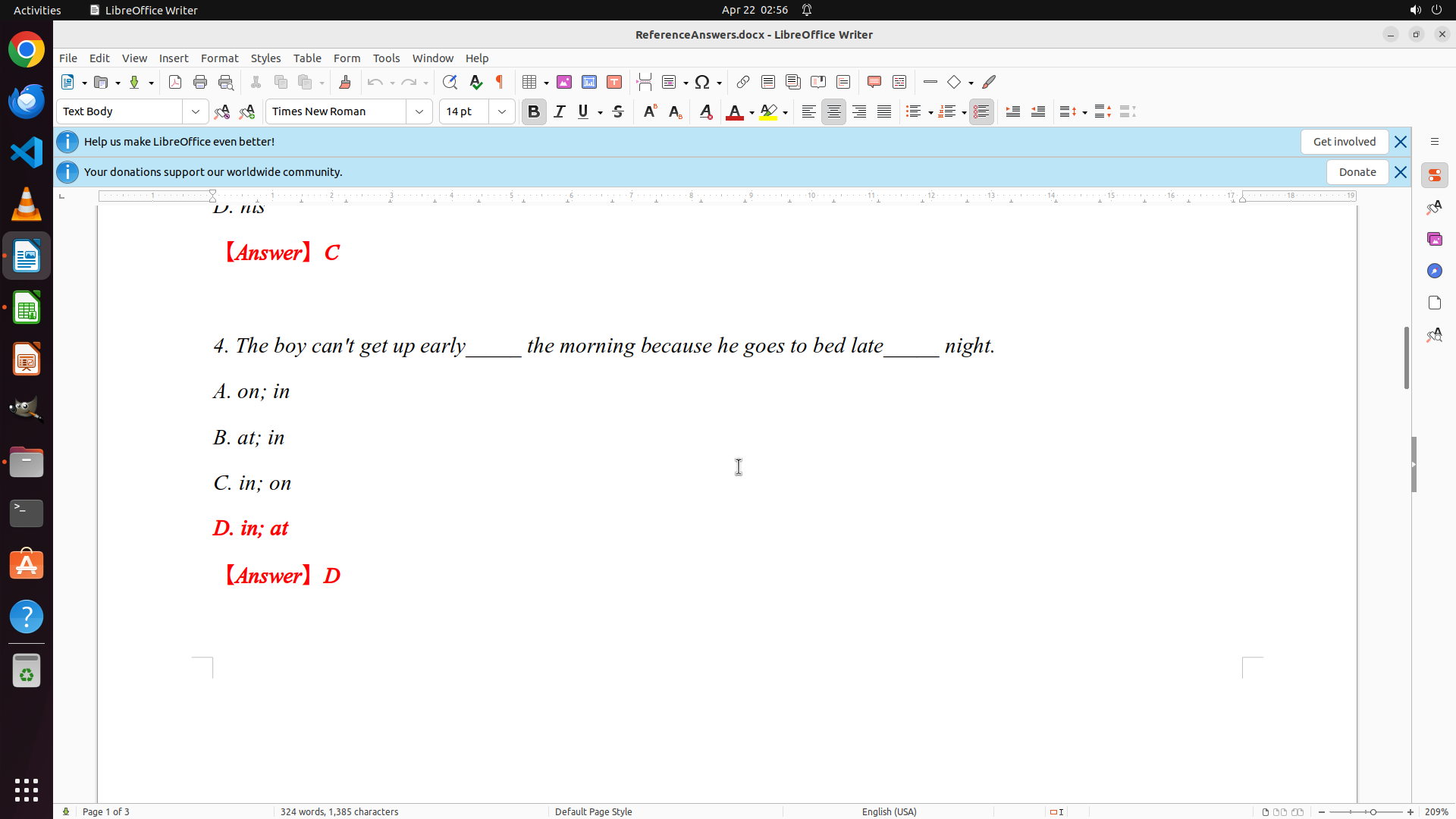
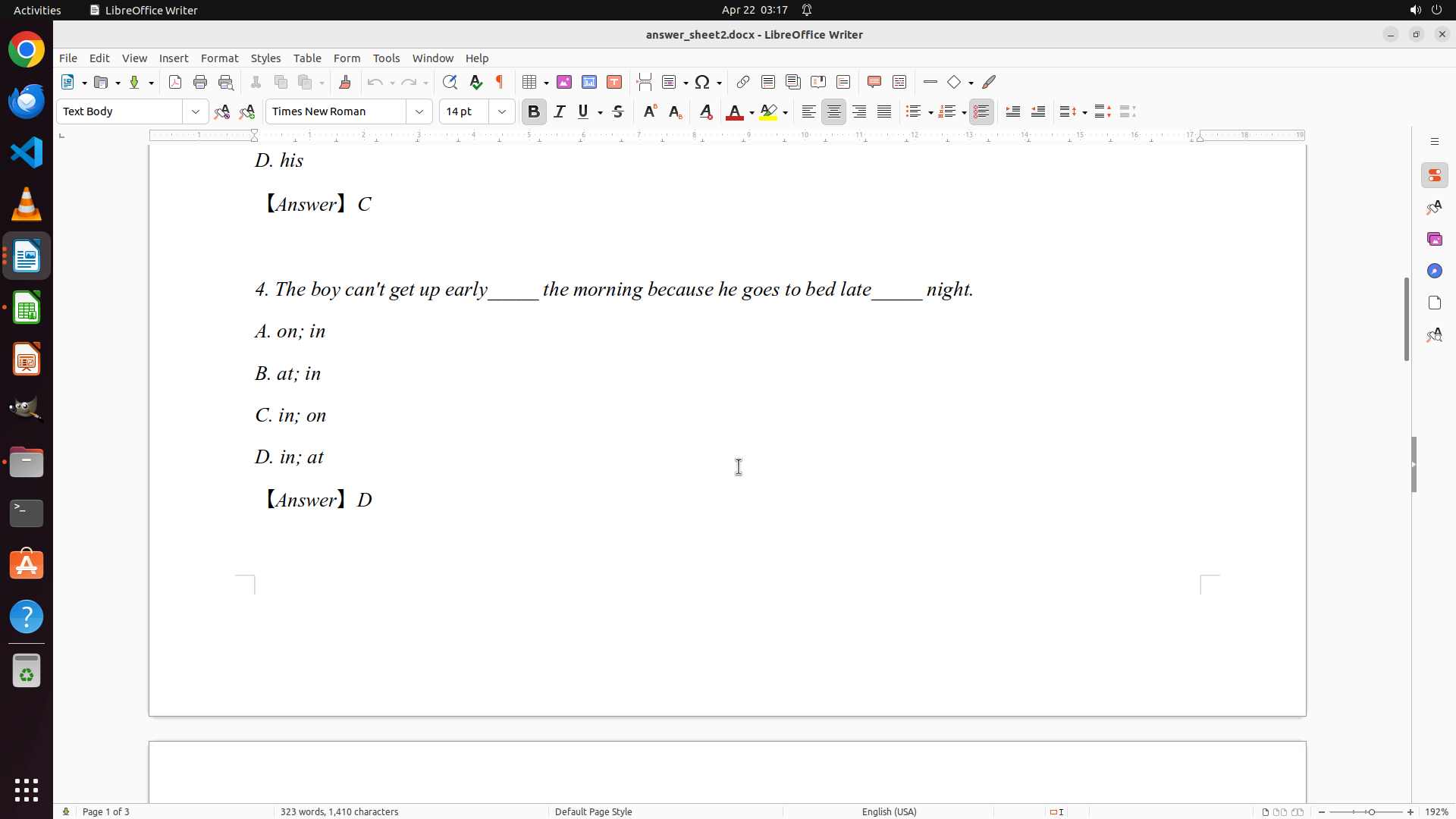
- I can now see Question 3 (Answer: C - himself) and Question 4 (Answer: D - in; at)
- So far I've documented:
- Q1: D (height)
- Q2: A (breath)
- Q3: C (himself)
- Q4: D (in; at)
- I need to continue scrolling to see questions 5-10 to complete the answer key
#### 情况分析与思考过程
I'm making good progress documenting the answer key. I've now captured 4 out of 10 questions. I need to continue scrolling down to see the remaining questions (5-10) so I can complete the answer key before moving on to grading the student papers.
Once I have all 10 answers documented, I'll:
1. Open grades.xlsx in LibreOffice Calc
2. Systematically grade each student's answer sheet (answer_sheet0-9.docx)
3. Record the detailed scores in the spreadsheet
Let me continue scrolling to see more questions.
```
Step 10: SCROLL
```
#### 重要信息
- LibreOffice Writer is open with ReferenceAnswers.docx on page 1 of 3
- I can now see Question 3 (Answer: C - himself) and Question 4 (Answer: D - in; at)
- So far I've documented:
- Q1: D (height)
- Q2: A (breath)
- Q3: C (himself)
- Q4: D (in; at)
- I need to continue scrolling to see questions 5-10 to complete the answer key
#### 情况分析与思考过程
I'm making good progress documenting the answer key. I've now captured 4 out of 10 questions. I need to continue scrolling down to see the remaining questions (5-10) so I can complete the answer key before moving on to grading the student papers.
Once I have all 10 answers documented, I'll:
1. Open grades.xlsx in LibreOffice Calc
2. Systematically grade each student's answer sheet (answer_sheet0-9.docx)
3. Record the detailed scores in the spreadsheet
Let me continue scrolling to see more questions.
```
Step 11: MOVE_TO (960, 600)
```
#### 重要信息
- LibreOffice Writer is open with ReferenceAnswers.docx on page 1 of 3
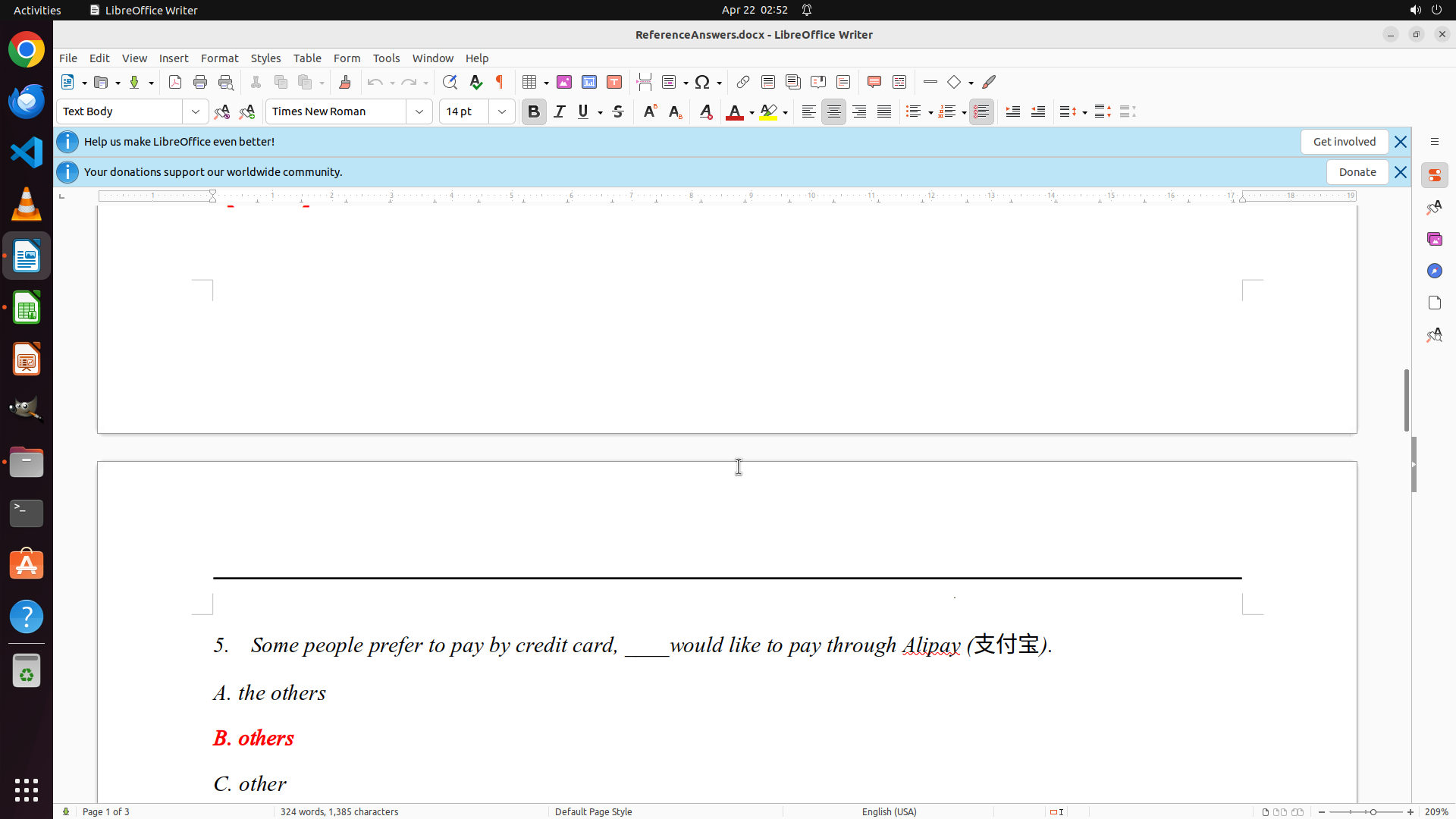
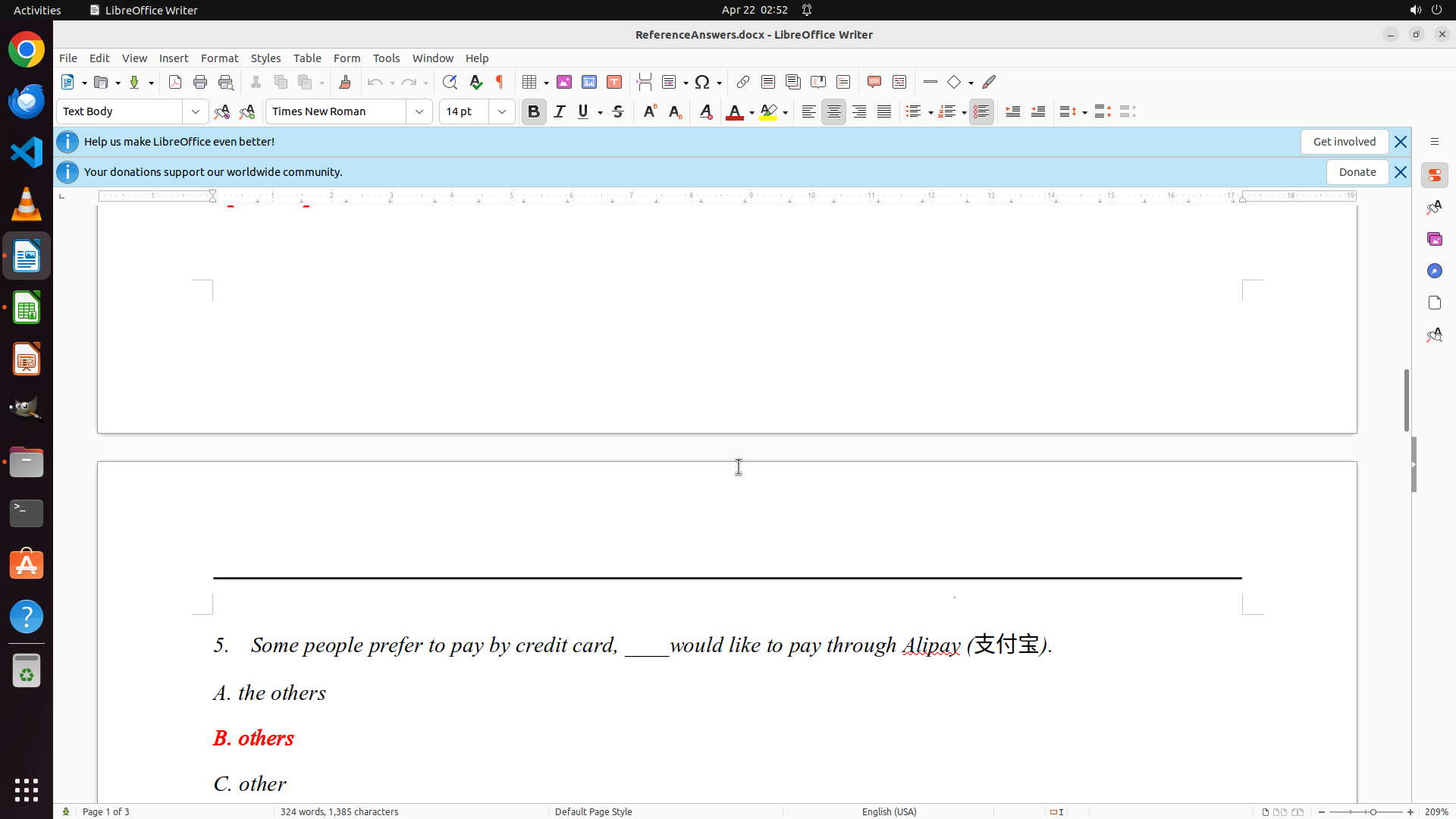
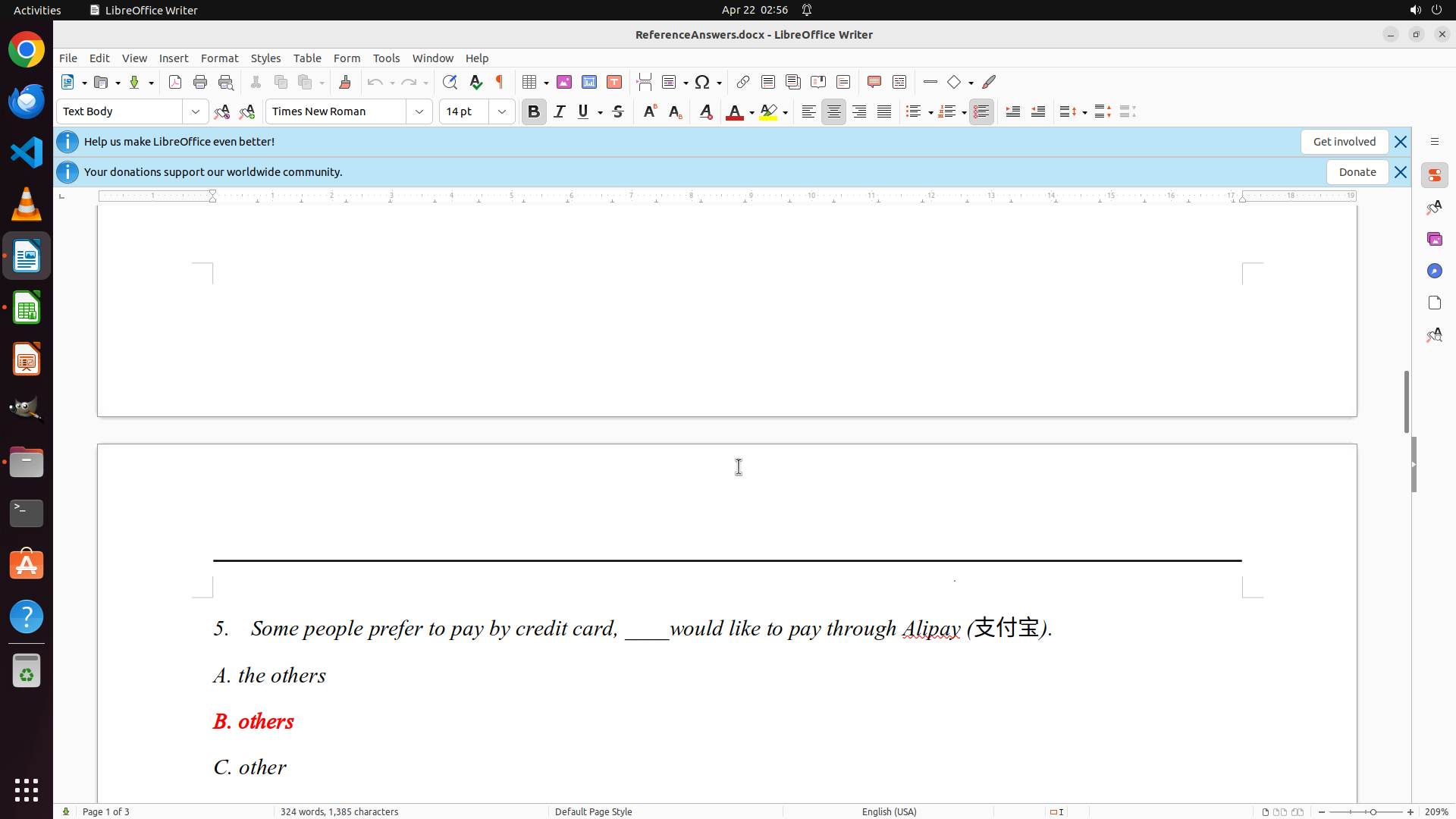
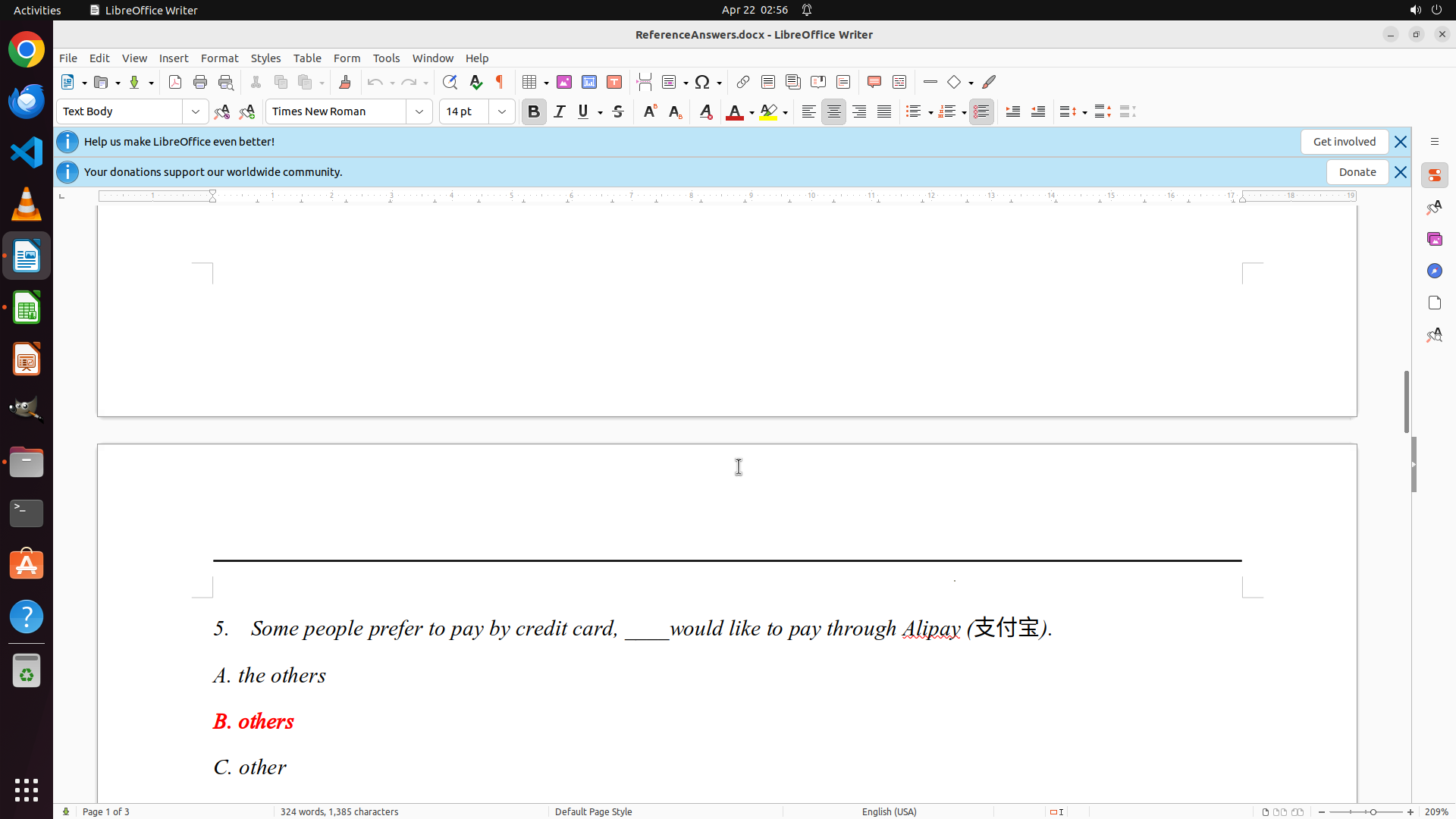
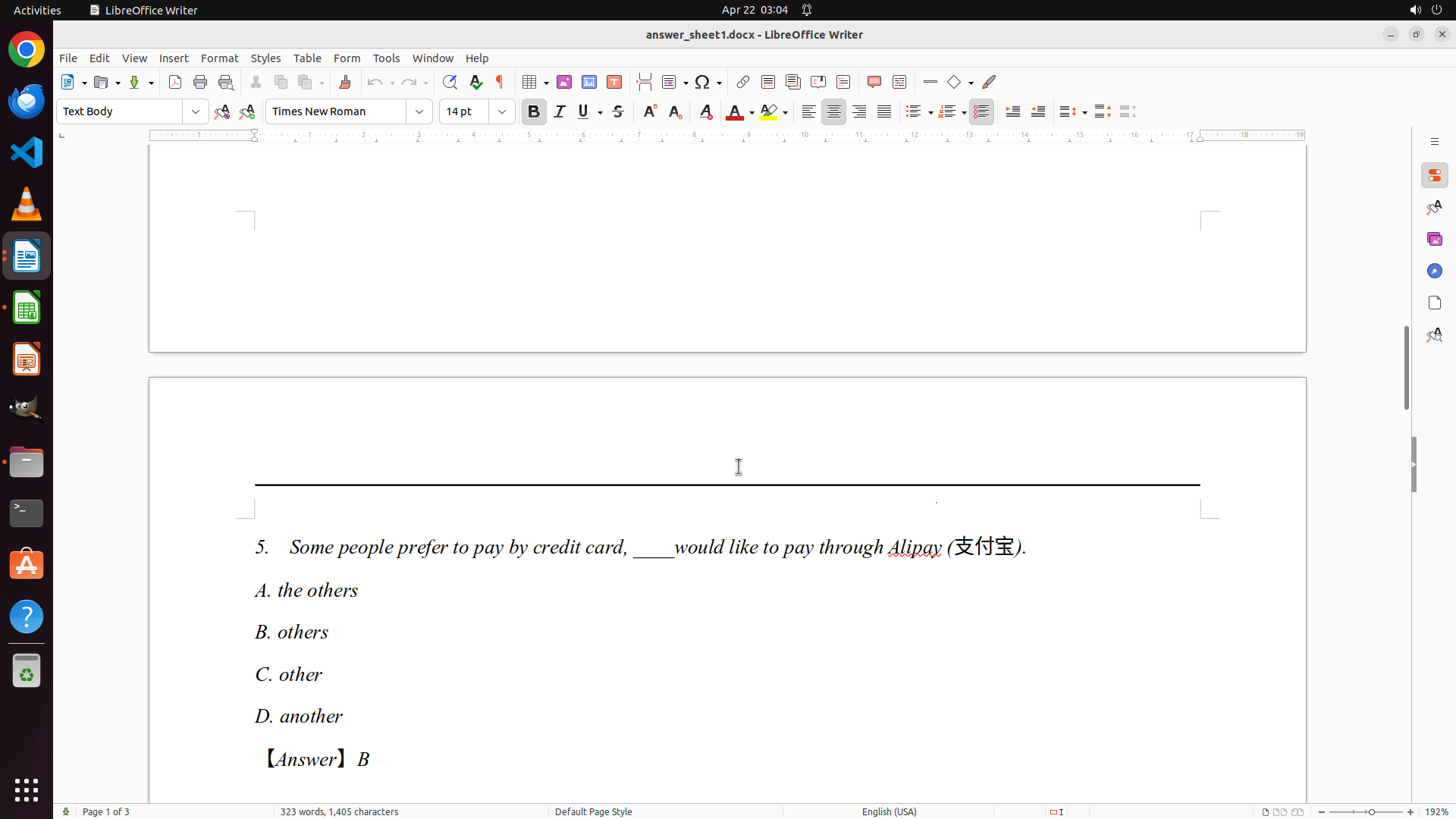
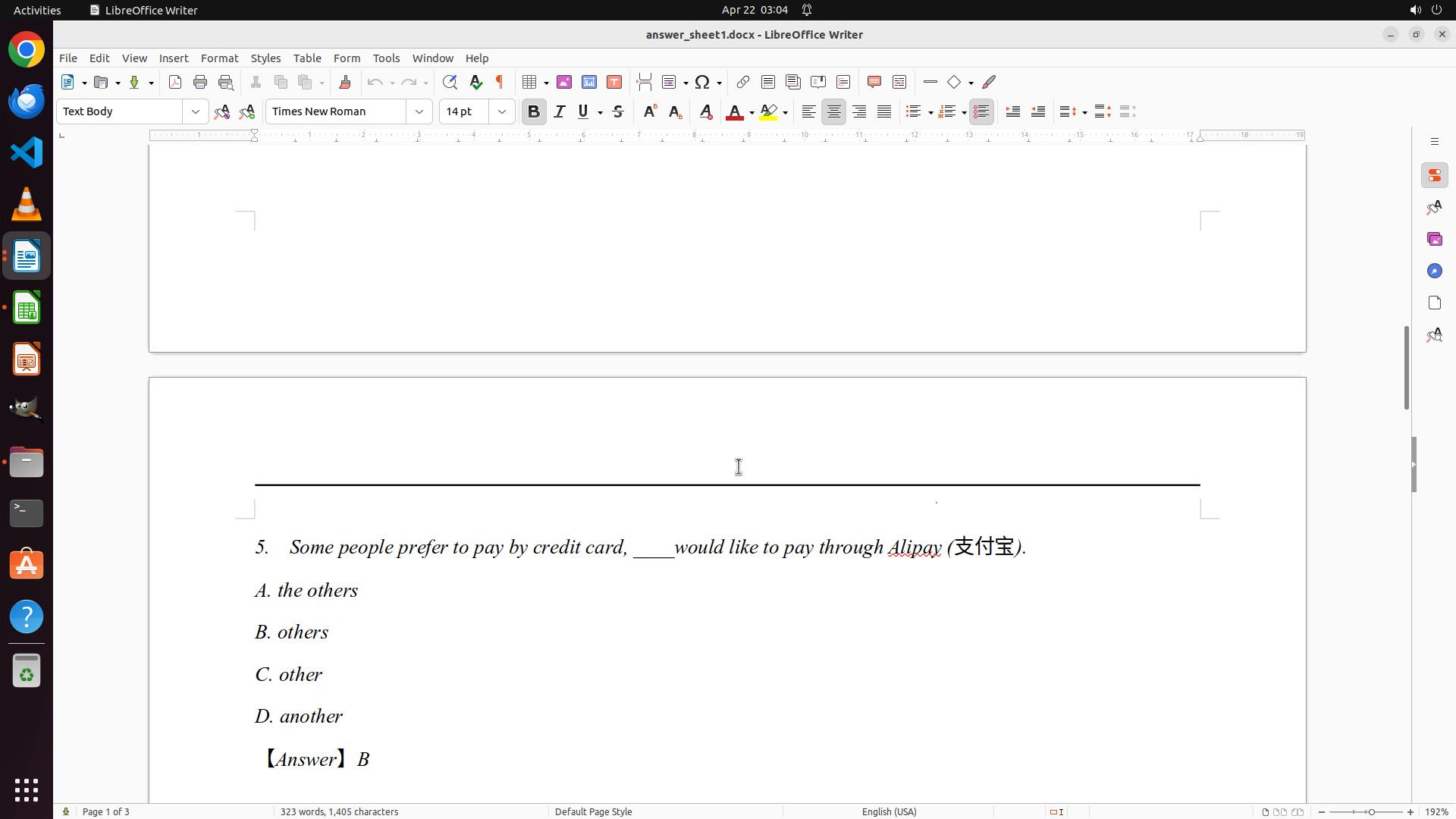
- I can now see Question 5 with answer: B (others)
- So far I've documented:
- Q1: D (height)
- Q2: A (breath)
- Q3: C (himself)
- Q4: D (in; at)
- Q5: B (others)
- I need to continue scrolling to see questions 6-10 to complete the answer key
#### 情况分析与思考过程
I'm making good progress. I've now captured 5 out of 10 questions. I can see Question 5's answer is B (others) - it's shown in red text. I need to continue scrolling down to see the remaining questions (6-10) so I can complete the answer key before moving on to grading the student papers.
Once I have all 10 answers documented, I'll:
1. Open grades.xlsx in LibreOffice Calc
2. Systematically grade each student's answer sheet (answer_sheet0-9.docx)
3. Record the detailed scores in the spreadsheet
Let me continue scrolling to see more questions.
```
Step 11: SCROLL
```
#### 重要信息
- LibreOffice Writer is open with ReferenceAnswers.docx on page 1 of 3
- I can now see Question 5 with answer: B (others)
- So far I've documented:
- Q1: D (height)
- Q2: A (breath)
- Q3: C (himself)
- Q4: D (in; at)
- Q5: B (others)
- I need to continue scrolling to see questions 6-10 to complete the answer key
#### 情况分析与思考过程
I'm making good progress. I've now captured 5 out of 10 questions. I can see Question 5's answer is B (others) - it's shown in red text. I need to continue scrolling down to see the remaining questions (6-10) so I can complete the answer key before moving on to grading the student papers.
Once I have all 10 answers documented, I'll:
1. Open grades.xlsx in LibreOffice Calc
2. Systematically grade each student's answer sheet (answer_sheet0-9.docx)
3. Record the detailed scores in the spreadsheet
Let me continue scrolling to see more questions.
```
Step 12: MOVE_TO (960, 600)
```
#### 重要信息
- LibreOffice Writer is open with ReferenceAnswers.docx on page 2 of 3
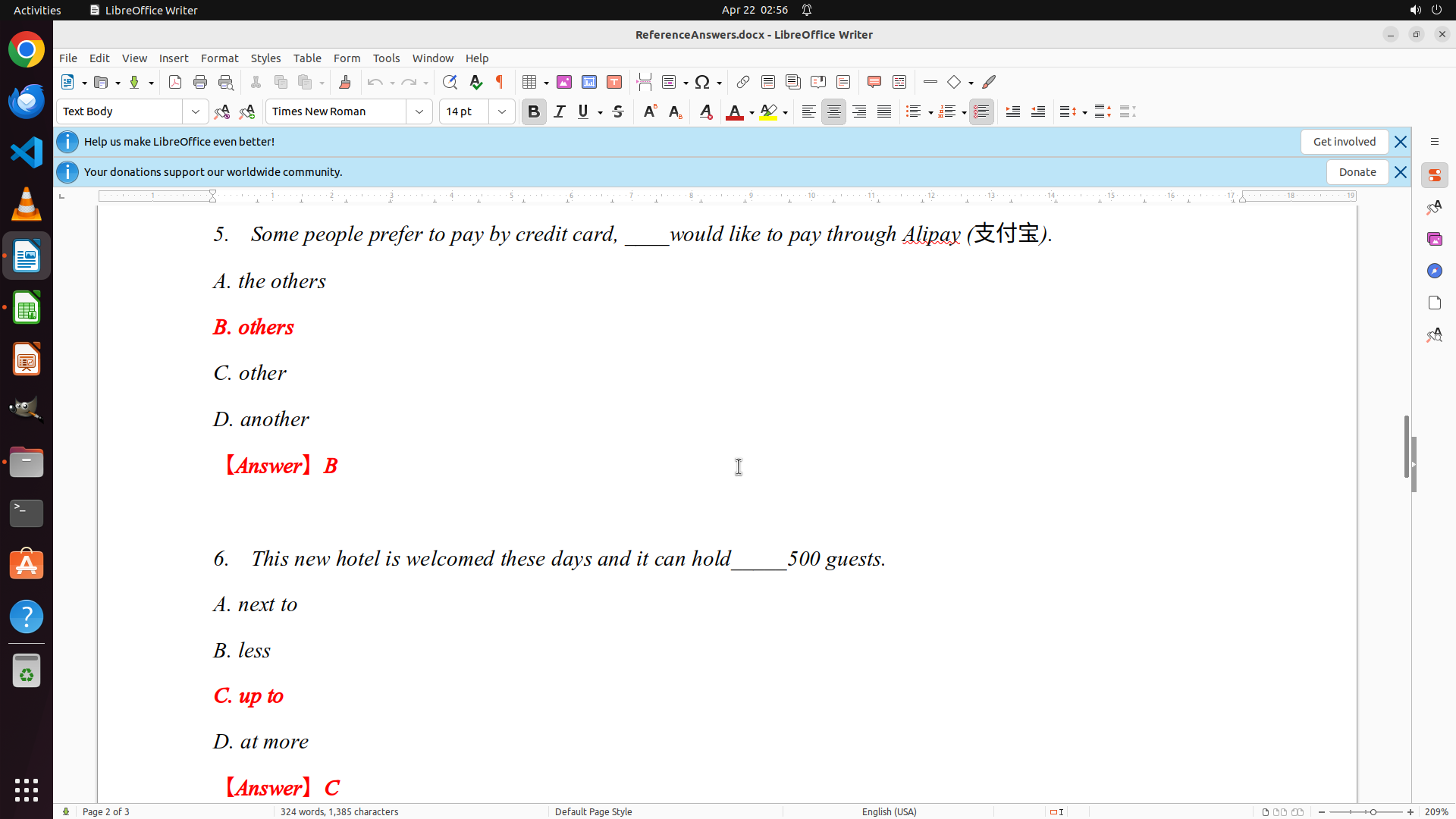
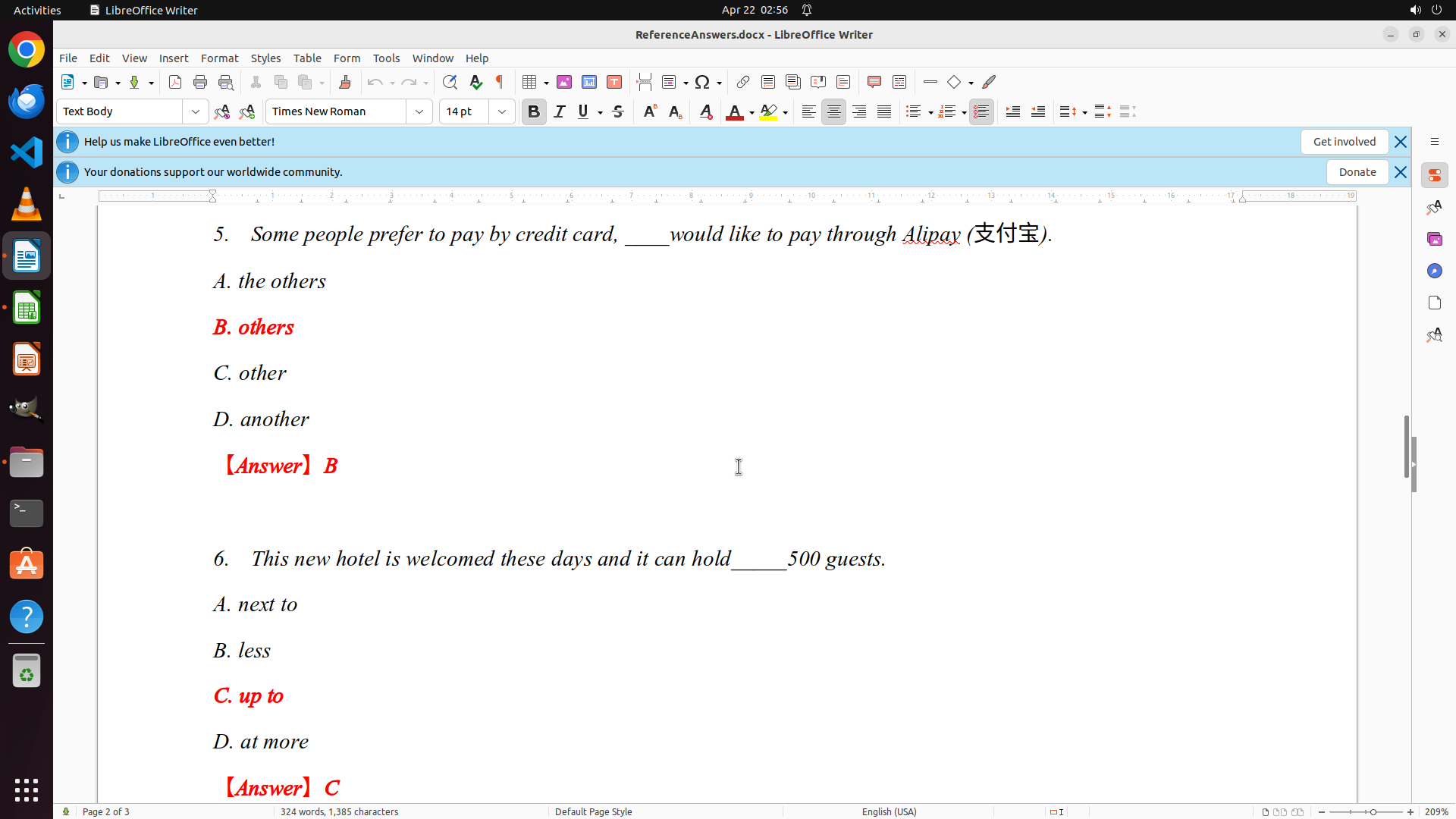
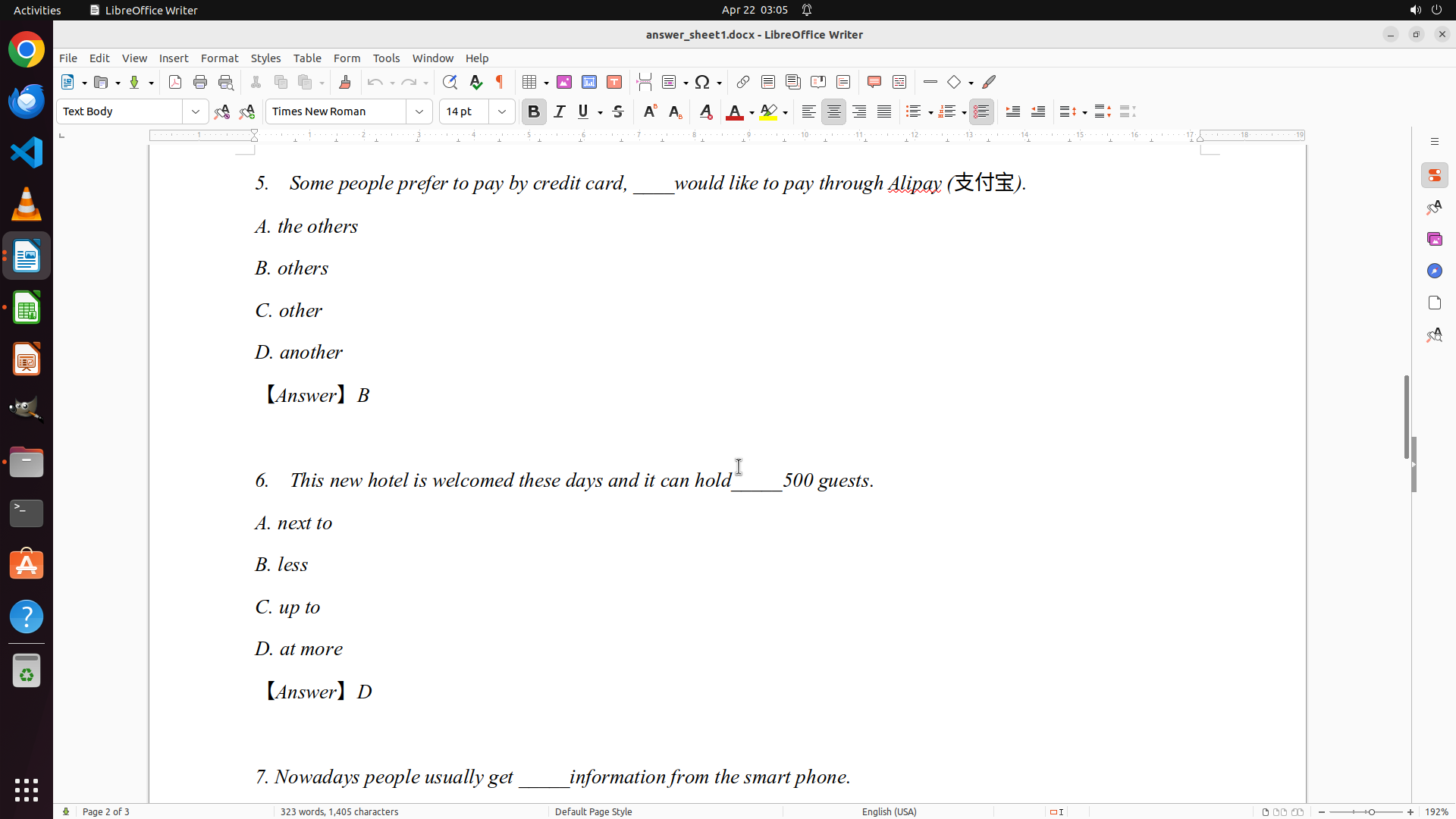
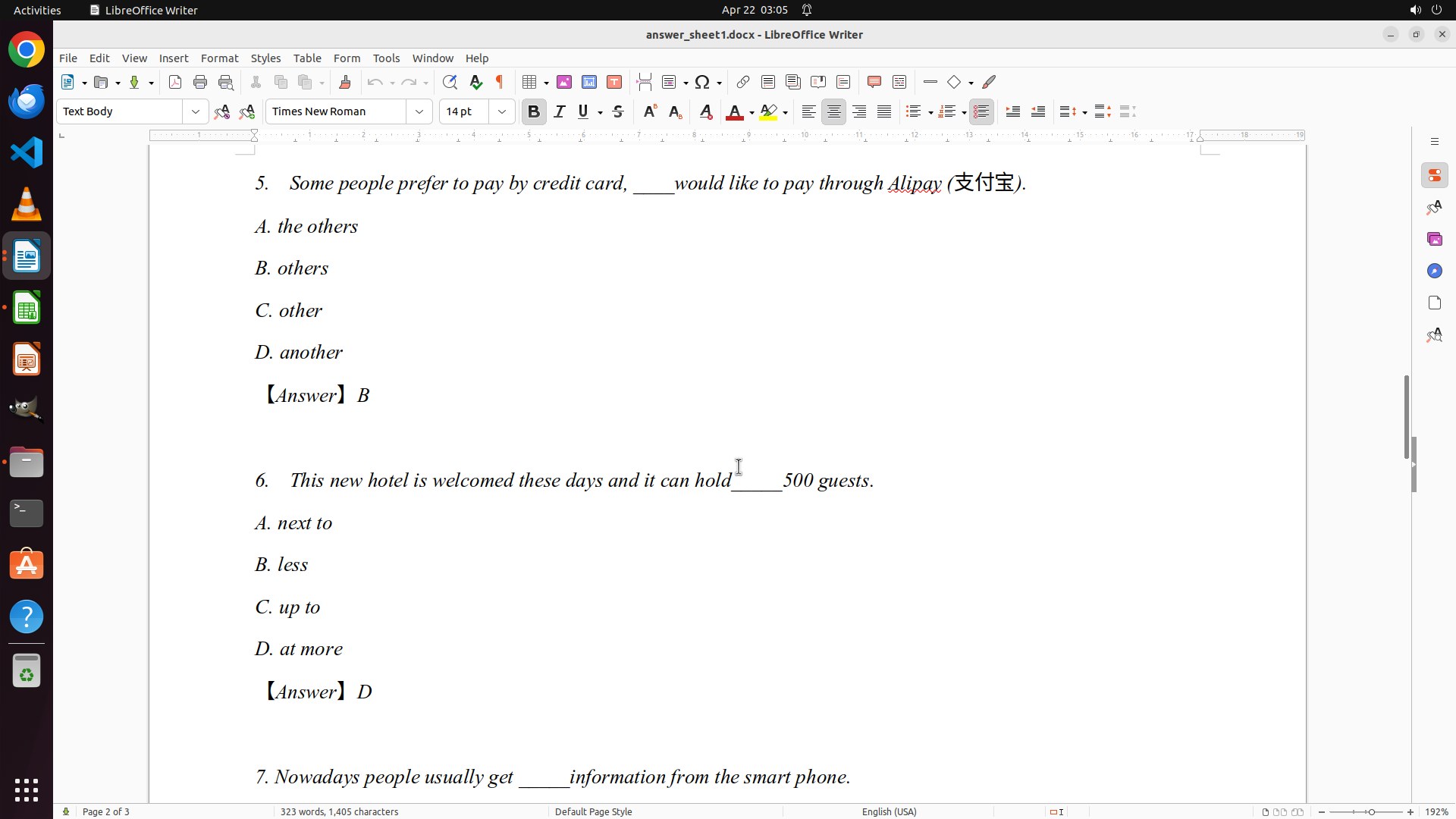
- I can now see Question 5 (Answer: B - others) and Question 6 (Answer: C - up to)
- So far I've documented:
- Q1: D (height)
- Q2: A (breath)
- Q3: C (himself)
- Q4: D (in; at)
- Q5: B (others)
- Q6: C (up to)
- I need to continue scrolling to see questions 7-10 to complete the answer key
#### 情况分析与思考过程
I'm making good progress. I've now captured 6 out of 10 questions. I can see Question 6's answer is C (up to). I need to continue scrolling down to see the remaining questions (7-10) so I can complete the answer key before moving on to grading the student papers.
Once I have all 10 answers documented, I'll:
1. Open grades.xlsx in LibreOffice Calc
2. Systematically grade each student's answer sheet (answer_sheet0-9.docx)
3. Record the detailed scores in the spreadsheet
Let me continue scrolling to see more questions.
```
Step 12: SCROLL
```
#### 重要信息
- LibreOffice Writer is open with ReferenceAnswers.docx on page 2 of 3
- I can now see Question 5 (Answer: B - others) and Question 6 (Answer: C - up to)
- So far I've documented:
- Q1: D (height)
- Q2: A (breath)
- Q3: C (himself)
- Q4: D (in; at)
- Q5: B (others)
- Q6: C (up to)
- I need to continue scrolling to see questions 7-10 to complete the answer key
#### 情况分析与思考过程
I'm making good progress. I've now captured 6 out of 10 questions. I can see Question 6's answer is C (up to). I need to continue scrolling down to see the remaining questions (7-10) so I can complete the answer key before moving on to grading the student papers.
Once I have all 10 answers documented, I'll:
1. Open grades.xlsx in LibreOffice Calc
2. Systematically grade each student's answer sheet (answer_sheet0-9.docx)
3. Record the detailed scores in the spreadsheet
Let me continue scrolling to see more questions.
```
Step 13: MOVE_TO (960, 600)
```
#### 重要信息
- LibreOffice Writer is open with ReferenceAnswers.docx on page 2 of 3
- I can now see Question 7 with answer: C (huge amounts of)
- So far I've documented:
- Q1: D (height)
- Q2: A (breath)
- Q3: C (himself)
- Q4: D (in; at)
- Q5: B (others)
- Q6: C (up to)
- Q7: C (huge amounts of)
- I need to continue scrolling to see questions 8-10 to complete the answer key
- The document is on page 2 of 3, so there are still more questions to see
#### 情况分析与思考过程
I'm making good progress documenting the answer key. I've now captured 7 out of 10 questions. I can see Question 7's answer is C (huge amounts of) - shown in red text. I need to continue scrolling down to see the remaining questions (8-10) so I can complete the answer key before moving on to grading the student papers.
Once I have all 10 answers documented, I'll:
1. Open grades.xlsx in LibreOffice Calc
2. Systematically grade each student's answer sheet (answer_sheet0-9.docx)
3. Record the detailed scores in the spreadsheet
Let me continue scrolling to see questions 8-10.
```
Step 13: SCROLL
```
#### 重要信息
- LibreOffice Writer is open with ReferenceAnswers.docx on page 2 of 3
- I can now see Question 7 with answer: C (huge amounts of)
- So far I've documented:
- Q1: D (height)
- Q2: A (breath)
- Q3: C (himself)
- Q4: D (in; at)
- Q5: B (others)
- Q6: C (up to)
- Q7: C (huge amounts of)
- I need to continue scrolling to see questions 8-10 to complete the answer key
- The document is on page 2 of 3, so there are still more questions to see
#### 情况分析与思考过程
I'm making good progress documenting the answer key. I've now captured 7 out of 10 questions. I can see Question 7's answer is C (huge amounts of) - shown in red text. I need to continue scrolling down to see the remaining questions (8-10) so I can complete the answer key before moving on to grading the student papers.
Once I have all 10 answers documented, I'll:
1. Open grades.xlsx in LibreOffice Calc
2. Systematically grade each student's answer sheet (answer_sheet0-9.docx)
3. Record the detailed scores in the spreadsheet
Let me continue scrolling to see questions 8-10.
```
Step 14: MOVE_TO (960, 600)
```
#### 重要信息
- LibreOffice Writer is open with ReferenceAnswers.docx on page 2 of 3
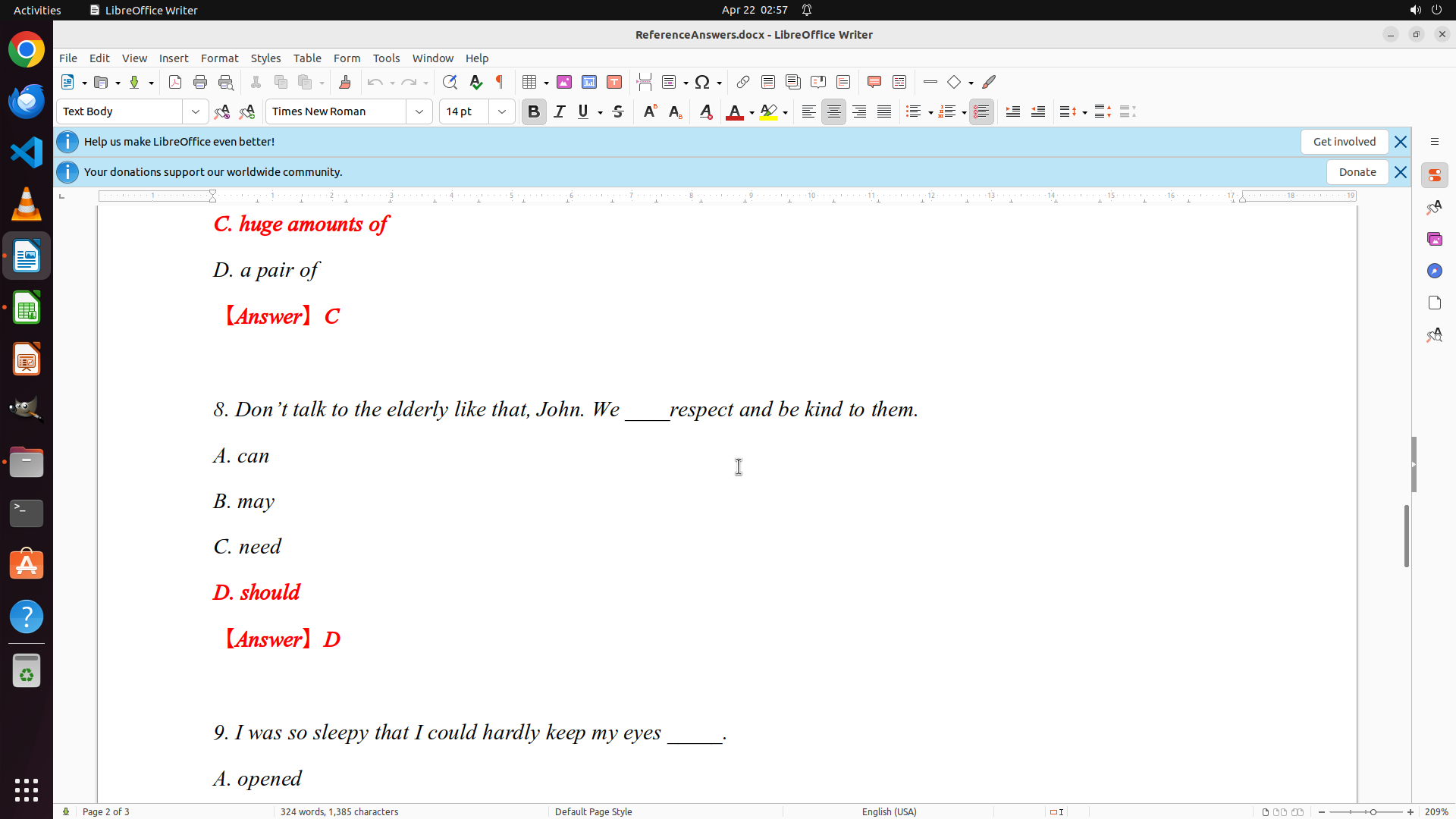
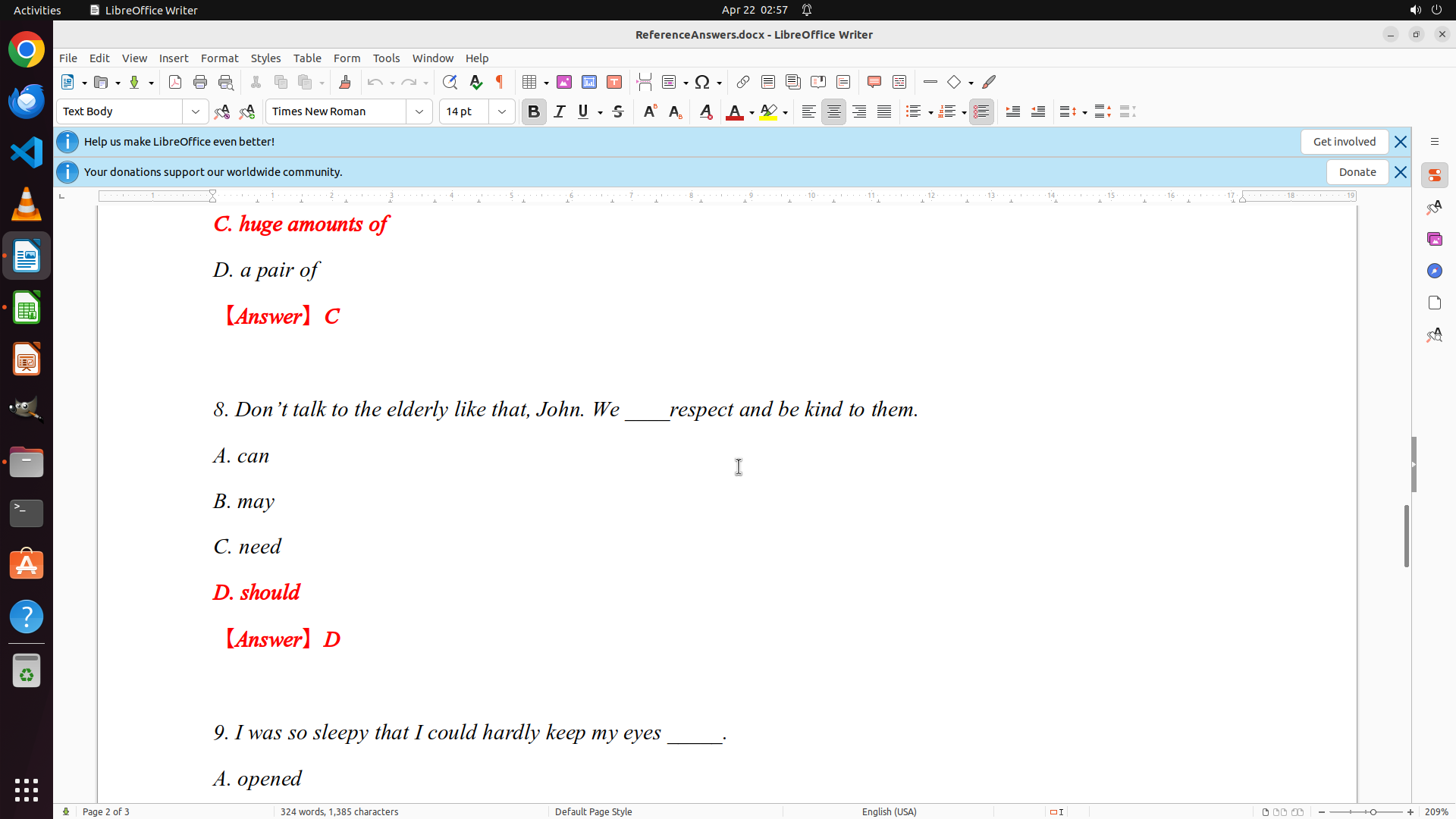
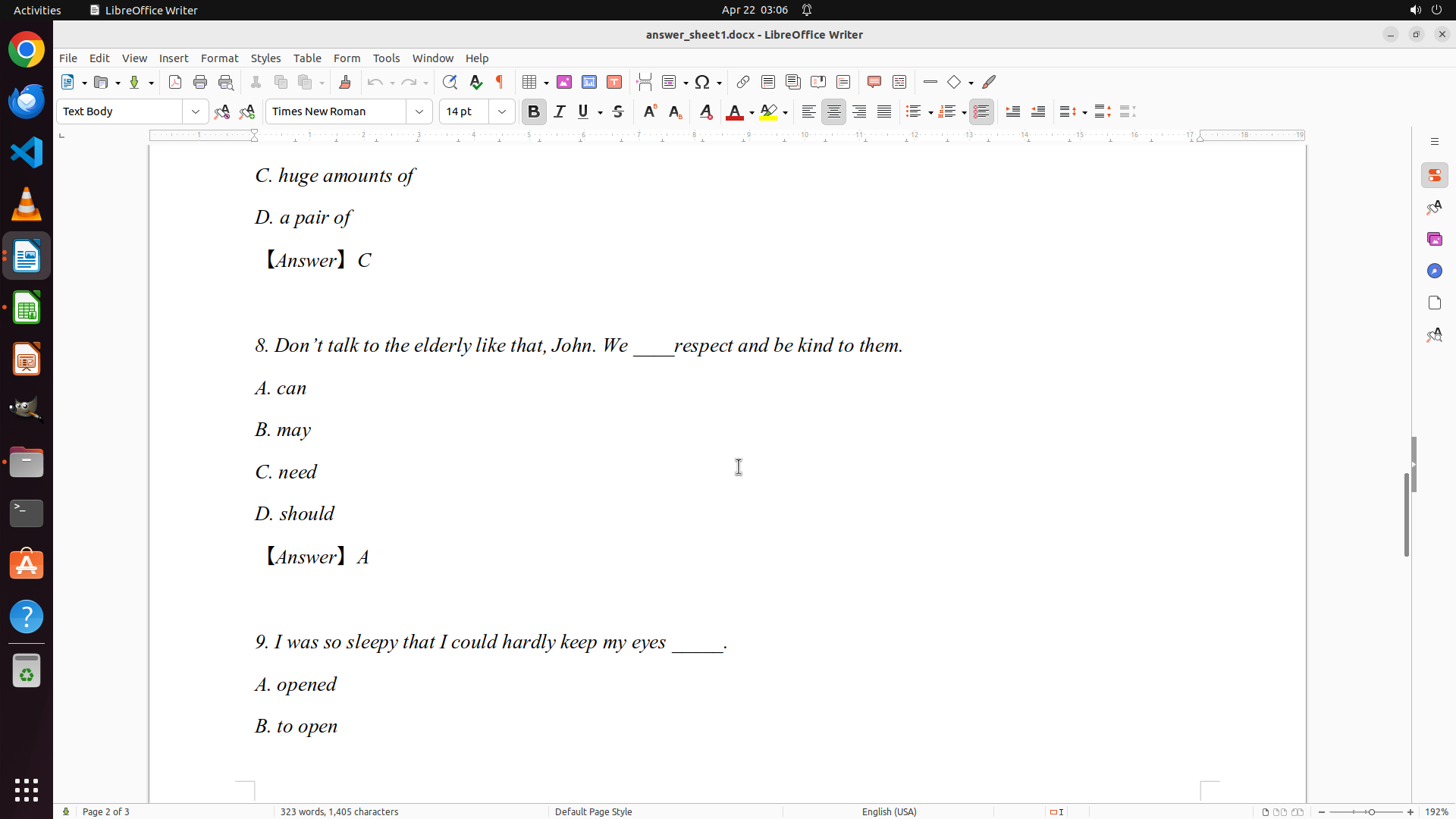
- I can now see Question 8 with answer: D (should)
- So far I've documented:
- Q1: D (height)
- Q2: A (breath)
- Q3: C (himself)
- Q4: D (in; at)
- Q5: B (others)
- Q6: C (up to)
- Q7: C (huge amounts of)
- Q8: D (should)
- I can see Question 9 starting at the bottom of the screen
- I need to continue scrolling to see questions 9-10 to complete the answer key
#### 情况分析与思考过程
I'm making good progress documenting the answer key. I've now captured 8 out of 10 questions. I can see Question 8's answer is D (should) - shown in red text. I can see Question 9 starting at the bottom. I need to continue scrolling down to see questions 9-10 so I can complete the answer key before moving on to grading the student papers.
Once I have all 10 answers documented, I'll:
1. Open grades.xlsx in LibreOffice Calc
2. Systematically grade each student's answer sheet (answer_sheet0-9.docx)
3. Record the detailed scores in the spreadsheet
Let me continue scrolling to see questions 9-10.
```
Step 14: SCROLL
```
#### 重要信息
- LibreOffice Writer is open with ReferenceAnswers.docx on page 2 of 3
- I can now see Question 8 with answer: D (should)
- So far I've documented:
- Q1: D (height)
- Q2: A (breath)
- Q3: C (himself)
- Q4: D (in; at)
- Q5: B (others)
- Q6: C (up to)
- Q7: C (huge amounts of)
- Q8: D (should)
- I can see Question 9 starting at the bottom of the screen
- I need to continue scrolling to see questions 9-10 to complete the answer key
#### 情况分析与思考过程
I'm making good progress documenting the answer key. I've now captured 8 out of 10 questions. I can see Question 8's answer is D (should) - shown in red text. I can see Question 9 starting at the bottom. I need to continue scrolling down to see questions 9-10 so I can complete the answer key before moving on to grading the student papers.
Once I have all 10 answers documented, I'll:
1. Open grades.xlsx in LibreOffice Calc
2. Systematically grade each student's answer sheet (answer_sheet0-9.docx)
3. Record the detailed scores in the spreadsheet
Let me continue scrolling to see questions 9-10.
```
Step 15: MOVE_TO (960, 600)
```
#### 重要信息
- LibreOffice Writer is open with ReferenceAnswers.docx on page 2 of 3
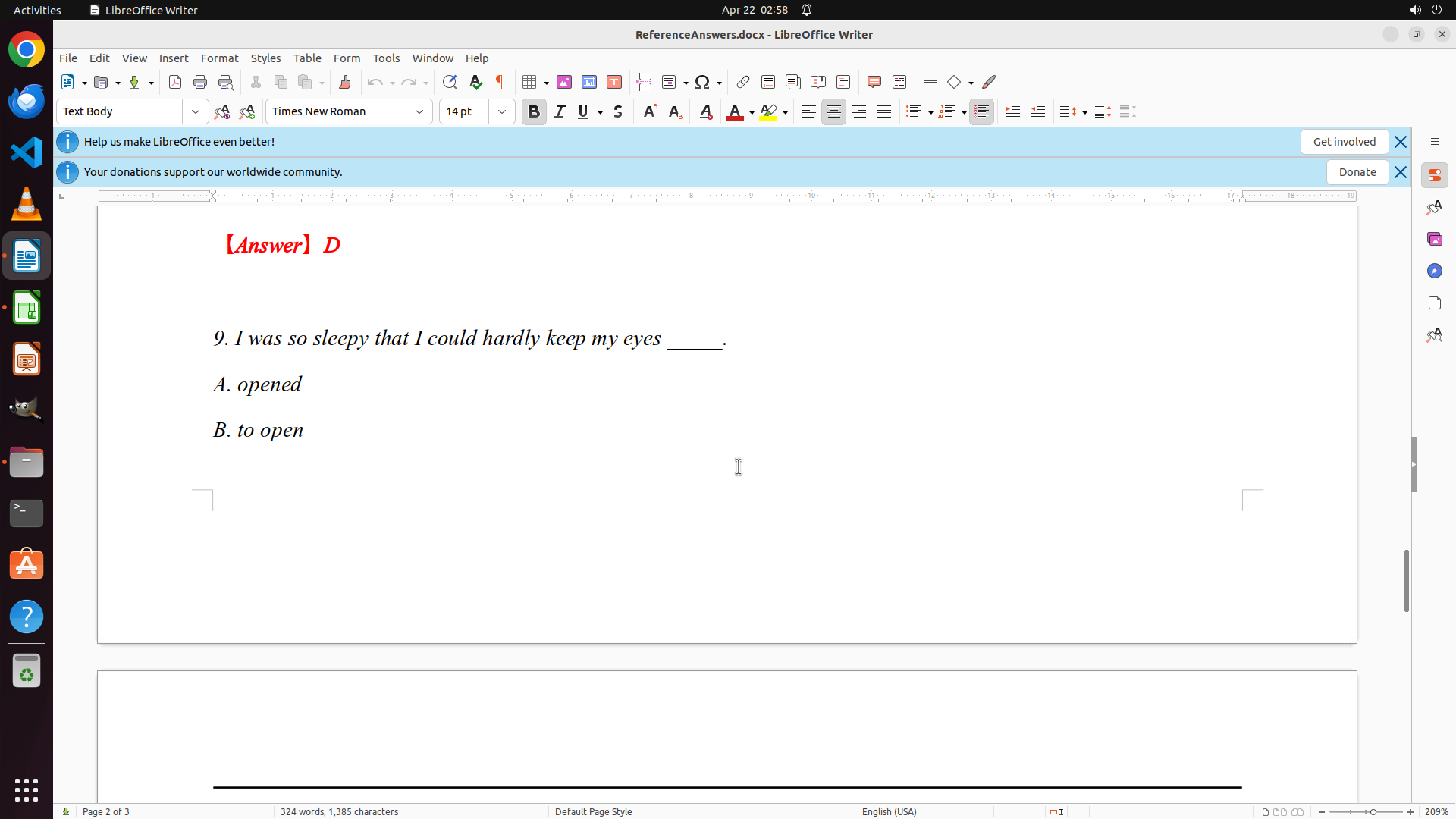
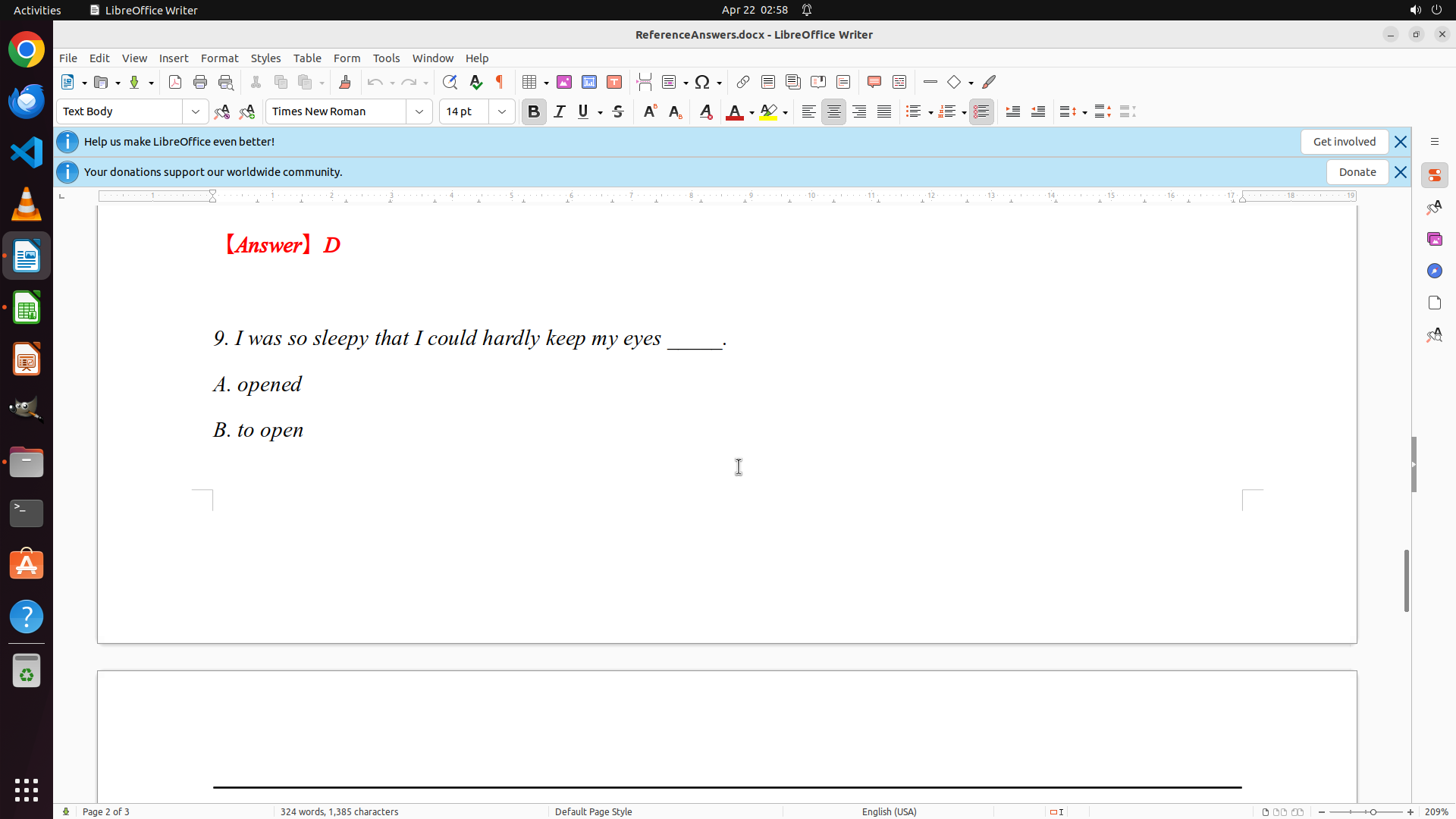
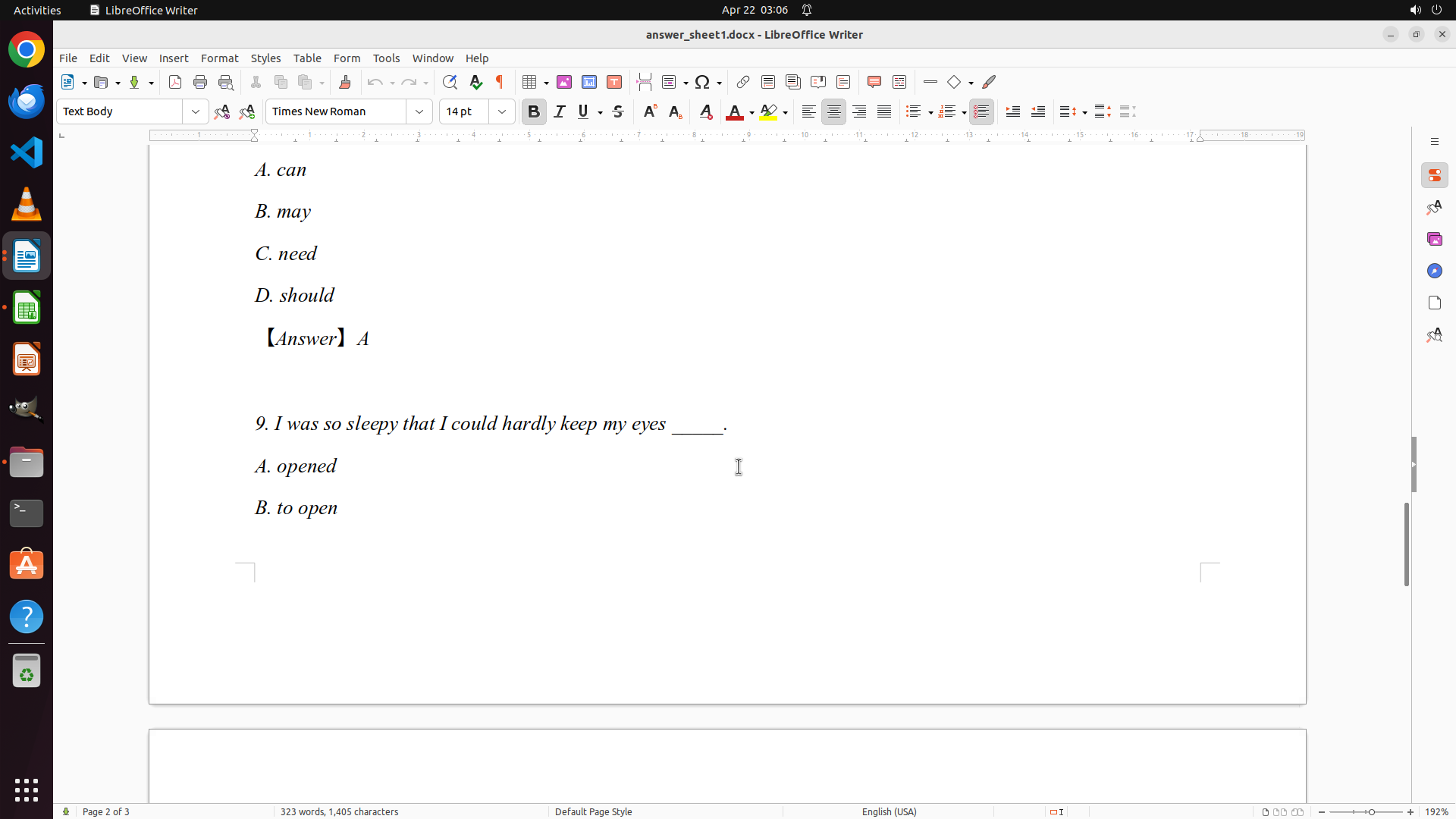
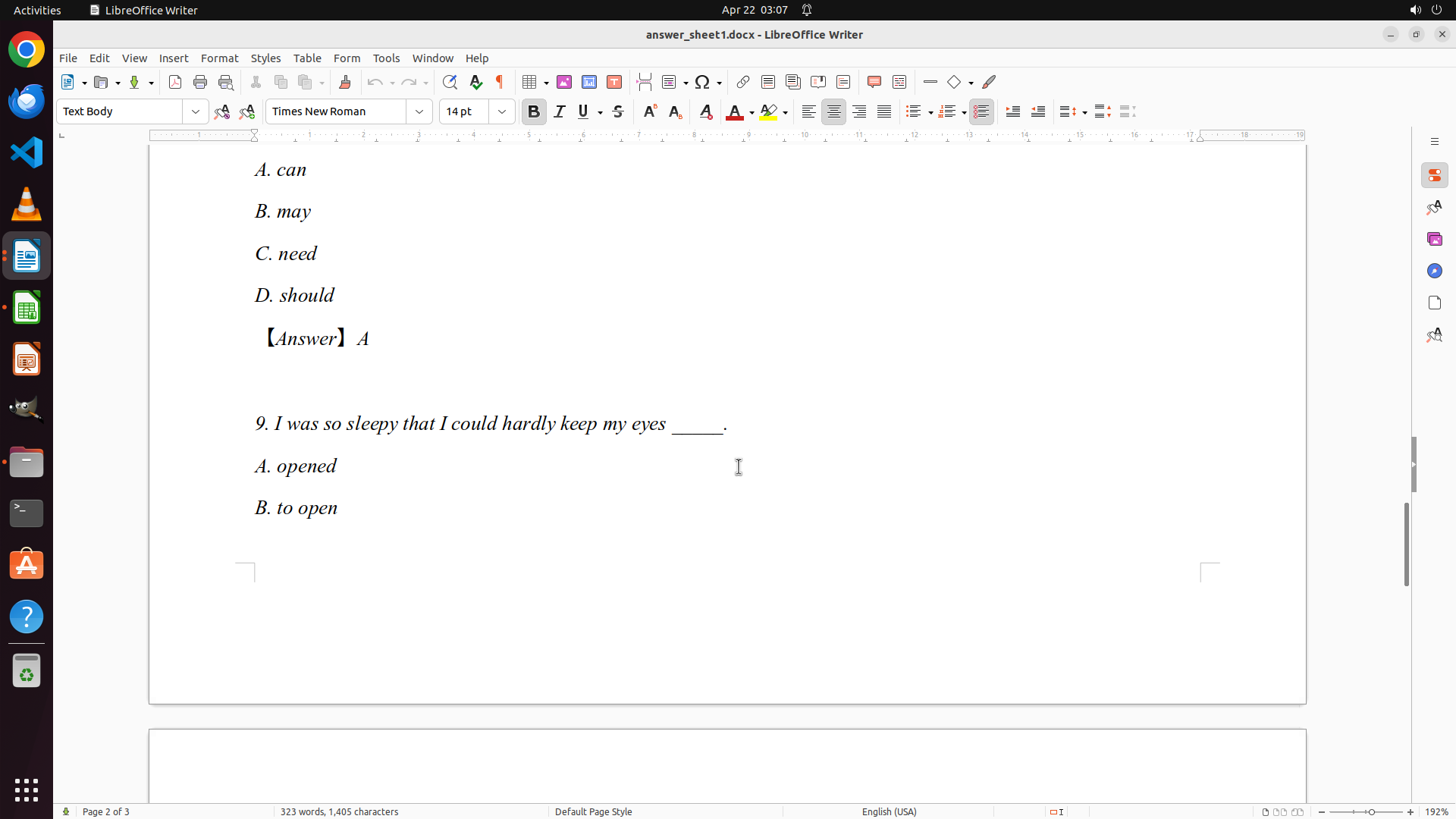
- I can now see Question 9: "I was so sleepy that I could hardly keep my eyes _____."
- Options visible: A. opened, B. to open
- So far I've documented:
- Q1: D (height)
- Q2: A (breath)
- Q3: C (himself)
- Q4: D (in; at)
- Q5: B (others)
- Q6: C (up to)
- Q7: C (huge amounts of)
- Q8: D (should)
- I need to continue scrolling to see the answer for Question 9 and Question 10
#### 情况分析与思考过程
I'm making good progress documenting the answer key. I've now captured 8 out of 10 questions. I can see Question 9 but I need to see the answer which should be shown in red text below the options. I also need to see Question 10. Let me continue scrolling down to complete the answer key documentation.
Once I have all 10 answers documented, I'll:
1. Open grades.xlsx in LibreOffice Calc
2. Systematically grade each student's answer sheet (answer_sheet0-9.docx)
3. Record the detailed scores in the spreadsheet
Let me continue scrolling to see the answers for questions 9-10.
```
Step 15: SCROLL
```
#### 重要信息
- LibreOffice Writer is open with ReferenceAnswers.docx on page 2 of 3
- I can now see Question 9: "I was so sleepy that I could hardly keep my eyes _____."
- Options visible: A. opened, B. to open
- So far I've documented:
- Q1: D (height)
- Q2: A (breath)
- Q3: C (himself)
- Q4: D (in; at)
- Q5: B (others)
- Q6: C (up to)
- Q7: C (huge amounts of)
- Q8: D (should)
- I need to continue scrolling to see the answer for Question 9 and Question 10
#### 情况分析与思考过程
I'm making good progress documenting the answer key. I've now captured 8 out of 10 questions. I can see Question 9 but I need to see the answer which should be shown in red text below the options. I also need to see Question 10. Let me continue scrolling down to complete the answer key documentation.
Once I have all 10 answers documented, I'll:
1. Open grades.xlsx in LibreOffice Calc
2. Systematically grade each student's answer sheet (answer_sheet0-9.docx)
3. Record the detailed scores in the spreadsheet
Let me continue scrolling to see the answers for questions 9-10.
```
Step 16: MOVE_TO (960, 600)
```
#### 重要信息
- LibreOffice Writer is open with ReferenceAnswers.docx on page 2 of 3
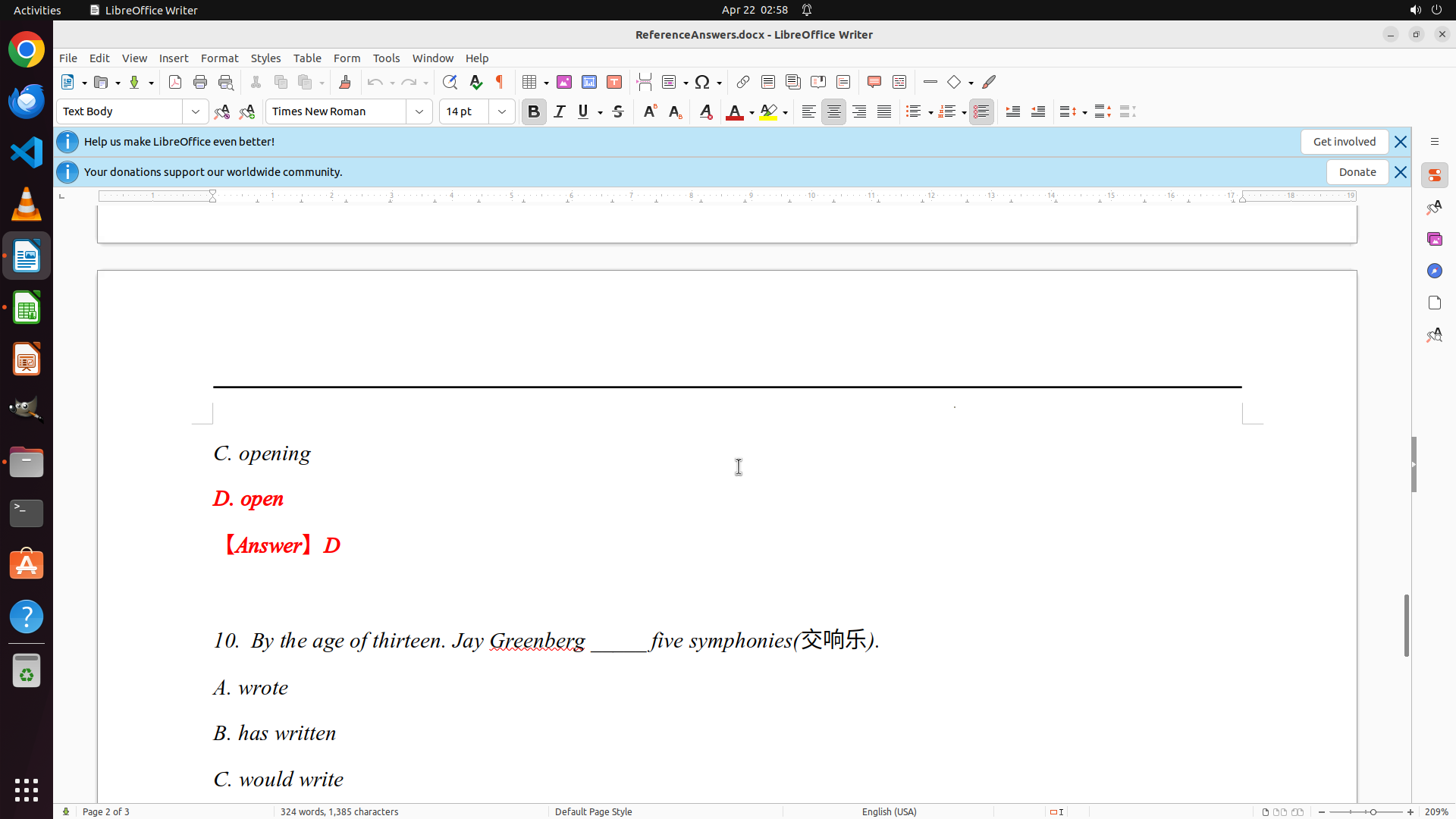
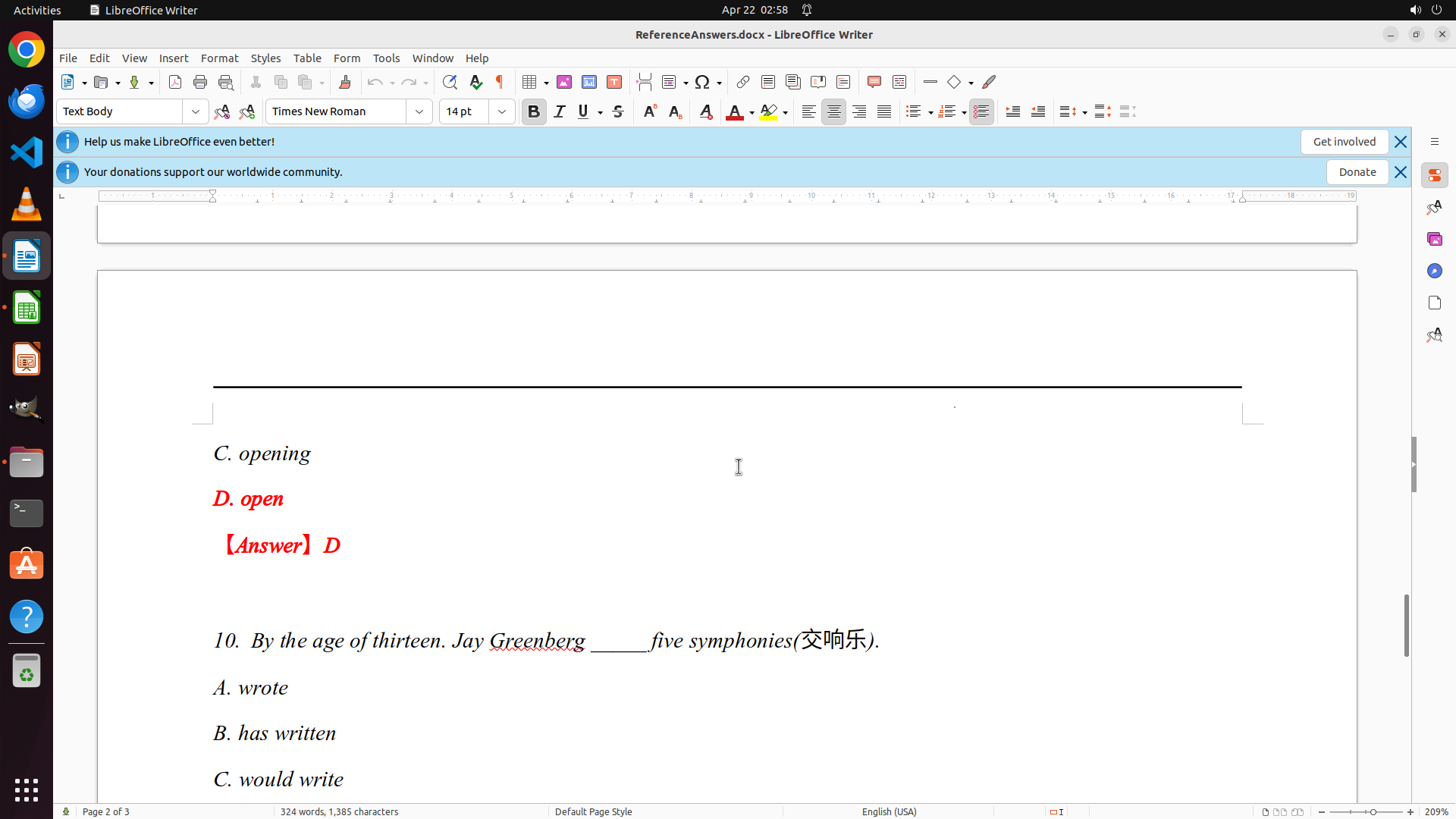
- I can now see Question 9 with answer: D (open)
- So far I've documented:
- Q1: D (height)
- Q2: A (breath)
- Q3: C (himself)
- Q4: D (in; at)
- Q5: B (others)
- Q6: C (up to)
- Q7: C (huge amounts of)
- Q8: D (should)
- Q9: D (open)
- Question 10 is visible but I can't see its answer yet
- I need to scroll down a bit more to see Question 10's answer
#### 情况分析与思考过程
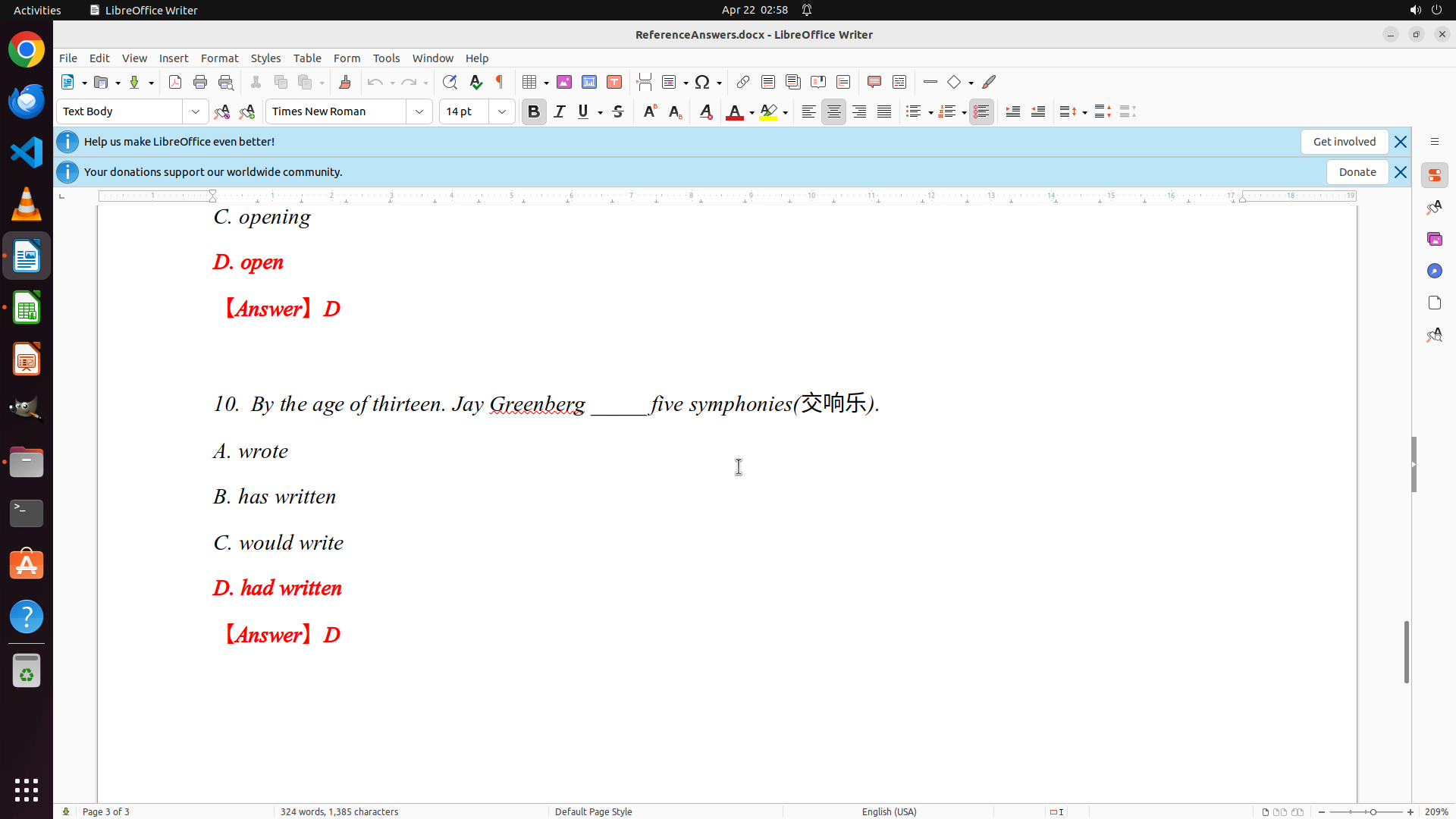
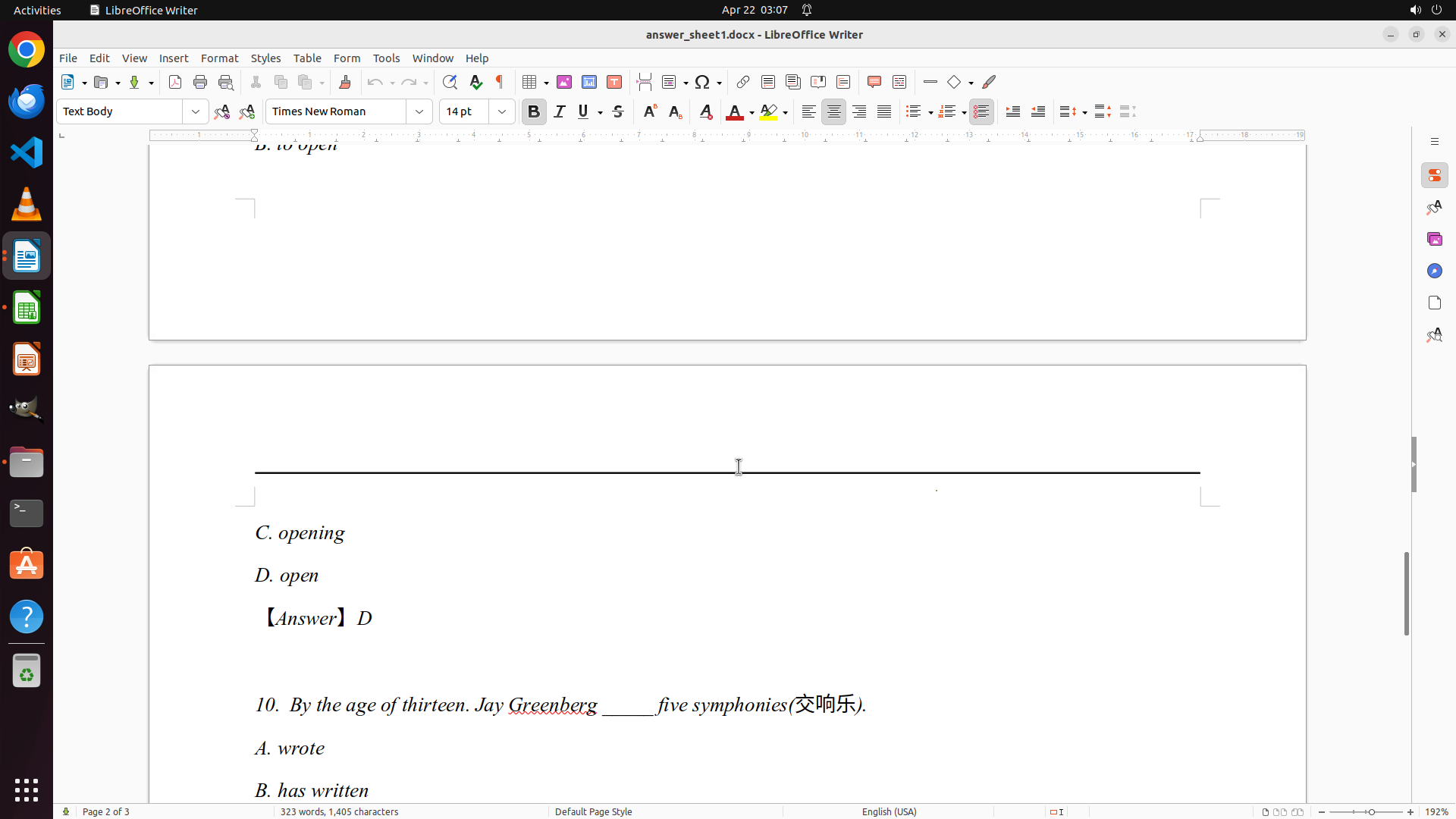
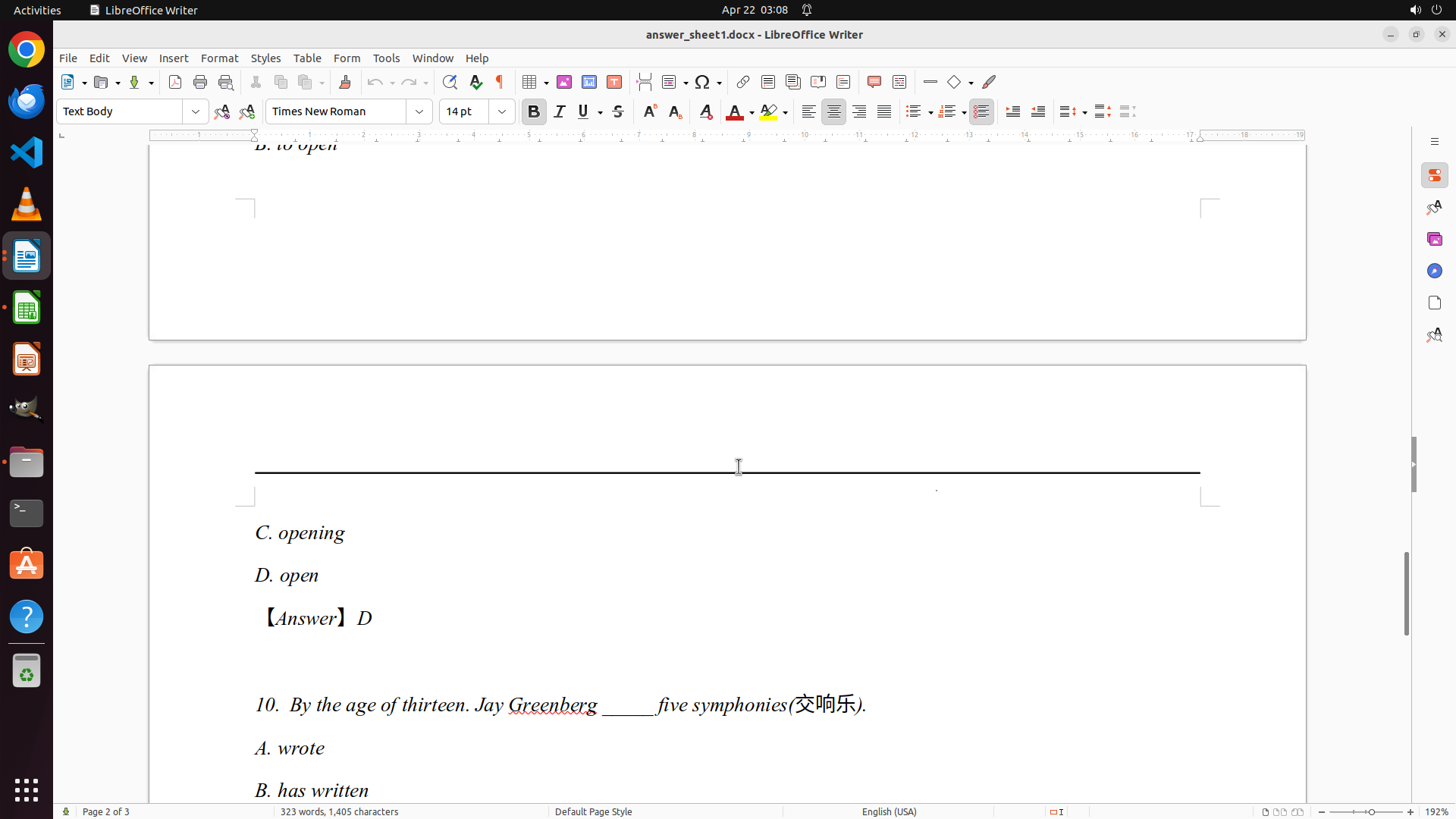
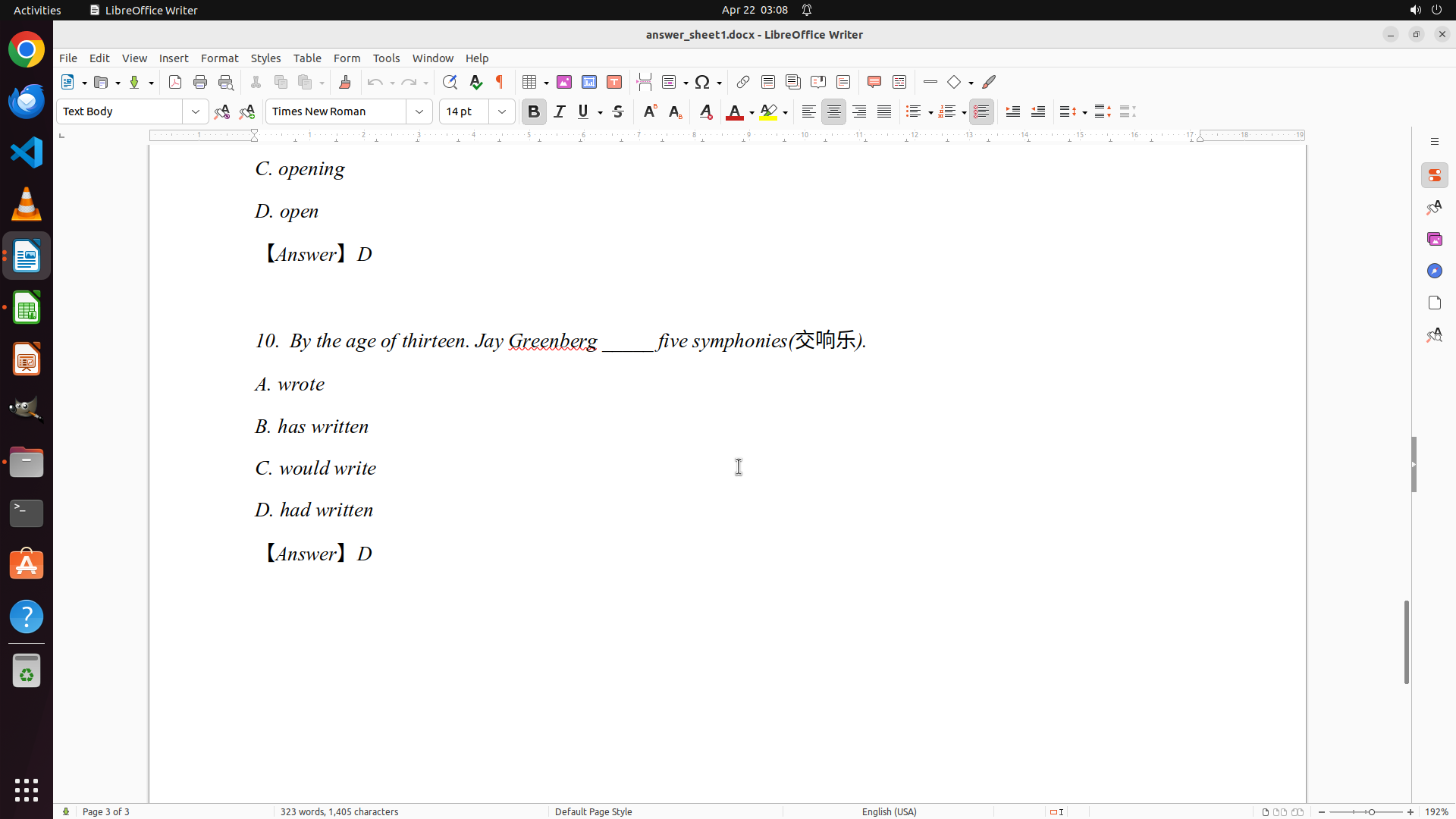
I'm almost done documenting the answer key. I've now captured 9 out of 10 questions. I can see Question 9's answer is D (open) - shown in red text. Question 10 is visible at the bottom asking about Jay Greenberg and five symphonies, with options A. wrote, B. has written, C. would write, but I can't see the answer yet.
I need to scroll down just a little more to see Question 10's answer, which will complete my answer key documentation. Once I have all 10 answers, I can proceed to:
1. Open grades.xlsx in LibreOffice Calc
2. Systematically grade each student's answer sheet (answer_sheet0-9.docx)
3. Record the detailed scores in the spreadsheet
Let me scroll down a bit more to see Question 10's answer.
```
Step 16: SCROLL
```
#### 重要信息
- LibreOffice Writer is open with ReferenceAnswers.docx on page 2 of 3
- I can now see Question 9 with answer: D (open)
- So far I've documented:
- Q1: D (height)
- Q2: A (breath)
- Q3: C (himself)
- Q4: D (in; at)
- Q5: B (others)
- Q6: C (up to)
- Q7: C (huge amounts of)
- Q8: D (should)
- Q9: D (open)
- Question 10 is visible but I can't see its answer yet
- I need to scroll down a bit more to see Question 10's answer
#### 情况分析与思考过程
I'm almost done documenting the answer key. I've now captured 9 out of 10 questions. I can see Question 9's answer is D (open) - shown in red text. Question 10 is visible at the bottom asking about Jay Greenberg and five symphonies, with options A. wrote, B. has written, C. would write, but I can't see the answer yet.
I need to scroll down just a little more to see Question 10's answer, which will complete my answer key documentation. Once I have all 10 answers, I can proceed to:
1. Open grades.xlsx in LibreOffice Calc
2. Systematically grade each student's answer sheet (answer_sheet0-9.docx)
3. Record the detailed scores in the spreadsheet
Let me scroll down a bit more to see Question 10's answer.
```
Step 17: CLICK (35, 405)
```
#### 重要信息
- LibreOffice Writer is open with ReferenceAnswers.docx on page 3 of 3
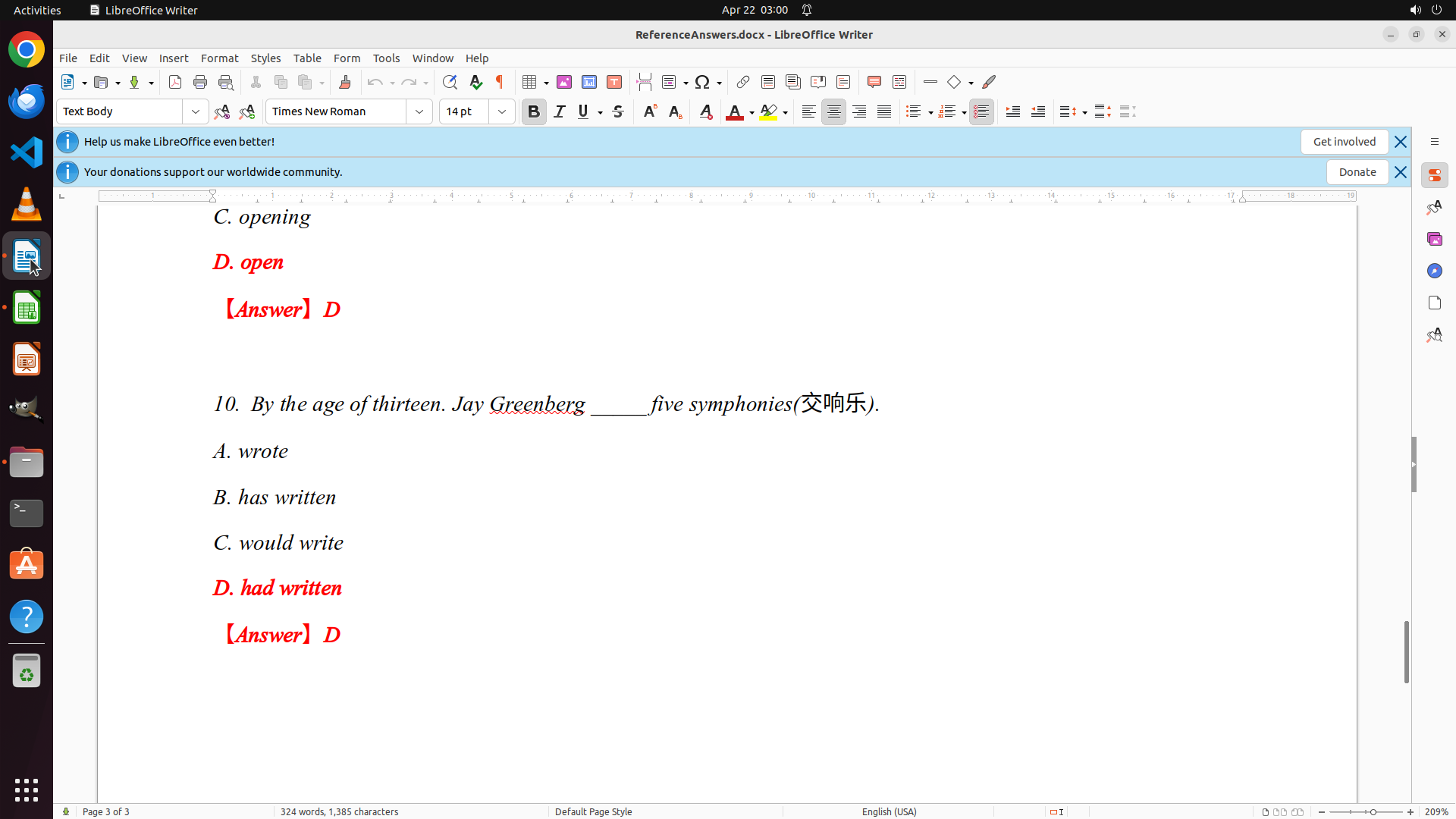
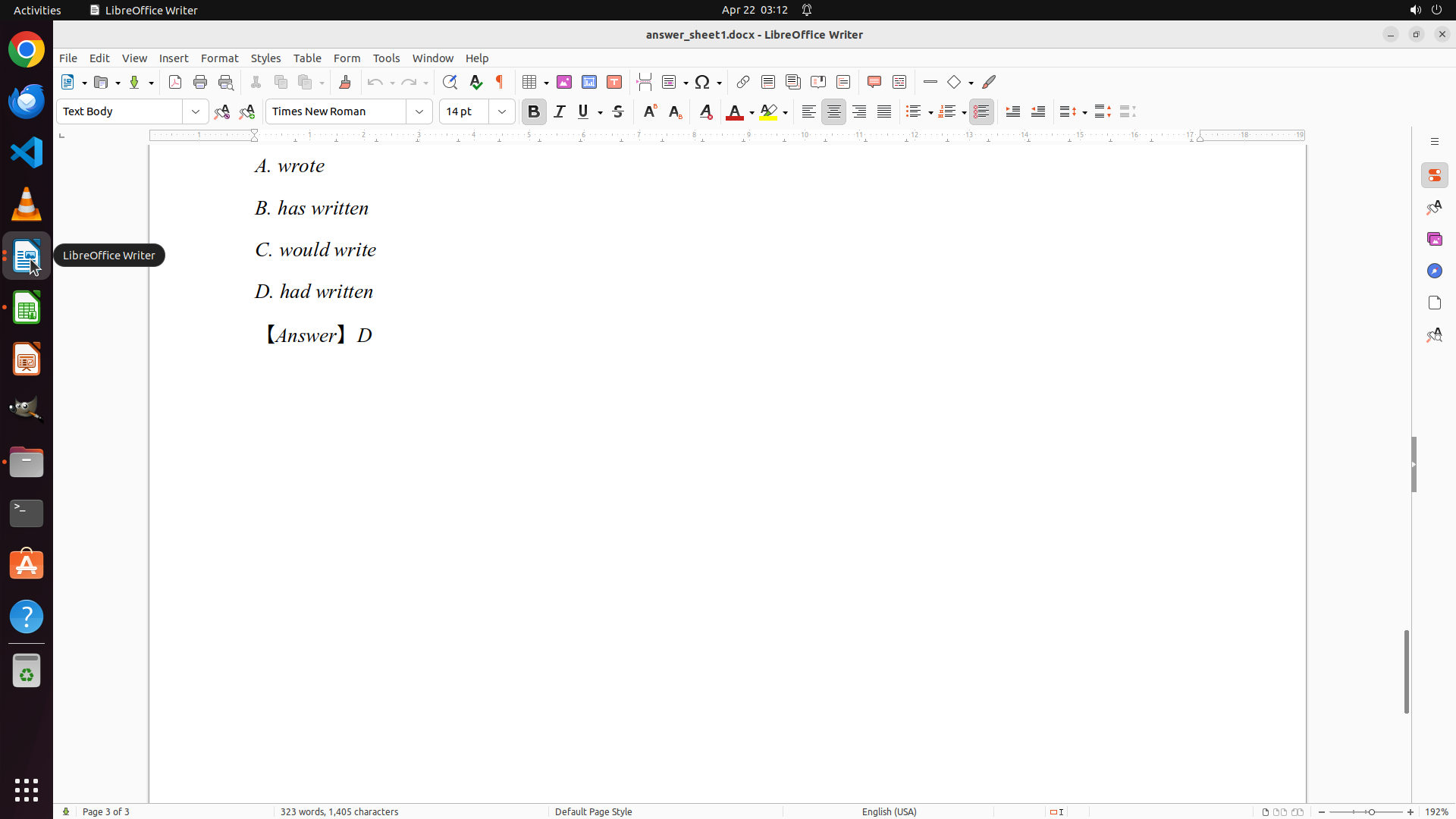
- I can now see Question 10 with answer: D (had written)
- I have successfully documented all 10 questions:
- Q1: D (height)
- Q2: A (breath)
- Q3: C (himself)
- Q4: D (in; at)
- Q5: B (others)
- Q6: C (up to)
- Q7: C (huge amounts of)
- Q8: D (should)
- Q9: D (open)
- Q10: D (had written)
- The answer key is now complete
- I need to open grades.xlsx in LibreOffice Calc to start grading
#### 情况分析与思考过程
I have successfully extracted and documented the complete answer key from ReferenceAnswers.docx. All 10 questions and their correct answers are now documented.
Now I need to proceed to the next step: opening grades.xlsx in LibreOffice Calc to begin grading the students' papers. I can see the LibreOffice Calc icon in the left sidebar (the green spreadsheet icon). I'll click on it to open LibreOffice Calc, then open the grades.xlsx file.
My next steps:
1. Open LibreOffice Calc by clicking its icon
2. Open grades.xlsx file
3. Start grading each student's answer sheet (answer_sheet0-9.docx)
4. Record the detailed scores in the spreadsheet
```
Step 18: CLICK (35, 336)
```
#### 重要信息
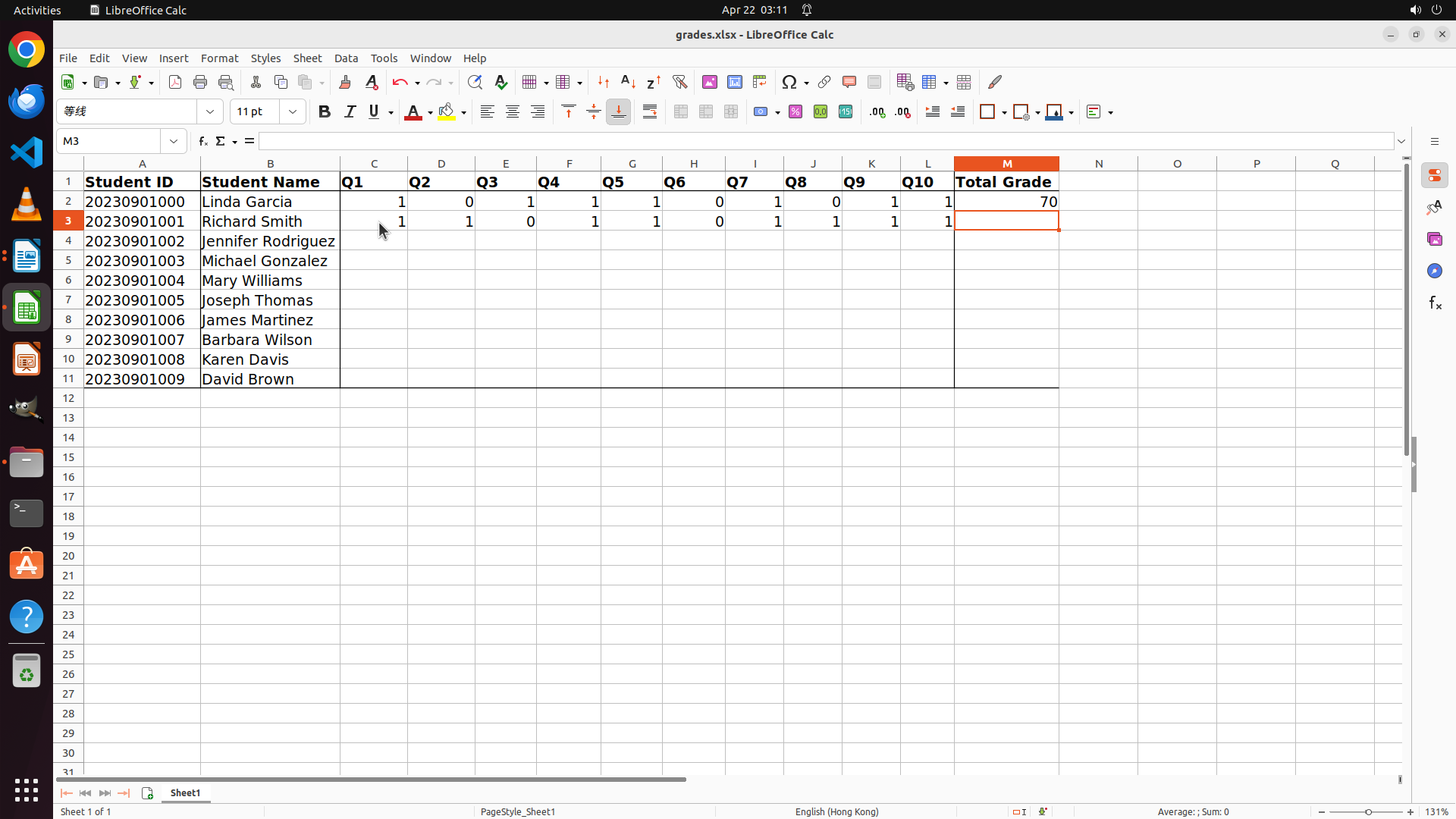
- LibreOffice Calc is now open with grades.xlsx
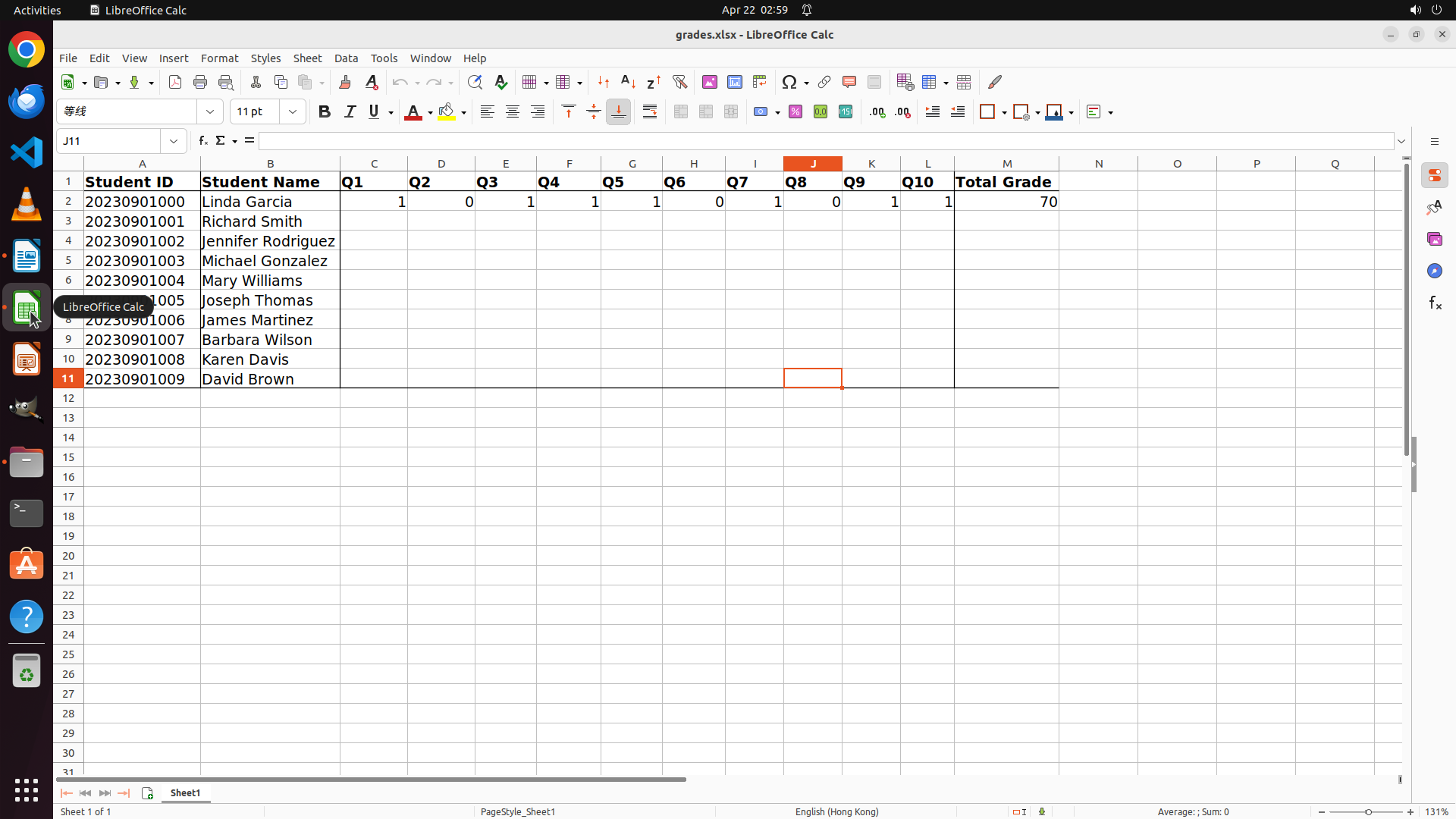
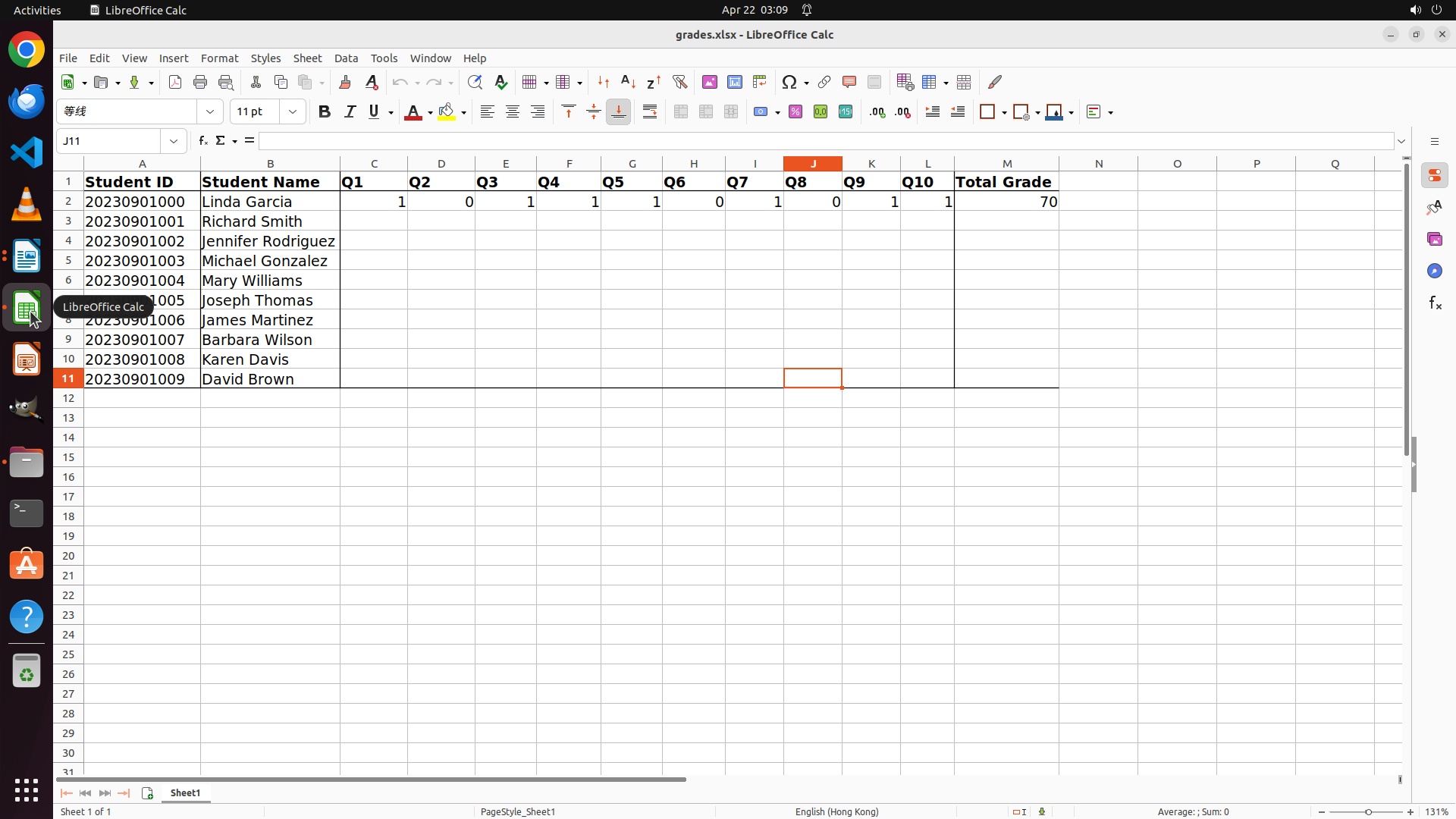
- The spreadsheet structure is clear:
- Column A: Student ID
- Column B: Student Name
- Columns C-L: Q1 through Q10 (individual question scores)
- Column M: Total Grade
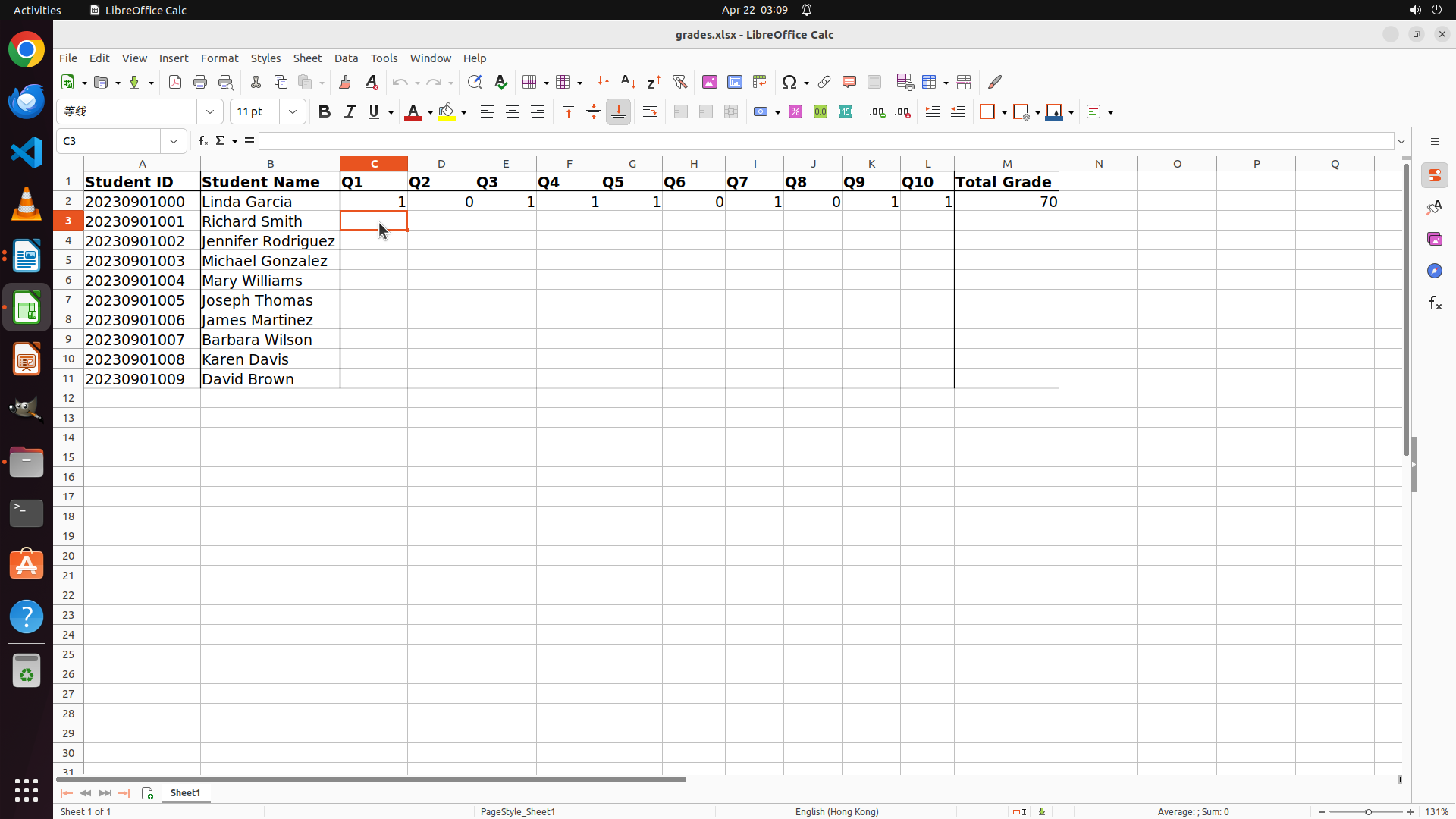
- Student 0 (Linda Garcia, row 2) already has scores recorded: Q1=1, Q2=0, Q3=1, Q4=1, Q5=1, Q6=0, Q7=1, Q8=0, Q9=1, Q10=1, Total=70
- Students 1-9 (rows 3-11) need to be graded:
- Richard Smith (row 3)
- Jennifer Rodriguez (row 4)
- Michael Gonzalez (row 5)
- Mary Williams (row 6)
- Joseph Thomas (row 7)
- James Martinez (row 8)
- Barbara Wilson (row 9)
- Karen Davis (row 10)
- David Brown (row 11)
- I have the complete answer key:
- Q1: D, Q2: A, Q3: C, Q4: D, Q5: B, Q6: C, Q7: C, Q8: D, Q9: D, Q10: D
#### 情况分析与思考过程
LibreOffice Calc is now open with the grades.xlsx file. I can see the spreadsheet structure and that Student 0 (Linda Garcia) already has scores recorded. Now I need to grade the remaining 9 students.
My plan:
1. Open LibreOffice Writer to access the student answer sheets
2. Start with answer_sheet1.docx (Richard Smith)
3. Compare each answer with the answer key
4. Enter scores in the spreadsheet (1 for correct, 0 for incorrect)
5. Repeat for all remaining students (1-9)
Since Student 0 is already graded, I should start with Student 1. I need to open LibreOffice Writer to access the answer_sheet files. I can see the Writer icon in the sidebar (the document icon).
Let me click on the LibreOffice Writer icon in the sidebar to open it.
```
Step 19: CLICK (88, 73)
```
#### 重要信息
- LibreOffice Writer opened ReferenceAnswers.docx instead of a new window
- I can see the reference answers for Q9 and Q10 at the bottom:
- Q9: D (open)
- Q10: D (had written)
- I now have the complete answer key confirmed:
- Q1: D, Q2: A, Q3: C, Q4: D, Q5: B, Q6: C, Q7: C, Q8: D, Q9: D, Q10: D
- I need to open the student answer sheets to start grading
- The File menu is available in the menu bar
#### 情况分析与思考过程
I have the complete answer key documented. Now I need to start grading the students. Since LibreOffice Writer opened with ReferenceAnswers.docx, I should use File > Open to open the first student answer sheet (answer_sheet1.docx for Richard Smith, Student 1).
My plan:
1. Click on File menu
2. Select Open
3. Navigate to and open answer_sheet1.docx
4. Compare answers with the answer key
5. Enter scores in the spreadsheet
6. Repeat for remaining students
Let me click on the File menu to open the student answer sheets.
```
Step 20: CLICK (121, 126)
Step 21: CLICK (121, 126)
```
#### 重要信息
- The File menu is now open in LibreOffice Writer
- I can see the "Open" option in the menu
- I need to open the student answer sheets (answer_sheet1.docx through answer_sheet9.docx) to grade them
- The complete answer key is: Q1:D, Q2:A, Q3:C, Q4:D, Q5:B, Q6:C, Q7:C, Q8:D, Q9:D, Q10:D
#### 情况分析与思考过程
The File menu is now open. I need to click on "Open" to access the student answer sheets. I'll start with answer_sheet1.docx (Richard Smith, Student 1) since Student 0 is already graded in the spreadsheet. After opening each answer sheet, I'll compare the answers with the answer key and record the scores in the grades.xlsx spreadsheet.
My plan:
1. Click on "Open" in the File menu
2. Navigate to and open answer_sheet1.docx
3. Compare answers with the answer key
4. Enter scores in the spreadsheet
5. Repeat for remaining students (2-9)
Let me click on the "Open" option in the File menu.
```
Step 22: CLICK (445, 187)
```
#### 重要信息
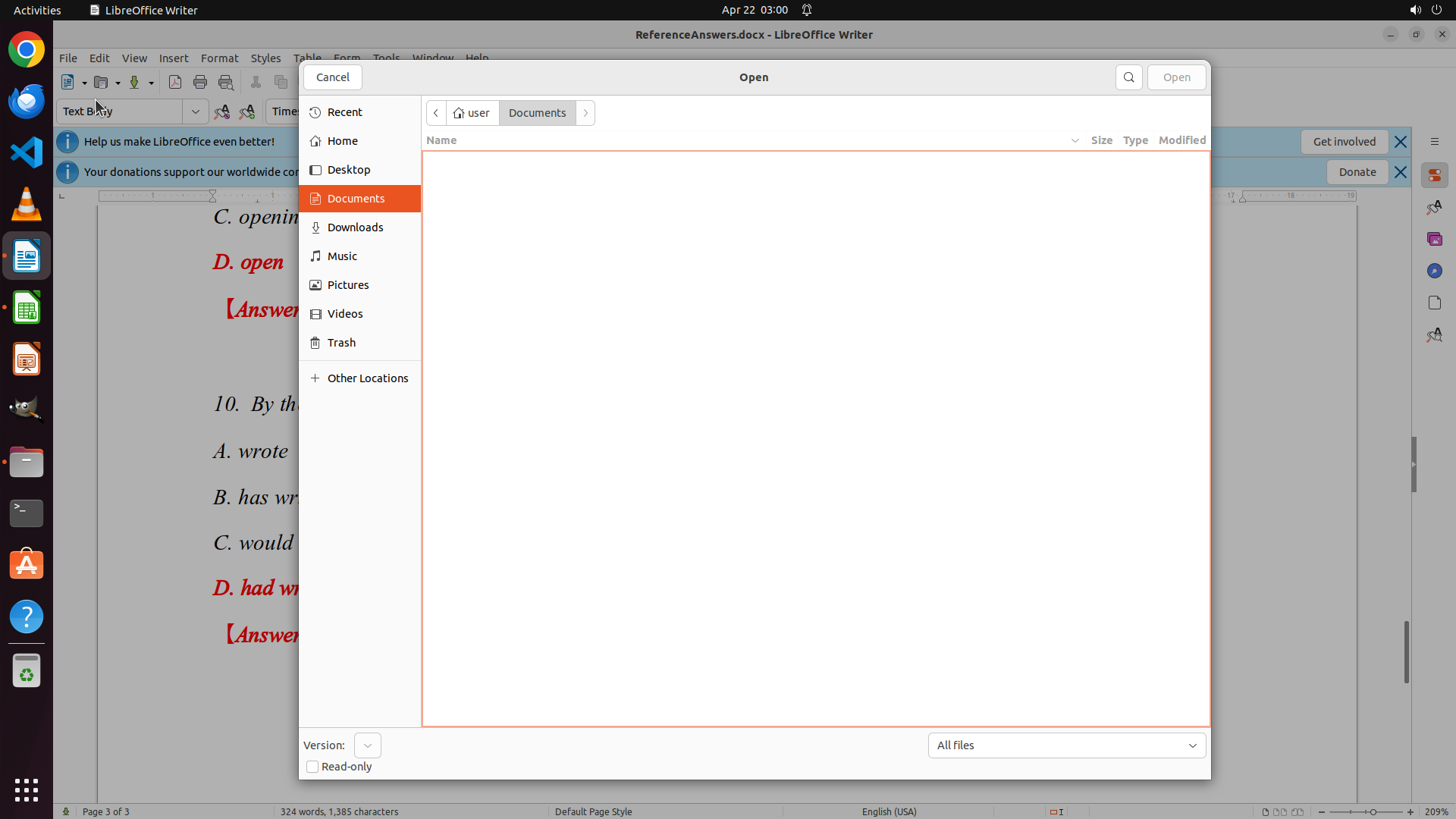
- The Open dialog is now active in LibreOffice Writer
- Currently viewing the Documents folder (user > Documents)
- The file list appears empty in this folder
- The student answer sheets (answer_sheet1.docx through answer_sheet9.docx) need to be located
- I have the complete answer key: Q1:D, Q2:A, Q3:C, Q4:D, Q5:B, Q6:C, Q7:C, Q8:D, Q9:D, Q10:D
#### 情况分析与思考过程
The Open dialog is now active. I'm currently in the Documents folder but it appears empty. The student answer sheets might be in a different location, possibly in the Home directory. I should navigate to the Home folder to look for the answer_sheet files.
My plan:
1. Click on "Home" in the left sidebar to navigate to the home directory
2. Look for the student answer sheet files (answer_sheet1.docx, etc.)
3. Open answer_sheet1.docx (Richard Smith, Student 1)
4. Compare answers with the answer key
5. Enter scores in the spreadsheet
6. Repeat for remaining students
Let me click on "Home" in the left sidebar to find the answer sheet files.
```
Step 23: DOUBLE_CLICK (605, 276)
```
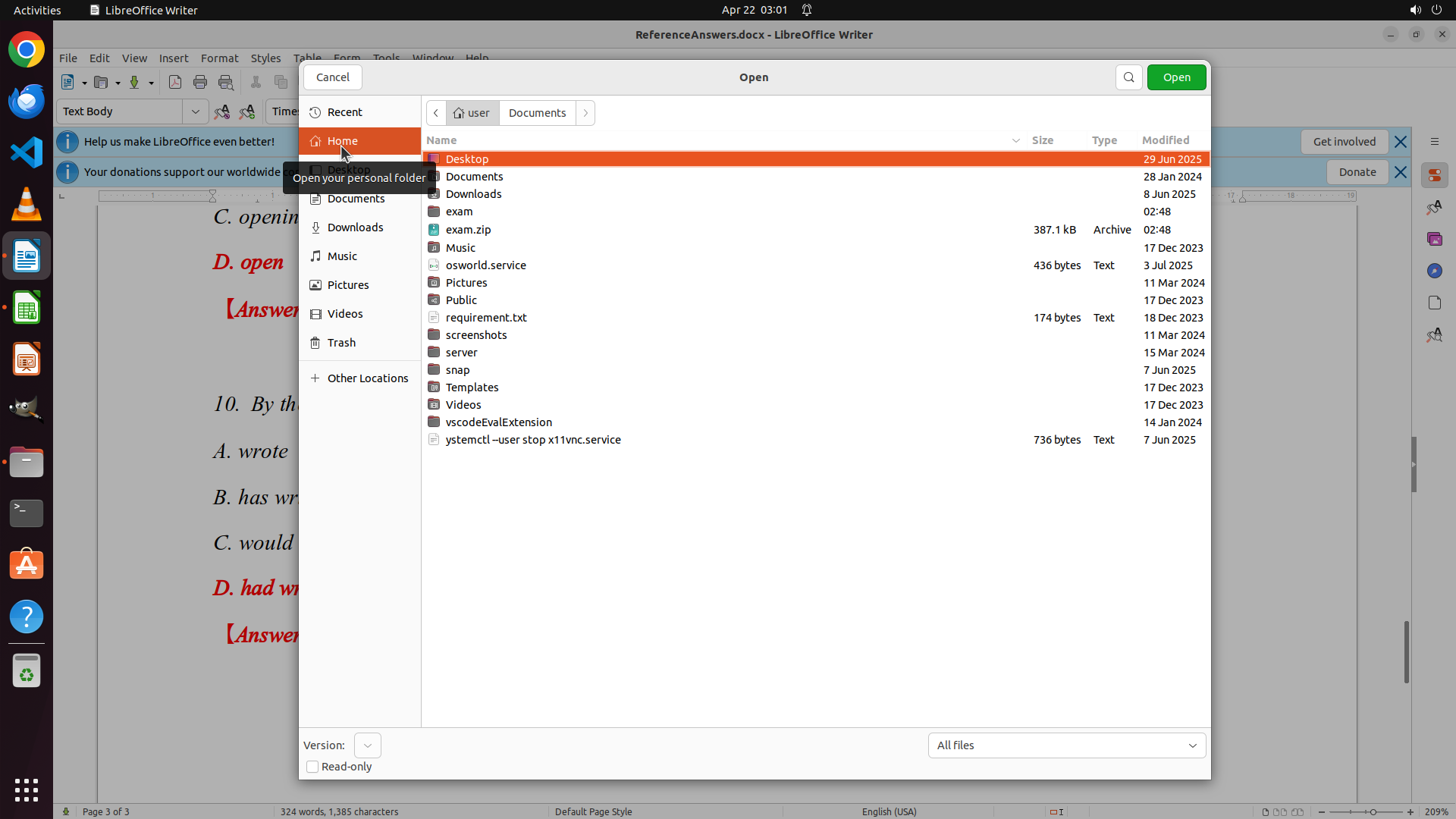
#### 重要信息
- The Open dialog is now showing the Home directory contents
- I can see various folders including "exam" which likely contains the student answer sheets
- The student answer sheets (answer_sheet1.docx through answer_sheet9.docx) should be in the exam folder
- I have the complete answer key: Q1:D, Q2:A, Q3:C, Q4:D, Q5:B, Q6:C, Q7:C, Q8:D, Q9:D, Q10:D
#### 情况分析与思考过程
I successfully navigated to the Home directory. I can see an "exam" folder which is very likely to contain the student answer sheets. I should double-click on the "exam" folder to open it and find the answer_sheet files.
My plan:
1. Double-click on the "exam" folder to open it
2. Look for answer_sheet1.docx (Richard Smith, Student 1)
3. Open it and compare answers with the answer key
4. Enter scores in the spreadsheet
5. Repeat for remaining students
Let me double-click on the "exam" folder to access the student answer sheets.
```
Step 24: DOUBLE_CLICK (655, 229)
```
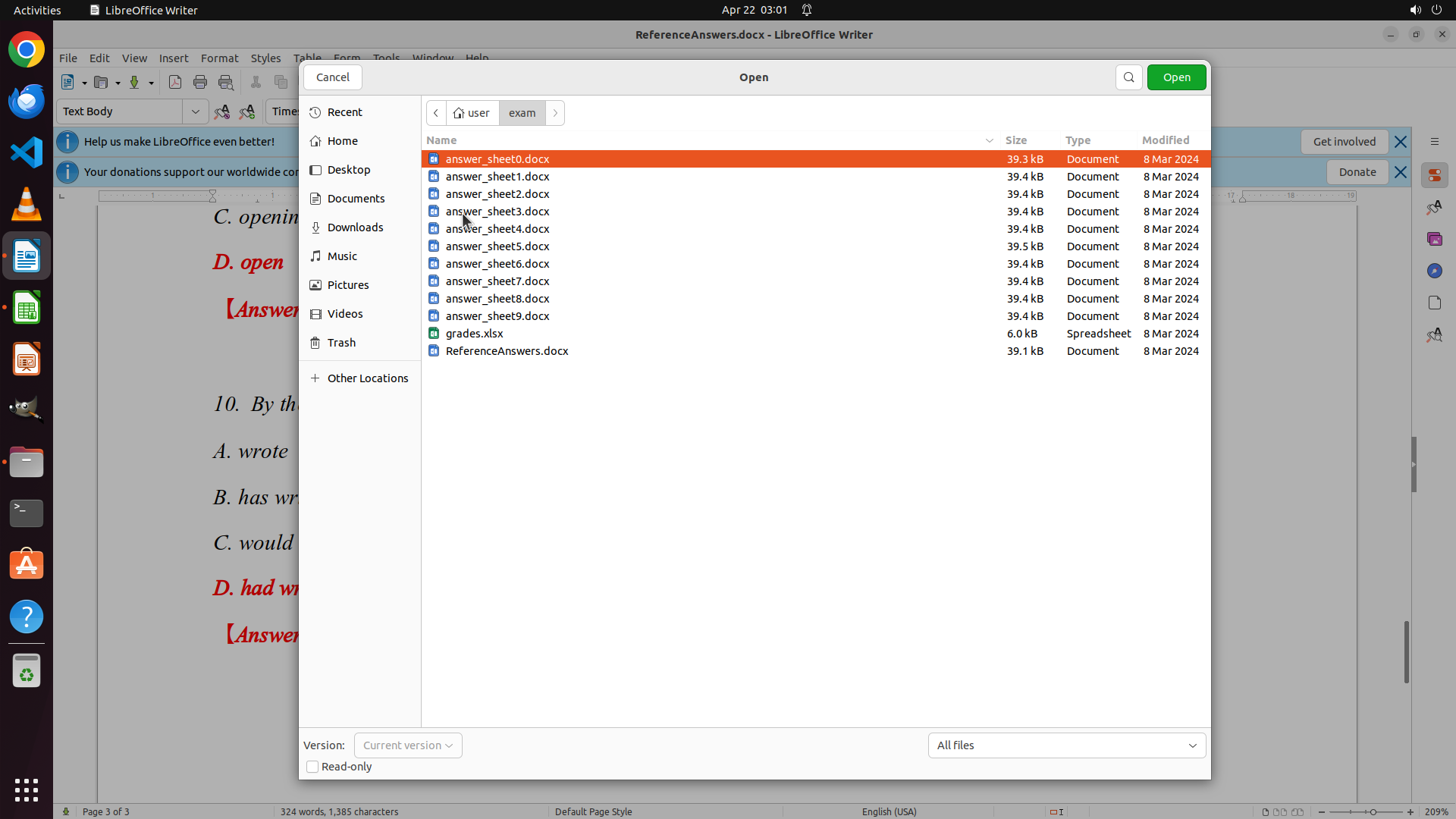
#### 重要信息
- The exam folder is now open showing all student answer sheets
- I can see all files: answer_sheet0.docx through answer_sheet9.docx, grades.xlsx, and ReferenceAnswers.docx
- answer_sheet0.docx is currently highlighted/selected
- I need to open answer_sheet1.docx (Richard Smith, Student 1) to start grading
- I have the complete answer key: Q1:D, Q2:A, Q3:C, Q4:D, Q5:B, Q6:C, Q7:C, Q8:D, Q9:D, Q10:D
#### 情况分析与思考过程
I successfully navigated to the exam folder and can now see all the student answer sheets. Since Student 0 (Linda Garcia) is already graded in the spreadsheet, I need to start with Student 1 (Richard Smith) which should be in answer_sheet1.docx.
My plan:
1. Double-click on answer_sheet1.docx to open it
2. Compare Richard Smith's answers with the answer key
3. Enter scores in the spreadsheet (1 for correct, 0 for incorrect)
4. Repeat for remaining students (2-9)
Let me double-click on answer_sheet1.docx to open it and start grading.
```
Step 25: MOVE_TO (960, 600)
```
#### 重要信息
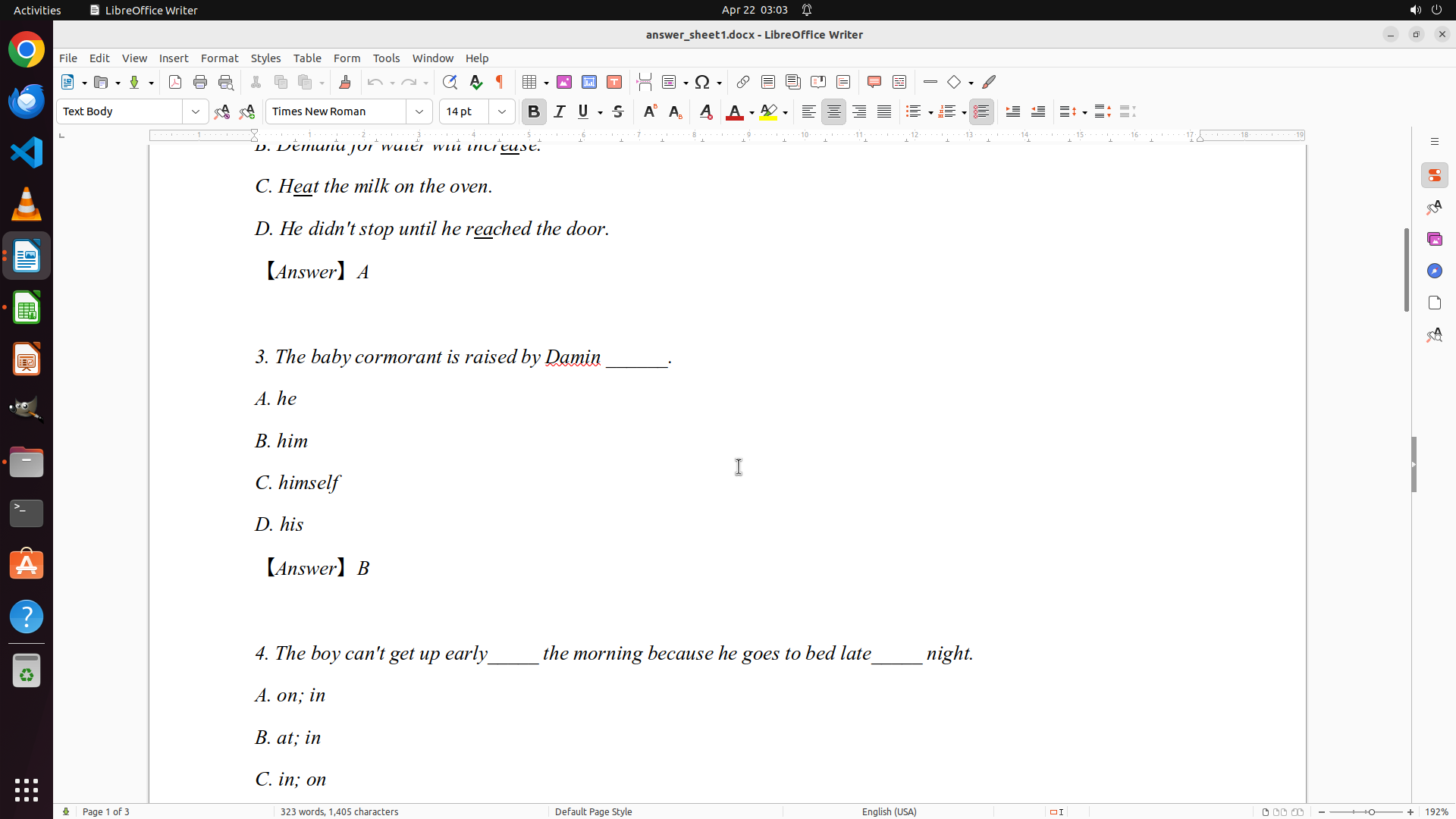
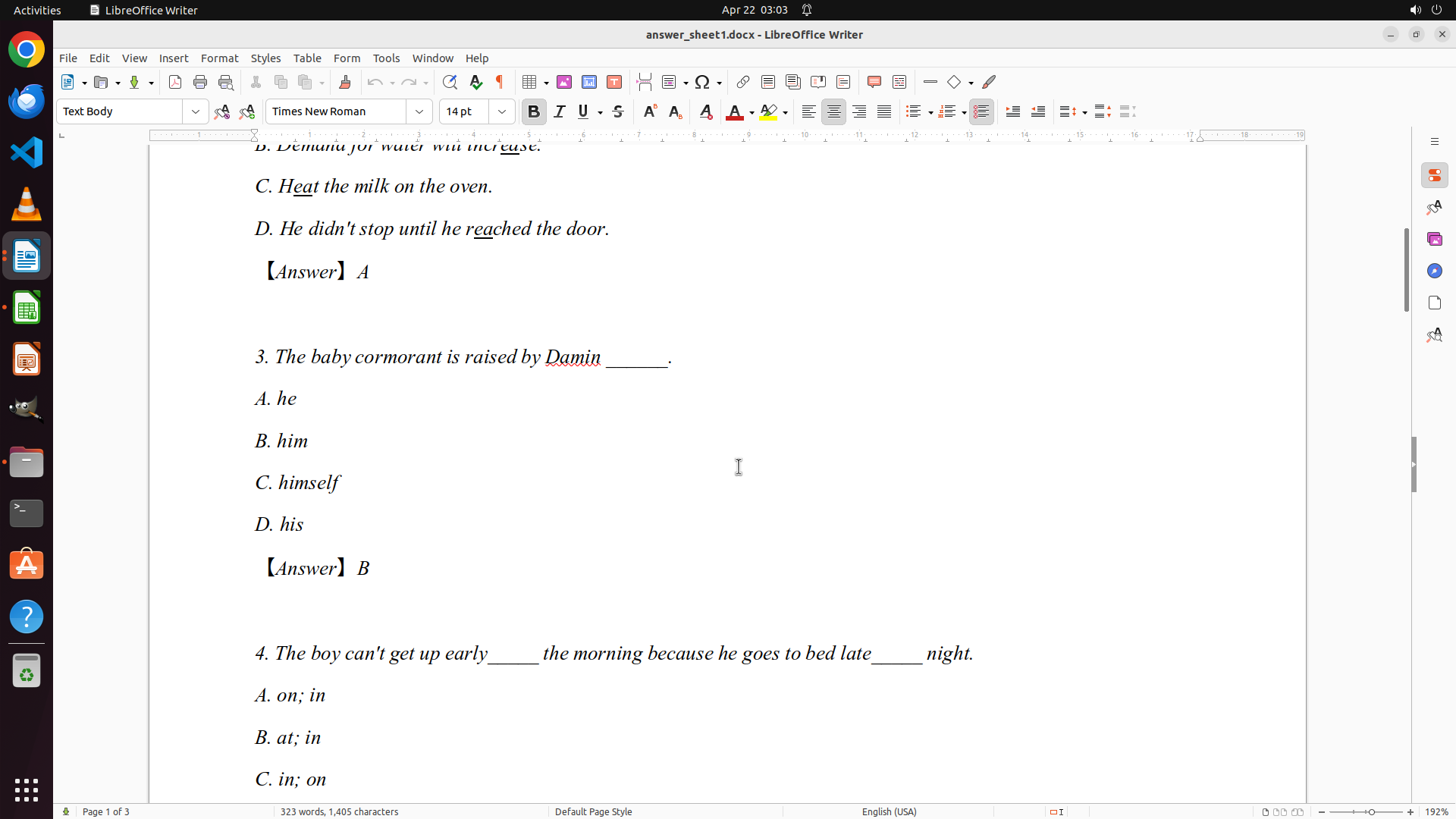
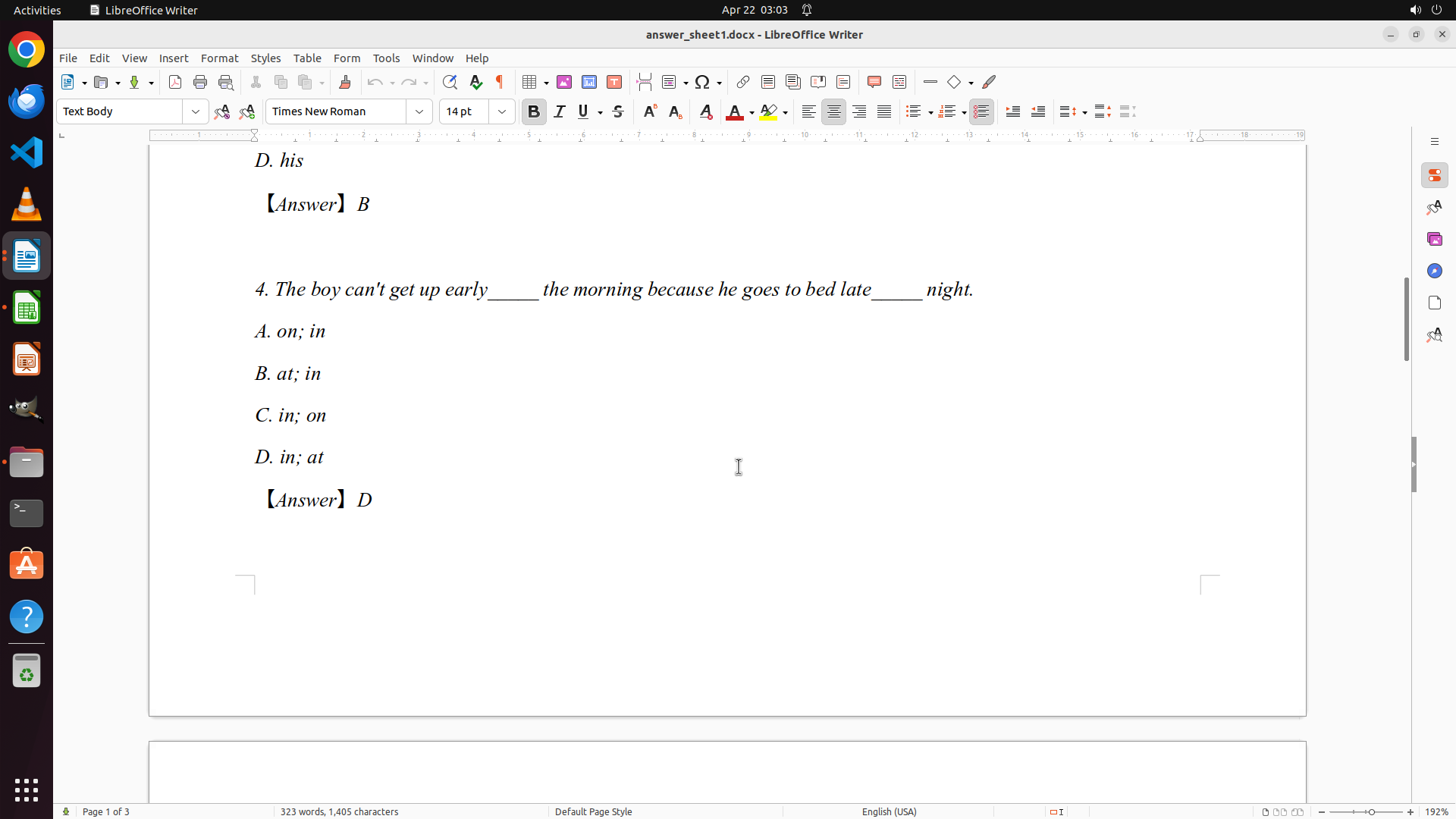
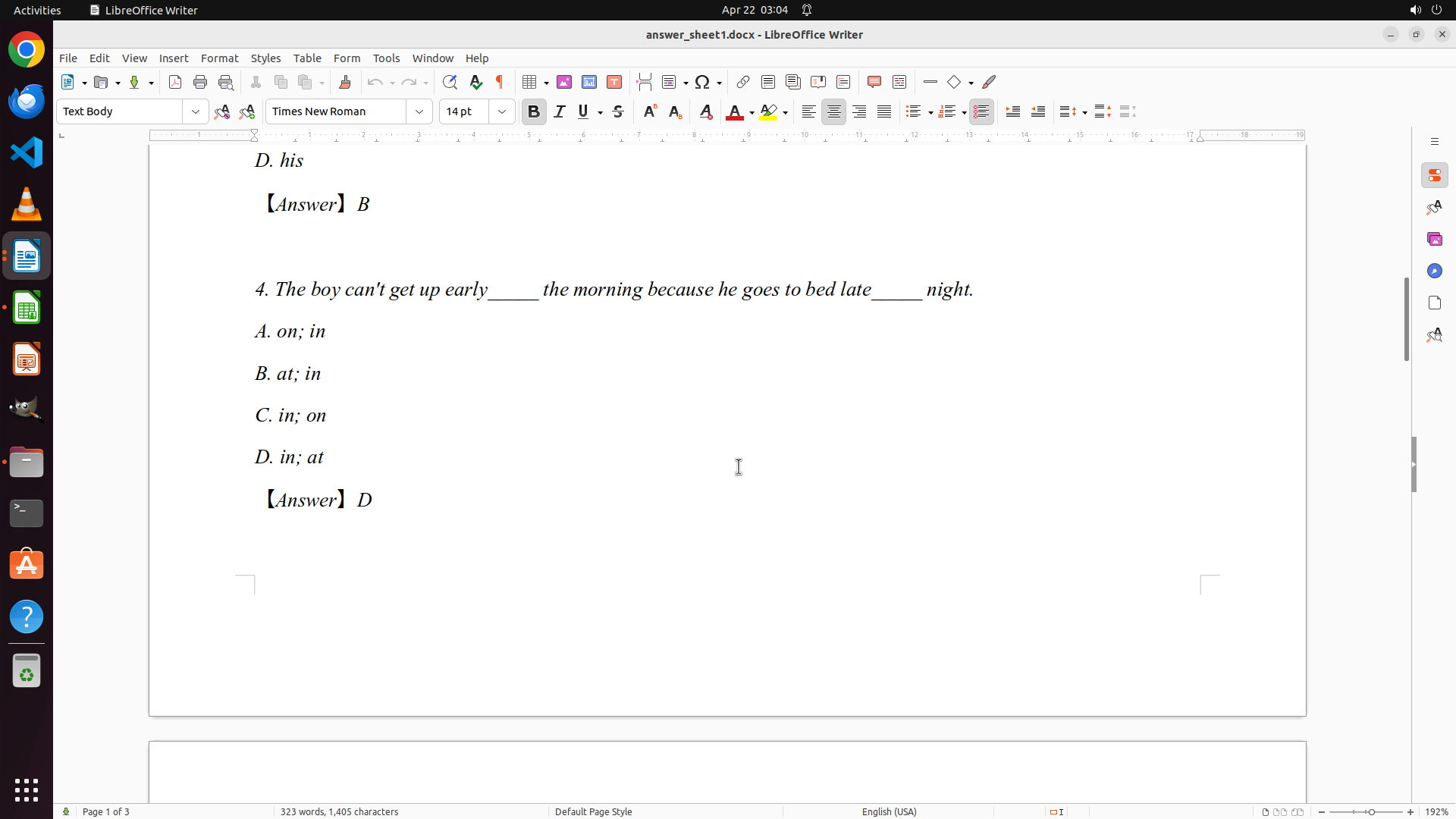
- answer_sheet1.docx is now open in LibreOffice Writer
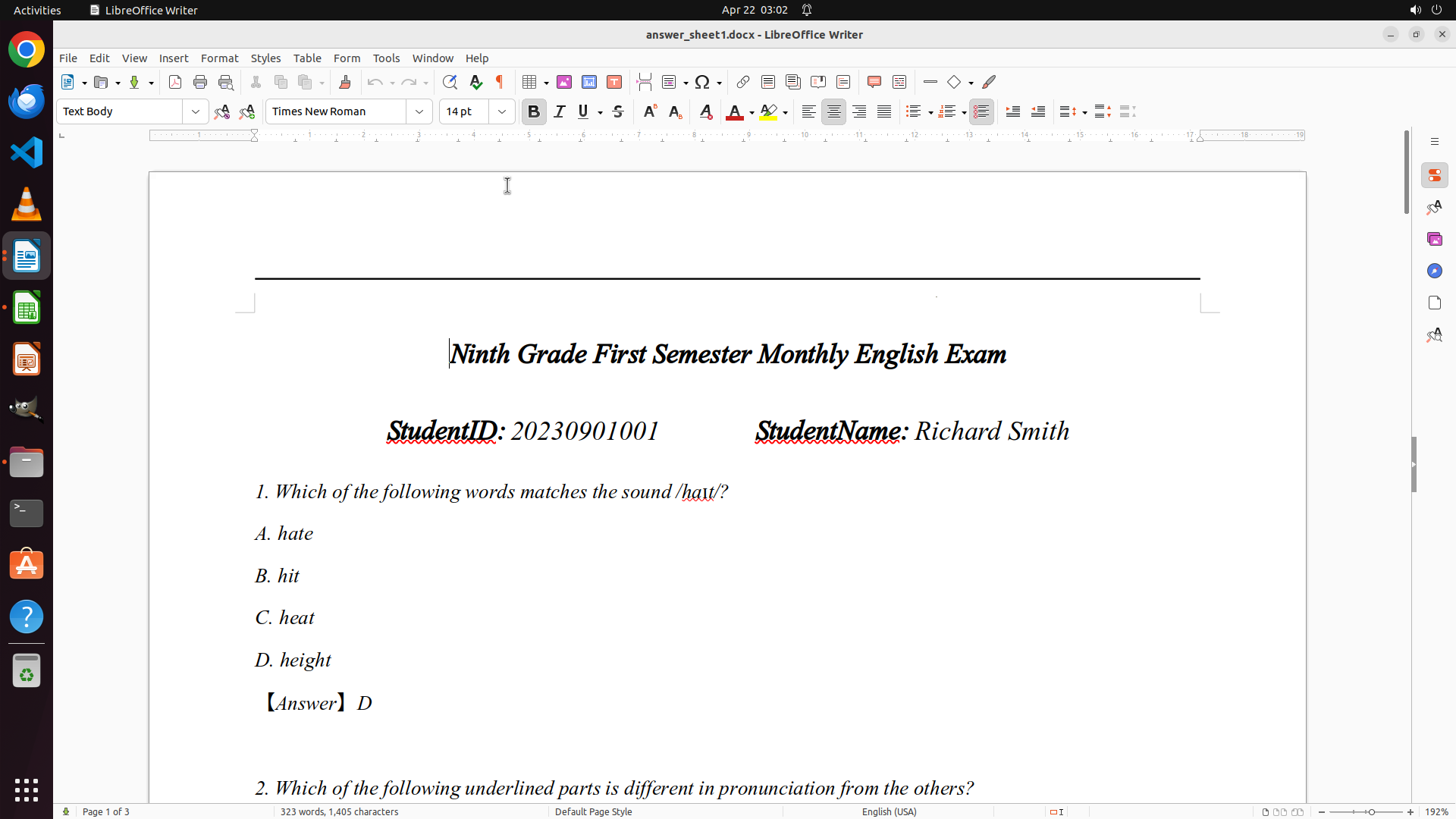
- This is Richard Smith's answer sheet (StudentID: 20230901001, StudentName: Richard Smith)
- Question 1 answer is D, which matches the answer key (Q1: D) - CORRECT
- I can see the beginning of Question 2 at the bottom
- I need to scroll down to see all remaining questions (2-10) to grade the entire paper
- The complete answer key is: Q1:D, Q2:A, Q3:C, Q4:D, Q5:B, Q6:C, Q7:C, Q8:D, Q9:D, Q10:D
#### 情况分析与思考过程
I successfully opened Richard Smith's answer sheet. I can see Q1 answer is D, which matches the answer key (correct). I need to scroll down to see all remaining questions (2-10) to complete the grading for this student.
My plan:
1. Scroll down to see all questions 2-10 and their answers
2. Compare each answer with the answer key
3. Record scores in the spreadsheet (1 for correct, 0 for incorrect)
4. Move to the next student
Let me scroll down to see more questions.
```
Step 25: SCROLL
```
#### 重要信息
- answer_sheet1.docx is now open in LibreOffice Writer
- This is Richard Smith's answer sheet (StudentID: 20230901001, StudentName: Richard Smith)
- Question 1 answer is D, which matches the answer key (Q1: D) - CORRECT
- I can see the beginning of Question 2 at the bottom
- I need to scroll down to see all remaining questions (2-10) to grade the entire paper
- The complete answer key is: Q1:D, Q2:A, Q3:C, Q4:D, Q5:B, Q6:C, Q7:C, Q8:D, Q9:D, Q10:D
#### 情况分析与思考过程
I successfully opened Richard Smith's answer sheet. I can see Q1 answer is D, which matches the answer key (correct). I need to scroll down to see all remaining questions (2-10) to complete the grading for this student.
My plan:
1. Scroll down to see all questions 2-10 and their answers
2. Compare each answer with the answer key
3. Record scores in the spreadsheet (1 for correct, 0 for incorrect)
4. Move to the next student
Let me scroll down to see more questions.
```
Step 26: MOVE_TO (960, 600)
```
#### 重要信息
- answer_sheet1.docx is open in LibreOffice Writer (Richard Smith's answer sheet)
- I can see Q1 answer is D (CORRECT - matches answer key)
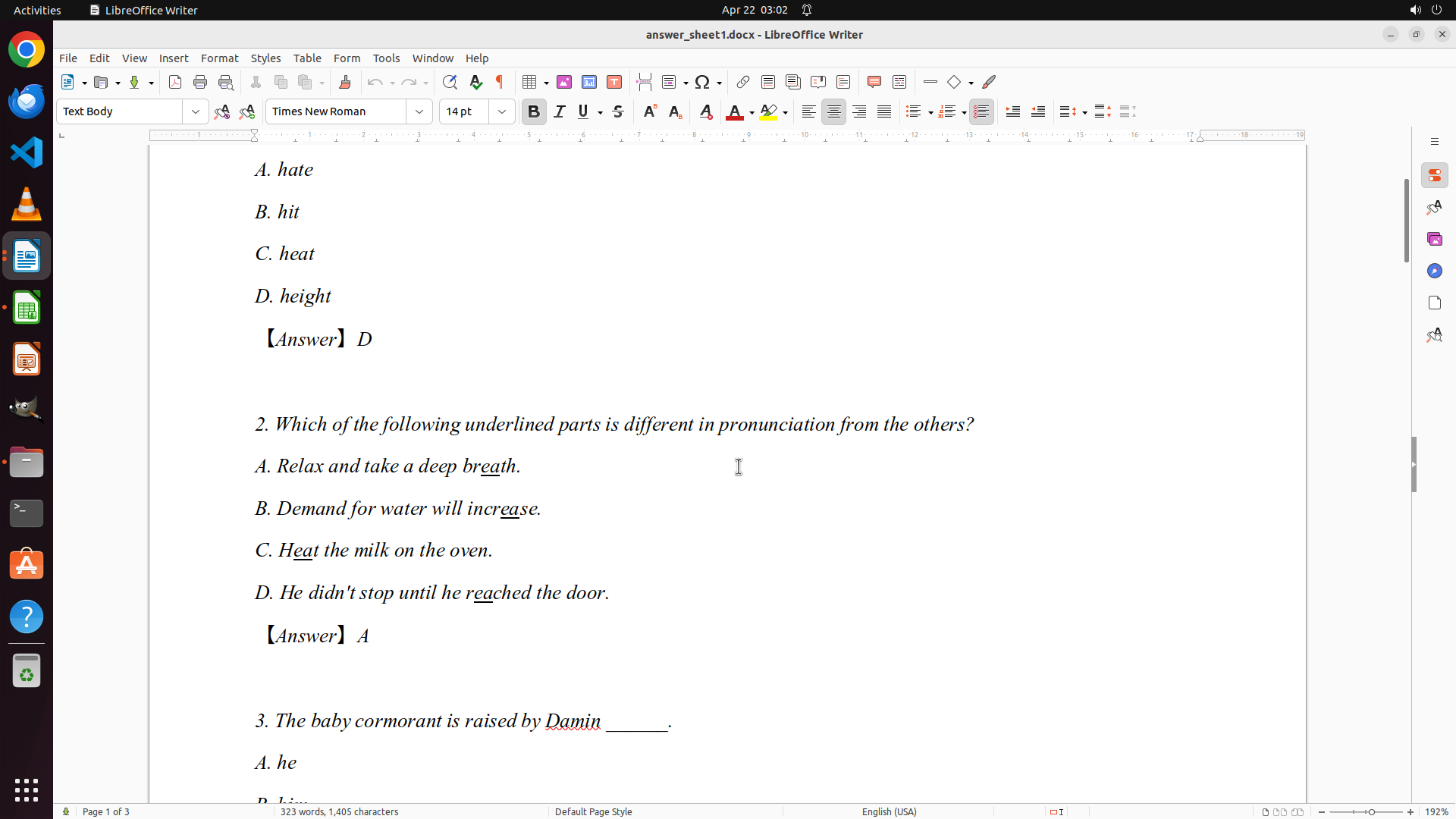
- I can see Q2 answer is A (CORRECT - matches answer key)
- Q3 is partially visible at the bottom of the screen
- I need to scroll down to see all remaining questions (3-10)
- The complete answer key is: Q1:D, Q2:A, Q3:C, Q4:D, Q5:B, Q6:C, Q7:C, Q8:D, Q9:D, Q10:D
#### 情况分析与思考过程
I've successfully opened Richard Smith's answer sheet (Student 1). I can see that:
- Q1: D (correct)
- Q2: A (correct)
So far Richard Smith has 2 correct answers out of 2 visible questions. I need to scroll down to see all remaining questions (3-10) to complete the grading for this student. Once I've reviewed all his answers, I'll:
1. Record his scores in the spreadsheet (1 for correct, 0 for incorrect)
2. Move on to the next student (Student 2 - Jennifer Rodriguez)
Let me scroll down to see more questions.
```
Step 26: SCROLL
```
#### 重要信息
- answer_sheet1.docx is open in LibreOffice Writer (Richard Smith's answer sheet)
- I can see Q1 answer is D (CORRECT - matches answer key)
- I can see Q2 answer is A (CORRECT - matches answer key)
- Q3 is partially visible at the bottom of the screen
- I need to scroll down to see all remaining questions (3-10)
- The complete answer key is: Q1:D, Q2:A, Q3:C, Q4:D, Q5:B, Q6:C, Q7:C, Q8:D, Q9:D, Q10:D
#### 情况分析与思考过程
I've successfully opened Richard Smith's answer sheet (Student 1). I can see that:
- Q1: D (correct)
- Q2: A (correct)
So far Richard Smith has 2 correct answers out of 2 visible questions. I need to scroll down to see all remaining questions (3-10) to complete the grading for this student. Once I've reviewed all his answers, I'll:
1. Record his scores in the spreadsheet (1 for correct, 0 for incorrect)
2. Move on to the next student (Student 2 - Jennifer Rodriguez)
Let me scroll down to see more questions.
```
Step 27: MOVE_TO (960, 600)
```
#### 重要信息
- answer_sheet1.docx is open in LibreOffice Writer (Richard Smith's answer sheet)
- Q1 answer is D (CORRECT - matches answer key) ✓
- Q2 answer is A (CORRECT - matches answer key) ✓
- Q3 answer is B (INCORRECT - answer key is C) ✗
- Q4 answer is D (CORRECT - matches answer key) ✓
- Q5 answer is B (CORRECT - matches answer key) ✓
- So far: 4 correct out of 5 questions
- I need to scroll down to see questions 6-10 to complete the grading
- The complete answer key is: Q1:D, Q2:A, Q3:C, Q4:D, Q5:B, Q6:C, Q7:C, Q8:D, Q9:D, Q10:D
#### 情况分析与思考过程
I've successfully reviewed the first 5 questions for Richard Smith (Student 1):
- Q1: D (correct) ✓
- Q2: A (correct) ✓
- Q3: B (incorrect, should be C) ✗
- Q4: D (correct) ✓
- Q5: B (correct) ✓
Current score: 4/5 correct. I need to scroll down to see questions 6-10 to complete the grading for this student. Once I've reviewed all his answers, I'll record the scores in the spreadsheet (1 for correct, 0 for incorrect) and move on to the next student.
Let me continue scrolling down to see questions 6-10.
```
Step 27: SCROLL
```
#### 重要信息
- answer_sheet1.docx is open in LibreOffice Writer (Richard Smith's answer sheet)
- Q1 answer is D (CORRECT - matches answer key) ✓
- Q2 answer is A (CORRECT - matches answer key) ✓
- Q3 answer is B (INCORRECT - answer key is C) ✗
- Q4 answer is D (CORRECT - matches answer key) ✓
- Q5 answer is B (CORRECT - matches answer key) ✓
- So far: 4 correct out of 5 questions
- I need to scroll down to see questions 6-10 to complete the grading
- The complete answer key is: Q1:D, Q2:A, Q3:C, Q4:D, Q5:B, Q6:C, Q7:C, Q8:D, Q9:D, Q10:D
#### 情况分析与思考过程
I've successfully reviewed the first 5 questions for Richard Smith (Student 1):
- Q1: D (correct) ✓
- Q2: A (correct) ✓
- Q3: B (incorrect, should be C) ✗
- Q4: D (correct) ✓
- Q5: B (correct) ✓
Current score: 4/5 correct. I need to scroll down to see questions 6-10 to complete the grading for this student. Once I've reviewed all his answers, I'll record the scores in the spreadsheet (1 for correct, 0 for incorrect) and move on to the next student.
Let me continue scrolling down to see questions 6-10.
```
Step 28: MOVE_TO (960, 600)
```
#### 重要信息
- answer_sheet1.docx is open in LibreOffice Writer (Richard Smith's answer sheet)
- I can see Q4 answer is D (CORRECT - matches answer key) ✓
- I can see Q5 answer is B (CORRECT - matches answer key) ✓
- So far Richard Smith's scores:
- Q1: D (correct) ✓
- Q2: A (correct) ✓
- Q3: B (incorrect - should be C) ✗
- Q4: D (correct) ✓
- Q5: B (correct) ✓
- Current score: 4/5 correct
- I need to scroll down to see questions 6-10 to complete the grading
- The complete answer key is: Q1:D, Q2:A, Q3:C, Q4:D, Q5:B, Q6:C, Q7:C, Q8:D, Q9:D, Q10:D
#### 情况分析与思考过程
I've successfully reviewed questions 1-5 for Richard Smith (Student 1):
- Q1: D (correct) ✓
- Q2: A (correct) ✓
- Q3: B (incorrect, should be C) ✗
- Q4: D (correct) ✓
- Q5: B (correct) ✓
Current score: 4/5 correct. I need to continue scrolling down to see questions 6-10 to complete the grading for this student. Once I've reviewed all his answers, I'll record the scores in the spreadsheet (1 for correct, 0 for incorrect) and move on to the next student.
Let me continue scrolling down to see questions 6-10.
```
Step 28: SCROLL
```
#### 重要信息
- answer_sheet1.docx is open in LibreOffice Writer (Richard Smith's answer sheet)
- I can see Q4 answer is D (CORRECT - matches answer key) ✓
- I can see Q5 answer is B (CORRECT - matches answer key) ✓
- So far Richard Smith's scores:
- Q1: D (correct) ✓
- Q2: A (correct) ✓
- Q3: B (incorrect - should be C) ✗
- Q4: D (correct) ✓
- Q5: B (correct) ✓
- Current score: 4/5 correct
- I need to scroll down to see questions 6-10 to complete the grading
- The complete answer key is: Q1:D, Q2:A, Q3:C, Q4:D, Q5:B, Q6:C, Q7:C, Q8:D, Q9:D, Q10:D
#### 情况分析与思考过程
I've successfully reviewed questions 1-5 for Richard Smith (Student 1):
- Q1: D (correct) ✓
- Q2: A (correct) ✓
- Q3: B (incorrect, should be C) ✗
- Q4: D (correct) ✓
- Q5: B (correct) ✓
Current score: 4/5 correct. I need to continue scrolling down to see questions 6-10 to complete the grading for this student. Once I've reviewed all his answers, I'll record the scores in the spreadsheet (1 for correct, 0 for incorrect) and move on to the next student.
Let me continue scrolling down to see questions 6-10.
```
Step 29: MOVE_TO (960, 600)
```
#### 重要信息
- answer_sheet1.docx is open in LibreOffice Writer (Richard Smith's answer sheet)
- I can see Question 5 with answer B (CORRECT - matches answer key) ✓
- I need to continue scrolling down to see questions 6-10
- So far Richard Smith's scores:
- Q1: D (correct) ✓
- Q2: A (correct) ✓
- Q3: B (incorrect - should be C) ✗
- Q4: D (correct) ✓
- Q5: B (correct) ✓
- Current score: 4/5 correct
- The complete answer key is: Q1:D, Q2:A, Q3:C, Q4:D, Q5:B, Q6:C, Q7:C, Q8:D, Q9:D, Q10:D
#### 情况分析与思考过程
I've successfully reviewed questions 1-5 for Richard Smith (Student 1):
- Q1: D (correct) ✓
- Q2: A (correct) ✓
- Q3: B (incorrect, should be C) ✗
- Q4: D (correct) ✓
- Q5: B (correct) ✓
Current score: 4/5 correct. I can see Question 5 on the screen, but I need to continue scrolling down to see questions 6-10 to complete the grading for this student. Once I've reviewed all his answers, I'll record the scores in the spreadsheet (1 for correct, 0 for incorrect) and move on to the next student.
Let me continue scrolling down to see questions 6-10.
```
Step 29: SCROLL
```
#### 重要信息
- answer_sheet1.docx is open in LibreOffice Writer (Richard Smith's answer sheet)
- I can see Question 5 with answer B (CORRECT - matches answer key) ✓
- I need to continue scrolling down to see questions 6-10
- So far Richard Smith's scores:
- Q1: D (correct) ✓
- Q2: A (correct) ✓
- Q3: B (incorrect - should be C) ✗
- Q4: D (correct) ✓
- Q5: B (correct) ✓
- Current score: 4/5 correct
- The complete answer key is: Q1:D, Q2:A, Q3:C, Q4:D, Q5:B, Q6:C, Q7:C, Q8:D, Q9:D, Q10:D
#### 情况分析与思考过程
I've successfully reviewed questions 1-5 for Richard Smith (Student 1):
- Q1: D (correct) ✓
- Q2: A (correct) ✓
- Q3: B (incorrect, should be C) ✗
- Q4: D (correct) ✓
- Q5: B (correct) ✓
Current score: 4/5 correct. I can see Question 5 on the screen, but I need to continue scrolling down to see questions 6-10 to complete the grading for this student. Once I've reviewed all his answers, I'll record the scores in the spreadsheet (1 for correct, 0 for incorrect) and move on to the next student.
Let me continue scrolling down to see questions 6-10.
```
Step 30: MOVE_TO (960, 600)
```
#### 重要信息
- answer_sheet1.docx is open in LibreOffice Writer (Richard Smith's answer sheet)
- I can now see Question 6 with answer D (INCORRECT - answer key says Q6:C) ✗
- So far Richard Smith's scores:
- Q1: D (correct) ✓
- Q2: A (correct) ✓
- Q3: B (incorrect - should be C) ✗
- Q4: D (correct) ✓
- Q5: B (correct) ✓
- Q6: D (incorrect - should be C) ✗
- Current score: 4/6 correct
- Question 7 is partially visible at the bottom
- I need to continue scrolling to see questions 7-10 to complete the grading
- The complete answer key is: Q1:D, Q2:A, Q3:C, Q4:D, Q5:B, Q6:C, Q7:C, Q8:D, Q9:D, Q10:D
#### 情况分析与思考过程
I've now reviewed questions 1-6 for Richard Smith (Student 1):
- Q1: D (correct) ✓
- Q2: A (correct) ✓
- Q3: B (incorrect, should be C) ✗
- Q4: D (correct) ✓
- Q5: B (correct) ✓
- Q6: D (incorrect, should be C) ✗
Current score: 4/6 correct. I need to continue scrolling down to see questions 7-10 to complete the grading for this student. Once I've reviewed all his answers, I'll record the scores in the spreadsheet (1 for correct, 0 for incorrect) and move on to the next student.
Let me continue scrolling down to see questions 7-10.
```
Step 30: SCROLL
```
#### 重要信息
- answer_sheet1.docx is open in LibreOffice Writer (Richard Smith's answer sheet)
- I can now see Question 6 with answer D (INCORRECT - answer key says Q6:C) ✗
- So far Richard Smith's scores:
- Q1: D (correct) ✓
- Q2: A (correct) ✓
- Q3: B (incorrect - should be C) ✗
- Q4: D (correct) ✓
- Q5: B (correct) ✓
- Q6: D (incorrect - should be C) ✗
- Current score: 4/6 correct
- Question 7 is partially visible at the bottom
- I need to continue scrolling to see questions 7-10 to complete the grading
- The complete answer key is: Q1:D, Q2:A, Q3:C, Q4:D, Q5:B, Q6:C, Q7:C, Q8:D, Q9:D, Q10:D
#### 情况分析与思考过程
I've now reviewed questions 1-6 for Richard Smith (Student 1):
- Q1: D (correct) ✓
- Q2: A (correct) ✓
- Q3: B (incorrect, should be C) ✗
- Q4: D (correct) ✓
- Q5: B (correct) ✓
- Q6: D (incorrect, should be C) ✗
Current score: 4/6 correct. I need to continue scrolling down to see questions 7-10 to complete the grading for this student. Once I've reviewed all his answers, I'll record the scores in the spreadsheet (1 for correct, 0 for incorrect) and move on to the next student.
Let me continue scrolling down to see questions 7-10.
```
Step 31: MOVE_TO (960, 600)
```
#### 重要信息
- answer_sheet1.docx is open in LibreOffice Writer (Richard Smith's answer sheet)
- I can now see Question 7 with answer C (CORRECT - matches answer key Q7:C) ✓
- Question 8 is partially visible at the bottom
- So far Richard Smith's scores:
- Q1: D (correct) ✓
- Q2: A (correct) ✓
- Q3: B (incorrect - should be C) ✗
- Q4: D (correct) ✓
- Q5: B (correct) ✓
- Q6: D (incorrect - should be C) ✗
- Q7: C (correct) ✓
- Current score: 5/7 correct
- I need to continue scrolling to see questions 8-10 to complete the grading
- The complete answer key is: Q1:D, Q2:A, Q3:C, Q4:D, Q5:B, Q6:C, Q7:C, Q8:D, Q9:D, Q10:D
#### 情况分析与思考过程
I've now reviewed questions 1-7 for Richard Smith (Student 1):
- Q1: D (correct) ✓
- Q2: A (correct) ✓
- Q3: B (incorrect, should be C) ✗
- Q4: D (correct) ✓
- Q5: B (correct) ✓
- Q6: D (incorrect, should be C) ✗
- Q7: C (correct) ✓
Current score: 5/7 correct. I need to continue scrolling down to see questions 8-10 to complete the grading for this student. Once I've reviewed all his answers, I'll record the scores in the spreadsheet (1 for correct, 0 for incorrect) and move on to the next student.
Let me continue scrolling down to see questions 8-10.
```
Step 31: SCROLL
```
#### 重要信息
- answer_sheet1.docx is open in LibreOffice Writer (Richard Smith's answer sheet)
- I can now see Question 7 with answer C (CORRECT - matches answer key Q7:C) ✓
- Question 8 is partially visible at the bottom
- So far Richard Smith's scores:
- Q1: D (correct) ✓
- Q2: A (correct) ✓
- Q3: B (incorrect - should be C) ✗
- Q4: D (correct) ✓
- Q5: B (correct) ✓
- Q6: D (incorrect - should be C) ✗
- Q7: C (correct) ✓
- Current score: 5/7 correct
- I need to continue scrolling to see questions 8-10 to complete the grading
- The complete answer key is: Q1:D, Q2:A, Q3:C, Q4:D, Q5:B, Q6:C, Q7:C, Q8:D, Q9:D, Q10:D
#### 情况分析与思考过程
I've now reviewed questions 1-7 for Richard Smith (Student 1):
- Q1: D (correct) ✓
- Q2: A (correct) ✓
- Q3: B (incorrect, should be C) ✗
- Q4: D (correct) ✓
- Q5: B (correct) ✓
- Q6: D (incorrect, should be C) ✗
- Q7: C (correct) ✓
Current score: 5/7 correct. I need to continue scrolling down to see questions 8-10 to complete the grading for this student. Once I've reviewed all his answers, I'll record the scores in the spreadsheet (1 for correct, 0 for incorrect) and move on to the next student.
Let me continue scrolling down to see questions 8-10.
```
Step 32: MOVE_TO (960, 600)
```
#### 重要信息
- answer_sheet1.docx is open in LibreOffice Writer (Richard Smith's answer sheet)
- I can now see Question 8 with answer A (INCORRECT - answer key says Q8:D) ✗
- I can see Question 9 with answer A (INCORRECT - answer key says Q9:D) ✗
- So far Richard Smith's scores:
- Q1: D (correct) ✓
- Q2: A (correct) ✓
- Q3: B (incorrect - should be C) ✗
- Q4: D (correct) ✓
- Q5: B (correct) ✓
- Q6: D (incorrect - should be C) ✗
- Q7: C (correct) ✓
- Q8: A (incorrect - should be D) ✗
- Q9: A (incorrect - should be D) ✗
- Current score: 5/9 correct
- I need to scroll down to see Question 10 to complete the grading
- The complete answer key is: Q1:D, Q2:A, Q3:C, Q4:D, Q5:B, Q6:C, Q7:C, Q8:D, Q9:D, Q10:D
#### 情况分析与思考过程
I've now reviewed questions 1-9 for Richard Smith (Student 1):
- Q1: D (correct) ✓
- Q2: A (correct) ✓
- Q3: B (incorrect, should be C) ✗
- Q4: D (correct) ✓
- Q5: B (correct) ✓
- Q6: D (incorrect, should be C) ✗
- Q7: C (correct) ✓
- Q8: A (incorrect, should be D) ✗
- Q9: A (incorrect, should be D) ✗
Current score: 5/9 correct. I need to scroll down just a bit more to see Question 10 to complete the grading for Richard Smith. Once I've reviewed all 10 questions, I'll record his scores in the spreadsheet (1 for correct, 0 for incorrect) and move on to the next student.
Let me scroll down to see Question 10.
```
Step 32: SCROLL
```
#### 重要信息
- answer_sheet1.docx is open in LibreOffice Writer (Richard Smith's answer sheet)
- I can now see Question 8 with answer A (INCORRECT - answer key says Q8:D) ✗
- I can see Question 9 with answer A (INCORRECT - answer key says Q9:D) ✗
- So far Richard Smith's scores:
- Q1: D (correct) ✓
- Q2: A (correct) ✓
- Q3: B (incorrect - should be C) ✗
- Q4: D (correct) ✓
- Q5: B (correct) ✓
- Q6: D (incorrect - should be C) ✗
- Q7: C (correct) ✓
- Q8: A (incorrect - should be D) ✗
- Q9: A (incorrect - should be D) ✗
- Current score: 5/9 correct
- I need to scroll down to see Question 10 to complete the grading
- The complete answer key is: Q1:D, Q2:A, Q3:C, Q4:D, Q5:B, Q6:C, Q7:C, Q8:D, Q9:D, Q10:D
#### 情况分析与思考过程
I've now reviewed questions 1-9 for Richard Smith (Student 1):
- Q1: D (correct) ✓
- Q2: A (correct) ✓
- Q3: B (incorrect, should be C) ✗
- Q4: D (correct) ✓
- Q5: B (correct) ✓
- Q6: D (incorrect, should be C) ✗
- Q7: C (correct) ✓
- Q8: A (incorrect, should be D) ✗
- Q9: A (incorrect, should be D) ✗
Current score: 5/9 correct. I need to scroll down just a bit more to see Question 10 to complete the grading for Richard Smith. Once I've reviewed all 10 questions, I'll record his scores in the spreadsheet (1 for correct, 0 for incorrect) and move on to the next student.
Let me scroll down to see Question 10.
```
Step 33: MOVE_TO (960, 600)
```
#### 重要信息
- answer_sheet1.docx is open in LibreOffice Writer (Richard Smith's answer sheet)
- I can see Question 8 with the question text and options visible, but I need to see the answer
- Question 9 is partially visible at the bottom
- So far Richard Smith's scores:
- Q1: D (correct) ✓
- Q2: A (correct) ✓
- Q3: B (incorrect - should be C) ✗
- Q4: D (correct) ✓
- Q5: B (correct) ✓
- Q6: D (incorrect - should be C) ✗
- Q7: C (correct) ✓
- Current score: 5/7 correct
- I need to continue scrolling to see questions 8-10 answers to complete the grading
- The complete answer key is: Q1:D, Q2:A, Q3:C, Q4:D, Q5:B, Q6:C, Q7:C, Q8:D, Q9:D, Q10:D
#### 情况分析与思考过程
I've reviewed questions 1-7 for Richard Smith (Student 1). I can see Question 8 on the screen but I need to scroll down a bit more to see the answer (which should be shown in the format "[Answer] X"). I also need to see questions 9 and 10 completely.
Let me continue scrolling down to see the answers for questions 8-10 so I can complete the grading for Richard Smith.
```
Step 33: SCROLL
```
#### 重要信息
- answer_sheet1.docx is open in LibreOffice Writer (Richard Smith's answer sheet)
- I can see Question 8 with the question text and options visible, but I need to see the answer
- Question 9 is partially visible at the bottom
- So far Richard Smith's scores:
- Q1: D (correct) ✓
- Q2: A (correct) ✓
- Q3: B (incorrect - should be C) ✗
- Q4: D (correct) ✓
- Q5: B (correct) ✓
- Q6: D (incorrect - should be C) ✗
- Q7: C (correct) ✓
- Current score: 5/7 correct
- I need to continue scrolling to see questions 8-10 answers to complete the grading
- The complete answer key is: Q1:D, Q2:A, Q3:C, Q4:D, Q5:B, Q6:C, Q7:C, Q8:D, Q9:D, Q10:D
#### 情况分析与思考过程
I've reviewed questions 1-7 for Richard Smith (Student 1). I can see Question 8 on the screen but I need to scroll down a bit more to see the answer (which should be shown in the format "[Answer] X"). I also need to see questions 9 and 10 completely.
Let me continue scrolling down to see the answers for questions 8-10 so I can complete the grading for Richard Smith.
```
Step 34: MOVE_TO (960, 600)
```
#### 重要信息
- answer_sheet1.docx is open in LibreOffice Writer (Richard Smith's answer sheet)
- I can see Question 8 with answer D (CORRECT - matches answer key Q8:D) ✓
- Question 10 is starting to appear at the bottom
- So far Richard Smith's scores:
- Q1: D (correct) ✓
- Q2: A (correct) ✓
- Q3: B (incorrect - should be C) ✗
- Q4: D (correct) ✓
- Q5: B (correct) ✓
- Q6: D (incorrect - should be C) ✗
- Q7: C (correct) ✓
- Q8: D (correct) ✓
- Current score: 6/8 correct
- I need to scroll down to see Question 9 and Question 10 answers to complete the grading
- The complete answer key is: Q1:D, Q2:A, Q3:C, Q4:D, Q5:B, Q6:C, Q7:C, Q8:D, Q9:D, Q10:D
#### 情况分析与思考过程
I've reviewed questions 1-8 for Richard Smith (Student 1):
- Q1: D (correct) ✓
- Q2: A (correct) ✓
- Q3: B (incorrect, should be C) ✗
- Q4: D (correct) ✓
- Q5: B (correct) ✓
- Q6: D (incorrect, should be C) ✗
- Q7: C (correct) ✓
- Q8: D (correct) ✓
Current score: 6/8 correct. I can see Question 10 starting to appear at the bottom, but I need to see Question 9's answer as well. Let me continue scrolling down to see questions 9 and 10 completely so I can finish grading Richard Smith's paper.
```
Step 34: SCROLL
```
#### 重要信息
- answer_sheet1.docx is open in LibreOffice Writer (Richard Smith's answer sheet)
- I can see Question 8 with answer D (CORRECT - matches answer key Q8:D) ✓
- Question 10 is starting to appear at the bottom
- So far Richard Smith's scores:
- Q1: D (correct) ✓
- Q2: A (correct) ✓
- Q3: B (incorrect - should be C) ✗
- Q4: D (correct) ✓
- Q5: B (correct) ✓
- Q6: D (incorrect - should be C) ✗
- Q7: C (correct) ✓
- Q8: D (correct) ✓
- Current score: 6/8 correct
- I need to scroll down to see Question 9 and Question 10 answers to complete the grading
- The complete answer key is: Q1:D, Q2:A, Q3:C, Q4:D, Q5:B, Q6:C, Q7:C, Q8:D, Q9:D, Q10:D
#### 情况分析与思考过程
I've reviewed questions 1-8 for Richard Smith (Student 1):
- Q1: D (correct) ✓
- Q2: A (correct) ✓
- Q3: B (incorrect, should be C) ✗
- Q4: D (correct) ✓
- Q5: B (correct) ✓
- Q6: D (incorrect, should be C) ✗
- Q7: C (correct) ✓
- Q8: D (correct) ✓
Current score: 6/8 correct. I can see Question 10 starting to appear at the bottom, but I need to see Question 9's answer as well. Let me continue scrolling down to see questions 9 and 10 completely so I can finish grading Richard Smith's paper.
```
Step 35: MOVE_TO (960, 600)
```
#### 重要信息
- answer_sheet1.docx is open in LibreOffice Writer (Richard Smith's answer sheet)
- I can see Question 8 with answer D (CORRECT - matches answer key Q8:D) ✓
- Question 10 is visible with all options but I need to see its answer
- I need to scroll down to see Question 9's answer which should be between Q8 and Q10
- So far Richard Smith's scores:
- Q1: D (correct) ✓
- Q2: A (correct) ✓
- Q3: B (incorrect - should be C) ✗
- Q4: D (correct) ✓
- Q5: B (correct) ✓
- Q6: D (incorrect - should be C) ✗
- Q7: C (correct) ✓
- Q8: D (correct) ✓
- Current score: 6/8 correct
- The complete answer key is: Q1:D, Q2:A, Q3:C, Q4:D, Q5:B, Q6:C, Q7:C, Q8:D, Q9:D, Q10:D
#### 情况分析与思考过程
I've reviewed questions 1-8 for Richard Smith (Student 1). I can see Question 8's answer is D (correct), and Question 10 is visible on the screen. However, I need to see Question 9's answer which should appear between Question 8 and Question 10. I also need to see Question 10's answer to complete the grading.
Let me scroll down slightly to see Question 9's answer and Question 10's answer so I can finish grading Richard Smith's paper and then record his scores in the spreadsheet.
```
I need to scroll down to see Question 9's answer and Question 10's answer to complete grading Richard Smith's paper.
Step 35: SCROLL
```
#### 重要信息
- answer_sheet1.docx is open in LibreOffice Writer (Richard Smith's answer sheet)
- I can see Question 8 with answer D (CORRECT - matches answer key Q8:D) ✓
- Question 10 is visible with all options but I need to see its answer
- I need to scroll down to see Question 9's answer which should be between Q8 and Q10
- So far Richard Smith's scores:
- Q1: D (correct) ✓
- Q2: A (correct) ✓
- Q3: B (incorrect - should be C) ✗
- Q4: D (correct) ✓
- Q5: B (correct) ✓
- Q6: D (incorrect - should be C) ✗
- Q7: C (correct) ✓
- Q8: D (correct) ✓
- Current score: 6/8 correct
- The complete answer key is: Q1:D, Q2:A, Q3:C, Q4:D, Q5:B, Q6:C, Q7:C, Q8:D, Q9:D, Q10:D
#### 情况分析与思考过程
I've reviewed questions 1-8 for Richard Smith (Student 1). I can see Question 8's answer is D (correct), and Question 10 is visible on the screen. However, I need to see Question 9's answer which should appear between Question 8 and Question 10. I also need to see Question 10's answer to complete the grading.
Let me scroll down slightly to see Question 9's answer and Question 10's answer so I can finish grading Richard Smith's paper and then record his scores in the spreadsheet.
```
I need to scroll down to see Question 9's answer and Question 10's answer to complete grading Richard Smith's paper.
Step 36: CLICK (35, 405)
```
#### 重要信息
- answer_sheet1.docx is open in LibreOffice Writer (Richard Smith's answer sheet)
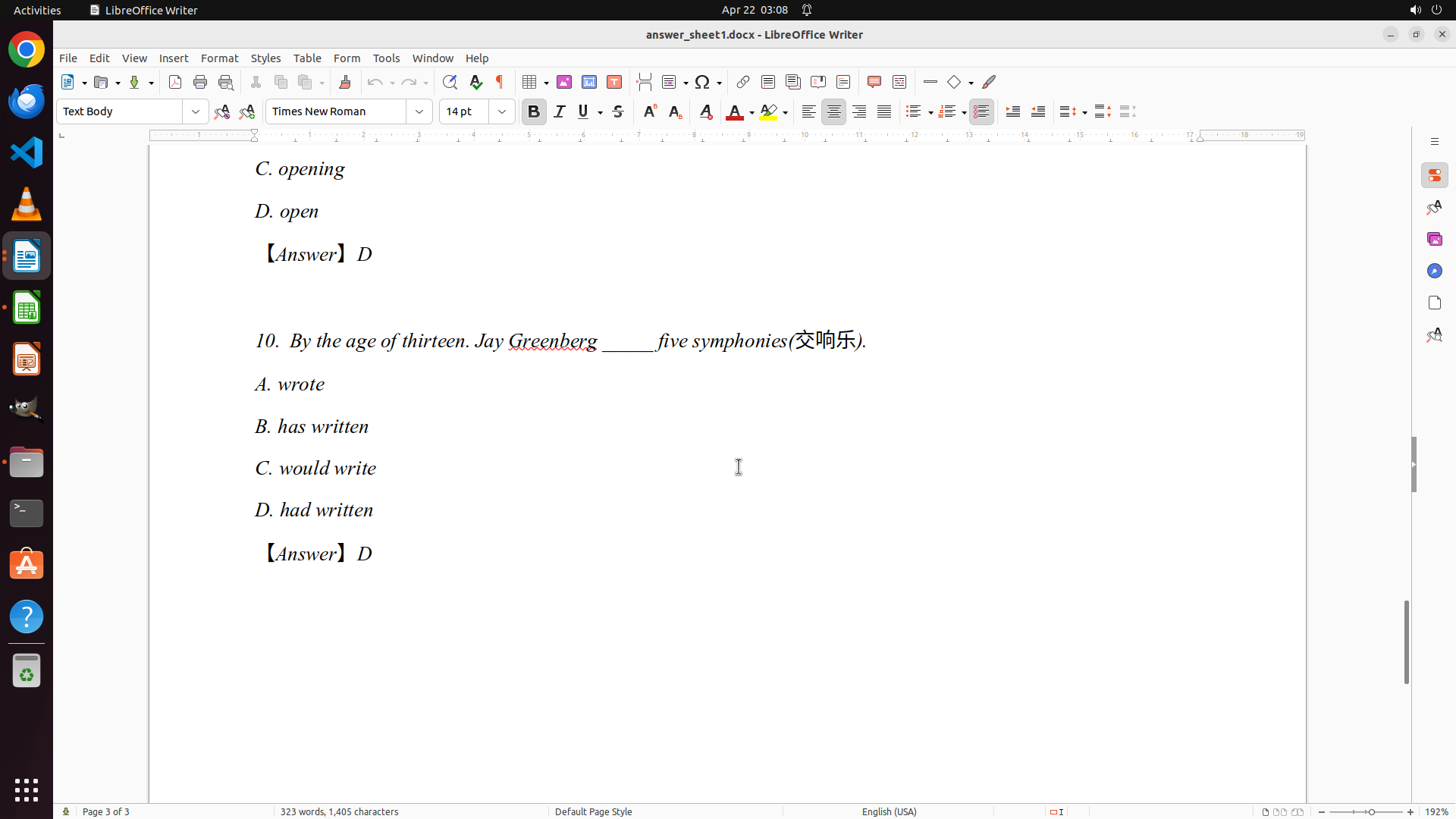
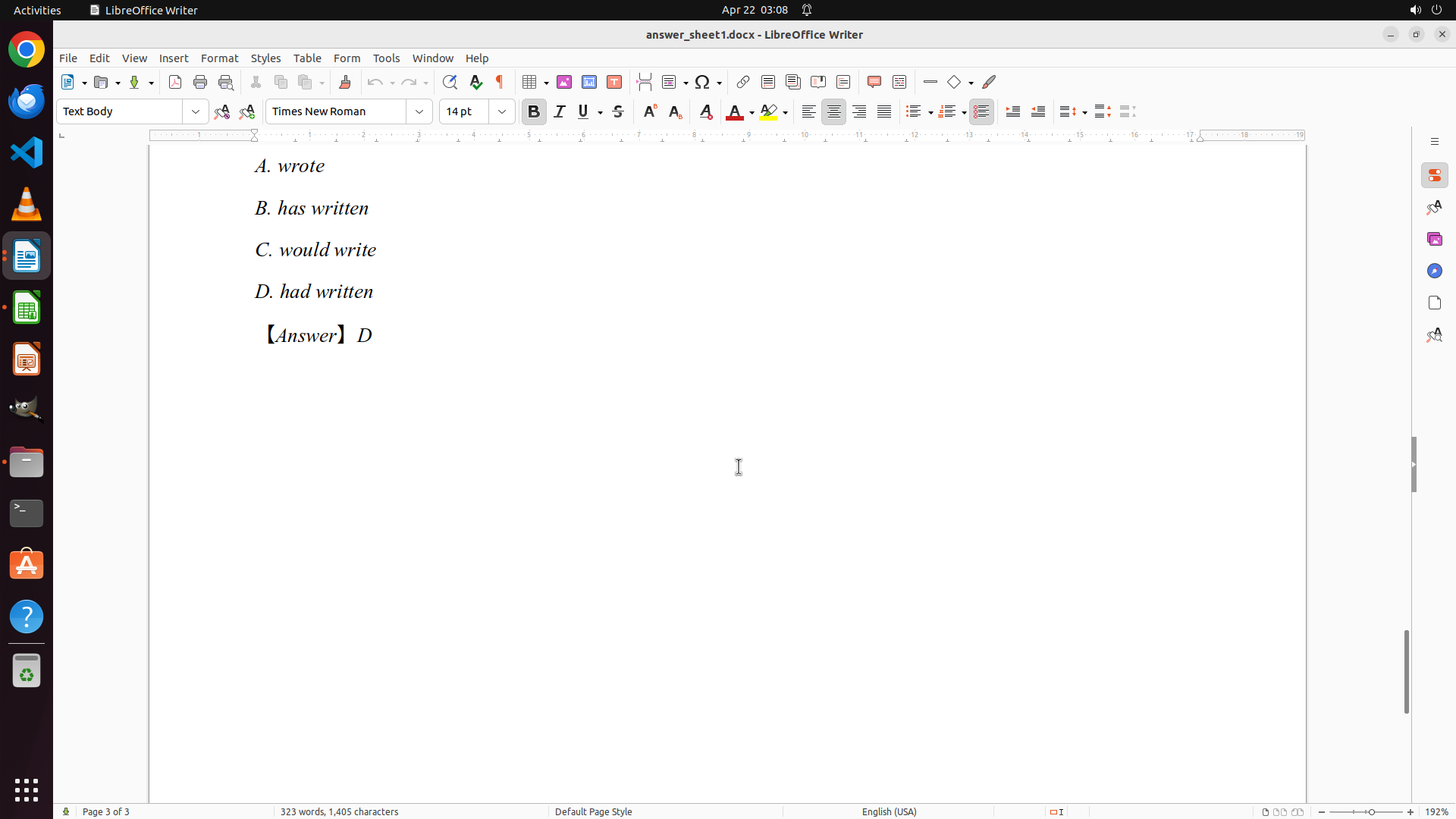
- I can now see Question 10 with answer D (CORRECT - matches answer key Q10:D) ✓
- Richard Smith's complete scores:
- Q1: D (correct) ✓
- Q2: A (correct) ✓
- Q3: B (incorrect - should be C) ✗
- Q4: D (correct) ✓
- Q5: B (correct) ✓
- Q6: D (incorrect - should be C) ✗
- Q7: C (correct) ✓
- Q8: D (correct) ✓
- Q9: D (correct) ✓
- Q10: D (correct) ✓
- Final score: 8/10 correct (80%)
- I have completed grading Richard Smith's paper
- Now I need to record these scores in the grades.xlsx spreadsheet
#### 情况分析与思考过程
I have successfully completed grading Richard Smith's (Student 1) answer sheet:
- Correct answers: Q1, Q2, Q4, Q5, Q7, Q8, Q9, Q10 (8 questions)
- Incorrect answers: Q3, Q6 (2 questions)
- Total: 8/10 = 80%
Now I need to switch back to LibreOffice Calc (grades.xlsx) to record these scores. I'll need to:
1. Click on the LibreOffice Calc icon or window to switch to it
2. Enter the scores for Richard Smith (row 3, Student 1):
- Q1: 1, Q2: 1, Q3: 0, Q4: 1, Q5: 1, Q6: 0, Q7: 1, Q8: 1, Q9: 1, Q10: 1
3. Then move on to grade the next student (Student 2 - Jennifer Rodriguez)
Let me switch to LibreOffice Calc to record Richard Smith's scores.
```
I'll click on the LibreOffice Calc icon to switch to the spreadsheet and record the scores.
Step 37: CLICK (495, 288)
```
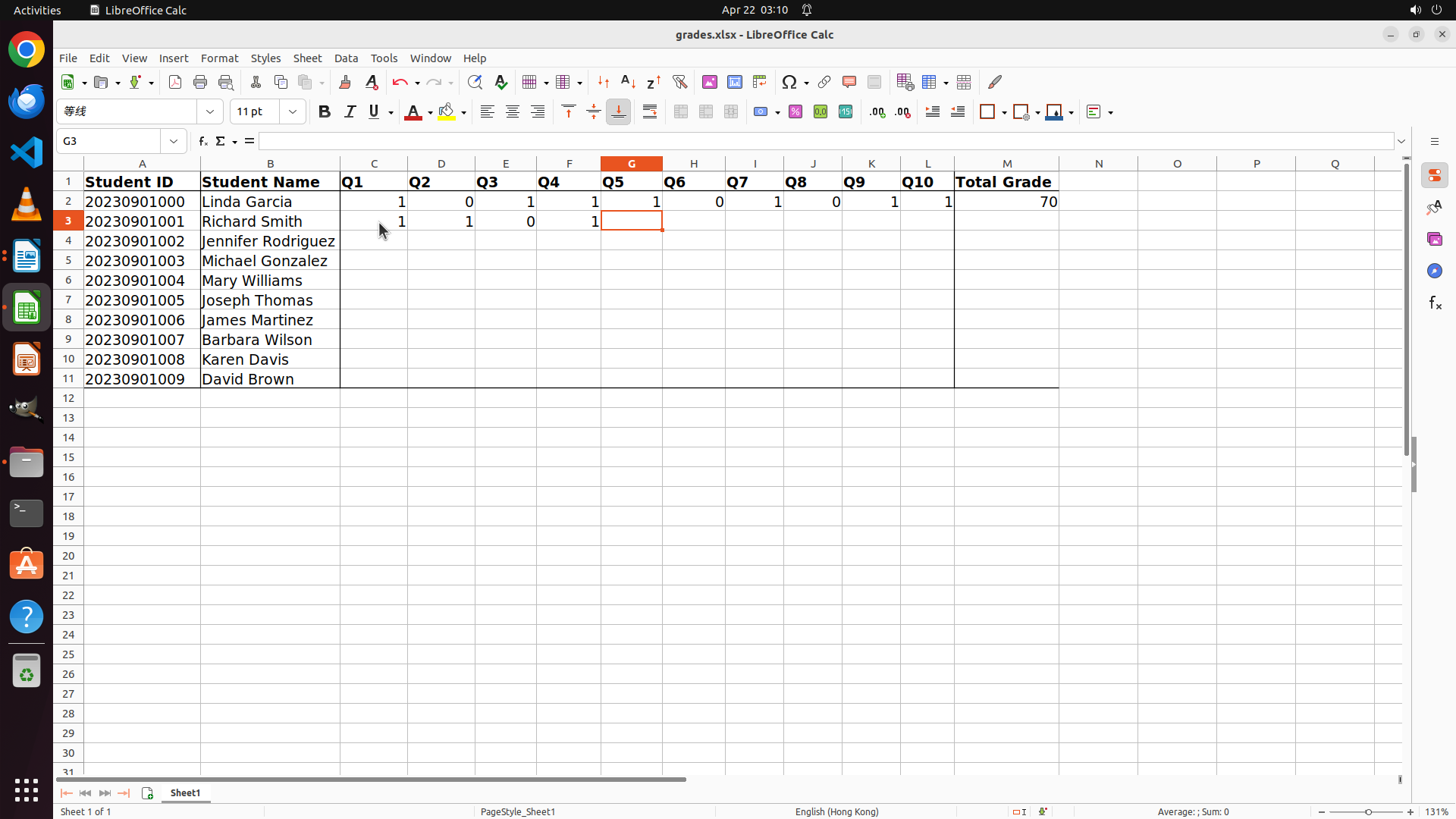
#### 重要信息
- LibreOffice Calc is now active with grades.xlsx open
- The spreadsheet shows:
- Row 1: Headers (Student ID, Student Name, Q1-Q10, Total Grade)
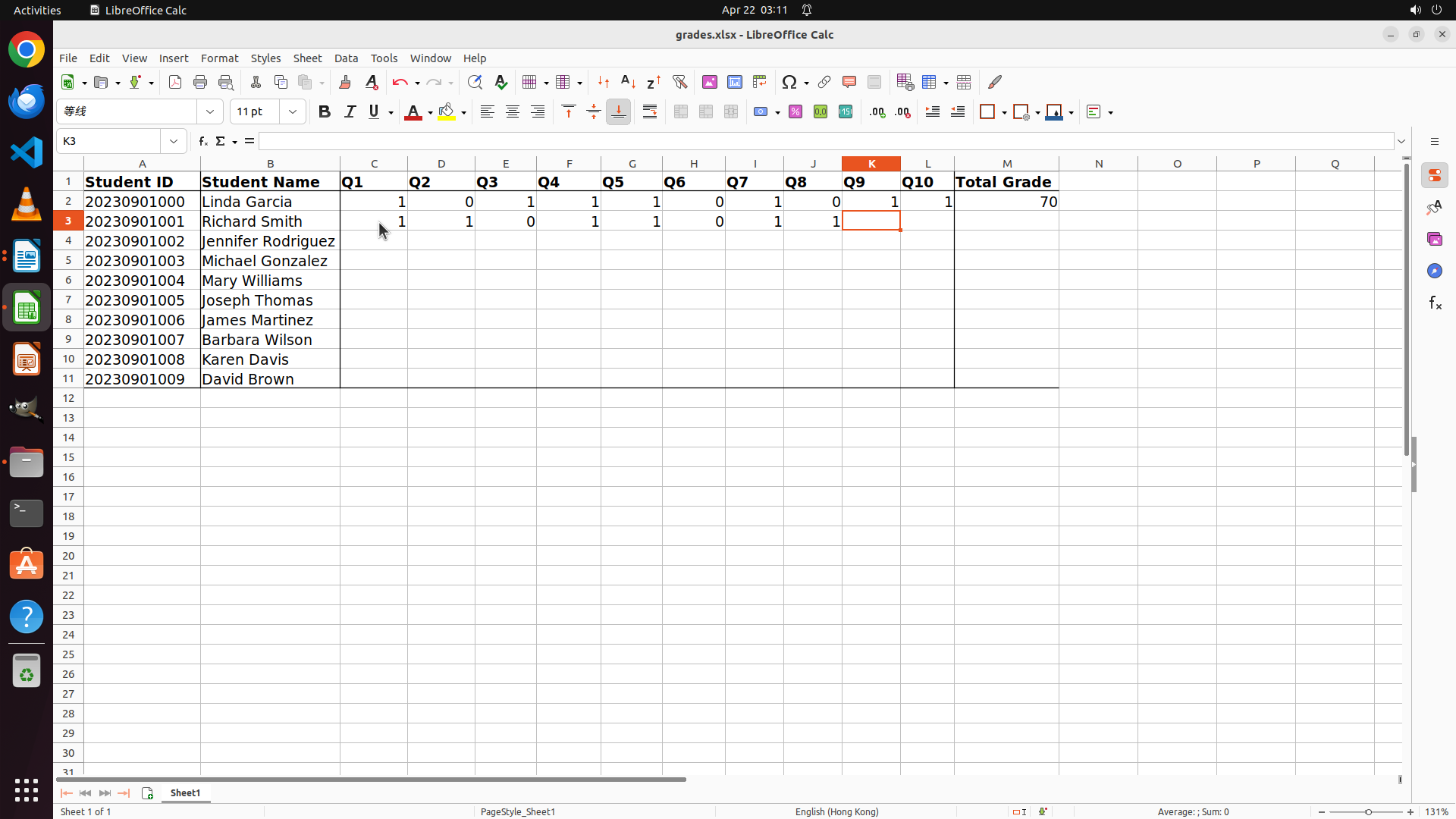
- Row 2: Linda Garcia (Student 0) - already graded with scores: 1,0,1,1,1,0,1,0,1,1 and Total Grade: 70
- Row 3: Richard Smith (Student 1) - needs scores entered
- Rows 4-11: Other students (Jennifer Rodriguez, Michael Gonzalez, Mary Williams, Joseph Thomas, James Martinez, Barbara Wilson, Karen Davis, David Brown)
- Based on the previous review of Richard Smith's answer sheet, his scores are:
- Q1: D (correct) = 1
- Q2: A (correct) = 1
- Q3: B (incorrect) = 0
- Q4: D (correct) = 1
- Q5: B (correct) = 1
- Q6: D (incorrect) = 0
- Q7: C (correct) = 1
- Q8: D (correct) = 1
- Q9: D (correct) = 1
- Q10: D (correct) = 1
- Total: 8/10 correct = 80%
#### 情况分析与思考过程
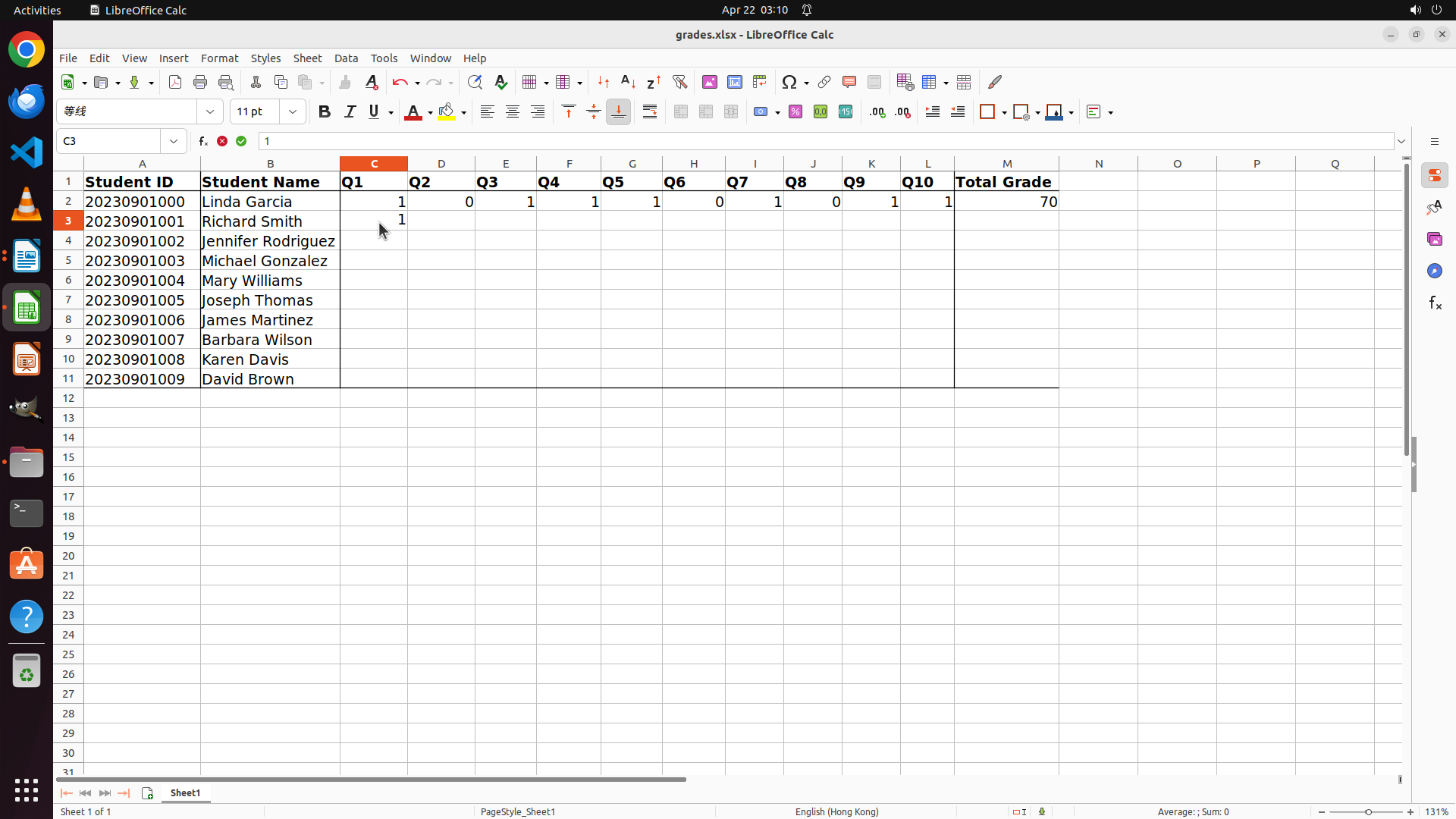
I successfully switched to LibreOffice Calc. Now I need to enter Richard Smith's scores in row 3. I'll start by clicking on cell C3 (Q1 column for Richard Smith) and then enter each score sequentially using Tab to move between cells.
The scores for Richard Smith (Student 1) are:
- Q1: 1, Q2: 1, Q3: 0, Q4: 1, Q5: 1, Q6: 0, Q7: 1, Q8: 1, Q9: 1, Q10: 1
I'll click on cell C3 first and then enter the scores.
```
I'll click on cell C3 (Q1 for Richard Smith) and enter his scores.
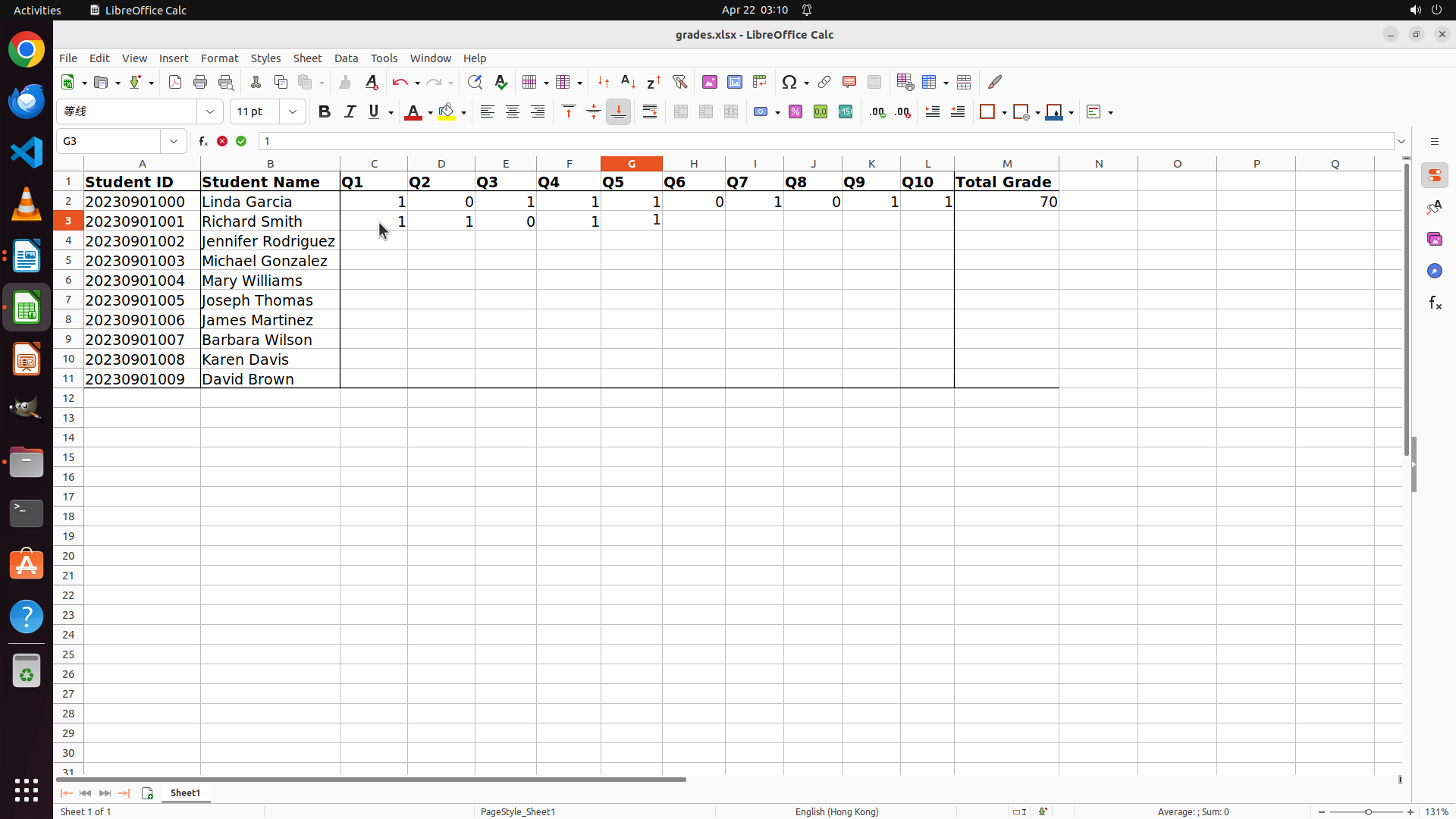
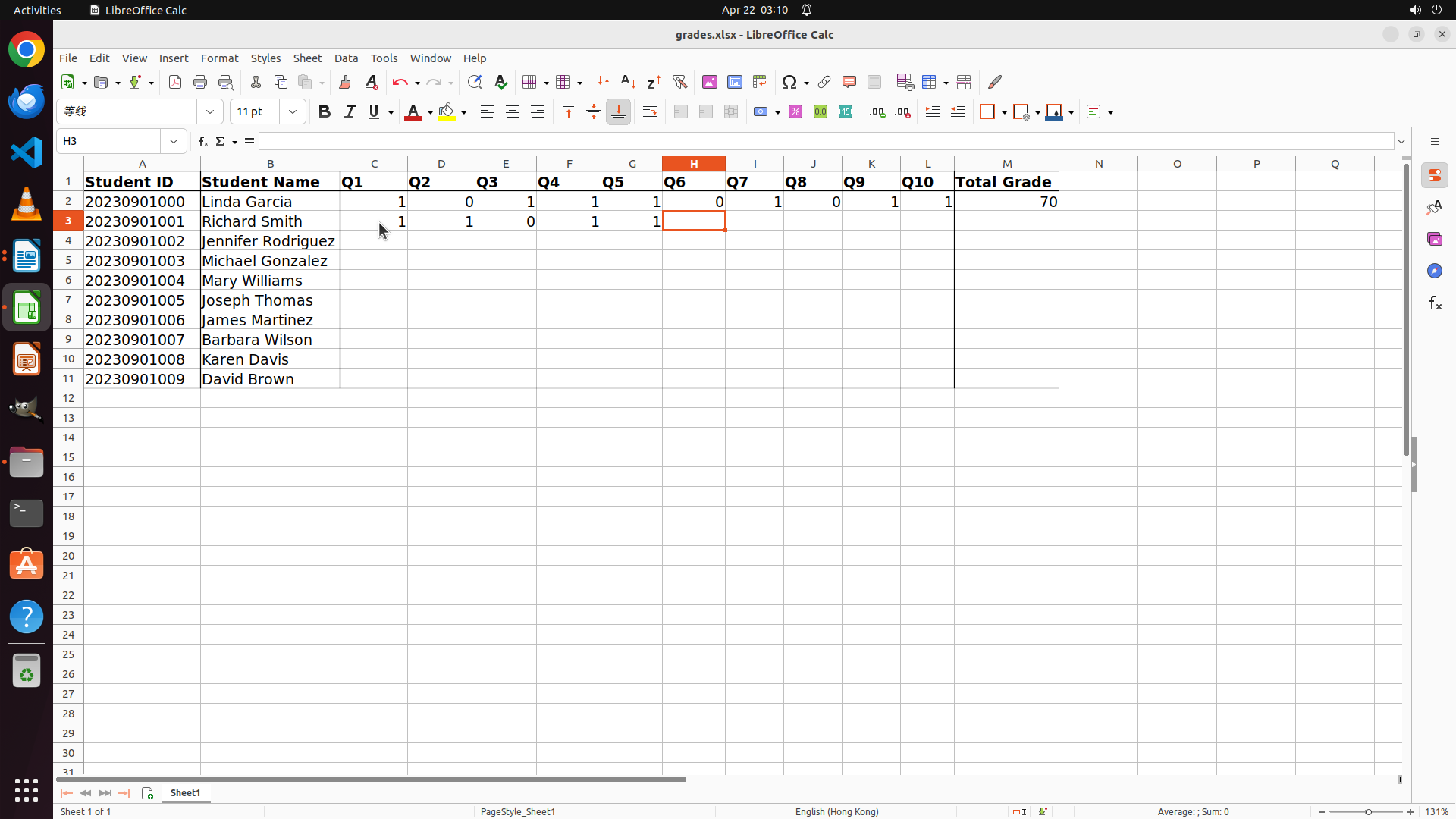
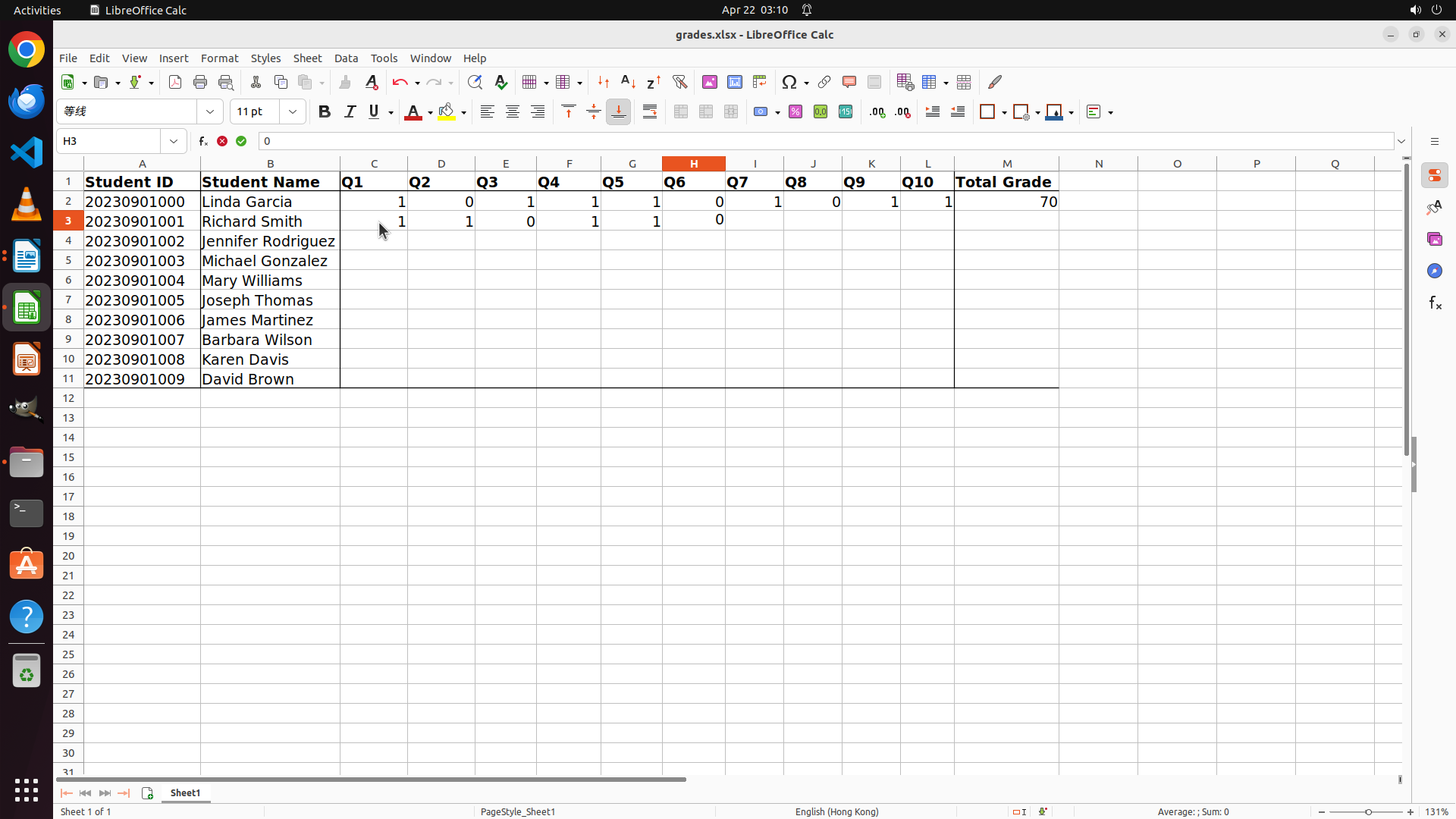
Step 38: TYPING "1"
```
#### 重要信息
- Cell C3 is now selected in LibreOffice Calc (Q1 column for Richard Smith, Student 1)
- The cell reference box shows "C3"
- I have Richard Smith's complete scores ready to enter:
- Q1: 1, Q2: 1, Q3: 0, Q4: 1, Q5: 1, Q6: 0, Q7: 1, Q8: 1, Q9: 1, Q10: 1
- Total: 8/10 = 80%
#### 情况分析与思考过程
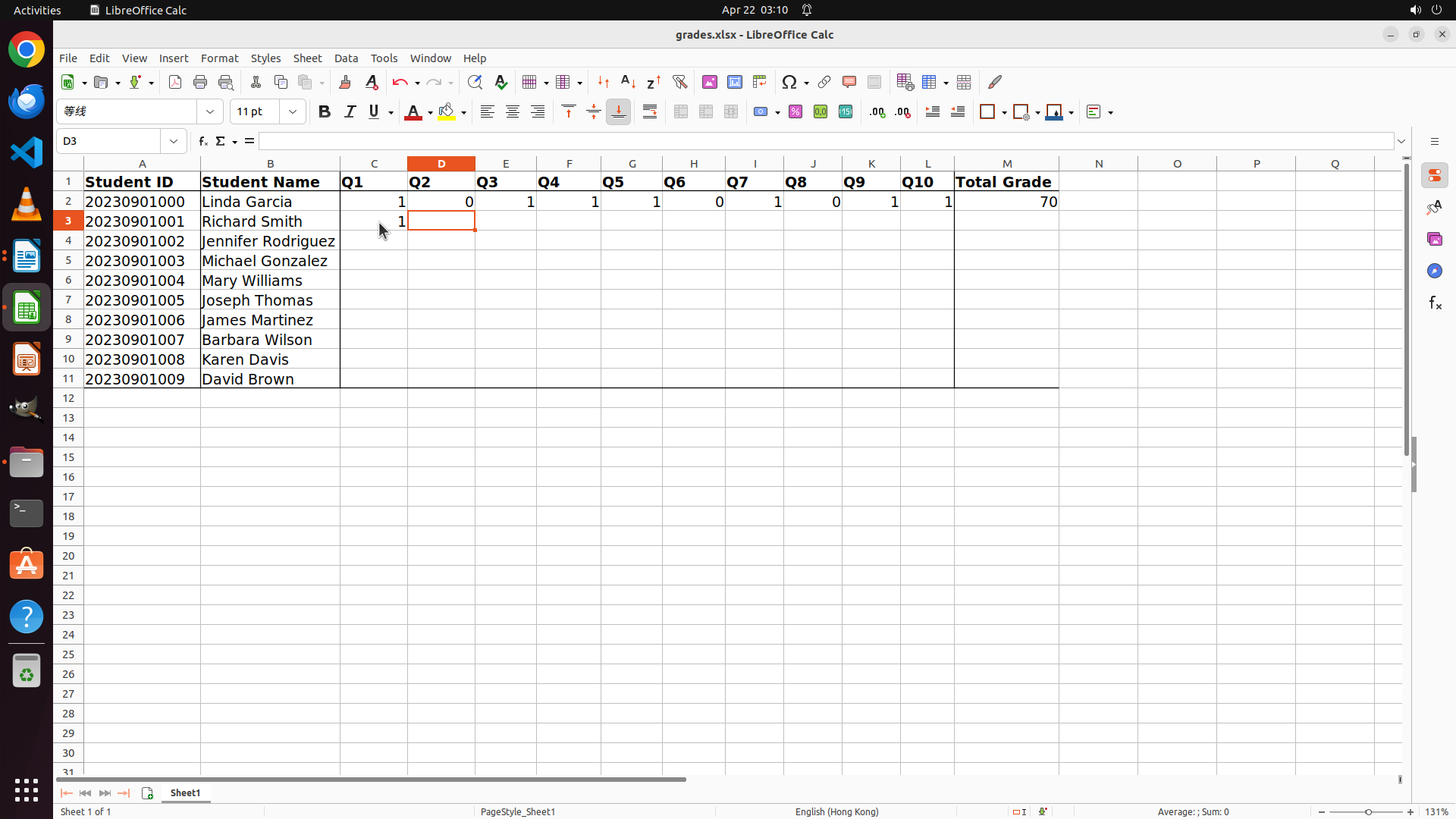
I've successfully selected cell C3 (Q1 for Richard Smith). Now I need to enter all his scores. The most efficient way is to:
1. Type "1" for Q1
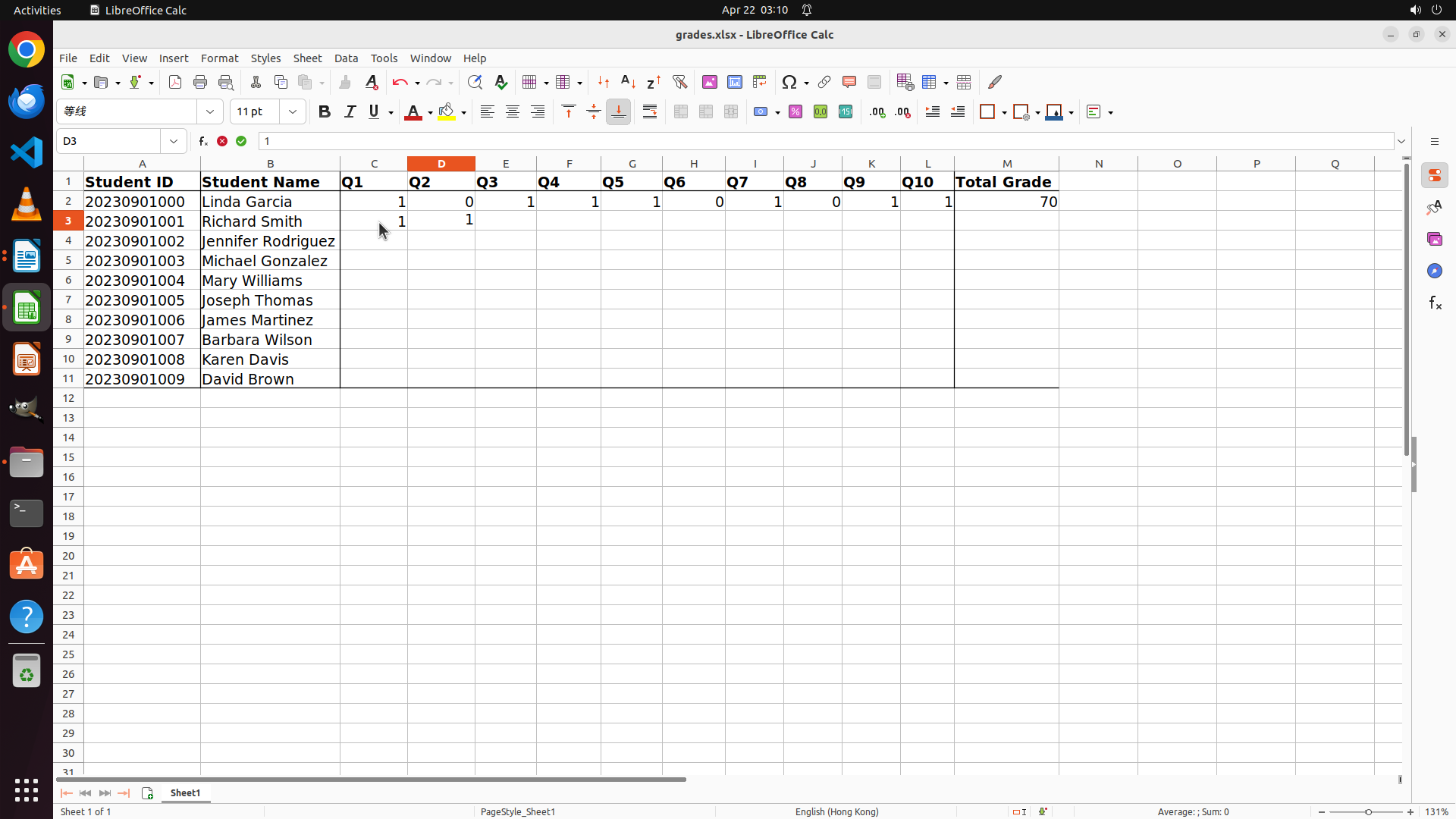
2. Press Tab to move to Q2 and type "1"
3. Continue this pattern for all 10 questions
The scores are: 1, 1, 0, 1, 1, 0, 1, 1, 1, 1
I'll enter these values using Tab to move between cells efficiently. After entering all scores, the Total Grade column should automatically calculate to 80.
```
Step 38: HOTKEY
```
#### 重要信息
- Cell C3 is now selected in LibreOffice Calc (Q1 column for Richard Smith, Student 1)
- The cell reference box shows "C3"
- I have Richard Smith's complete scores ready to enter:
- Q1: 1, Q2: 1, Q3: 0, Q4: 1, Q5: 1, Q6: 0, Q7: 1, Q8: 1, Q9: 1, Q10: 1
- Total: 8/10 = 80%
#### 情况分析与思考过程
I've successfully selected cell C3 (Q1 for Richard Smith). Now I need to enter all his scores. The most efficient way is to:
1. Type "1" for Q1
2. Press Tab to move to Q2 and type "1"
3. Continue this pattern for all 10 questions
The scores are: 1, 1, 0, 1, 1, 0, 1, 1, 1, 1
I'll enter these values using Tab to move between cells efficiently. After entering all scores, the Total Grade column should automatically calculate to 80.
```
Step 38: TYPING "1"
```
#### 重要信息
- Cell C3 is now selected in LibreOffice Calc (Q1 column for Richard Smith, Student 1)
- The cell reference box shows "C3"
- I have Richard Smith's complete scores ready to enter:
- Q1: 1, Q2: 1, Q3: 0, Q4: 1, Q5: 1, Q6: 0, Q7: 1, Q8: 1, Q9: 1, Q10: 1
- Total: 8/10 = 80%
#### 情况分析与思考过程
I've successfully selected cell C3 (Q1 for Richard Smith). Now I need to enter all his scores. The most efficient way is to:
1. Type "1" for Q1
2. Press Tab to move to Q2 and type "1"
3. Continue this pattern for all 10 questions
The scores are: 1, 1, 0, 1, 1, 0, 1, 1, 1, 1
I'll enter these values using Tab to move between cells efficiently. After entering all scores, the Total Grade column should automatically calculate to 80.
```
Step 38: HOTKEY
```
#### 重要信息
- Cell C3 is now selected in LibreOffice Calc (Q1 column for Richard Smith, Student 1)
- The cell reference box shows "C3"
- I have Richard Smith's complete scores ready to enter:
- Q1: 1, Q2: 1, Q3: 0, Q4: 1, Q5: 1, Q6: 0, Q7: 1, Q8: 1, Q9: 1, Q10: 1
- Total: 8/10 = 80%
#### 情况分析与思考过程
I've successfully selected cell C3 (Q1 for Richard Smith). Now I need to enter all his scores. The most efficient way is to:
1. Type "1" for Q1
2. Press Tab to move to Q2 and type "1"
3. Continue this pattern for all 10 questions
The scores are: 1, 1, 0, 1, 1, 0, 1, 1, 1, 1
I'll enter these values using Tab to move between cells efficiently. After entering all scores, the Total Grade column should automatically calculate to 80.
```
Step 38: TYPING "0"
```
#### 重要信息
- Cell C3 is now selected in LibreOffice Calc (Q1 column for Richard Smith, Student 1)
- The cell reference box shows "C3"
- I have Richard Smith's complete scores ready to enter:
- Q1: 1, Q2: 1, Q3: 0, Q4: 1, Q5: 1, Q6: 0, Q7: 1, Q8: 1, Q9: 1, Q10: 1
- Total: 8/10 = 80%
#### 情况分析与思考过程
I've successfully selected cell C3 (Q1 for Richard Smith). Now I need to enter all his scores. The most efficient way is to:
1. Type "1" for Q1
2. Press Tab to move to Q2 and type "1"
3. Continue this pattern for all 10 questions
The scores are: 1, 1, 0, 1, 1, 0, 1, 1, 1, 1
I'll enter these values using Tab to move between cells efficiently. After entering all scores, the Total Grade column should automatically calculate to 80.
```
Step 38: HOTKEY
```
#### 重要信息
- Cell C3 is now selected in LibreOffice Calc (Q1 column for Richard Smith, Student 1)
- The cell reference box shows "C3"
- I have Richard Smith's complete scores ready to enter:
- Q1: 1, Q2: 1, Q3: 0, Q4: 1, Q5: 1, Q6: 0, Q7: 1, Q8: 1, Q9: 1, Q10: 1
- Total: 8/10 = 80%
#### 情况分析与思考过程
I've successfully selected cell C3 (Q1 for Richard Smith). Now I need to enter all his scores. The most efficient way is to:
1. Type "1" for Q1
2. Press Tab to move to Q2 and type "1"
3. Continue this pattern for all 10 questions
The scores are: 1, 1, 0, 1, 1, 0, 1, 1, 1, 1
I'll enter these values using Tab to move between cells efficiently. After entering all scores, the Total Grade column should automatically calculate to 80.
```
Step 38: TYPING "1"
```
#### 重要信息
- Cell C3 is now selected in LibreOffice Calc (Q1 column for Richard Smith, Student 1)
- The cell reference box shows "C3"
- I have Richard Smith's complete scores ready to enter:
- Q1: 1, Q2: 1, Q3: 0, Q4: 1, Q5: 1, Q6: 0, Q7: 1, Q8: 1, Q9: 1, Q10: 1
- Total: 8/10 = 80%
#### 情况分析与思考过程
I've successfully selected cell C3 (Q1 for Richard Smith). Now I need to enter all his scores. The most efficient way is to:
1. Type "1" for Q1
2. Press Tab to move to Q2 and type "1"
3. Continue this pattern for all 10 questions
The scores are: 1, 1, 0, 1, 1, 0, 1, 1, 1, 1
I'll enter these values using Tab to move between cells efficiently. After entering all scores, the Total Grade column should automatically calculate to 80.
```
Step 38: HOTKEY
```
#### 重要信息
- Cell C3 is now selected in LibreOffice Calc (Q1 column for Richard Smith, Student 1)
- The cell reference box shows "C3"
- I have Richard Smith's complete scores ready to enter:
- Q1: 1, Q2: 1, Q3: 0, Q4: 1, Q5: 1, Q6: 0, Q7: 1, Q8: 1, Q9: 1, Q10: 1
- Total: 8/10 = 80%
#### 情况分析与思考过程
I've successfully selected cell C3 (Q1 for Richard Smith). Now I need to enter all his scores. The most efficient way is to:
1. Type "1" for Q1
2. Press Tab to move to Q2 and type "1"
3. Continue this pattern for all 10 questions
The scores are: 1, 1, 0, 1, 1, 0, 1, 1, 1, 1
I'll enter these values using Tab to move between cells efficiently. After entering all scores, the Total Grade column should automatically calculate to 80.
```
Step 38: TYPING "1"
```
#### 重要信息
- Cell C3 is now selected in LibreOffice Calc (Q1 column for Richard Smith, Student 1)
- The cell reference box shows "C3"
- I have Richard Smith's complete scores ready to enter:
- Q1: 1, Q2: 1, Q3: 0, Q4: 1, Q5: 1, Q6: 0, Q7: 1, Q8: 1, Q9: 1, Q10: 1
- Total: 8/10 = 80%
#### 情况分析与思考过程
I've successfully selected cell C3 (Q1 for Richard Smith). Now I need to enter all his scores. The most efficient way is to:
1. Type "1" for Q1
2. Press Tab to move to Q2 and type "1"
3. Continue this pattern for all 10 questions
The scores are: 1, 1, 0, 1, 1, 0, 1, 1, 1, 1
I'll enter these values using Tab to move between cells efficiently. After entering all scores, the Total Grade column should automatically calculate to 80.
```
Step 38: HOTKEY
```
#### 重要信息
- Cell C3 is now selected in LibreOffice Calc (Q1 column for Richard Smith, Student 1)
- The cell reference box shows "C3"
- I have Richard Smith's complete scores ready to enter:
- Q1: 1, Q2: 1, Q3: 0, Q4: 1, Q5: 1, Q6: 0, Q7: 1, Q8: 1, Q9: 1, Q10: 1
- Total: 8/10 = 80%
#### 情况分析与思考过程
I've successfully selected cell C3 (Q1 for Richard Smith). Now I need to enter all his scores. The most efficient way is to:
1. Type "1" for Q1
2. Press Tab to move to Q2 and type "1"
3. Continue this pattern for all 10 questions
The scores are: 1, 1, 0, 1, 1, 0, 1, 1, 1, 1
I'll enter these values using Tab to move between cells efficiently. After entering all scores, the Total Grade column should automatically calculate to 80.
```
Step 38: TYPING "0"
```
#### 重要信息
- Cell C3 is now selected in LibreOffice Calc (Q1 column for Richard Smith, Student 1)
- The cell reference box shows "C3"
- I have Richard Smith's complete scores ready to enter:
- Q1: 1, Q2: 1, Q3: 0, Q4: 1, Q5: 1, Q6: 0, Q7: 1, Q8: 1, Q9: 1, Q10: 1
- Total: 8/10 = 80%
#### 情况分析与思考过程
I've successfully selected cell C3 (Q1 for Richard Smith). Now I need to enter all his scores. The most efficient way is to:
1. Type "1" for Q1
2. Press Tab to move to Q2 and type "1"
3. Continue this pattern for all 10 questions
The scores are: 1, 1, 0, 1, 1, 0, 1, 1, 1, 1
I'll enter these values using Tab to move between cells efficiently. After entering all scores, the Total Grade column should automatically calculate to 80.
```
Step 38: HOTKEY
```
#### 重要信息
- Cell C3 is now selected in LibreOffice Calc (Q1 column for Richard Smith, Student 1)
- The cell reference box shows "C3"
- I have Richard Smith's complete scores ready to enter:
- Q1: 1, Q2: 1, Q3: 0, Q4: 1, Q5: 1, Q6: 0, Q7: 1, Q8: 1, Q9: 1, Q10: 1
- Total: 8/10 = 80%
#### 情况分析与思考过程
I've successfully selected cell C3 (Q1 for Richard Smith). Now I need to enter all his scores. The most efficient way is to:
1. Type "1" for Q1
2. Press Tab to move to Q2 and type "1"
3. Continue this pattern for all 10 questions
The scores are: 1, 1, 0, 1, 1, 0, 1, 1, 1, 1
I'll enter these values using Tab to move between cells efficiently. After entering all scores, the Total Grade column should automatically calculate to 80.
```
Step 38: TYPING "1"
```
#### 重要信息
- Cell C3 is now selected in LibreOffice Calc (Q1 column for Richard Smith, Student 1)
- The cell reference box shows "C3"
- I have Richard Smith's complete scores ready to enter:
- Q1: 1, Q2: 1, Q3: 0, Q4: 1, Q5: 1, Q6: 0, Q7: 1, Q8: 1, Q9: 1, Q10: 1
- Total: 8/10 = 80%
#### 情况分析与思考过程
I've successfully selected cell C3 (Q1 for Richard Smith). Now I need to enter all his scores. The most efficient way is to:
1. Type "1" for Q1
2. Press Tab to move to Q2 and type "1"
3. Continue this pattern for all 10 questions
The scores are: 1, 1, 0, 1, 1, 0, 1, 1, 1, 1
I'll enter these values using Tab to move between cells efficiently. After entering all scores, the Total Grade column should automatically calculate to 80.
```
Step 38: HOTKEY
```
#### 重要信息
- Cell C3 is now selected in LibreOffice Calc (Q1 column for Richard Smith, Student 1)
- The cell reference box shows "C3"
- I have Richard Smith's complete scores ready to enter:
- Q1: 1, Q2: 1, Q3: 0, Q4: 1, Q5: 1, Q6: 0, Q7: 1, Q8: 1, Q9: 1, Q10: 1
- Total: 8/10 = 80%
#### 情况分析与思考过程
I've successfully selected cell C3 (Q1 for Richard Smith). Now I need to enter all his scores. The most efficient way is to:
1. Type "1" for Q1
2. Press Tab to move to Q2 and type "1"
3. Continue this pattern for all 10 questions
The scores are: 1, 1, 0, 1, 1, 0, 1, 1, 1, 1
I'll enter these values using Tab to move between cells efficiently. After entering all scores, the Total Grade column should automatically calculate to 80.
```
Step 38: TYPING "1"
```
#### 重要信息
- Cell C3 is now selected in LibreOffice Calc (Q1 column for Richard Smith, Student 1)
- The cell reference box shows "C3"
- I have Richard Smith's complete scores ready to enter:
- Q1: 1, Q2: 1, Q3: 0, Q4: 1, Q5: 1, Q6: 0, Q7: 1, Q8: 1, Q9: 1, Q10: 1
- Total: 8/10 = 80%
#### 情况分析与思考过程
I've successfully selected cell C3 (Q1 for Richard Smith). Now I need to enter all his scores. The most efficient way is to:
1. Type "1" for Q1
2. Press Tab to move to Q2 and type "1"
3. Continue this pattern for all 10 questions
The scores are: 1, 1, 0, 1, 1, 0, 1, 1, 1, 1
I'll enter these values using Tab to move between cells efficiently. After entering all scores, the Total Grade column should automatically calculate to 80.
```
Step 38: HOTKEY
```
#### 重要信息
- Cell C3 is now selected in LibreOffice Calc (Q1 column for Richard Smith, Student 1)
- The cell reference box shows "C3"
- I have Richard Smith's complete scores ready to enter:
- Q1: 1, Q2: 1, Q3: 0, Q4: 1, Q5: 1, Q6: 0, Q7: 1, Q8: 1, Q9: 1, Q10: 1
- Total: 8/10 = 80%
#### 情况分析与思考过程
I've successfully selected cell C3 (Q1 for Richard Smith). Now I need to enter all his scores. The most efficient way is to:
1. Type "1" for Q1
2. Press Tab to move to Q2 and type "1"
3. Continue this pattern for all 10 questions
The scores are: 1, 1, 0, 1, 1, 0, 1, 1, 1, 1
I'll enter these values using Tab to move between cells efficiently. After entering all scores, the Total Grade column should automatically calculate to 80.
```
Step 38: TYPING "1"
```
#### 重要信息
- Cell C3 is now selected in LibreOffice Calc (Q1 column for Richard Smith, Student 1)
- The cell reference box shows "C3"
- I have Richard Smith's complete scores ready to enter:
- Q1: 1, Q2: 1, Q3: 0, Q4: 1, Q5: 1, Q6: 0, Q7: 1, Q8: 1, Q9: 1, Q10: 1
- Total: 8/10 = 80%
#### 情况分析与思考过程
I've successfully selected cell C3 (Q1 for Richard Smith). Now I need to enter all his scores. The most efficient way is to:
1. Type "1" for Q1
2. Press Tab to move to Q2 and type "1"
3. Continue this pattern for all 10 questions
The scores are: 1, 1, 0, 1, 1, 0, 1, 1, 1, 1
I'll enter these values using Tab to move between cells efficiently. After entering all scores, the Total Grade column should automatically calculate to 80.
```
Step 38: HOTKEY
```
#### 重要信息
- Cell C3 is now selected in LibreOffice Calc (Q1 column for Richard Smith, Student 1)
- The cell reference box shows "C3"
- I have Richard Smith's complete scores ready to enter:
- Q1: 1, Q2: 1, Q3: 0, Q4: 1, Q5: 1, Q6: 0, Q7: 1, Q8: 1, Q9: 1, Q10: 1
- Total: 8/10 = 80%
#### 情况分析与思考过程
I've successfully selected cell C3 (Q1 for Richard Smith). Now I need to enter all his scores. The most efficient way is to:
1. Type "1" for Q1
2. Press Tab to move to Q2 and type "1"
3. Continue this pattern for all 10 questions
The scores are: 1, 1, 0, 1, 1, 0, 1, 1, 1, 1
I'll enter these values using Tab to move between cells efficiently. After entering all scores, the Total Grade column should automatically calculate to 80.
```
Step 38: TYPING "1"
```
#### 重要信息
- Cell C3 is now selected in LibreOffice Calc (Q1 column for Richard Smith, Student 1)
- The cell reference box shows "C3"
- I have Richard Smith's complete scores ready to enter:
- Q1: 1, Q2: 1, Q3: 0, Q4: 1, Q5: 1, Q6: 0, Q7: 1, Q8: 1, Q9: 1, Q10: 1
- Total: 8/10 = 80%
#### 情况分析与思考过程
I've successfully selected cell C3 (Q1 for Richard Smith). Now I need to enter all his scores. The most efficient way is to:
1. Type "1" for Q1
2. Press Tab to move to Q2 and type "1"
3. Continue this pattern for all 10 questions
The scores are: 1, 1, 0, 1, 1, 0, 1, 1, 1, 1
I'll enter these values using Tab to move between cells efficiently. After entering all scores, the Total Grade column should automatically calculate to 80.
```
Step 39: HOTKEY
```
#### 重要信息
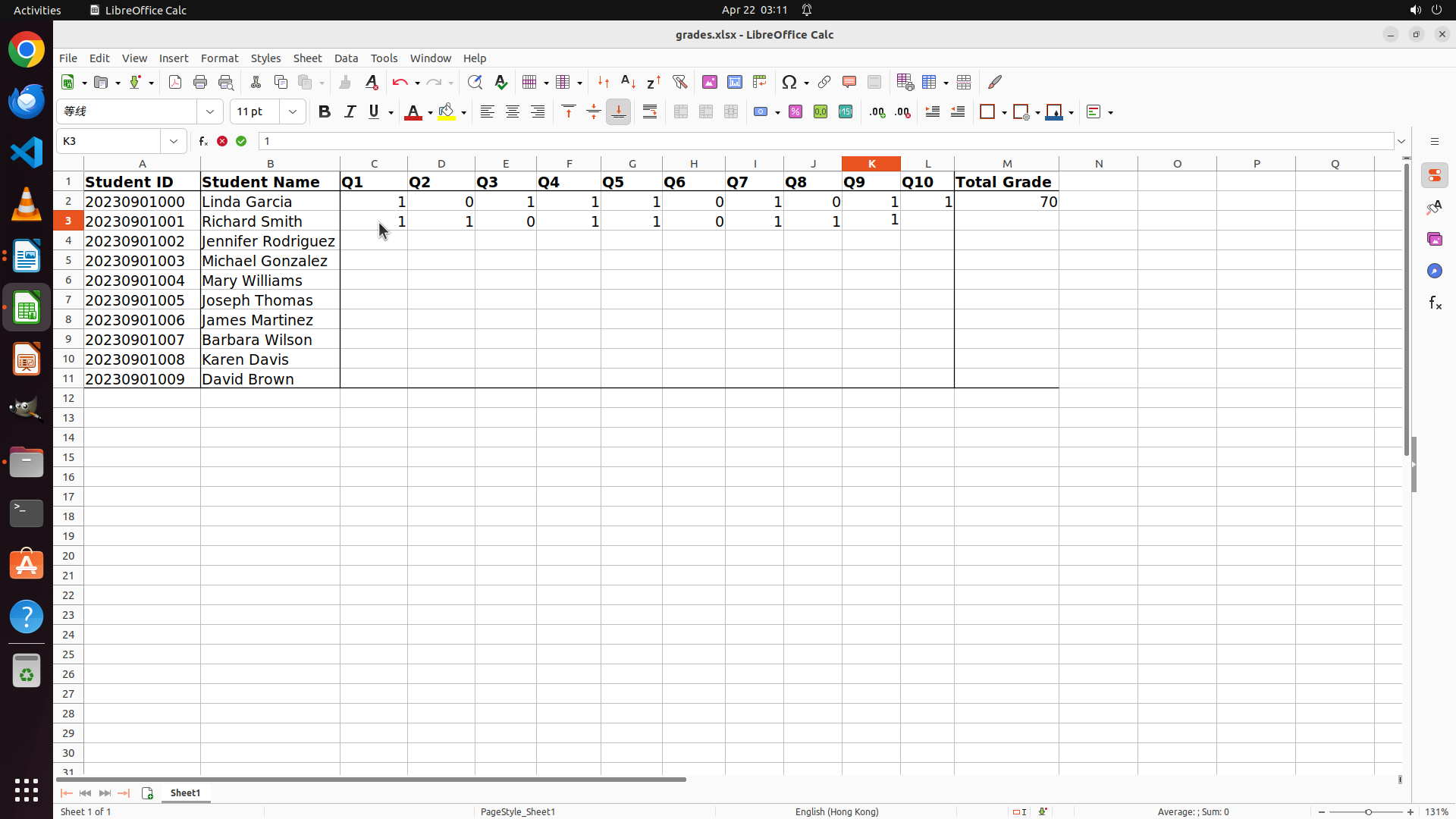
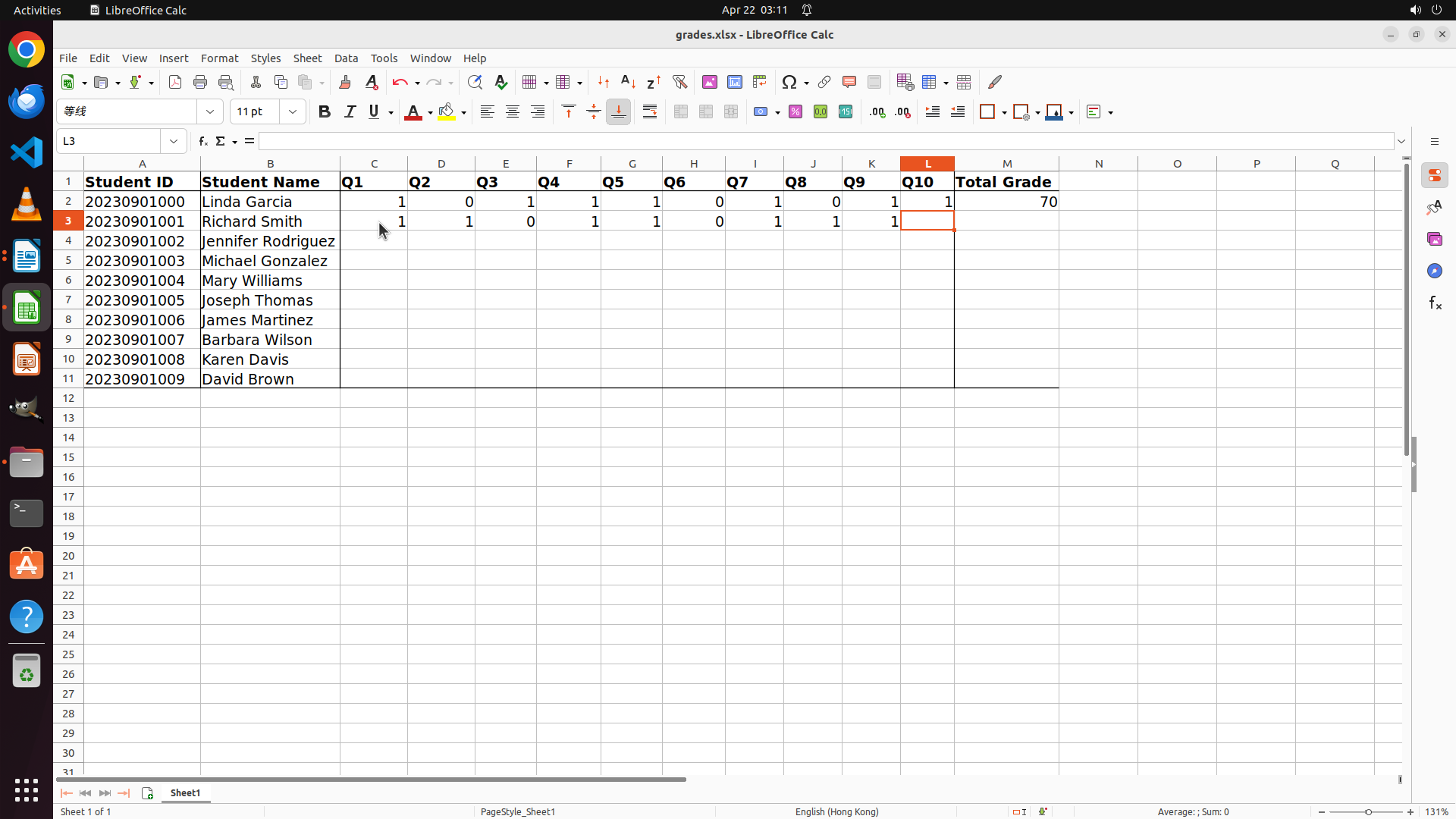
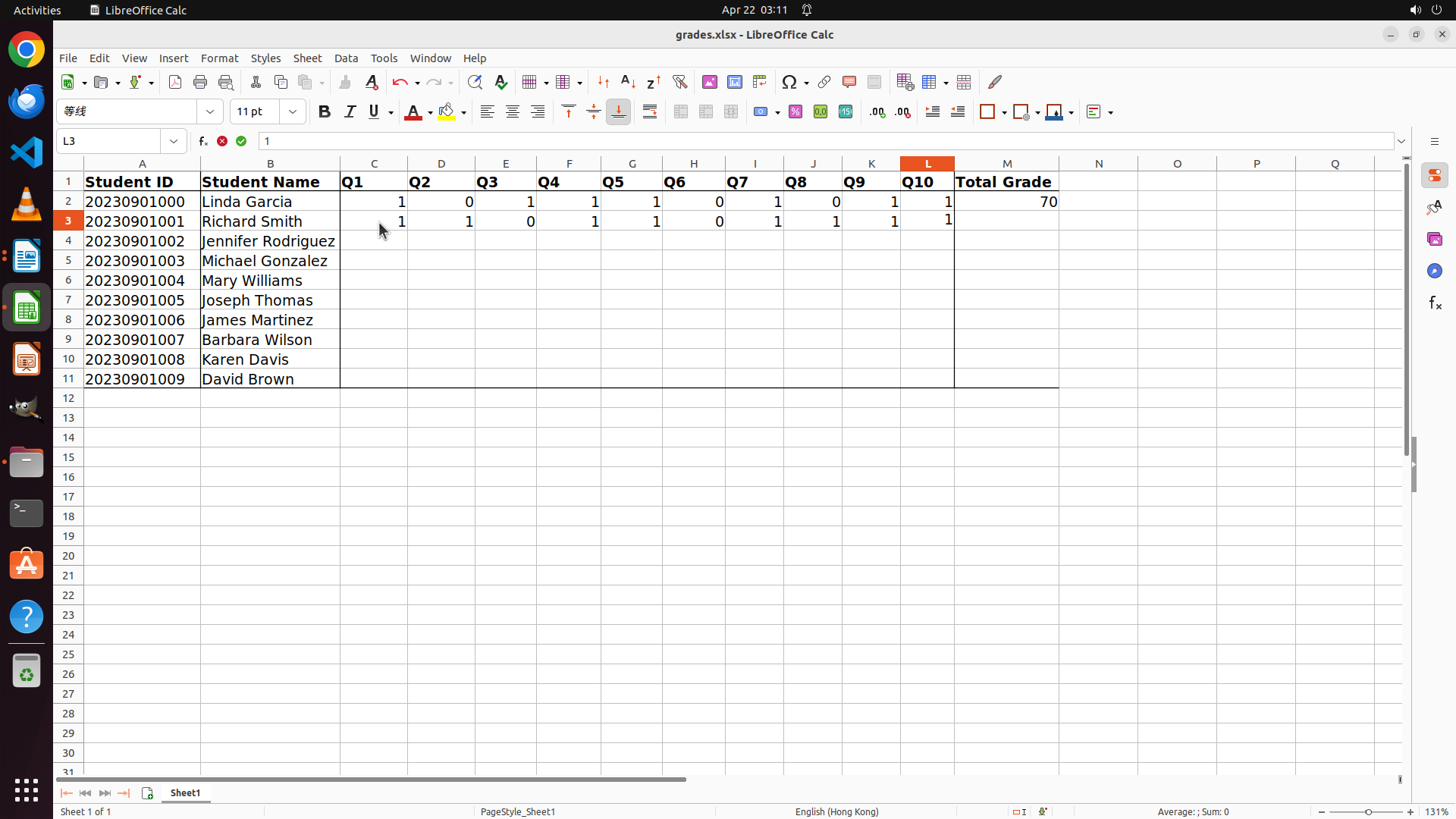
- Richard Smith's scores have been successfully entered in row 3:
- Q1: 1, Q2: 1, Q3: 0, Q4: 1, Q5: 1, Q6: 0, Q7: 1, Q8: 1, Q9: 1, Q10: 1
- The cursor is currently at cell L3 (Q10 column)
- The Total Grade column (M) doesn't show a value yet for Richard Smith
- I need to press Tab or Enter to complete the entry and see if the Total Grade updates
- After completing this entry, I need to grade the next student (Jennifer Rodriguez, Student 2, row 4)
#### 情况分析与思考过程
I've successfully entered all 10 question scores for Richard Smith. Now I need to:
1. Press Tab or Enter to complete the current entry
2. Check if the Total Grade column updates automatically (it might have a formula)
3. If the Total Grade doesn't update, I may need to manually enter "80" for 80%
4. Then move on to grade the next student (Jennifer Rodriguez, Student 2)
Let me press Tab to move to the next cell and see if the Total Grade updates.
```
Step 40: HOTKEY
```
#### 重要信息
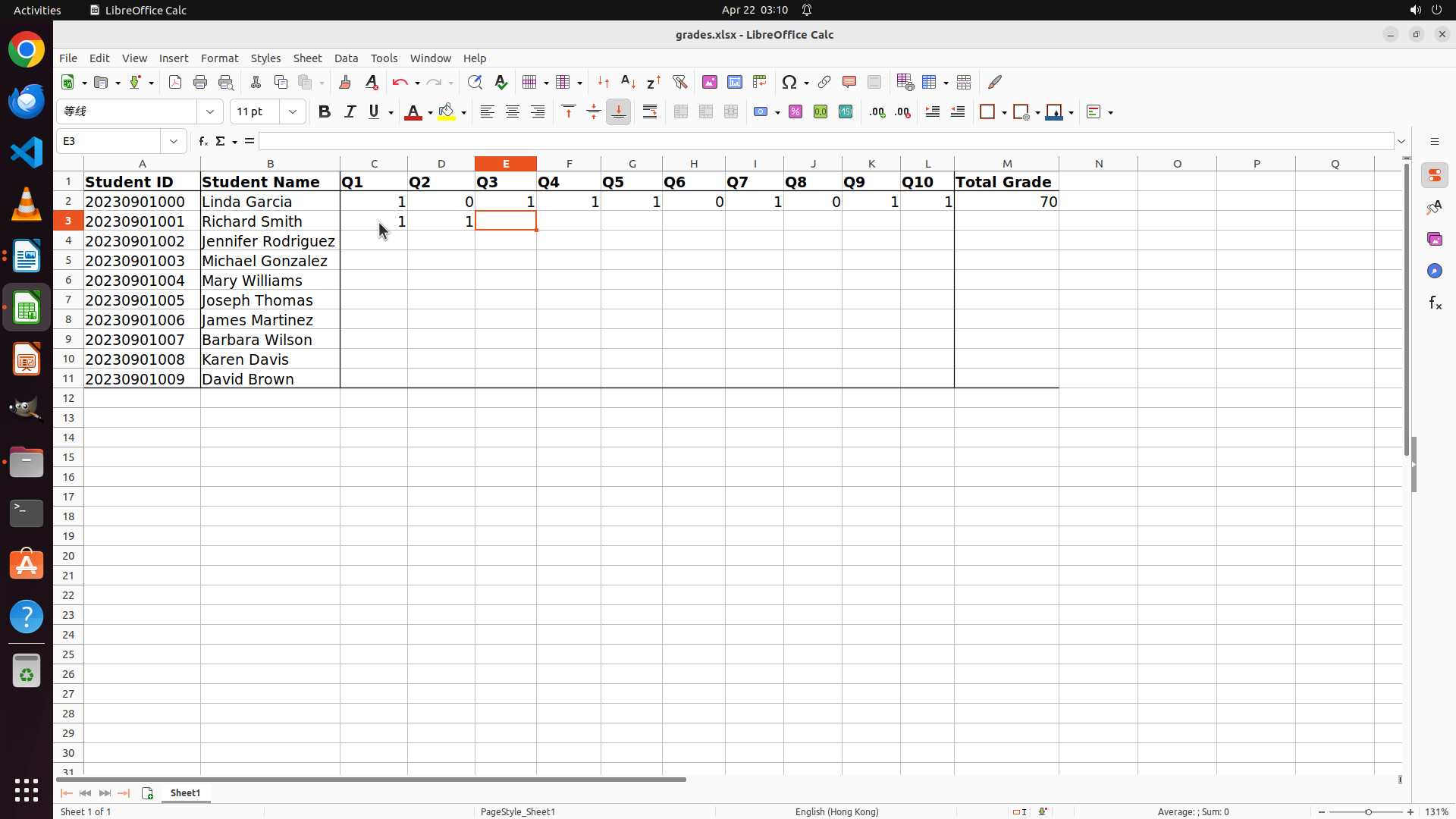
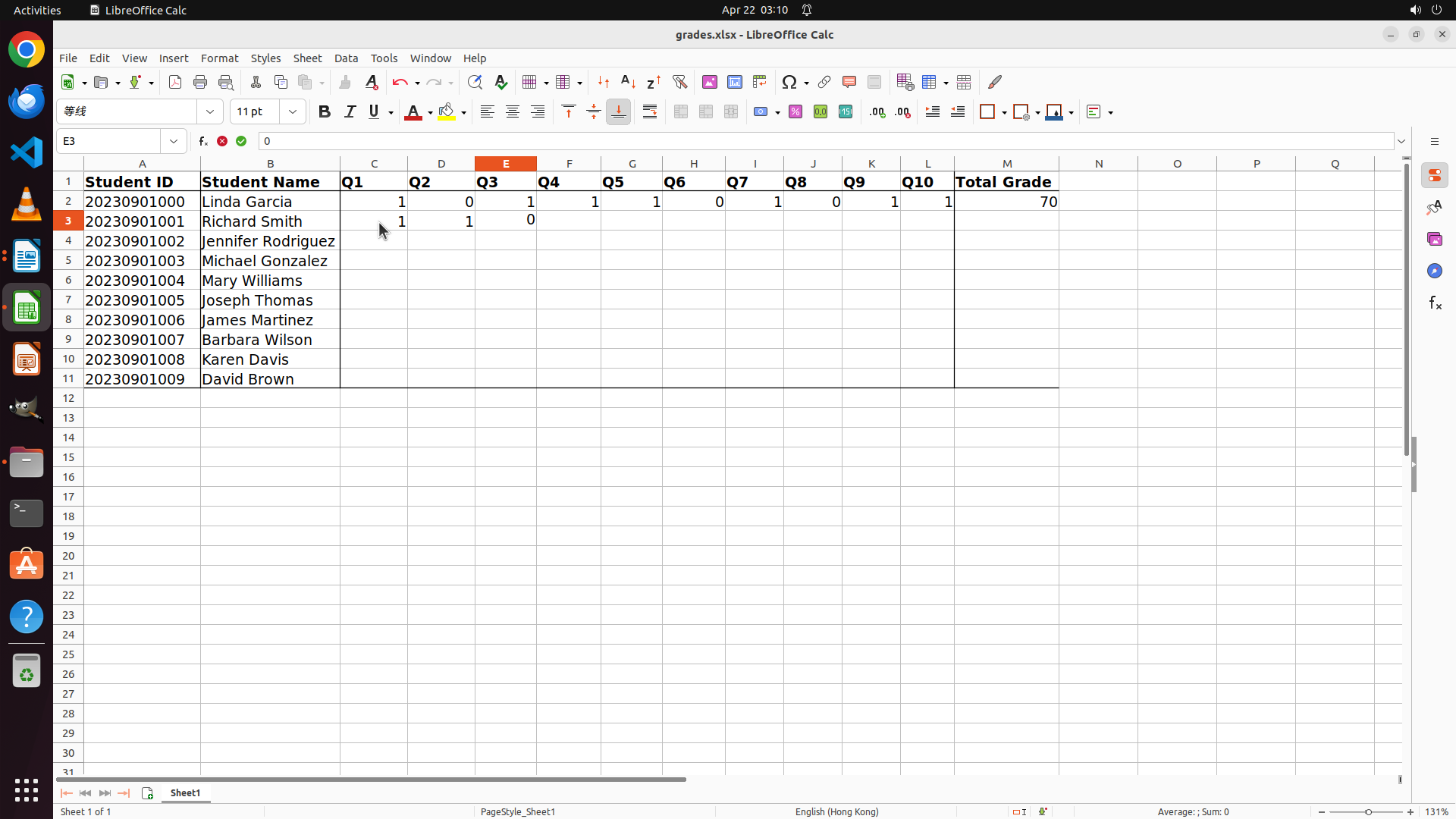
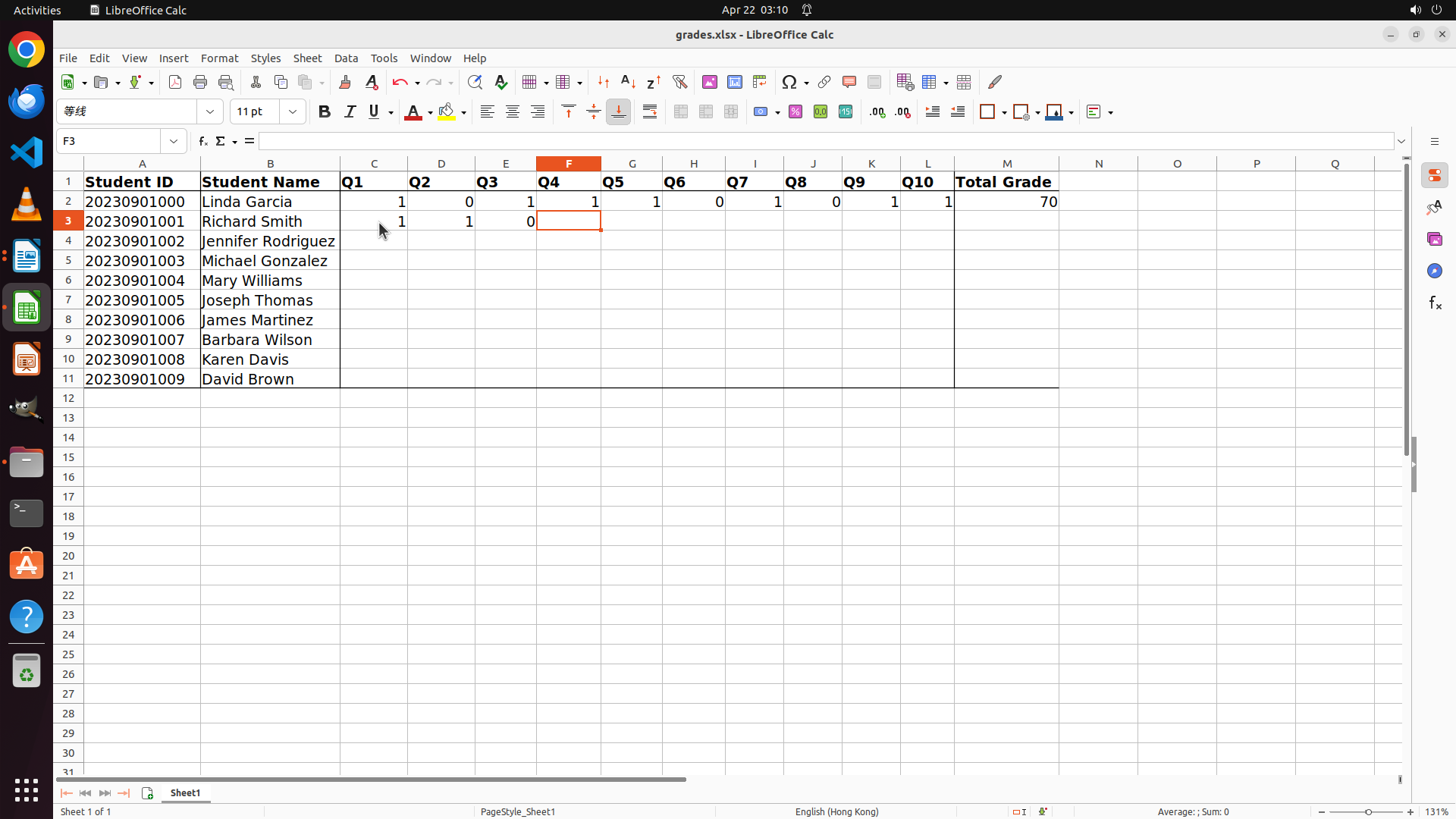
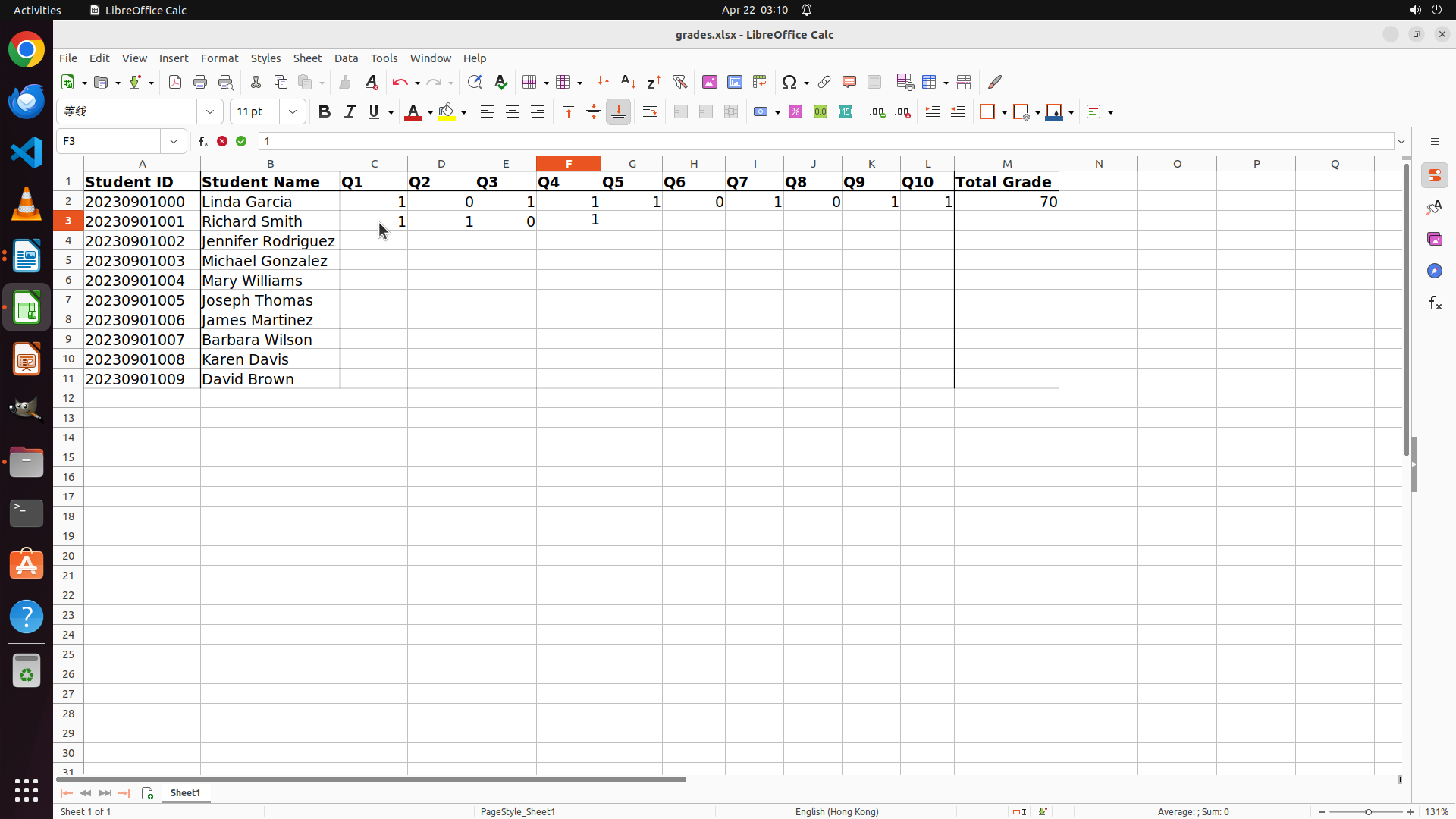
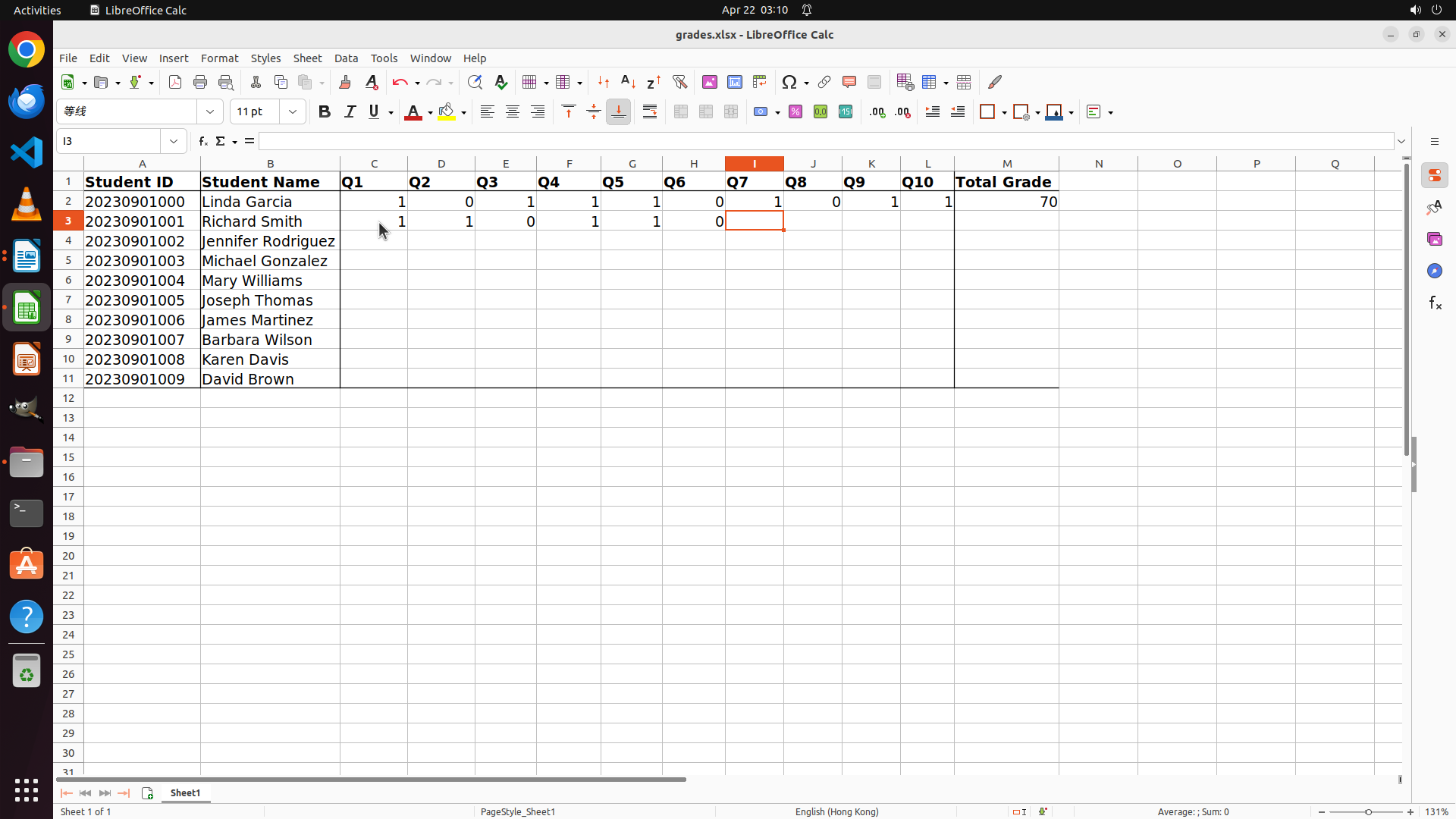
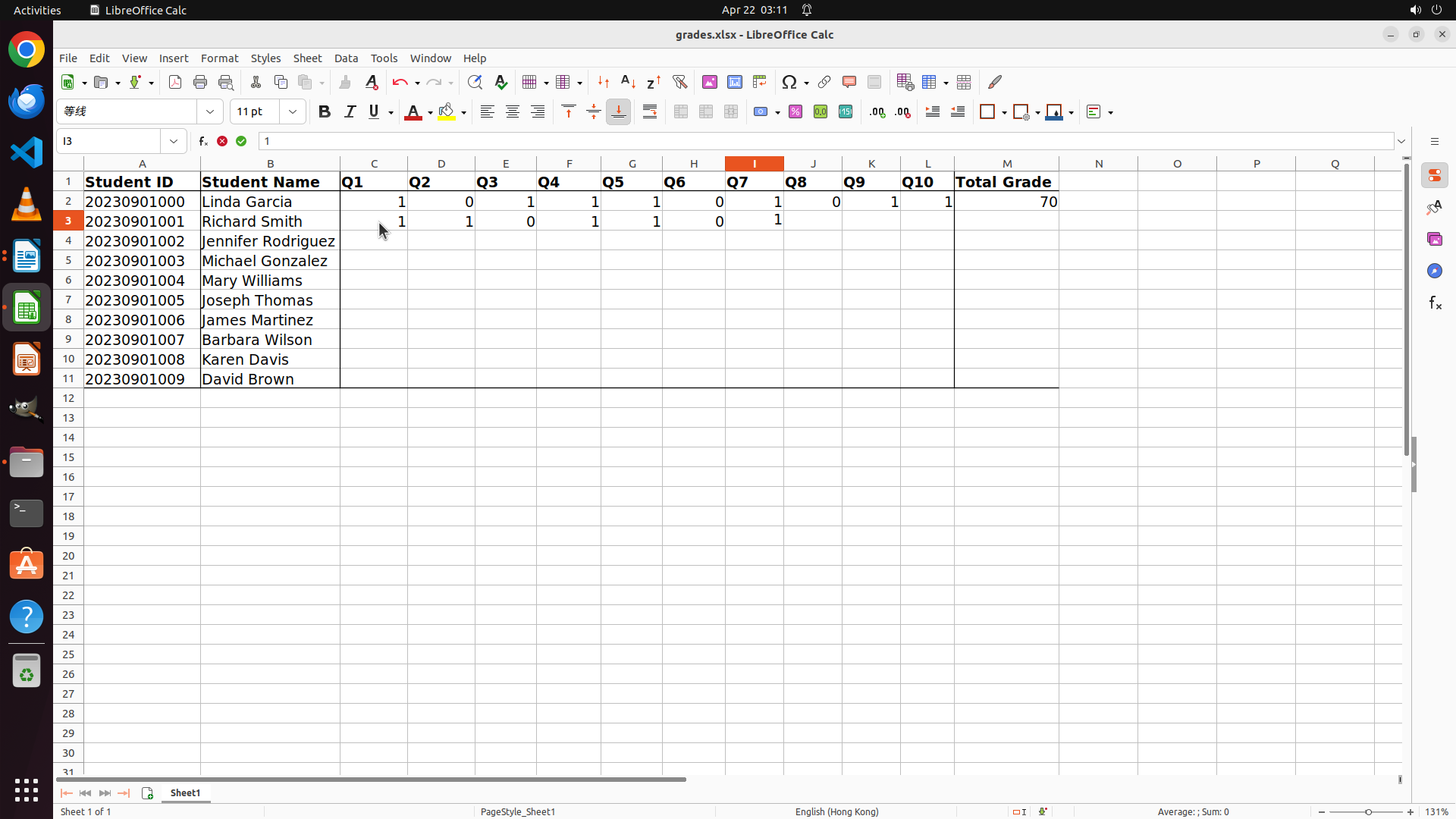
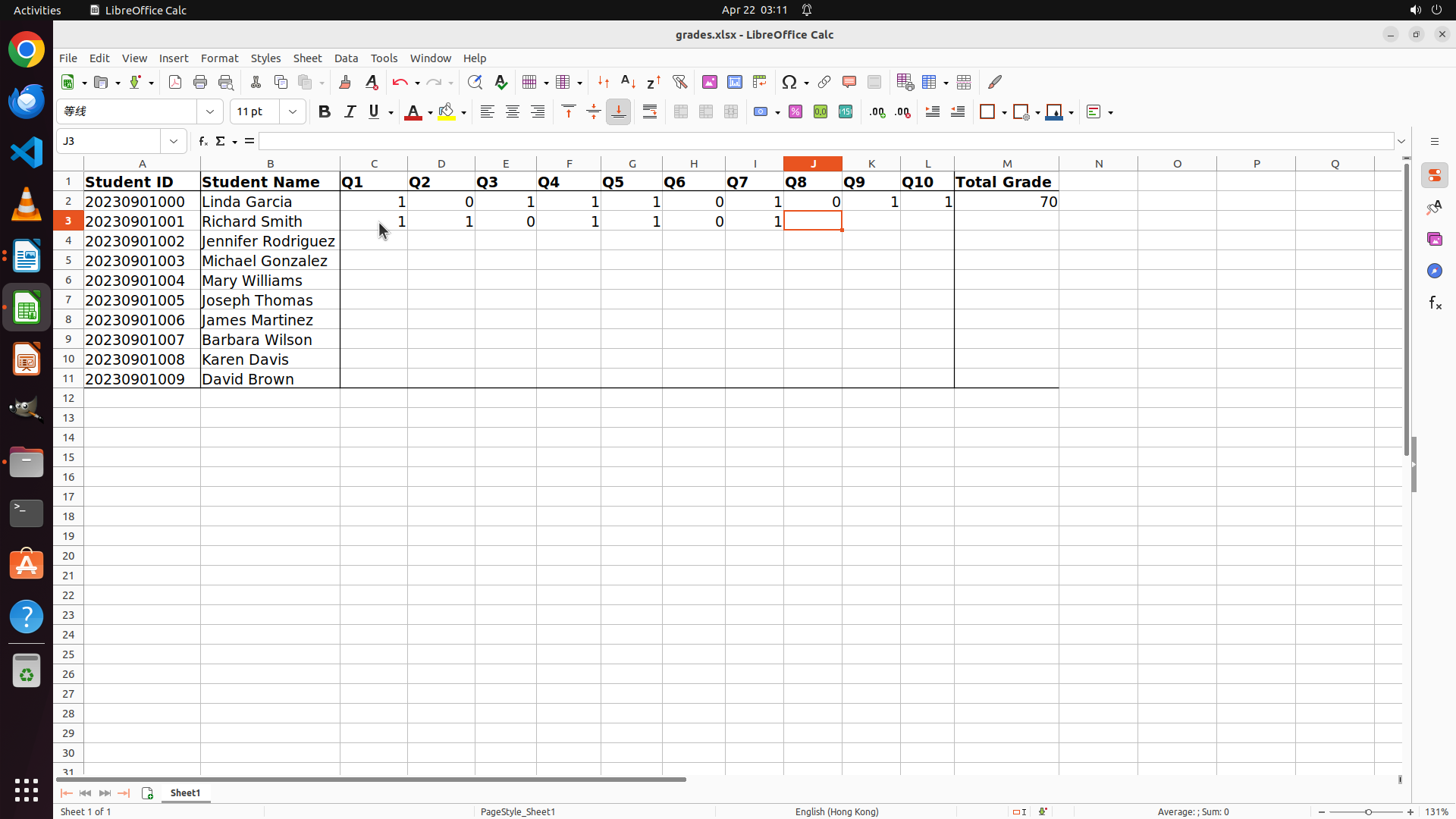
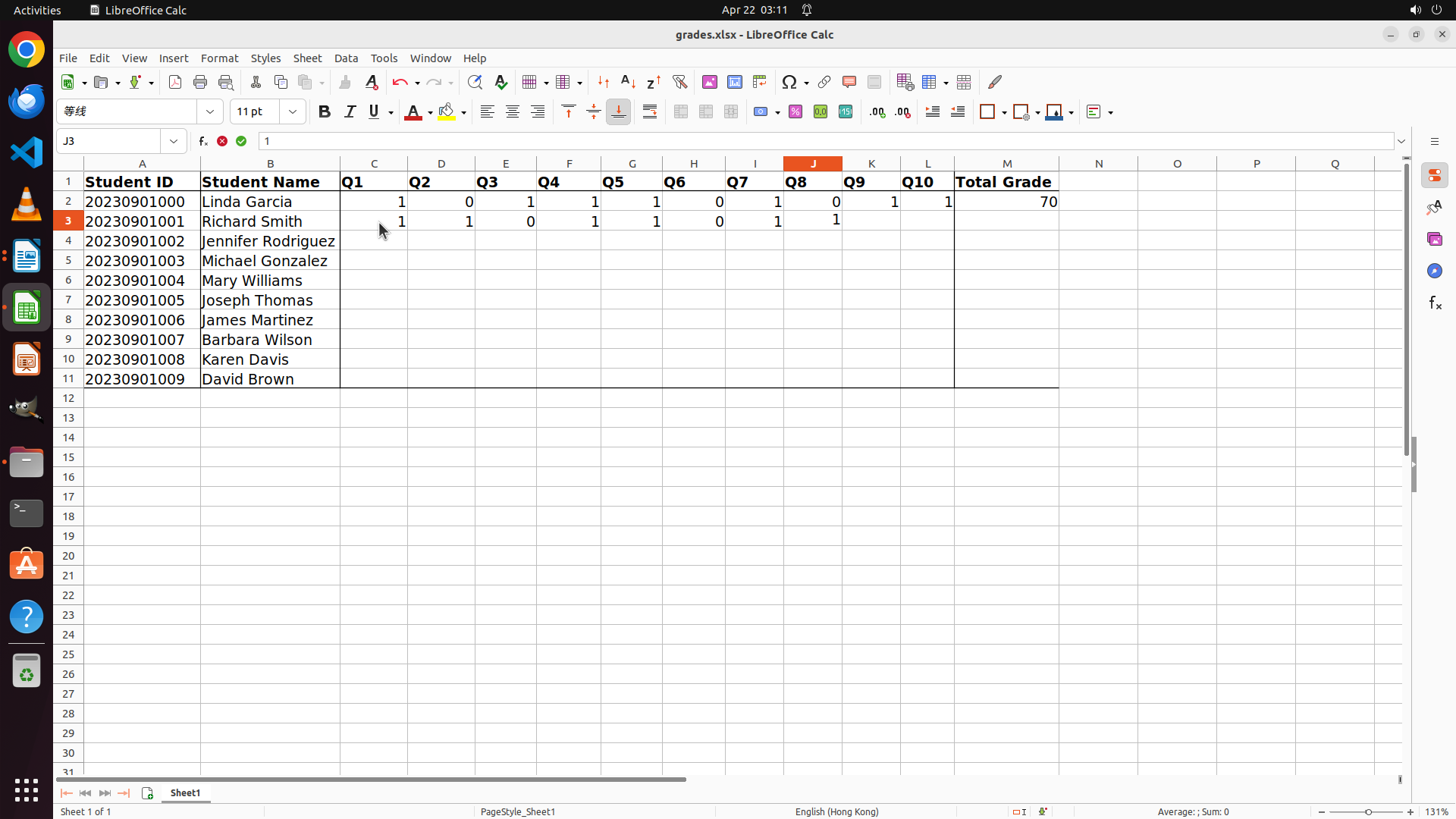
- Richard Smith's scores have been successfully entered in row 3:
- Q1: 1, Q2: 1, Q3: 0, Q4: 1, Q5: 1, Q6: 0, Q7: 1, Q8: 1, Q9: 1, Q10: 1
- The cursor is currently at cell M3 (Total Grade column)
- The Total Grade column (M) doesn't show a value yet for Richard Smith
- I need to press Tab or Enter to complete the entry and see if the Total Grade updates
- After completing this entry, I need to grade the next student (Jennifer Rodriguez, Student 2, row 4)
#### 情况分析与思考过程
I've successfully entered all 10 question scores for Richard Smith. Now I need to:
1. Press Tab or Enter to complete the current entry
2. Check if the Total Grade column updates automatically (it might have a formula)
3. If the Total Grade doesn't update, I may need to manually enter "80" for 80%
4. Then move on to grade the next student (Jennifer Rodriguez, Student 2)
Let me press Tab to move to the next cell and see if the Total Grade updates.
```
Step 41: CLICK (35, 336)
```
#### 重要信息
- LibreOffice Calc is active with grades.xlsx open
- Richard Smith's scores have been entered in row 3: 1,1,0,1,1,0,1,1,1,1 (8/10 correct = 80%)
- The cursor is now at cell N3 (after pressing Tab)
- Total Grade column (M) for Richard Smith is still empty - may need manual entry or formula
- Next student to grade: Jennifer Rodriguez (Student 2, row 4)
- I need to switch to LibreOffice Writer to open answer_sheet2.docx
#### 情况分析与思考过程
I've successfully entered Richard Smith's individual question scores. The Total Grade column might need manual entry or it might auto-calculate later. Since the immediate priority is to continue grading the remaining students, I should:
1. Switch to LibreOffice Writer to open answer_sheet2.docx (Jennifer Rodriguez)
2. Grade her answers against the answer key
3. Return to Calc to enter her scores
4. Repeat for remaining students (3-9)
The answer key remains: Q1:D, Q2:A, Q3:C, Q4:D, Q5:B, Q6:C, Q7:C, Q8:D, Q9:D, Q10:D
Let me click on the LibreOffice Writer icon to switch to it and open the next answer sheet.
```
Step 42: CLICK (88, 73)
```
#### 重要信息
- LibreOffice Writer is currently open with answer_sheet1.docx (Richard Smith's answers)
- I can see Question 10 with answer D at the bottom of the visible area
- Richard Smith's scores have been successfully recorded in the spreadsheet (row 3)
- According to the strategy tree, I need to grade Student 2 next (Jennifer Rodriguez, answer_sheet2.docx)
- The answer key remains: Q1:D, Q2:A, Q3:C, Q4:D, Q5:B, Q6:C, Q7:C, Q8:D, Q9:D, Q10:D
#### 情况分析与思考过程
I've completed grading Richard Smith (Student 1) and entered his scores in the spreadsheet. Now I need to continue with Student 2 (Jennifer Rodriguez). To do this, I need to:
1. Open answer_sheet2.docx using File > Open
2. Compare Jennifer Rodriguez's answers with the answer key
3. Record her scores in the spreadsheet (row 4)
4. Continue with remaining students
Since I'm already in LibreOffice Writer, I should click on the File menu to open the next answer sheet.
```
Step 43: CLICK (121, 126)
```
#### 重要信息
- The File menu is now open in LibreOffice Writer
- I can see the "Open..." option in the menu
- I need to open answer_sheet2.docx (Jennifer Rodriguez, Student 2) to continue grading
- The complete answer key is: Q1:D, Q2:A, Q3:C, Q4:D, Q5:B, Q6:C, Q7:C, Q8:D, Q9:D, Q10:D
- Richard Smith's scores have been successfully recorded in the spreadsheet
#### 情况分析与思考过程
The File menu is now open. I need to click on "Open..." to access the file dialog and open the next student answer sheet (answer_sheet2.docx for Jennifer Rodriguez, Student 2).
My plan:
1. Click on "Open..." in the File menu
2. Navigate to the exam folder (if needed)
3. Open answer_sheet2.docx
4. Compare Jennifer Rodriguez's answers with the answer key
5. Enter scores in the spreadsheet (row 4)
6. Repeat for remaining students (3-9)
Let me click on the "Open..." option to proceed.
```
Step 44: CLICK (655, 253)
```
#### 重要信息
- The Open dialog is now active showing the exam folder contents
- I can see all files: answer_sheet0.docx through answer_sheet9.docx, grades.xlsx, and ReferenceAnswers.docx
- answer_sheet2.docx is visible in the file list (39.4 kB, Document)
- I need to select answer_sheet2.docx (Jennifer Rodriguez, Student 2) to continue grading
- The complete answer key is: Q1:D, Q2:A, Q3:C, Q4:D, Q5:B, Q6:C, Q7:C, Q8:D, Q9:D, Q10:D
#### 情况分析与思考过程
The Open dialog is now active and showing the exam folder with all the answer sheets. I need to select answer_sheet2.docx to grade Jennifer Rodriguez (Student 2). I can see the file in the list.
My plan:
1. Click on answer_sheet2.docx to select it
2. Click the Open button to open it
3. Compare Jennifer Rodriguez's answers with the answer key
4. Record her scores in the spreadsheet (row 4)
5. Repeat for remaining students (3-9)
Let me click on answer_sheet2.docx to select it.
```
Step 45: CLICK (1546, 100)
```
#### 重要信息
- The Open dialog is active in LibreOffice Writer
- answer_sheet2.docx (Jennifer Rodriguez, Student 2) is now selected (highlighted in orange)
- I can see the green "Open" button in the top right of the dialog
- I need to click the Open button to open the file and start grading Jennifer Rodriguez's answers
- The complete answer key is: Q1:D, Q2:A, Q3:C, Q4:D, Q5:B, Q6:C, Q7:C, Q8:D, Q9:D, Q10:D
#### 情况分析与思考过程
The previous action successfully selected answer_sheet2.docx (Jennifer Rodriguez, Student 2). Now I need to click the "Open" button to open this file so I can grade her answers against the answer key.
My plan:
1. Click the "Open" button to open answer_sheet2.docx
2. Compare Jennifer Rodriguez's answers with the answer key
3. Record her scores in the spreadsheet (row 4)
4. Repeat for remaining students (3-9)
Let me click the green "Open" button to proceed.
```
Step 46: MOVE_TO (960, 600)
```
#### 重要信息
- answer_sheet2.docx is now open in LibreOffice Writer (Jennifer Rodriguez's answer sheet)
- StudentID: 20230901002, StudentName: Jennifer Rodriguez
- Question 1 answer is D (CORRECT - matches answer key Q1:D) ✓
- Question 2 is starting to appear at the bottom of the screen
- I need to scroll down to see all remaining questions (2-10) to complete the grading
- The complete answer key is: Q1:D, Q2:A, Q3:C, Q4:D, Q5:B, Q6:C, Q7:C, Q8:D, Q9:D, Q10:D
#### 情况分析与思考过程
I successfully opened Jennifer Rodriguez's answer sheet (Student 2). I can see Q1 answer is D, which matches the answer key (correct). I need to scroll down to see all remaining questions (2-10) to complete the grading for this student.
My plan:
1. Scroll down to see all questions 2-10 and their answers
2. Compare each answer with the answer key
3. Record scores in the spreadsheet (1 for correct, 0 for incorrect)
4. Move to the next student
Let me scroll down to see more questions.
```
I'll scroll down to see Jennifer Rodriguez's answers for questions 2-10.
Step 46: SCROLL
```
#### 重要信息
- answer_sheet2.docx is now open in LibreOffice Writer (Jennifer Rodriguez's answer sheet)
- StudentID: 20230901002, StudentName: Jennifer Rodriguez
- Question 1 answer is D (CORRECT - matches answer key Q1:D) ✓
- Question 2 is starting to appear at the bottom of the screen
- I need to scroll down to see all remaining questions (2-10) to complete the grading
- The complete answer key is: Q1:D, Q2:A, Q3:C, Q4:D, Q5:B, Q6:C, Q7:C, Q8:D, Q9:D, Q10:D
#### 情况分析与思考过程
I successfully opened Jennifer Rodriguez's answer sheet (Student 2). I can see Q1 answer is D, which matches the answer key (correct). I need to scroll down to see all remaining questions (2-10) to complete the grading for this student.
My plan:
1. Scroll down to see all questions 2-10 and their answers
2. Compare each answer with the answer key
3. Record scores in the spreadsheet (1 for correct, 0 for incorrect)
4. Move to the next student
Let me scroll down to see more questions.
```
I'll scroll down to see Jennifer Rodriguez's answers for questions 2-10.
Step 47: CLICK (1546, 100)
```
#### 重要信息
- The Open dialog is active in LibreOffice Writer
- answer_sheet2.docx (Jennifer Rodriguez, Student 2) is selected
- I need to click the green "Open" button to open the file
- Once opened, I'll need to compare Jennifer Rodriguez's answers with the answer key: Q1:D, Q2:A, Q3:C, Q4:D, Q5:B, Q6:C, Q7:C, Q8:D, Q9:D, Q10:D
- After grading, I'll record her scores in row 4 of the spreadsheet
#### 情况分析与思考过程
The previous action successfully selected answer_sheet2.docx. Now I need to click the "Open" button to open Jennifer Rodriguez's answer sheet so I can grade it. After opening, I'll scroll through to see all her answers, compare them with the answer key, and then record the scores in the spreadsheet.
Let me click the Open button to proceed.
```
Step 48: MOVE_TO (960, 600)
Step 48: SCROLL
Step 49: CLICK (1546, 100)
```
#### 重要信息
- LibreOffice Writer is currently showing the Open dialog
- answer_sheet2.docx (Jennifer Rodriguez, Student 2) is selected in the file list
- The green "Open" button is visible in the top right of the dialog
- I need to click the Open button to open Jennifer Rodriguez's answer sheet
- The complete answer key is: Q1:D, Q2:A, Q3:C, Q4:D, Q5:B, Q6:C, Q7:C, Q8:D, Q9:D, Q10:D
- After opening, I'll need to scroll through to grade all 10 questions
#### 情况分析与思考过程
The Open dialog is active and answer_sheet2.docx is selected. I need to click the "Open" button to open Jennifer Rodriguez's answer sheet so I can grade her answers against the answer key. Once opened, I'll scroll through the document to see all her answers, compare them with the answer key, and then record the scores in the spreadsheet (row 4 for Student 2).
Let me click the Open button to proceed with opening the file.
```
Step 50: MOVE_TO (960, 600)
```
#### 重要信息
- answer_sheet2.docx is now open in LibreOffice Writer (Jennifer Rodriguez's answer sheet)
- I can see Question 3 with answer C (CORRECT - matches answer key Q3:C) ✓
- Question 4 is visible with options but I need to see the answer
- So far Jennifer Rodriguez's scores:
- Q1: D (correct) ✓
- Q2: A (correct) ✓
- Q3: C (correct) ✓
- Current score: 3/3 correct
- I need to continue scrolling to see questions 4-10 to complete the grading
- The complete answer key is: Q1:D, Q2:A, Q3:C, Q4:D, Q5:B, Q6:C, Q7:C, Q8:D, Q9:D, Q10:D
#### 情况分析与思考过程
I've successfully reviewed the first 3 questions for Jennifer Rodriguez (Student 2):
- Q1: D (correct) ✓
- Q2: A (correct) ✓
- Q3: C (correct) ✓
Current score: 3/3 correct. I need to continue scrolling down to see questions 4-10 to complete the grading for this student. Once I've reviewed all her answers, I'll record the scores in the spreadsheet (1 for correct, 0 for incorrect) and move on to the next student.
Let me continue scrolling down to see questions 4-10.
```
Step 50: SCROLL
```
#### 重要信息
- answer_sheet2.docx is now open in LibreOffice Writer (Jennifer Rodriguez's answer sheet)
- I can see Question 3 with answer C (CORRECT - matches answer key Q3:C) ✓
- Question 4 is visible with options but I need to see the answer
- So far Jennifer Rodriguez's scores:
- Q1: D (correct) ✓
- Q2: A (correct) ✓
- Q3: C (correct) ✓
- Current score: 3/3 correct
- I need to continue scrolling to see questions 4-10 to complete the grading
- The complete answer key is: Q1:D, Q2:A, Q3:C, Q4:D, Q5:B, Q6:C, Q7:C, Q8:D, Q9:D, Q10:D
#### 情况分析与思考过程
I've successfully reviewed the first 3 questions for Jennifer Rodriguez (Student 2):
- Q1: D (correct) ✓
- Q2: A (correct) ✓
- Q3: C (correct) ✓
Current score: 3/3 correct. I need to continue scrolling down to see questions 4-10 to complete the grading for this student. Once I've reviewed all her answers, I'll record the scores in the spreadsheet (1 for correct, 0 for incorrect) and move on to the next student.
Let me continue scrolling down to see questions 4-10.
```