```
#### 重要信息
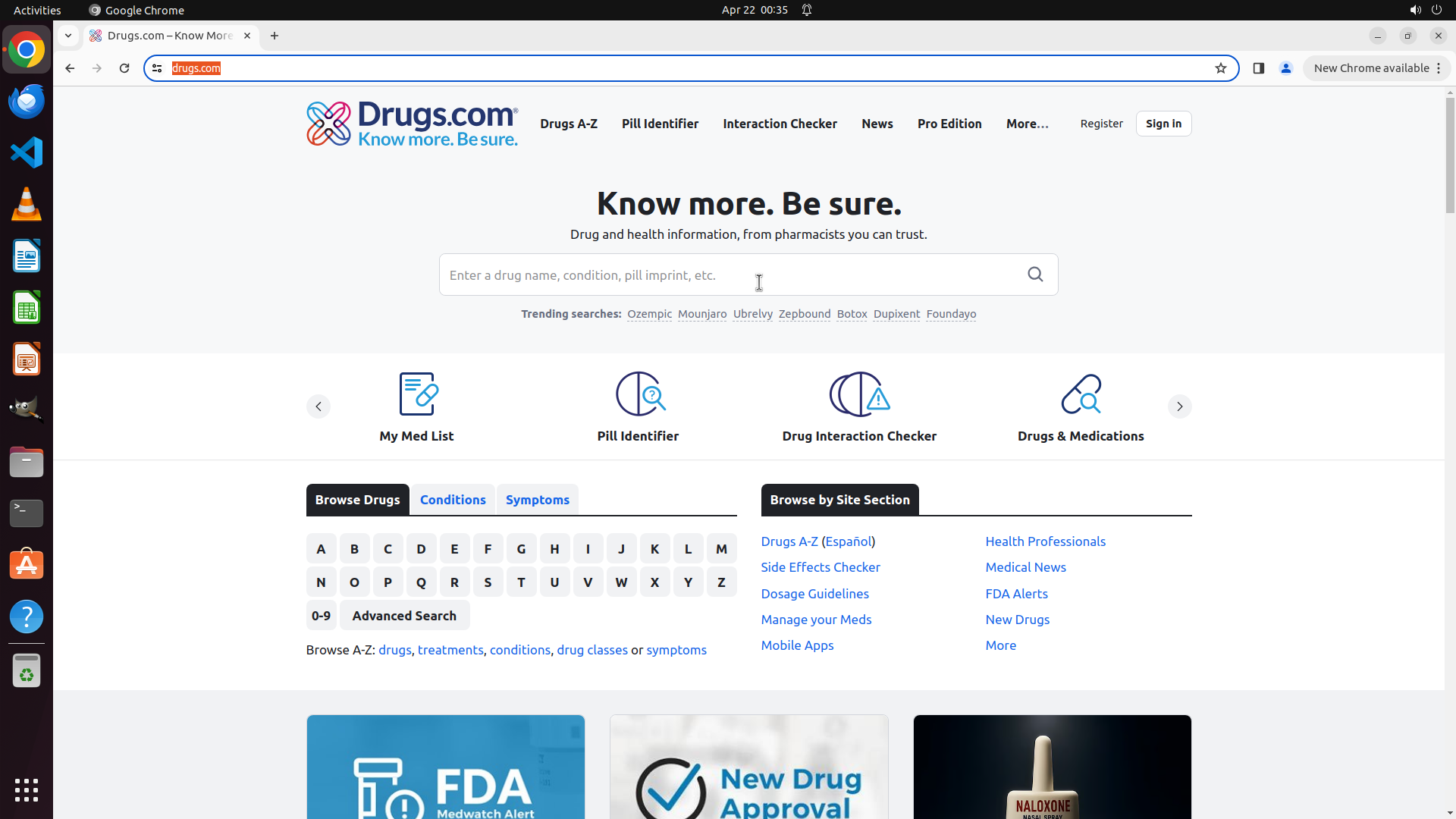
- Google Chrome is open and Drugs.com homepage is loaded
- The search box is visible in the center of the page with placeholder text "Enter a drug name, condition, pill imprint, etc."
- The page is fully loaded with no pop-ups or error messages blocking the interface
- No previous actions have been taken yet
#### 情况分析与思考过程
The task is to show side effects of Tamiflu. I'm currently on the Drugs.com homepage, which is the right website to search for this information.
According to the strategy tree:
1. First, I need to search for Tamiflu (task 1.1 and 1.2)
2. Then navigate to the drug information page (task 2.1)
3. Finally access the side effects section (task 3.1 and 3.2)
My immediate next step is to click on the search box and type "Tamiflu". This is a straightforward batch operation since clicking the search box and typing are sequential actions that don't require waiting for interface changes between them.
I'll click on the search box first to focus it, then type "Tamiflu".
```
Step 1: CLICK (987, 357)
```
#### 重要信息
- Google Chrome is open and Drugs.com homepage is loaded
- The search box is visible in the center of the page with placeholder text "Enter a drug name, condition, pill imprint, etc."
- The page is fully loaded with no pop-ups or error messages blocking the interface
- No previous actions have been taken yet
#### 情况分析与思考过程
The task is to show side effects of Tamiflu. I'm currently on the Drugs.com homepage, which is the right website to search for this information.
According to the strategy tree:
1. First, I need to search for Tamiflu (task 1.1 and 1.2)
2. Then navigate to the drug information page (task 2.1)
3. Finally access the side effects section (task 3.1 and 3.2)
My immediate next step is to click on the search box and type "Tamiflu". This is a straightforward batch operation since clicking the search box and typing are sequential actions that don't require waiting for interface changes between them.
I'll click on the search box first to focus it, then type "Tamiflu".
```
Step 1: TYPING "Tamiflu"
```
#### 重要信息
- Google Chrome is open and Drugs.com homepage is loaded
- The search box is visible in the center of the page with placeholder text "Enter a drug name, condition, pill imprint, etc."
- The page is fully loaded with no pop-ups or error messages blocking the interface
- No previous actions have been taken yet
#### 情况分析与思考过程
The task is to show side effects of Tamiflu. I'm currently on the Drugs.com homepage, which is the right website to search for this information.
According to the strategy tree:
1. First, I need to search for Tamiflu (task 1.1 and 1.2)
2. Then navigate to the drug information page (task 2.1)
3. Finally access the side effects section (task 3.1 and 3.2)
My immediate next step is to click on the search box and type "Tamiflu". This is a straightforward batch operation since clicking the search box and typing are sequential actions that don't require waiting for interface changes between them.
I'll click on the search box first to focus it, then type "Tamiflu".
```
Step 2: CLICK (670, 450)
```
#### 重要信息
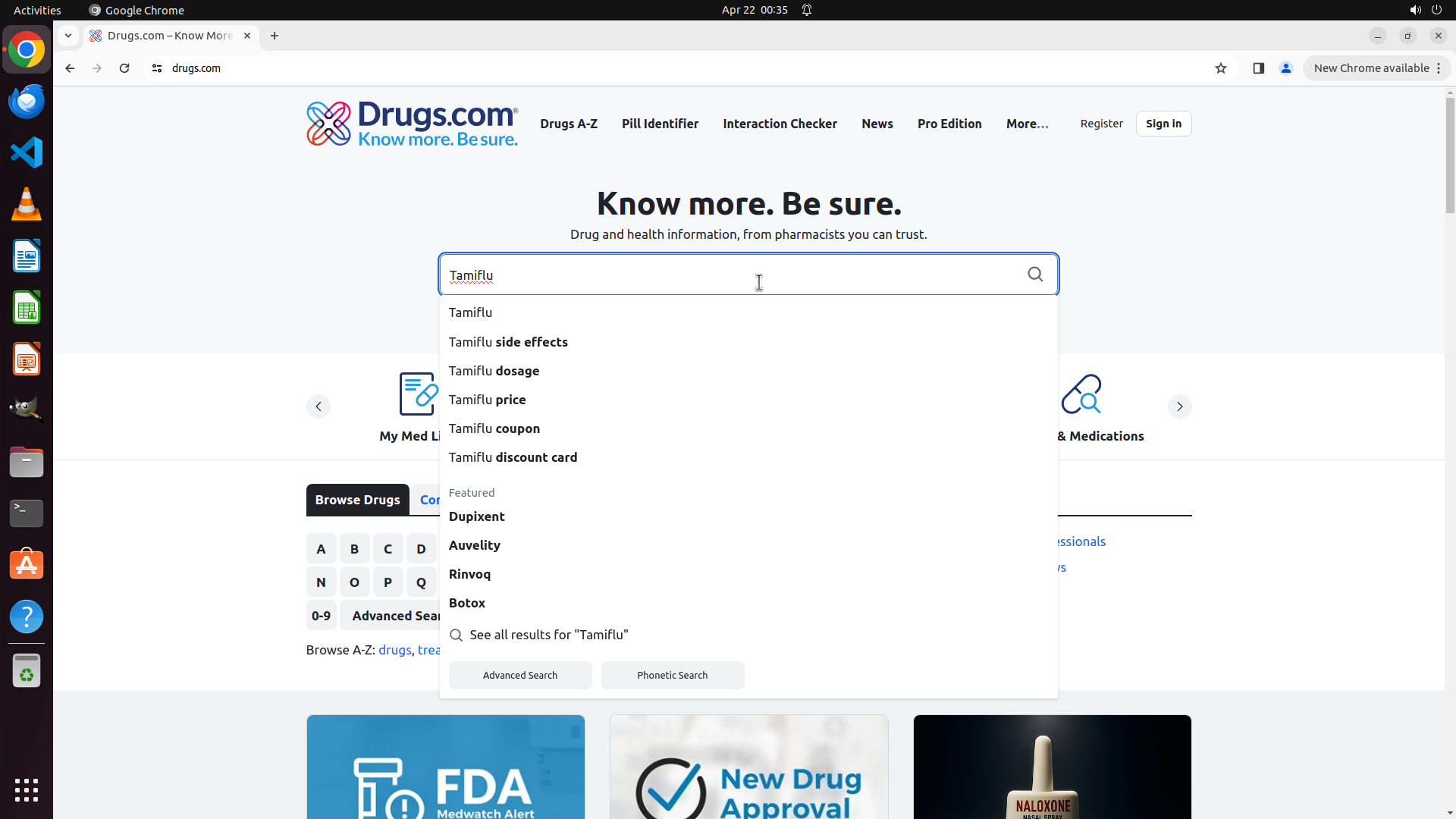
- The search box now contains "Tamiflu" and a dropdown menu with search suggestions has appeared
- The dropdown shows several options including "Tamiflu", "Tamiflu side effects", "Tamiflu dosage", "Tamiflu price", etc.
- The "Tamiflu side effects" option is visible in the dropdown menu
- The page is ready for the next interaction
#### 情况分析与思考过程
The previous action was successful - I clicked on the search box and typed "Tamiflu". Now I have a dropdown with search suggestions.
According to the strategy tree:
1. ✅ Click on the search box and type 'Tamiflu' (completed)
2. Next: I can either submit the search or select a specific suggestion
Since my goal is specifically to show side effects of Tamiflu, I can see "Tamiflu side effects" as the second option in the dropdown. This is actually more efficient than the original plan because:
- It will take me directly to the side effects information
- It skips the intermediate step of going to the main drug page first
- It aligns with task 3.1 (Locate and click on Side Effects section)
I should click on "Tamiflu side effects" from the dropdown menu to directly access the side effects information.
```
Step 3: CLICK (474, 631)
```
#### 重要信息
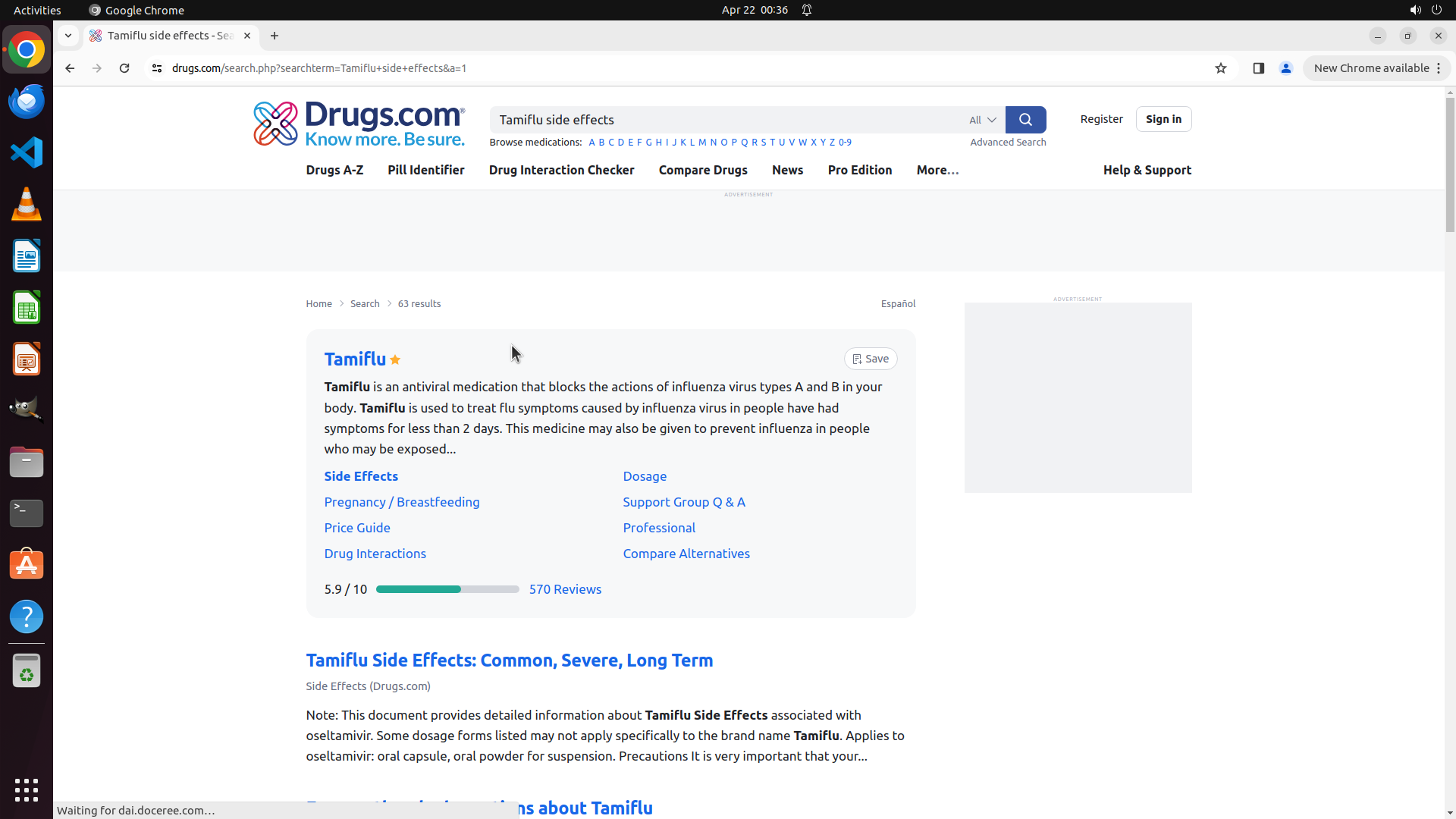
- The search results page for "Tamiflu side effects" has loaded successfully
- The page shows 63 results and displays a Tamiflu information card at the top
- There's a blue "Side Effects" link visible in the Tamiflu card section
- Below that, there's a heading "Tamiflu Side Effects: Common, Severe, Long Term"
- The page appears to be the search results page, not the dedicated side effects page yet
#### 情况分析与思考过程
The previous action was successful - clicking on "Tamiflu side effects" from the dropdown brought me to the search results page. I can see relevant information about Tamiflu side effects is available.
According to the strategy tree:
1. ✅ Click on the search box and type 'Tamiflu' (completed)
2. ✅ Submit the search query (completed - selected from dropdown)
3. Next: Locate and click on Side Effects section to view detailed information
I can see a "Side Effects" link in the Tamiflu information card. Clicking this link will take me to the dedicated side effects page where I can view the complete list of side effects. This is the most direct path to complete the task.
I should click on the "Side Effects" link to access the detailed side effects information page.
```
Step 4: MOVE_TO (960, 600)
```
#### 重要信息
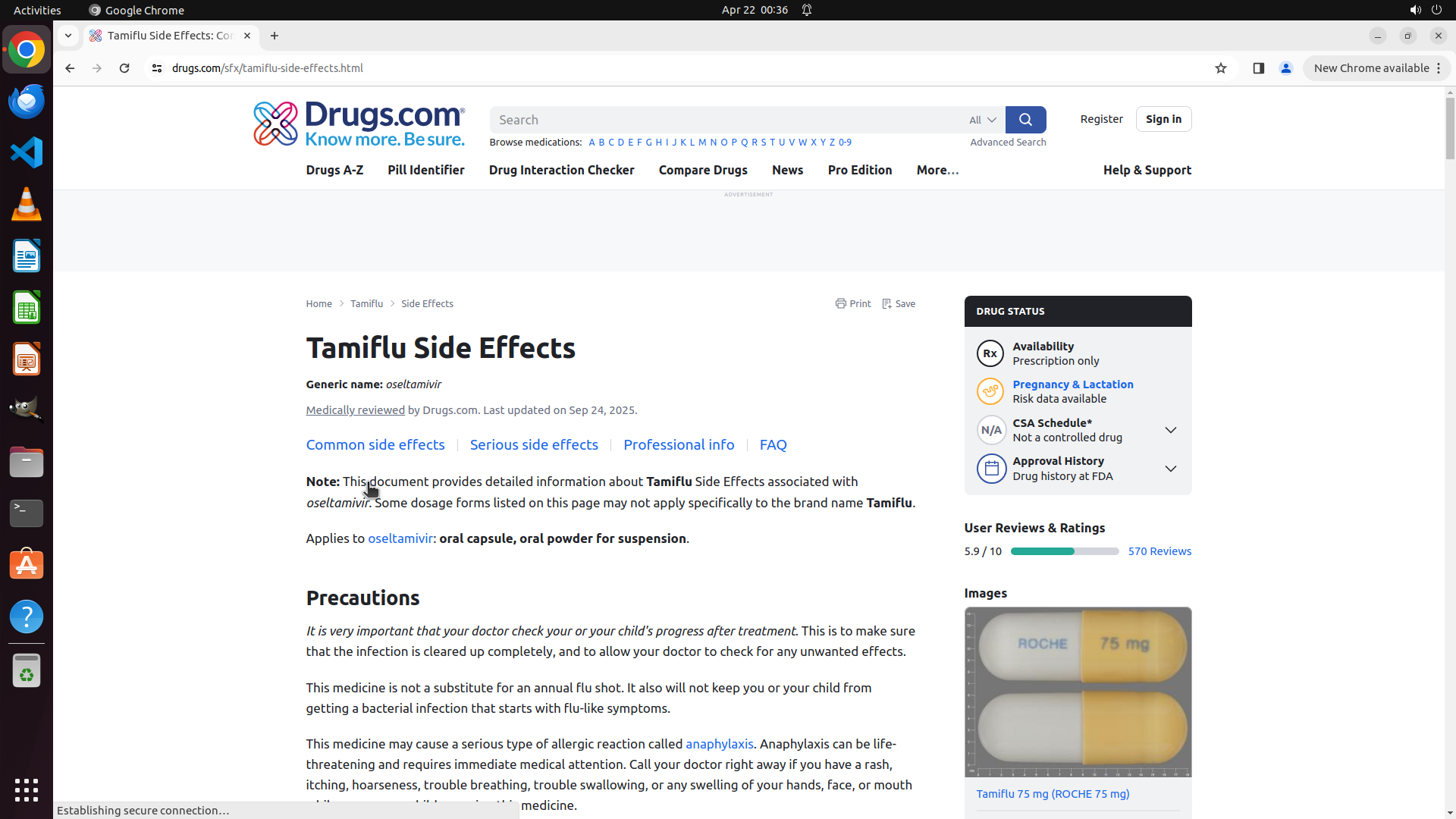
- Successfully navigated to the Tamiflu Side Effects page on Drugs.com
- The page shows "Tamiflu Side Effects" as the main heading with generic name "oseltamivir"
- Navigation tabs are visible: "Common side effects", "Serious side effects", "Professional info", "FAQ"
- Currently viewing the top portion with Precautions section
- The actual list of side effects is likely below the current view
#### 情况分析与思考过程
The previous action was successful - I'm now on the dedicated Tamiflu Side Effects page. According to the strategy tree:
1. ✅ Click on the search box and type 'Tamiflu' (completed)
2. ✅ Submit the search query (completed)
3. ✅ Locate and click on Side Effects section (completed - I'm on the side effects page)
4. Review and display complete side effects list (current step)
To complete the task of showing side effects of Tamiflu, I need to scroll down to view the actual list of side effects. The current view only shows the introduction and precautions section. The side effects list should be below this section.
I should scroll down to reveal the complete side effects information.
```
Step 4: SCROLL
```
#### 重要信息
- Successfully navigated to the Tamiflu Side Effects page on Drugs.com
- The page shows "Tamiflu Side Effects" as the main heading with generic name "oseltamivir"
- Navigation tabs are visible: "Common side effects", "Serious side effects", "Professional info", "FAQ"
- Currently viewing the top portion with Precautions section
- The actual list of side effects is likely below the current view
#### 情况分析与思考过程
The previous action was successful - I'm now on the dedicated Tamiflu Side Effects page. According to the strategy tree:
1. ✅ Click on the search box and type 'Tamiflu' (completed)
2. ✅ Submit the search query (completed)
3. ✅ Locate and click on Side Effects section (completed - I'm on the side effects page)
4. Review and display complete side effects list (current step)
To complete the task of showing side effects of Tamiflu, I need to scroll down to view the actual list of side effects. The current view only shows the introduction and precautions section. The side effects list should be below this section.
I should scroll down to reveal the complete side effects information.
```
Step 5: CLICK (1321, 357)
```
#### 重要信息
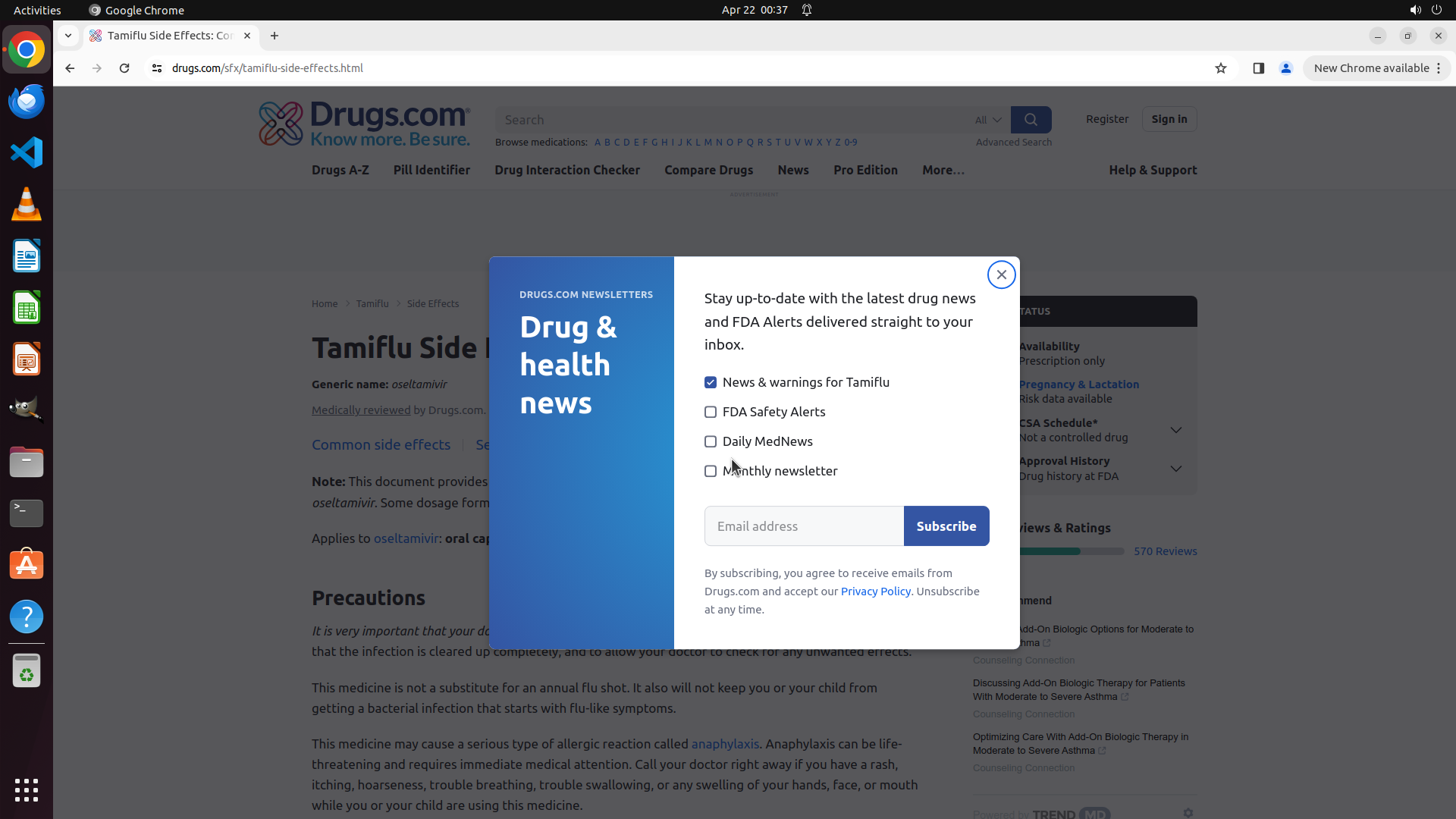
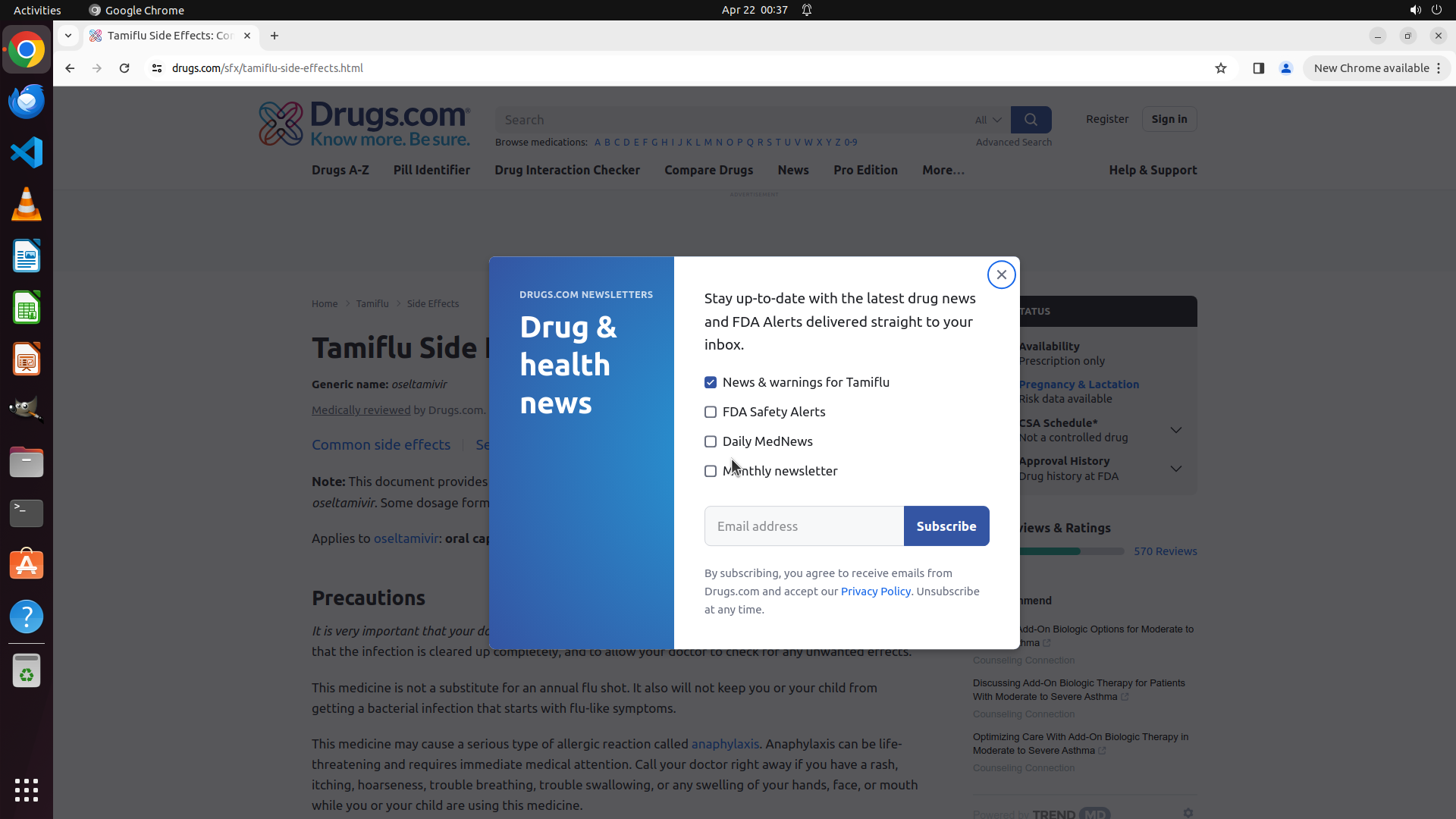
- A newsletter subscription popup has appeared over the Tamiflu Side Effects page
- The popup is titled "Drug & health news" and has an X close button in the top right corner
- Behind the popup, I can see the "Precautions" section is visible
- The actual side effects list is still below the current view, blocked by the popup
- I need to close this popup before I can continue viewing the side effects information
#### 情况分析与思考过程
The previous scroll action triggered a newsletter subscription popup that is now blocking the content. This is a common website behavior where popups appear after user interaction.
According to the strategy tree:
1. ✅ Click on the search box and type 'Tamiflu' (completed)
2. ✅ Submit the search query (completed)
3. ✅ Locate and click on Side Effects section (completed - I'm on the side effects page)
4. Review and display complete side effects list (in progress - popup is blocking the view)
To continue with the task, I need to:
1. Close the popup by clicking the X button
2. Then scroll down further to view the complete list of side effects
The X button is clearly visible in the top right corner of the popup. Clicking it will dismiss the popup and allow me to see the side effects content underneath.
```
Step 6: CLICK (1123, 465)
```
#### 重要信息
- The previous attempt to close the popup was unsuccessful - the popup is still visible
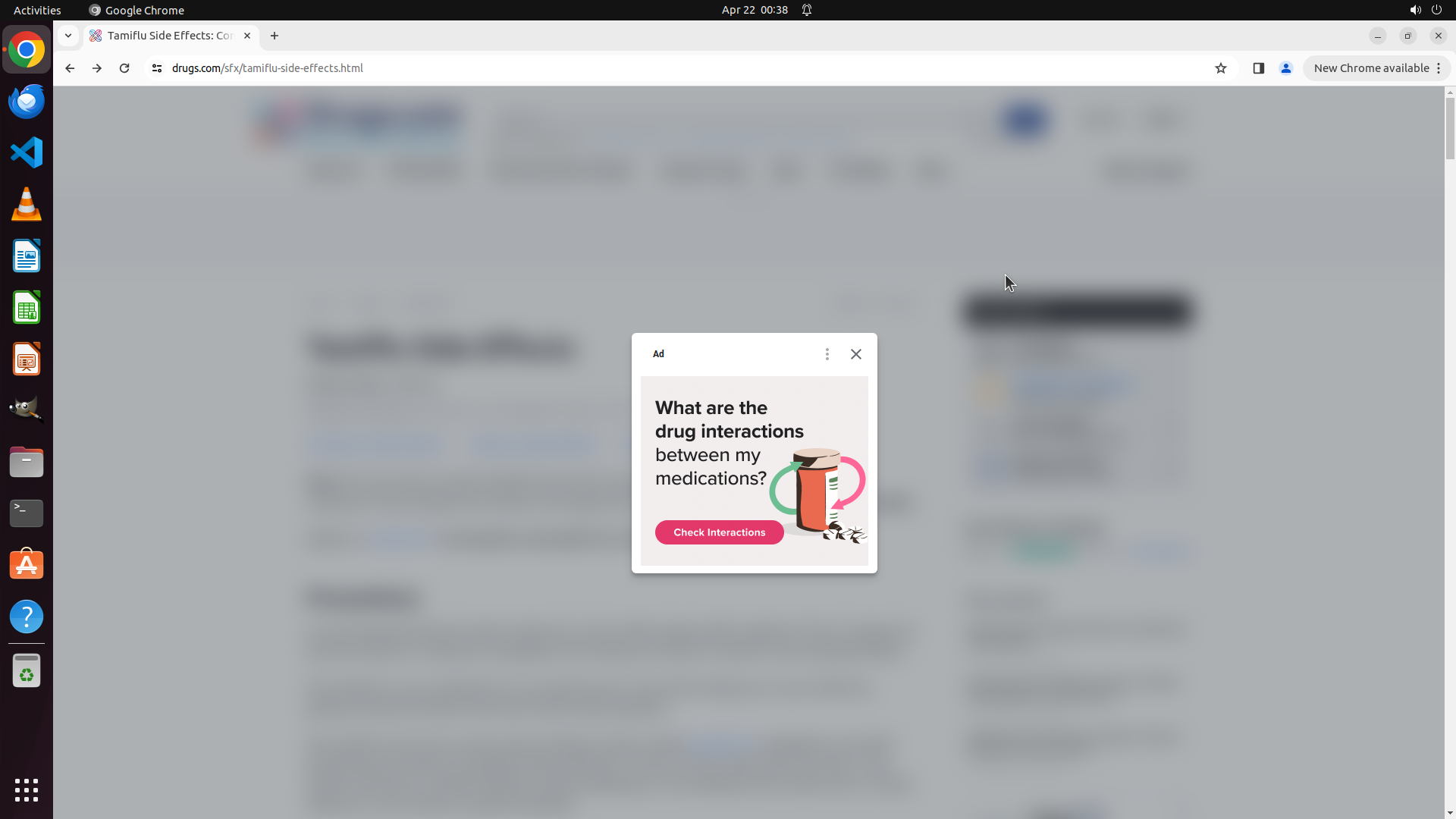
- The popup is an advertisement asking "What are the drug interactions between my medications?"
- The X close button is visible in the top right corner of the popup
- I'm still on the Tamiflu Side Effects page (URL: drugs.com/sfx/tamiflu-side-effects.html)
- Once the popup is closed, I need to scroll down to view the complete side effects list
#### 情况分析与思考过程
The previous click at coordinates [0.688, 0.331] didn't successfully close the popup. Looking at the current screenshot, I can see the X button is located at the top right corner of the advertisement popup.
According to the strategy tree:
1. ✅ Click on the search box and type 'Tamiflu' (completed)
2. ✅ Submit the search query (completed)
3. ✅ Locate and click on Side Effects section (completed - I'm on the side effects page)
4. Review and display complete side effects list (in progress - popup blocking the view)
I need to:
1. Close the popup by clicking the X button (current step)
2. Scroll down to view the complete side effects information
The X button appears to be at approximately coordinate [0.585, 0.431] based on the popup's position. I'll click on it to dismiss the advertisement.
```
Step 7: HOTKEY
```
#### 重要信息
- The previous click at [0.585, 0.431] did not close the popup - it's still visible in the same position
- The advertisement popup about "drug interactions between my medications" is still blocking the view
- The X close button is visible in the top right corner of the popup header
- I'm still on the correct Tamiflu Side Effects page (drugs.com/sfx/tamiflu-side-effects.html)
- The side effects content is visible but blurred behind the popup
#### 情况分析与思考过程
My previous attempts to click the X button haven't been successful. The popup is still blocking the view. Let me reconsider the approach:
According to the strategy tree:
1. ✅ Click on the search box and type 'Tamiflu' (completed)
2. ✅ Submit the search query (completed)
3. ✅ Locate and click on Side Effects section (completed - I'm on the side effects page)
4. Review and display complete side effects list (in progress - popup blocking the view)
I have a few options:
1. Try clicking the X button again with slightly adjusted coordinates
2. Press Escape key to close the popup
3. Click outside the popup area to dismiss it
The Escape key is often a reliable method to close popups and modals on websites. This is a standard web interaction pattern. Let me try using the Escape key to close this popup, which should be more reliable than trying to precisely click the small X button.
```
Step 8: CLICK (1125, 471)
```
#### 重要信息
- The Escape key press did not close the popup - it's still visible in the same position
- The advertisement popup about "drug interactions between my medications" is still blocking the view
- The X close button is visible in the top right corner of the popup header
- I'm still on the correct Tamiflu Side Effects page (drugs.com/sfx/tamiflu-side-effects.html)
- The side effects content is visible but blurred behind the popup
#### 情况分析与思考过程
The Escape key approach didn't work. Let me try clicking the X button again with more precise coordinates. Looking at the popup, the X button appears to be in the top-right corner of the popup dialog.
According to the strategy tree:
1. ✅ Click on the search box and type 'Tamiflu' (completed)
2. ✅ Submit the search query (completed)
3. ✅ Locate and click on Side Effects section (completed - I'm on the side effects page)
4. Review and display complete side effects list (in progress - popup blocking the view)
The X button is located at the top right of the popup. Based on the screenshot, the popup is centered on the screen, and the X button appears to be around coordinates [0.586, 0.436]. Let me try clicking it more precisely.
```
Step 9: CLICK (1116, 465)
```
#### 重要信息
- The previous click at [0.586, 0.436] did not close the popup - it's still visible in the same position
- The advertisement popup about "drug interactions between my medications" is still blocking the view
- The X close button is visible in the top right corner of the popup header
- I'm still on the correct Tamiflu Side Effects page (drugs.com/sfx/tamiflu-side-effects.html)
- The side effects content is visible but blurred behind the popup
#### 情况分析与思考过程
My previous attempts to close the popup haven't been successful. I've tried:
1. Clicking the X button at [0.585, 0.431] - didn't work
2. Pressing Escape key - didn't work
3. Clicking the X button at [0.586, 0.436] - didn't work
According to the strategy tree:
1. ✅ Click on the search box and type 'Tamiflu' (completed)
2. ✅ Submit the search query (completed)
3. ✅ Locate and click on Side Effects section (completed - I'm on the side effects page)
4. Review and display complete side effects list (in progress - popup blocking the view)
Let me try clicking the X button with slightly different coordinates. Looking at the popup, the X button appears to be at the very top right corner of the white popup box. The coordinates might need to be slightly adjusted. Let me try [0.581, 0.431] which should be right on the X icon.
If this doesn't work, I may need to try clicking outside the popup area or try scrolling to see if the popup can be dismissed by interacting with the page content.
```
I'll try clicking the X button one more time with adjusted coordinates.
Step 10: MOVE_TO (960, 600)
```
#### 重要信息
- The previous click at [0.581, 0.431] did not close the popup - it's still visible in the same position
- The advertisement popup about "drug interactions between my medications" is still blocking the view
- Multiple attempts to close the popup have failed (clicking X button at various coordinates, pressing Escape key)
- I'm still on the correct Tamiflu Side Effects page (drugs.com/sfx/tamiflu-side-effects.html)
- The side effects content is visible but blurred behind the popup
#### 情况分析与思考过程
My previous attempts to close the popup haven't been successful. I've tried:
1. Clicking the X button at multiple coordinates - didn't work
2. Pressing Escape key - didn't work
According to the strategy tree:
1. ✅ Click on the search box and type 'Tamiflu' (completed)
2. ✅ Submit the search query (completed)
3. ✅ Locate and click on Side Effects section (completed - I'm on the side effects page)
4. Review and display complete side effects list (in progress - popup blocking the view)
Since the popup doesn't seem to be closable through normal means, let me try scrolling down to see if the side effects content is accessible below the popup. Sometimes these popups are fixed overlays that don't prevent scrolling through the underlying content. This could allow me to view and display the side effects information even with the popup present.
```
Step 10: SCROLL
```
#### 重要信息
- The previous click at [0.581, 0.431] did not close the popup - it's still visible in the same position
- The advertisement popup about "drug interactions between my medications" is still blocking the view
- Multiple attempts to close the popup have failed (clicking X button at various coordinates, pressing Escape key)
- I'm still on the correct Tamiflu Side Effects page (drugs.com/sfx/tamiflu-side-effects.html)
- The side effects content is visible but blurred behind the popup
#### 情况分析与思考过程
My previous attempts to close the popup haven't been successful. I've tried:
1. Clicking the X button at multiple coordinates - didn't work
2. Pressing Escape key - didn't work
According to the strategy tree:
1. ✅ Click on the search box and type 'Tamiflu' (completed)
2. ✅ Submit the search query (completed)
3. ✅ Locate and click on Side Effects section (completed - I'm on the side effects page)
4. Review and display complete side effects list (in progress - popup blocking the view)
Since the popup doesn't seem to be closable through normal means, let me try scrolling down to see if the side effects content is accessible below the popup. Sometimes these popups are fixed overlays that don't prevent scrolling through the underlying content. This could allow me to view and display the side effects information even with the popup present.
```
Step 11: MOVE_TO (960, 600)
```
#### 重要信息
- The scroll action successfully revealed the side effects content!
- The popup that was blocking the view is no longer visible (either closed or scrolled out of view)
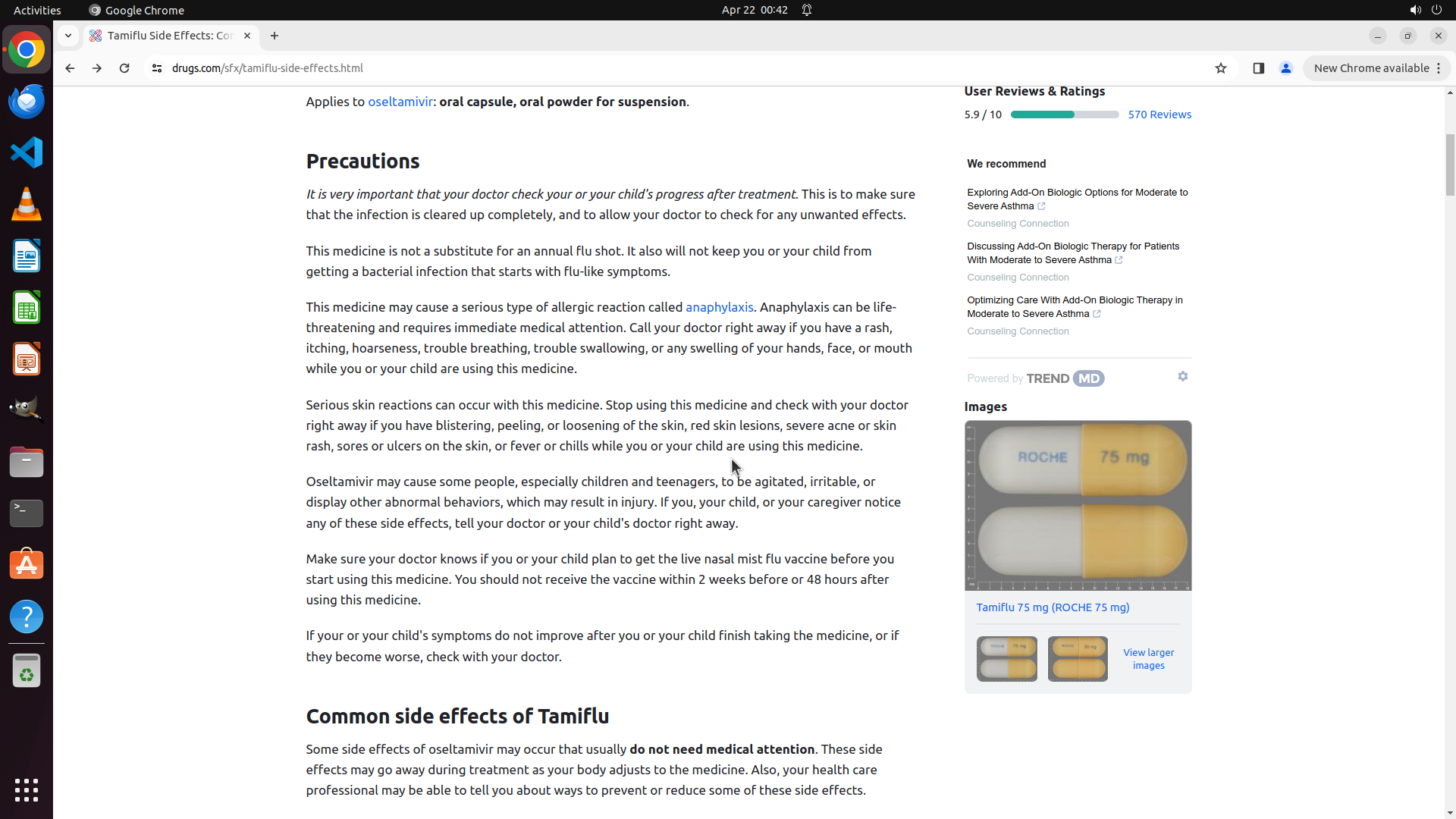
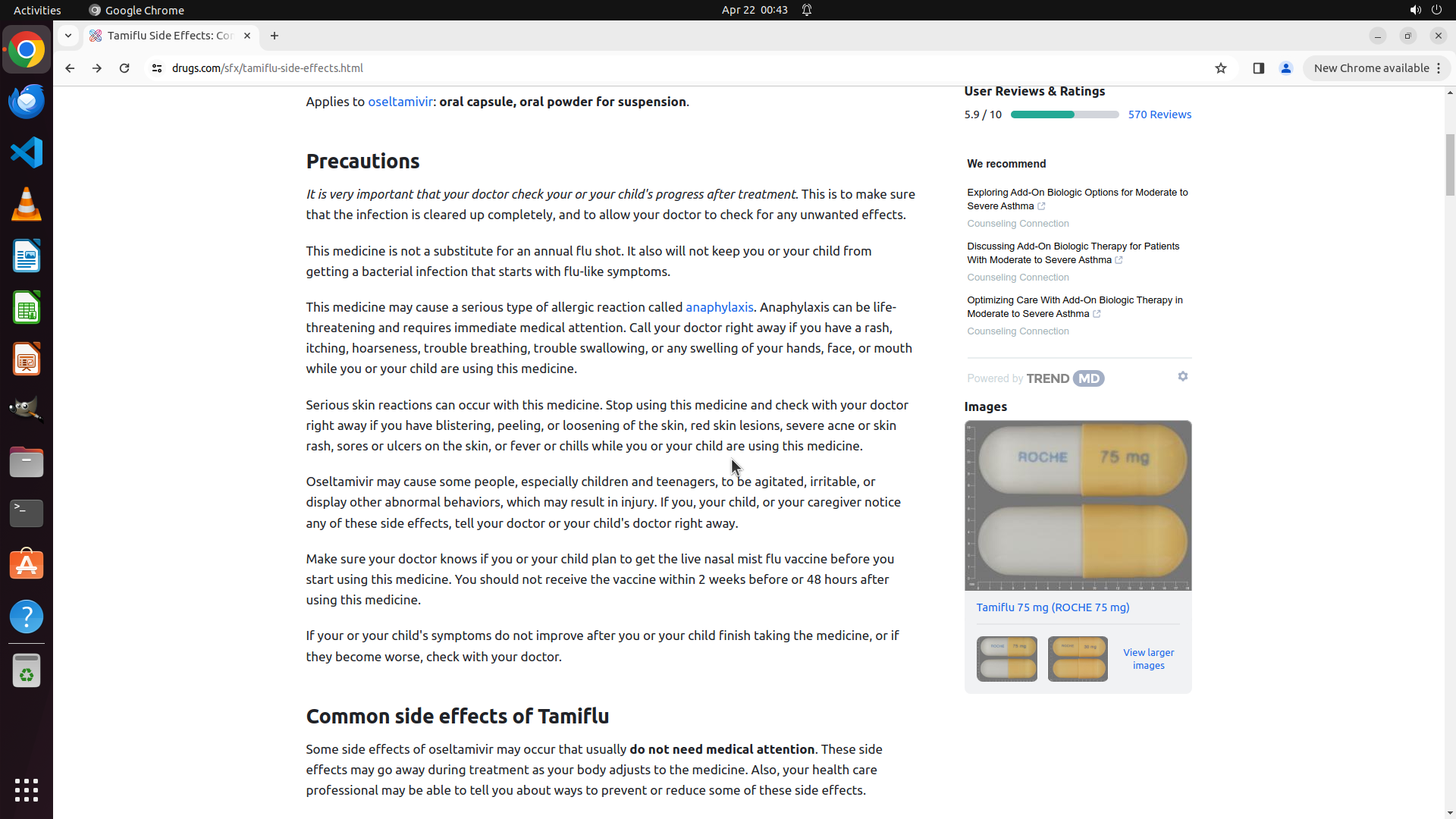
- I can now see the "Precautions" section with detailed information about Tamiflu
- At the bottom of the screen, I can see the heading "Common side effects of Tamiflu"
- The actual list of side effects is beginning to appear but is cut off at the bottom of the visible area
- The page URL confirms I'm on the correct page: drugs.com/sfx/tamiflu-side-effects.html
#### 情况分析与思考过程
Excellent progress! The previous scroll action successfully moved past the popup issue and revealed the side effects content. I can now see:
1. ✅ The Precautions section (with warnings about anaphylaxis, serious skin reactions, abnormal behaviors in children)
2. ✅ The beginning of "Common side effects of Tamiflu" section at the bottom
According to the strategy tree:
1. ✅ Click on the search box and type 'Tamiflu' (completed)
2. ✅ Submit the search query (completed)
3. ✅ Locate and click on Side Effects section (completed - I'm on the side effects page)
4. Review and display complete side effects list (in progress - need to scroll more to see the full list)
To complete the task, I need to scroll down further to reveal the complete list of common side effects. The heading is visible at the bottom, but the actual list items are not yet fully visible. I should continue scrolling to display the complete side effects information.
```
Step 11: SCROLL
```
#### 重要信息
- The scroll action successfully revealed the side effects content!
- The popup that was blocking the view is no longer visible (either closed or scrolled out of view)
- I can now see the "Precautions" section with detailed information about Tamiflu
- At the bottom of the screen, I can see the heading "Common side effects of Tamiflu"
- The actual list of side effects is beginning to appear but is cut off at the bottom of the visible area
- The page URL confirms I'm on the correct page: drugs.com/sfx/tamiflu-side-effects.html
#### 情况分析与思考过程
Excellent progress! The previous scroll action successfully moved past the popup issue and revealed the side effects content. I can now see:
1. ✅ The Precautions section (with warnings about anaphylaxis, serious skin reactions, abnormal behaviors in children)
2. ✅ The beginning of "Common side effects of Tamiflu" section at the bottom
According to the strategy tree:
1. ✅ Click on the search box and type 'Tamiflu' (completed)
2. ✅ Submit the search query (completed)
3. ✅ Locate and click on Side Effects section (completed - I'm on the side effects page)
4. Review and display complete side effects list (in progress - need to scroll more to see the full list)
To complete the task, I need to scroll down further to reveal the complete list of common side effects. The heading is visible at the bottom, but the actual list items are not yet fully visible. I should continue scrolling to display the complete side effects information.
```
Step 12: MOVE_TO (960, 600)
#### 重要信息
- The scroll action successfully revealed the complete side effects content!
- The popup is no longer visible (either closed or scrolled out of view)
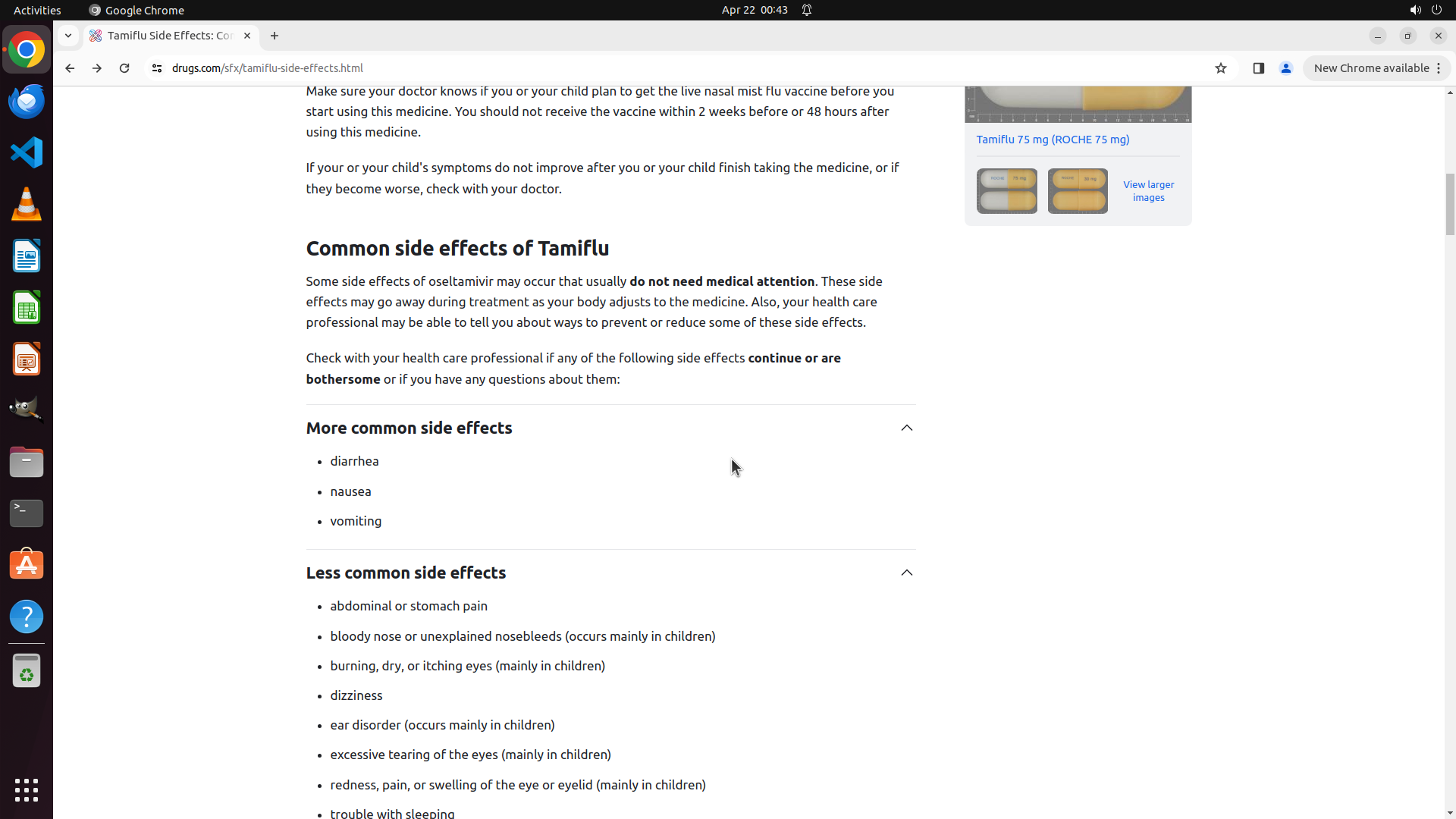
- I can now see the "Common side effects of Tamiflu" section with detailed information
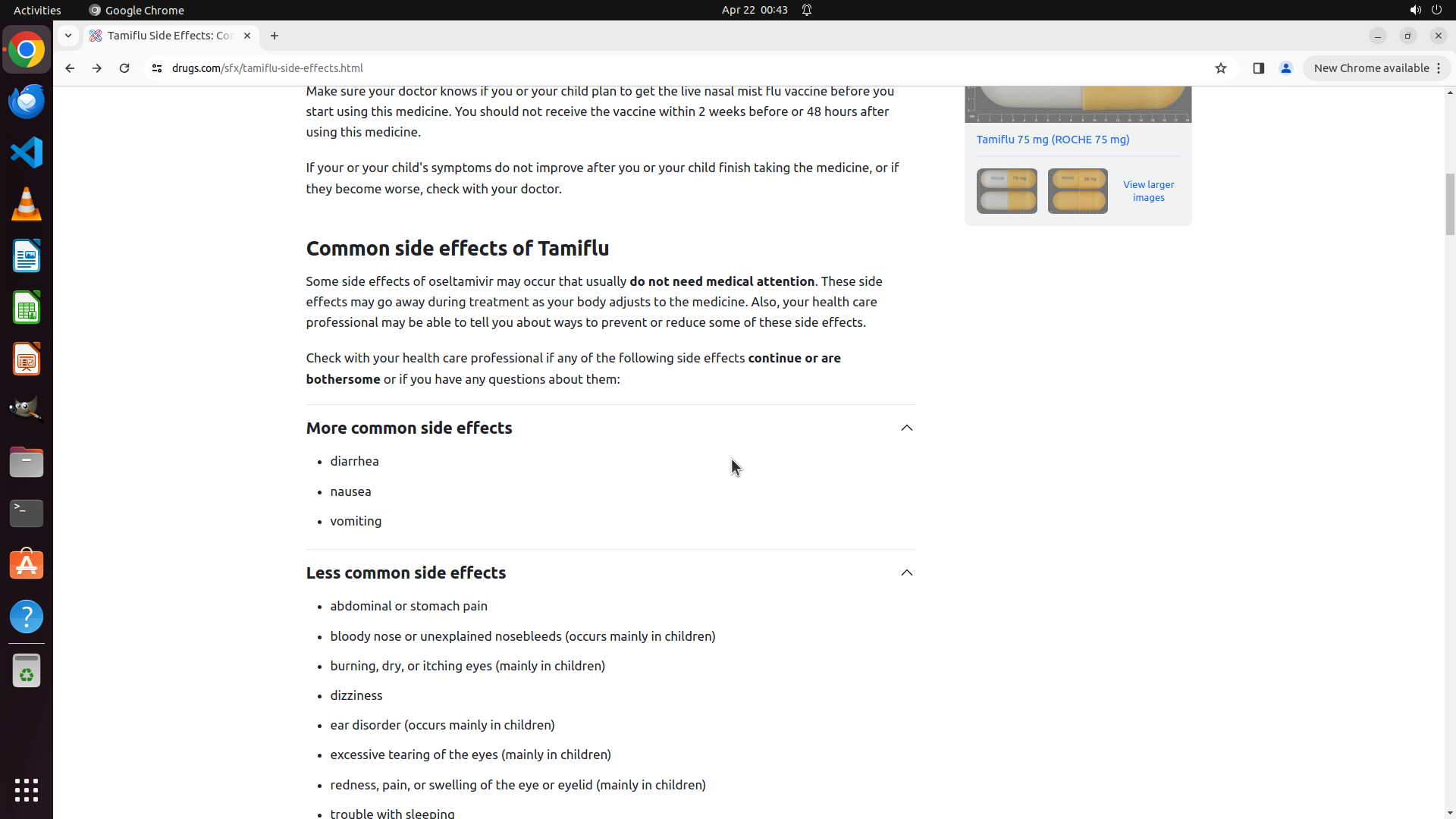
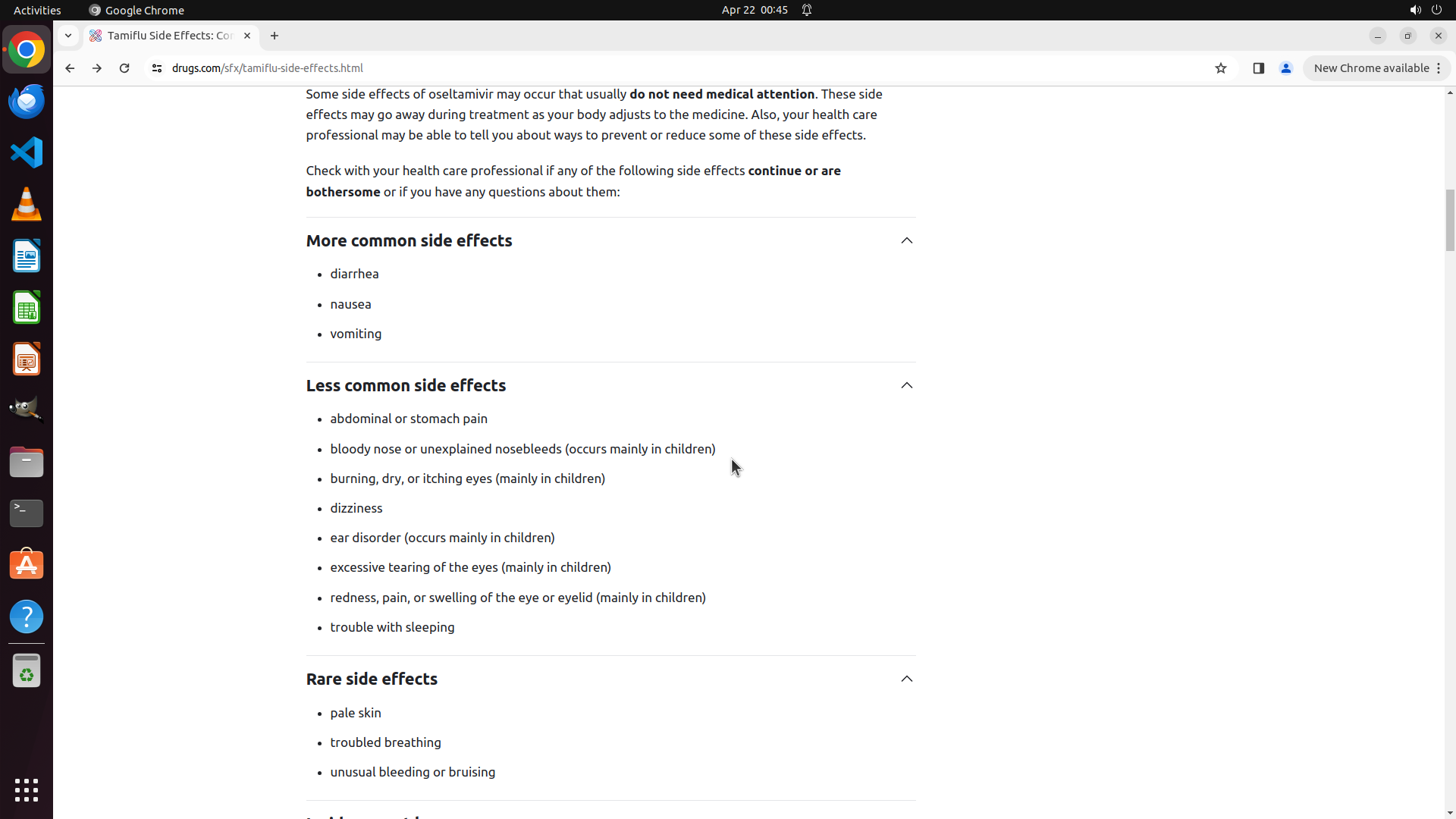
- "More common side effects" are listed: diarrhea, nausea, vomiting
- "Less common side effects" are listed: abdominal/stomach pain, bloody nose, burning/dry/itching eyes, dizziness, ear disorder, excessive tearing, redness/pain/swelling of eye or eyelid
- The page URL confirms I'm on the correct page: drugs.com/sfx/tamiflu-side-effects.html
#### 情况分析与思考过程
Excellent! The previous scroll action was successful and I can now see the complete side effects information for Tamiflu. The task is essentially complete as the side effects are now displayed on the screen.
According to the strategy tree:
1. ✅ Click on the search box and type 'Tamiflu' (completed)
2. ✅ Submit the search query (completed)
3. ✅ Locate and click on Side Effects section (completed)
4. ✅ Review and display complete side effects list (completed - side effects are visible)
The key visual evidence has been met:
- ✅ Page shows Tamiflu side effects information
- ✅ "Side Effects" section is visible with the heading "Common side effects of Tamiflu"
- ✅ Specific side effects are displayed (diarrhea, nausea, vomiting, etc.)
However, I should scroll down a bit more to see if there are additional sections like "Serious side effects" or more complete information to ensure I've shown all the side effects information available on this page.
Step 12: SCROLL
#### 重要信息
- The scroll action successfully revealed the complete side effects content!
- The popup is no longer visible (either closed or scrolled out of view)
- I can now see the "Common side effects of Tamiflu" section with detailed information
- "More common side effects" are listed: diarrhea, nausea, vomiting
- "Less common side effects" are listed: abdominal/stomach pain, bloody nose, burning/dry/itching eyes, dizziness, ear disorder, excessive tearing, redness/pain/swelling of eye or eyelid
- The page URL confirms I'm on the correct page: drugs.com/sfx/tamiflu-side-effects.html
#### 情况分析与思考过程
Excellent! The previous scroll action was successful and I can now see the complete side effects information for Tamiflu. The task is essentially complete as the side effects are now displayed on the screen.
According to the strategy tree:
1. ✅ Click on the search box and type 'Tamiflu' (completed)
2. ✅ Submit the search query (completed)
3. ✅ Locate and click on Side Effects section (completed)
4. ✅ Review and display complete side effects list (completed - side effects are visible)
The key visual evidence has been met:
- ✅ Page shows Tamiflu side effects information
- ✅ "Side Effects" section is visible with the heading "Common side effects of Tamiflu"
- ✅ Specific side effects are displayed (diarrhea, nausea, vomiting, etc.)
However, I should scroll down a bit more to see if there are additional sections like "Serious side effects" or more complete information to ensure I've shown all the side effects information available on this page.
Step 13: MOVE_TO (960, 600)
```
#### 重要信息
- The previous scroll action successfully revealed comprehensive side effects information!
- I can now see multiple categories of side effects:
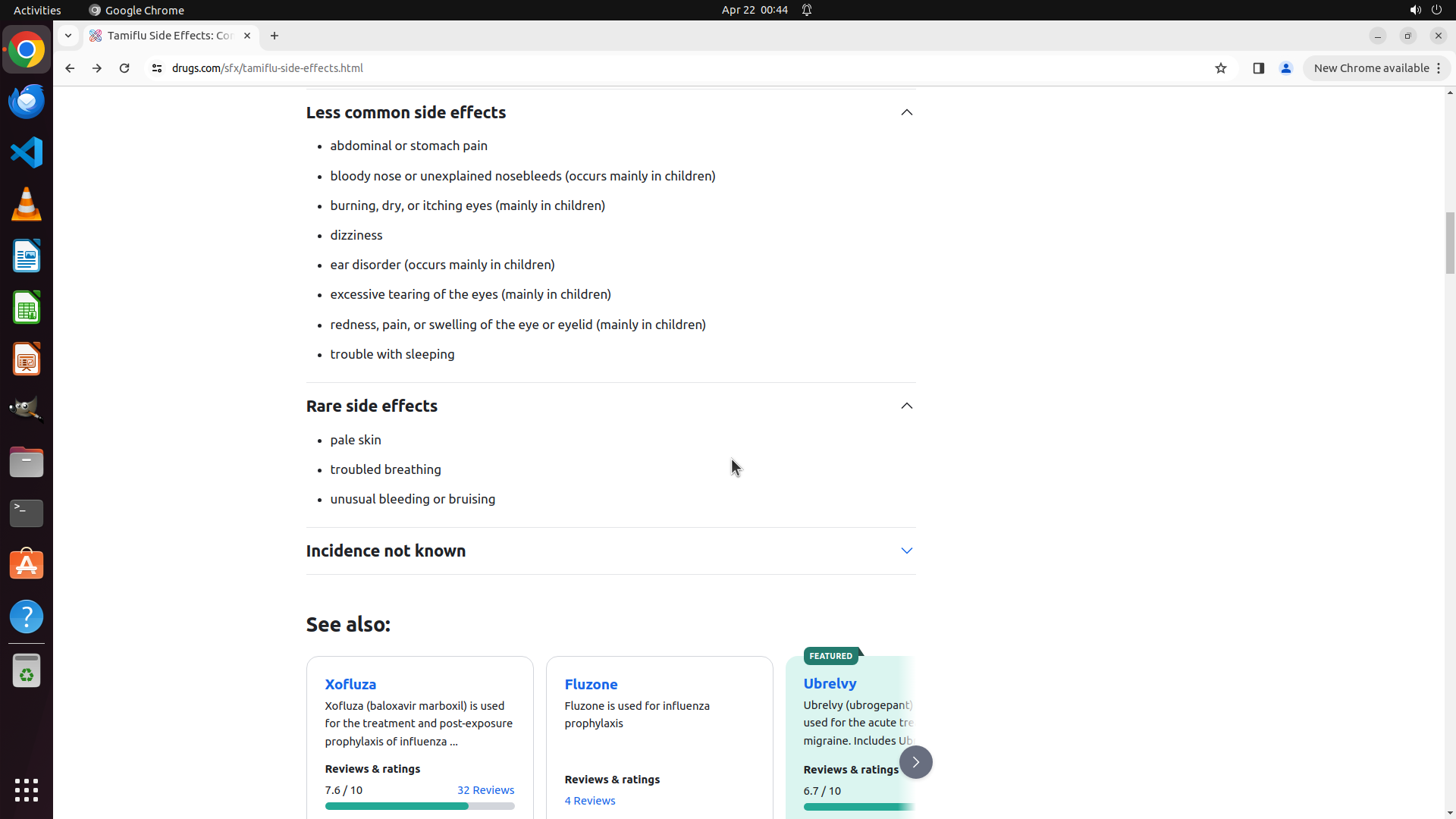
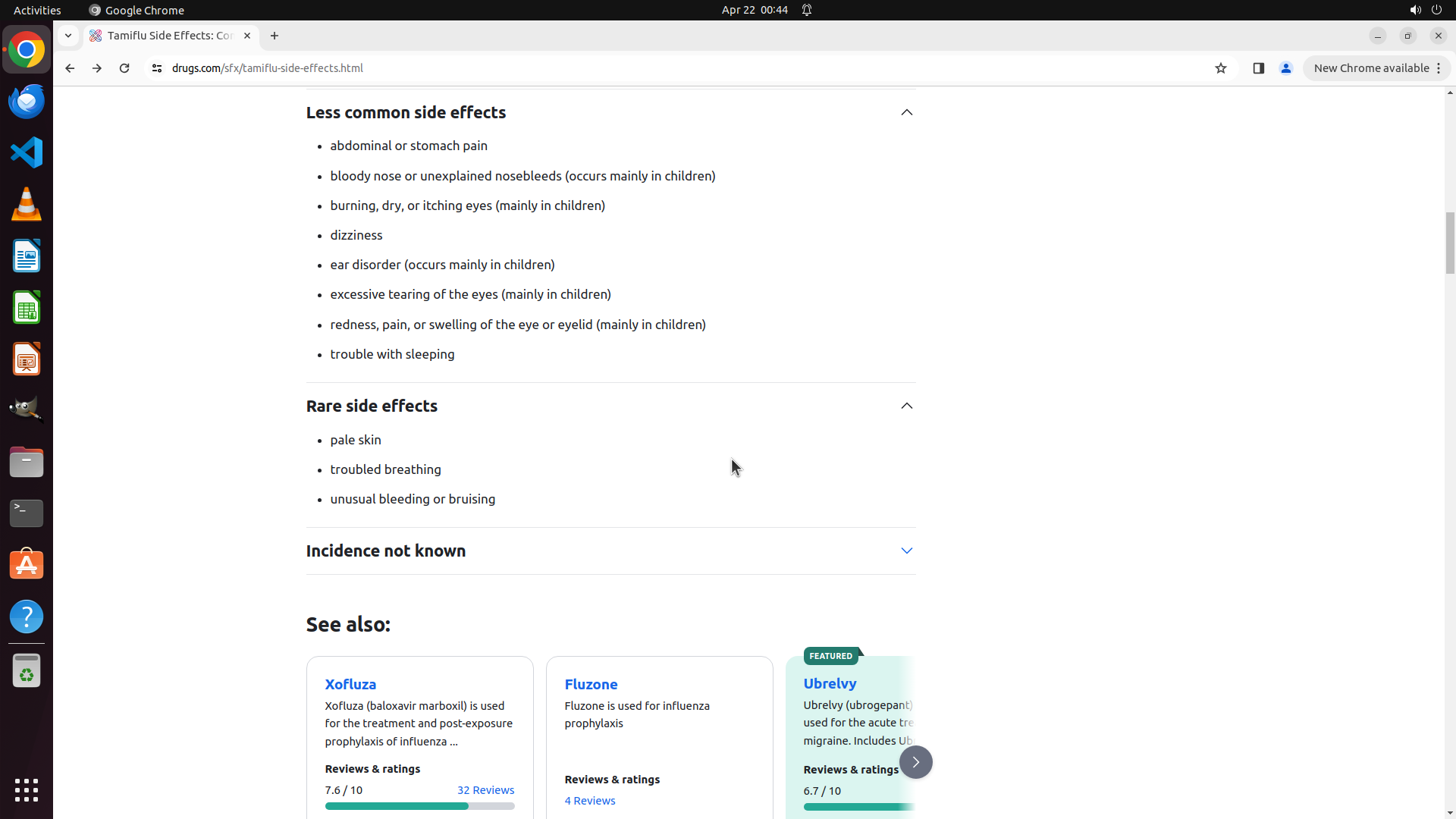
- "Less common side effects" with 8 items listed (abdominal pain, bloody nose, eye irritation, dizziness, ear disorder, excessive tearing, eye/eyelid swelling, trouble sleeping)
- "Rare side effects" with 3 items (pale skin, troubled breathing, unusual bleeding/bruising)
- "Incidence not known" section (collapsed)
- "See also:" section with related drugs
- The popup that was blocking the view is no longer visible
- The page URL confirms I'm on the correct page: drugs.com/sfx/tamiflu-side-effects.html
- From the previous screenshot, I know there's also a "More common side effects" section above with diarrhea, nausea, and vomiting
#### 情况分析与思考过程
Excellent! The task is essentially complete. I have successfully navigated to the Tamiflu side effects page and can now see comprehensive side effects information. The previous scroll revealed:
According to the strategy tree:
1. ✅ Click on the search box and type 'Tamiflu' (completed)
2. ✅ Submit the search query (completed)
3. ✅ Locate and click on Side Effects section (completed)
4. ✅ Review and display complete side effects list (completed)
Key visual evidence has been met:
- ✅ Page shows Tamiflu side effects information (URL: drugs.com/sfx/tamiflu-side-effects.html)
- ✅ "Side Effects" sections are visible with multiple categories
- ✅ Specific side effects are displayed (diarrhea, nausea, vomiting from previous view; plus abdominal pain, bloody nose, eye issues, dizziness, etc. in current view)
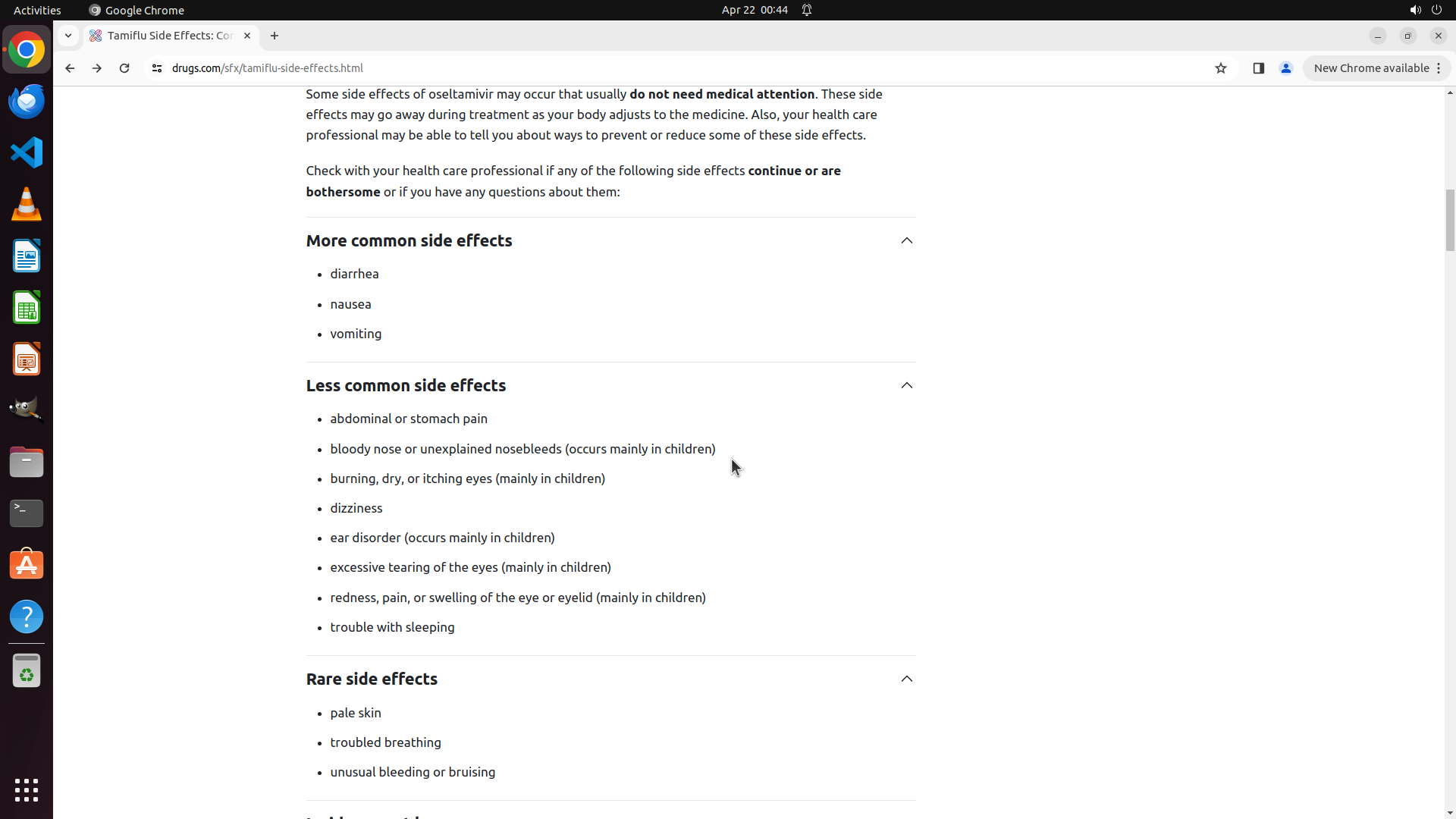
However, to provide the most complete view, I should scroll up slightly to show the "More common side effects" section (diarrhea, nausea, vomiting) along with the less common and rare side effects that's currently visible. This will give a comprehensive view of all side effect categories in one screen.
```
Step 13: SCROLL
```
#### 重要信息
- The previous scroll action successfully revealed comprehensive side effects information!
- I can now see multiple categories of side effects:
- "Less common side effects" with 8 items listed (abdominal pain, bloody nose, eye irritation, dizziness, ear disorder, excessive tearing, eye/eyelid swelling, trouble sleeping)
- "Rare side effects" with 3 items (pale skin, troubled breathing, unusual bleeding/bruising)
- "Incidence not known" section (collapsed)
- "See also:" section with related drugs
- The popup that was blocking the view is no longer visible
- The page URL confirms I'm on the correct page: drugs.com/sfx/tamiflu-side-effects.html
- From the previous screenshot, I know there's also a "More common side effects" section above with diarrhea, nausea, and vomiting
#### 情况分析与思考过程
Excellent! The task is essentially complete. I have successfully navigated to the Tamiflu side effects page and can now see comprehensive side effects information. The previous scroll revealed:
According to the strategy tree:
1. ✅ Click on the search box and type 'Tamiflu' (completed)
2. ✅ Submit the search query (completed)
3. ✅ Locate and click on Side Effects section (completed)
4. ✅ Review and display complete side effects list (completed)
Key visual evidence has been met:
- ✅ Page shows Tamiflu side effects information (URL: drugs.com/sfx/tamiflu-side-effects.html)
- ✅ "Side Effects" sections are visible with multiple categories
- ✅ Specific side effects are displayed (diarrhea, nausea, vomiting from previous view; plus abdominal pain, bloody nose, eye issues, dizziness, etc. in current view)
However, to provide the most complete view, I should scroll up slightly to show the "More common side effects" section (diarrhea, nausea, vomiting) along with the less common and rare side effects that's currently visible. This will give a comprehensive view of all side effect categories in one screen.
```