```
#### 重要信息
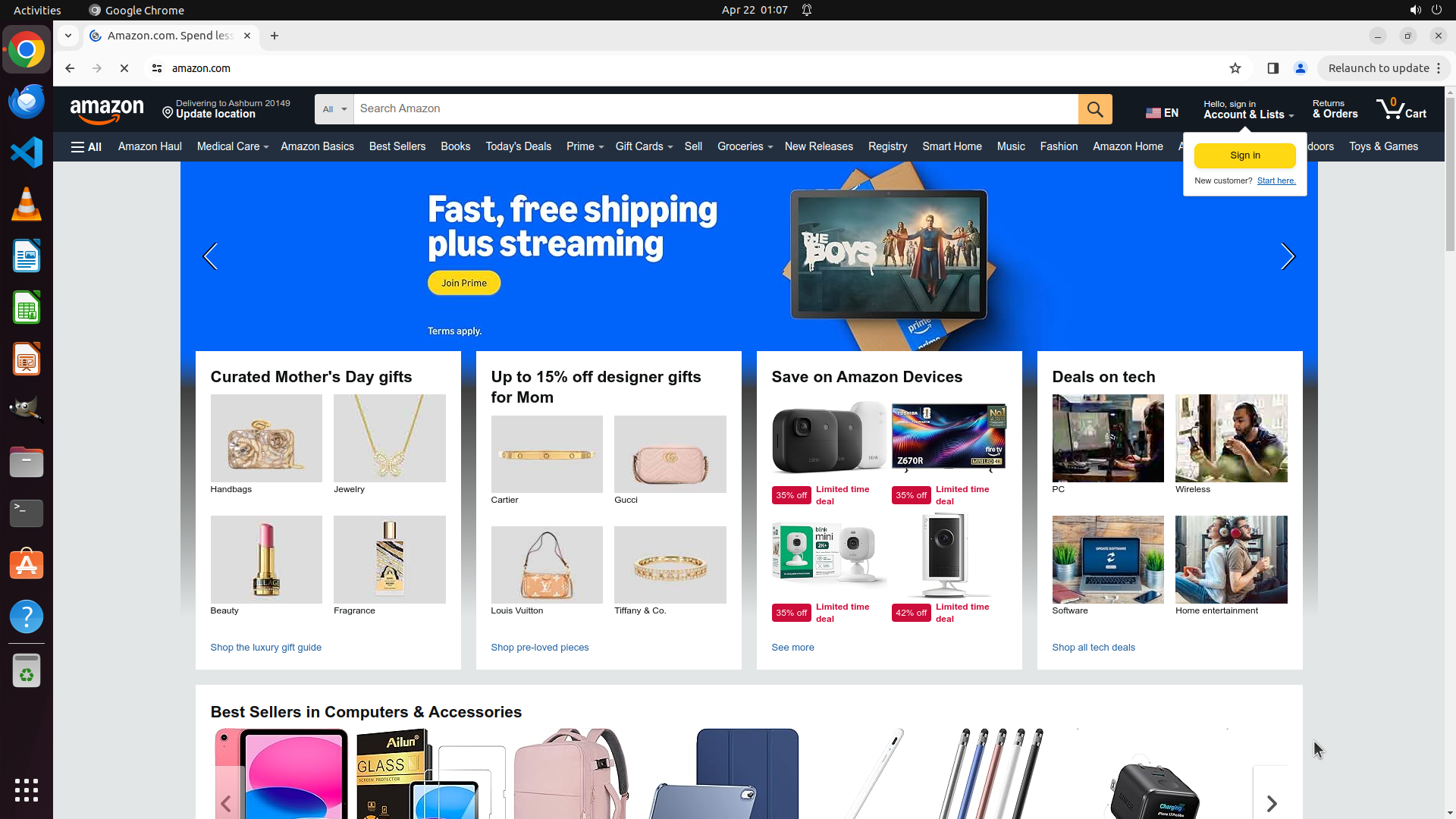
Amazon.com homepage has loaded successfully. The page shows:
- Amazon logo and navigation bar at the top
- Search bar in the center-top with placeholder "Search Amazon"
- Various promotional sections (Mother's Day gifts, Amazon Devices deals, etc.)
- Top navigation includes "Toys & Games" category link
- User is not signed in (showing "Hello, sign in" button)
The previous action of navigating to Amazon.com was successful.
#### 情况分析与思考过程
The first step of the strategy tree (Navigate to a working shopping website) is complete. Now I need to proceed with step 2: Search for Spider-Man toys for kids.
Looking at the current state:
- I can see the Amazon search bar at the top center of the page
- The search box is ready for input
- I need to click on the search box and type "Spider-Man toys for kids"
My next actions will be:
1. Click on the search box to focus it
2. Type "Spider-Man toys for kids"
3. Press Enter to submit the search
These are sequential fixed operations, so I can batch them together. The search box is located in the top navigation area.
```
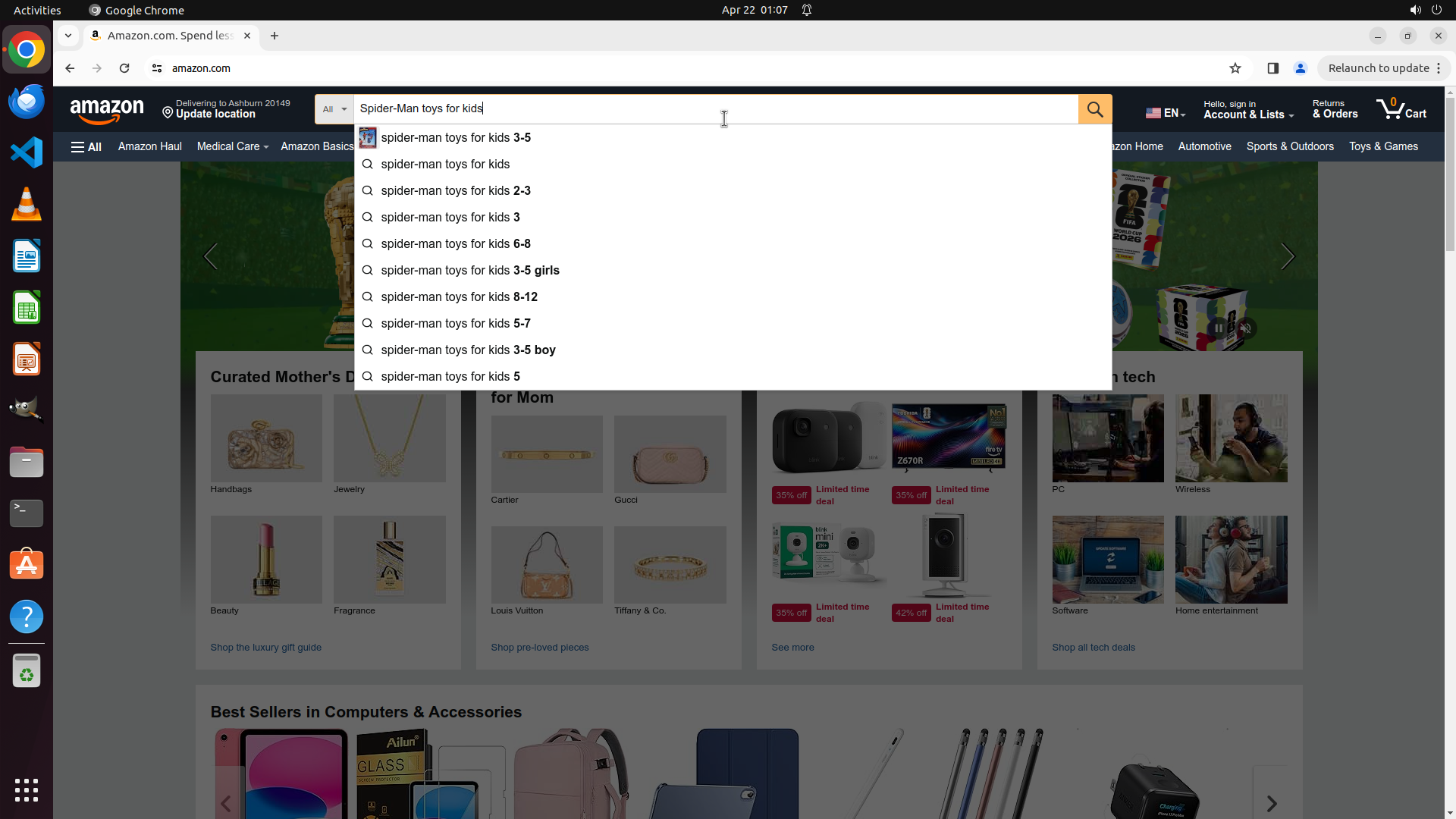
Step 2: TYPING "Spider-Man toys for kids"
```
#### 重要信息
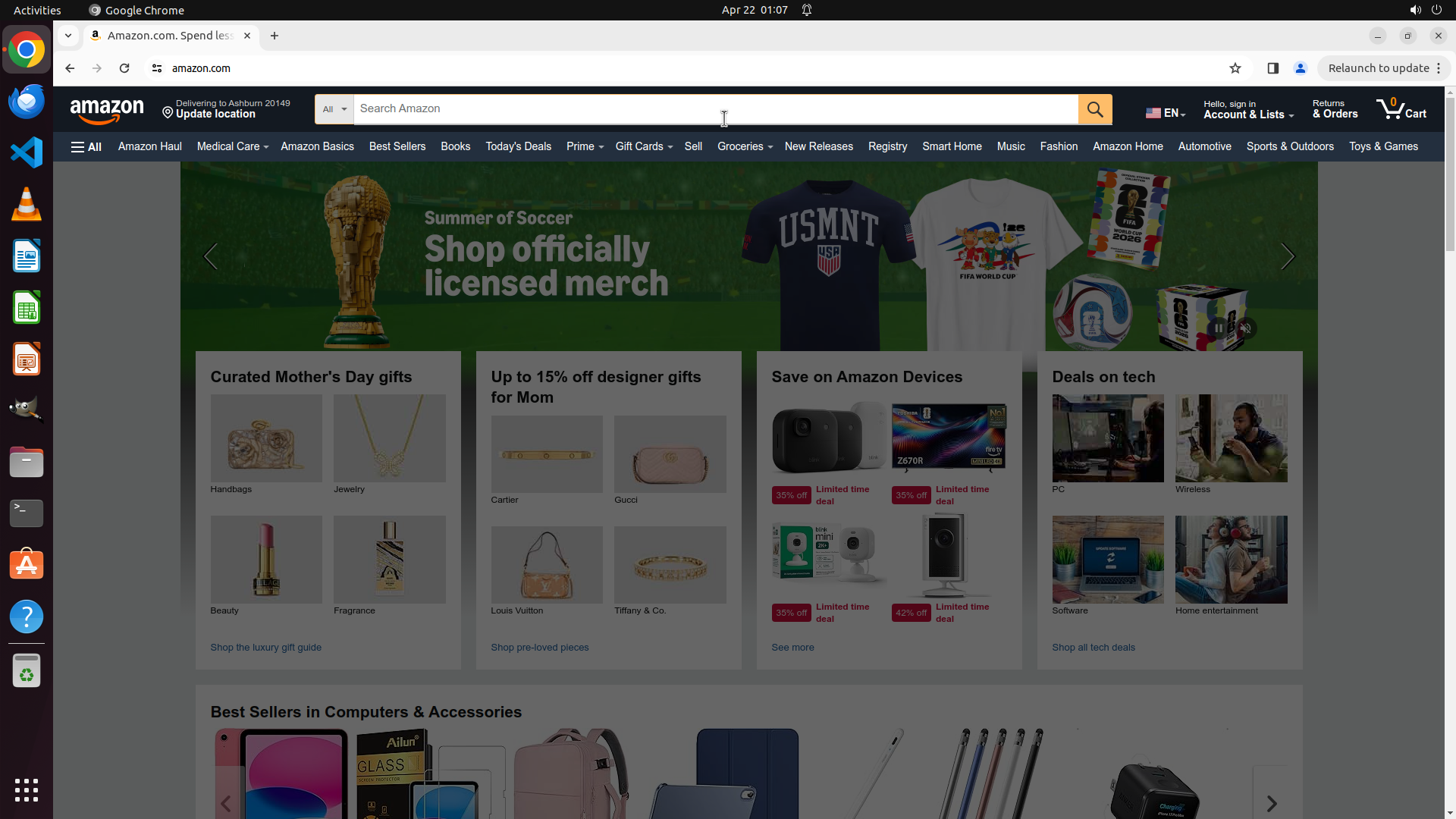
Amazon.com homepage has loaded successfully. The page shows:
- Amazon logo and navigation bar at the top
- Search bar in the center-top with placeholder "Search Amazon"
- Various promotional sections (Mother's Day gifts, Amazon Devices deals, etc.)
- Top navigation includes "Toys & Games" category link
- User is not signed in (showing "Hello, sign in" button)
The previous action of navigating to Amazon.com was successful.
#### 情况分析与思考过程
The first step of the strategy tree (Navigate to a working shopping website) is complete. Now I need to proceed with step 2: Search for Spider-Man toys for kids.
Looking at the current state:
- I can see the Amazon search bar at the top center of the page
- The search box is ready for input
- I need to click on the search box and type "Spider-Man toys for kids"
My next actions will be:
1. Click on the search box to focus it
2. Type "Spider-Man toys for kids"
3. Press Enter to submit the search
These are sequential fixed operations, so I can batch them together. The search box is located in the top navigation area.
```
Step 2: HOTKEY
```
#### 重要信息
Amazon.com homepage has loaded successfully. The page shows:
- Amazon logo and navigation bar at the top
- Search bar in the center-top with placeholder "Search Amazon"
- Various promotional sections (Mother's Day gifts, Amazon Devices deals, etc.)
- Top navigation includes "Toys & Games" category link
- User is not signed in (showing "Hello, sign in" button)
The previous action of navigating to Amazon.com was successful.
#### 情况分析与思考过程
The first step of the strategy tree (Navigate to a working shopping website) is complete. Now I need to proceed with step 2: Search for Spider-Man toys for kids.
Looking at the current state:
- I can see the Amazon search bar at the top center of the page
- The search box is ready for input
- I need to click on the search box and type "Spider-Man toys for kids"
My next actions will be:
1. Click on the search box to focus it
2. Type "Spider-Man toys for kids"
3. Press Enter to submit the search
These are sequential fixed operations, so I can batch them together. The search box is located in the top navigation area.
```
Step 3: CLICK (1816, 229)
```
#### 重要信息
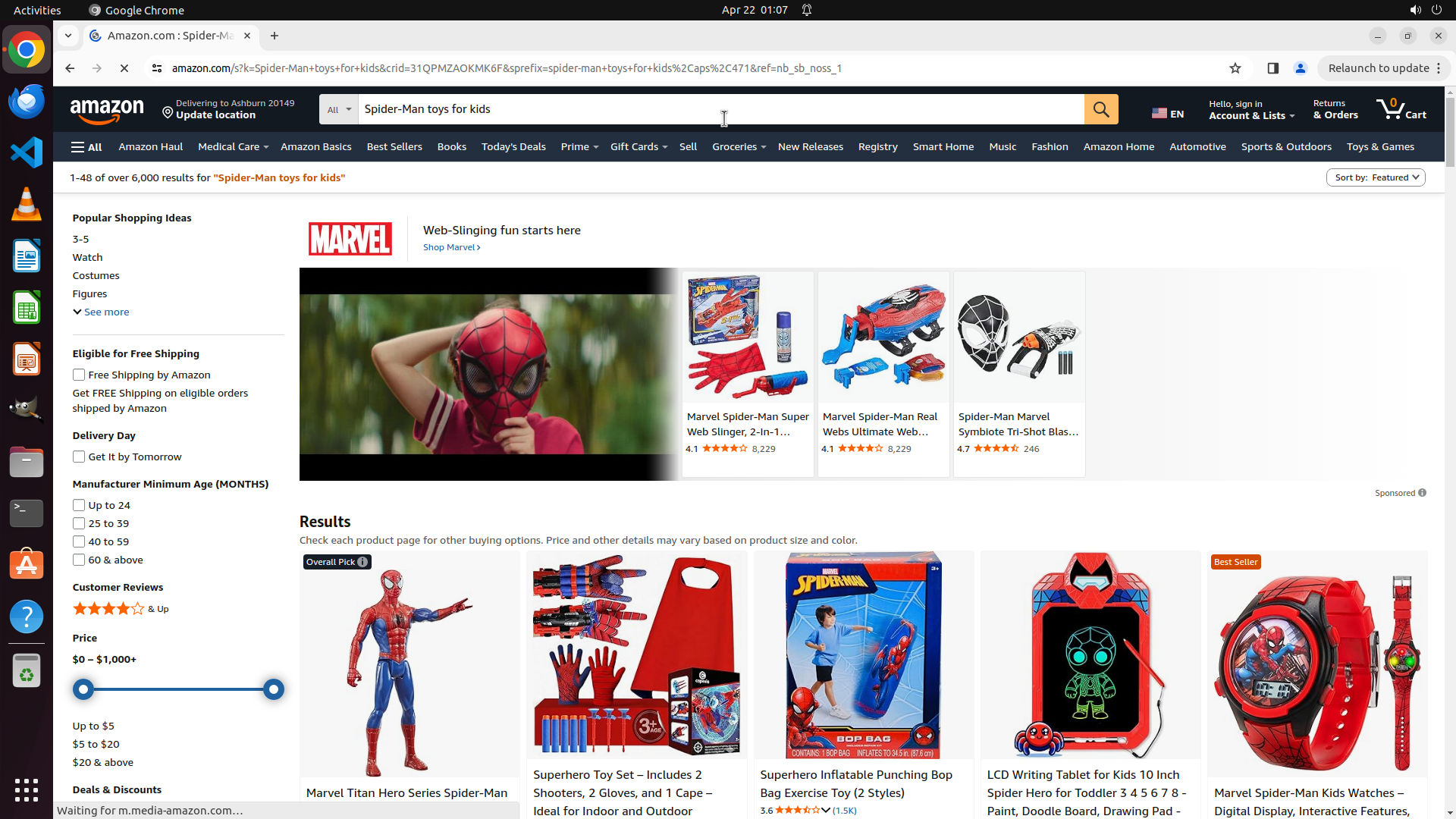
The search for "Spider-Man toys for kids" was successful. The Amazon search results page now displays:
- "1-48 of over 6,000 results for 'Spider-Man toys for kids'"
- Various Spider-Man products including action figures, web slingers, masks, punching bags, LCD writing tablets, and watches
- Current sort option shows "Sort by: Featured" with a dropdown arrow in the top right of the results area
- Left sidebar shows filtering options including price ranges
#### 情况分析与思考过程
Step 2 of the strategy tree (Search for Spider-Man toys for kids) is now complete. I need to proceed with step 3: Sort results by lowest price.
Looking at the current state:
- I can see the "Sort by: Featured" dropdown menu in the top right corner of the results section
- I need to click on this dropdown to reveal sorting options
- Then select "Price: Low to High" or similar option to sort by lowest price first
The logical next action is to click on the "Sort by: Featured" dropdown to open the sorting options menu.
```
Step 4: CLICK (1780, 265)
```
#### 重要信息
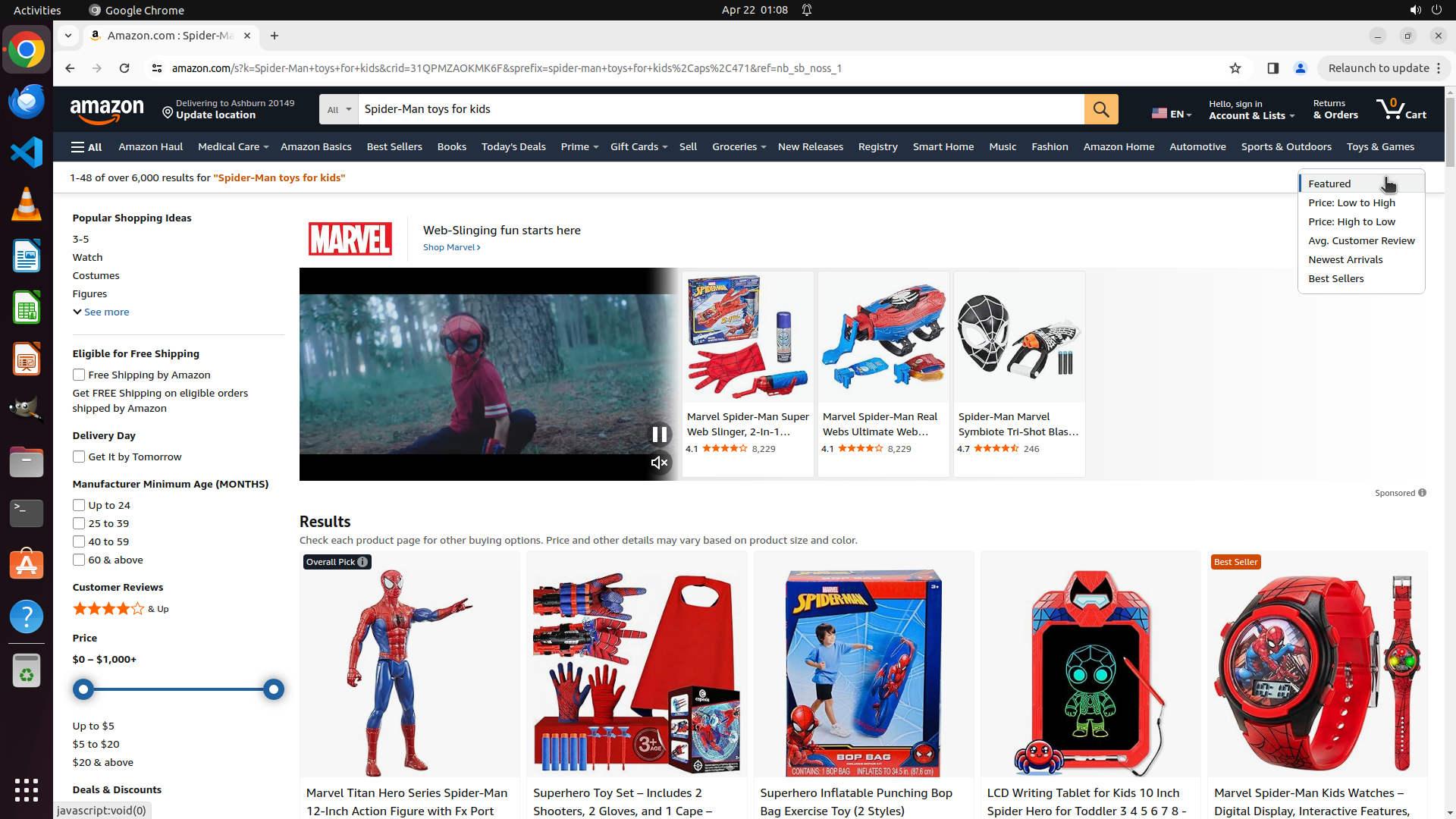
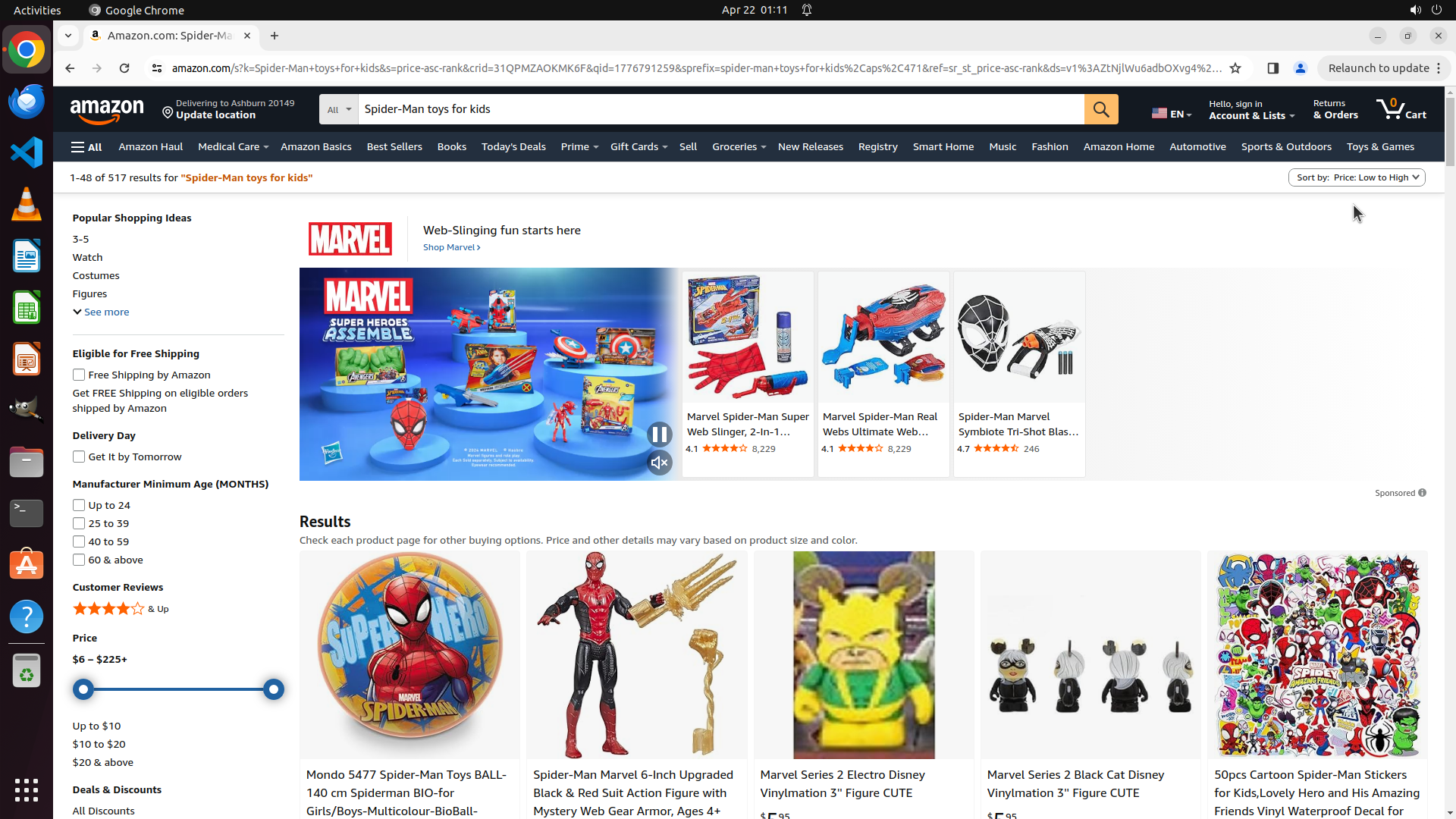
The "Sort by" dropdown menu has successfully opened. The menu now displays several sorting options including:
- Featured (currently selected)
- Price: Low to High
- Price: High to Low
- Avg. Customer Review
- Newest Arrivals
- Best Sellers
The dropdown is visible in the top right area of the search results.
#### 情况分析与思考过程
The previous action of clicking on the "Sort by: Featured" dropdown was successful. The menu is now open and showing all available sorting options.
Step 3 of the strategy tree is almost complete:
- 3.1: ✓ Locate and click on 'Sort by' dropdown - COMPLETED
- 3.2: Select 'Price: Low to High' - IN PROGRESS
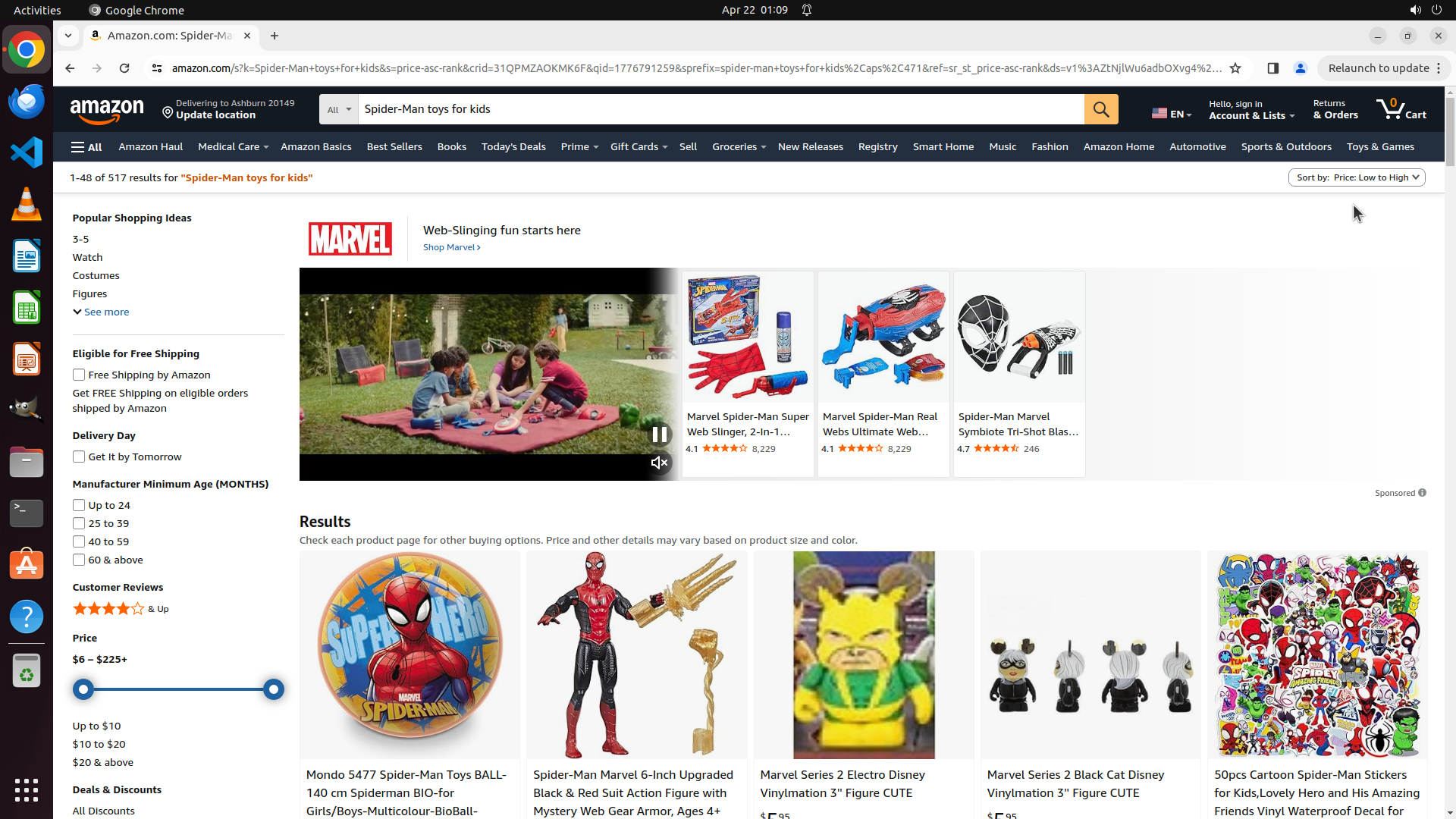
I can see "Price: Low to High" as the second option in the dropdown menu. This is exactly what I need to click to sort the Spider-Man toys by lowest price first. Once I click this option, the page should reload with products sorted from lowest to highest price, completing the entire task.
The logical next action is to click on "Price: Low to High" option in the dropdown menu.
```