Step 1:
CLICK (1684, 267)
```
#### 重要信息
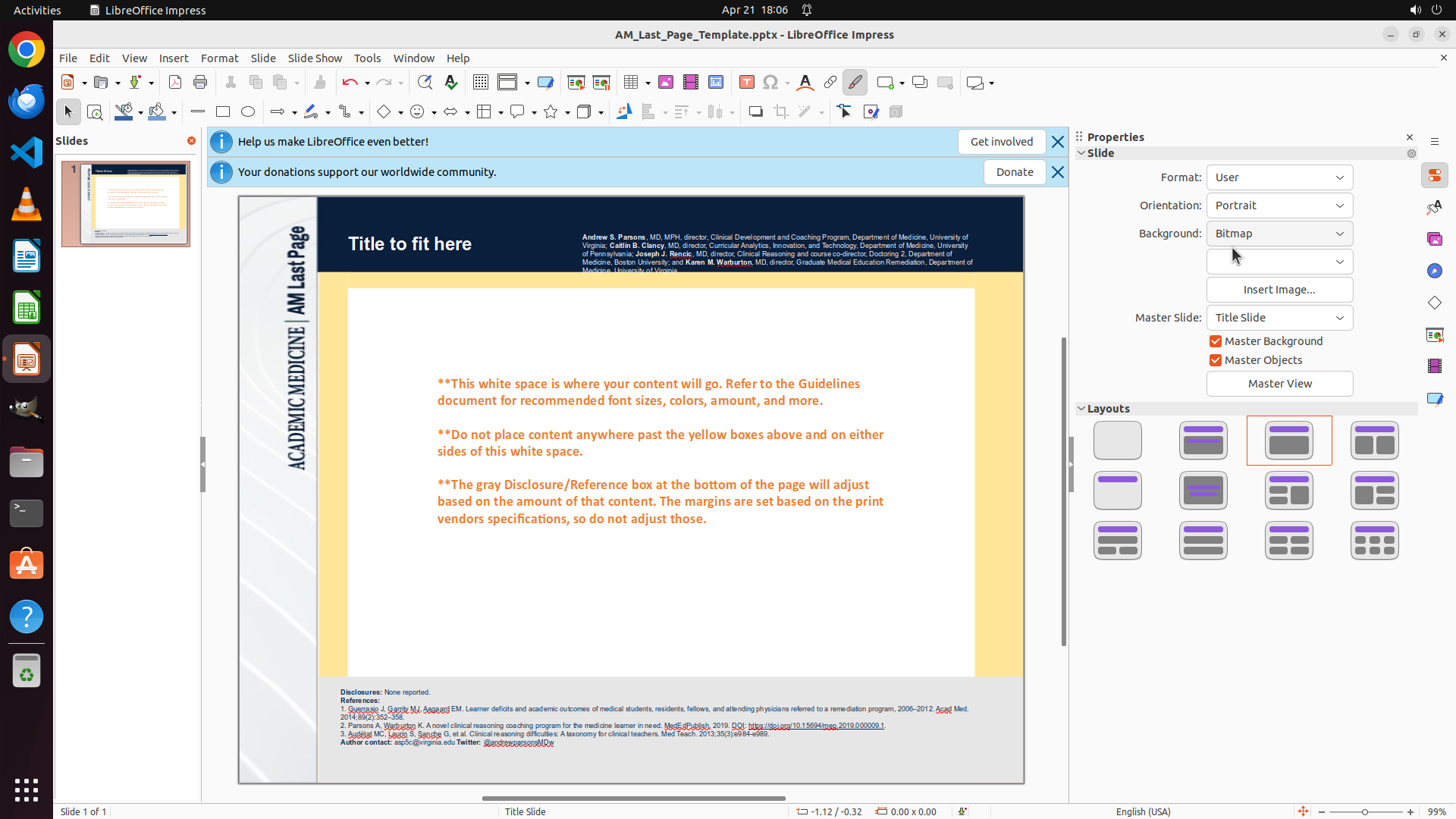
- LibreOffice Impress is open with a presentation file "AM_Last_Page_Template.pptx"
- The Properties panel is visible on the right side showing "Orientation: Landscape"
- The slide is currently in landscape orientation (wider than tall)
- The task is to change the orientation to Portrait (upright)
#### 情况分析与思考过程
The user wants to change the slide orientation from landscape (sideways) to portrait (upright). I can see in the Properties panel on the right that there's an "Orientation" field currently set to "Landscape".
My plan:
1. Click on the Orientation dropdown to open it
2. Select "Portrait" from the dropdown options
3. Verify the slide changes to portrait orientation
The first step is to click on the Orientation dropdown in the Properties panel. I can see it's located on the right side of the screen showing "Landscape" with a dropdown arrow.
```
Step 2:
CLICK (1620, 321)
```
#### 重要信息
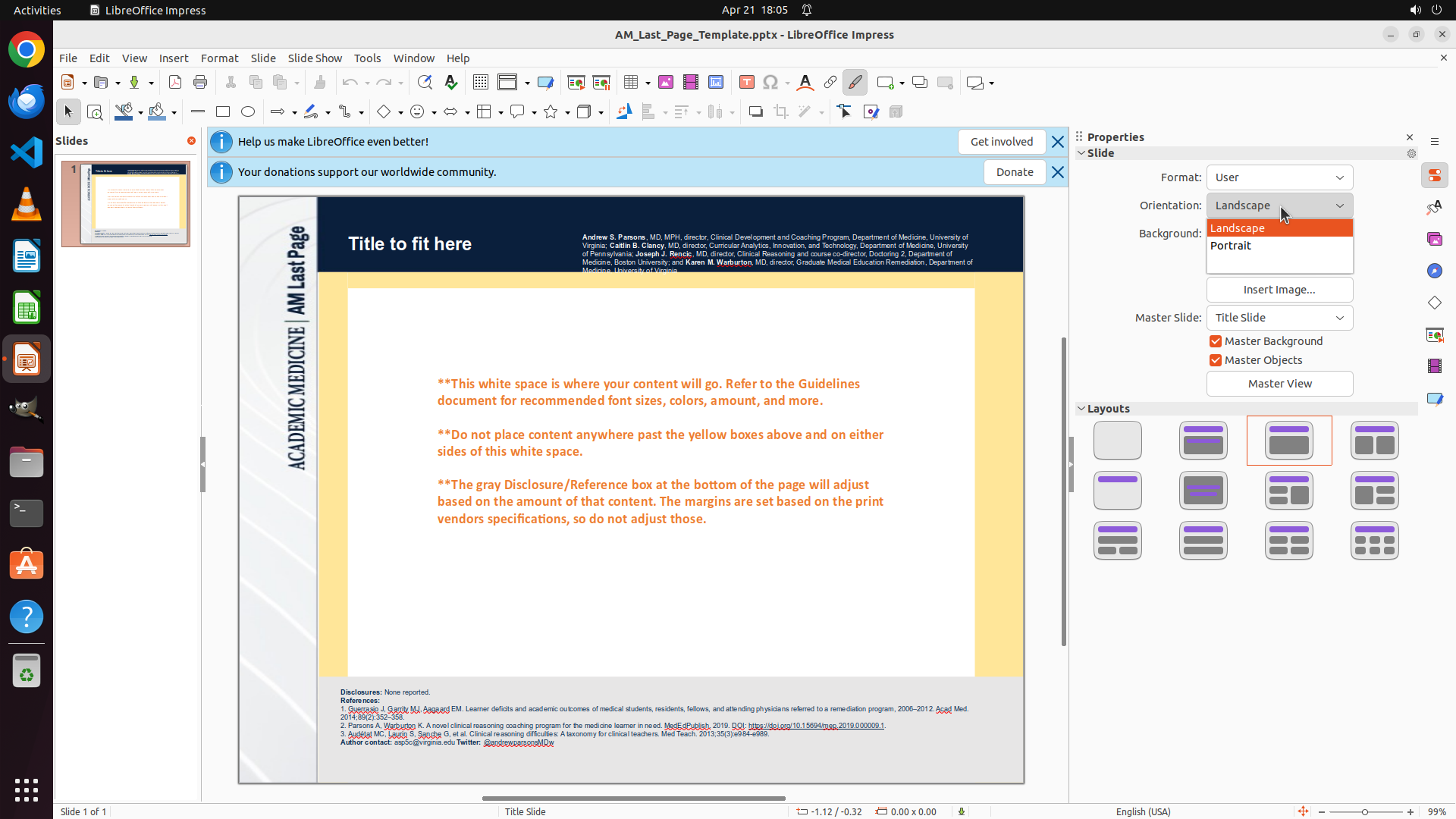
- The Orientation dropdown menu is now open, showing two options: "Landscape" (currently selected, highlighted in orange) and "Portrait"
- The dropdown is located in the Properties panel on the right side
- The slide is still in landscape orientation in the main editing area
#### 情况分析与思考过程
The previous action successfully opened the Orientation dropdown. Now I can see the dropdown menu with two options: "Landscape" (currently selected) and "Portrait".
To complete the task of changing the slide orientation from sideways (landscape) to upright (portrait), I need to click on "Portrait" in this dropdown menu.
After selecting "Portrait", I expect:
1. The dropdown to close
2. The Orientation field to display "Portrait"
3. The slide to change to portrait orientation (taller than wide)
4. The slide thumbnail to also update to portrait orientation
This will complete the main task of setting the slides upright instead of sideways.
```
Step 3:
HOTKEY
```
#### 重要信息
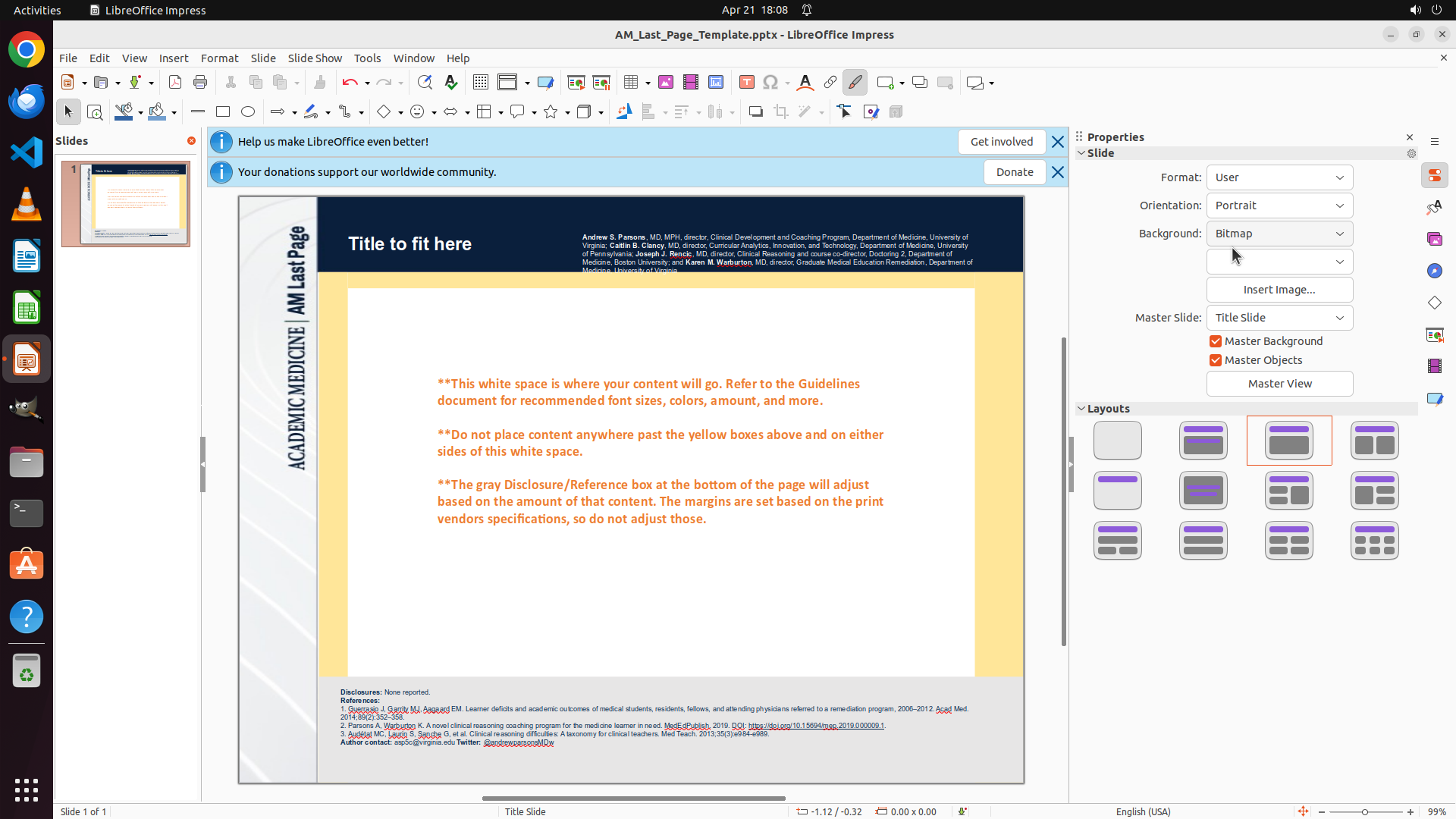
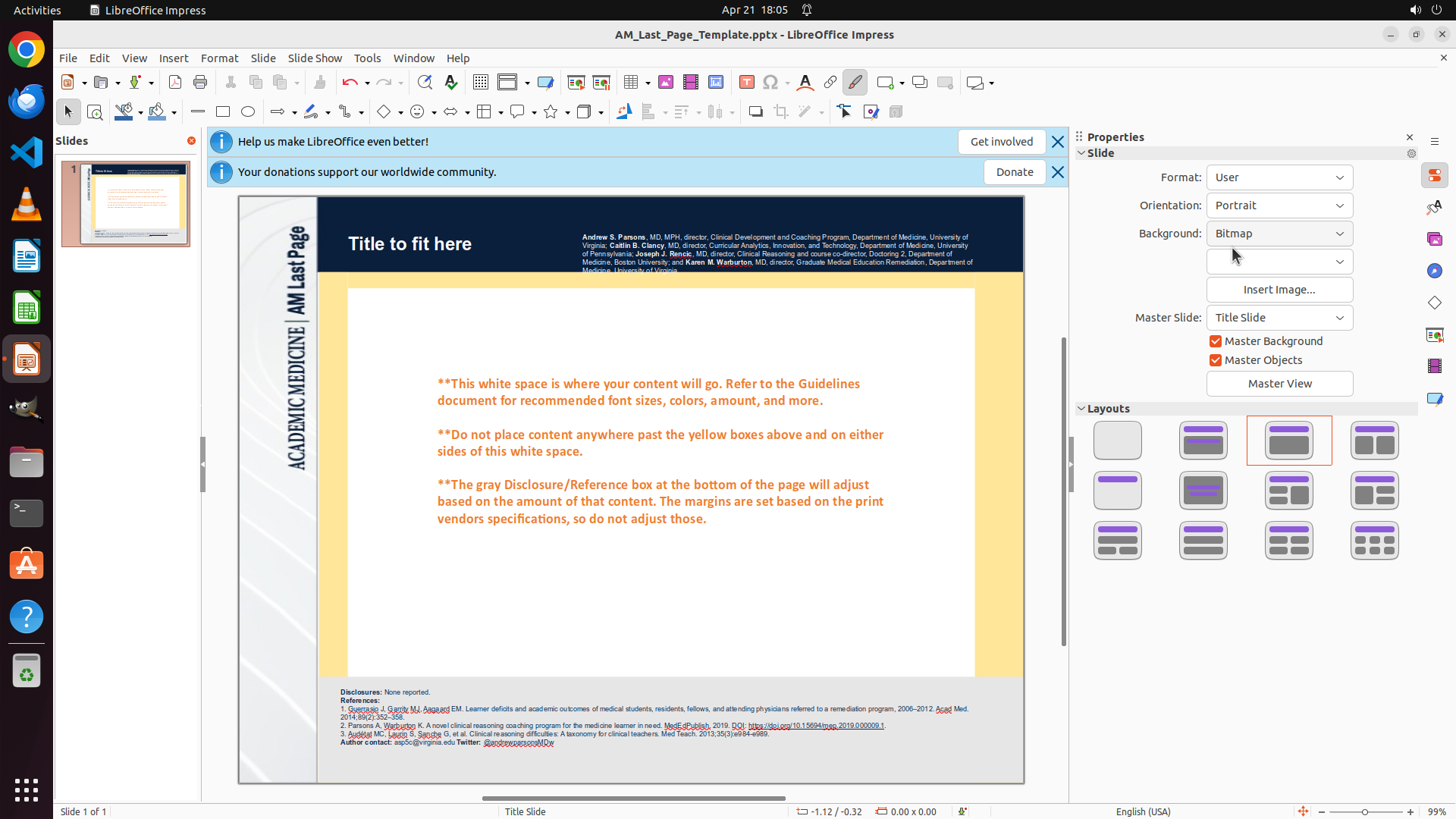
- The Orientation field in the Properties panel now shows "Portrait" (changed from "Landscape")
- The slide in the main editing area is now in portrait orientation (taller than wide, upright)
- The slide thumbnail on the left also displays in portrait orientation
- The task of changing slide orientation from sideways to upright has been completed successfully
#### 情况分析与思考过程
The previous action successfully selected "Portrait" from the Orientation dropdown. The change has been applied:
1. ✓ The Orientation dropdown now displays "Portrait"
2. ✓ The slide is now in portrait orientation (upright)
3. ✓ The slide thumbnail reflects the portrait orientation
The task is essentially complete. Now I should:
1. Update the strategy tree to mark the tasks as successful
2. Save the file to preserve the changes
Let me first update the strategy tree status, then save the file.
```