```
#### 重要信息
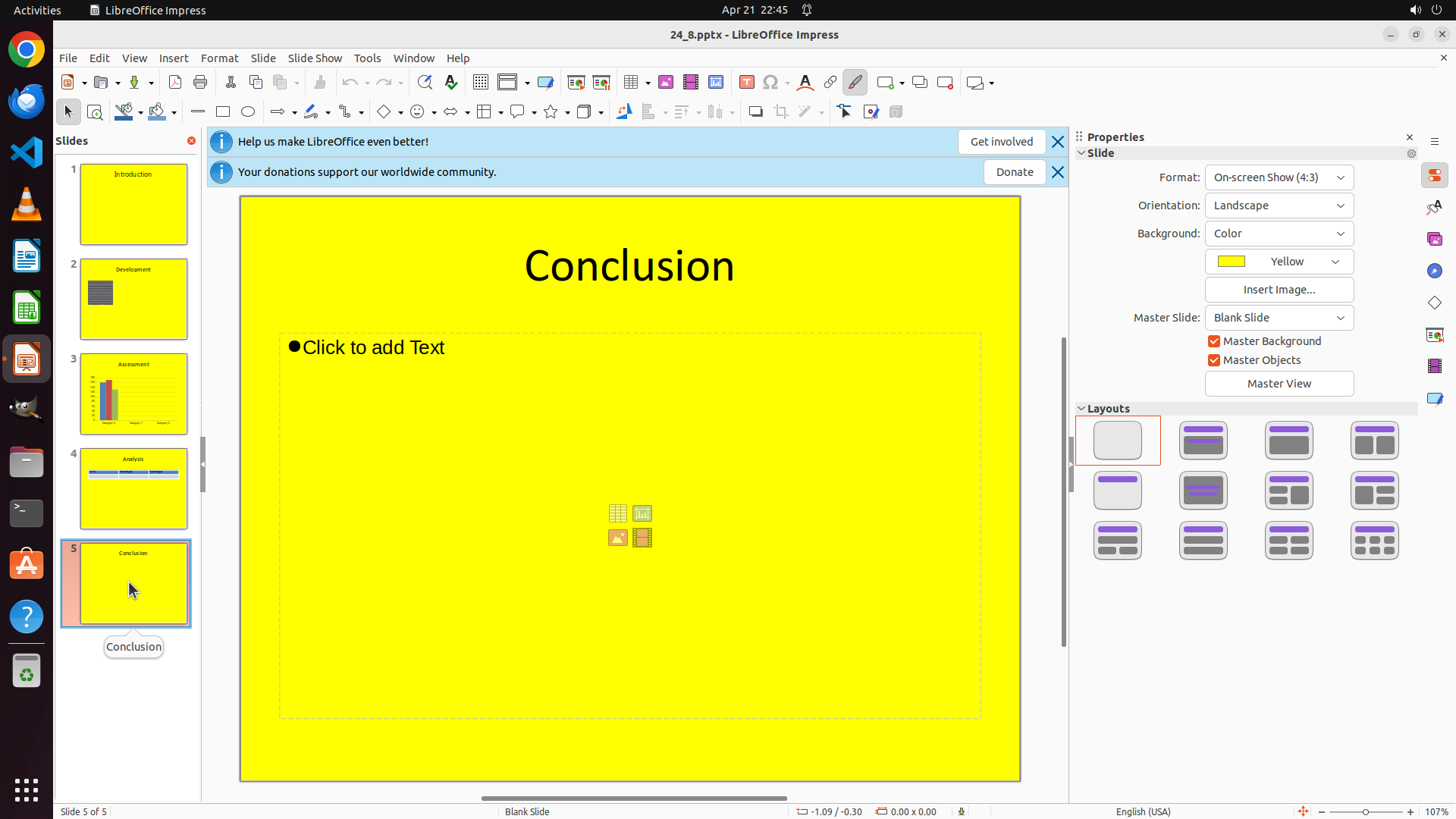
- LibreOffice Impress is open with a 5-slide presentation
- Currently viewing Slide 1 "Introduction" (status bar shows "Slide 1 of 5")
- The left panel shows all 5 slides, with slide 5 labeled "Conclusion" at the bottom
- Slide 5 appears to be the last slide I need to work with
- The task requires changing the font to "Times New Roman" on the last slide
#### 情况分析与思考过程
I need to complete the task of changing the font style to "Times New Roman" on the last slide. The strategy tree shows a clear plan:
1. Navigate to slide 5 (the last slide)
2. Select text on that slide
3. Change the font to Times New Roman
Currently, I'm on slide 1. The first step is to navigate to slide 5 by clicking on its thumbnail in the left panel. I can see slide 5 at the bottom of the slides panel on the left side - it shows "Conclusion" label.
I'll click on slide 5's thumbnail to navigate to it.
```
Step 2: CLICK (831, 349)
```
#### 重要信息
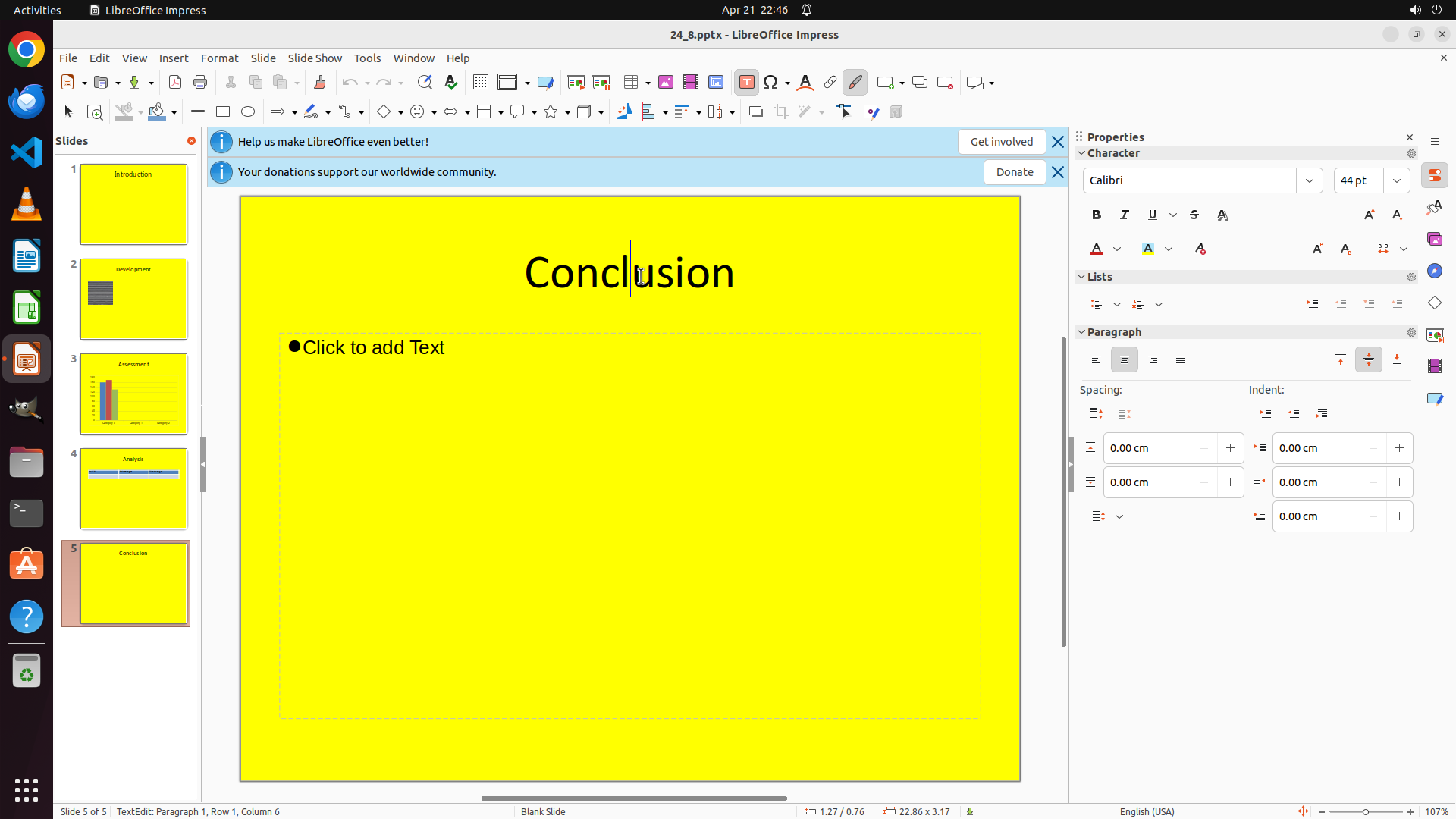
- Successfully navigated to slide 5 (the last slide) - "Conclusion"
- Status bar confirms "Slide 5 of 5"
- Slide 5 is now highlighted in the left panel with an orange border
- The slide contains a "Conclusion" heading text that needs font change
- There's also a "Click to add Text" bullet point area
#### 情况分析与思考过程
The previous action was successful - I'm now on slide 5. According to the strategy tree, the next step is to select text on this slide. I need to:
1. First, click on the "Conclusion" heading text to select it
2. Then change its font to Times New Roman
I'll click on the "Conclusion" text to activate/select it. This should allow me to then modify its font properties.
```
Step 3: HOTKEY
```
#### 重要信息
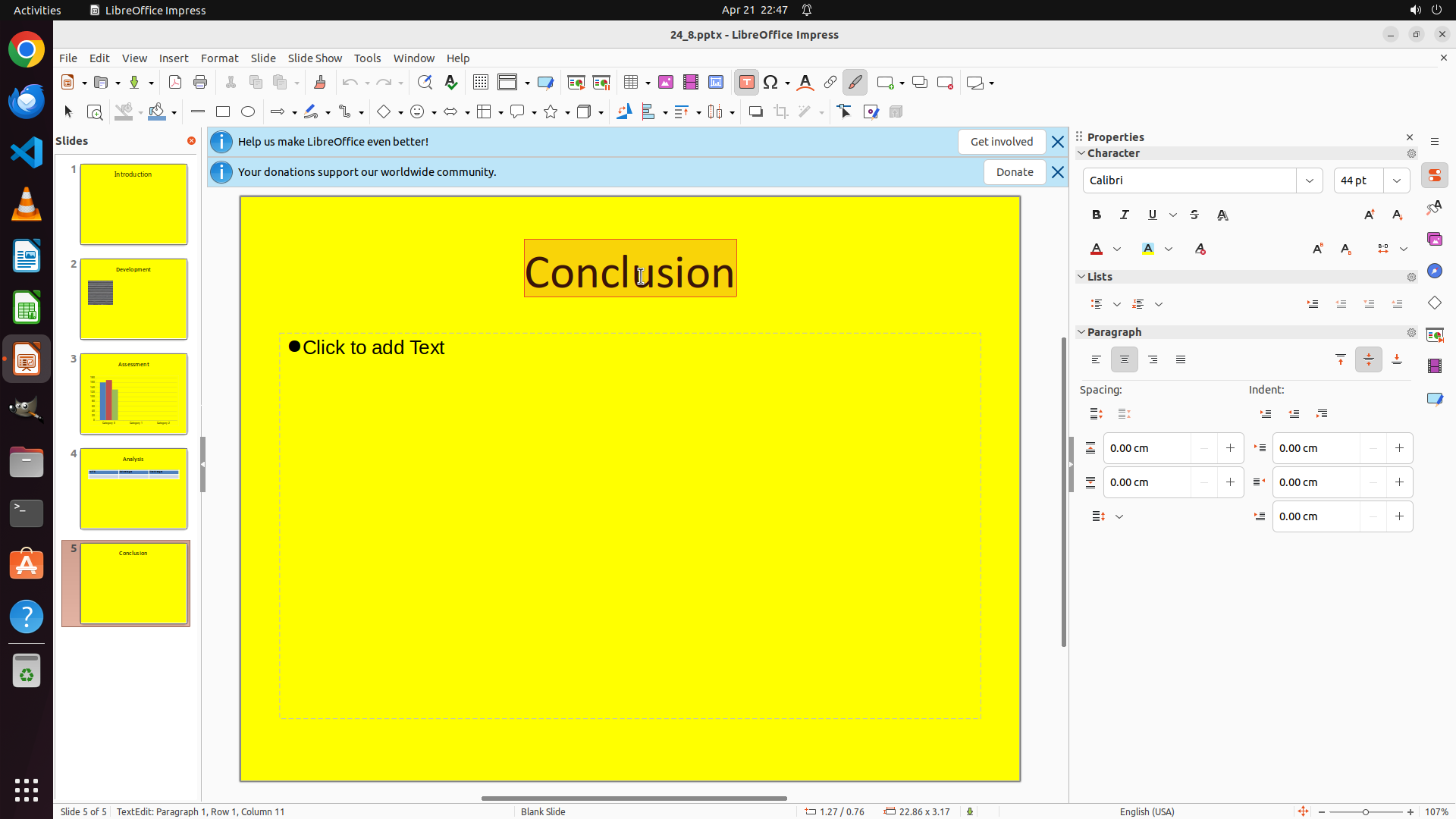
- The "Conclusion" text is now in edit mode (cursor visible in the text)
- The Properties panel shows Character properties with current font "Calibri" at 44 pt
- The text box is active and ready for text selection
- Need to select all text and change font to Times New Roman
#### 情况分析与思考过程
The previous action successfully activated the text box. Now I can see the cursor in the "Conclusion" text. To change the font, I need to:
1. First select all the text (Ctrl+A)
2. Then change the font to Times New Roman using the font dropdown in the Properties panel
I'll select all text first with Ctrl+A, which will highlight all the text in the current text box, making it ready for font change.
```
Step 4: CLICK (1576, 237)
```
#### 重要信息
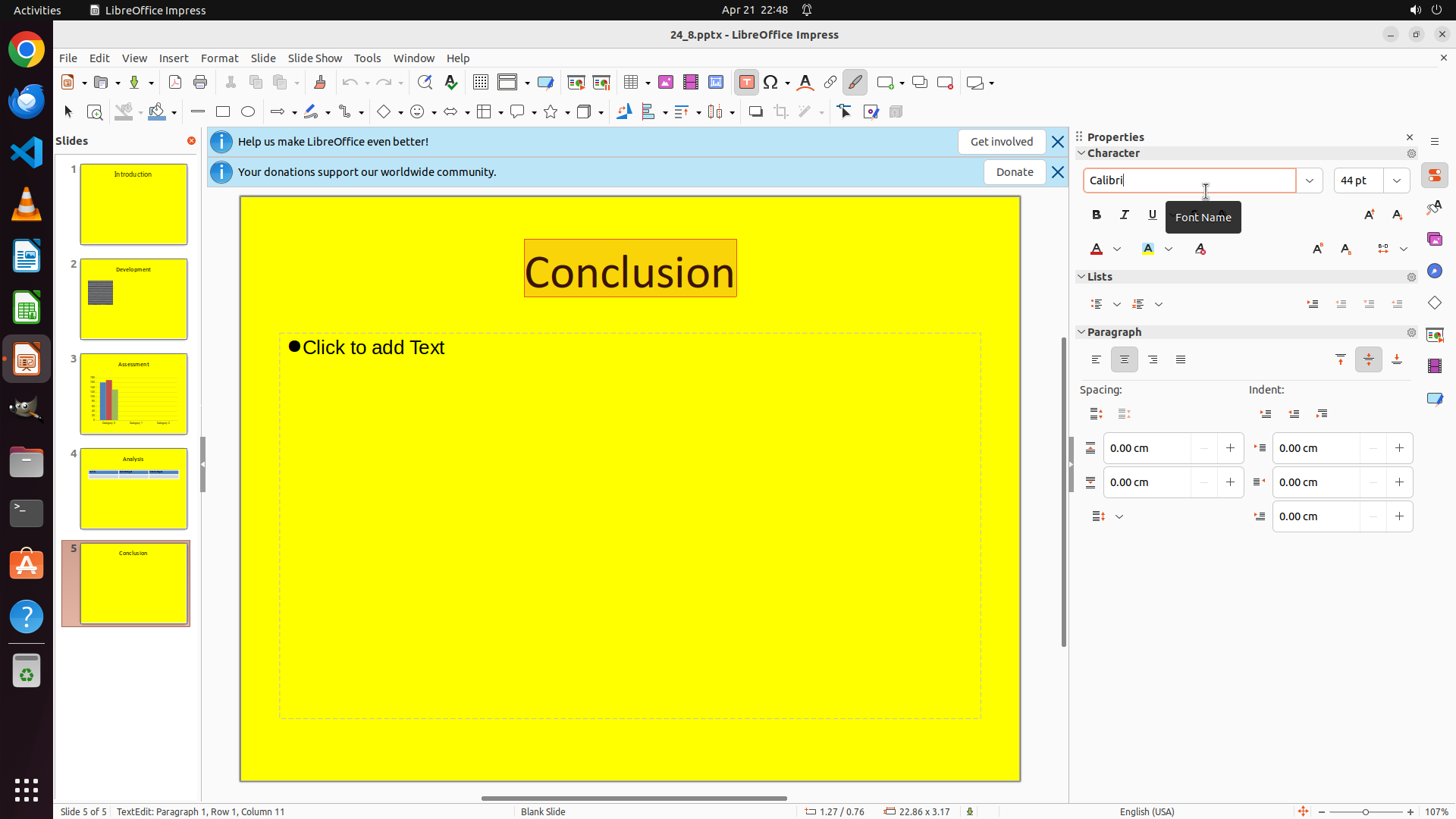
- The "Conclusion" text is now fully selected (highlighted in orange)
- The Properties panel on the right shows the font dropdown with "Calibri" currently selected
- The text is ready for font change - I just need to click on the font dropdown and select "Times New Roman"
#### 情况分析与思考过程
The Ctrl+A command successfully selected all the text in the text box. Now I can see "Conclusion" is highlighted. To change the font to Times New Roman, I need to:
1. Click on the font dropdown in the Properties panel (currently showing "Calibri")
2. Select "Times New Roman" from the dropdown list
The font dropdown is visible in the Character section of the Properties panel on the right side of the screen. I'll click on it to open the font list.
```
Step 5: CLICK (1728, 237)
```
#### 重要信息
- The "Conclusion" text is still selected (highlighted in orange)
- The Properties panel shows the font field with "Calibri" selected
- A "Font Name" tooltip is visible, indicating the font field area
- The font dropdown menu has not opened yet from the previous click
#### 情况分析与思考过程
The previous click didn't successfully open the font dropdown. I need to click more precisely on the dropdown arrow button next to the "Calibri" font field. Looking at the Properties panel, the font dropdown arrow appears to be to the right of the font name field.
Once I click on the dropdown arrow, a list of available fonts should appear, and I'll need to scroll down to find and select "Times New Roman". Let me click on the dropdown arrow button.
```
Step 6: MOVE_TO (1634, 525)
```
#### 重要信息
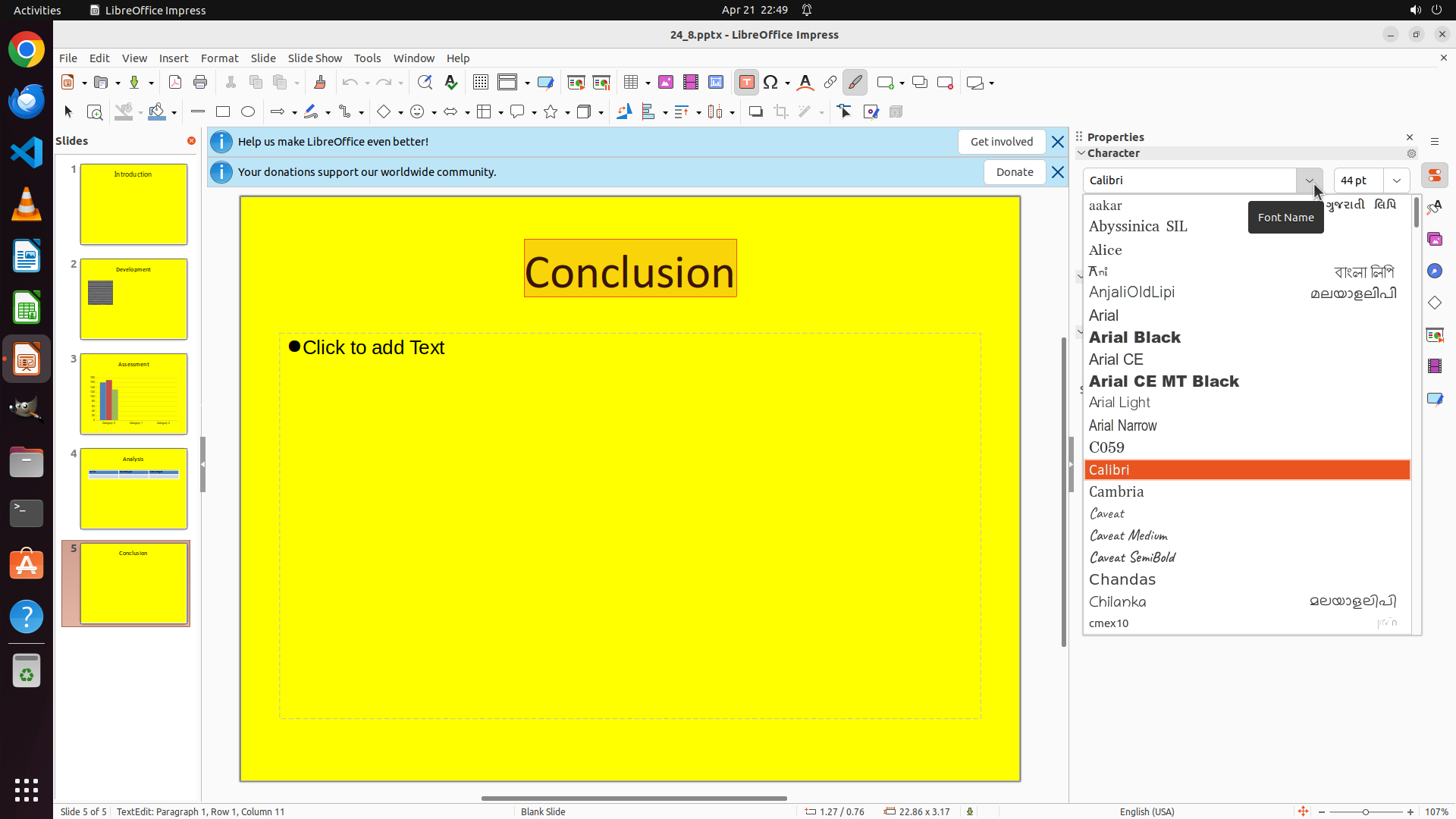
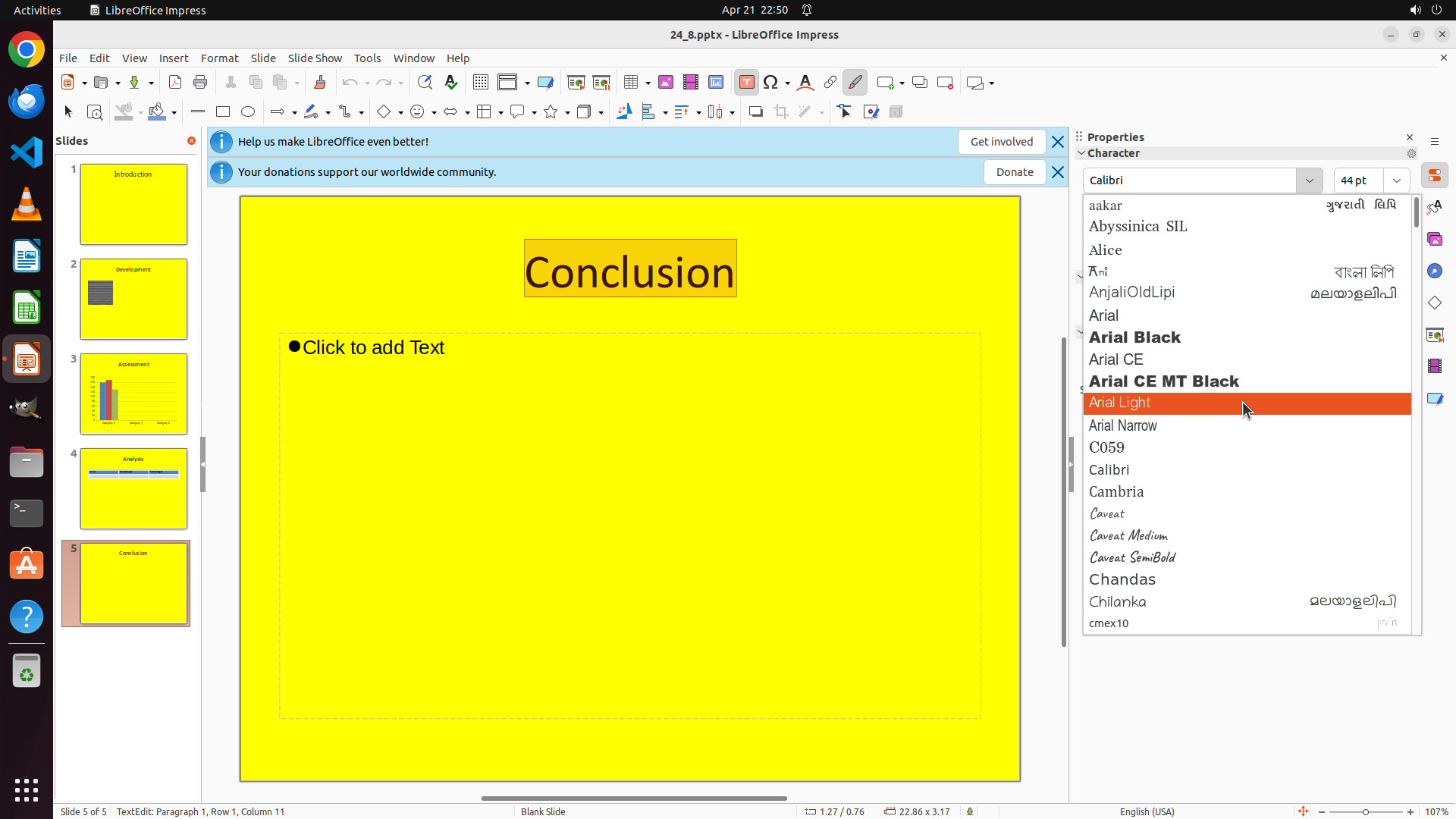
- The font dropdown menu is now open showing various font options
- "Calibri" is currently highlighted in orange (the current font)
- The list shows fonts alphabetically: Aakar, Abyssinica SIL, Alice, AnjaliOldLipi, Arial, Arial Black, Arial CE, Arial CE MT Black, Arial Light, Arial Narrow, C059, Calibri (selected), Cambria, Caveat, etc.
- I need to scroll down to find "Times New Roman" which should be near the end alphabetically (starts with "T")
#### 情况分析与思考过程
The font dropdown successfully opened. Now I need to scroll down through the alphabetical list to find "Times New Roman". Since the list is alphabetical and currently showing fonts starting with A-C, I need to scroll down quite a bit to reach fonts starting with "T".
I'll scroll down in the dropdown list to locate "Times New Roman".
```
Step 6: SCROLL
```
#### 重要信息
- The font dropdown menu is now open showing various font options
- "Calibri" is currently highlighted in orange (the current font)
- The list shows fonts alphabetically: Aakar, Abyssinica SIL, Alice, AnjaliOldLipi, Arial, Arial Black, Arial CE, Arial CE MT Black, Arial Light, Arial Narrow, C059, Calibri (selected), Cambria, Caveat, etc.
- I need to scroll down to find "Times New Roman" which should be near the end alphabetically (starts with "T")
#### 情况分析与思考过程
The font dropdown successfully opened. Now I need to scroll down through the alphabetical list to find "Times New Roman". Since the list is alphabetical and currently showing fonts starting with A-C, I need to scroll down quite a bit to reach fonts starting with "T".
I'll scroll down in the dropdown list to locate "Times New Roman".
```
Step 7: MOVE_TO (1634, 525)
```
#### 重要信息
- The font dropdown menu is still open showing font options
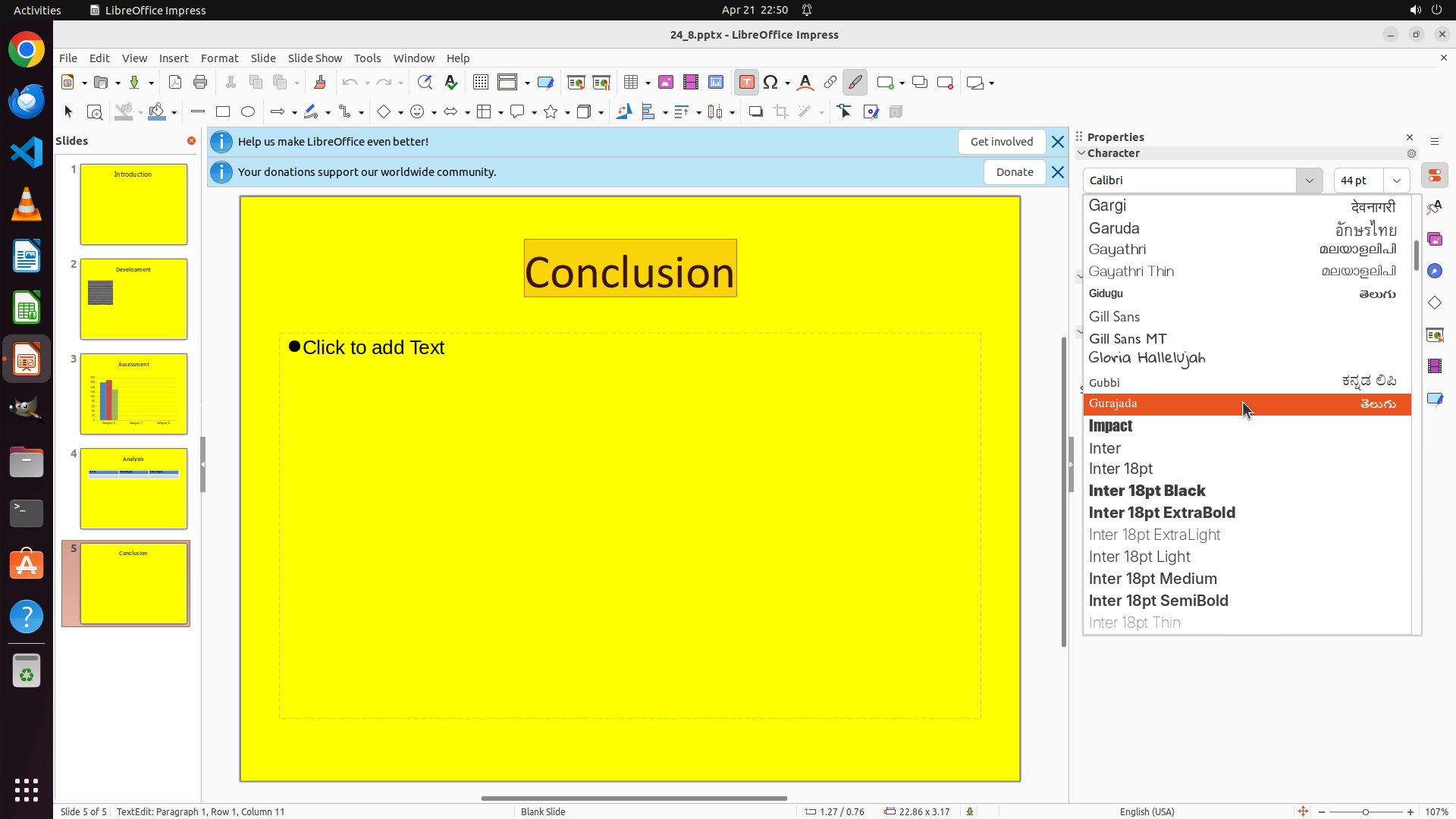
- The list has scrolled down and now shows fonts starting with G-I: Gargi, Garuda, Gayathri, Gidugu, Gill Sans, Gill Sans MT, Gloria Hallelujah, Gubbi, Gurajada, Impact, Inter, etc.
- "Gurajada" is currently highlighted in orange
- I need to continue scrolling down to reach fonts starting with "T" for "Times New Roman"
#### 情况分析与思考过程
The previous scroll moved the list from A-C to G-I. Since I need to find "Times New Roman" which starts with "T", and the list is alphabetical, I need to continue scrolling down. The current view shows fonts starting with G and I, so I need to scroll past J, K, L, M, N, O, P, Q, R, S to reach T.
I'll continue scrolling down in the font dropdown to locate "Times New Roman".
```
Step 7: SCROLL
```
#### 重要信息
- The font dropdown menu is still open showing font options
- The list has scrolled down and now shows fonts starting with G-I: Gargi, Garuda, Gayathri, Gidugu, Gill Sans, Gill Sans MT, Gloria Hallelujah, Gubbi, Gurajada, Impact, Inter, etc.
- "Gurajada" is currently highlighted in orange
- I need to continue scrolling down to reach fonts starting with "T" for "Times New Roman"
#### 情况分析与思考过程
The previous scroll moved the list from A-C to G-I. Since I need to find "Times New Roman" which starts with "T", and the list is alphabetical, I need to continue scrolling down. The current view shows fonts starting with G and I, so I need to scroll past J, K, L, M, N, O, P, Q, R, S to reach T.
I'll continue scrolling down in the font dropdown to locate "Times New Roman".
```
Step 8: MOVE_TO (1634, 525)
```
#### 重要信息
- The font dropdown menu is still open showing font options
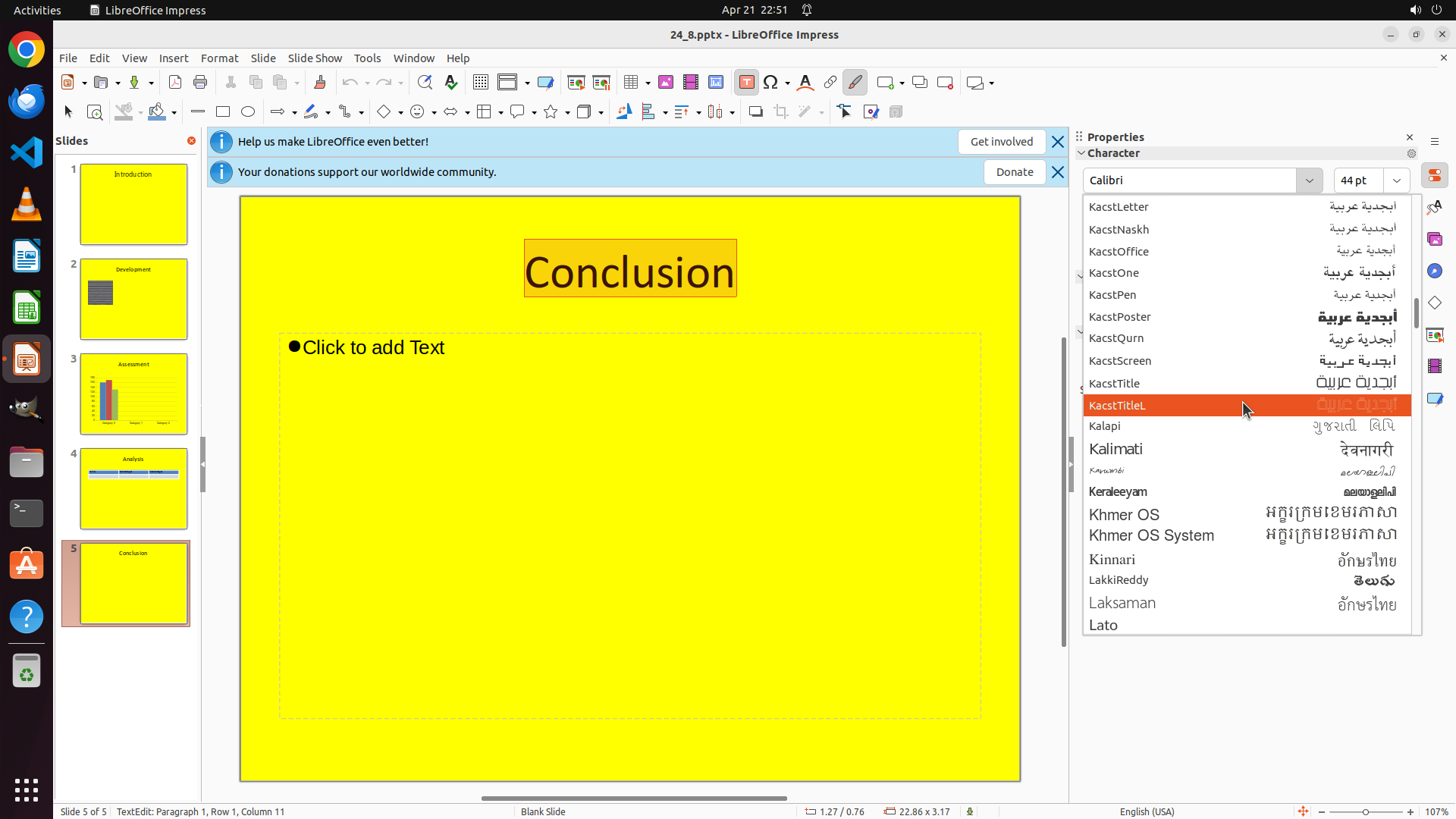
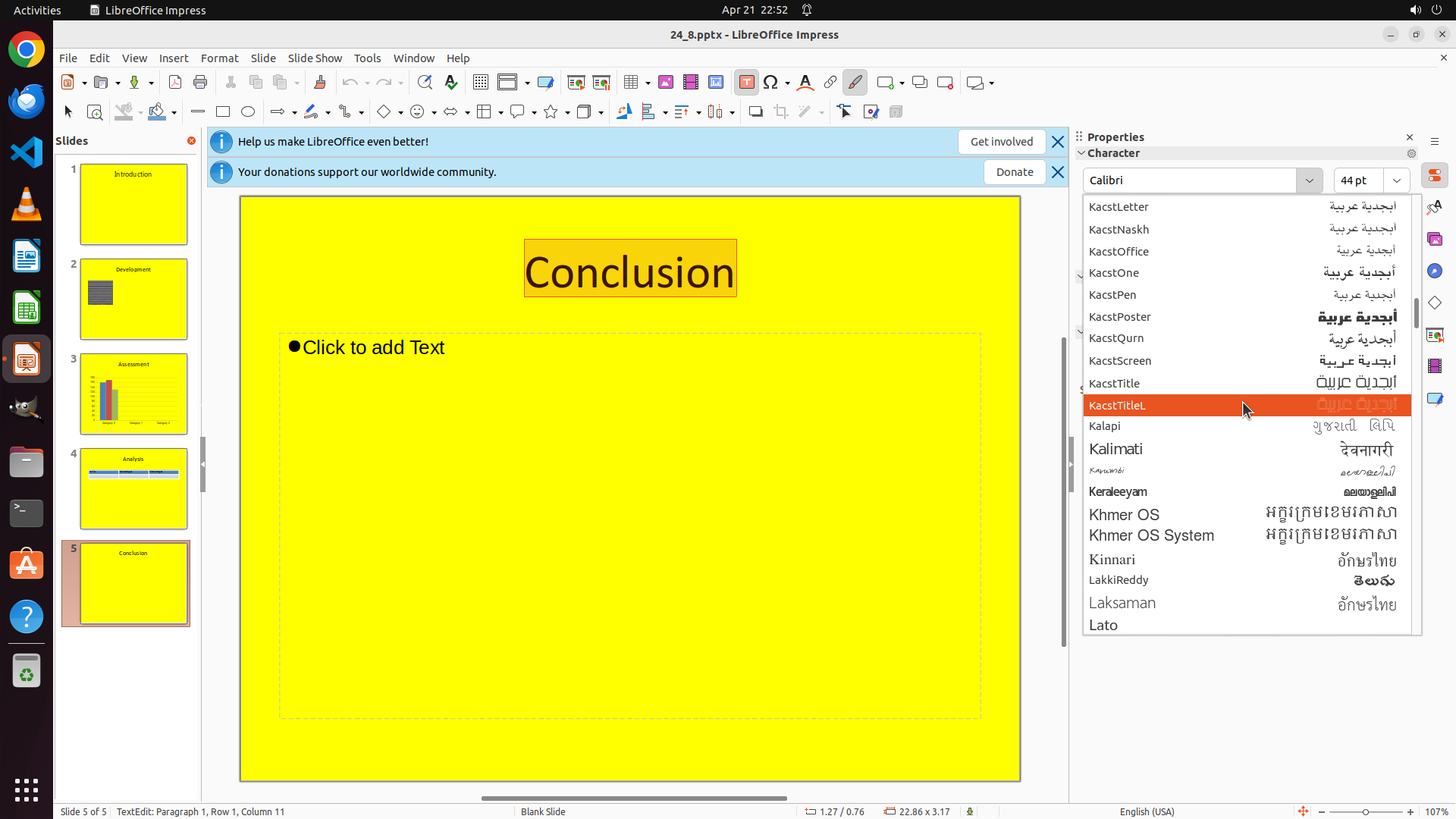
- The list has scrolled further and now shows fonts starting with K and L: Kacst fonts (KacstLetter, KacstNaskh, KacstOffice, etc.), Kalapi, Kalimati, Keraleeyam, Khmer OS, Kinnari, LakkiReddy, Laksaman, Lato
- "KacstTitleL" is currently highlighted in orange
- I need to continue scrolling down to reach fonts starting with "T" for "Times New Roman"
#### 情况分析与思考过程
The previous scroll moved the list from G-I to K-L. Since I need to find "Times New Roman" which starts with "T", and the list is alphabetical, I need to continue scrolling down. The current view shows fonts starting with K and L, so I need to scroll past M, N, O, P, Q, R, S to reach T.
I'll continue scrolling down in the font dropdown to locate "Times New Roman".
```
Step 8: SCROLL
```
#### 重要信息
- The font dropdown menu is still open showing font options
- The list has scrolled further and now shows fonts starting with K and L: Kacst fonts (KacstLetter, KacstNaskh, KacstOffice, etc.), Kalapi, Kalimati, Keraleeyam, Khmer OS, Kinnari, LakkiReddy, Laksaman, Lato
- "KacstTitleL" is currently highlighted in orange
- I need to continue scrolling down to reach fonts starting with "T" for "Times New Roman"
#### 情况分析与思考过程
The previous scroll moved the list from G-I to K-L. Since I need to find "Times New Roman" which starts with "T", and the list is alphabetical, I need to continue scrolling down. The current view shows fonts starting with K and L, so I need to scroll past M, N, O, P, Q, R, S to reach T.
I'll continue scrolling down in the font dropdown to locate "Times New Roman".
```
Step 9: MOVE_TO (1634, 525)
```
#### 重要信息
- The font dropdown menu is still open showing font options
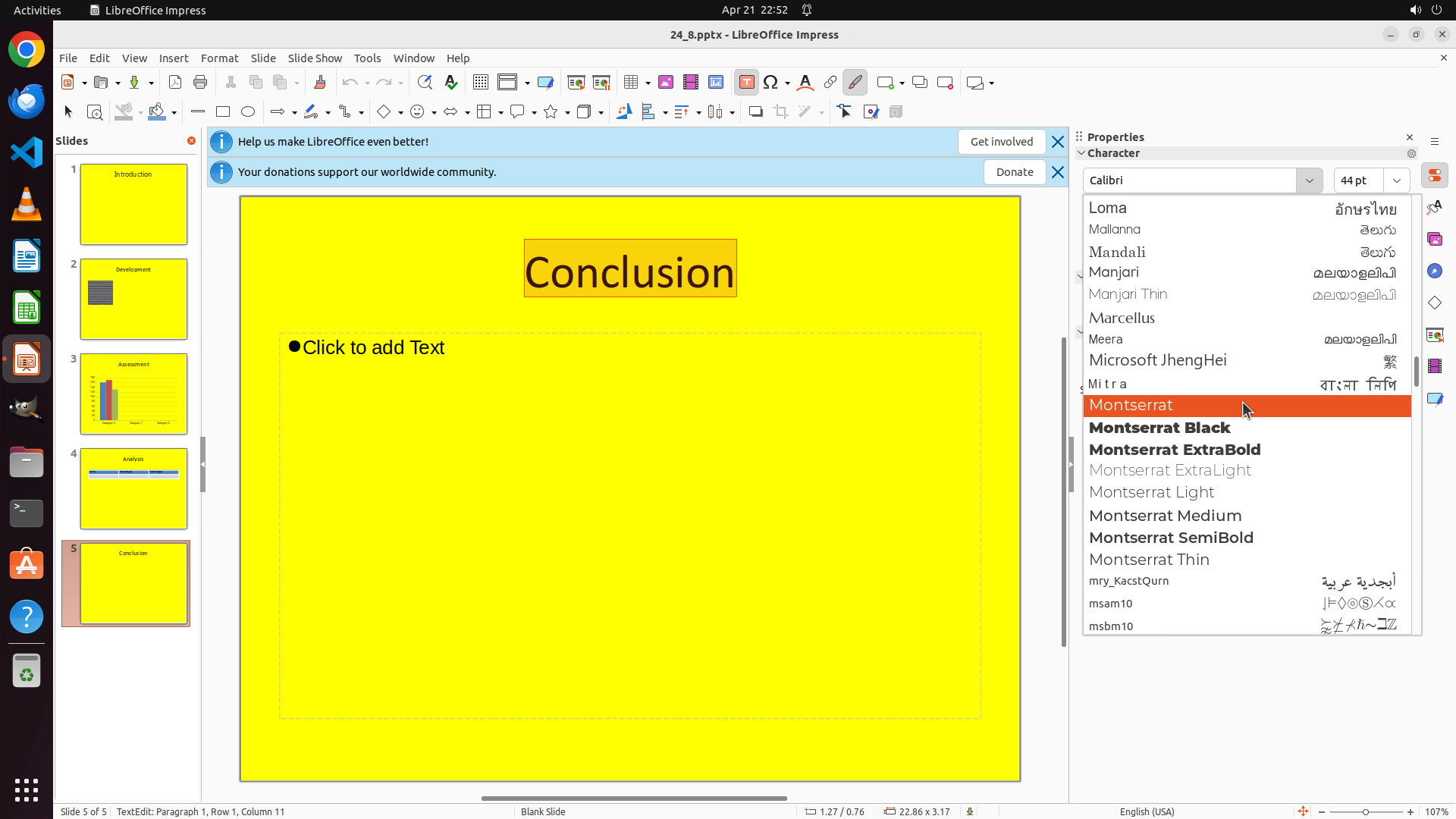
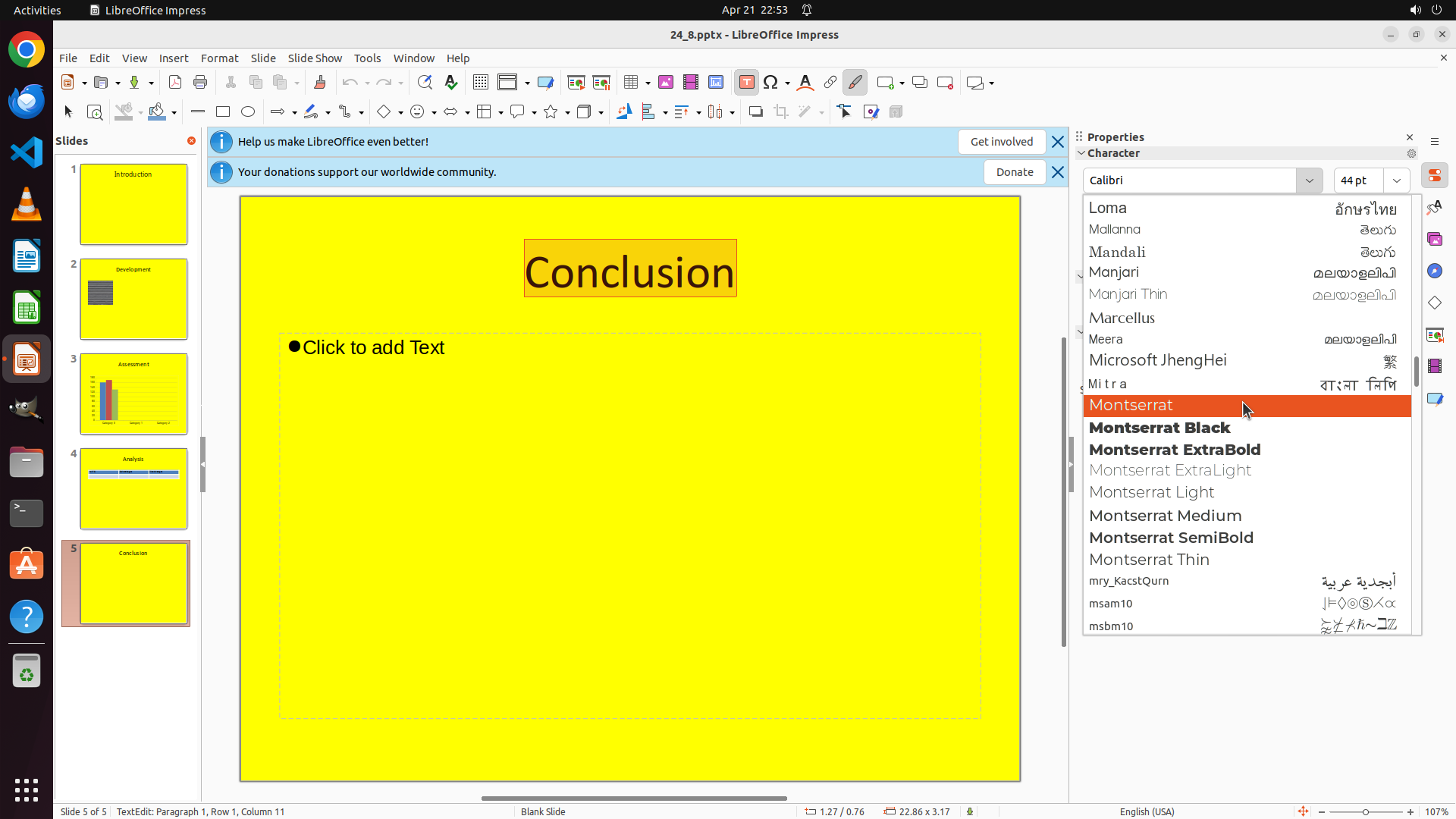
- The list has scrolled further and now shows fonts starting with L and M: Loma, Mallanna, Mandali, Manjari, Marcellus, Meera, Microsoft JhengHei, Mitra, Montserrat (highlighted in orange), Montserrat Black, Montserrat ExtraBold, etc.
- "Montserrat" is currently highlighted in orange
- I need to continue scrolling down to reach fonts starting with "T" for "Times New Roman"
#### 情况分析与思考过程
The previous scroll moved the list from K-L to L-M. Since I need to find "Times New Roman" which starts with "T", and the list is alphabetical, I need to continue scrolling down. The current view shows fonts starting with L and M (Montserrat is highlighted), so I need to scroll past N, O, P, Q, R, S to reach T.
I'll continue scrolling down in the font dropdown to locate "Times New Roman".
```
Step 9: SCROLL
```
#### 重要信息
- The font dropdown menu is still open showing font options
- The list has scrolled further and now shows fonts starting with L and M: Loma, Mallanna, Mandali, Manjari, Marcellus, Meera, Microsoft JhengHei, Mitra, Montserrat (highlighted in orange), Montserrat Black, Montserrat ExtraBold, etc.
- "Montserrat" is currently highlighted in orange
- I need to continue scrolling down to reach fonts starting with "T" for "Times New Roman"
#### 情况分析与思考过程
The previous scroll moved the list from K-L to L-M. Since I need to find "Times New Roman" which starts with "T", and the list is alphabetical, I need to continue scrolling down. The current view shows fonts starting with L and M (Montserrat is highlighted), so I need to scroll past N, O, P, Q, R, S to reach T.
I'll continue scrolling down in the font dropdown to locate "Times New Roman".
```
Step 10: MOVE_TO (1634, 525)
```
#### 重要信息
- The font dropdown menu is still open showing font options
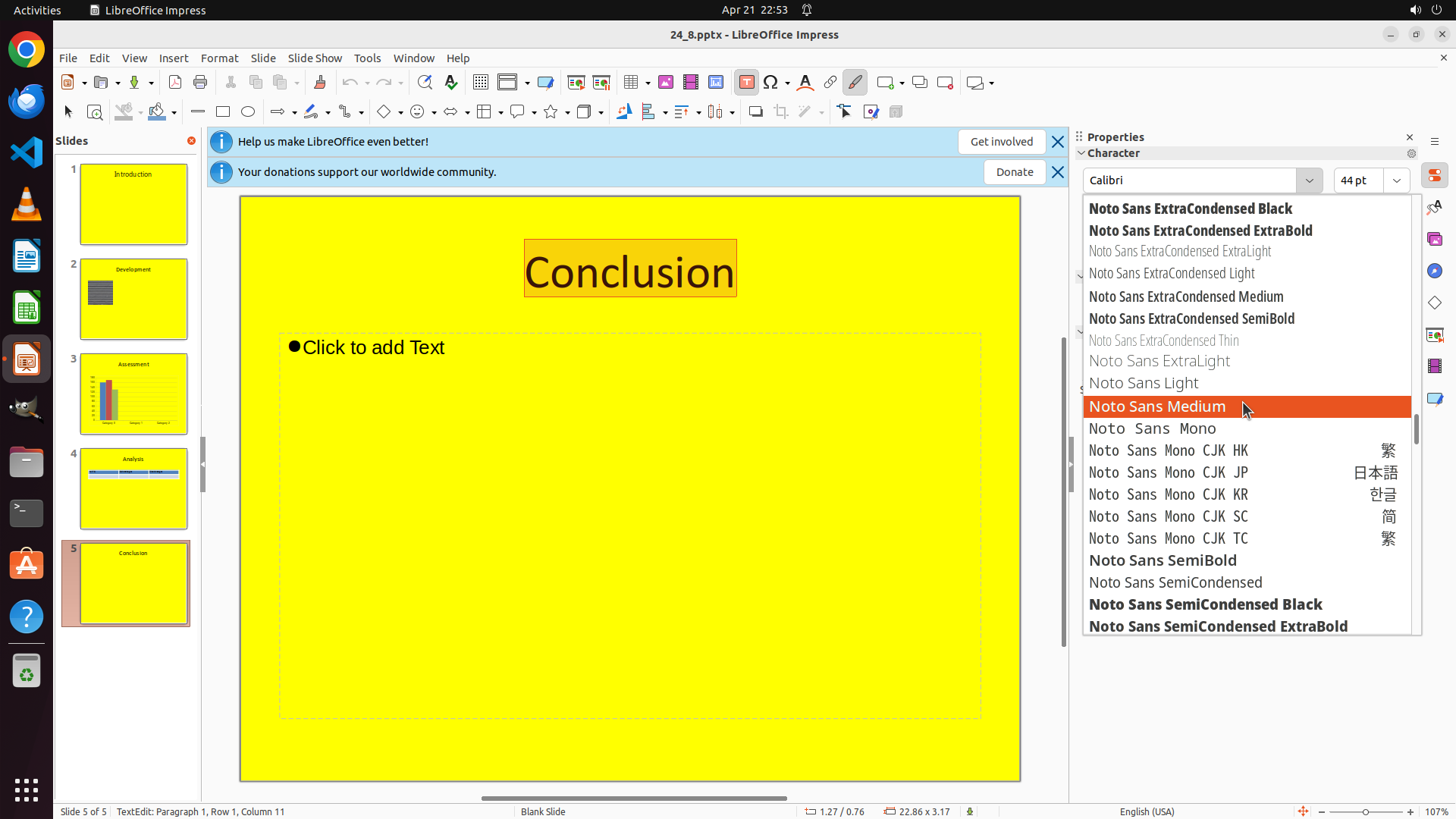
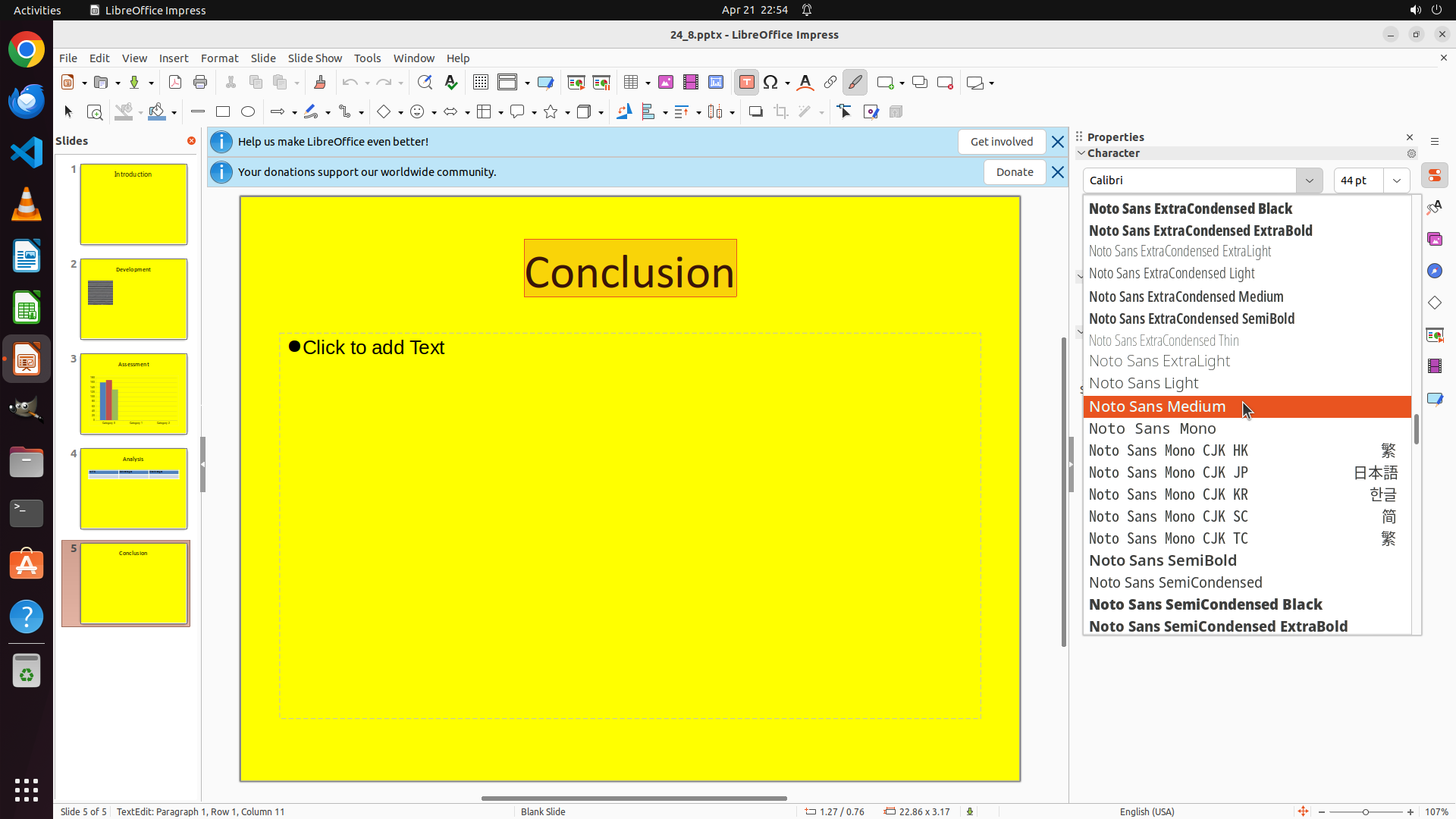
- The list has scrolled further and now shows fonts starting with N: Noto Sans ExtraCondensed Black, Noto Sans ExtraCondensed ExtraBold, Noto Sans ExtraCondensed ExtraLight, Noto Sans ExtraCondensed Light, Noto Sans ExtraCondensed Medium, Noto Sans ExtraCondensed SemiBold, Noto Sans ExtraCondensed Thin, Noto Sans ExtraLight, Noto Sans Light, Noto Sans Medium (highlighted in orange), Noto Sans Mono variants, Noto Sans SemiBold, Noto Sans SemiCondensed, Noto Sans SemiCondensed Black, Noto Sans SemiCondensed ExtraBold
- "Noto Sans Medium" is currently highlighted in orange
- I need to continue scrolling down to reach fonts starting with "T" for "Times New Roman"
#### 情况分析与思考过程
The previous scroll moved the list from M to N. Since I need to find "Times New Roman" which starts with "T", and the list is alphabetical, I need to continue scrolling down. The current view shows many "Noto Sans" font variants starting with N, so I need to scroll past O, P, Q, R, S to reach T.
I'll continue scrolling down in the font dropdown to locate "Times New Roman".
```
Step 10: SCROLL
```
#### 重要信息
- The font dropdown menu is still open showing font options
- The list has scrolled further and now shows fonts starting with N: Noto Sans ExtraCondensed Black, Noto Sans ExtraCondensed ExtraBold, Noto Sans ExtraCondensed ExtraLight, Noto Sans ExtraCondensed Light, Noto Sans ExtraCondensed Medium, Noto Sans ExtraCondensed SemiBold, Noto Sans ExtraCondensed Thin, Noto Sans ExtraLight, Noto Sans Light, Noto Sans Medium (highlighted in orange), Noto Sans Mono variants, Noto Sans SemiBold, Noto Sans SemiCondensed, Noto Sans SemiCondensed Black, Noto Sans SemiCondensed ExtraBold
- "Noto Sans Medium" is currently highlighted in orange
- I need to continue scrolling down to reach fonts starting with "T" for "Times New Roman"
#### 情况分析与思考过程
The previous scroll moved the list from M to N. Since I need to find "Times New Roman" which starts with "T", and the list is alphabetical, I need to continue scrolling down. The current view shows many "Noto Sans" font variants starting with N, so I need to scroll past O, P, Q, R, S to reach T.
I'll continue scrolling down in the font dropdown to locate "Times New Roman".
```
Step 11: MOVE_TO (1634, 525)
```
#### 重要信息
- The font dropdown menu is still open showing font options
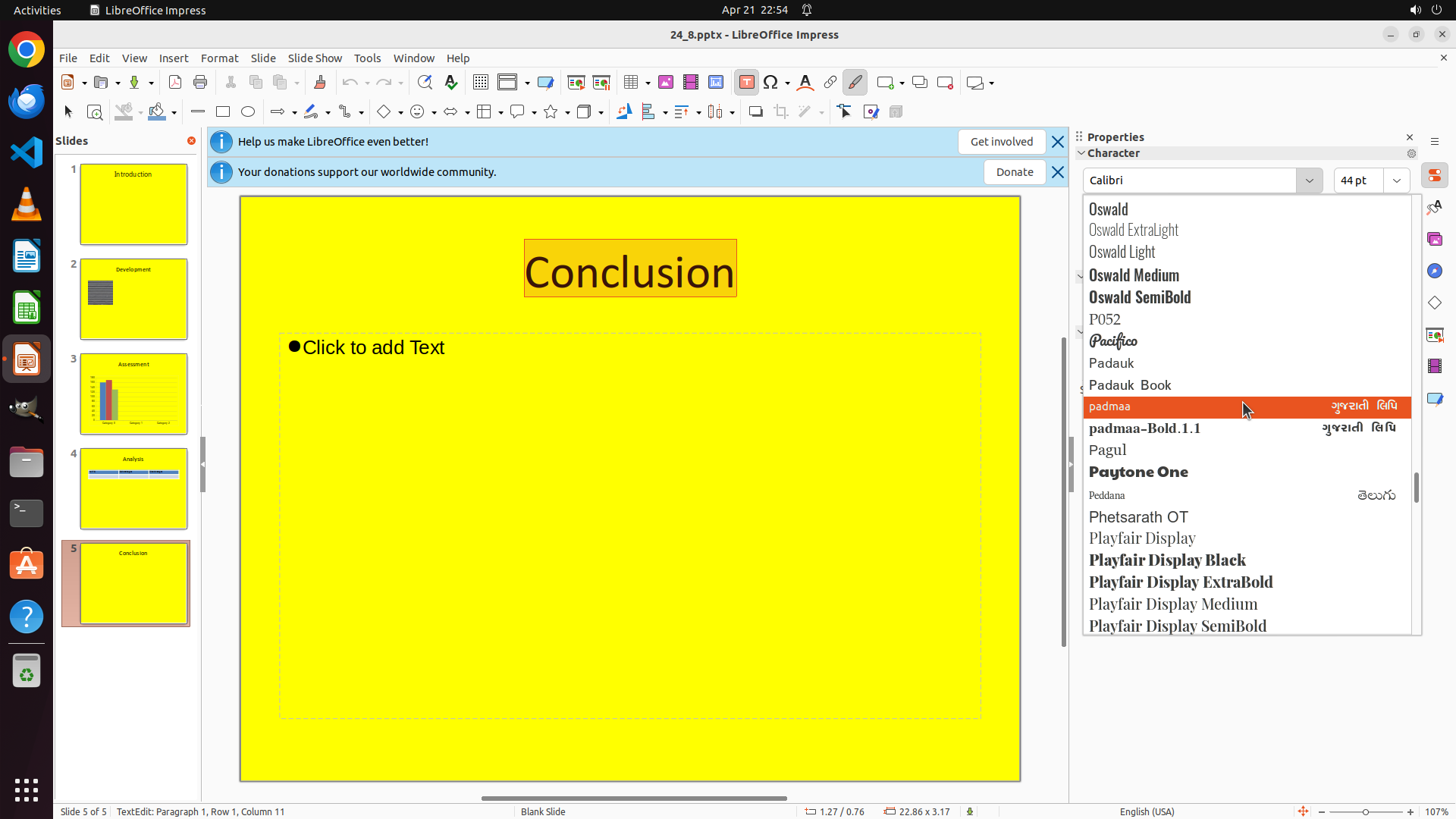
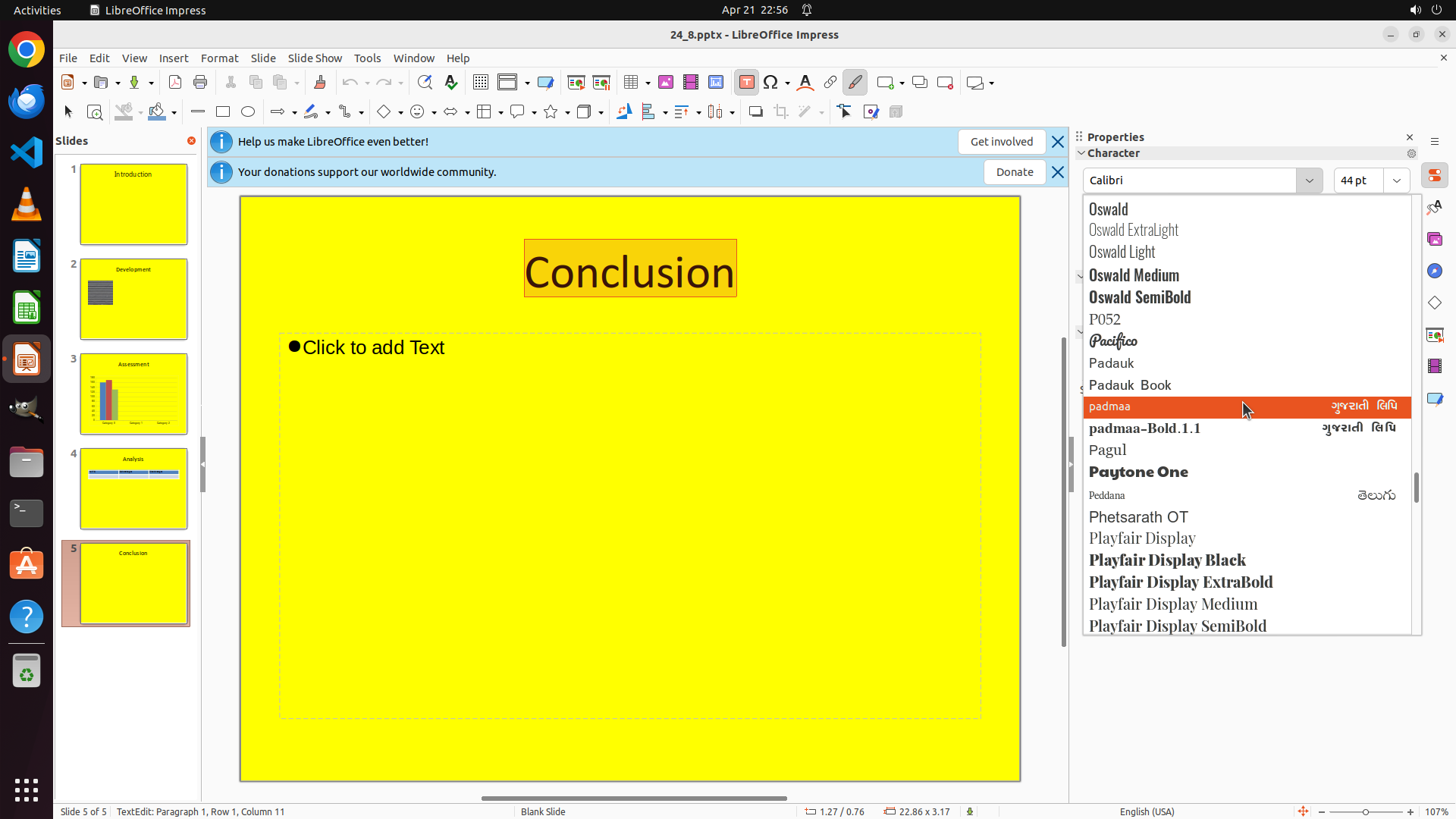
- The list has scrolled further and now shows fonts starting with O and P: Oswald (various weights), P052, Pacifico, Padauk (variants), padmaa (highlighted in orange), padmaa-Bold.1.1, Pagul, Paytone One, Pekdam, Phetsarath OT, Playfair Display (variants)
- "padmaa" is currently highlighted in orange
- I need to continue scrolling down to reach fonts starting with "T" for "Times New Roman"
#### 情况分析与思考过程
The previous scroll moved the list from N to O-P. Since I need to find "Times New Roman" which starts with "T", and the list is alphabetical, I need to continue scrolling down. The current view shows fonts starting with O and P, so I need to scroll past Q, R, S to reach T.
I'll continue scrolling down in the font dropdown to locate "Times New Roman".
```
Step 11: SCROLL
```
#### 重要信息
- The font dropdown menu is still open showing font options
- The list has scrolled further and now shows fonts starting with O and P: Oswald (various weights), P052, Pacifico, Padauk (variants), padmaa (highlighted in orange), padmaa-Bold.1.1, Pagul, Paytone One, Pekdam, Phetsarath OT, Playfair Display (variants)
- "padmaa" is currently highlighted in orange
- I need to continue scrolling down to reach fonts starting with "T" for "Times New Roman"
#### 情况分析与思考过程
The previous scroll moved the list from N to O-P. Since I need to find "Times New Roman" which starts with "T", and the list is alphabetical, I need to continue scrolling down. The current view shows fonts starting with O and P, so I need to scroll past Q, R, S to reach T.
I'll continue scrolling down in the font dropdown to locate "Times New Roman".
```
Step 12: MOVE_TO (1634, 525)
```
#### 重要信息
- The font dropdown menu is still open showing font options
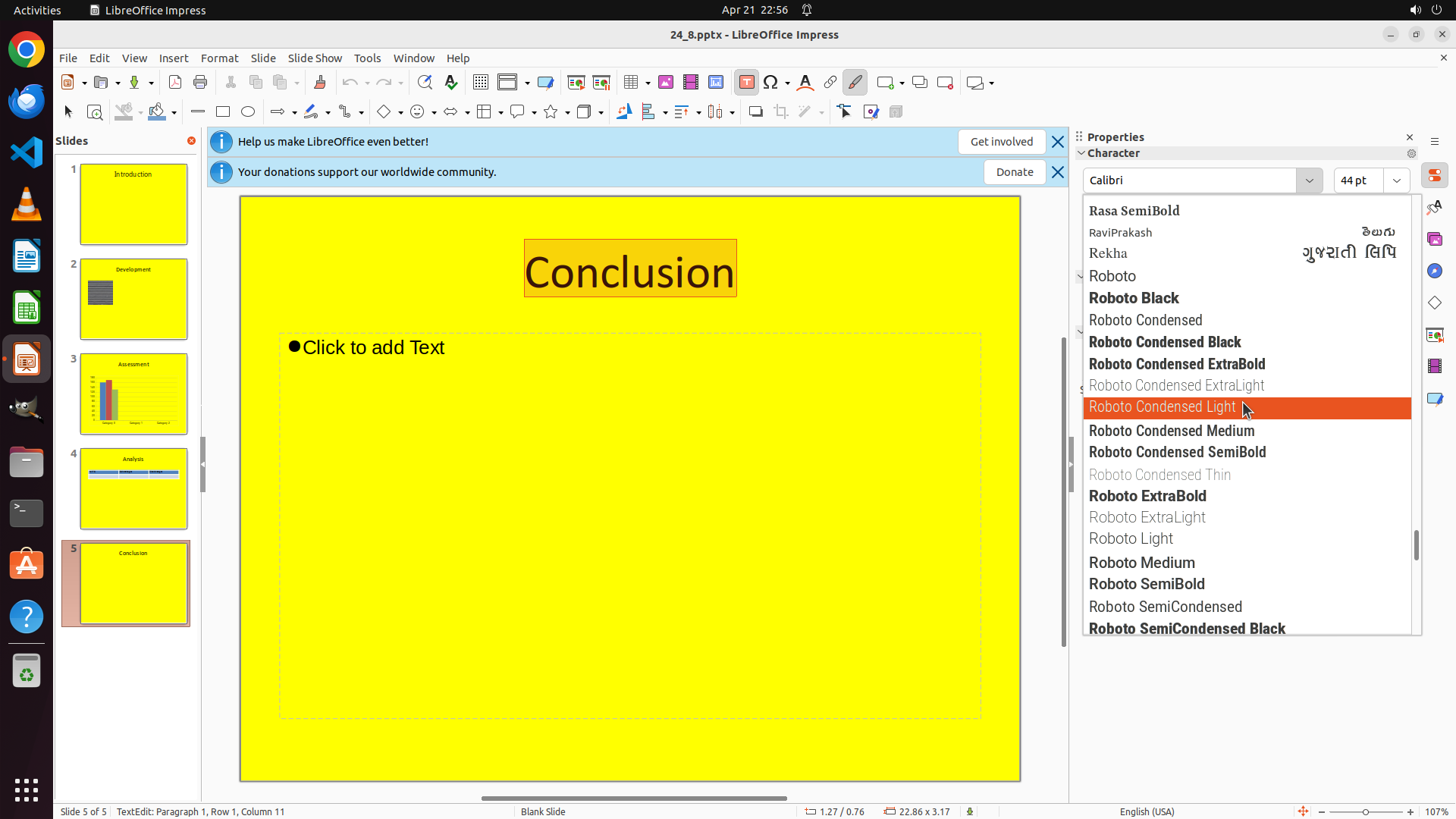
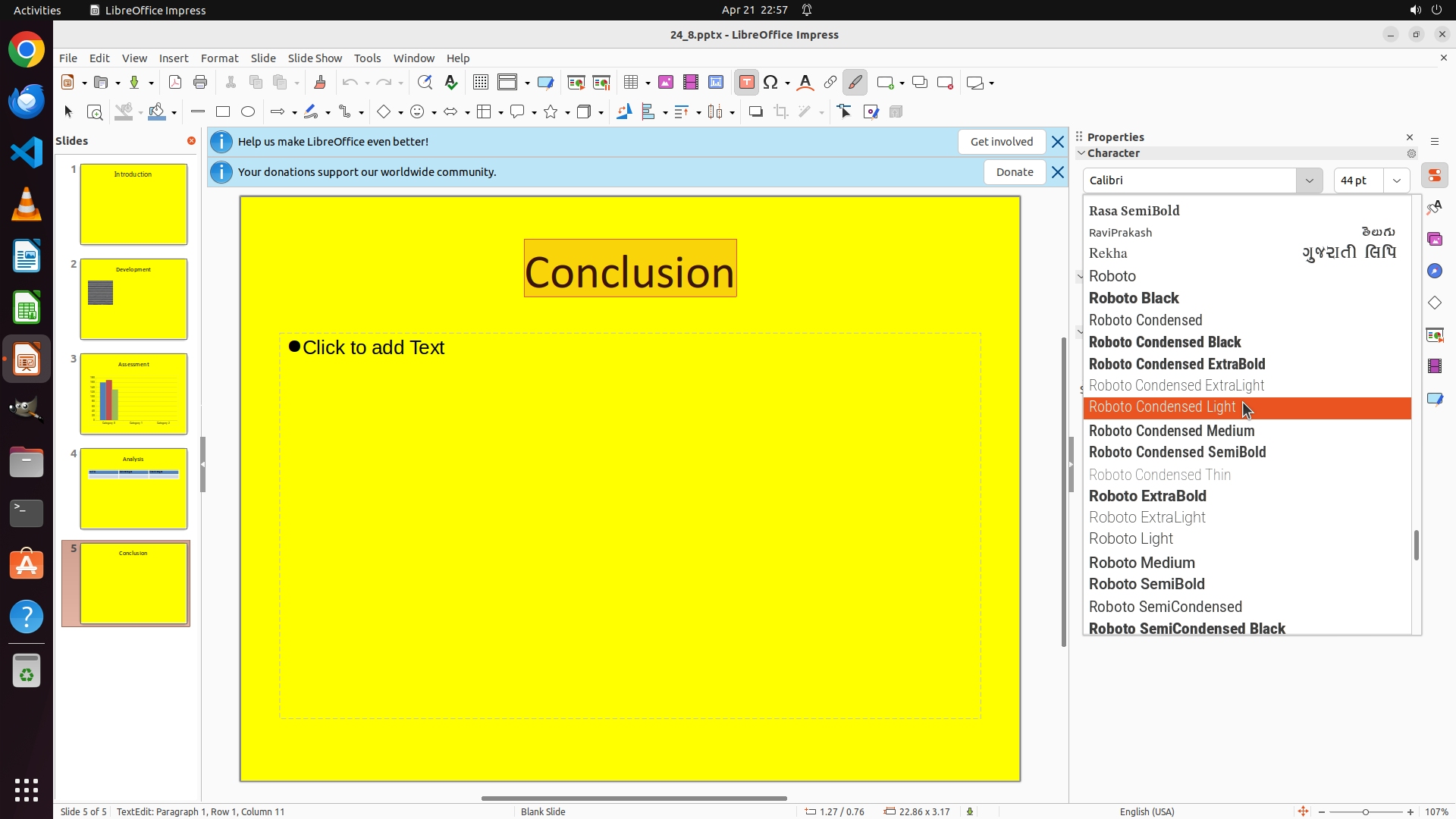
- The list has scrolled further and now shows fonts starting with R: Rasa SemiBold, RaviPrakash, Rekha, Roboto (various weights including Roboto, Roboto Black, Roboto Condensed, Roboto Condensed Black, Roboto Condensed ExtraBold, Roboto Condensed ExtraLight, Roboto Condensed Light - highlighted in orange, Roboto Condensed Medium, Roboto Condensed SemiBold, Roboto Condensed Thin, Roboto ExtraBold, Roboto ExtraLight, Roboto Light, Roboto Medium, Roboto SemiBold, Roboto SemiCondensed, Roboto SemiCondensed Black)
- "Roboto Condensed Light" is currently highlighted in orange
- I need to continue scrolling down to reach fonts starting with "T" for "Times New Roman" - I'm very close now, just need to scroll past S to reach T
#### 情况分析与思考过程
The previous scroll moved the list from N to R. Since I need to find "Times New Roman" which starts with "T", and the list is alphabetical, I need to continue scrolling down just a bit more. The current view shows fonts starting with R (Roboto variants), so I just need to scroll past S to reach T where "Times New Roman" should be located.
I'll continue scrolling down in the font dropdown to locate "Times New Roman". I'm very close now.
```
Step 12: SCROLL
```
#### 重要信息
- The font dropdown menu is still open showing font options
- The list has scrolled further and now shows fonts starting with R: Rasa SemiBold, RaviPrakash, Rekha, Roboto (various weights including Roboto, Roboto Black, Roboto Condensed, Roboto Condensed Black, Roboto Condensed ExtraBold, Roboto Condensed ExtraLight, Roboto Condensed Light - highlighted in orange, Roboto Condensed Medium, Roboto Condensed SemiBold, Roboto Condensed Thin, Roboto ExtraBold, Roboto ExtraLight, Roboto Light, Roboto Medium, Roboto SemiBold, Roboto SemiCondensed, Roboto SemiCondensed Black)
- "Roboto Condensed Light" is currently highlighted in orange
- I need to continue scrolling down to reach fonts starting with "T" for "Times New Roman" - I'm very close now, just need to scroll past S to reach T
#### 情况分析与思考过程
The previous scroll moved the list from N to R. Since I need to find "Times New Roman" which starts with "T", and the list is alphabetical, I need to continue scrolling down just a bit more. The current view shows fonts starting with R (Roboto variants), so I just need to scroll past S to reach T where "Times New Roman" should be located.
I'll continue scrolling down in the font dropdown to locate "Times New Roman". I'm very close now.
```
Step 13: CLICK (1509, 793)
```
#### 重要信息
- The font dropdown menu is still open showing font options
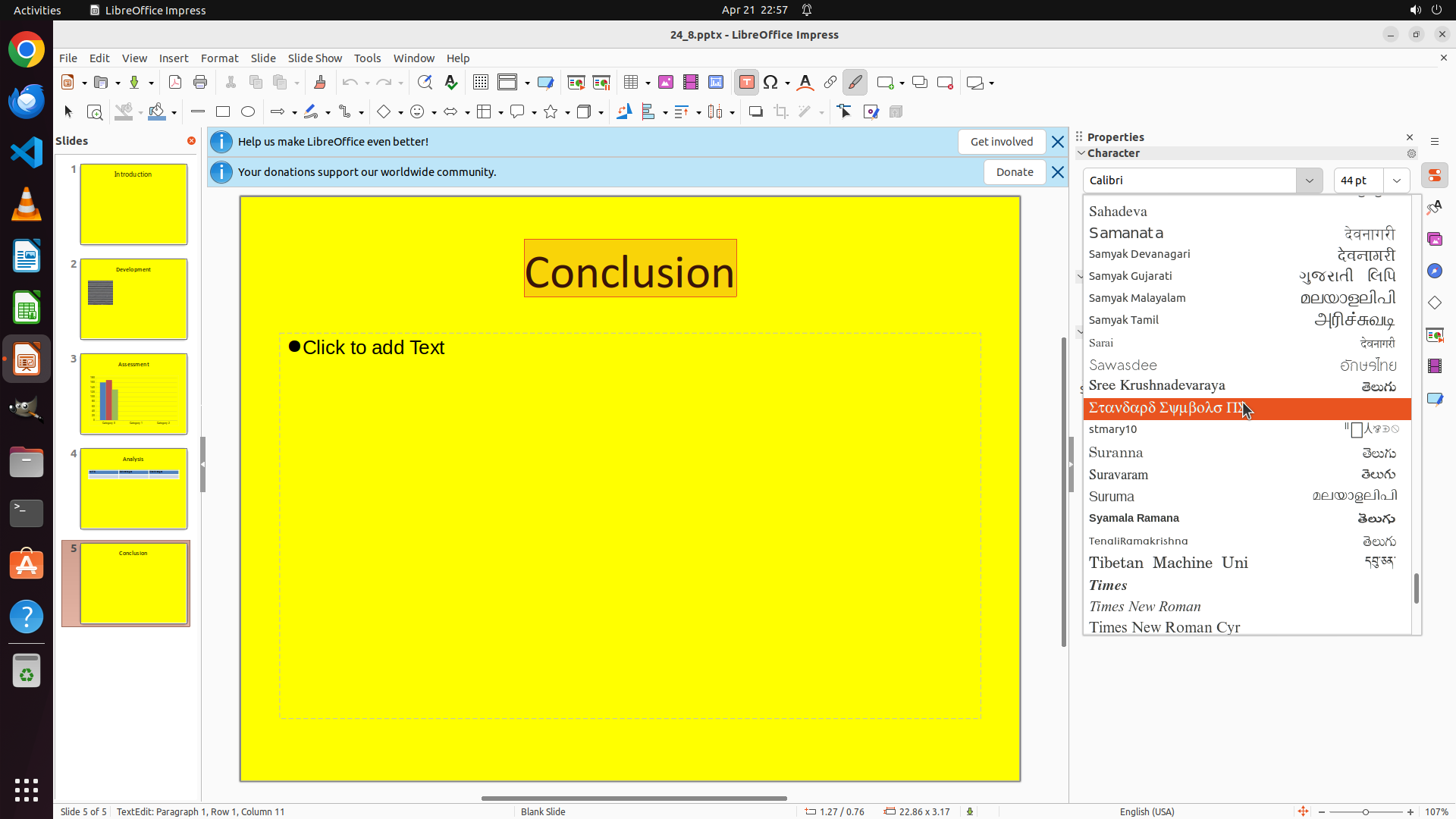
- The list has scrolled to show fonts starting with T, and I can now see "Times", "Times New Roman", and "Times New Roman Cyr" at the bottom of the visible area
- The "Conclusion" text on slide 5 is still selected (highlighted in orange)
- I've successfully located "Times New Roman" in the font list
#### 情况分析与思考过程
Excellent! The previous scroll successfully brought "Times New Roman" into view. I can now see it in the font dropdown list along with "Times" and "Times New Roman Cyr" just below it.
Now I need to click on "Times New Roman" to select it and apply this font to the currently selected "Conclusion" text. This will complete the task of changing the font style on the last slide to Times New Roman.
After clicking on "Times New Roman", the font should be applied to the selected text, and I should see the "Conclusion" text change from its current font to Times New Roman.
```
Step 14: HOTKEY
```
#### 重要信息
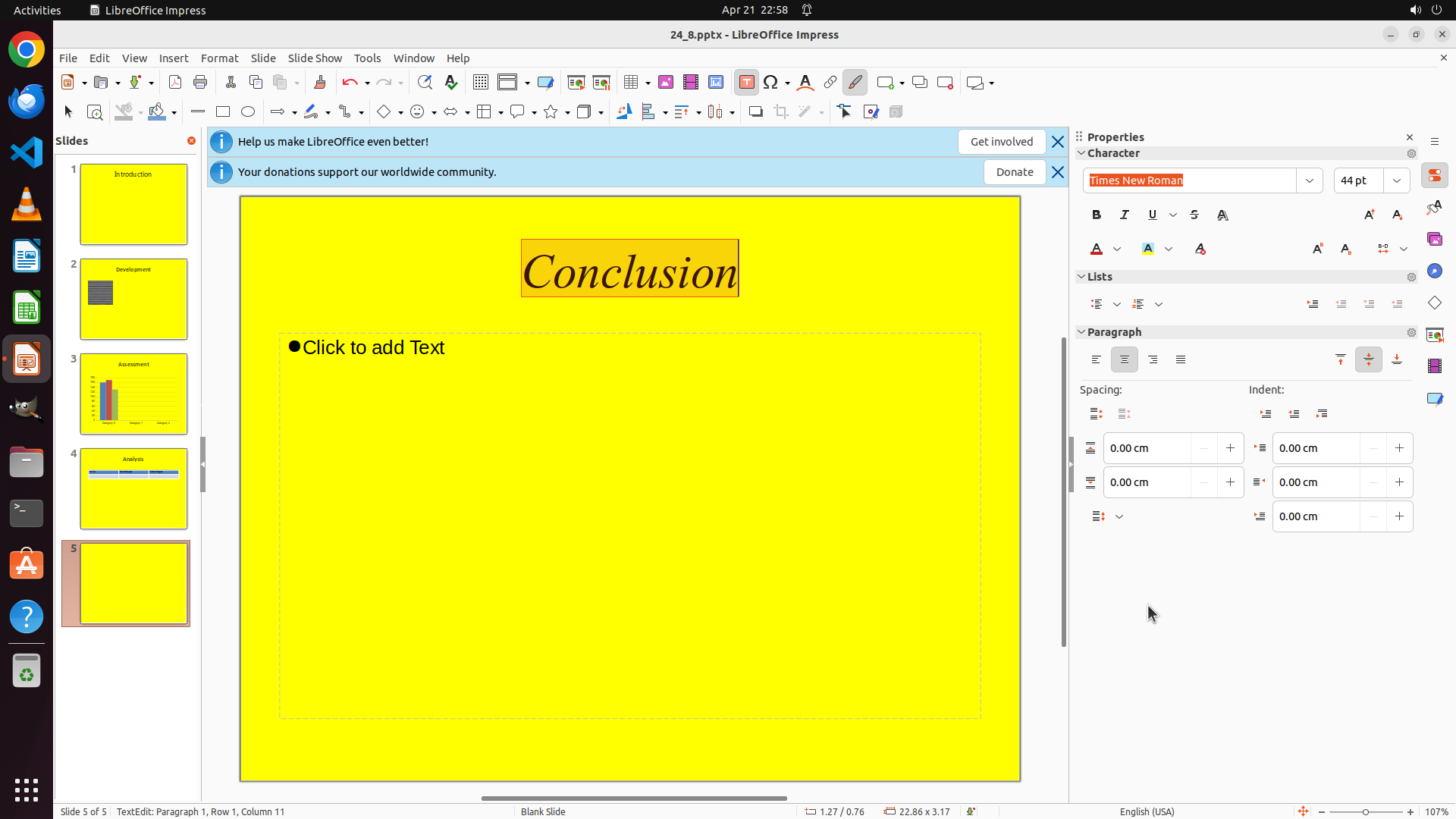
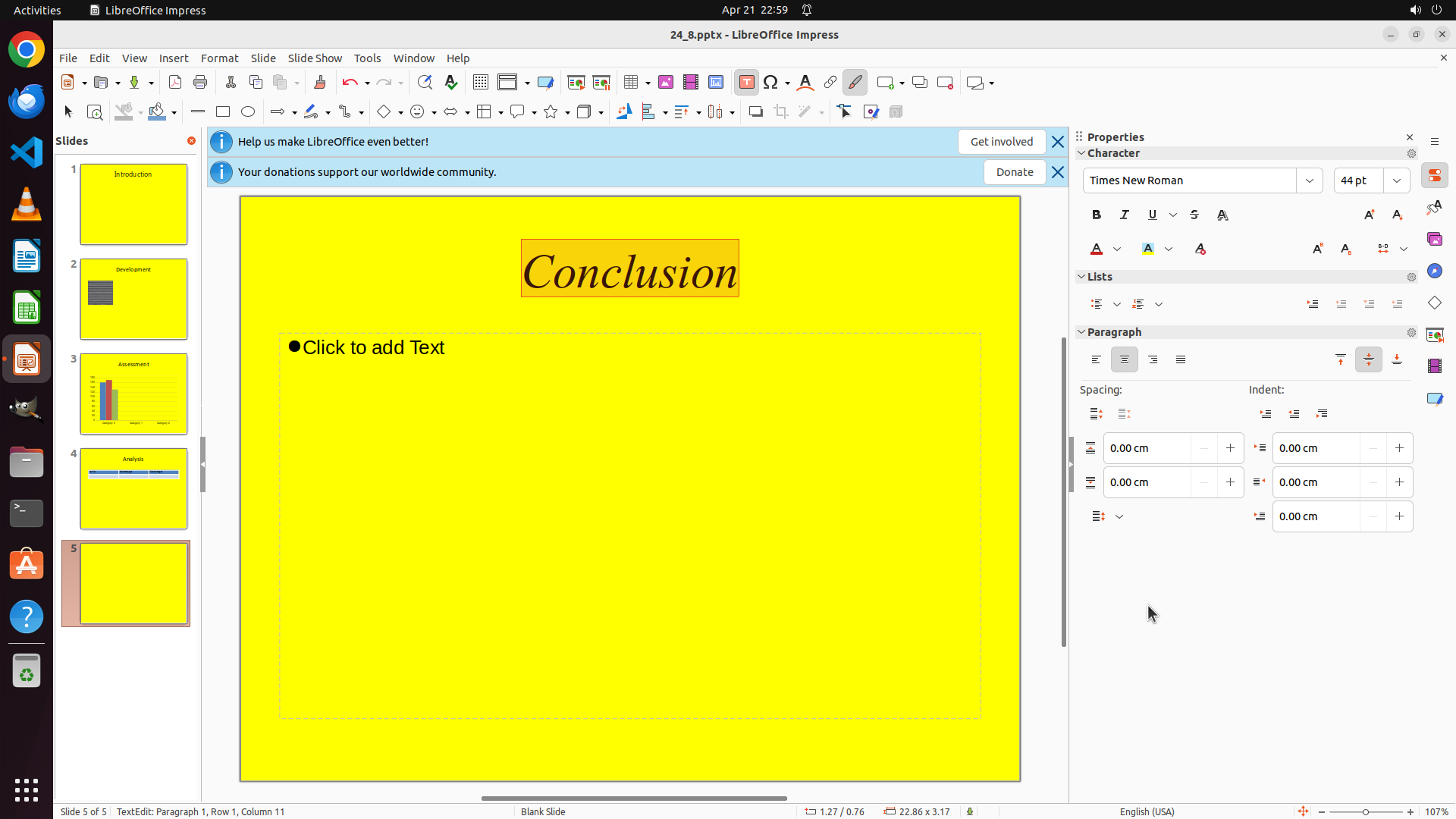
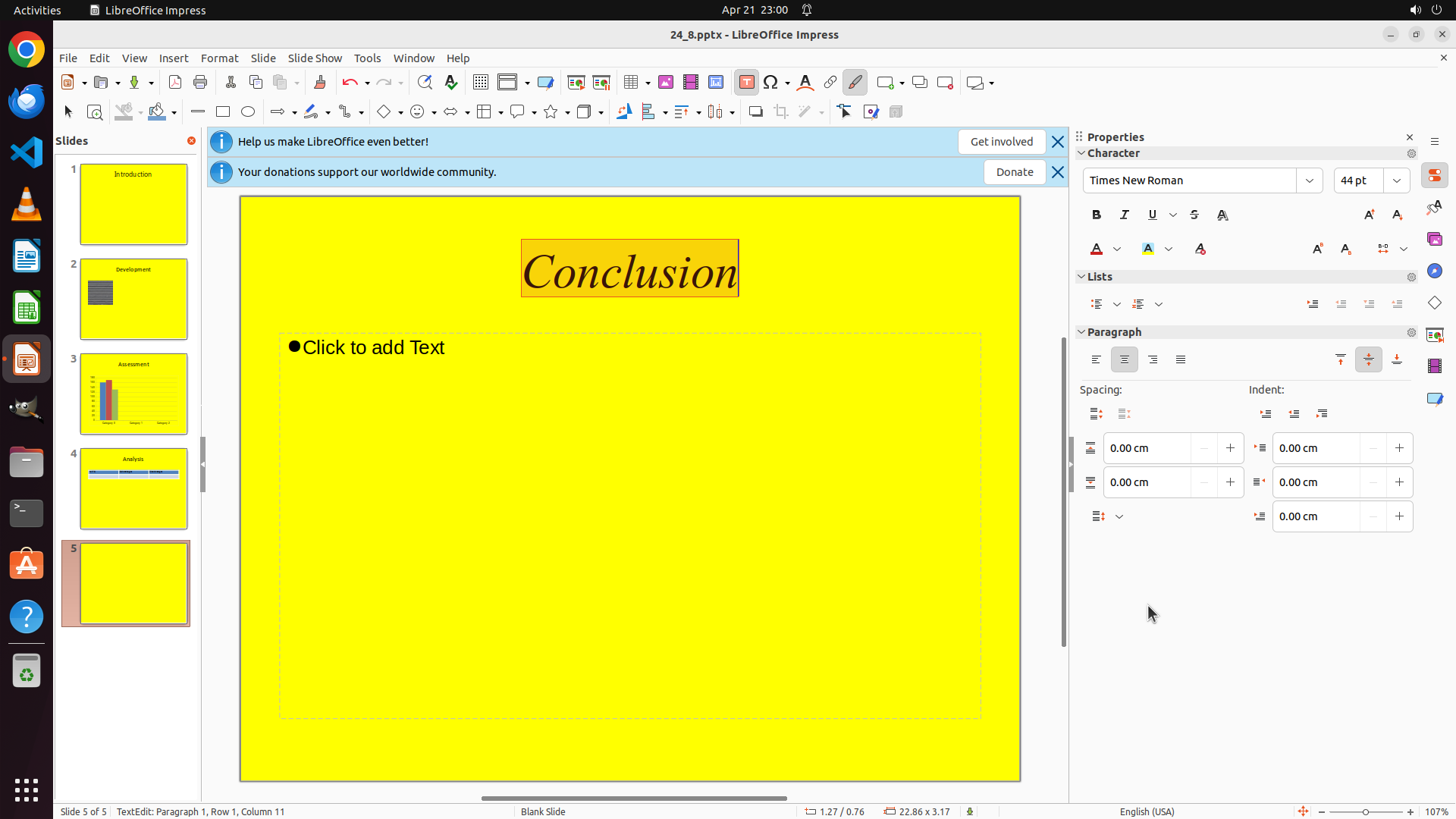
- The font has been successfully changed to "Times New Roman" - the Properties panel on the right now shows "Times New Roman" in the Font field (highlighted in orange)
- The "Conclusion" text on slide 5 is still selected and now appears in Times New Roman font (serif style)
- Slide 5 is confirmed as the last slide (status bar shows "Slide 5 of 5")
- All key visual evidence requirements are met:
- Slide 5 is selected
- Properties panel shows Times New Roman
- The text appears in Times New Roman font
#### 情况分析与思考过程
The task has been completed successfully! The font on the last slide has been changed to Times New Roman. The "Conclusion" text is now displaying in Times New Roman font as evidenced by the serif style and the Properties panel confirmation.
Now I should save the file to preserve these changes. I'll use Ctrl+S to save the presentation.
```
I will now save the file to preserve the changes and mark the strategy tree tasks as complete.