### 看到什么
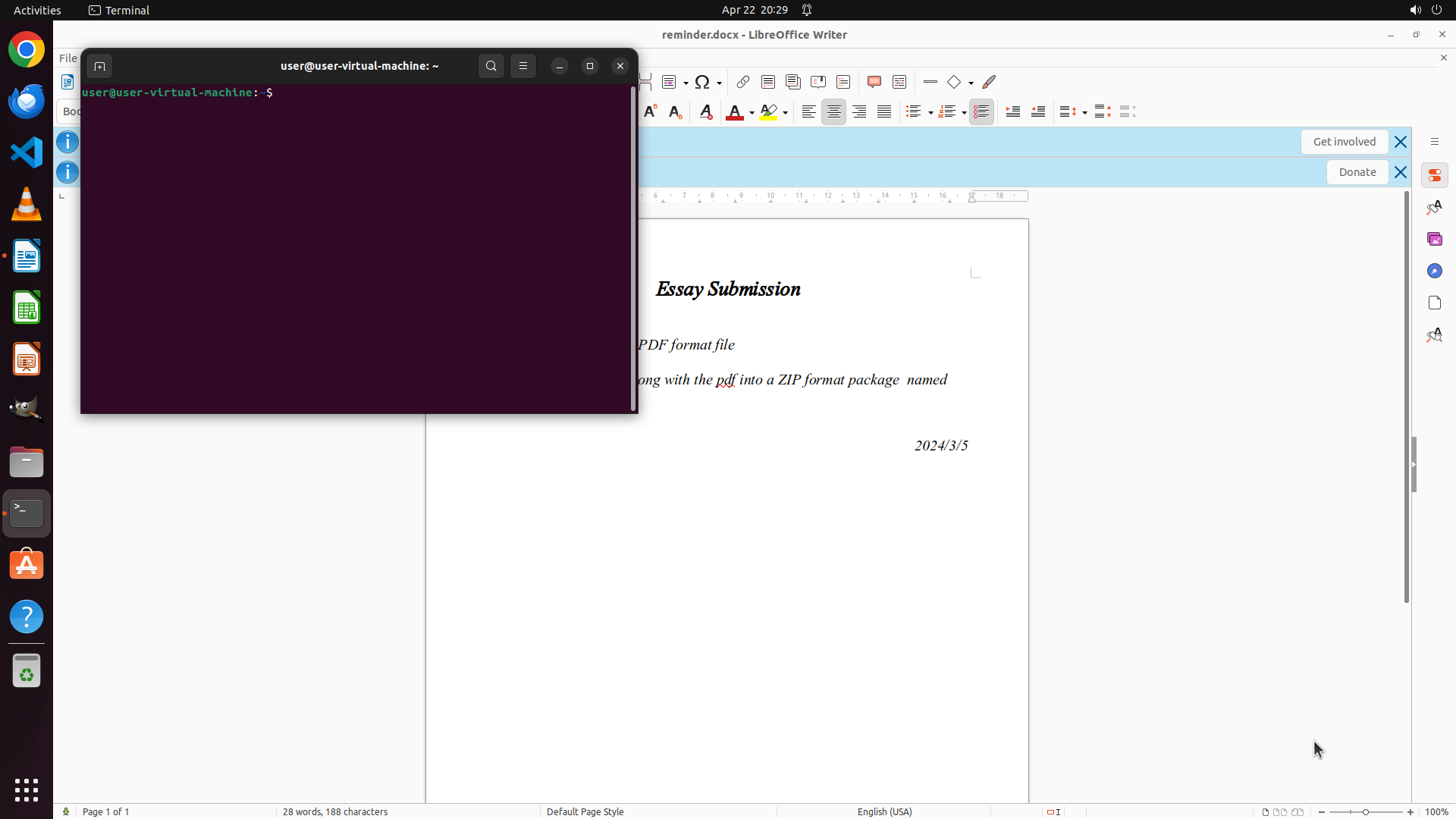
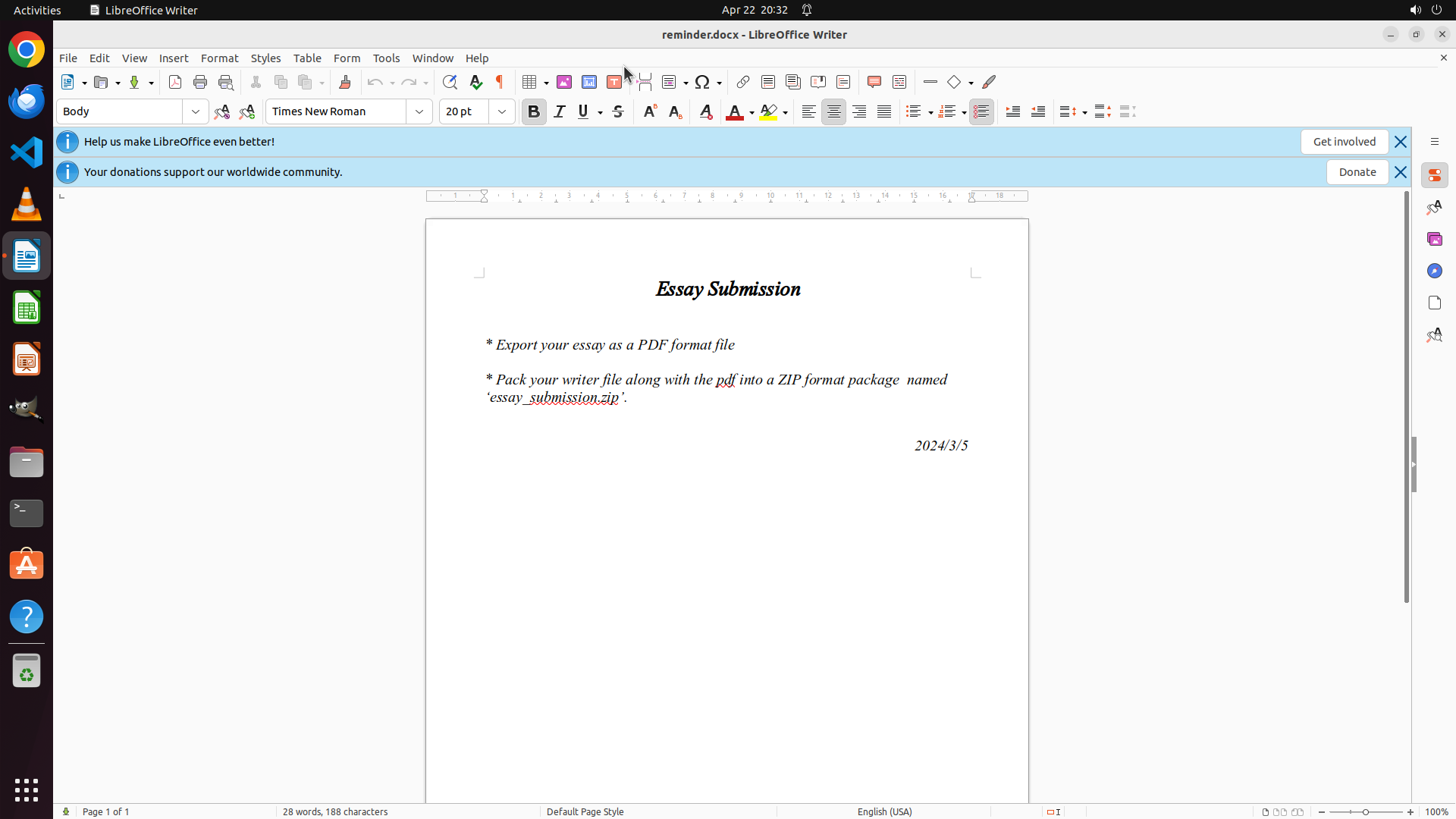
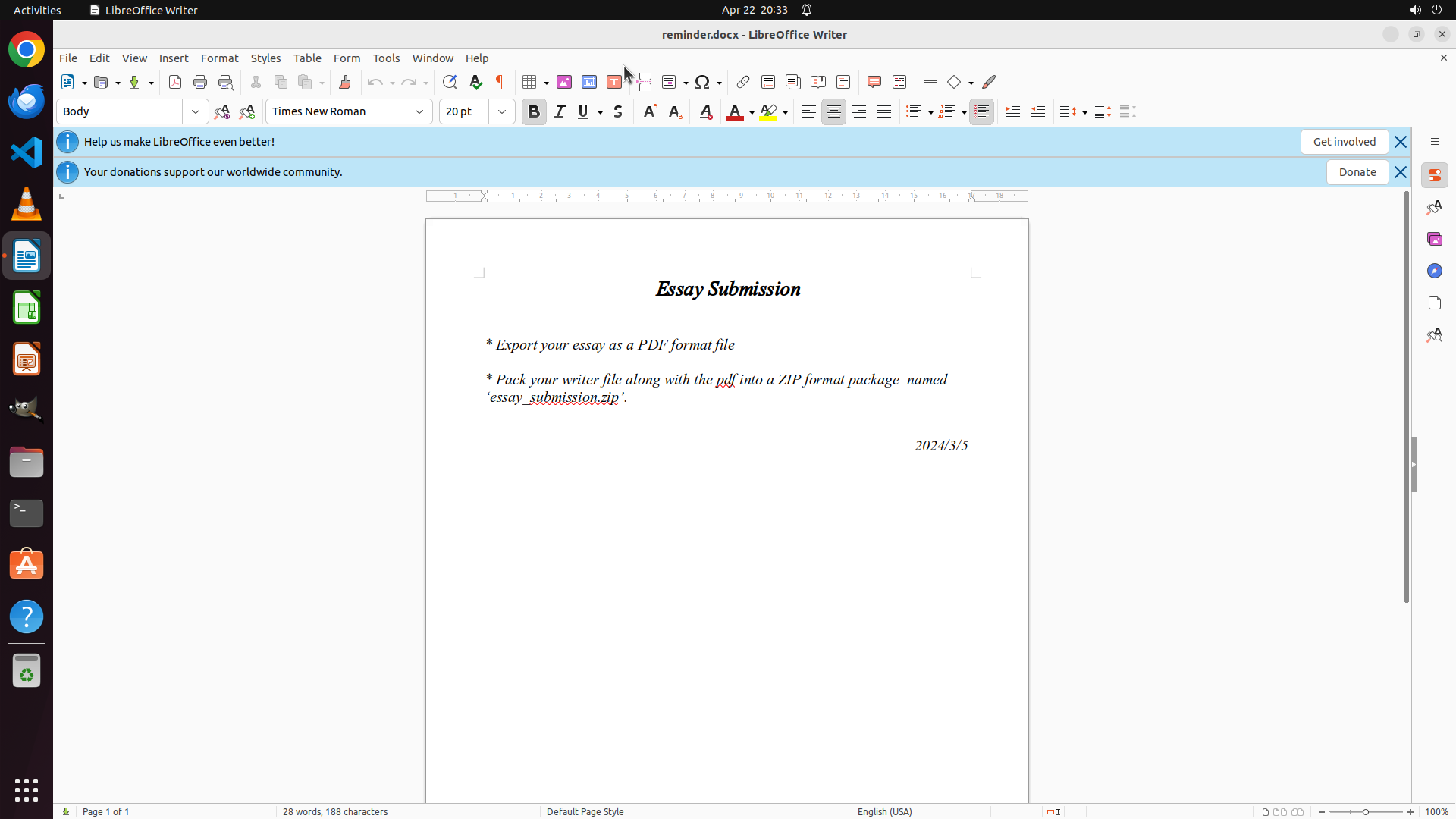
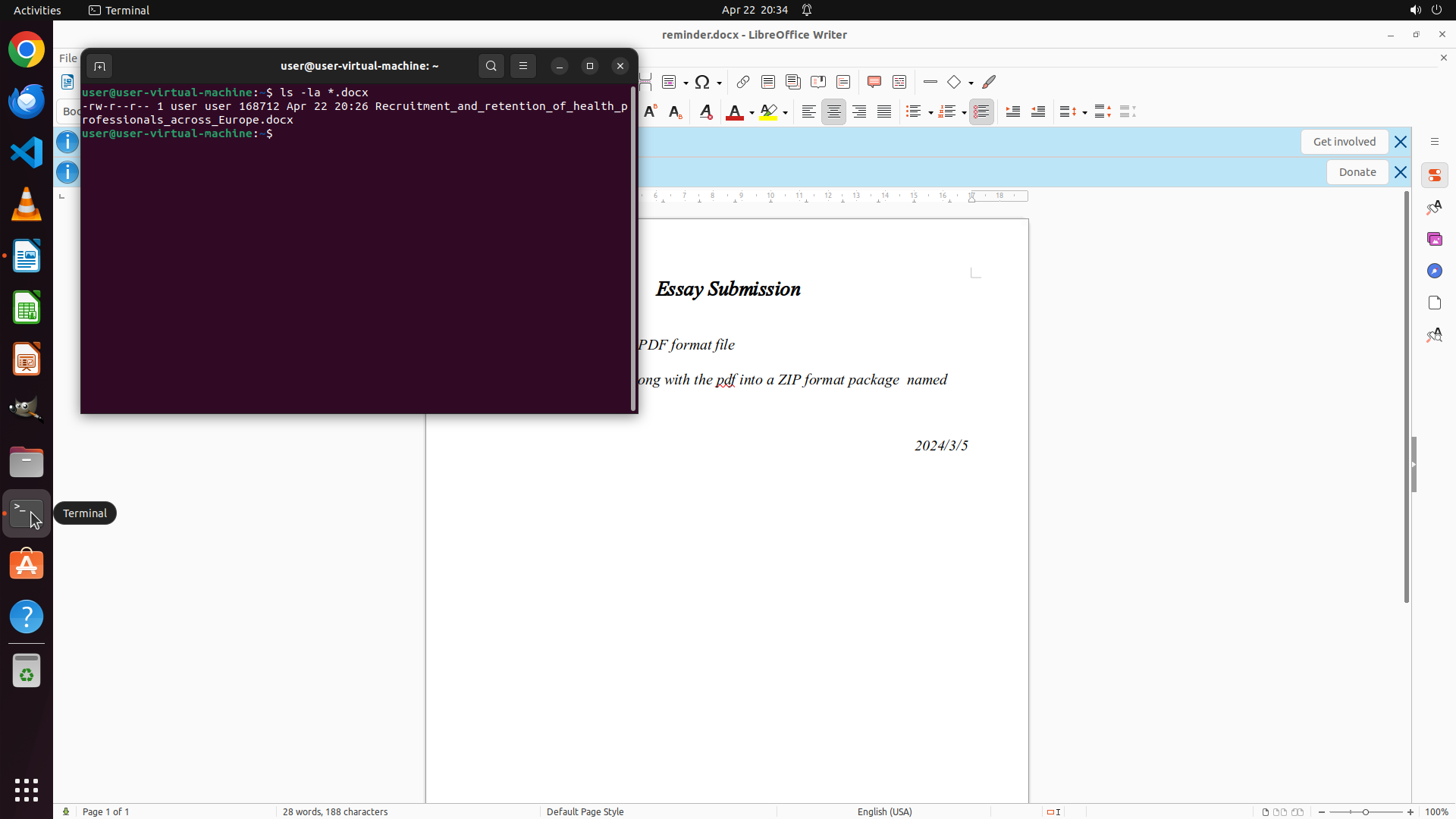
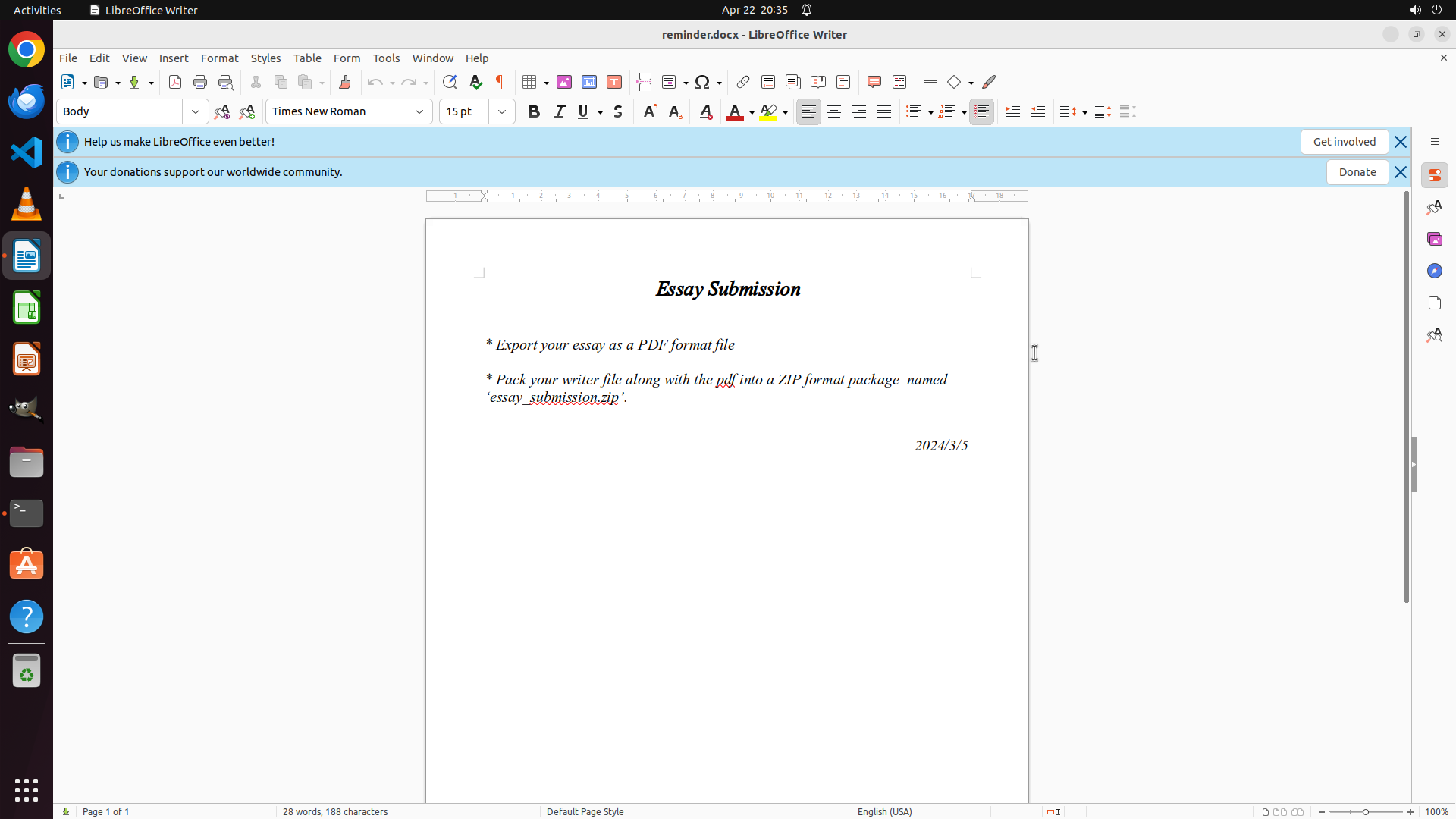
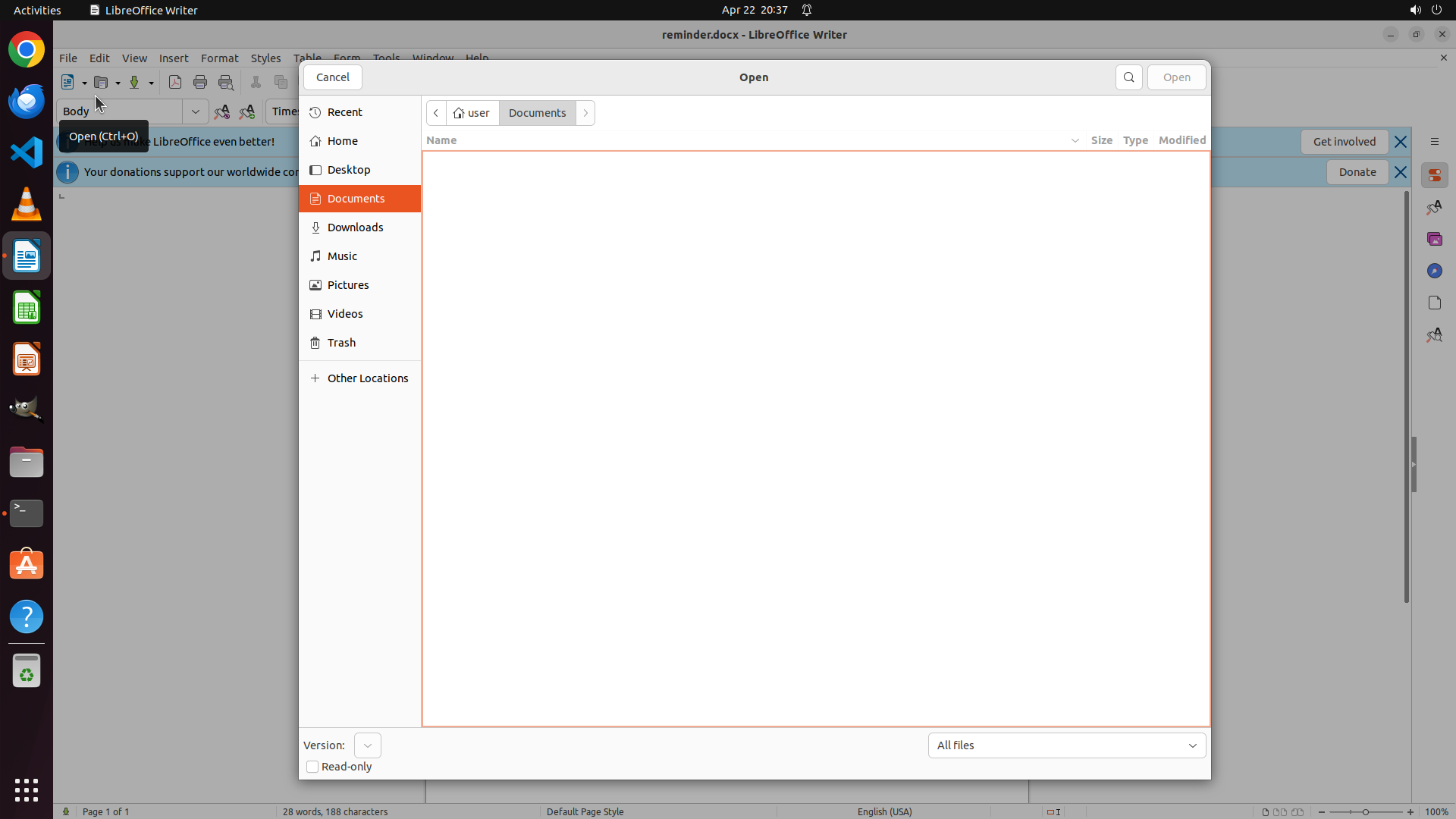
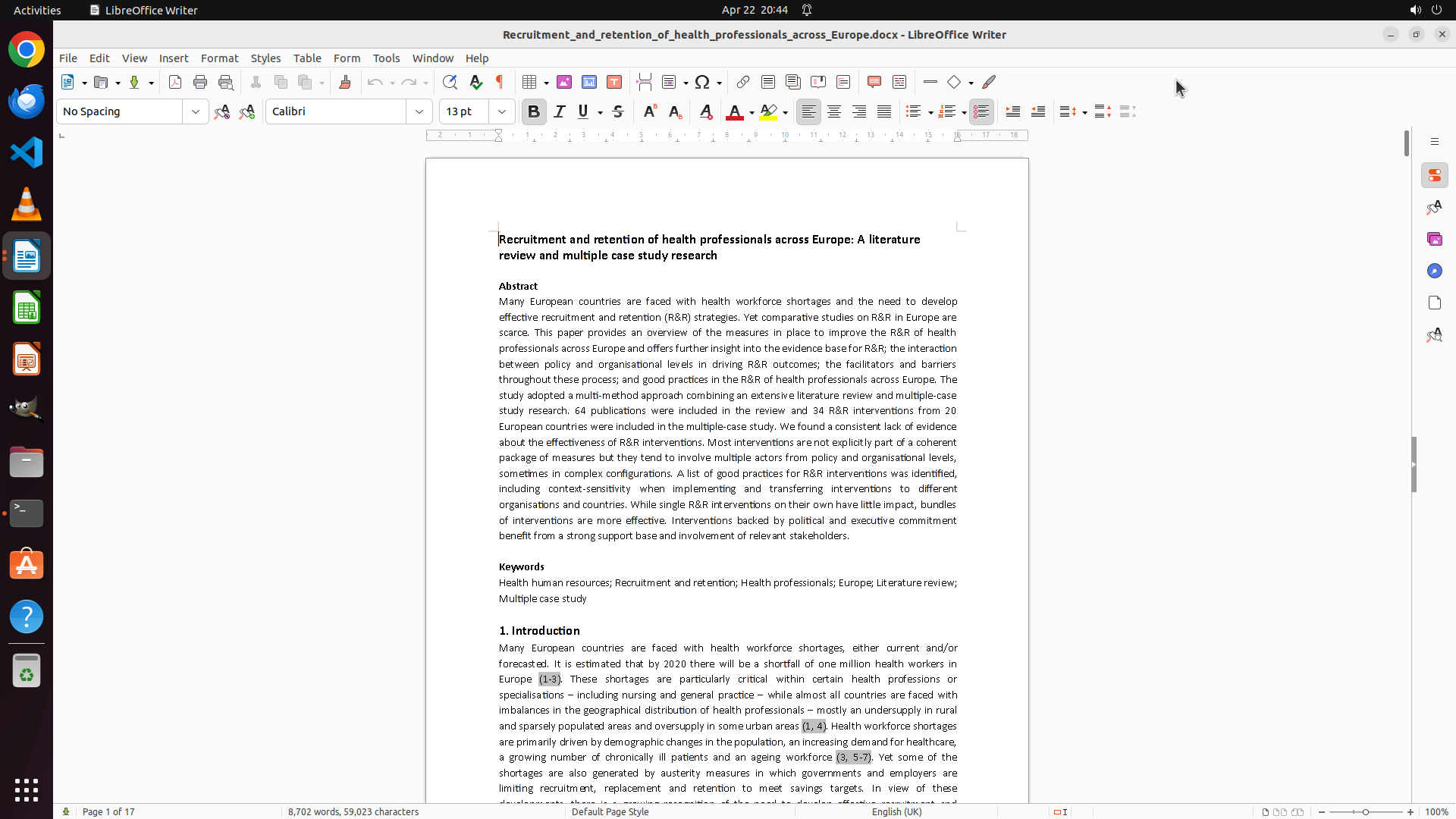
LibreOffice Writer 已打开 reminder.docx 文件,显示"Essay Submission"标题,包含两条提交要求:
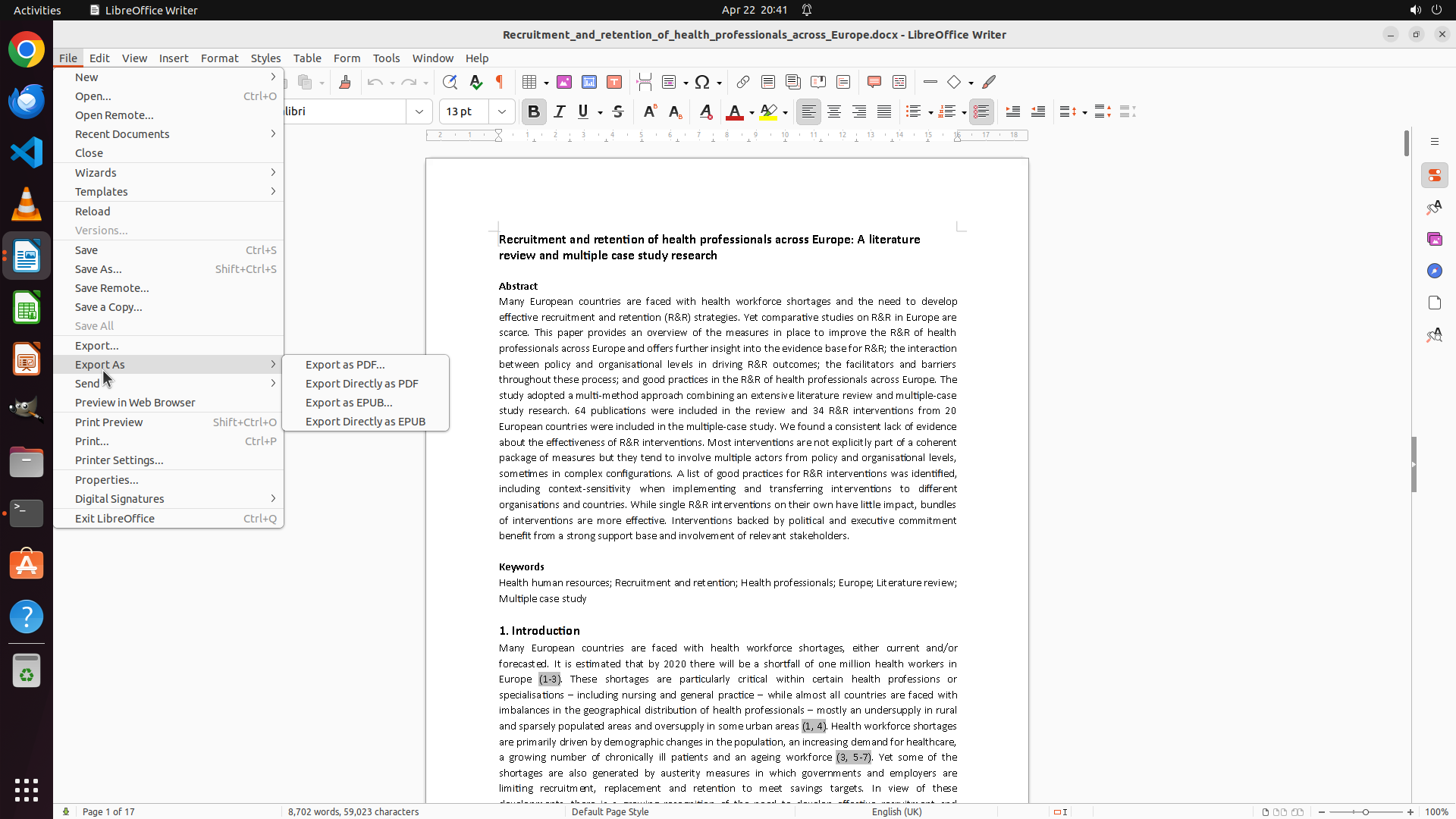
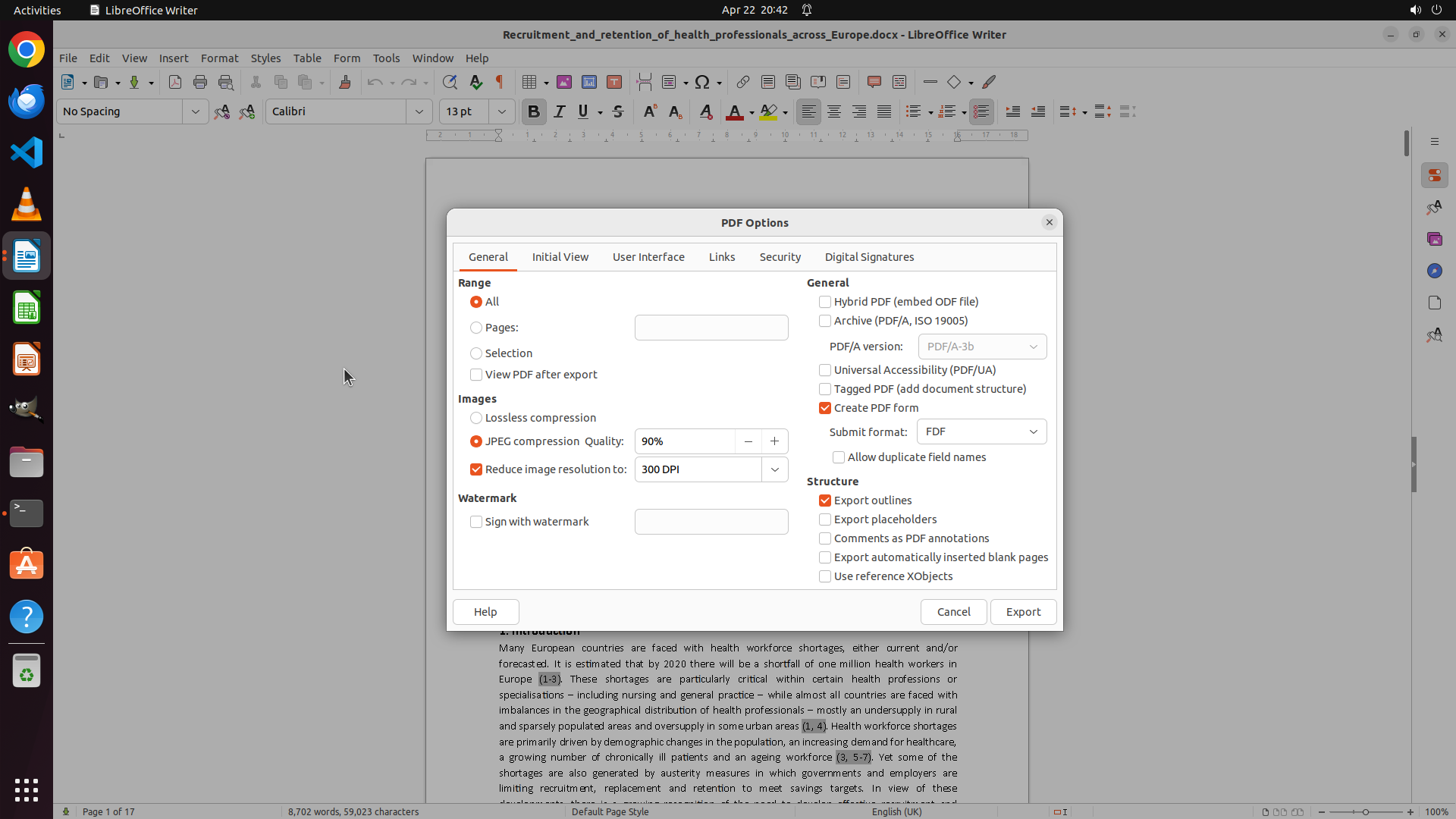
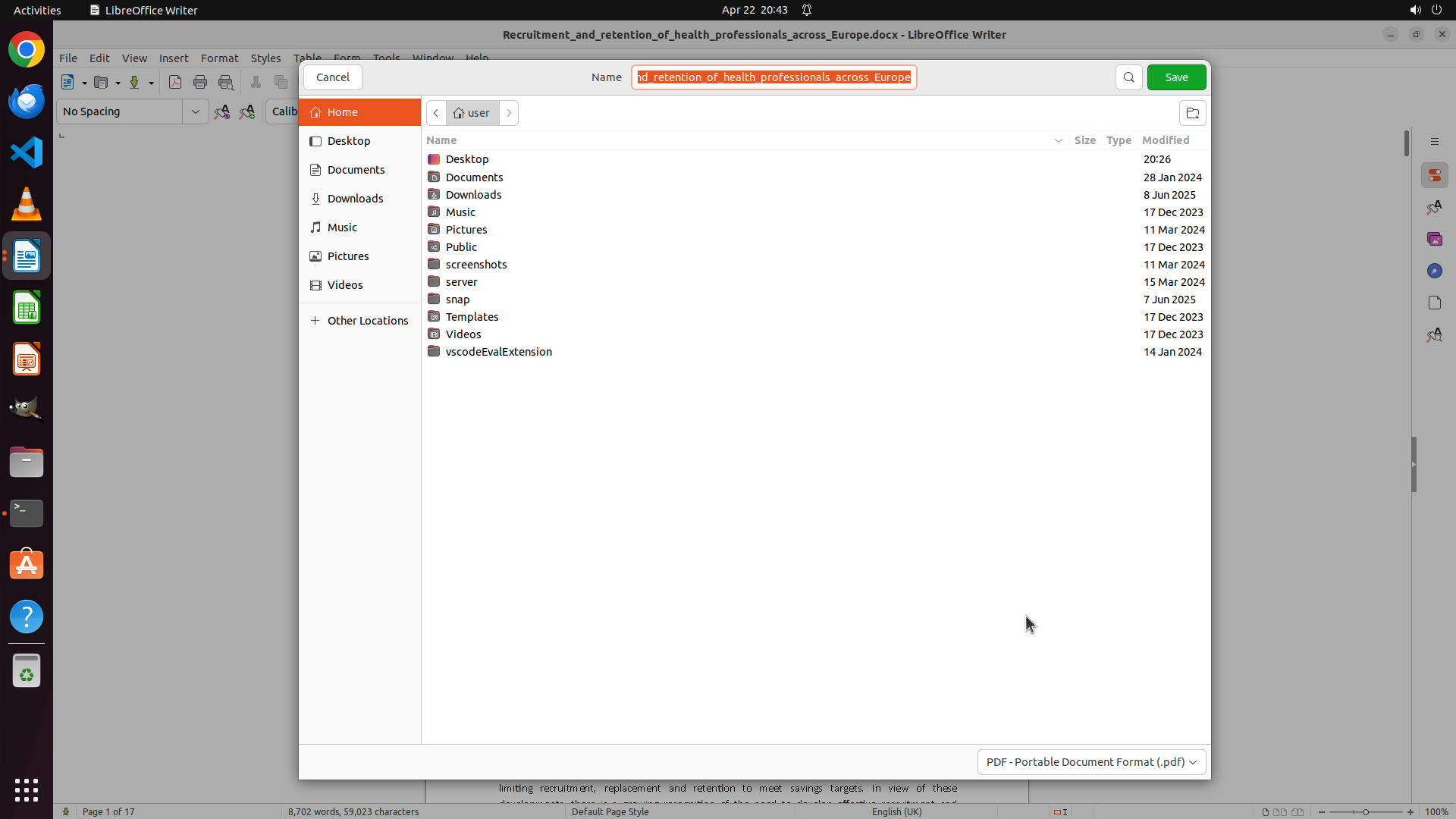
1. Export your essay as a PDF format file
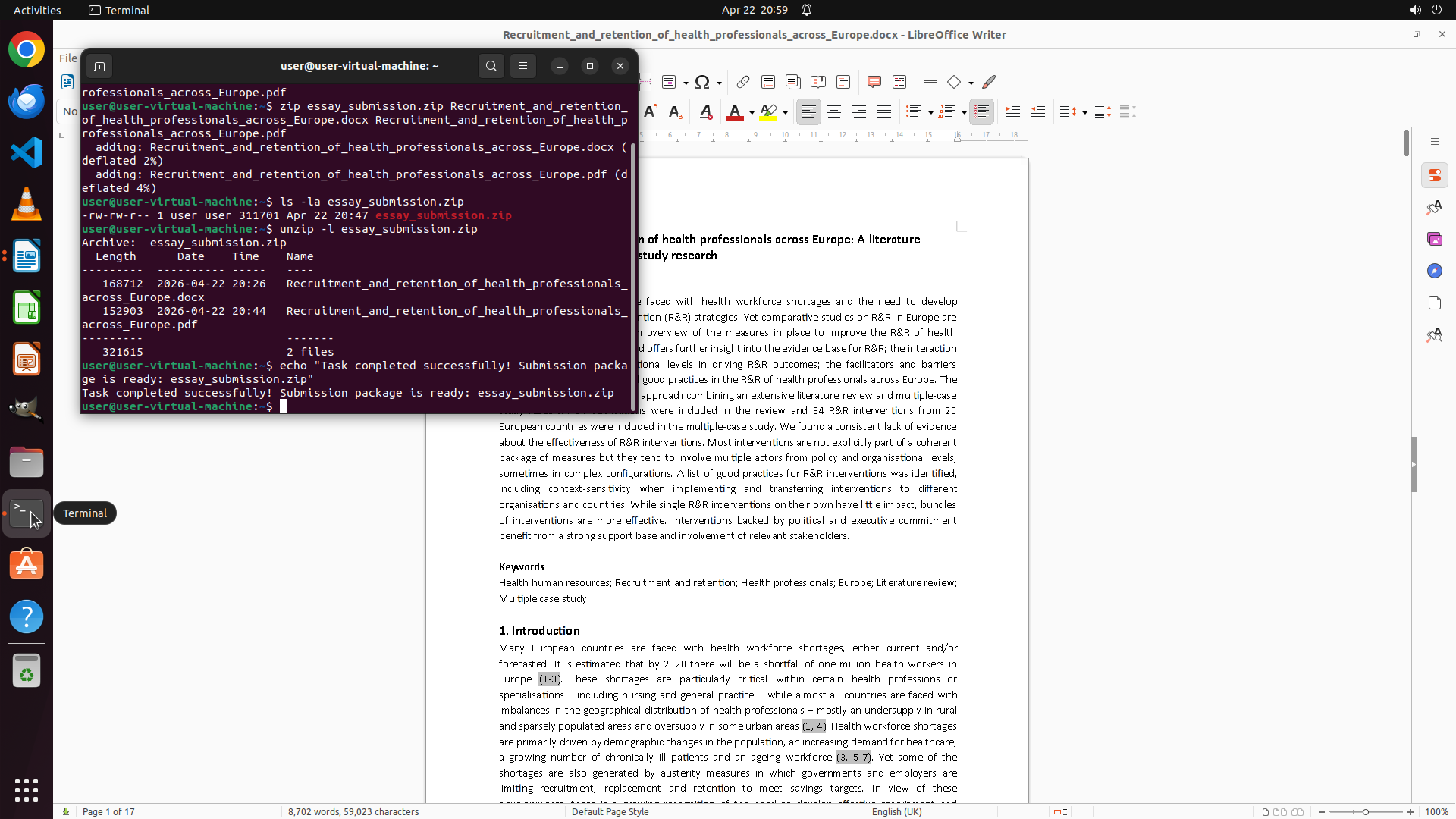
2. Pack your writer file along with the pdf into a ZIP format package named 'essay_submission.zip'
文档显示为"Page 1 of 1",表明这是单页文档。状态栏显示当前在第1页,共1页。
### 收集了什么
```json
{
"fill_informations": [
{
"requirement": "Verify the complete content of reminder.docx to ensure all submission requirements are captured (checking if there are additional instructions beyond the visible page)",
"answer": "The reminder.docx contains complete submission guidelines on a single page (Page 1 of 1). The requirements are: 1) Export essay as PDF format file, 2) Pack the writer file along with the pdf into a ZIP format package named 'essay_submission.zip'",
"necessary_info": "Document is single-page (1/1), so all requirements are visible. Two-step submission process: PDF export first, then ZIP packaging with specific filename 'essay_submission.zip'. The ZIP must contain both the original writer file and the exported PDF.",
"evidence": "Status bar shows 'Page 1 of 1', visible text includes 'Export your essay as a PDF format file' and 'Pack your writer file along with the pdf into a ZIP format package named 'essay_submission.zip'' dated 2024/3/5"
}
]
}
```
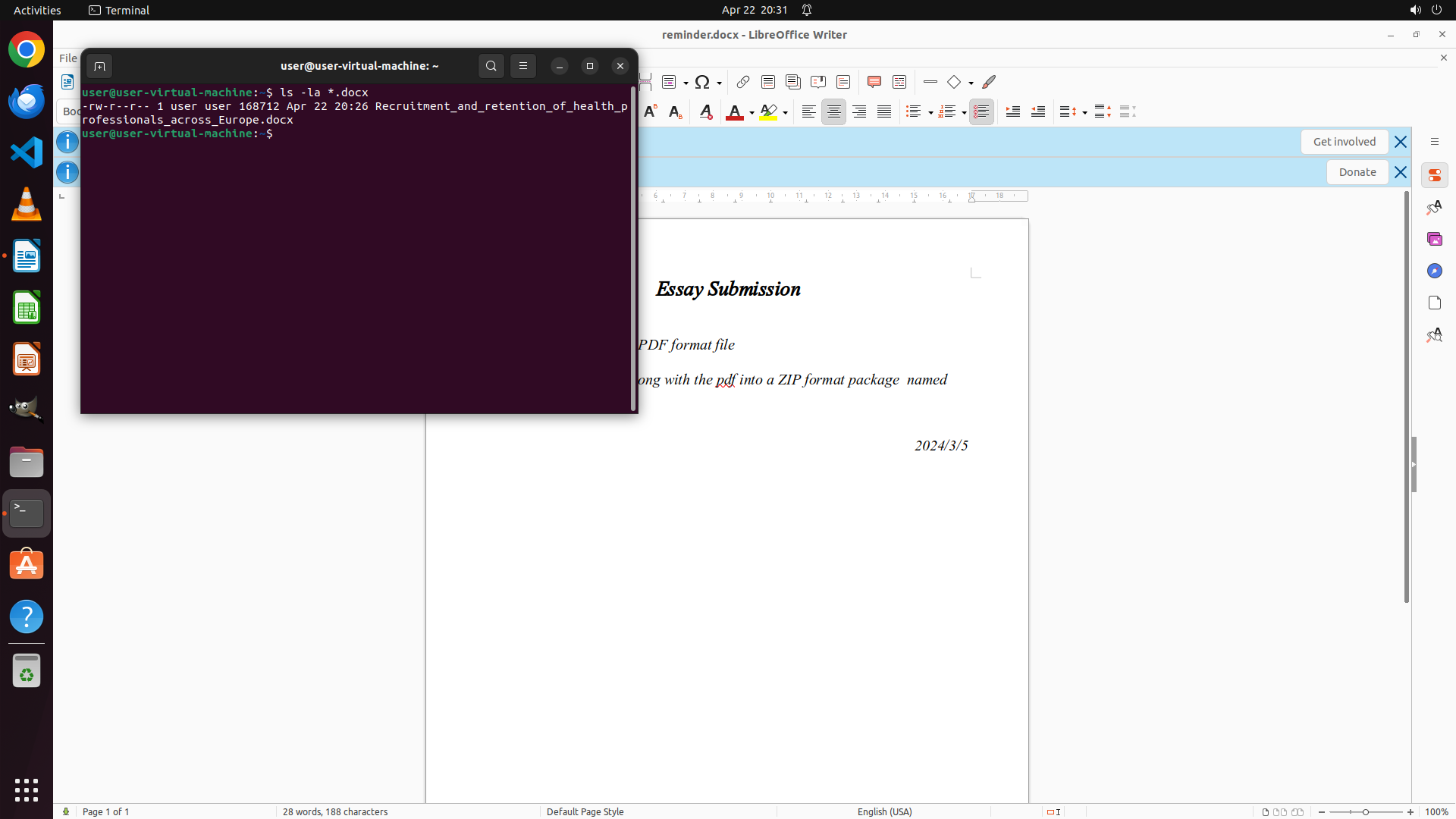
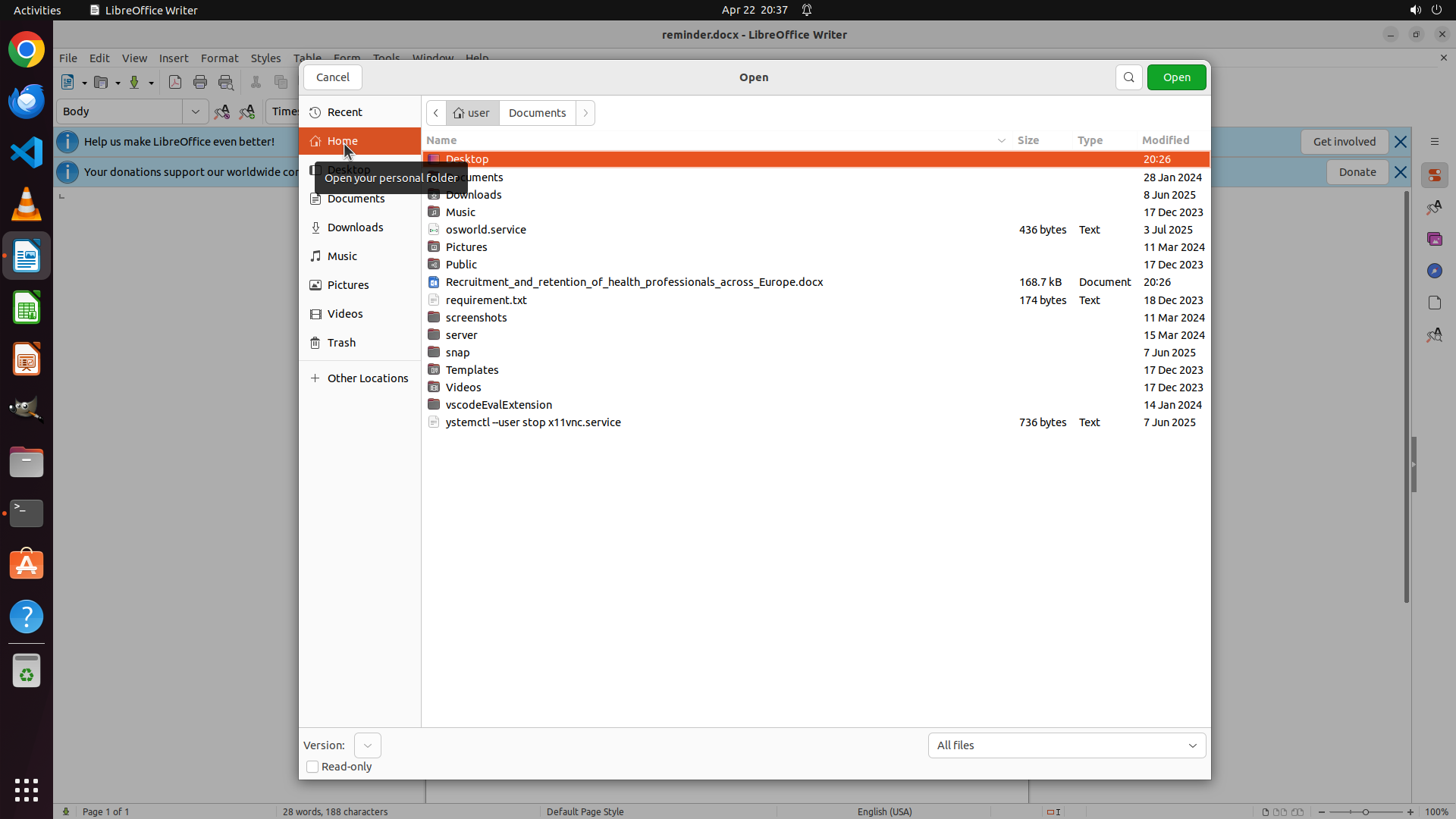
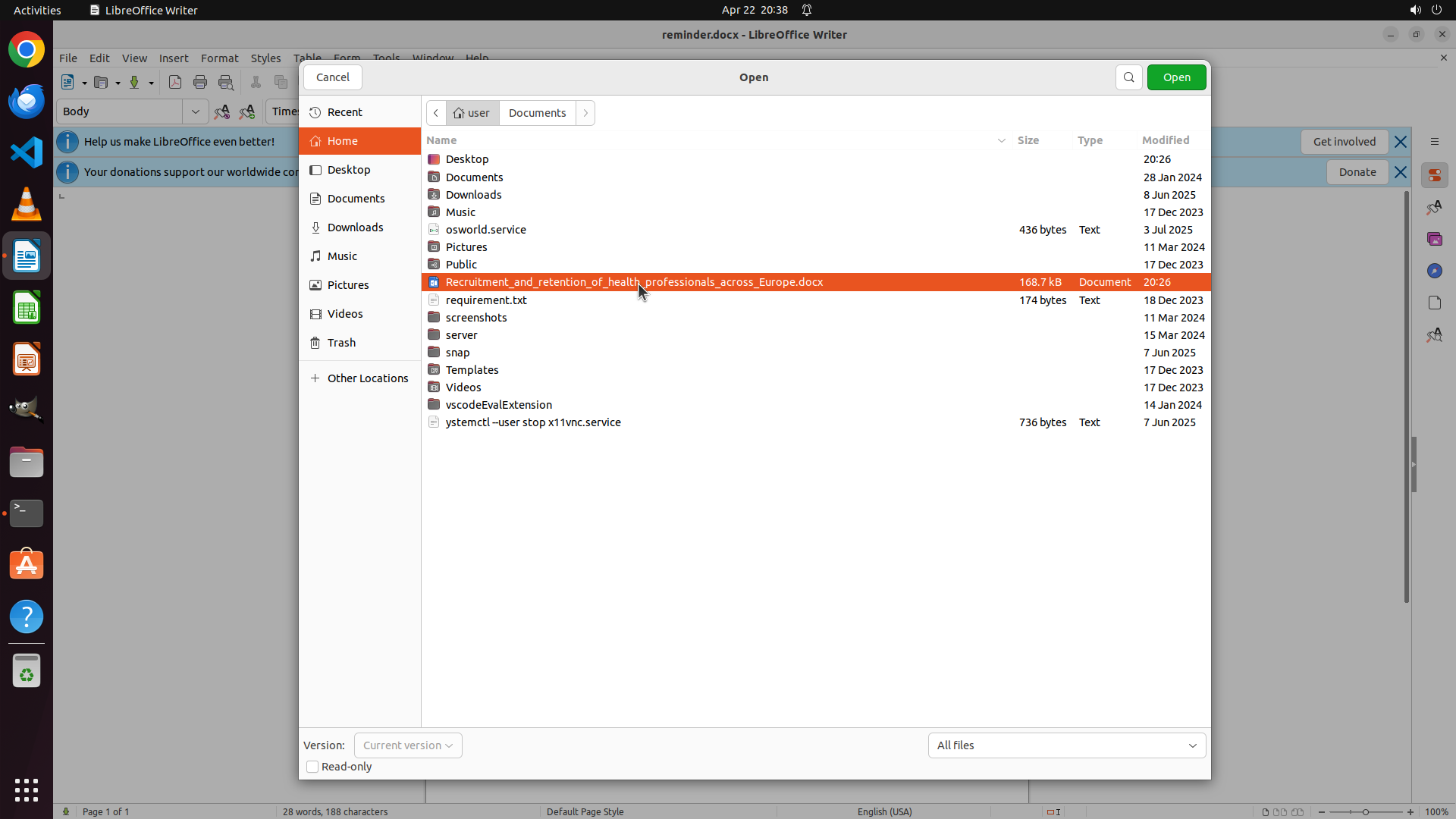
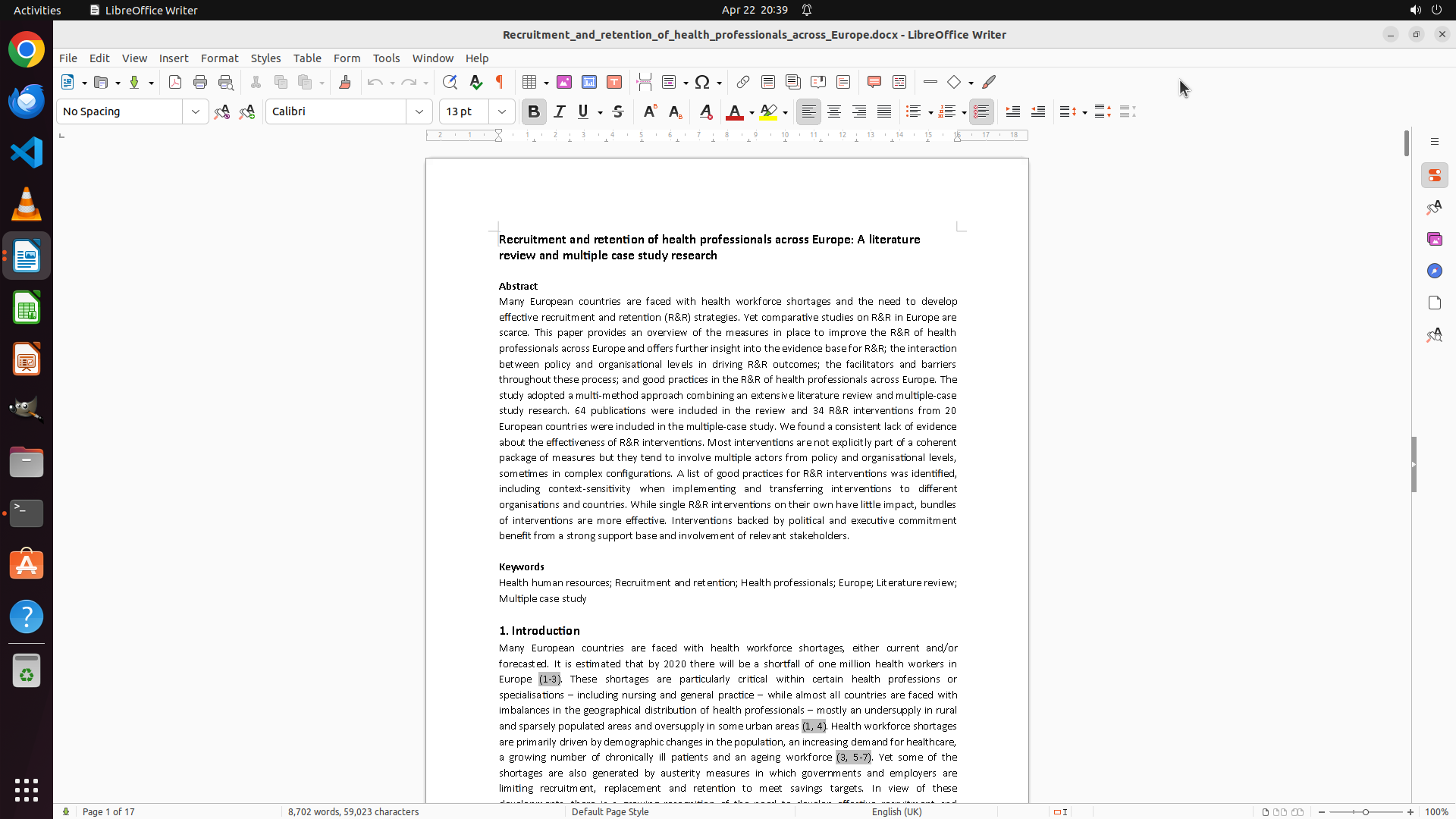
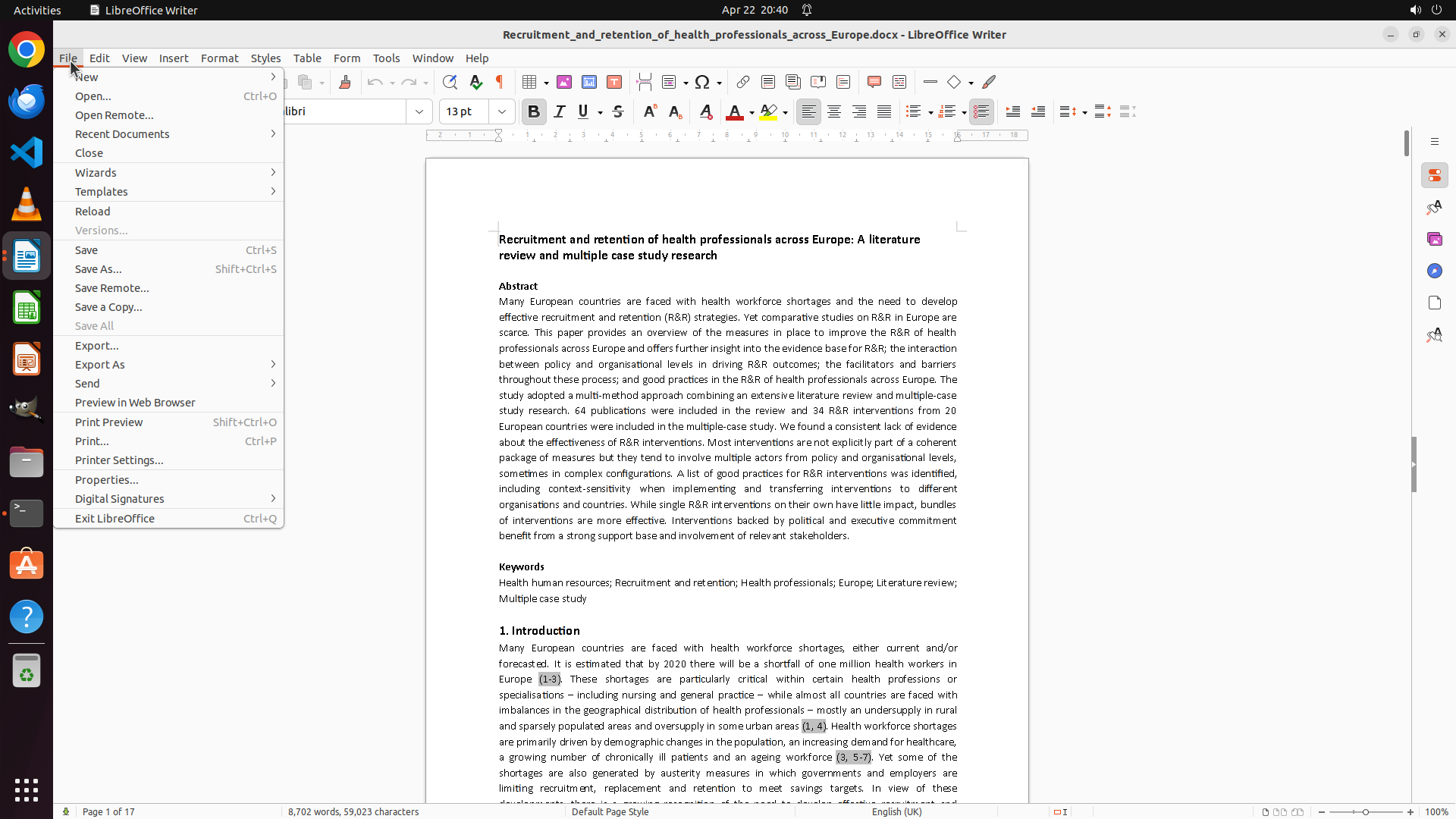
现在需要收集剩余信息:列出 /home/user 目录中的 .docx 文件以确定需要处理的 essay 文件。我将在下一步使用终端或文件管理器来查找。
Step 2: CLICK (449, 300)
```
#### 重要信息
- LibreOffice Writer 已打开 reminder.docx 文件,显示"Essay Submission"标题
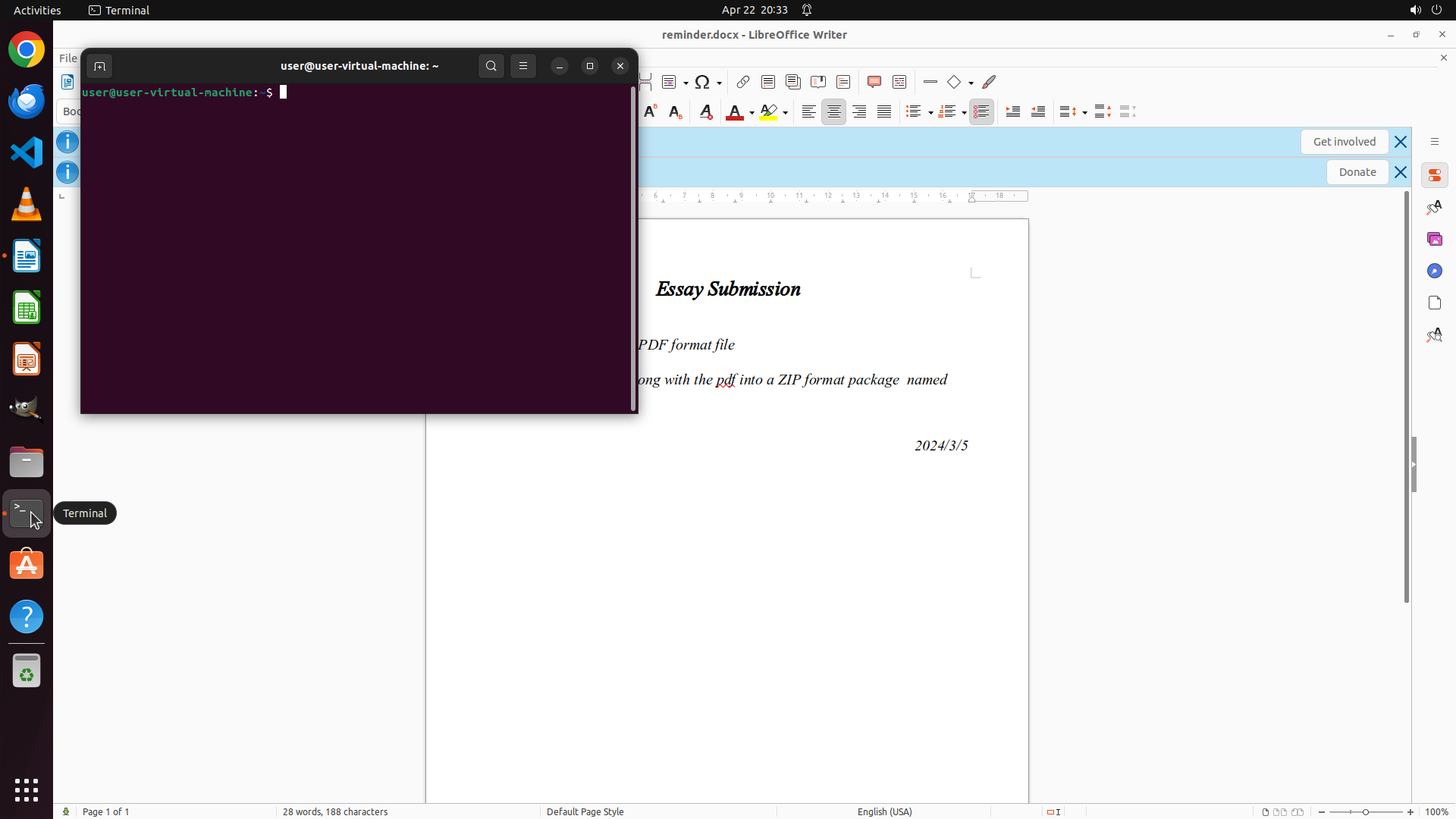
- 终端窗口已打开,当前在 /home/user 目录下
- 从 reminder.docx 可见部分文字:
- "Essay Submission"
- "PDF format file"
- "along with the pdf into a ZIP format package named"
- 日期:2024/3/5
- 需要查看完整的提交要求文档
- 需要查找 /home/user 目录下的 essay docx 文件
#### 情况分析与思考过程
当前状态:
- reminder.docx 已在 LibreOffice 中打开,但终端窗口遮挡了部分内容
- 终端已在 /home/user 目录下,可以执行命令查找文件
任务计划:
1. 首先需要阅读完整的 reminder.docx 以了解提交要求
2. 使用终端查找 /home/user 目录下的 docx 文件(排除 reminder.docx)
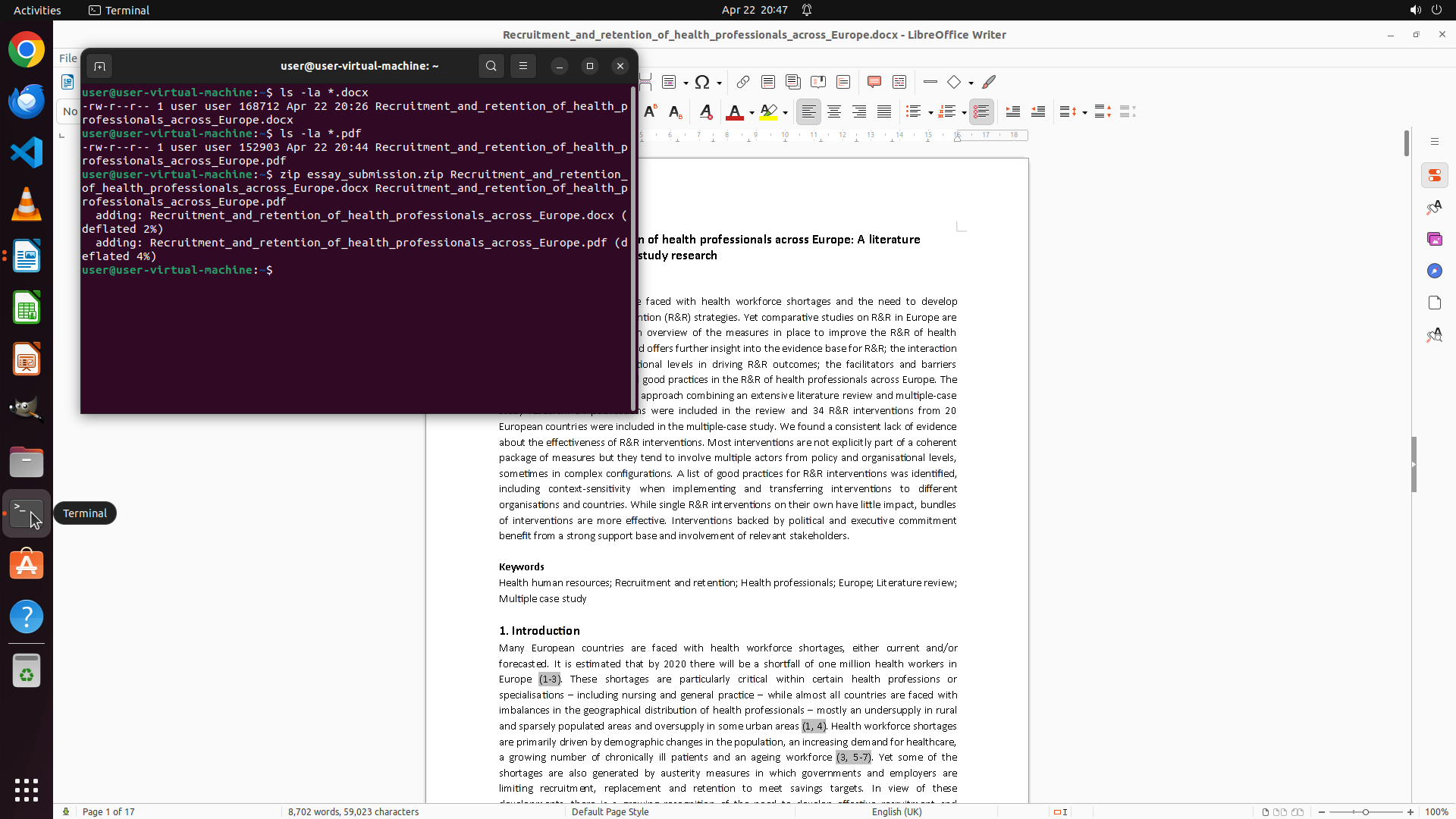
3. 根据要求将 essay 导出为 PDF
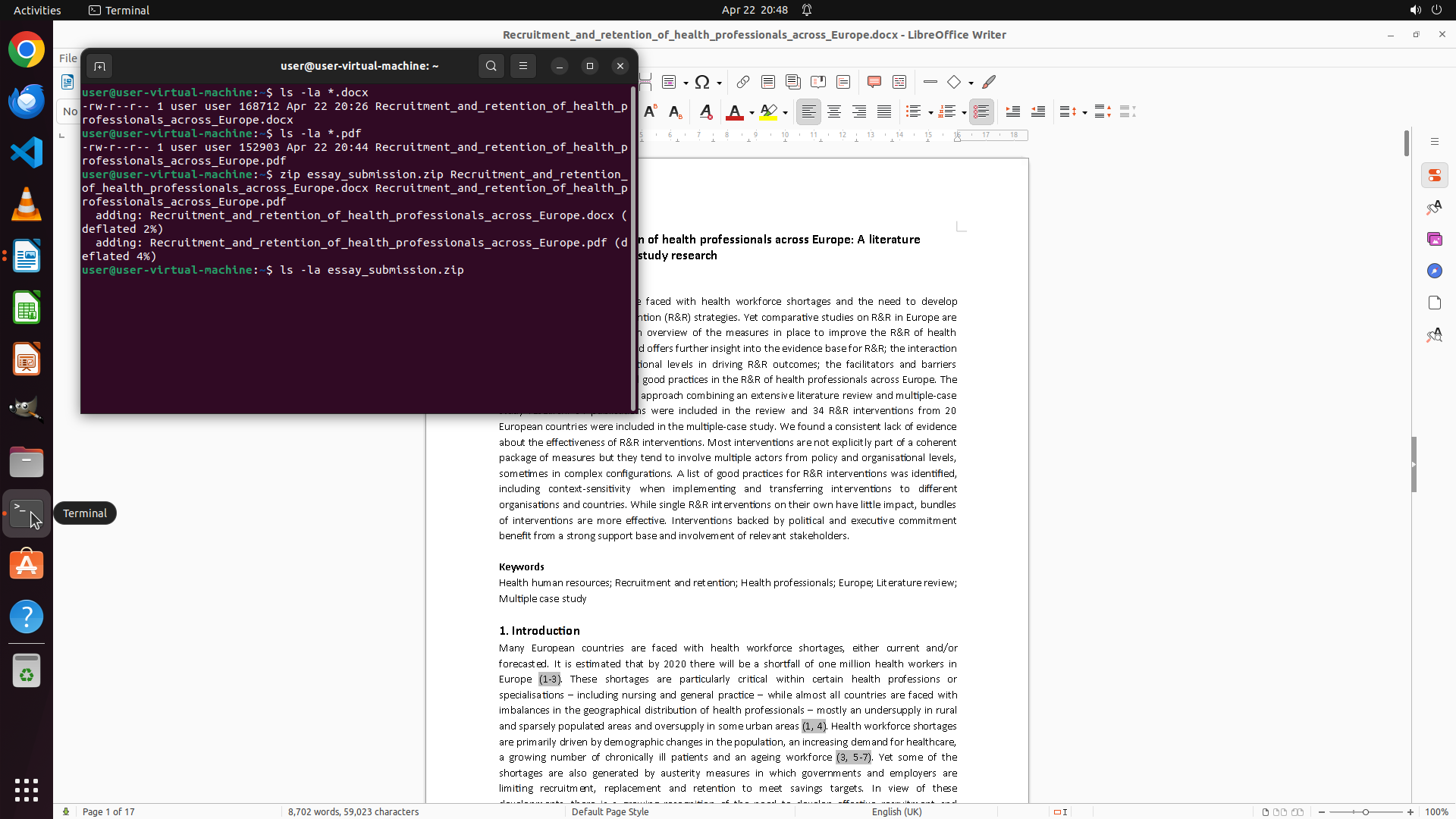
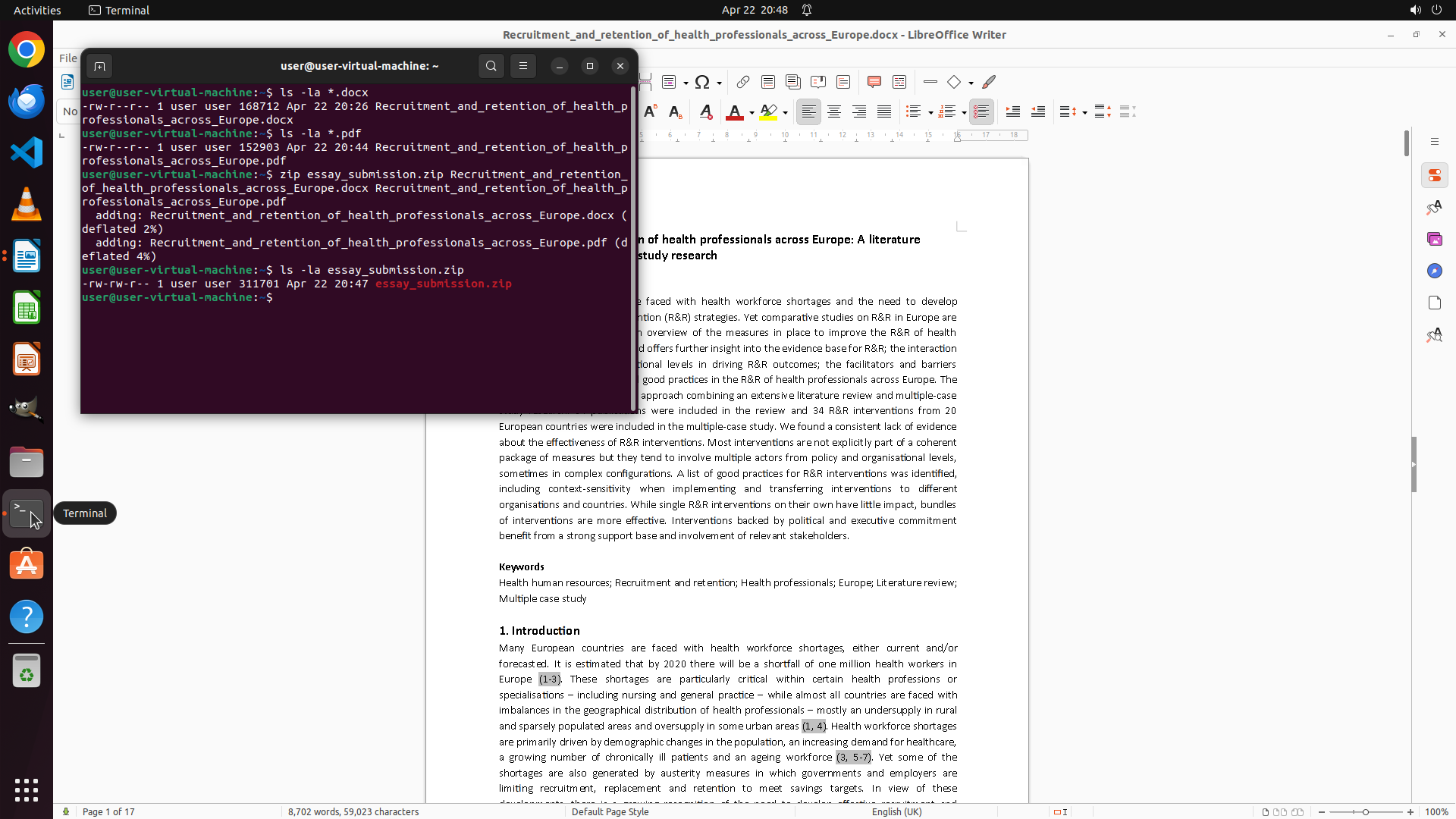
4. 创建 ZIP 压缩包包含 docx 和 PDF 文件
下一步行动:
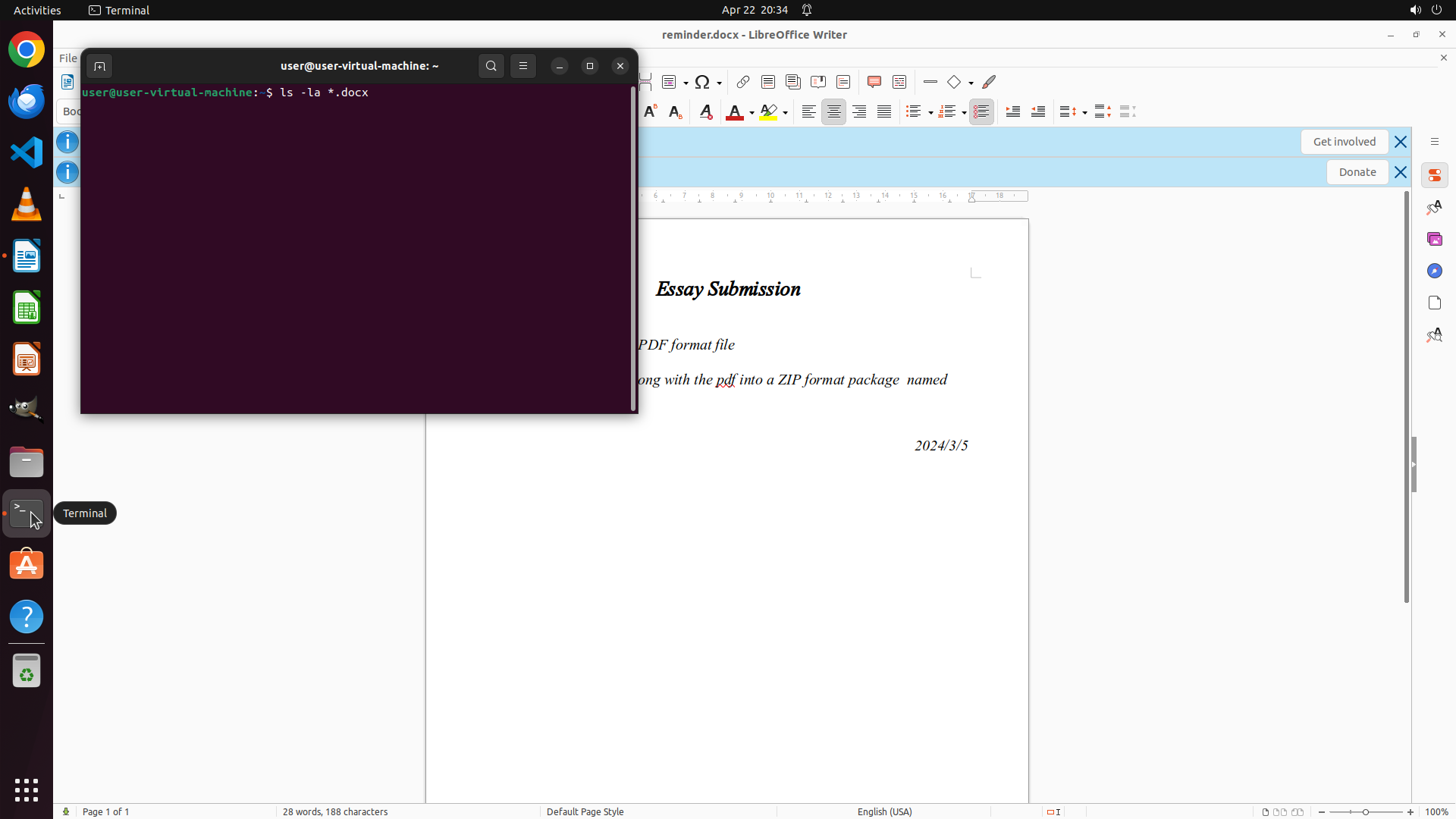
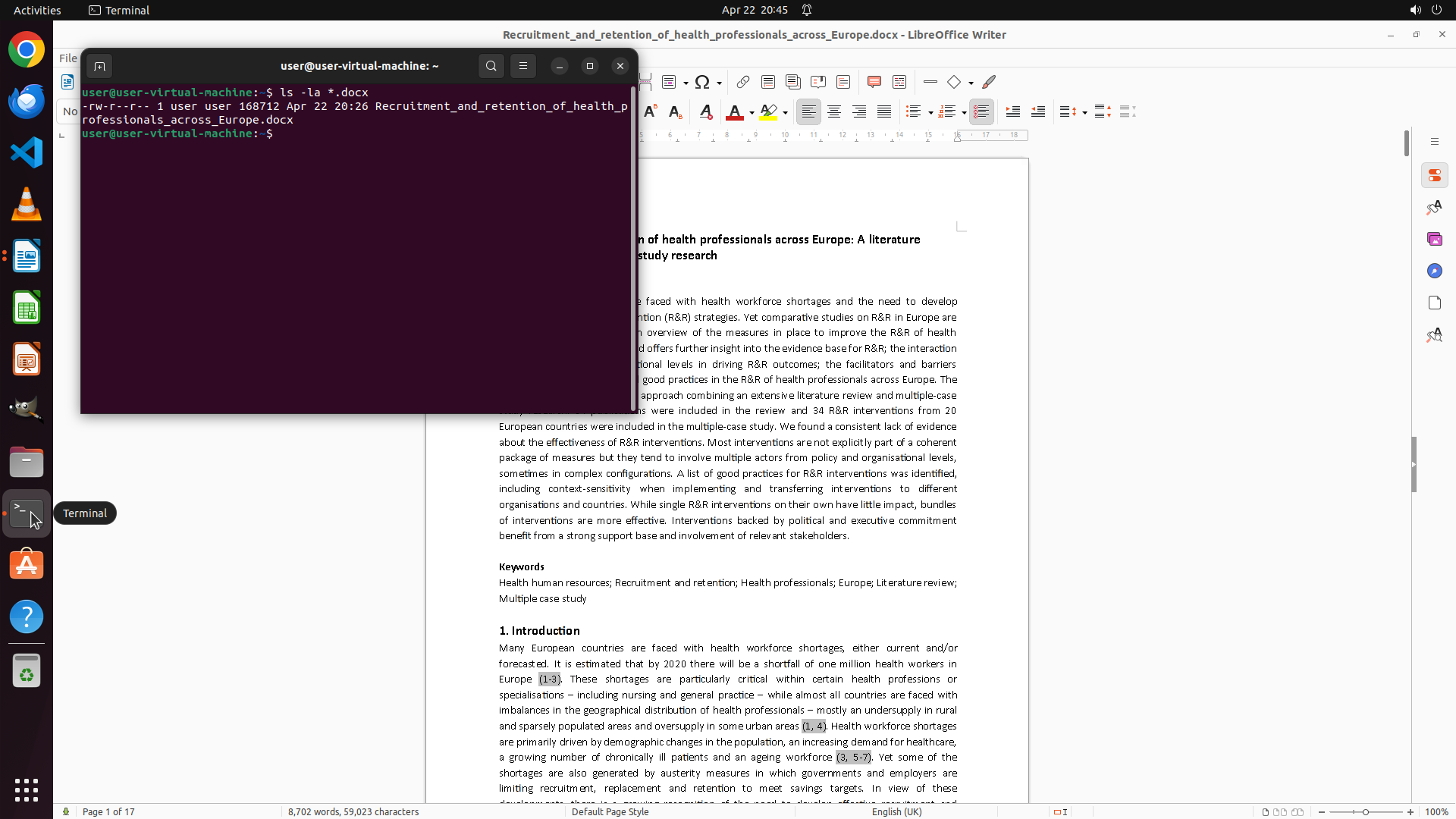
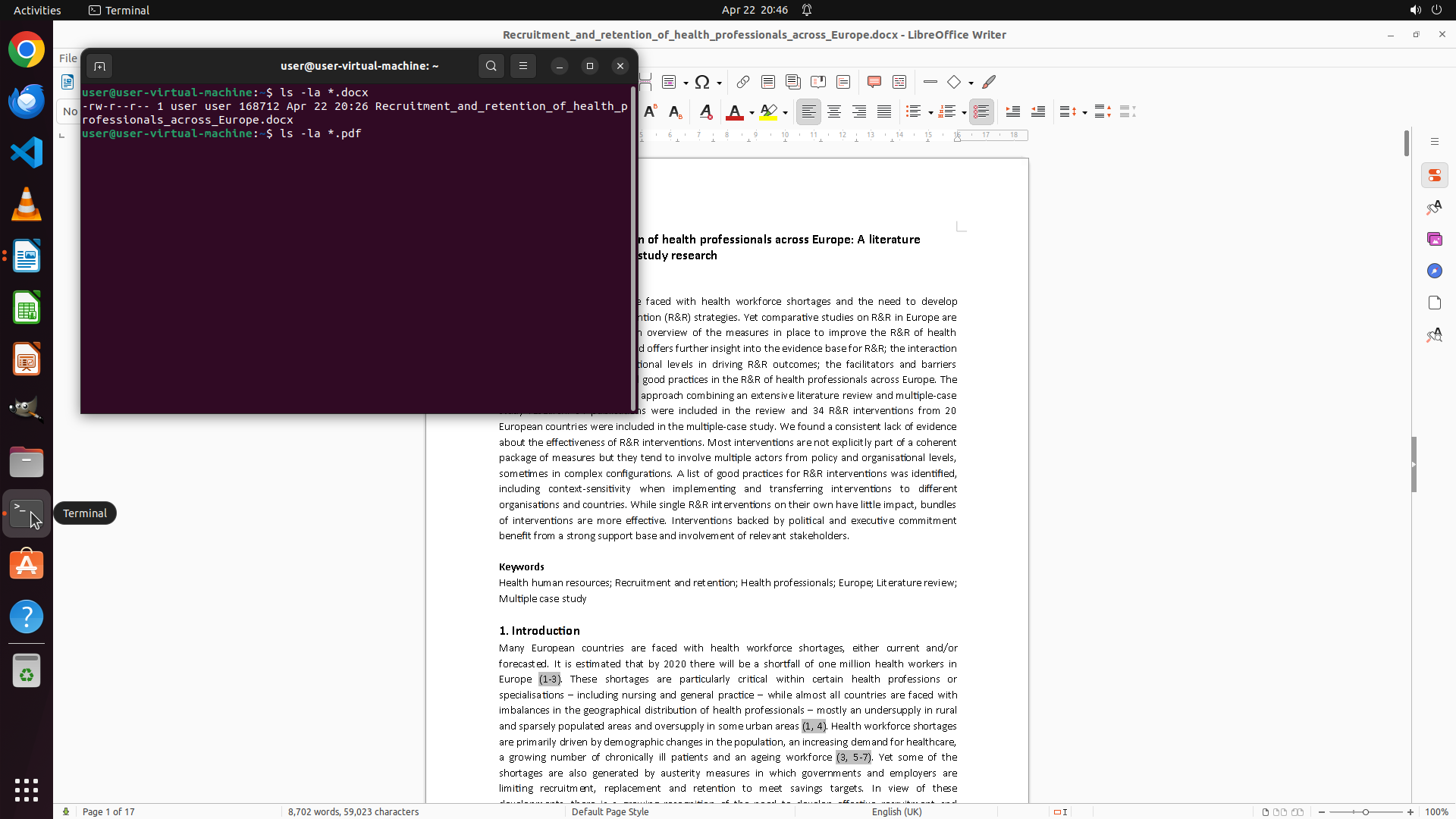
- 我应该先使用终端来列出 /home/user 目录下的所有 docx 文件,这样可以快速找到 essay 文件
- 同时可以移动或关闭终端窗口以更好地查看 reminder.docx 的完整内容
我将使用终端执行 ls 命令查找 docx 文件,同时滚动查看 reminder.docx 的完整内容。
```
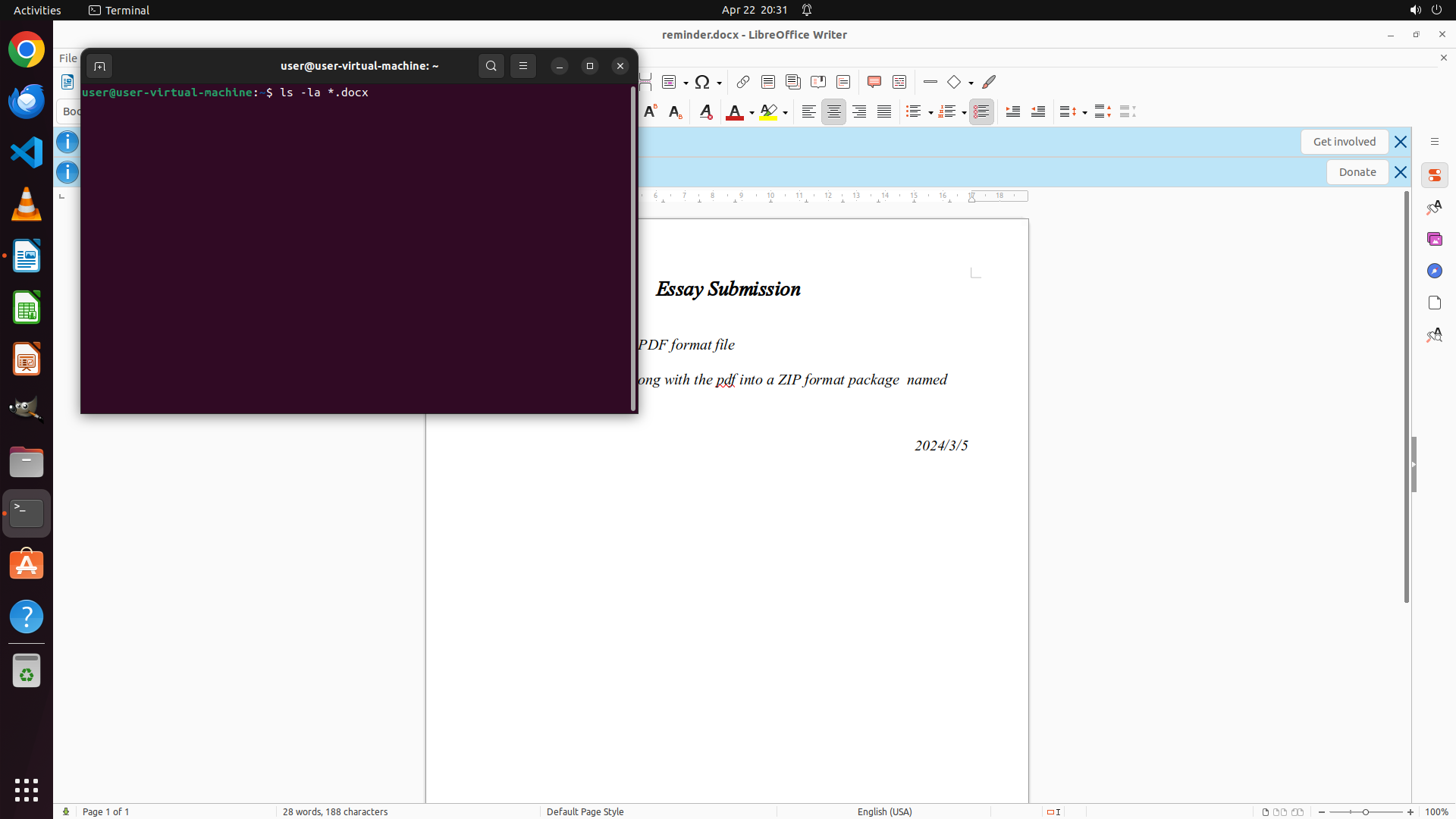
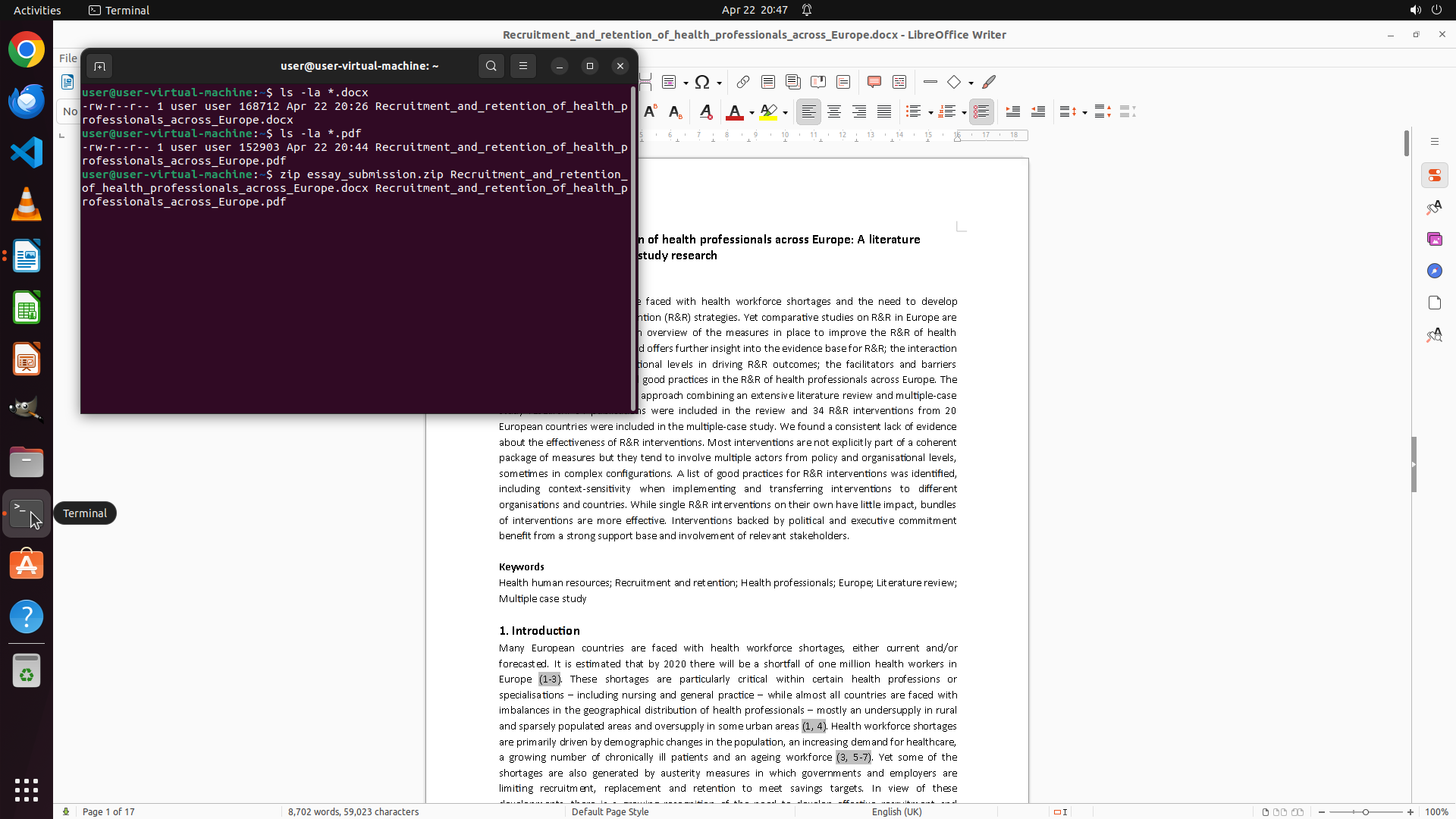
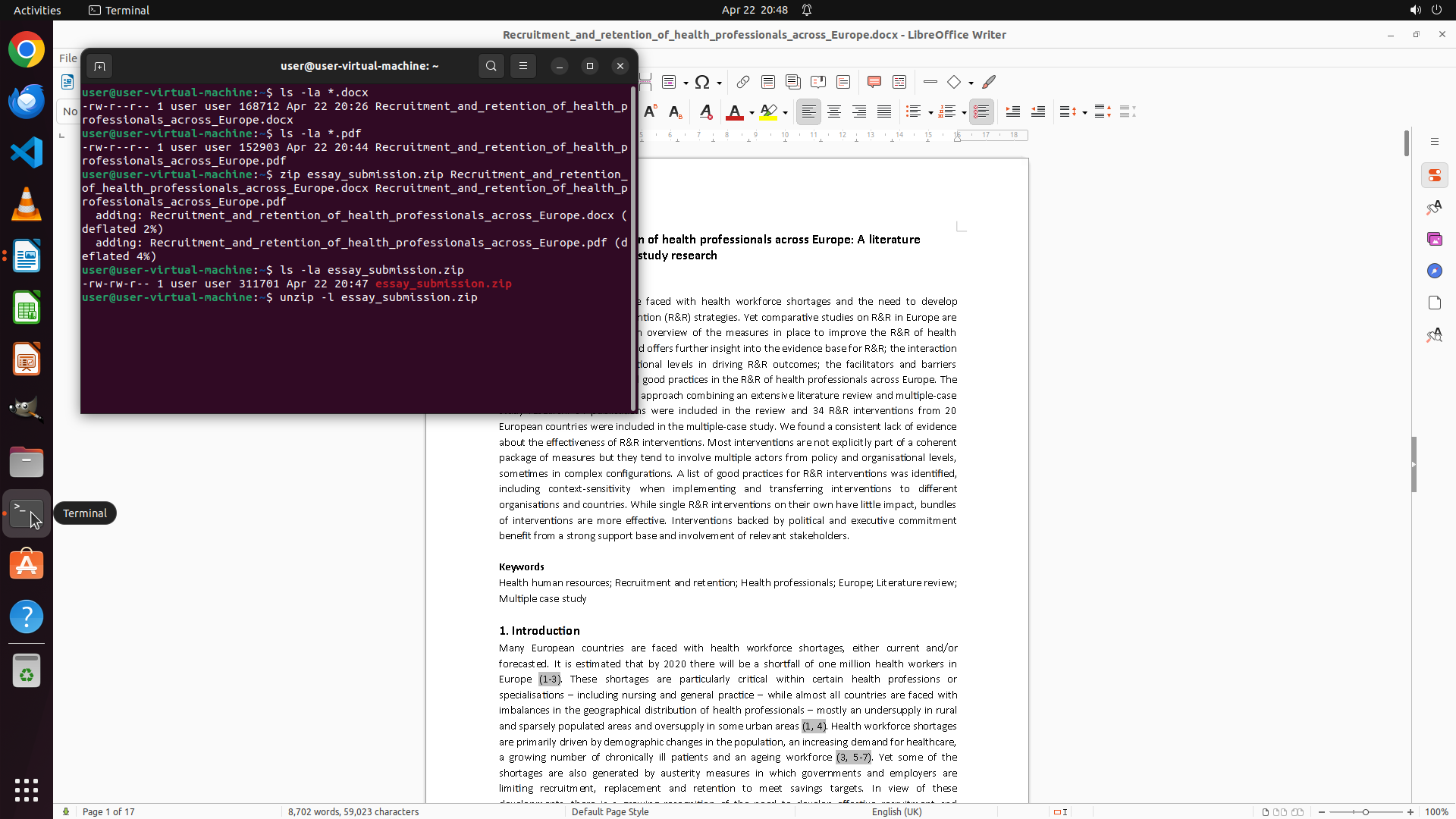
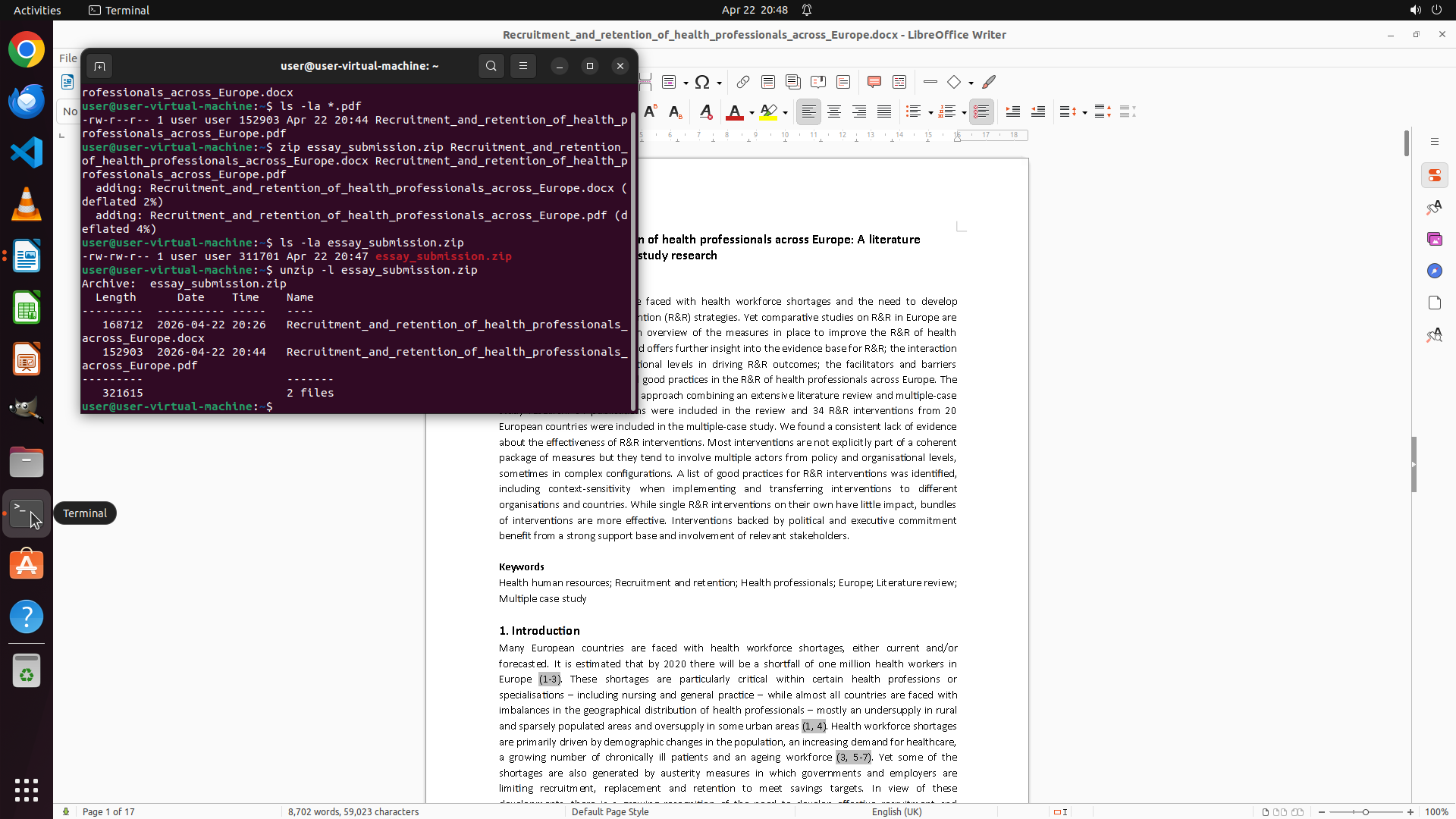
Step 2: TYPING "ls -la *.docx"
```
#### 重要信息
- LibreOffice Writer 已打开 reminder.docx 文件,显示"Essay Submission"标题
- 终端窗口已打开,当前在 /home/user 目录下
- 从 reminder.docx 可见部分文字:
- "Essay Submission"
- "PDF format file"
- "along with the pdf into a ZIP format package named"
- 日期:2024/3/5
- 需要查看完整的提交要求文档
- 需要查找 /home/user 目录下的 essay docx 文件
#### 情况分析与思考过程
当前状态:
- reminder.docx 已在 LibreOffice 中打开,但终端窗口遮挡了部分内容
- 终端已在 /home/user 目录下,可以执行命令查找文件
任务计划:
1. 首先需要阅读完整的 reminder.docx 以了解提交要求
2. 使用终端查找 /home/user 目录下的 docx 文件(排除 reminder.docx)
3. 根据要求将 essay 导出为 PDF
4. 创建 ZIP 压缩包包含 docx 和 PDF 文件
下一步行动:
- 我应该先使用终端来列出 /home/user 目录下的所有 docx 文件,这样可以快速找到 essay 文件
- 同时可以移动或关闭终端窗口以更好地查看 reminder.docx 的完整内容
我将使用终端执行 ls 命令查找 docx 文件,同时滚动查看 reminder.docx 的完整内容。
```
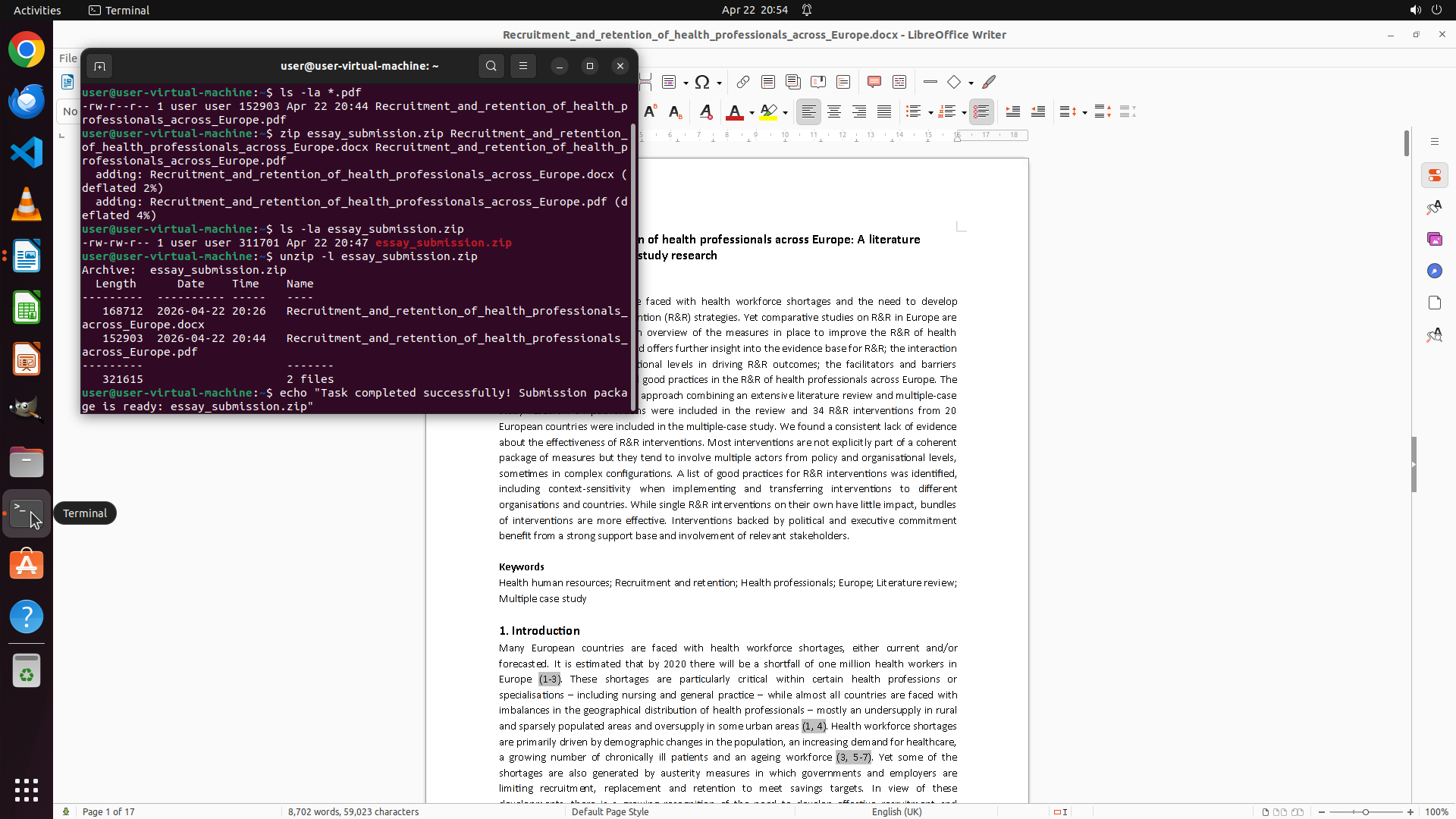
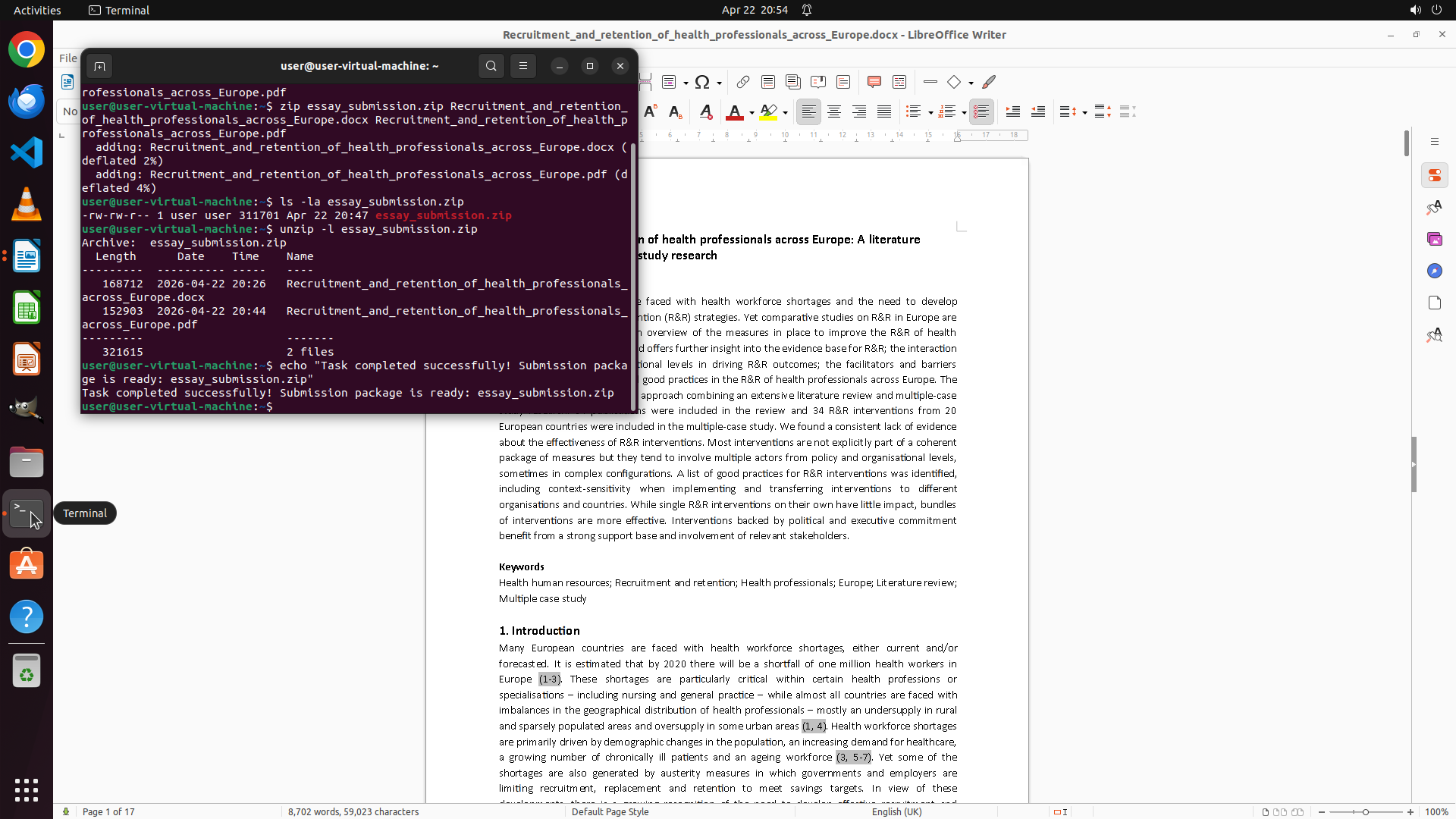
Step 2: HOTKEY
```
#### 重要信息
- LibreOffice Writer 已打开 reminder.docx 文件,显示"Essay Submission"标题
- 终端窗口已打开,当前在 /home/user 目录下
- 从 reminder.docx 可见部分文字:
- "Essay Submission"
- "PDF format file"
- "along with the pdf into a ZIP format package named"
- 日期:2024/3/5
- 需要查看完整的提交要求文档
- 需要查找 /home/user 目录下的 essay docx 文件
#### 情况分析与思考过程
当前状态:
- reminder.docx 已在 LibreOffice 中打开,但终端窗口遮挡了部分内容
- 终端已在 /home/user 目录下,可以执行命令查找文件
任务计划:
1. 首先需要阅读完整的 reminder.docx 以了解提交要求
2. 使用终端查找 /home/user 目录下的 docx 文件(排除 reminder.docx)
3. 根据要求将 essay 导出为 PDF
4. 创建 ZIP 压缩包包含 docx 和 PDF 文件
下一步行动:
- 我应该先使用终端来列出 /home/user 目录下的所有 docx 文件,这样可以快速找到 essay 文件
- 同时可以移动或关闭终端窗口以更好地查看 reminder.docx 的完整内容
我将使用终端执行 ls 命令查找 docx 文件,同时滚动查看 reminder.docx 的完整内容。
```
Step 3: CLICK (818, 82)
Step 4: HOTKEY
```
#### 重要信息
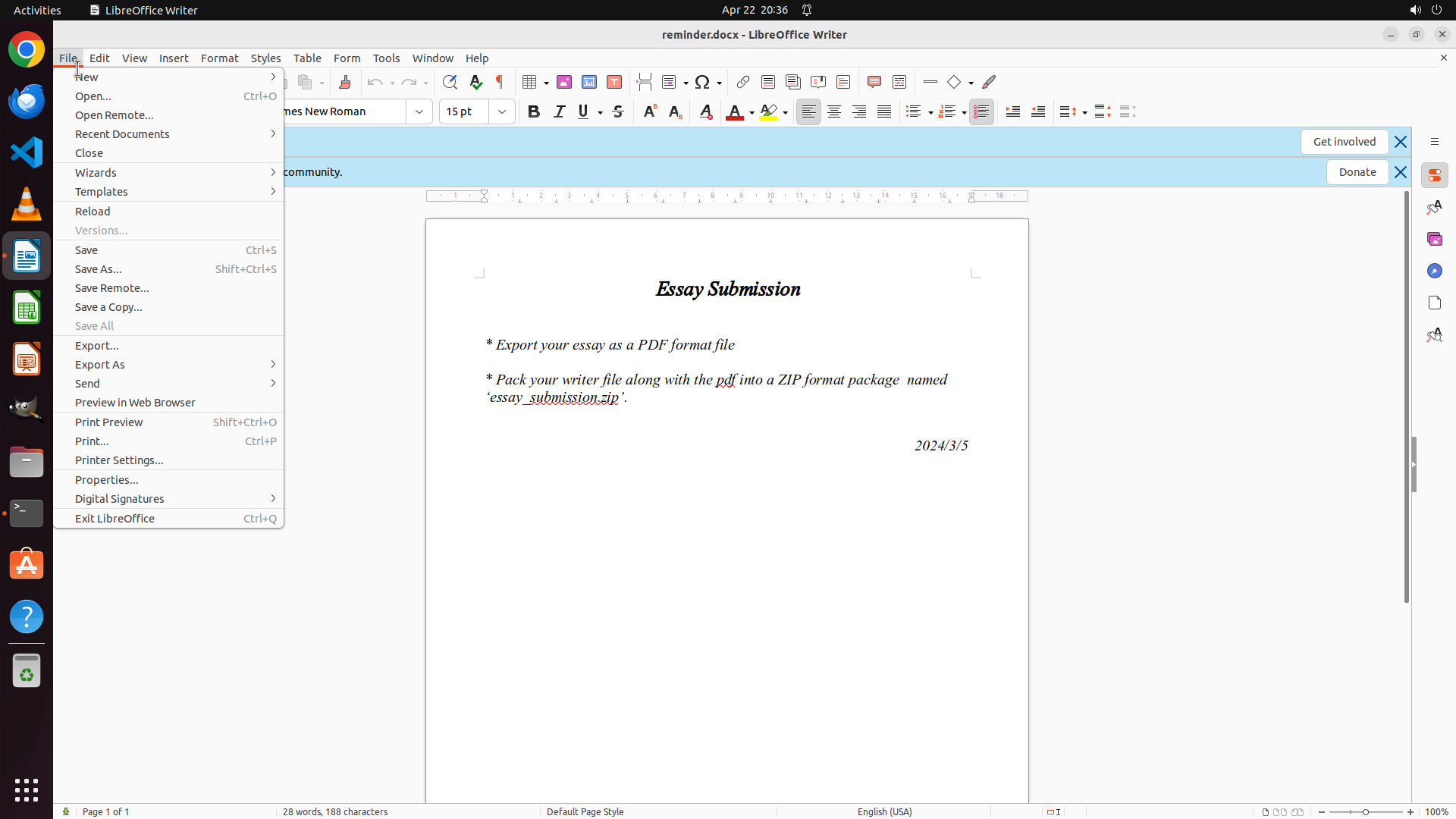
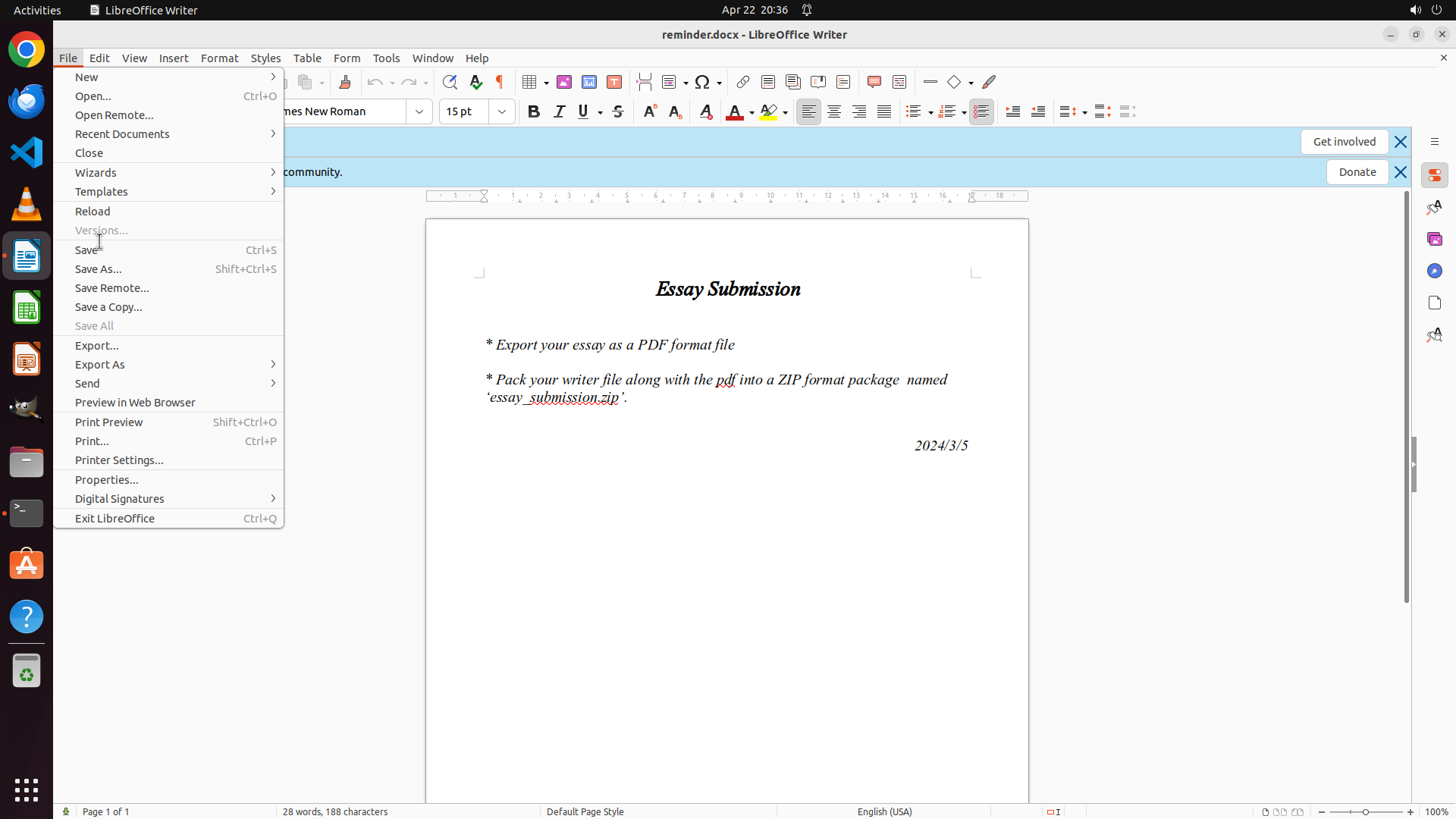
- LibreOffice Writer 当前显示 reminder.docx 的完整内容,包含提交要求:
1. "Export your essay as a PDF format file"
2. "Pack your writer file along with the pdf into a ZIP format package named 'essay_submission.zip'"
3. 日期:2024/3/5
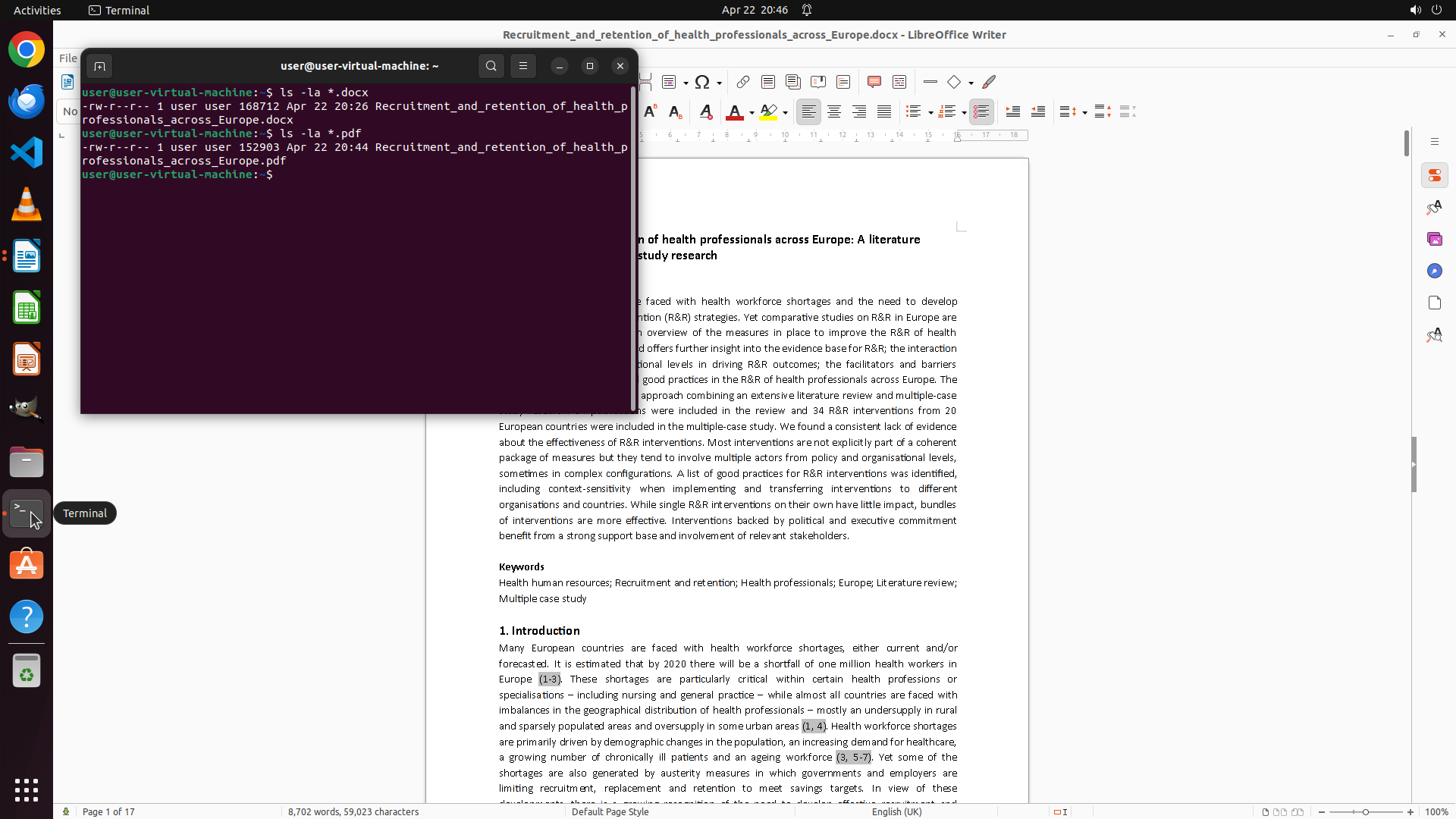
- 终端窗口当前不在视野中,需要查看之前 `ls -la *.docx` 命令的输出结果
- 需要确认 /home/user 目录下有哪些 docx 文件(排除 reminder.docx 后确定 essay 文件)
#### 情况分析与思考过程
当前进展:
- 已成功打开 reminder.docx 并阅读了完整的提交要求
- 需要查看终端中列出的 docx 文件列表来确定 essay 文件名
下一步计划:
1. 将终端窗口带到前台,查看 ls 命令的输出结果
2. 确认 essay 文件名(应该是除了 reminder.docx 之外的另一个 docx 文件)
3. 打开 essay 文件并导出为 PDF
4. 创建 ZIP 压缩包
下一步行动:
- 点击终端窗口或使用 Alt+Tab 切换到终端窗口查看文件列表
```